

Top pickFree
Free to start. Browse apps to clone.
457 kits


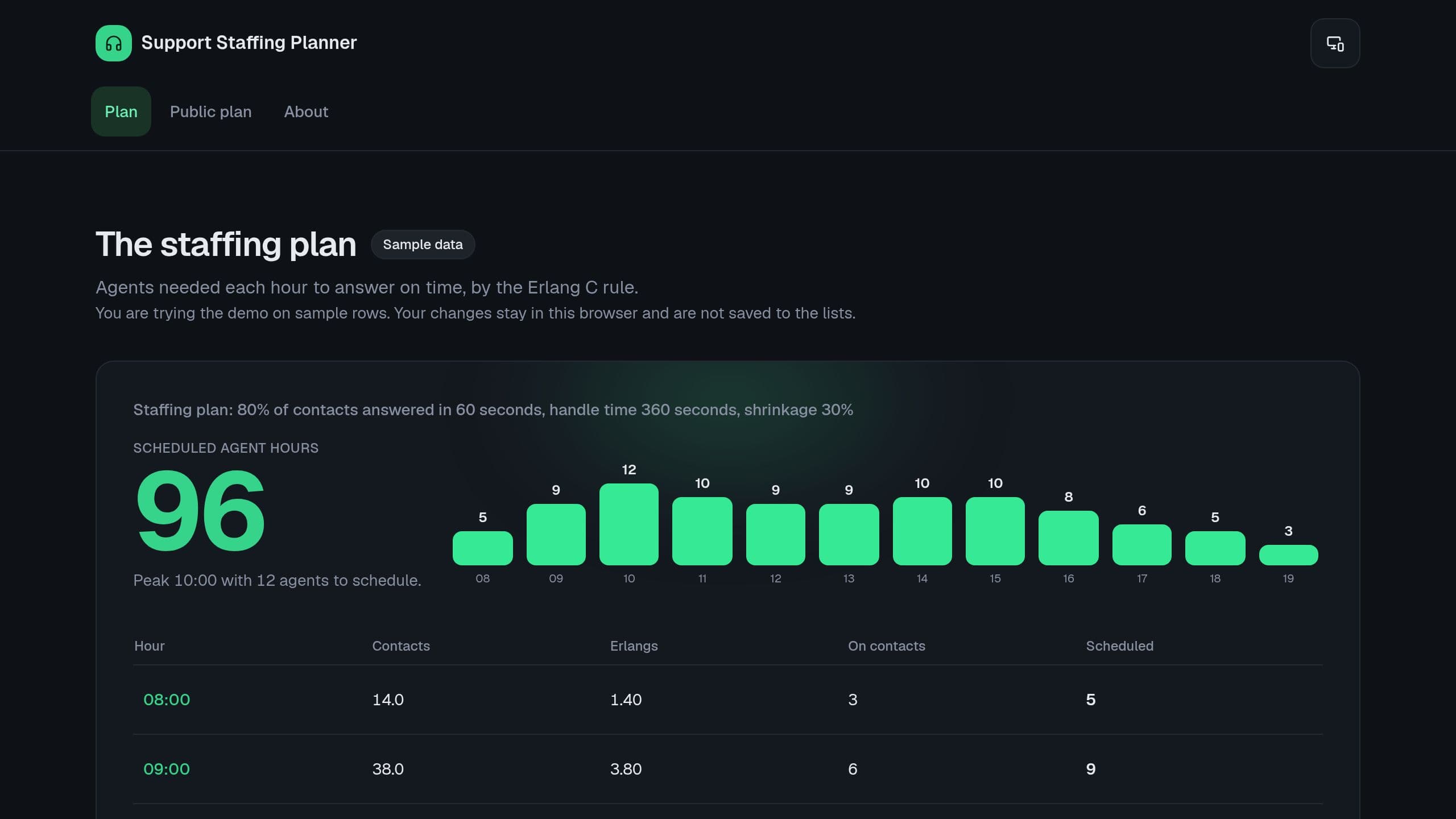
Enter contacts per hour, add shrinkage, and see the peak hour and the agent hours of the day.
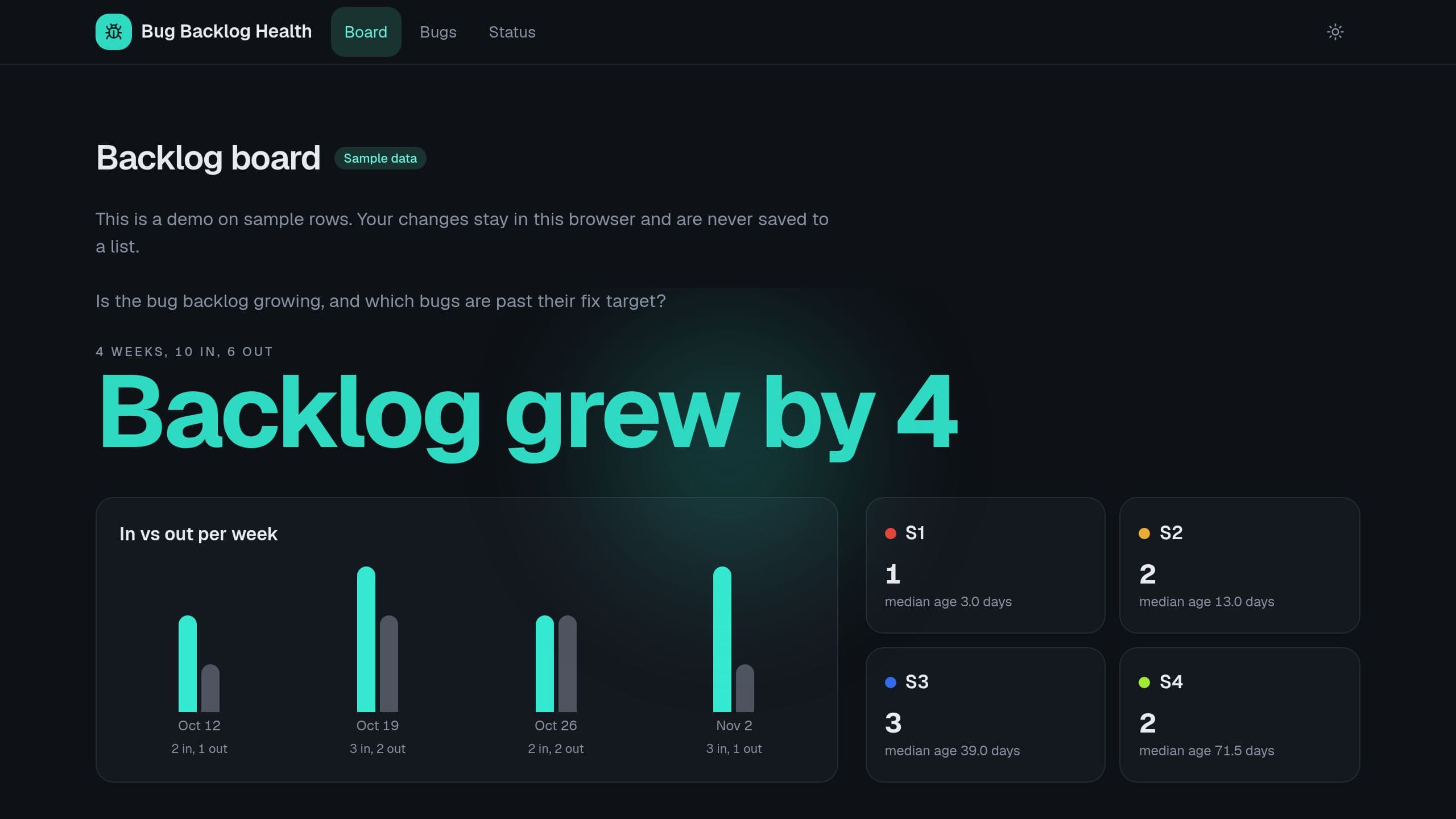
Import your bug list and see bugs opened and closed each week, the median age by severity and every bug past its fix target. Free to clone: paste a CSV, then put the link of your copy in the Settings App link before the Monday digest. The digest needs a flow run each week.
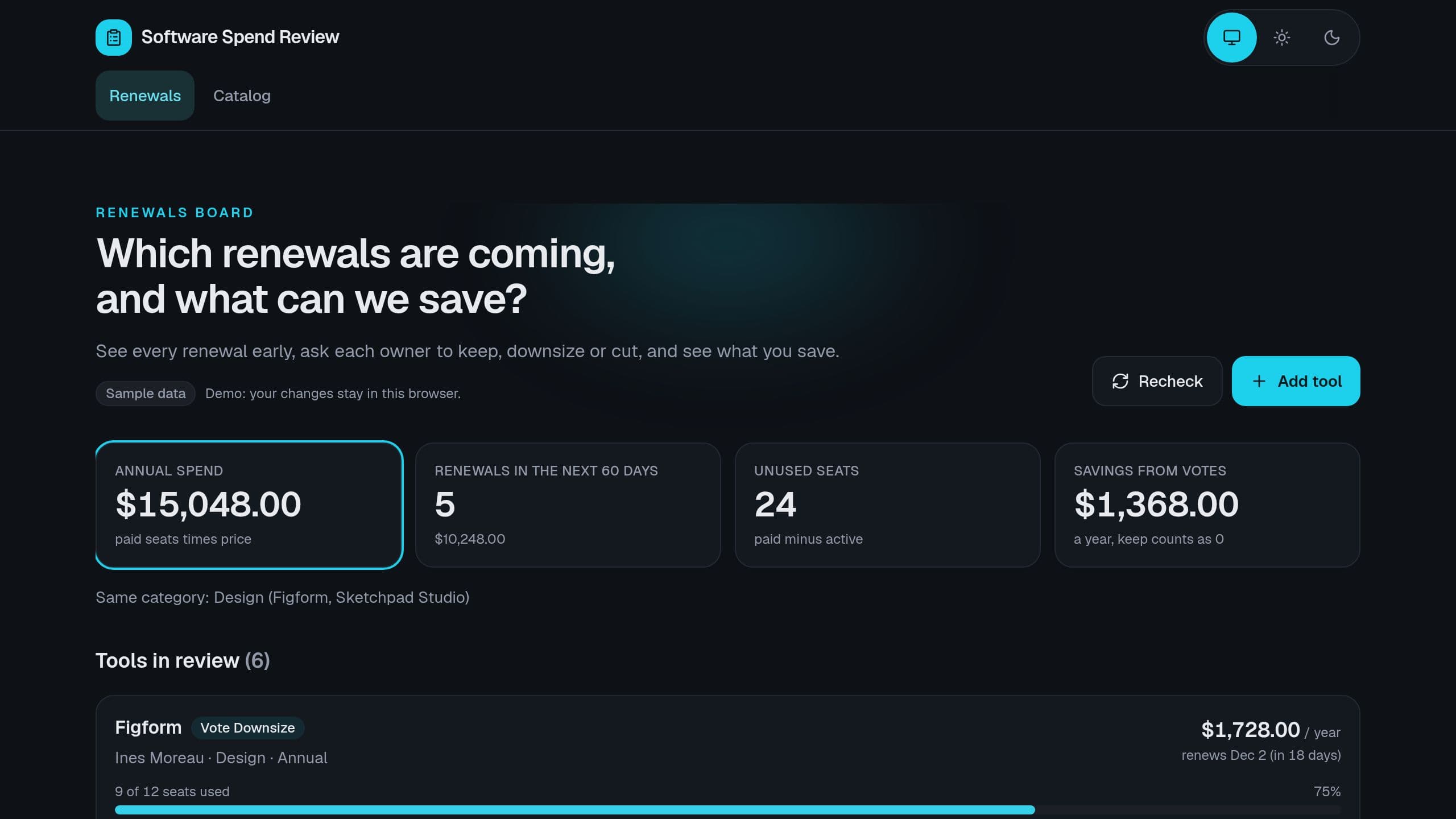
Give each tool an owner, see seat use and the renewal window, collect a keep, downsize or cut vote before each renewal, and see the savings.
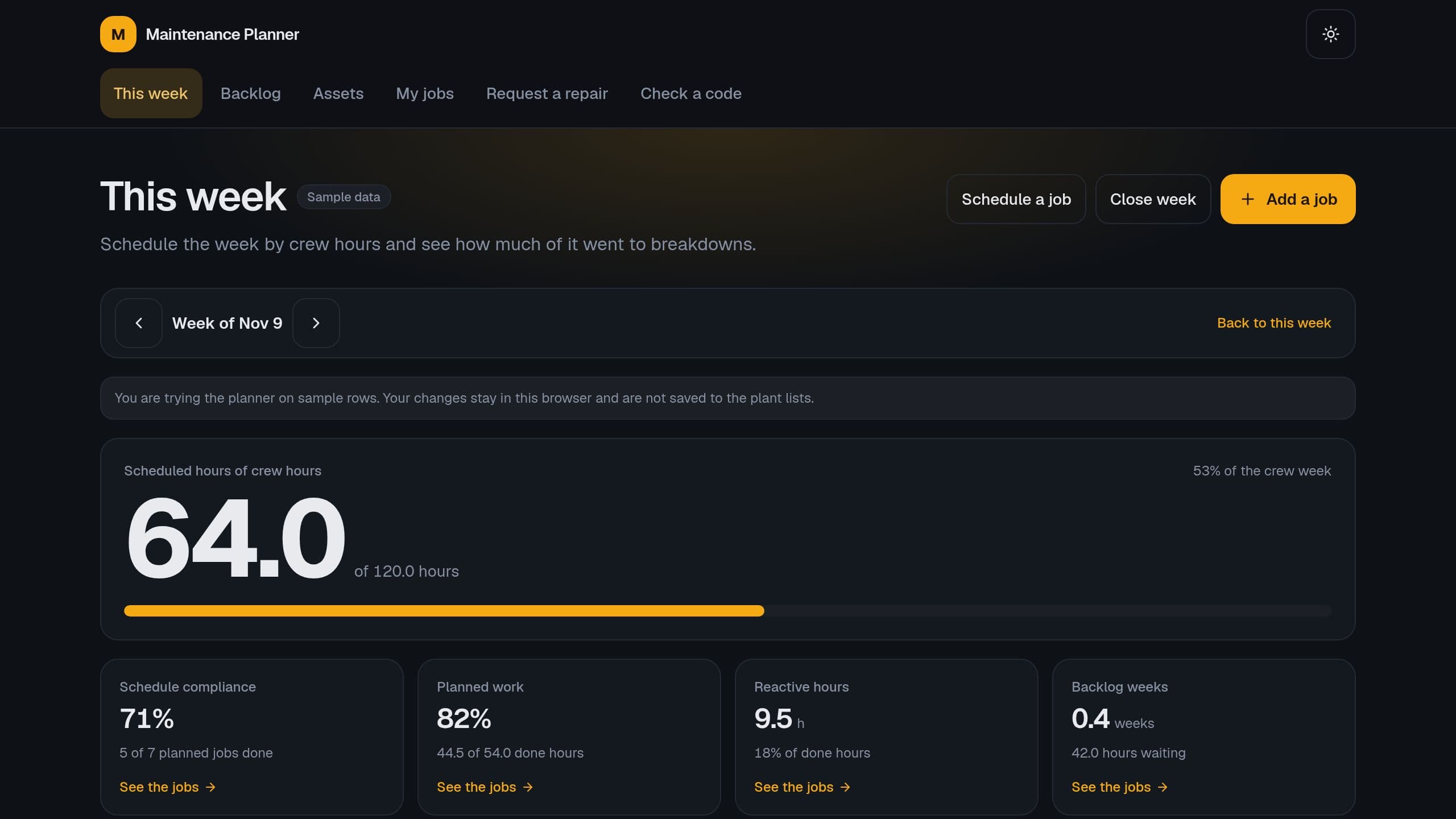
A free copy runs the planner with no AI credit. After you clone, put the link of your copy in Settings. The inbound sensor flow needs Pro.
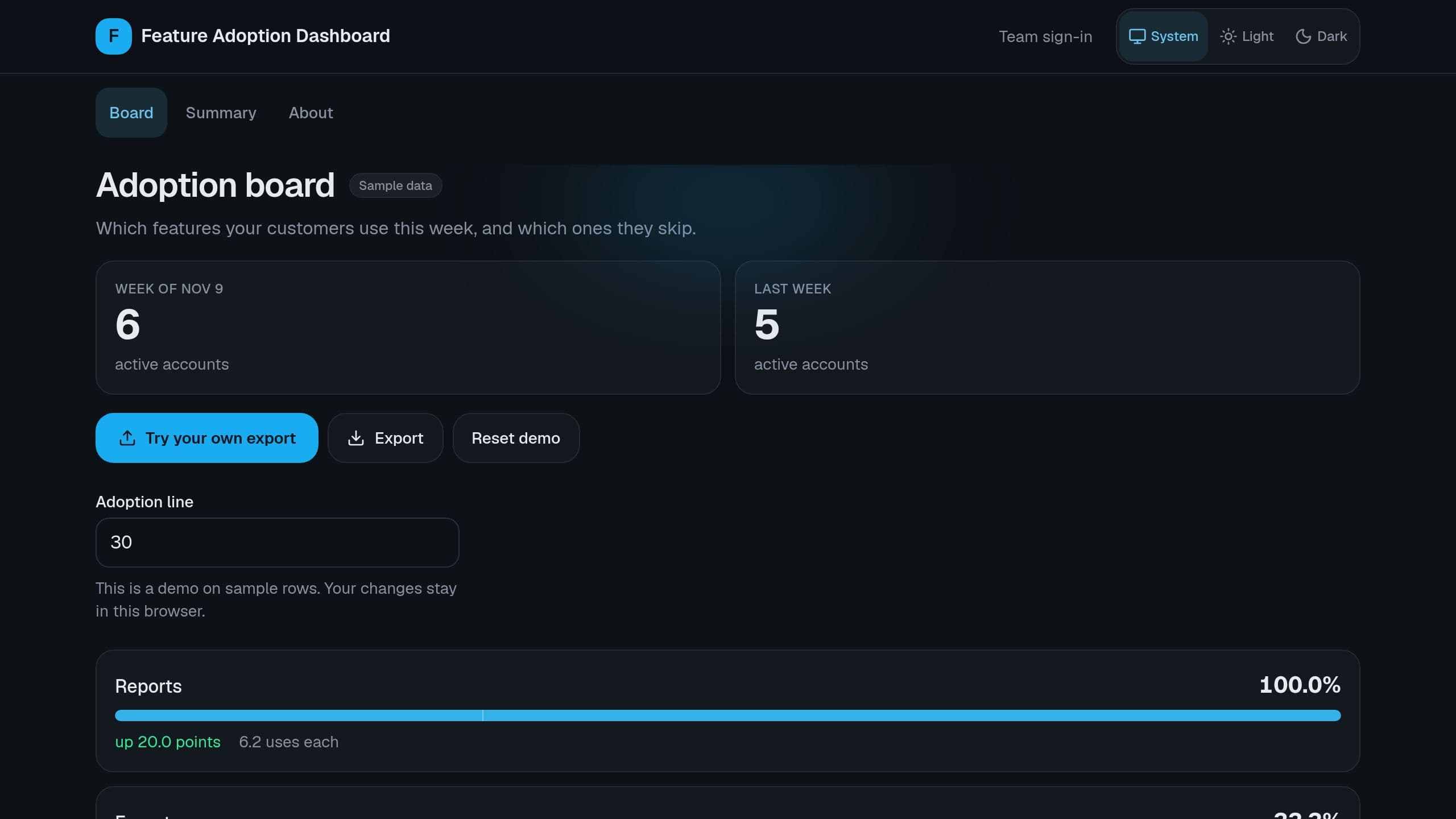
Paste a weekly event export and see the share of active accounts that use each feature, the change since last week and the features under your line. Free to clone: put the link of your copy in the Settings App link row before the Monday digest.
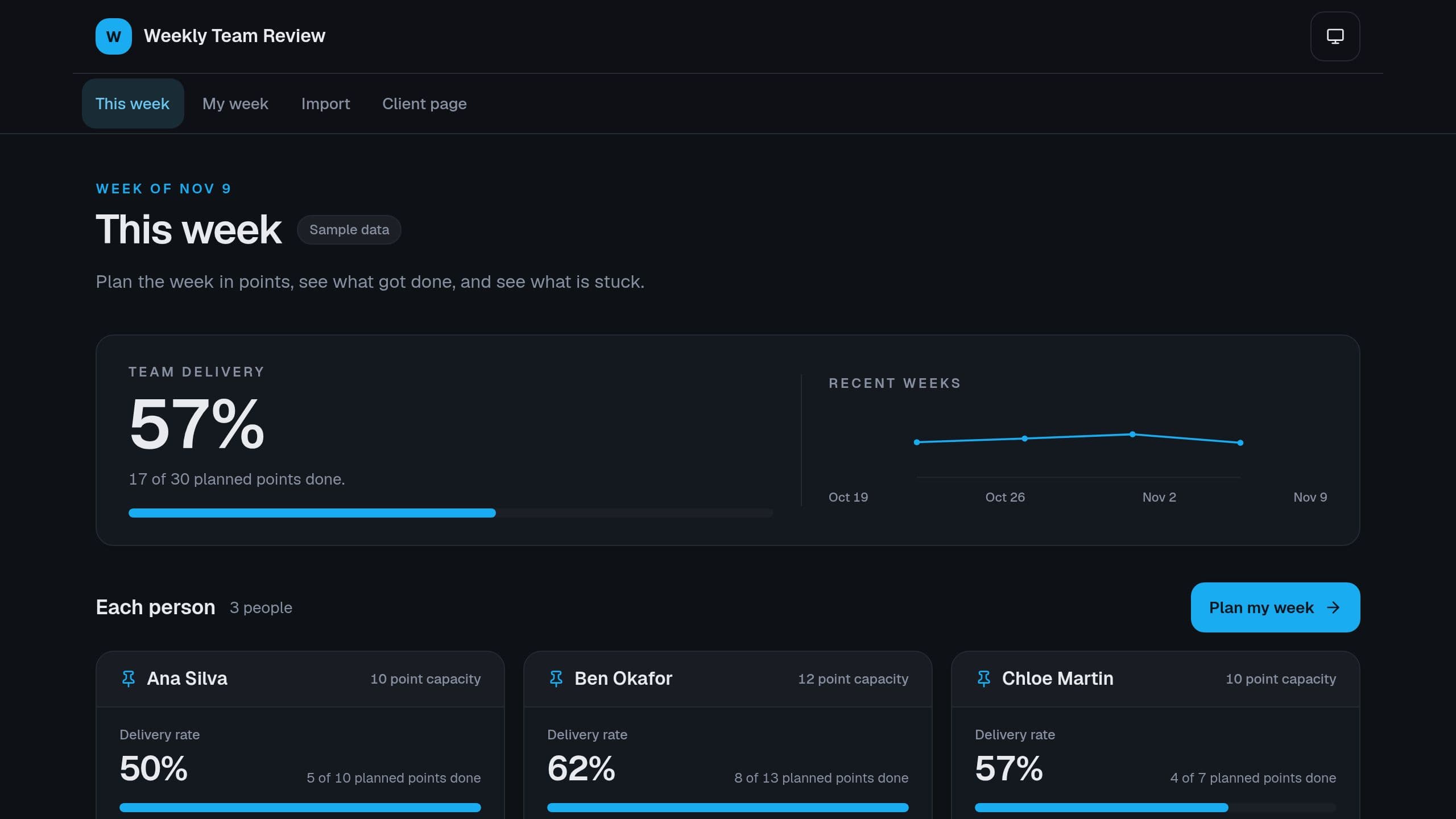
Plan the week in points for each person, see planned vs done on Friday, carry the rest with a count, and see stuck work before the Monday meeting.
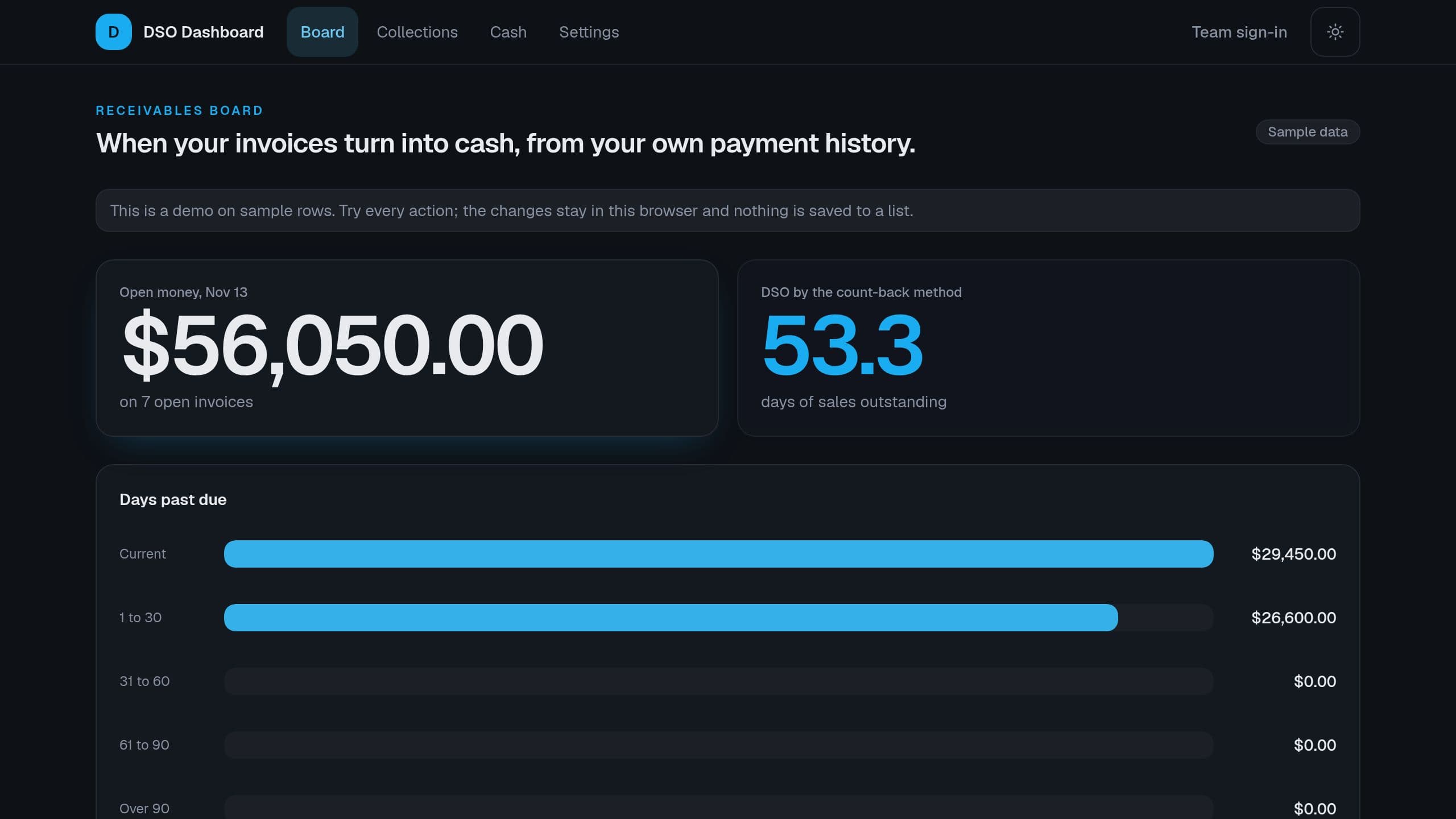
Import your invoices, and see DSO by the count-back method, money past due by bucket, the slowest payers and the cash that each week can expect.
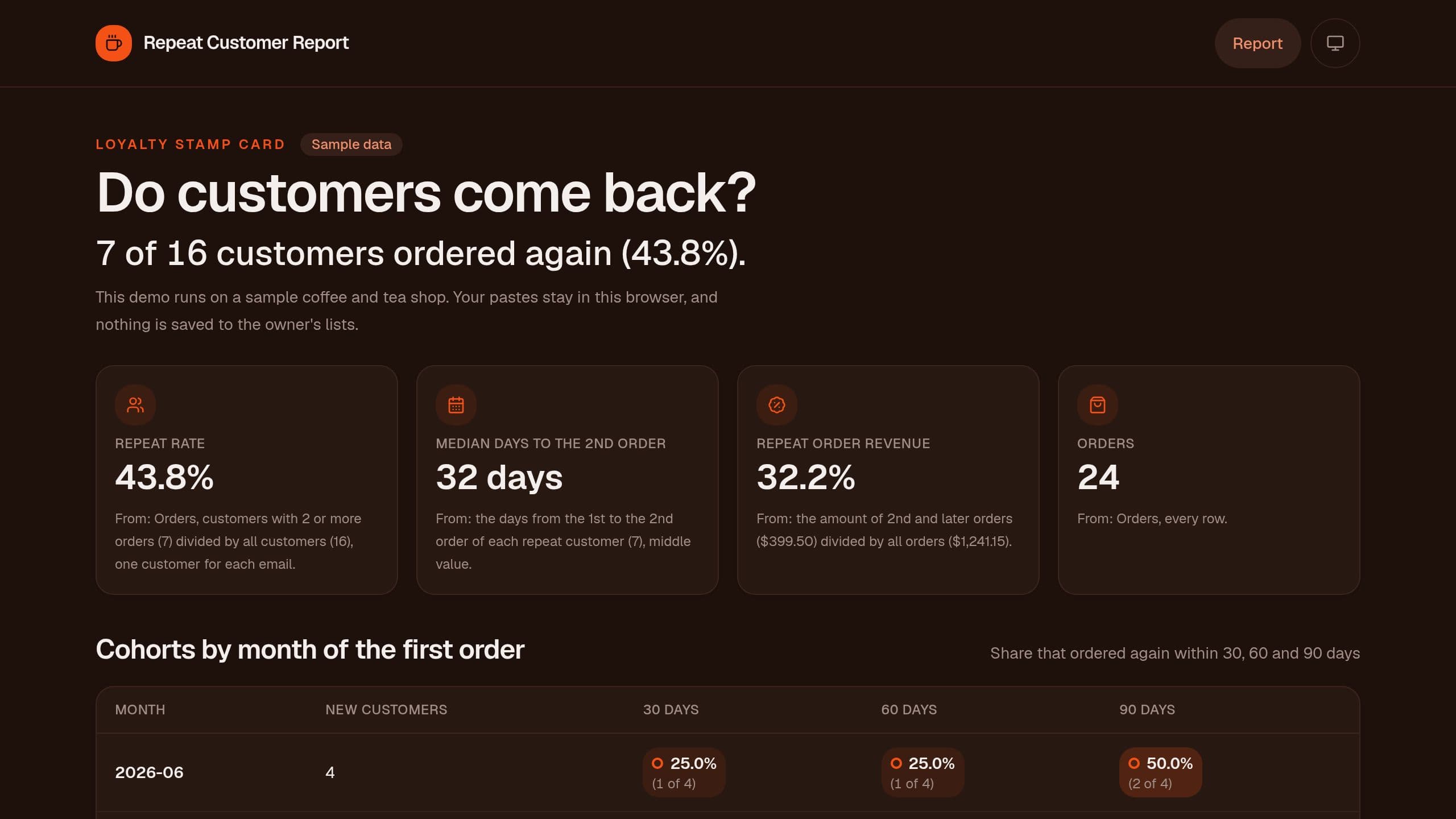
Paste your orders and see the repeat rate, monthly cohorts that ordered again within 30, 60 and 90 days, and the median days to the 2nd order, free.
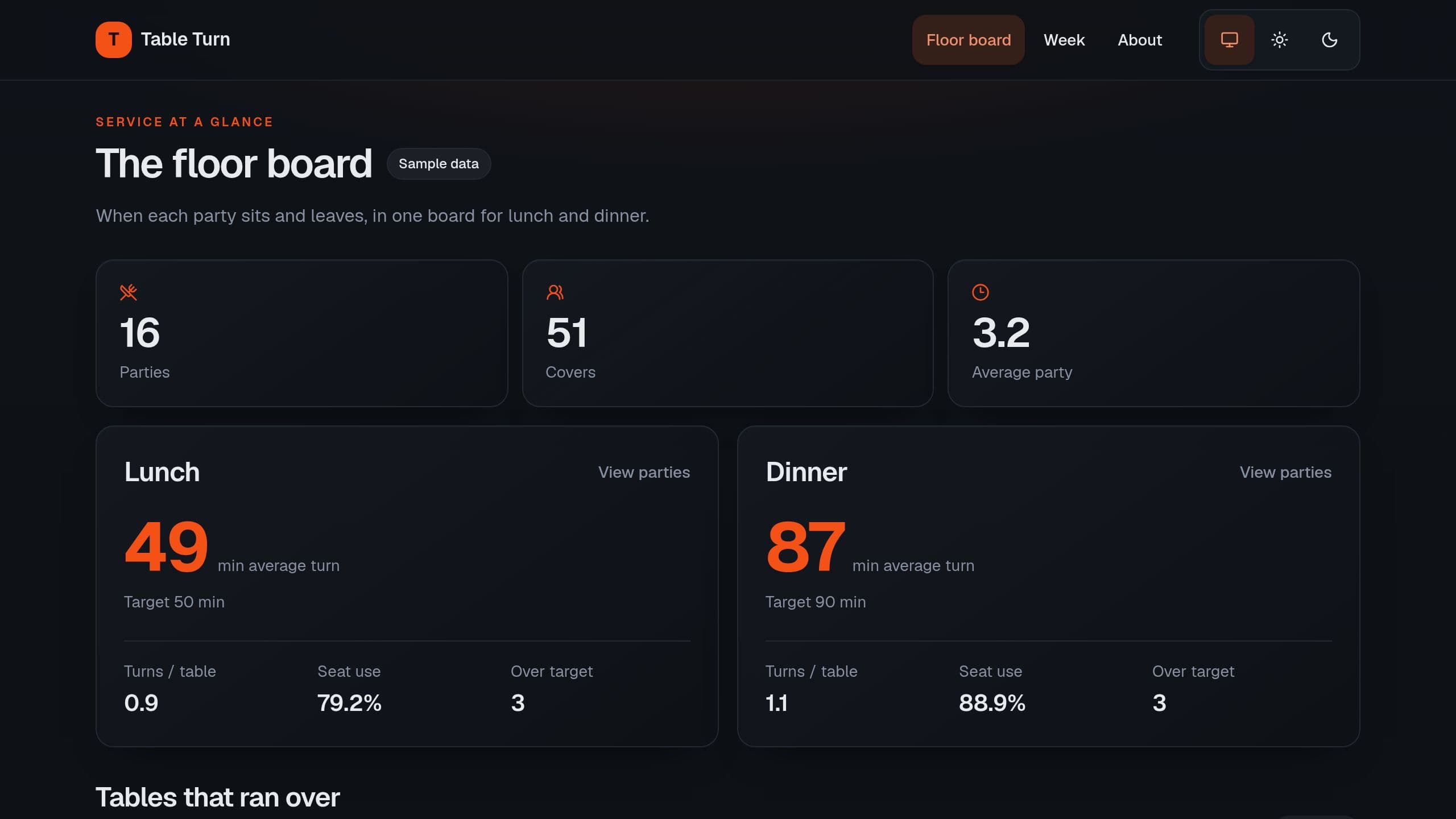
Log when each party sits and leaves, and see the average turn, turns per table and seat use for lunch and dinner, with the tables over target. Free runs the board, the host page, CSV import and export, and the Monday digest by email. The Floor Coach commands need AI credits, and receiving seatings from a reservation or POS tool needs Pro. Staff need the app Admin role for Settings.
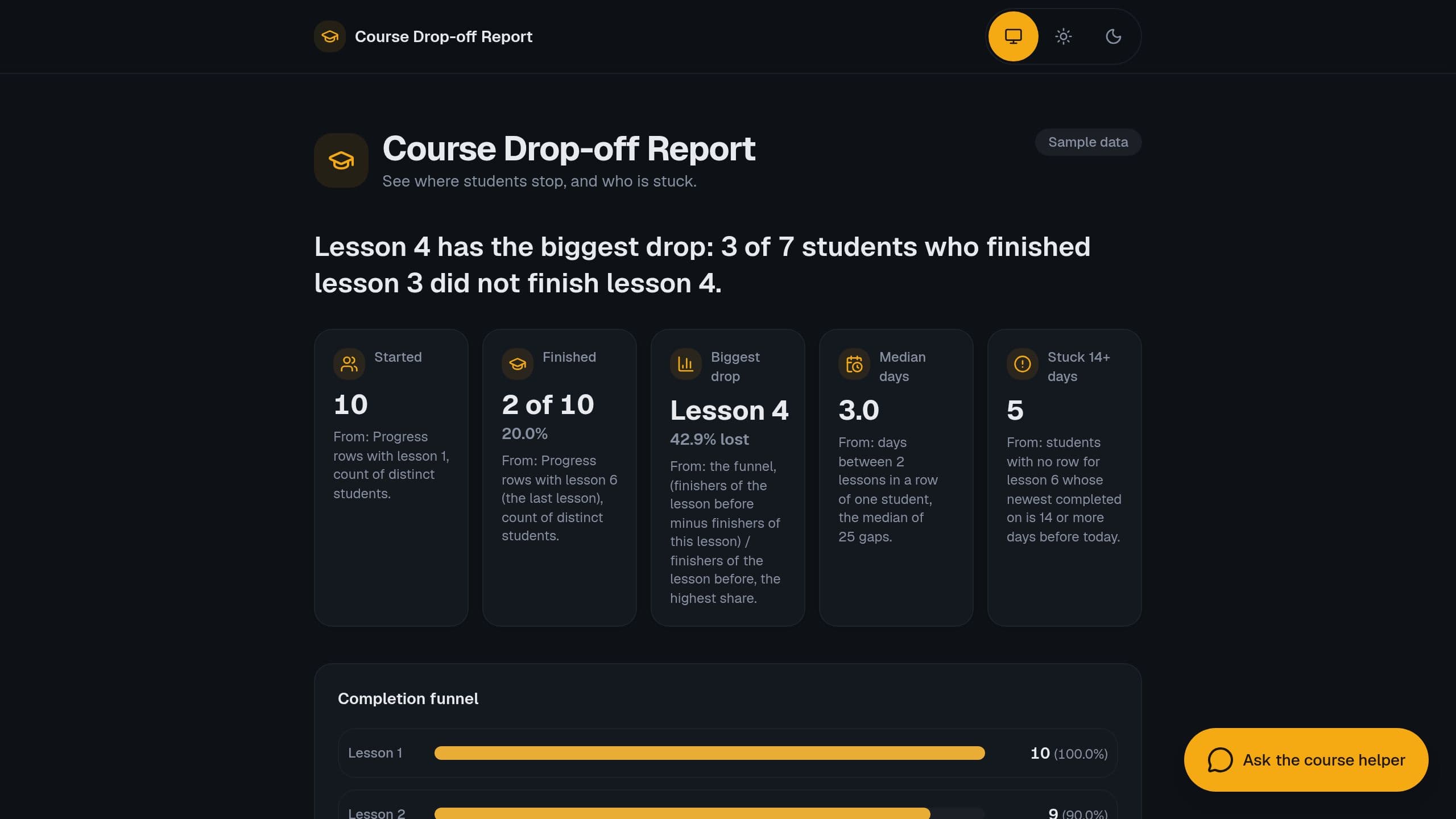
Paste course progress rows and see the lesson where students stop, the completion funnel, median days per lesson and who is stuck.
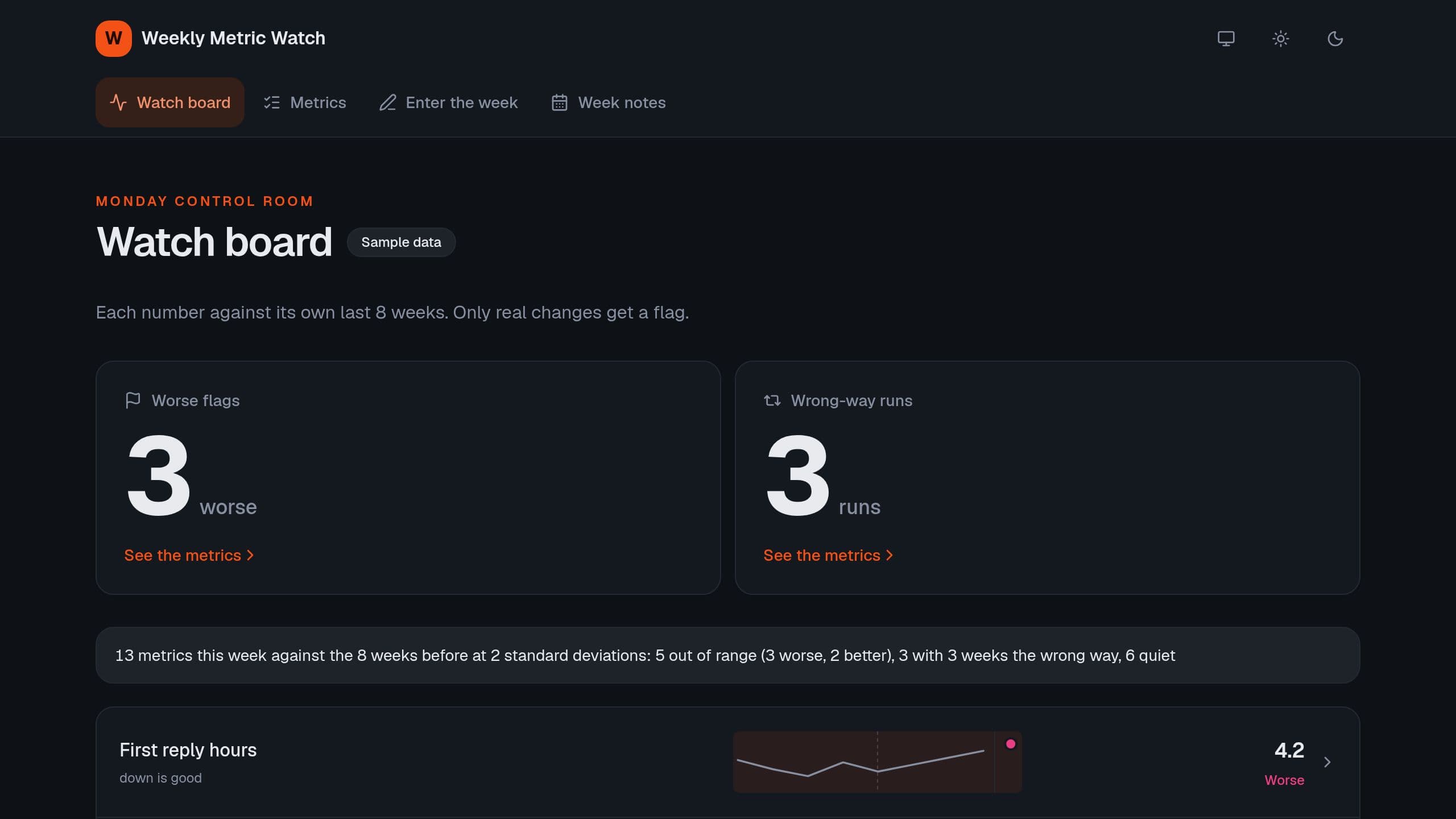
Check each weekly business number against its own range of the last 8 weeks, and flag the numbers that leave the range or move the wrong way 3 weeks in a row. Try it on sample data with no sign-in. The agent needs AI credits.
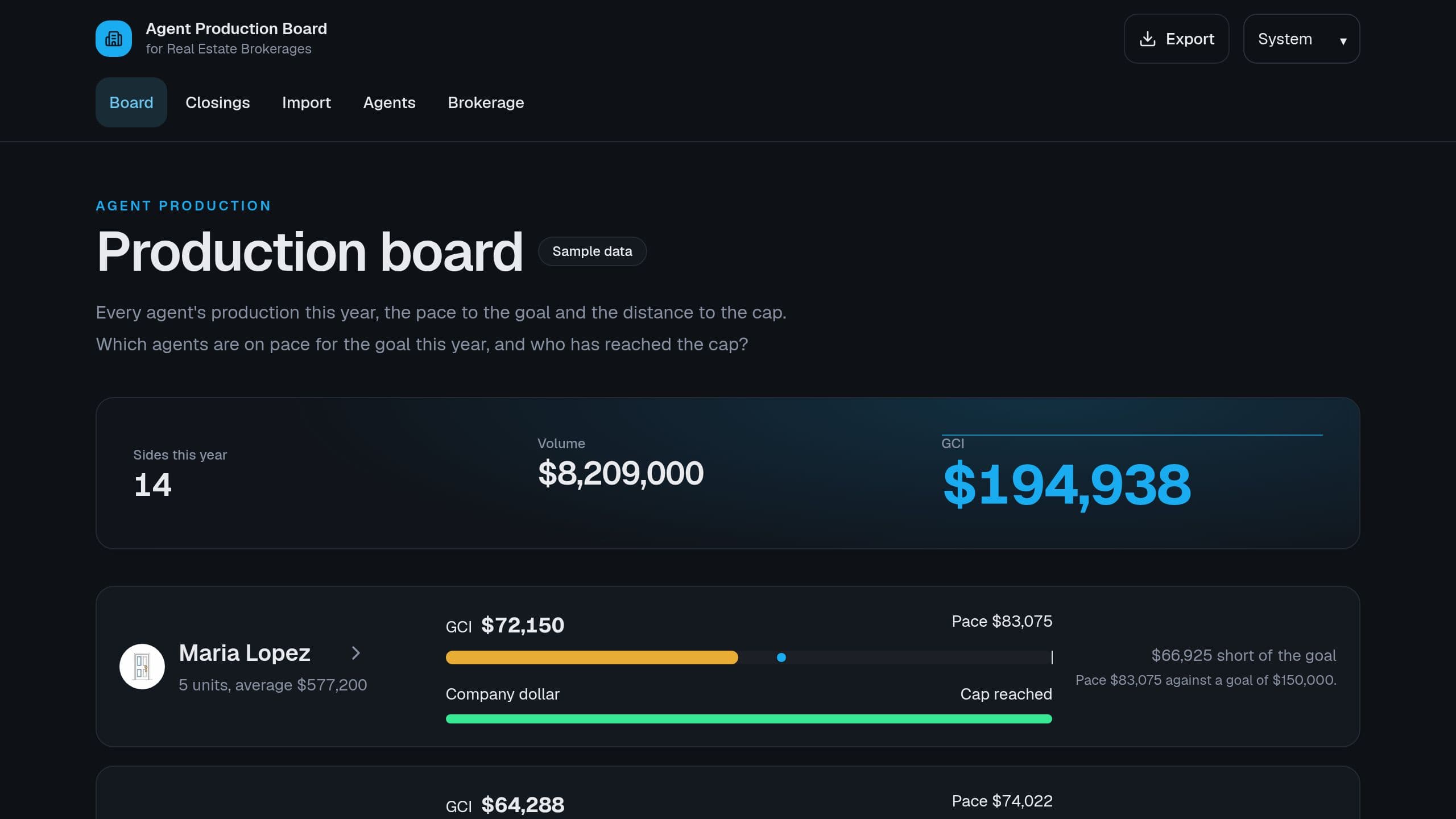
From each closed side, see GCI, units and average price per agent this year, the pace to the annual goal and how far each agent is from the cap.
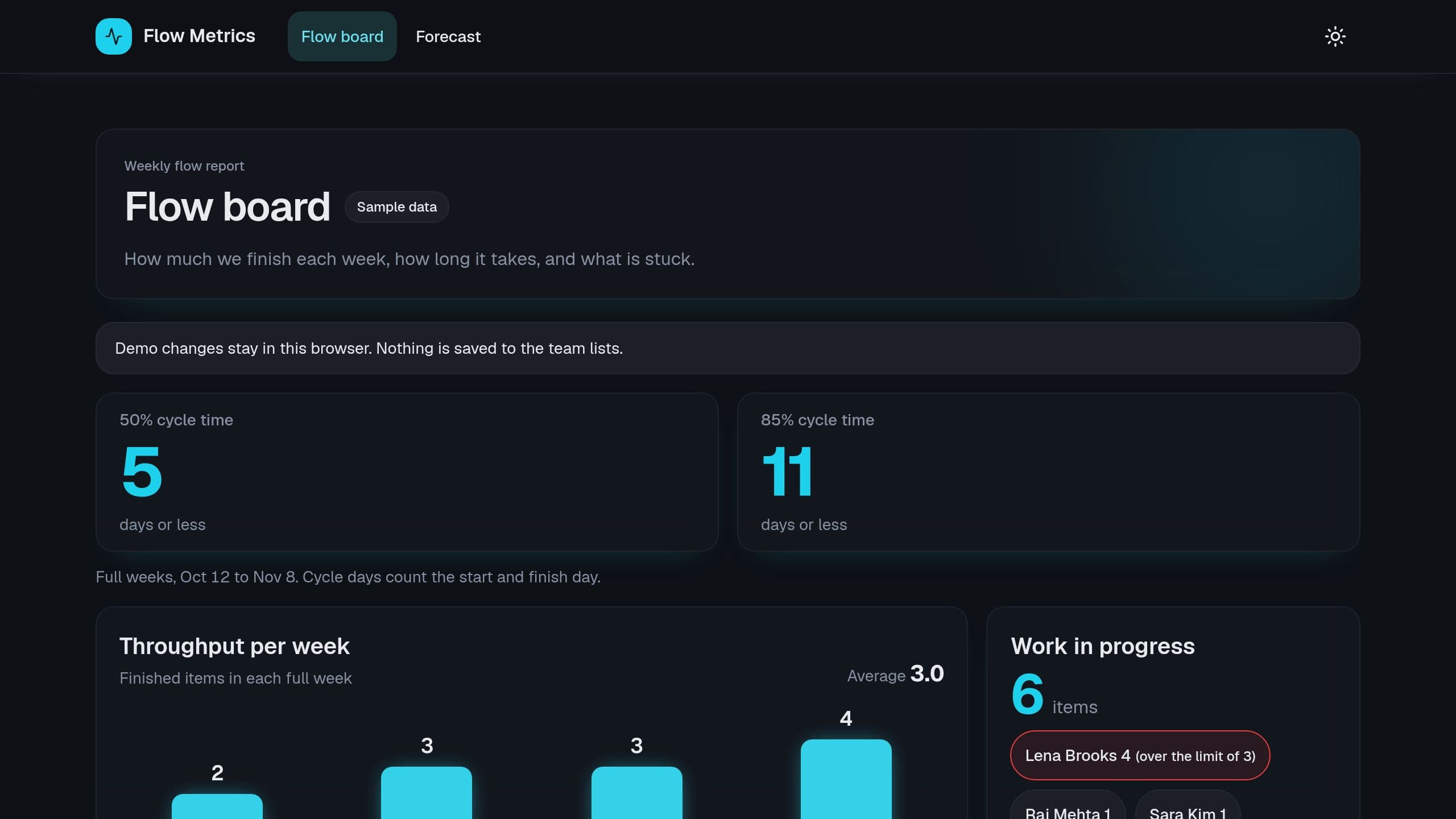
From the start and finish date of each task, see throughput per week, cycle time at 50% and 85%, work older than the 85% line and WIP per person.
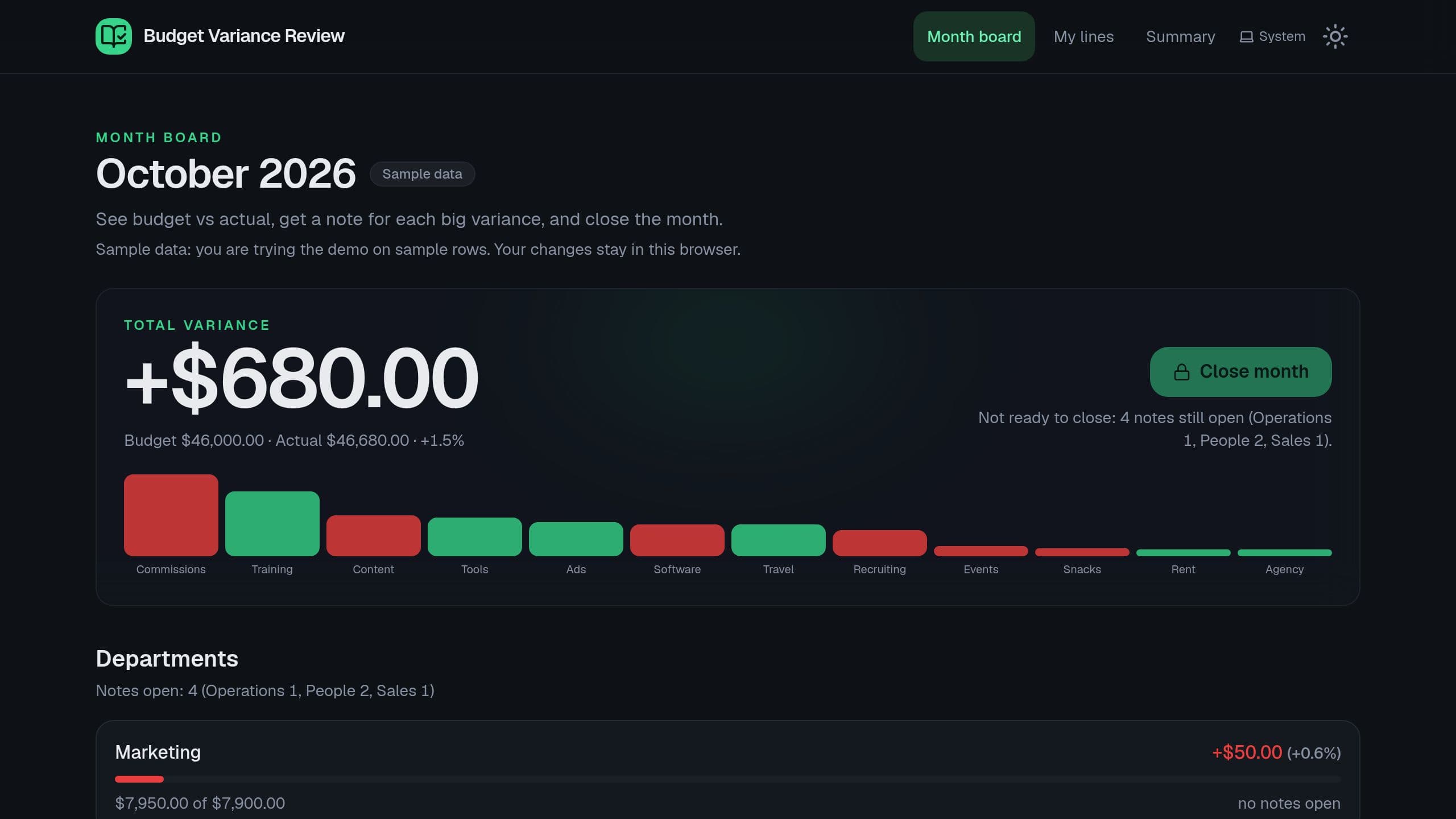
See budget vs actual for each line, let each department head explain the lines over your limits, and close the month only when every note is accepted. Free copy runs the review with no AI credit. After you clone, put the link of your copy in the Month pack and Monday digest steps. The board email needs Starter or higher.
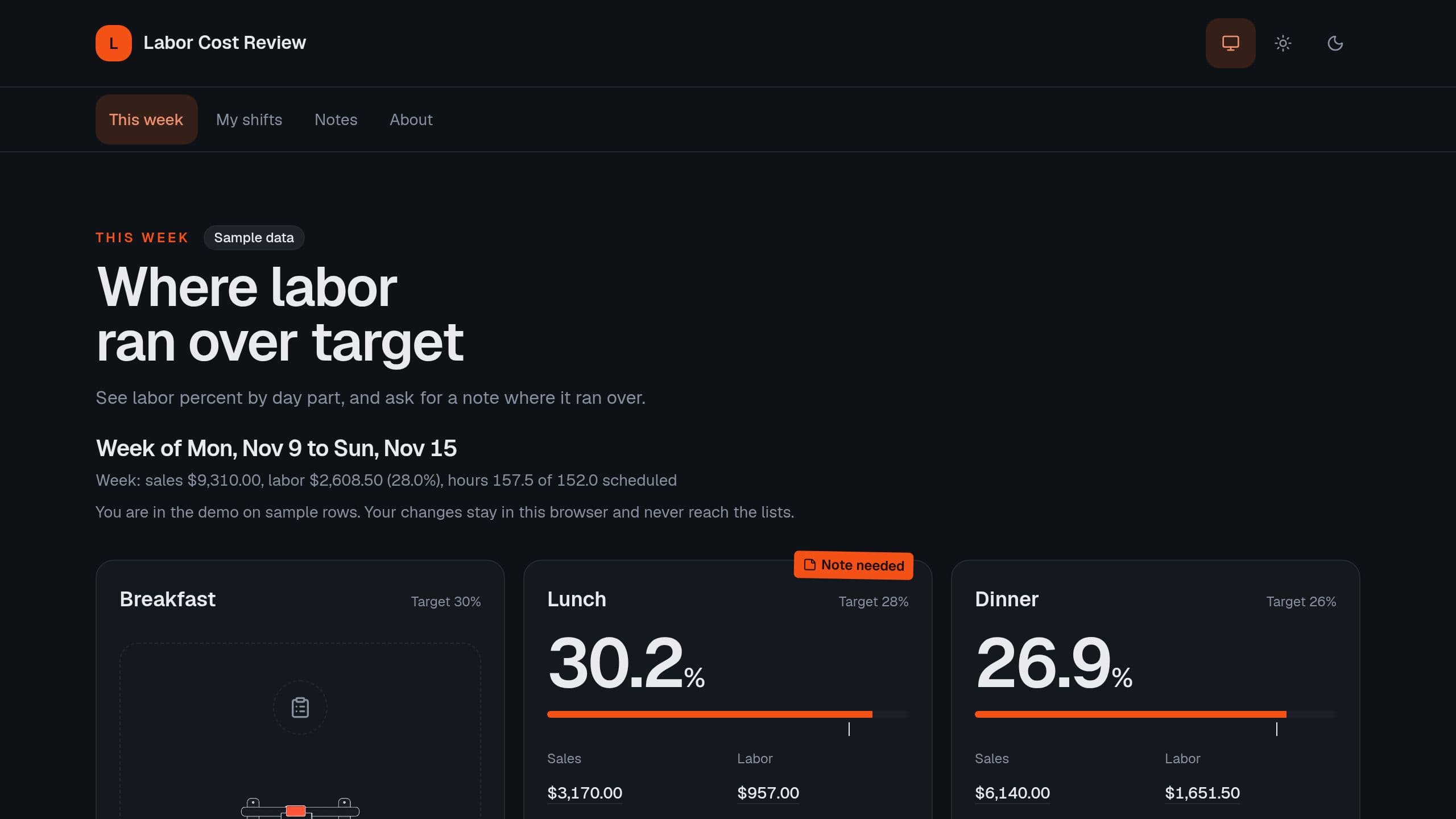
Enter sales and hours for each day part, see labor percent against your target and sales per labor hour, and ask for a note where labor ran over.
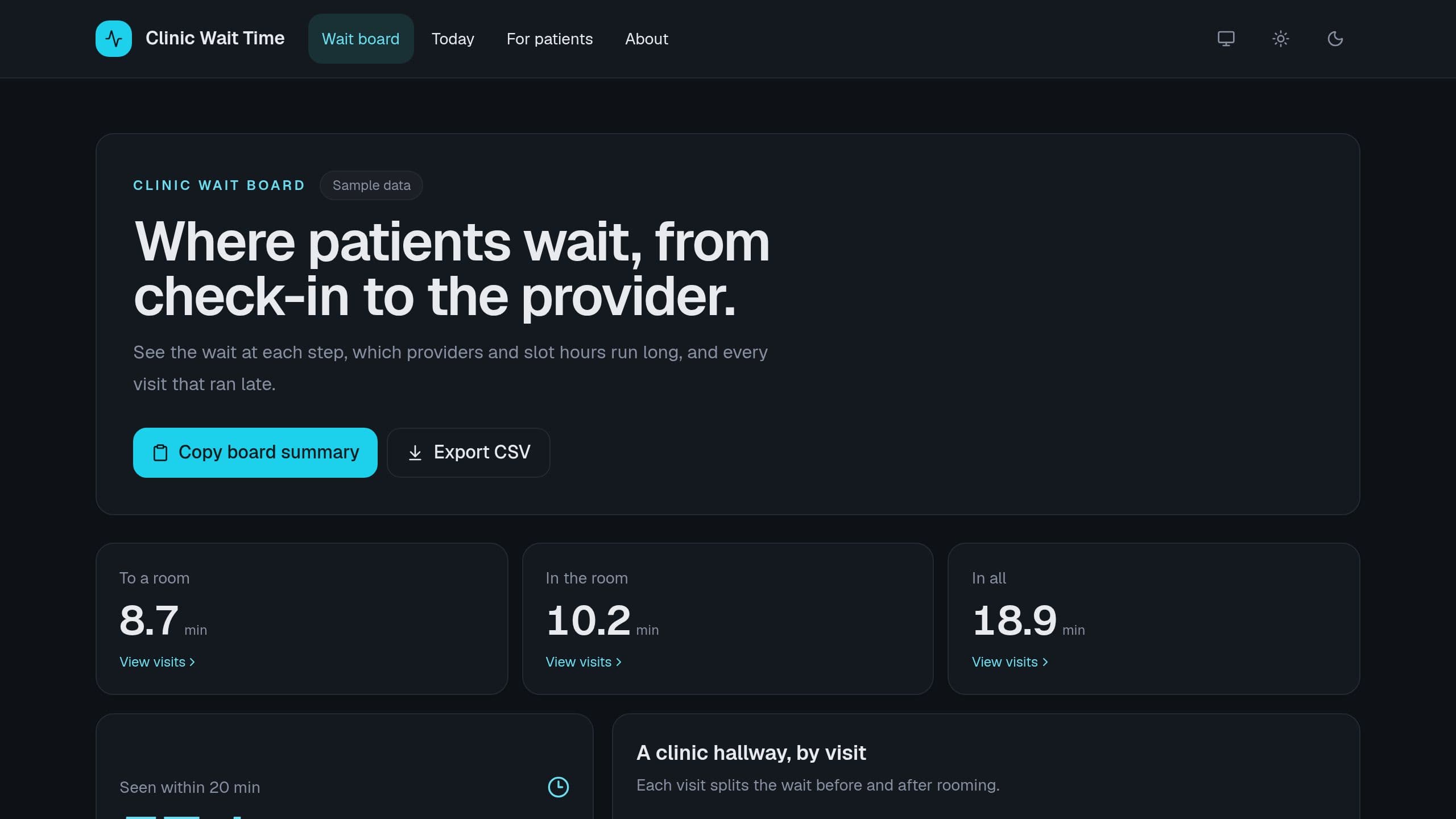
Log check-in, rooming and provider times for each visit, and see the wait at each step, the share seen within your target, and the slots that ran late.
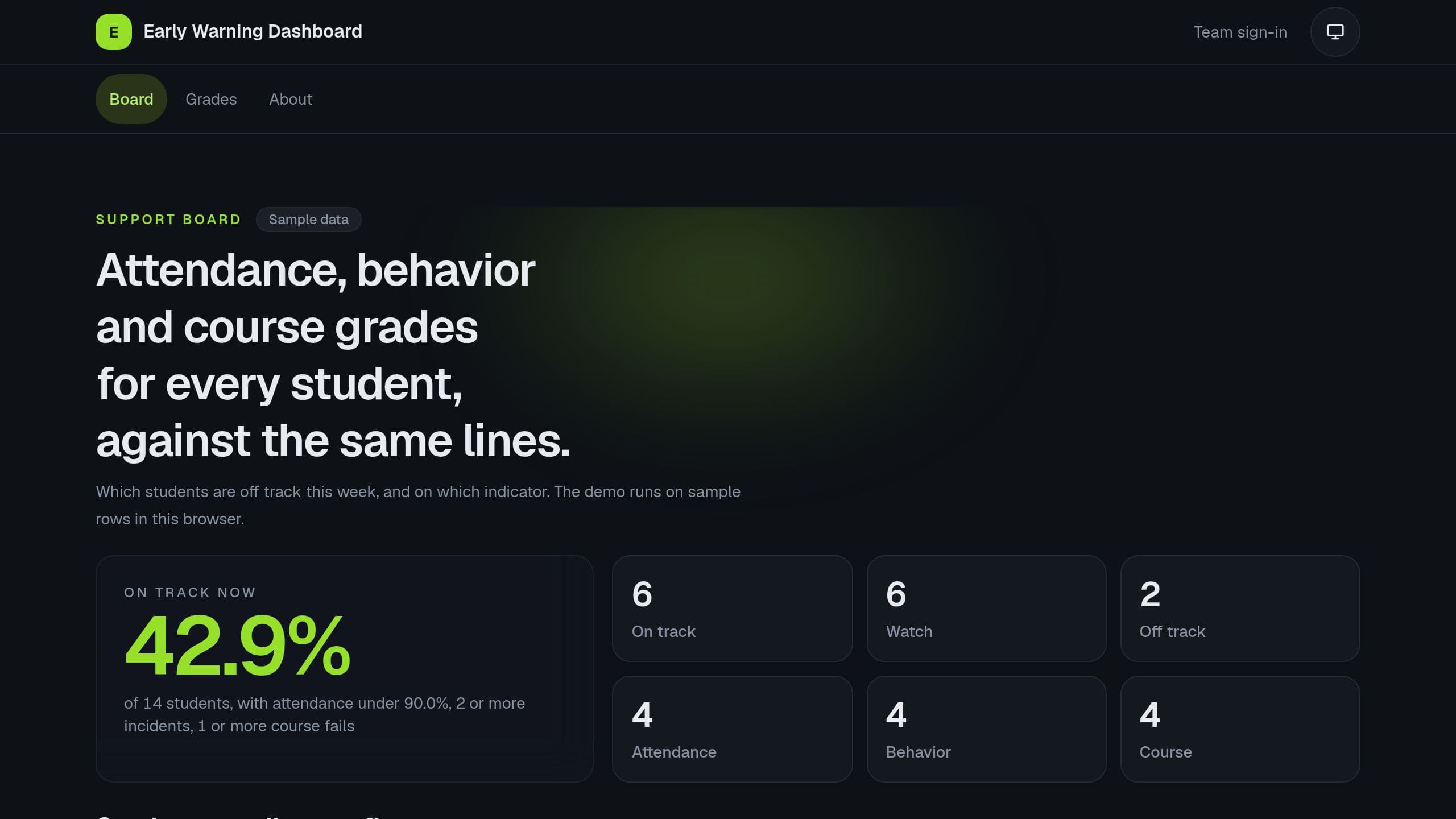
Import attendance, incidents and course fails for each student, and see who is on track, on watch or off track by the ABC rule. Free copy runs the board and the Monday digest. Receiving data from a student system needs Pro, the agent needs AI credits. Put the link of your copy in the Monday email step.
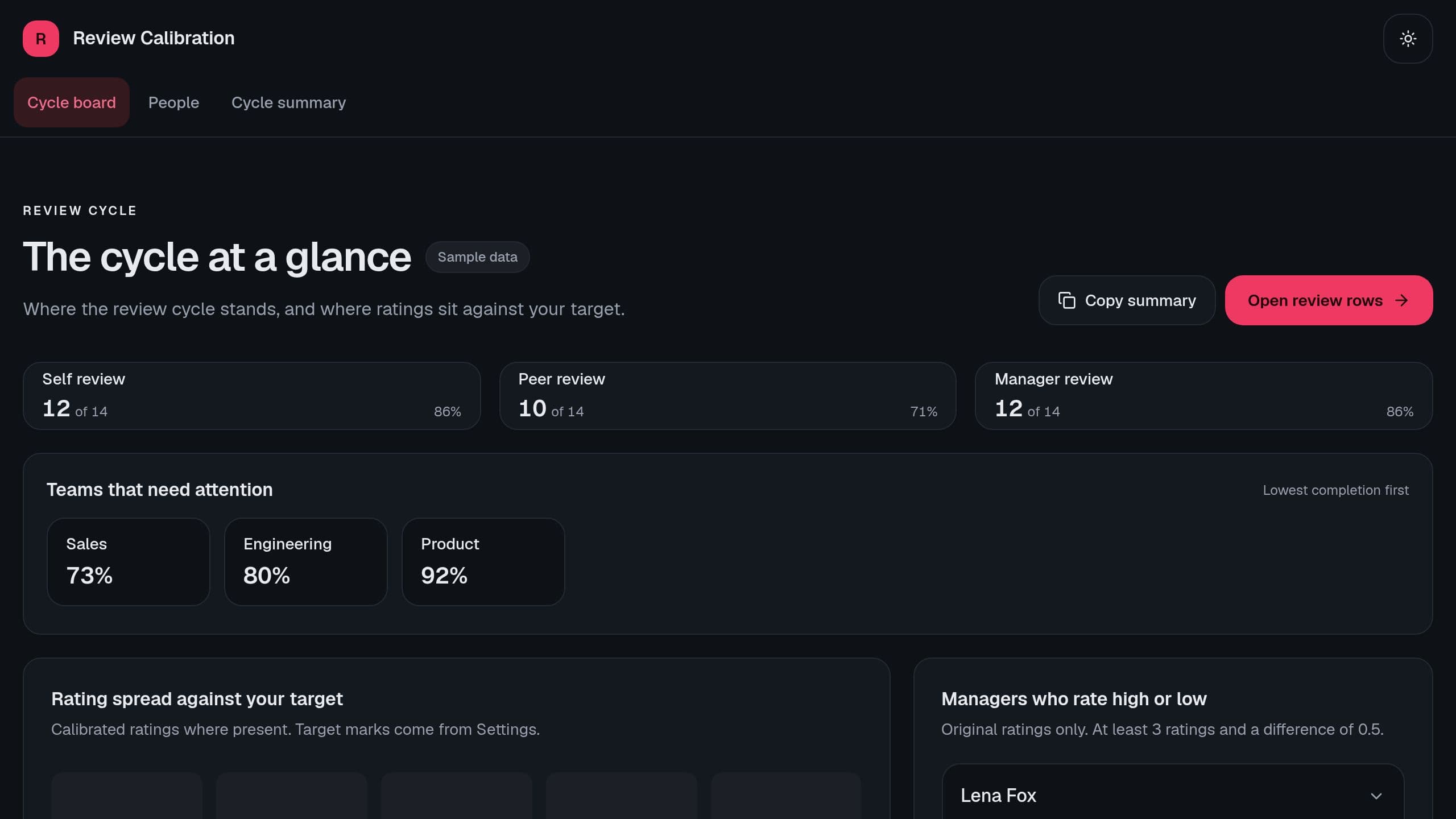
Track the self, peer and manager stages of a review cycle by team, see the rating spread against your target, the managers who rate high or low, and changes.
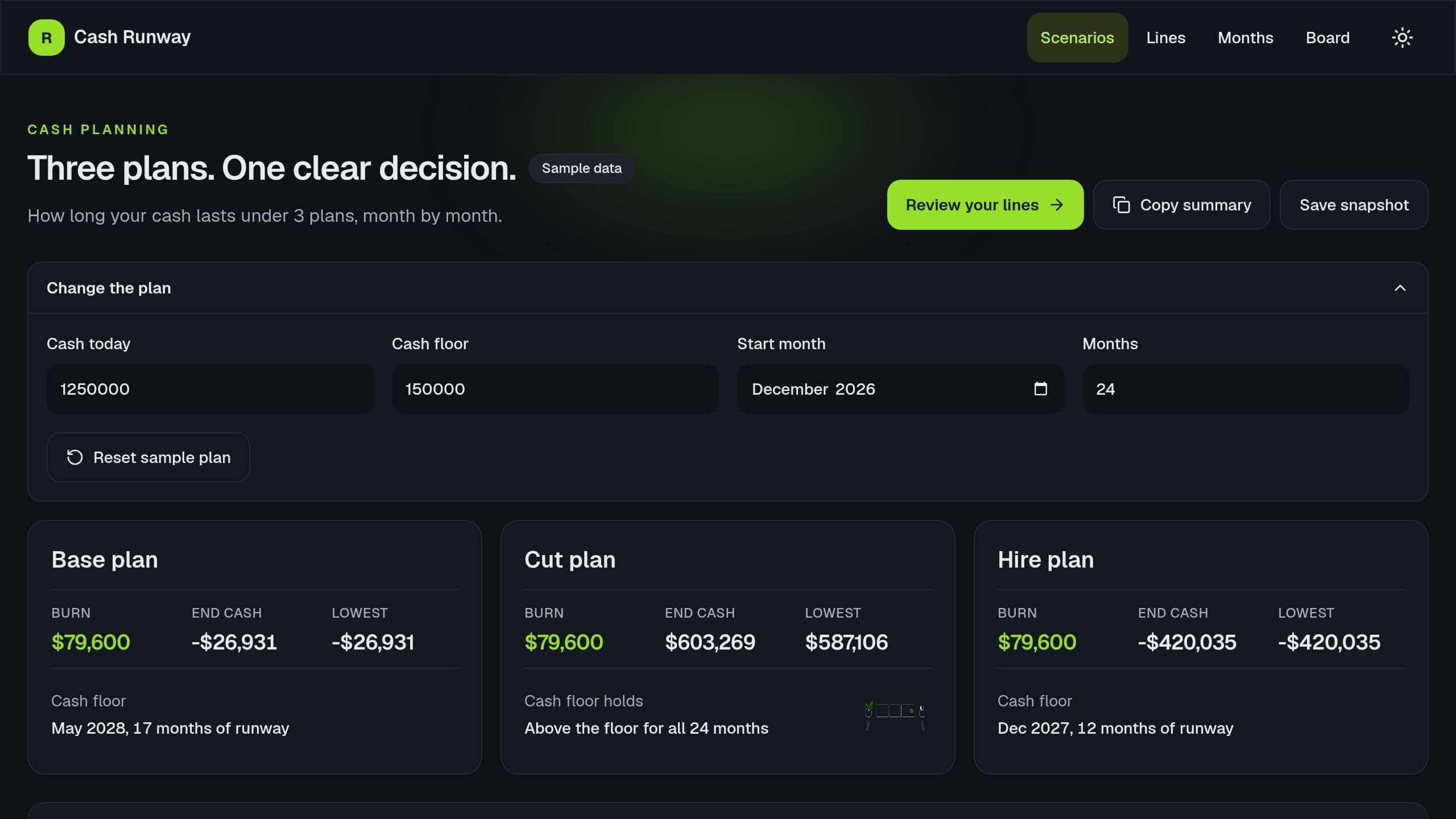
Enter your cash, revenue with growth, costs and planned hires, and see 3 runway scenarios side by side: the burn and the month cash goes under your floor.
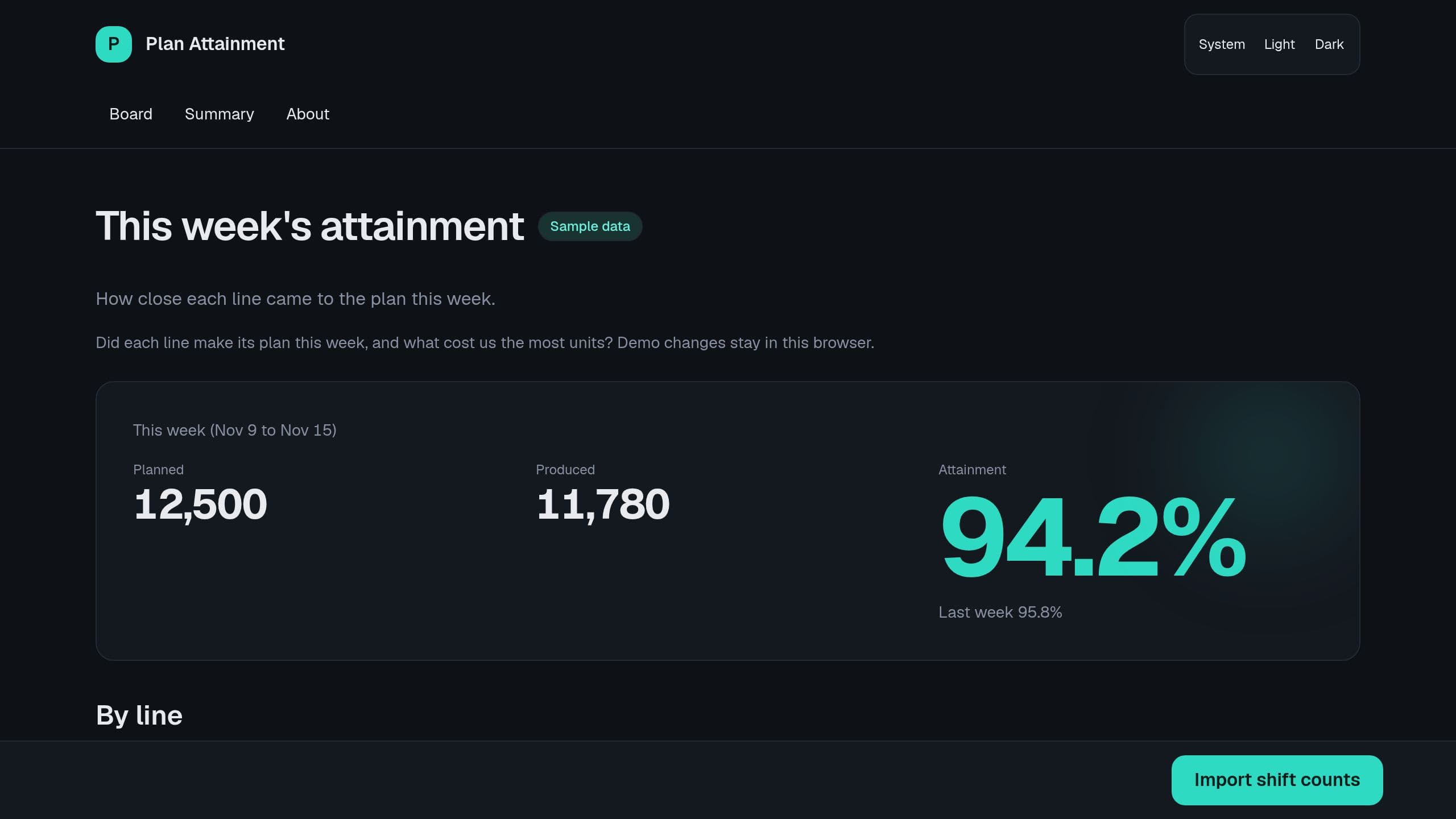
Log planned and produced units per line and shift, and see attainment this week against last week, the lines under your line and lost units by reason.
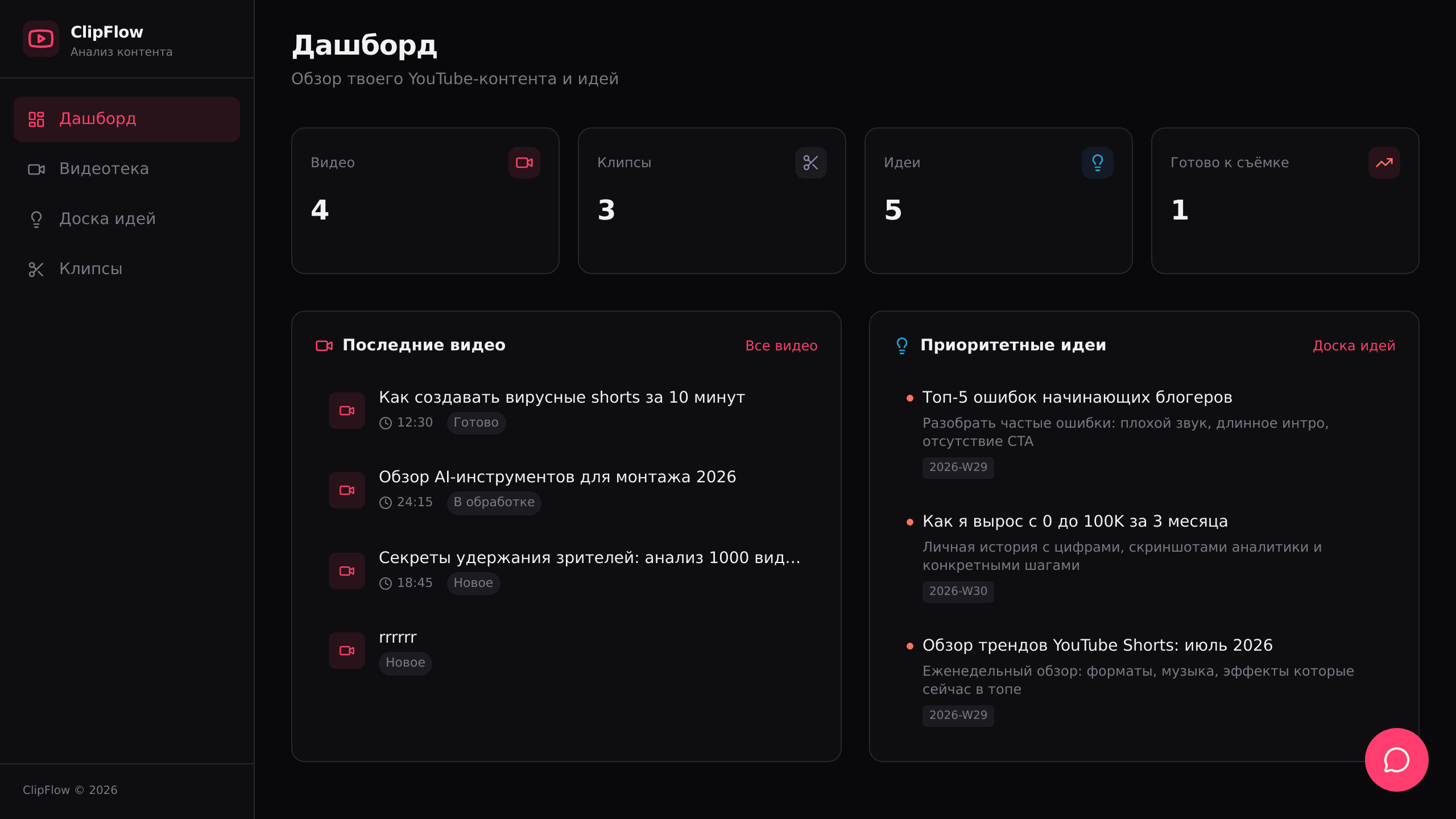
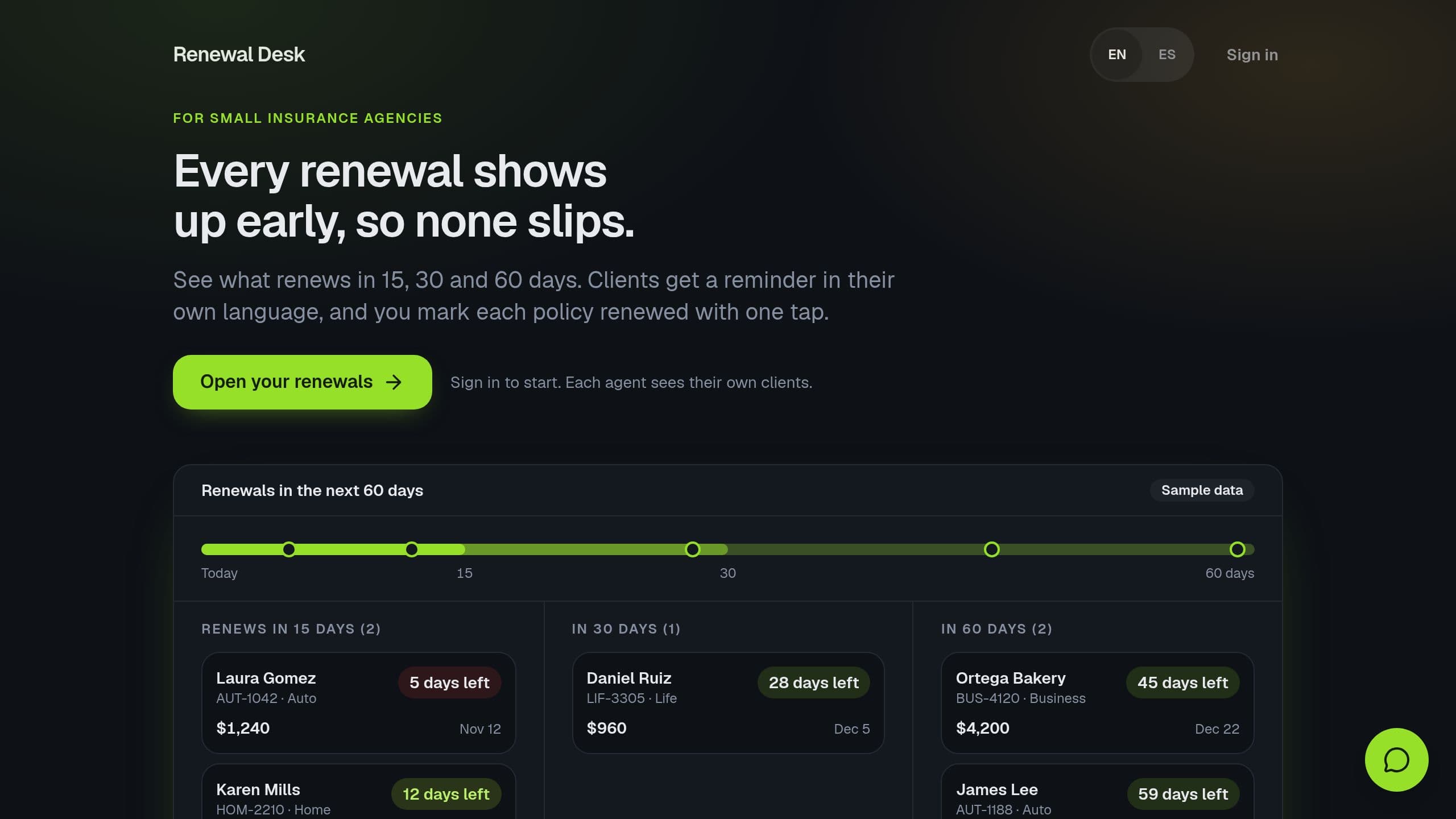
See every policy that renews in 15, 30 or 60 days, remind clients by email in English or Spanish, and catch a lapse before it costs you the client.
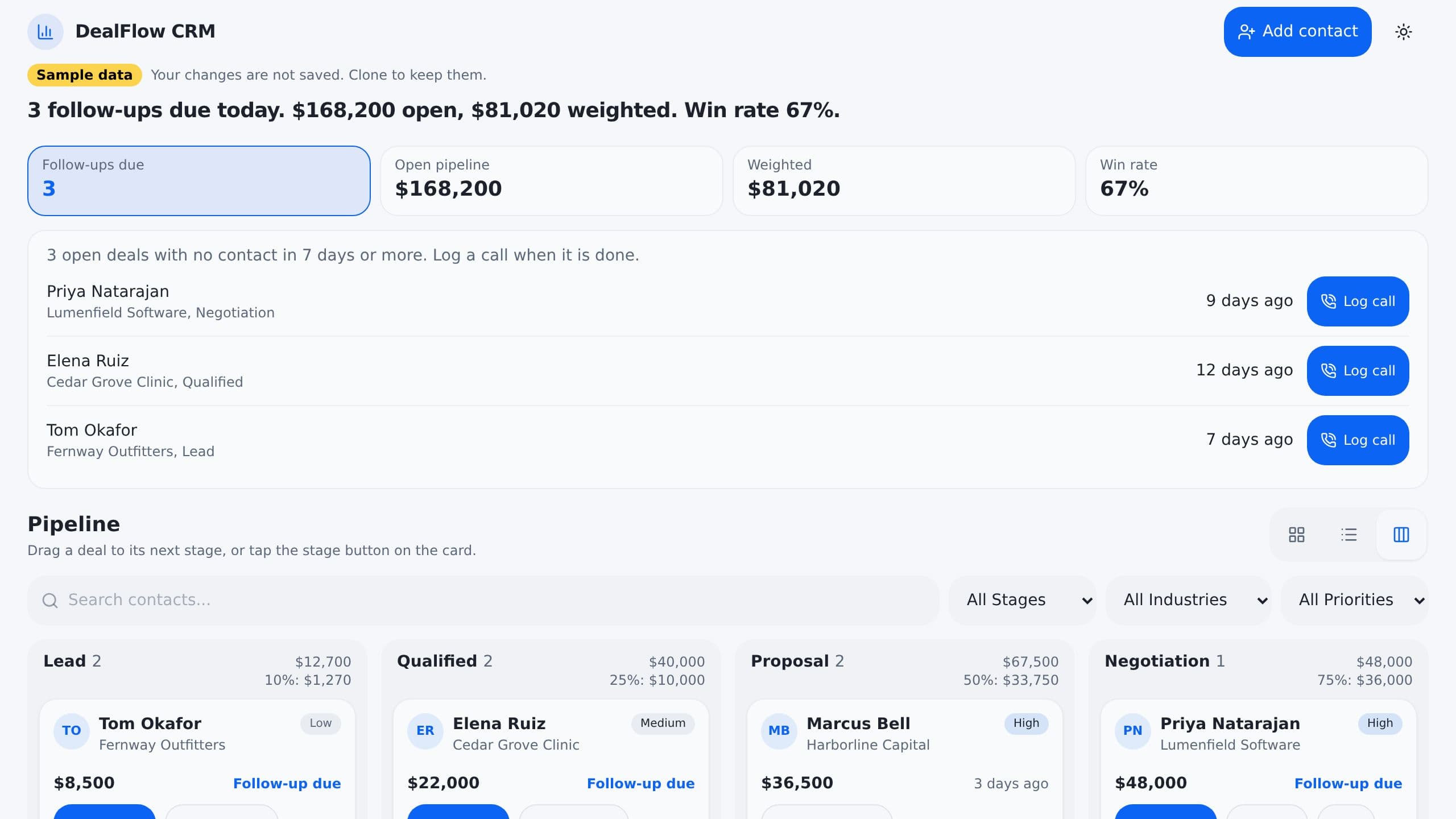
It replaces the deal spreadsheet and the manual follow-up you forget to do. Inside are 4 projects and a Sales Coach AI assistant. Automatic reminders flag a stale deal that has gone quiet, and each new deal is sorted on arrival so the right person sees it first. Clone it free, then switch on the automations you want.
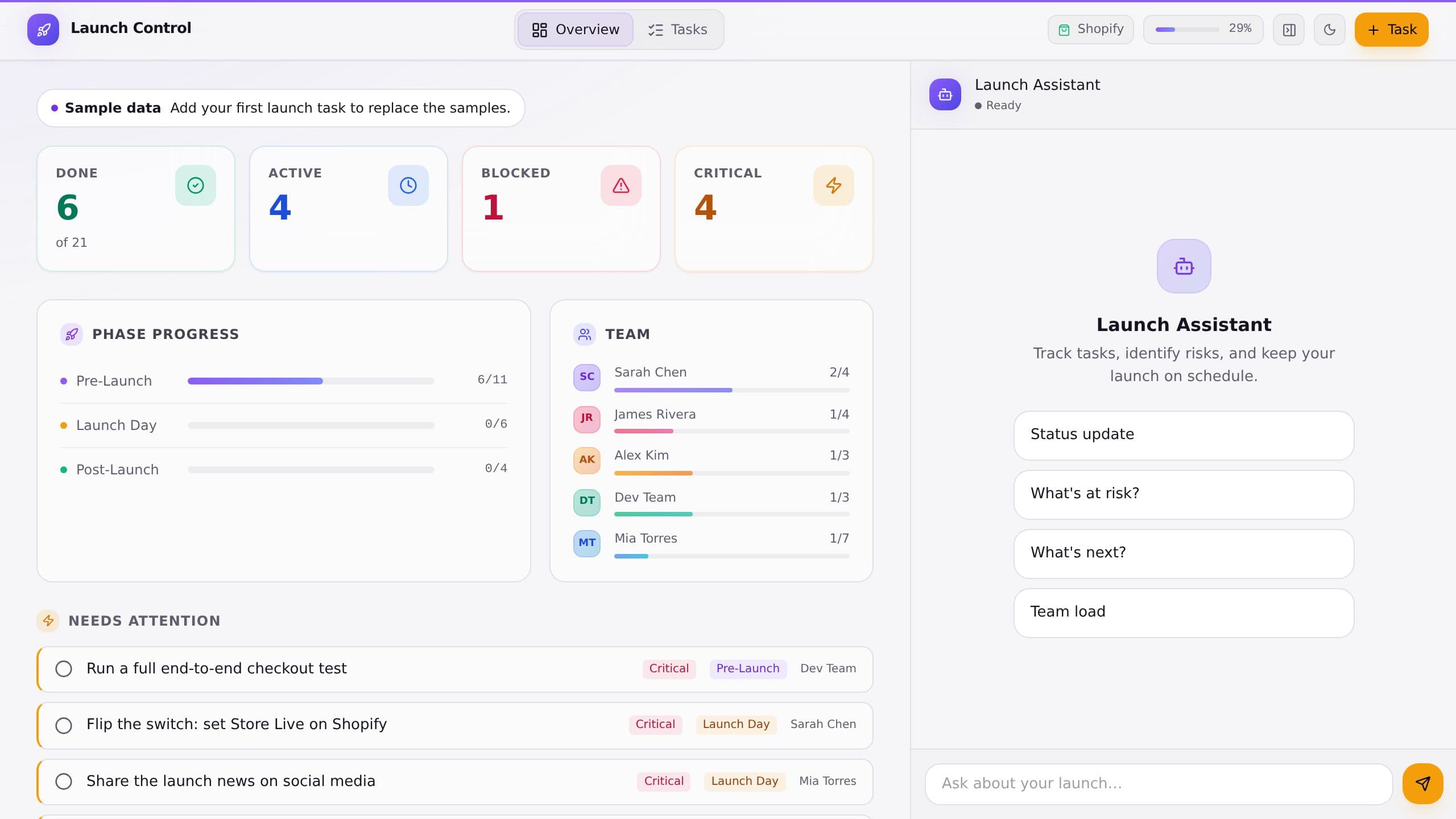
Run a product launch from one dashboard: tasks done, active, blocked and critical, progress by phase, team load and the items that need attention, plus a launch assistant for quick questions.
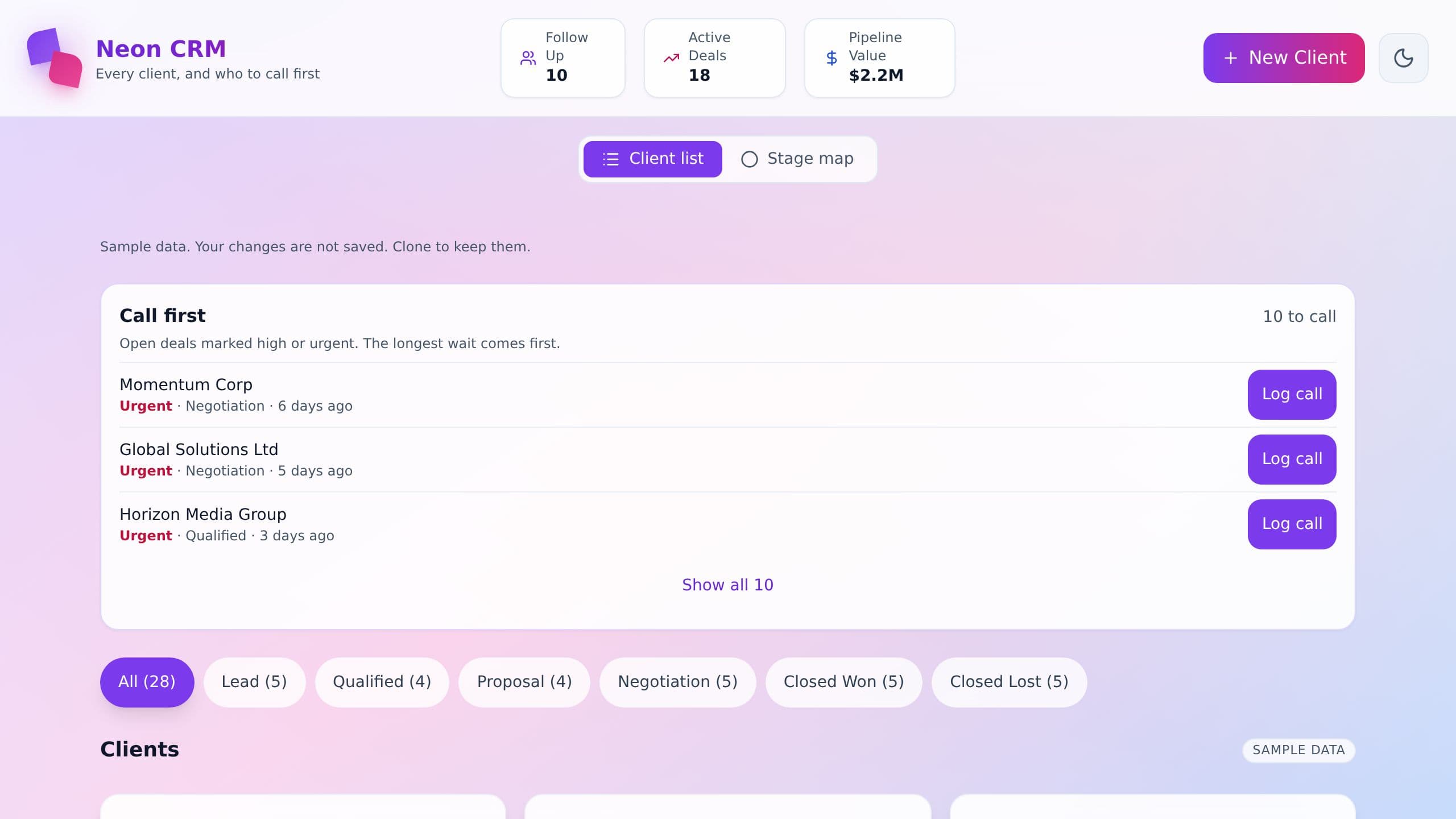
Track clients and deals in one place. Filter clients by stage, from lead to closed, see follow-ups, active deals and pipeline value, and add new clients. Sample clients show how it works.
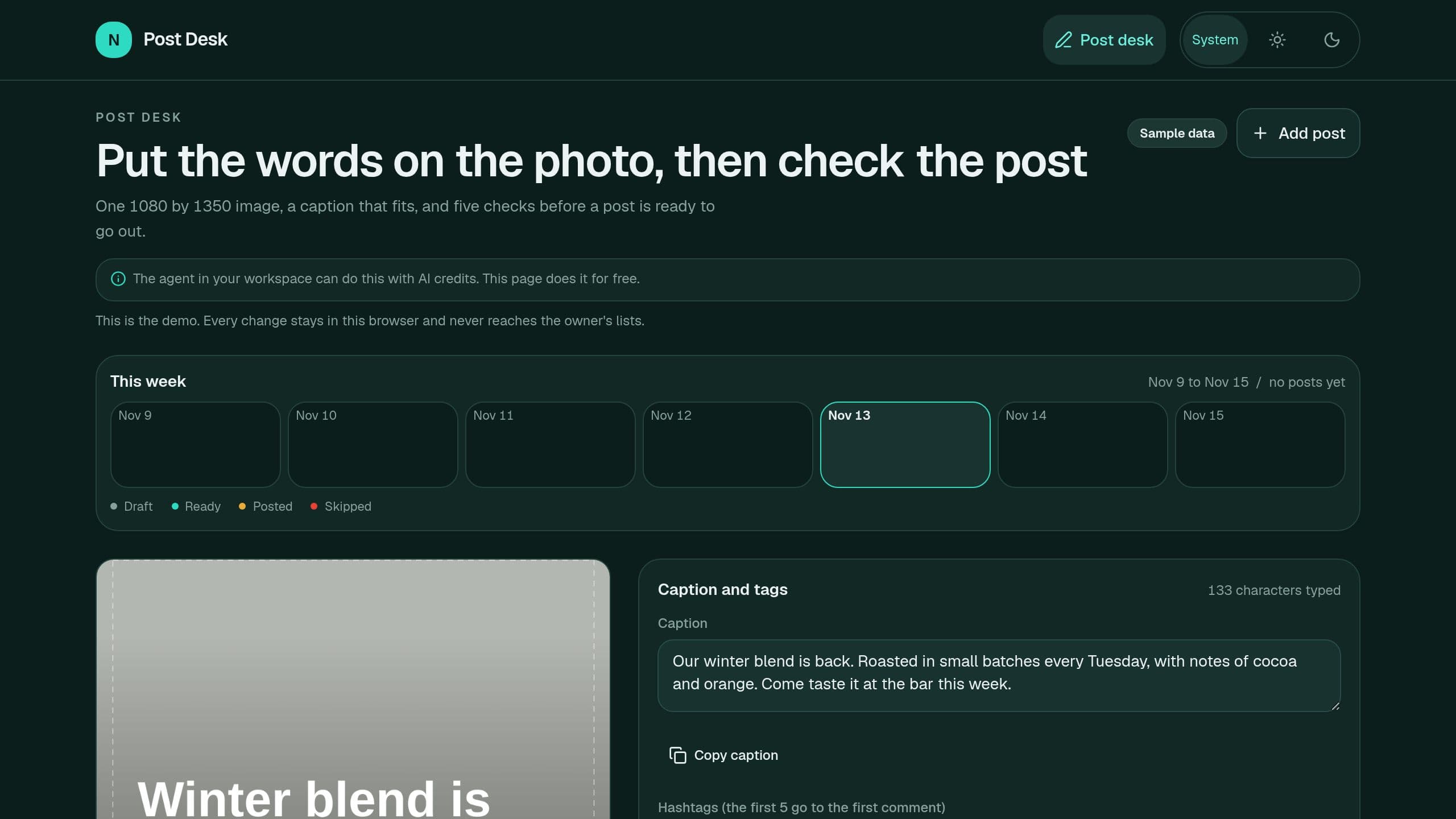
Put a headline on your own photo, export a 1080 by 1350 PNG in the browser, fit the caption to the limit and the first 125 characters, move the hashtags to the first comment, and pass a 5-line ready check before a post goes out. A Monday email lists the posts of the week. Free, no AI credits needed. Staff pages need the app Admin role. Put the link of your copy in Settings, App link.
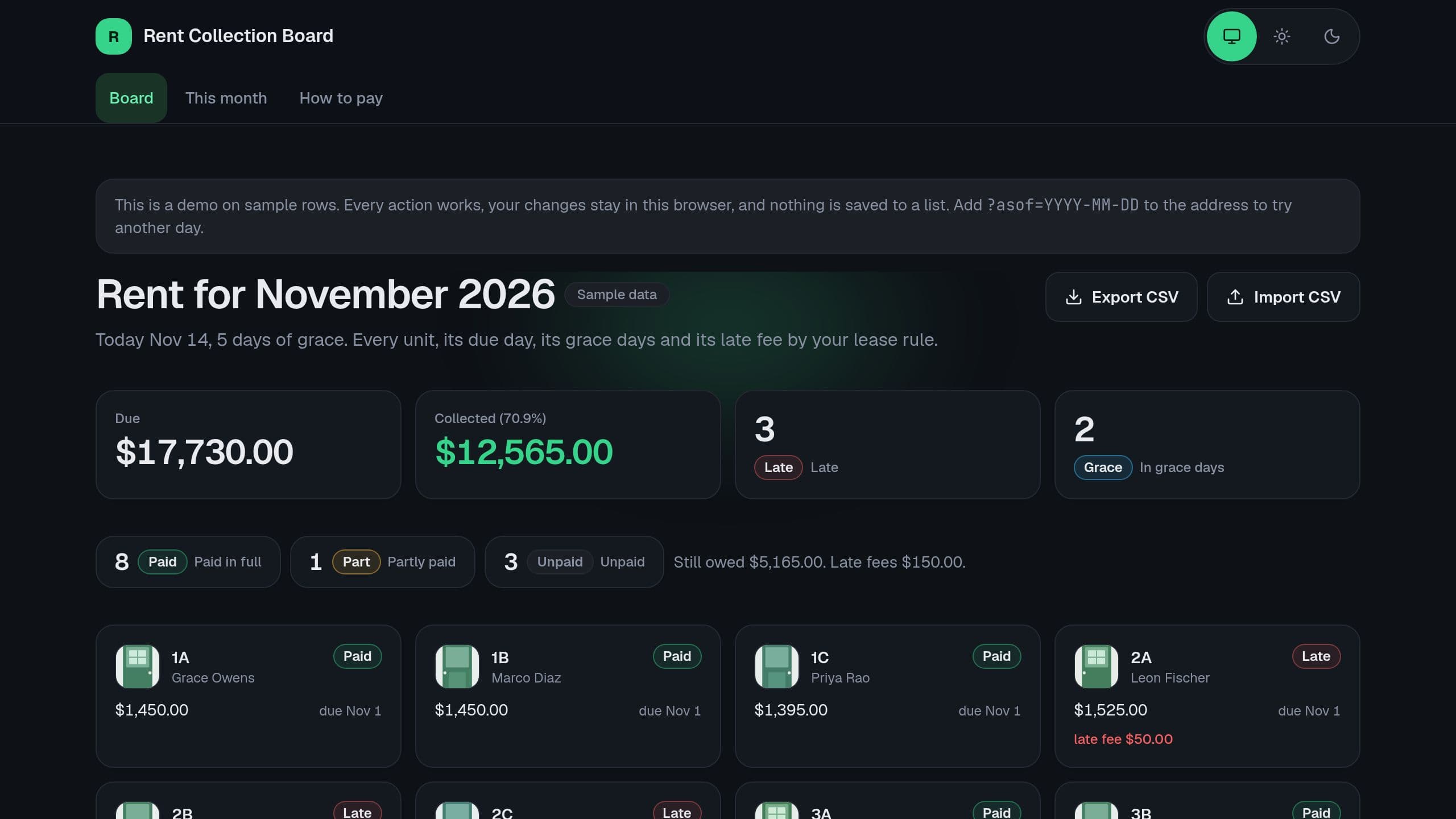
Rent Collection Tracker with Late Fees by Lease Rule for small landlords. See who has paid, who is late and what each late fee is by your grace days and fee rule, before you call a tenant. Free runs the board, CSV import and export, and the Monday digest by email. The Rent Assistant commands need AI credits, and receiving payments from a bank or rent tool needs Pro. Staff need the app Admin role for Settings.
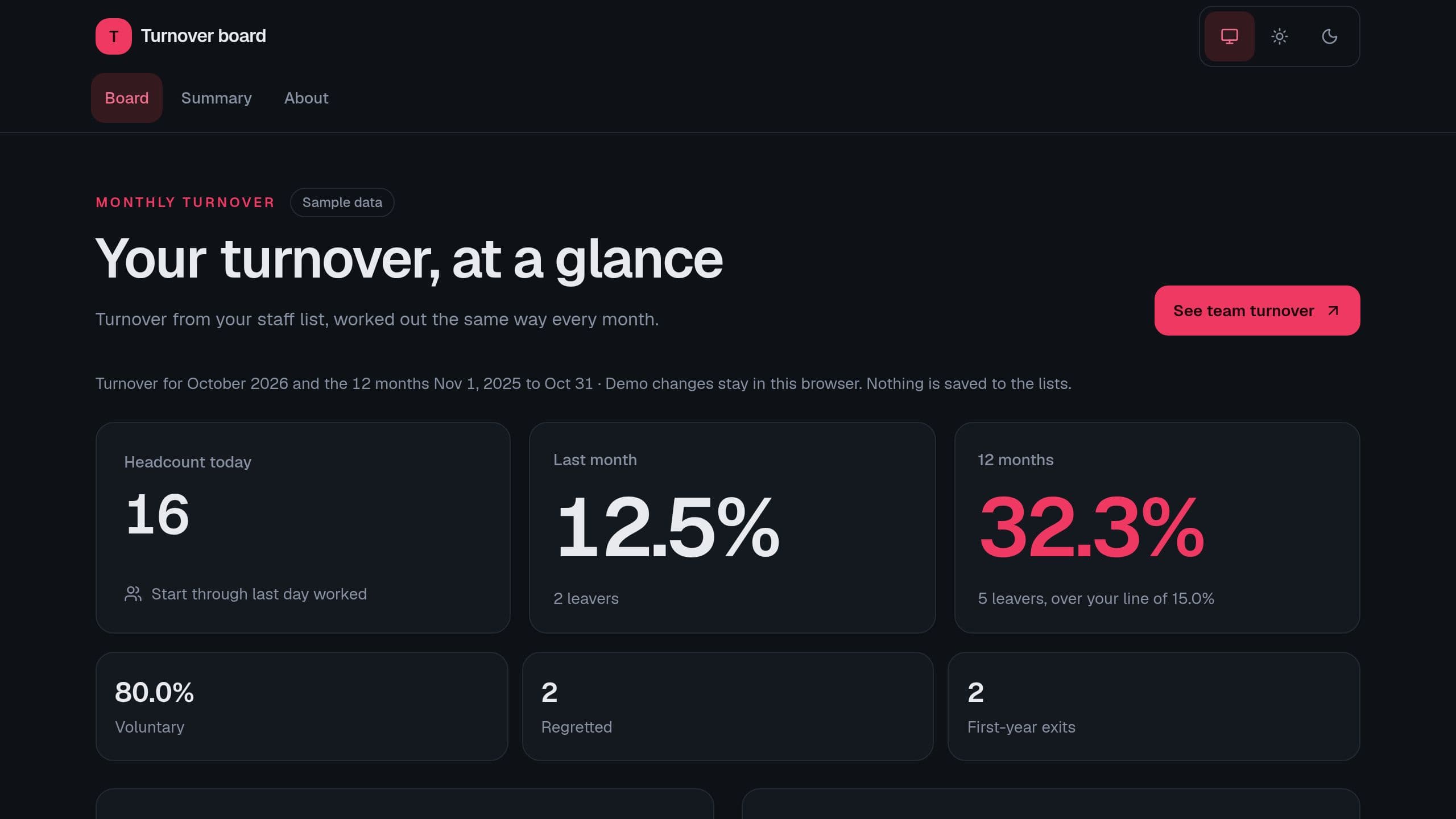
See monthly and 12-month turnover from your staff list, by team, with first-year exits, regretted leavers and the top exit reasons. Runs on sample rows with no sign-in. Put the link of your copy in Settings for the Monday digest email.
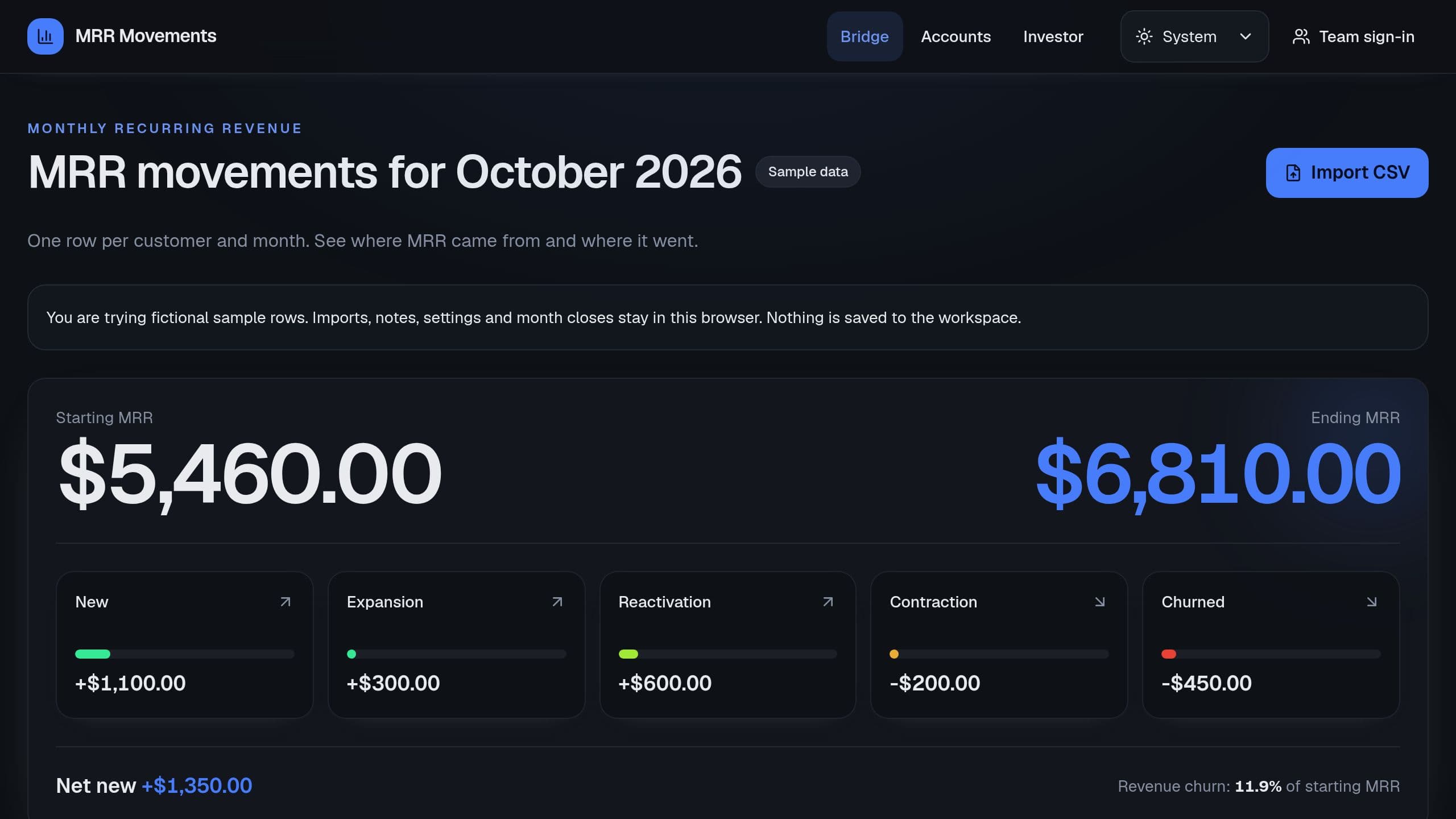
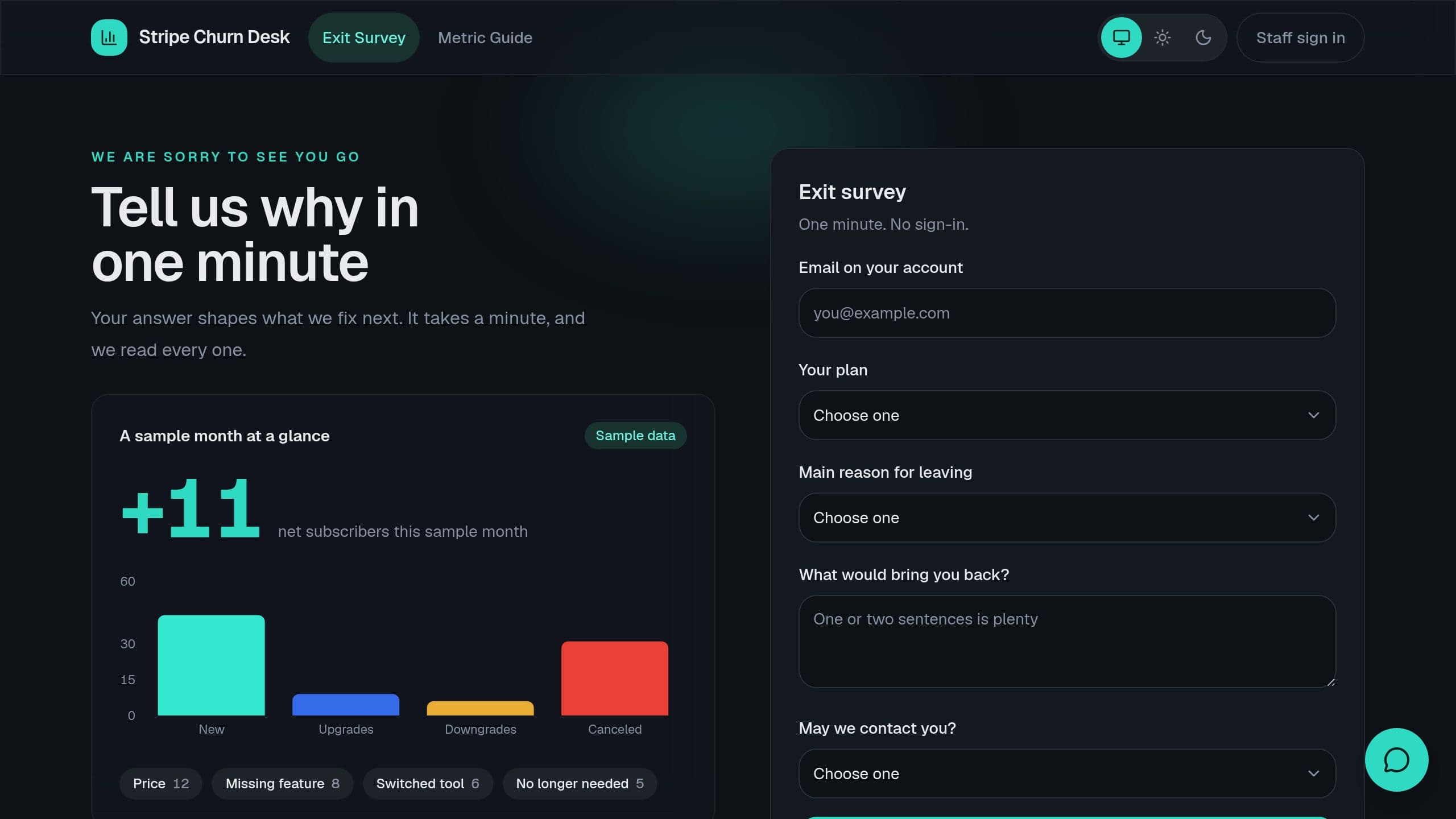
Paste one row per customer and month, and see starting MRR, each movement, ending MRR and revenue churn.
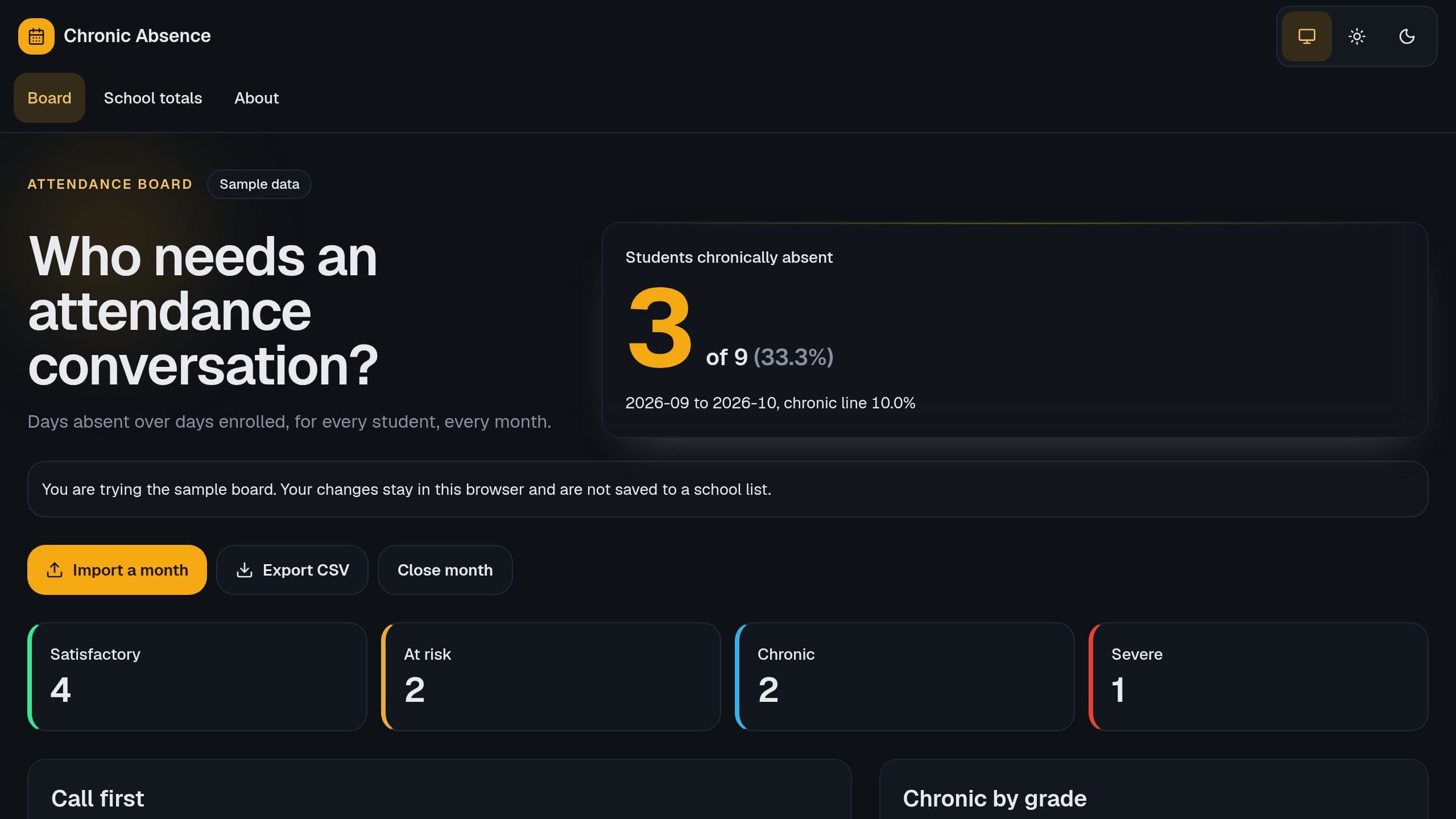
See each student's absence rate, tier and trend, and who to call first, from one monthly import.
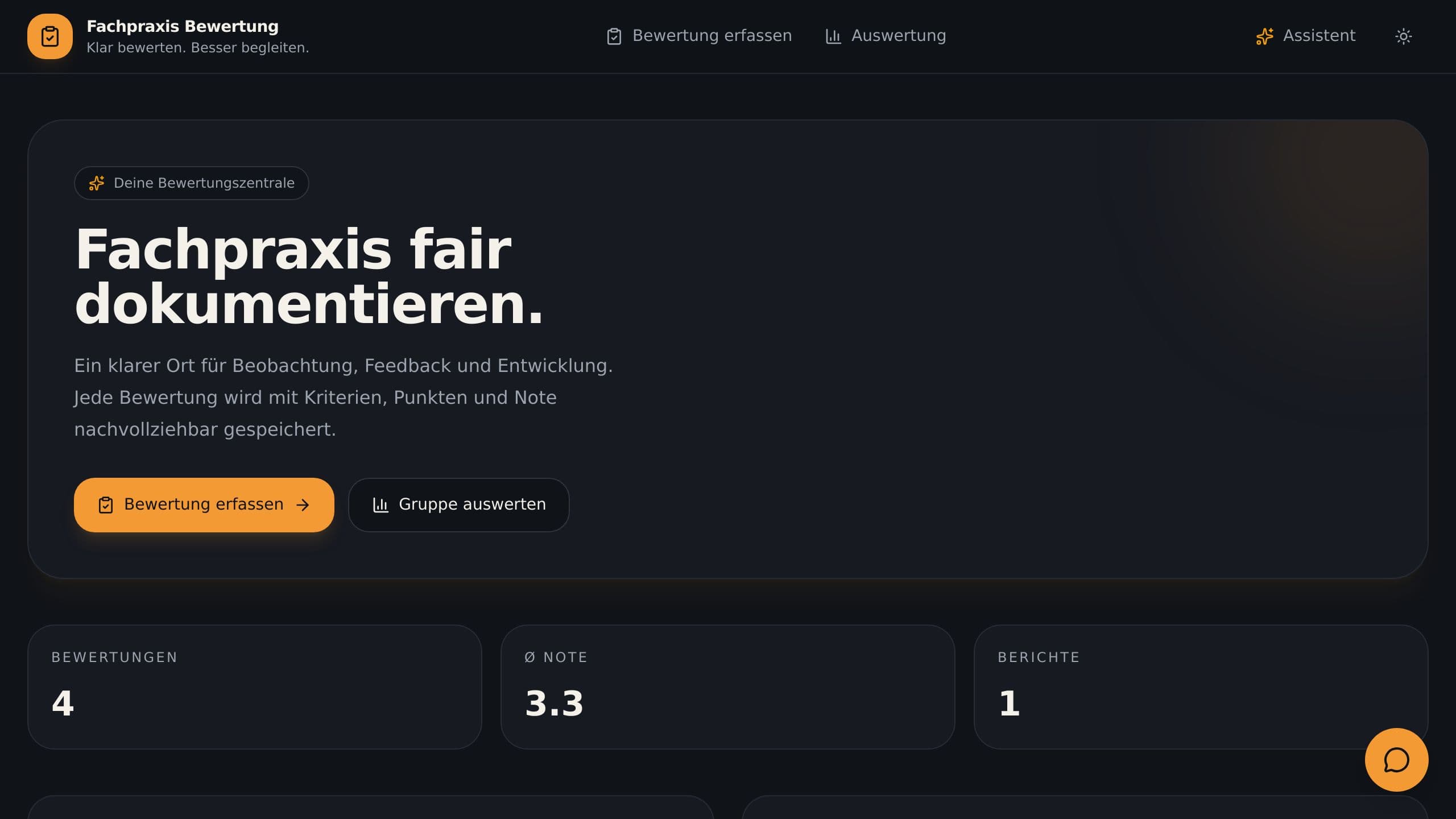
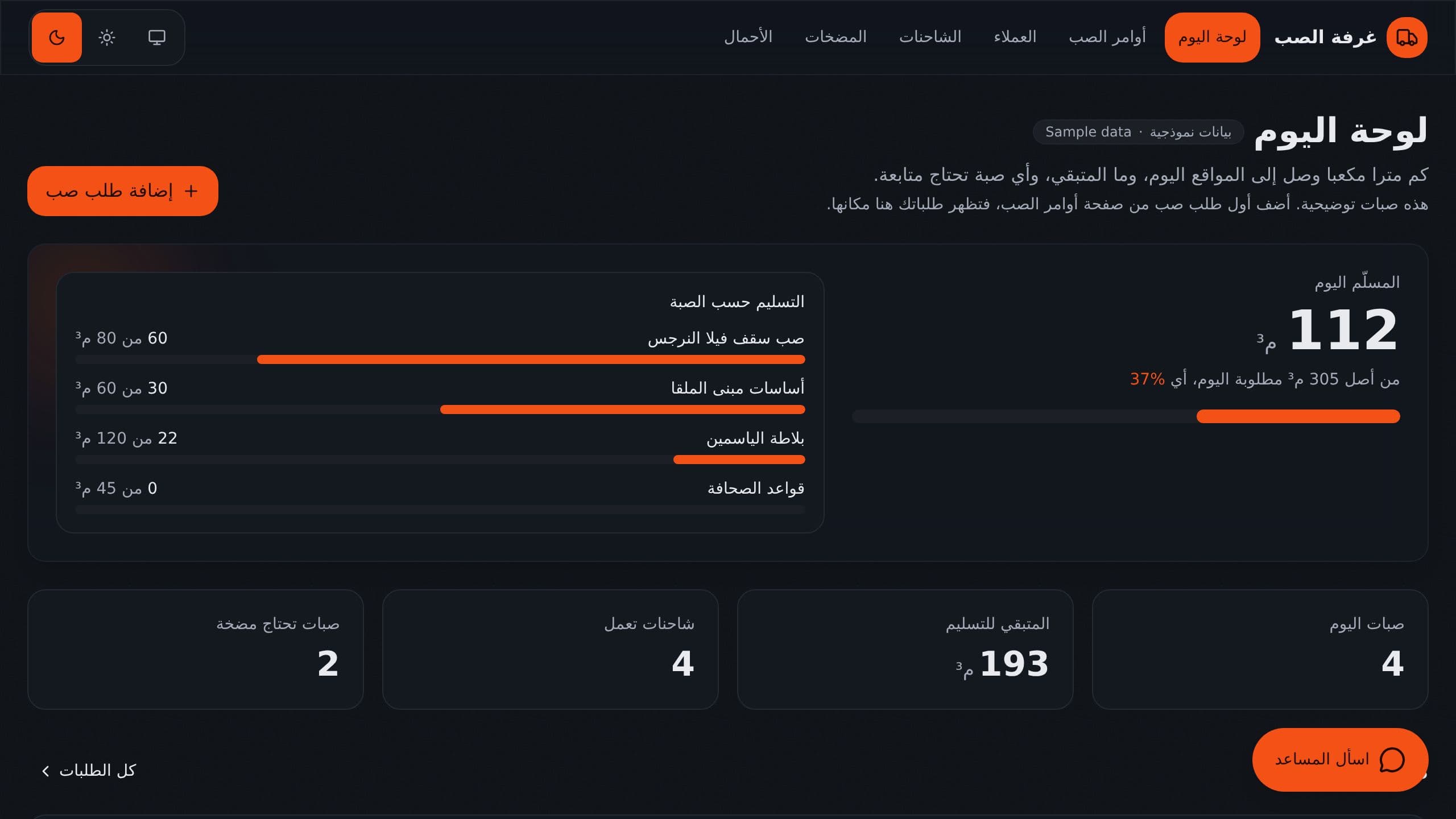
Dispatch ready mix concrete pours, trucks and pumps from one Arabic right-to-left board with nightly pour plans.
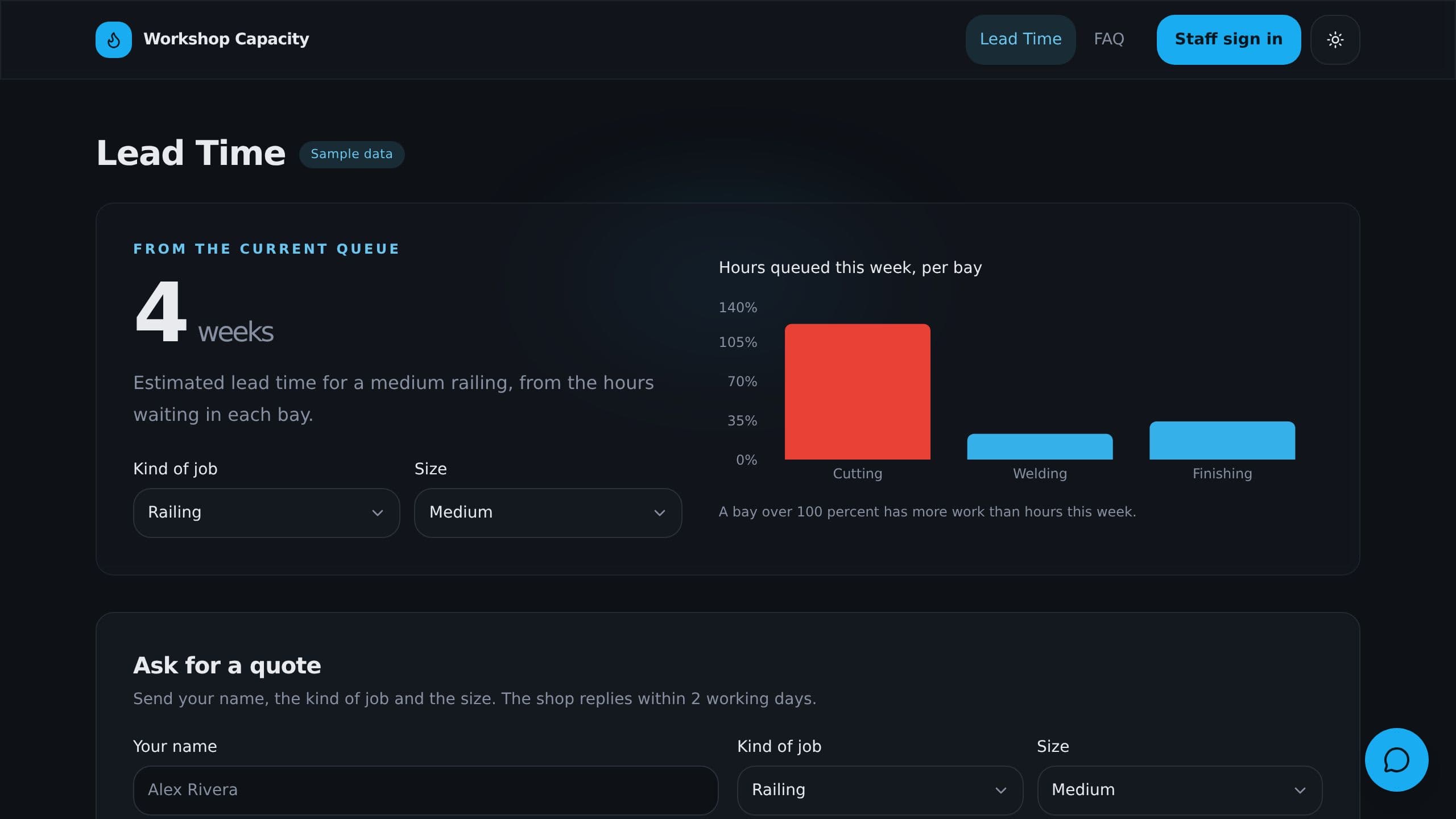
See hours by work center against order due dates, check a rush order, and show customers a lead time.
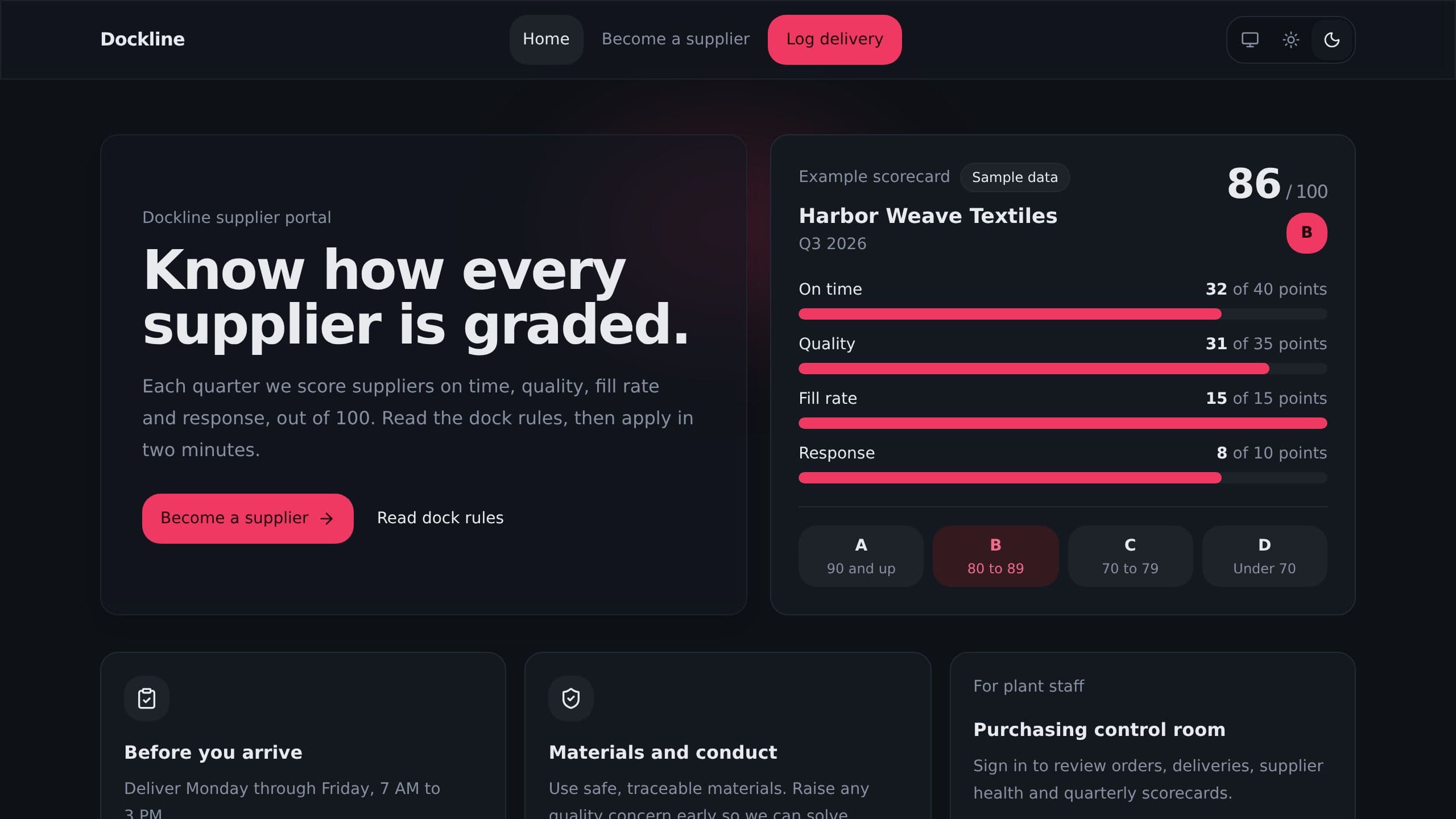
Quarterly supplier scorecards built from POs and deliveries: on time, quality, fill rate and grades.
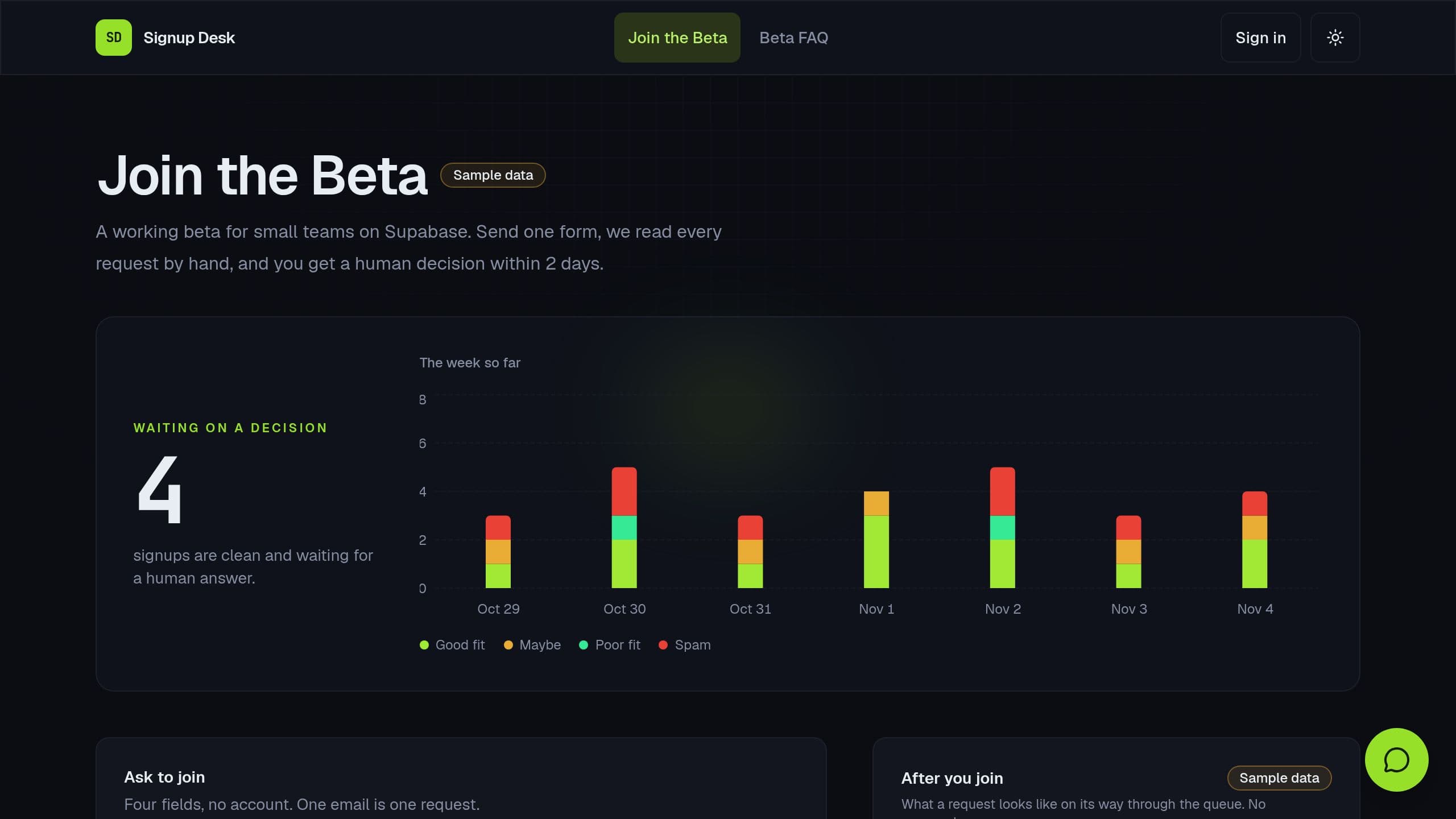
Review each beta signup with a fit and spam check, approve in one click, and mark approved users back in Supabase once you connect it.
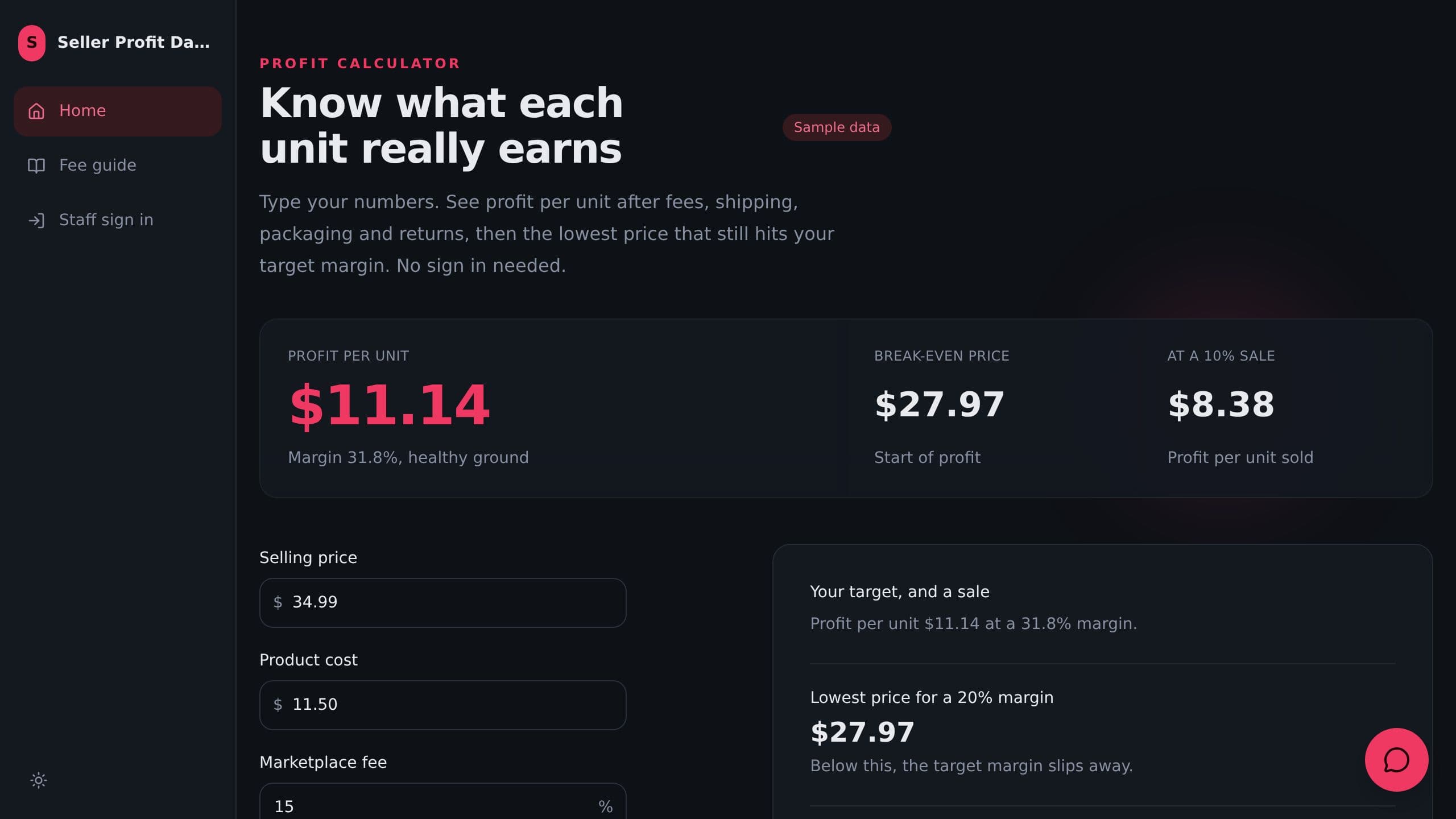
See profit per product after marketplace fees, shipping, returns and ads. A public calculator checks a price before you list.
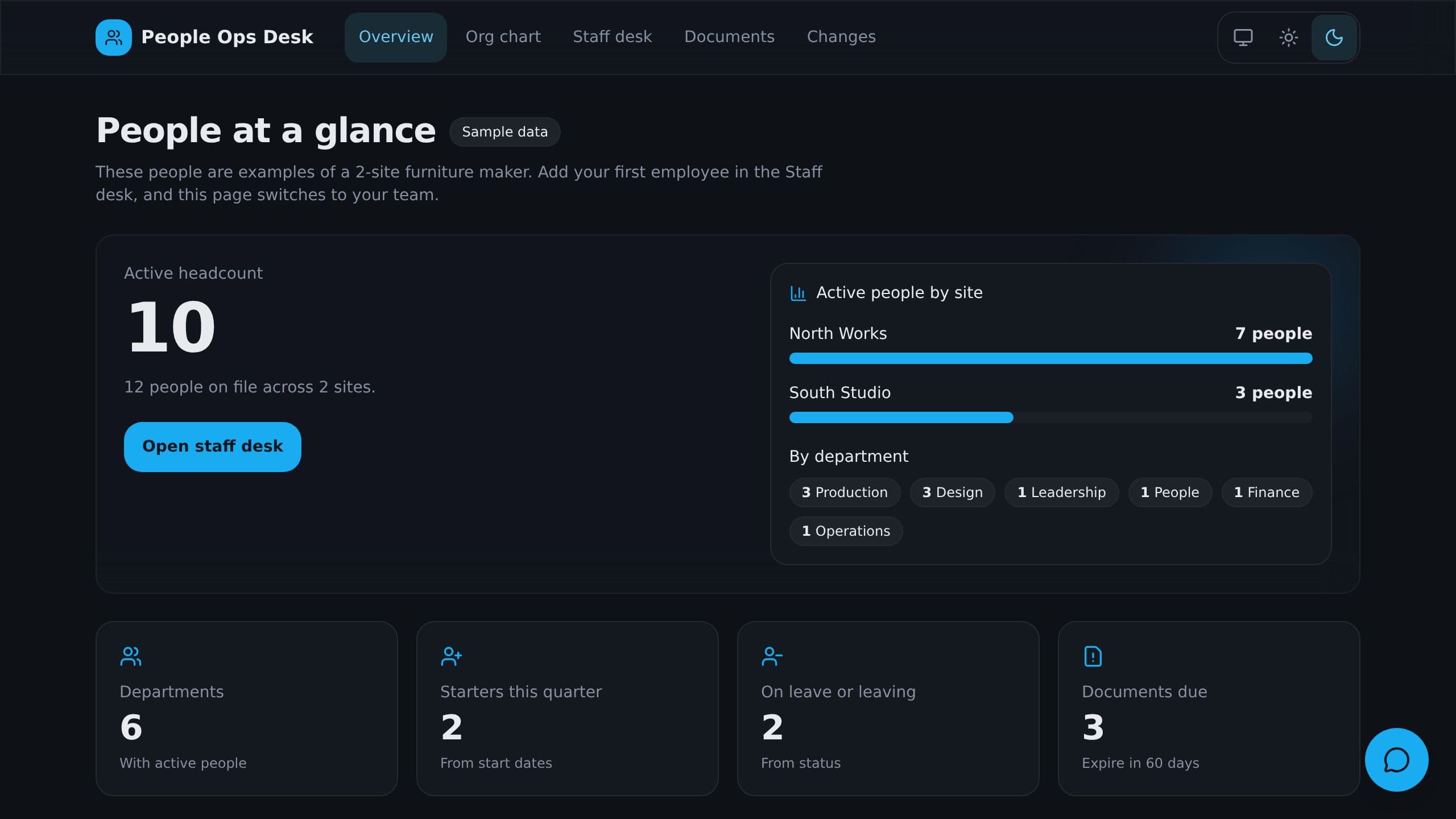
It replaces the folder of spreadsheets. It shows headcount by site and an org chart built from managers. It also tracks documents that expire and probation periods that end soon. Clone it free and start with sample data.
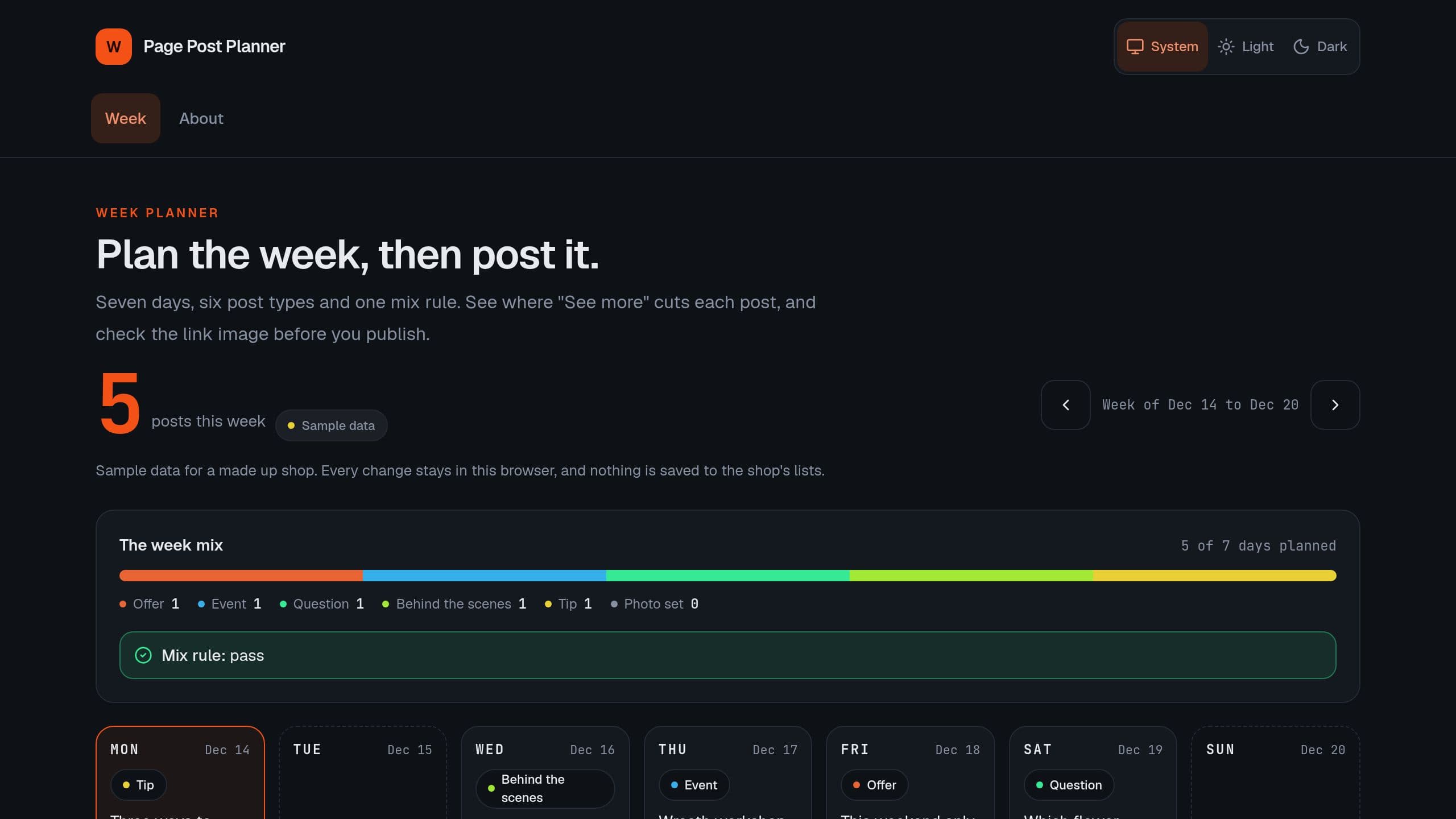
Plan a week of Facebook Page posts by type, check the offer mix, see where "See more" cuts each post and check link images before you post. The Monday email works on Free. Posting from the kit needs Facebook Pages connected and Starter or higher.
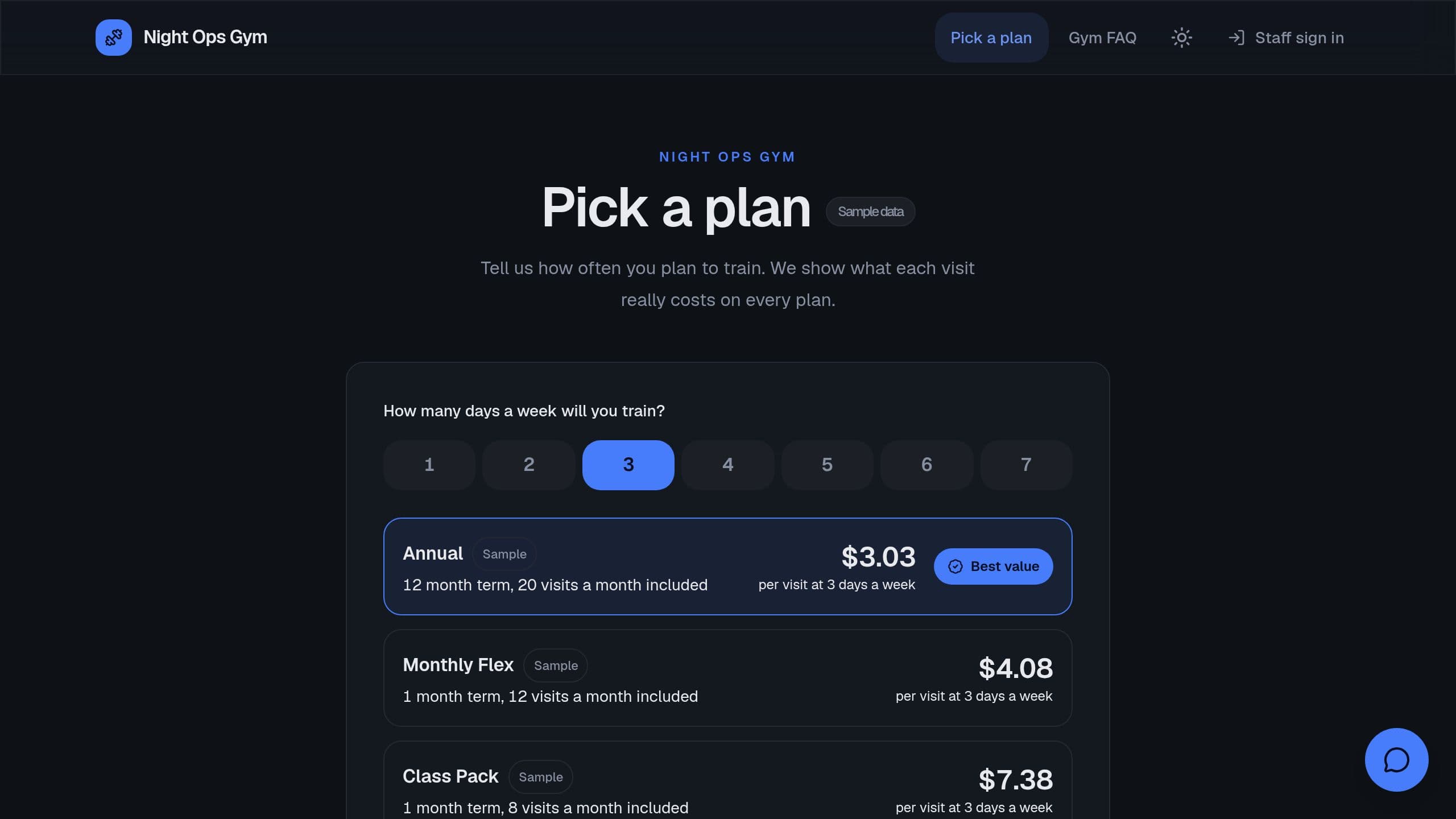
Track active members, new joins, churn and members who stopped coming. Share a public plan picker.
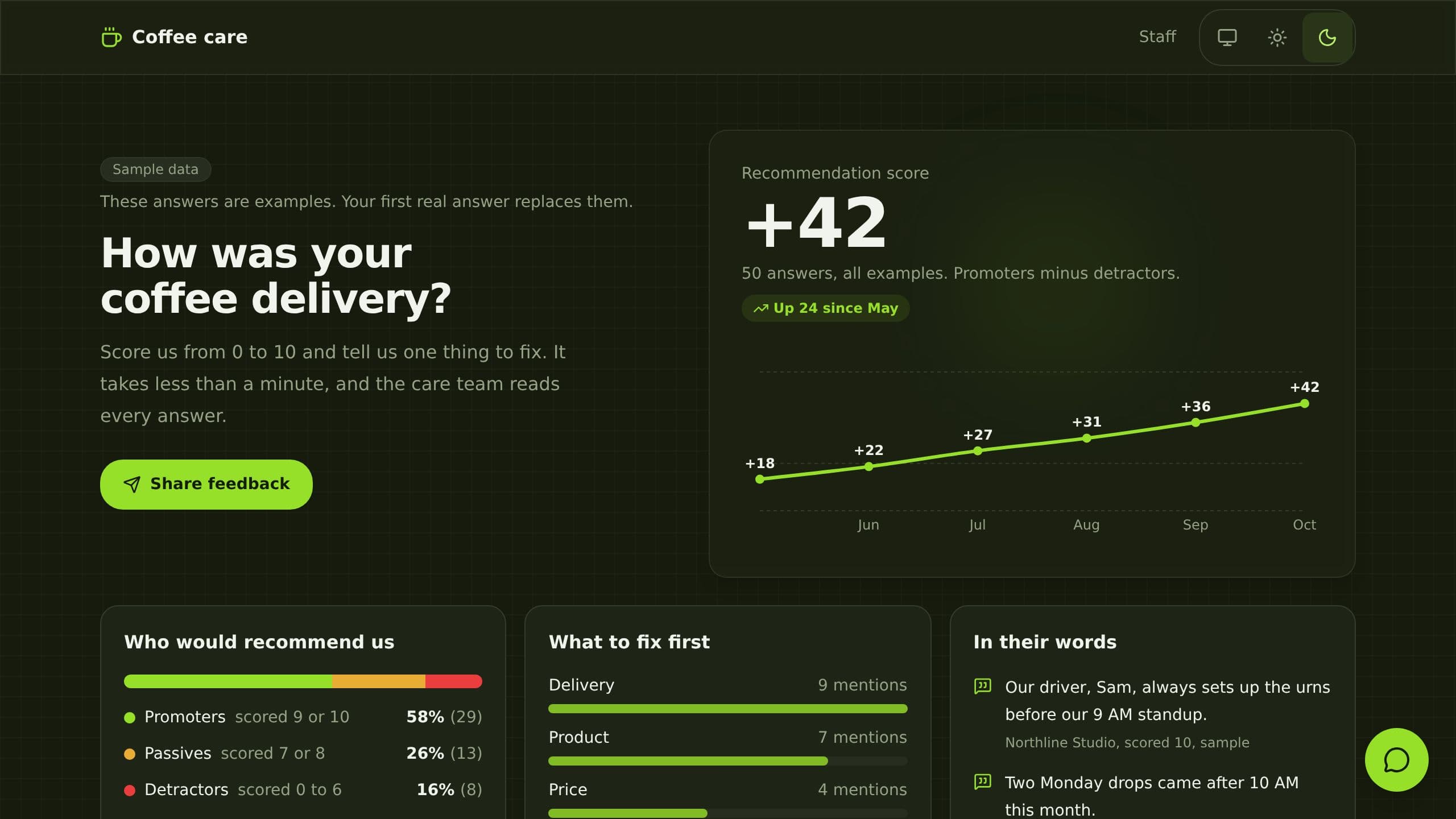
It replaces paper comment cards and scattered survey replies. Customers answer a 0 to 10 recommend question and two short questions on a public link. The app groups promoters and detractors, charts the score by month and tags each detractor with a theme and a suggested reply. Built for a customer care manager. Clone it free and start with sample data.
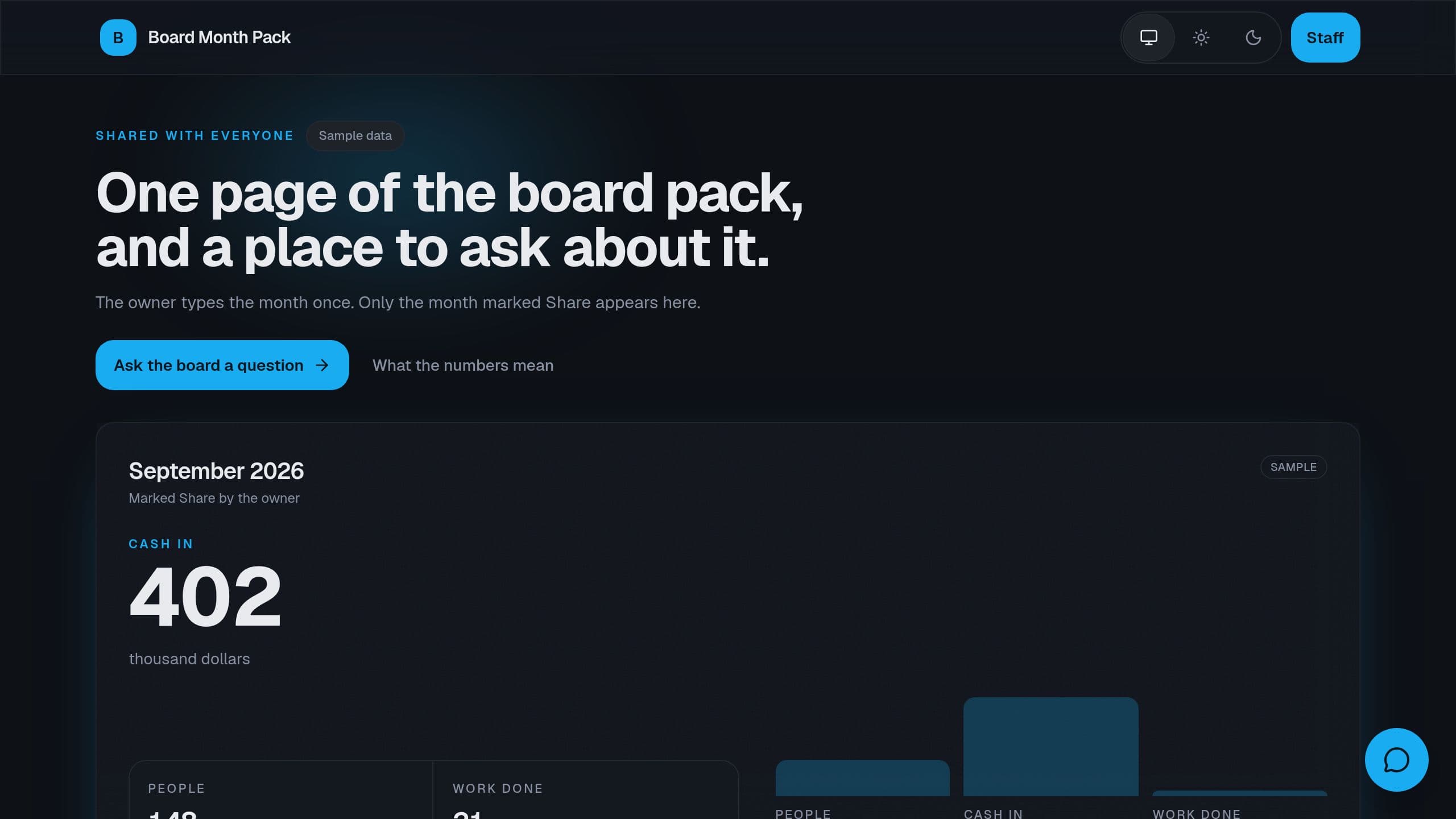
Type this month's numbers once. Get a board pack with decisions due and a public one-pager you choose to share.
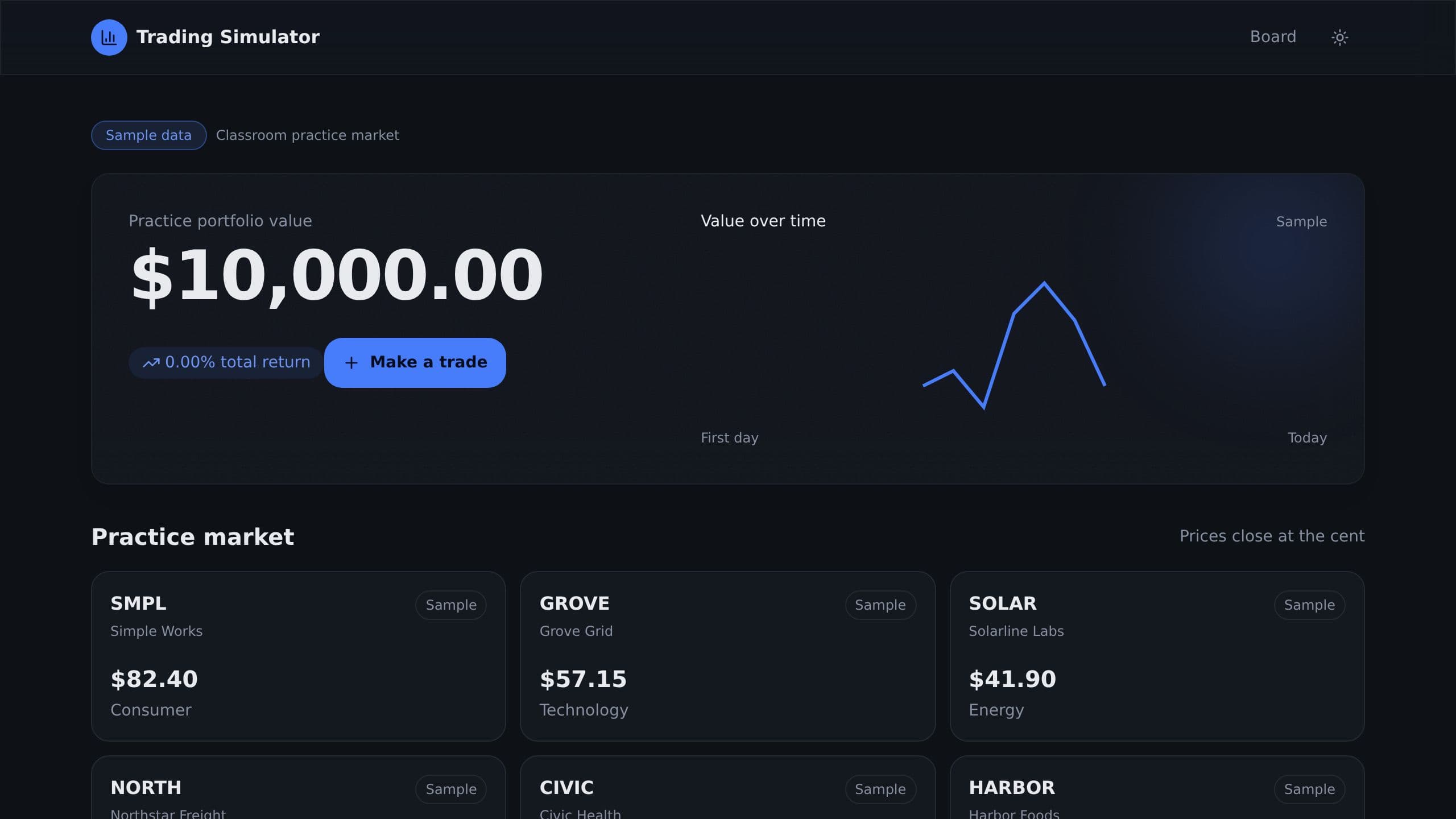
Students trade sample stocks with play money, write a reason for every trade, and get a coach note on each result.
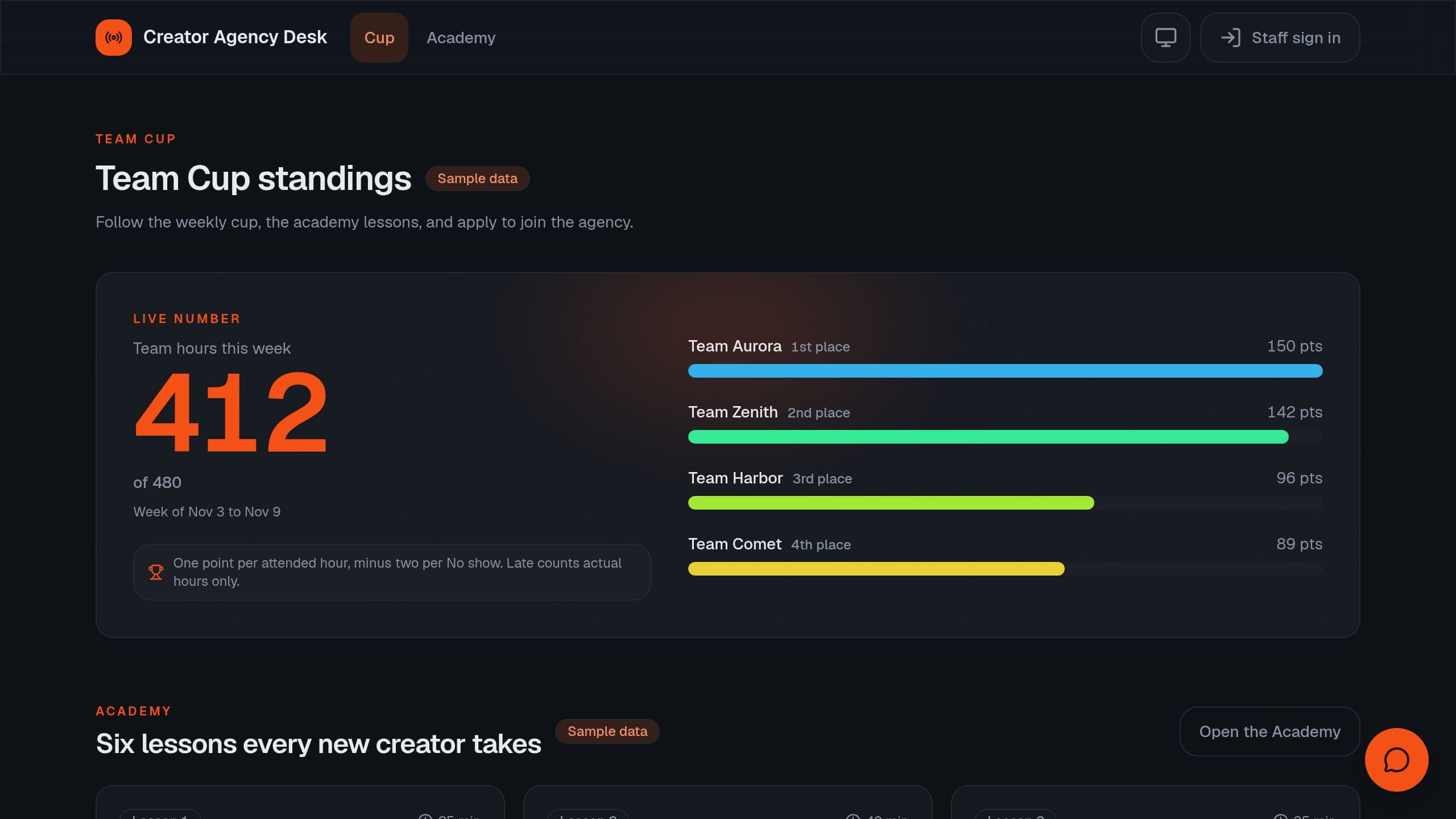
Run a creator agency with a public team cup and academy, creator applications, a roster by team, and live shift attendance. It is a free Taskade Genesis kit. Clone it and make it yours.
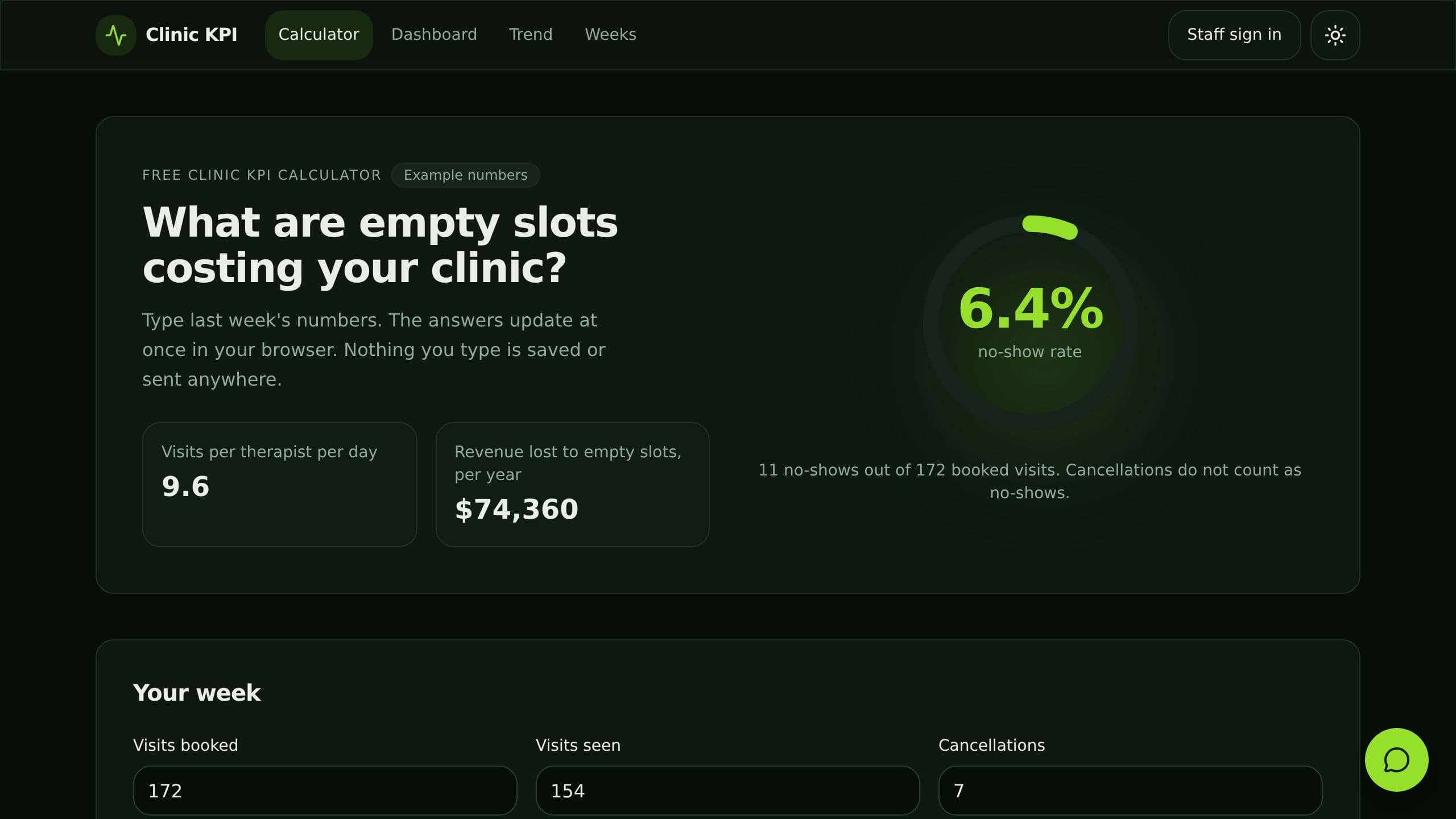
Work out no-show rate and lost revenue for free, then track visits, new patients and referral sources per therapist.
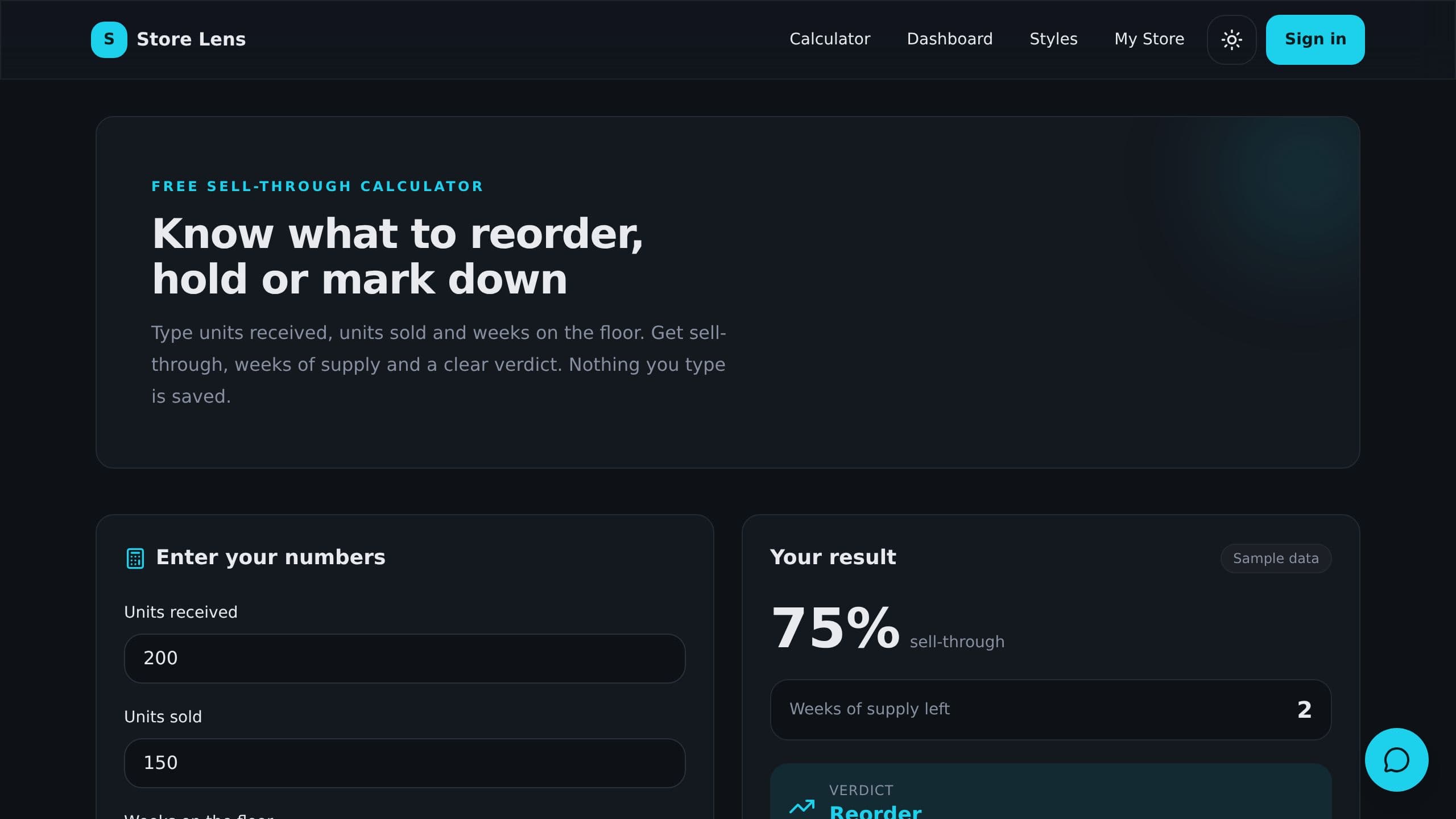
Weekly sales against target for every store, sell-through and a reorder, hold or mark down verdict for every style, and a free sell-through calculator, with a store assistant that answers from your numbers.
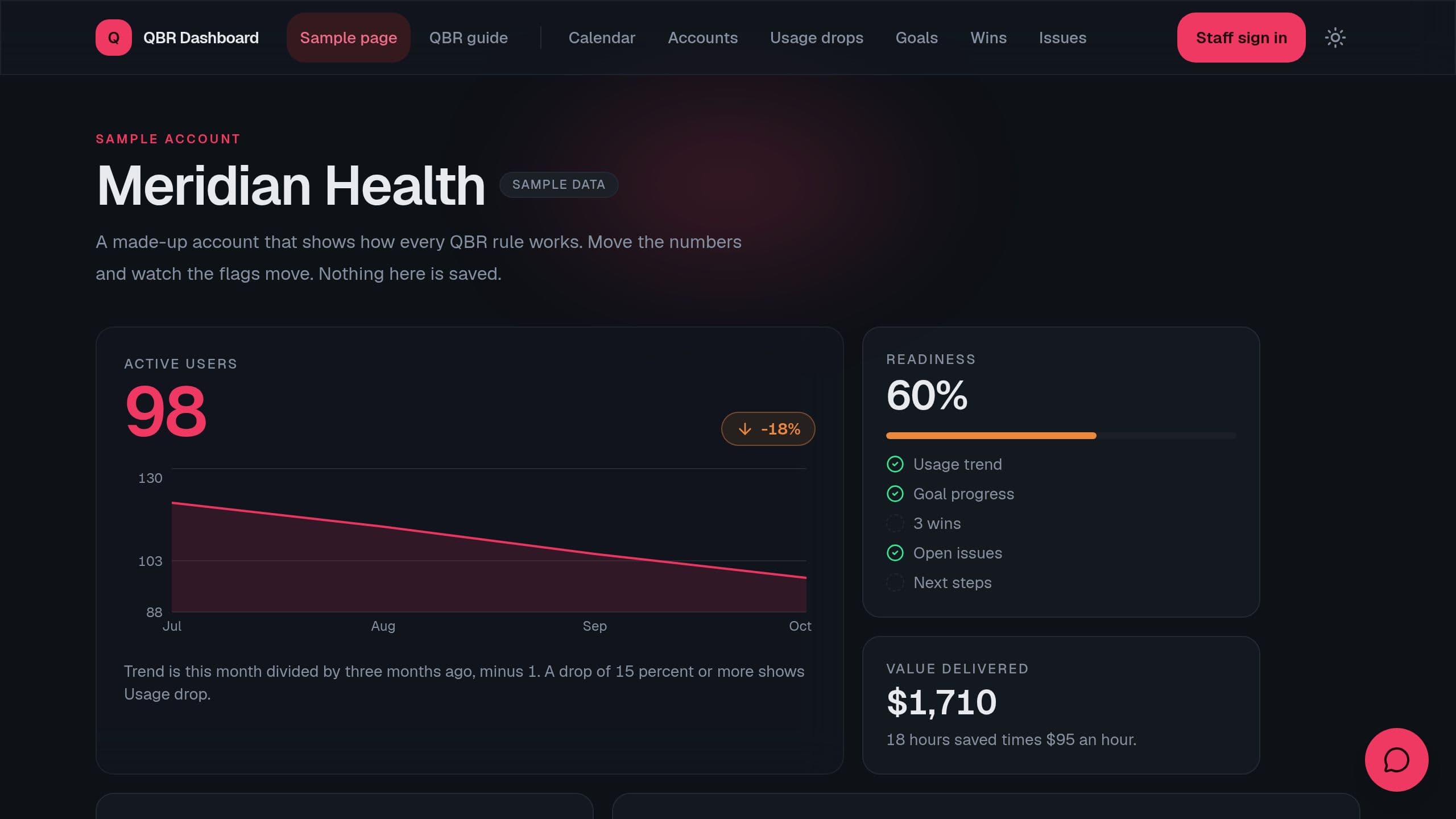
One page per account with usage trend, goals, wins, open issues and the next QBR date, plus a readiness score for every review.
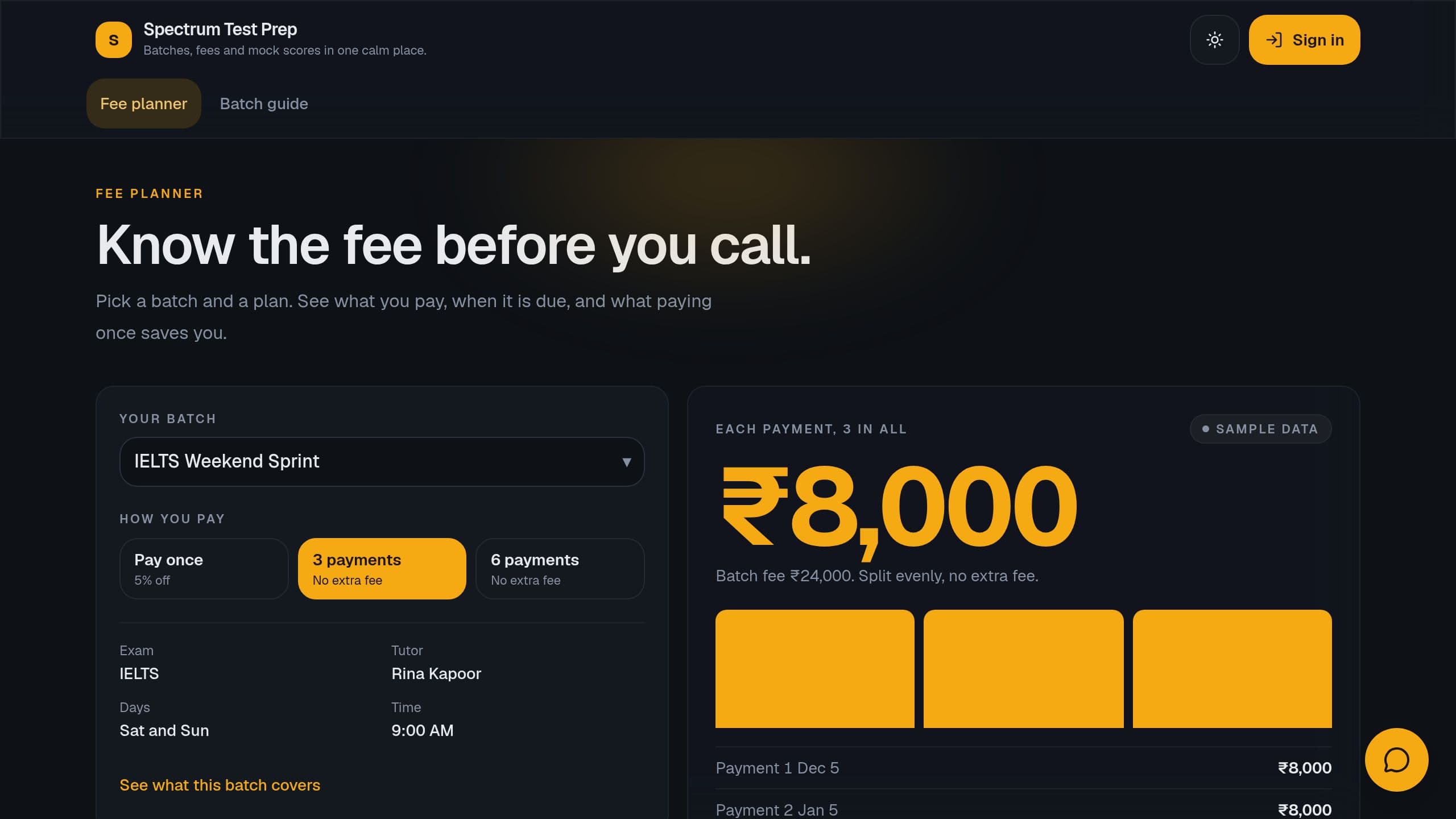
Track seats per batch, fee installments due, mock test averages and leads to enrolled, with a public fee planner.
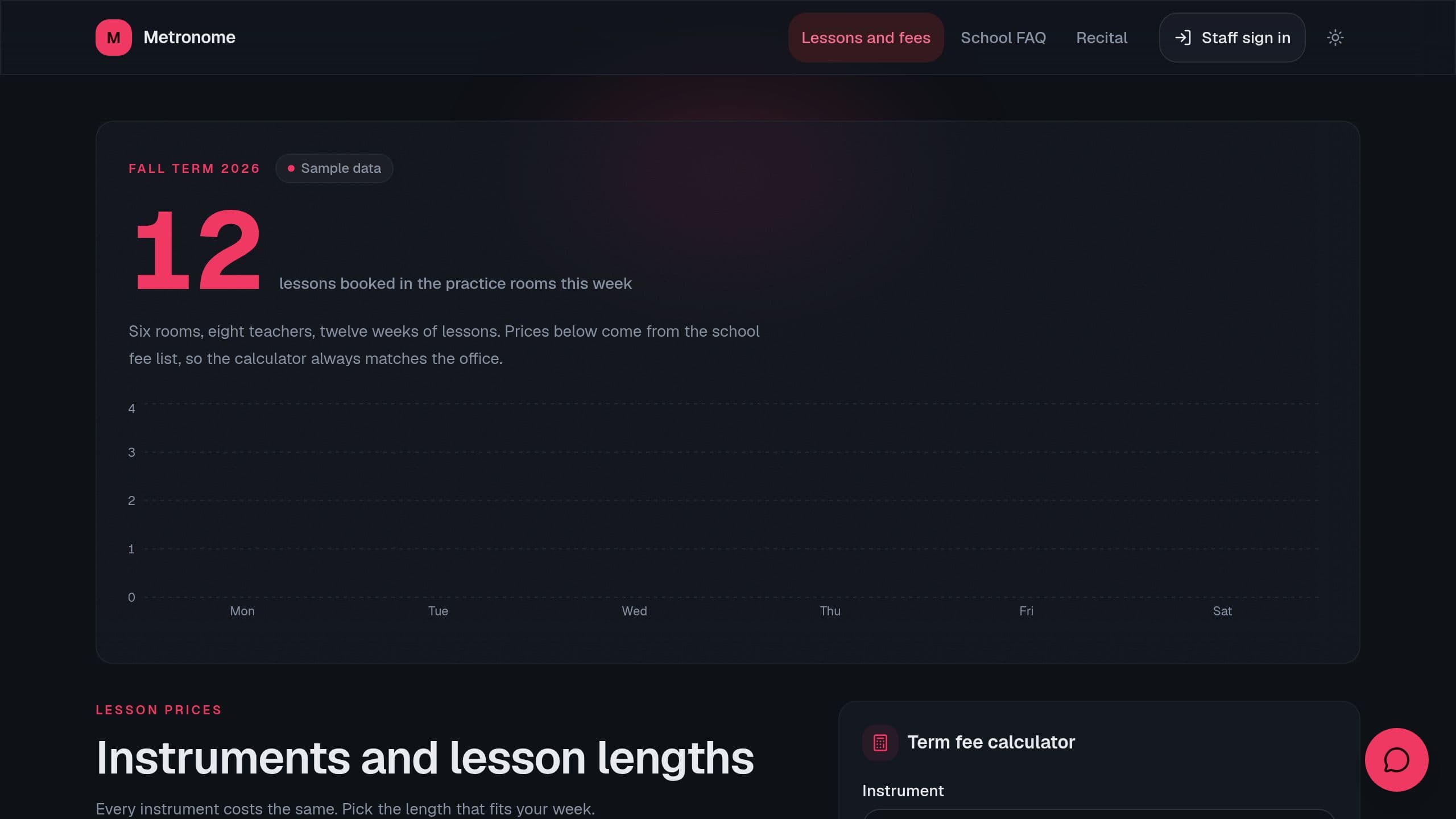
Track students per teacher, tuition due, room use, recital sign-ups and drop-outs, with a public fee page and trial requests.
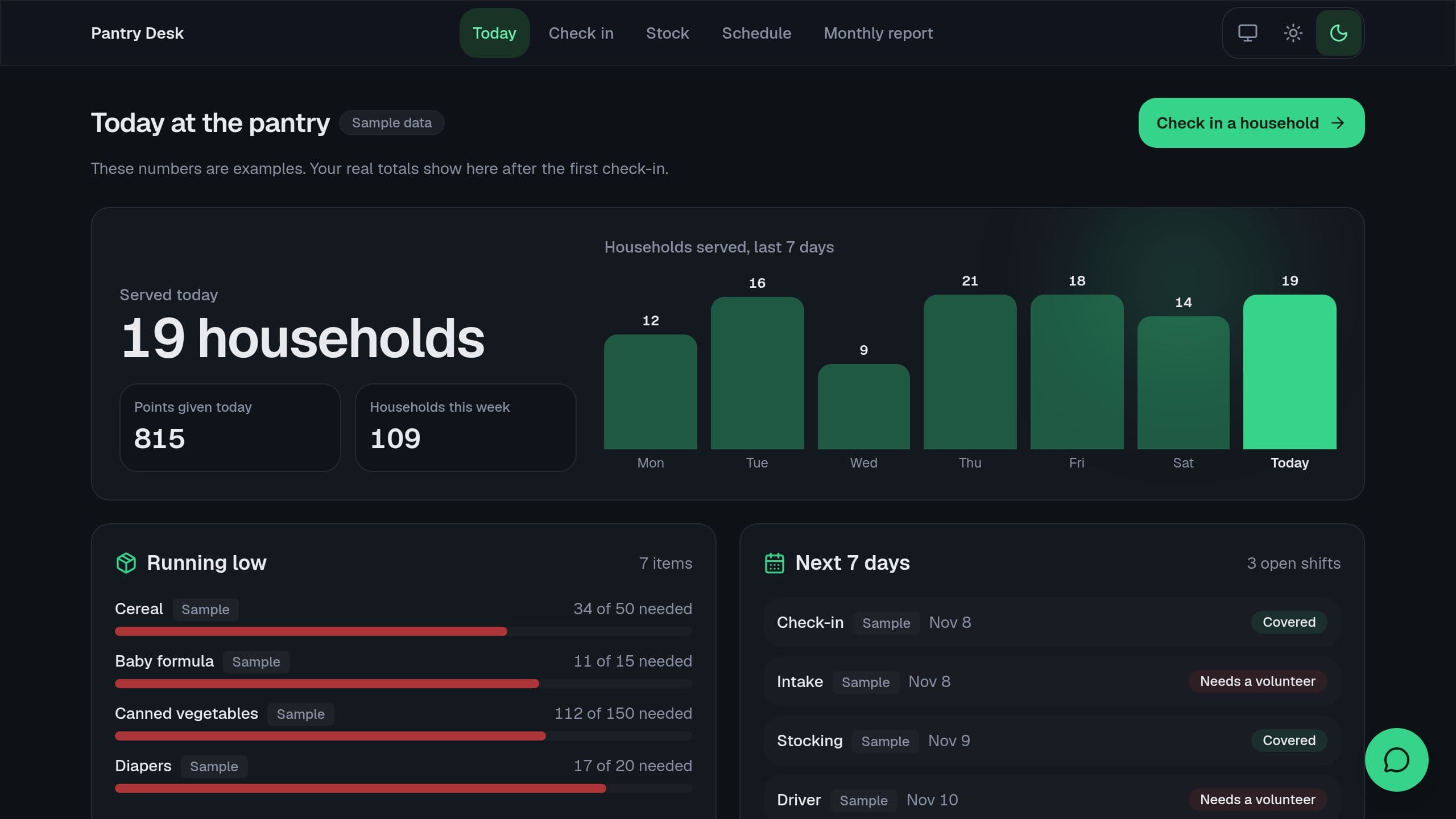
Check households in on a tablet, apply a points rule by household size, track stock and print the monthly funder report.
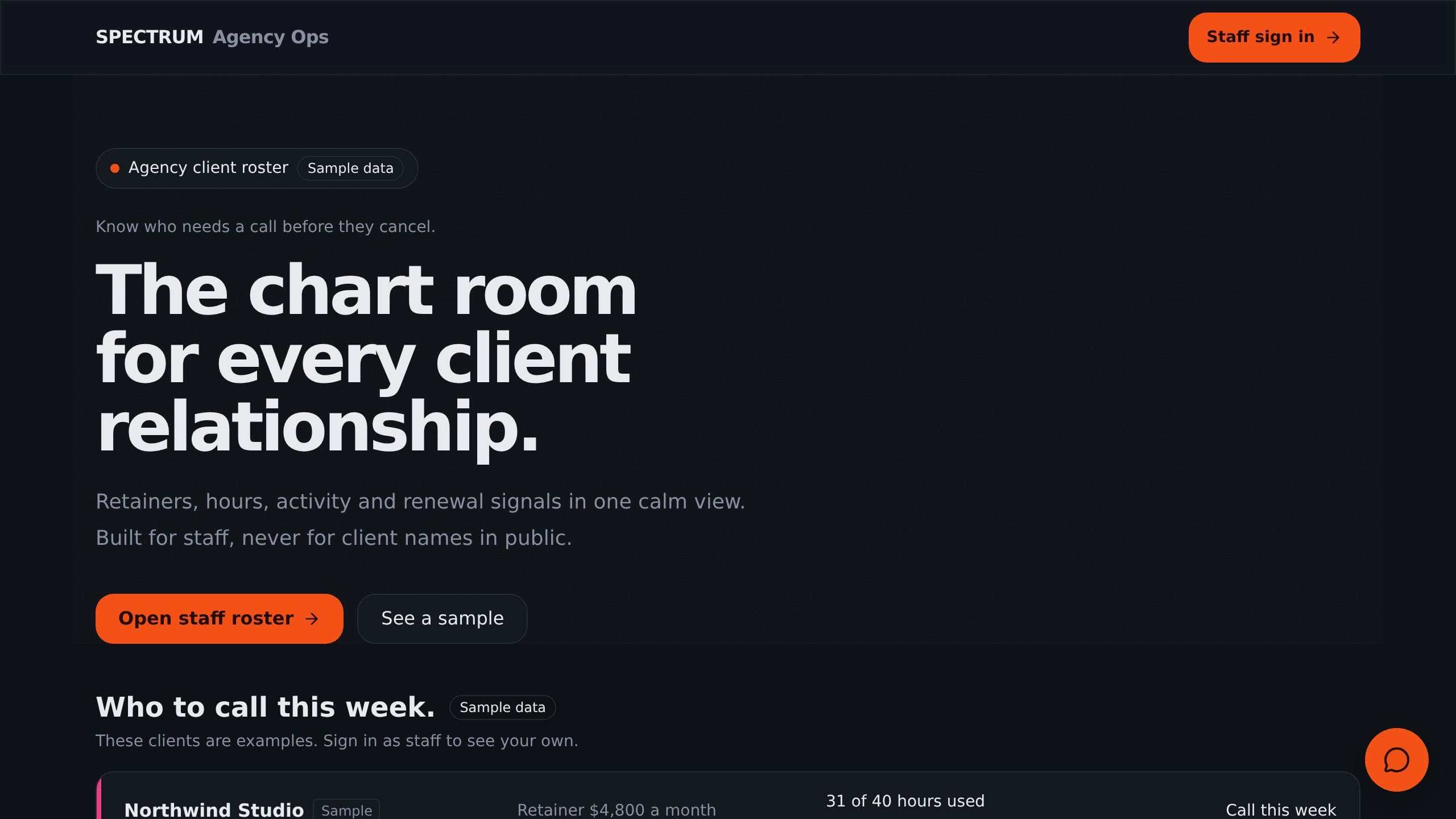
Every client on one screen with retainer hours, last activity, renewal date and a health color.
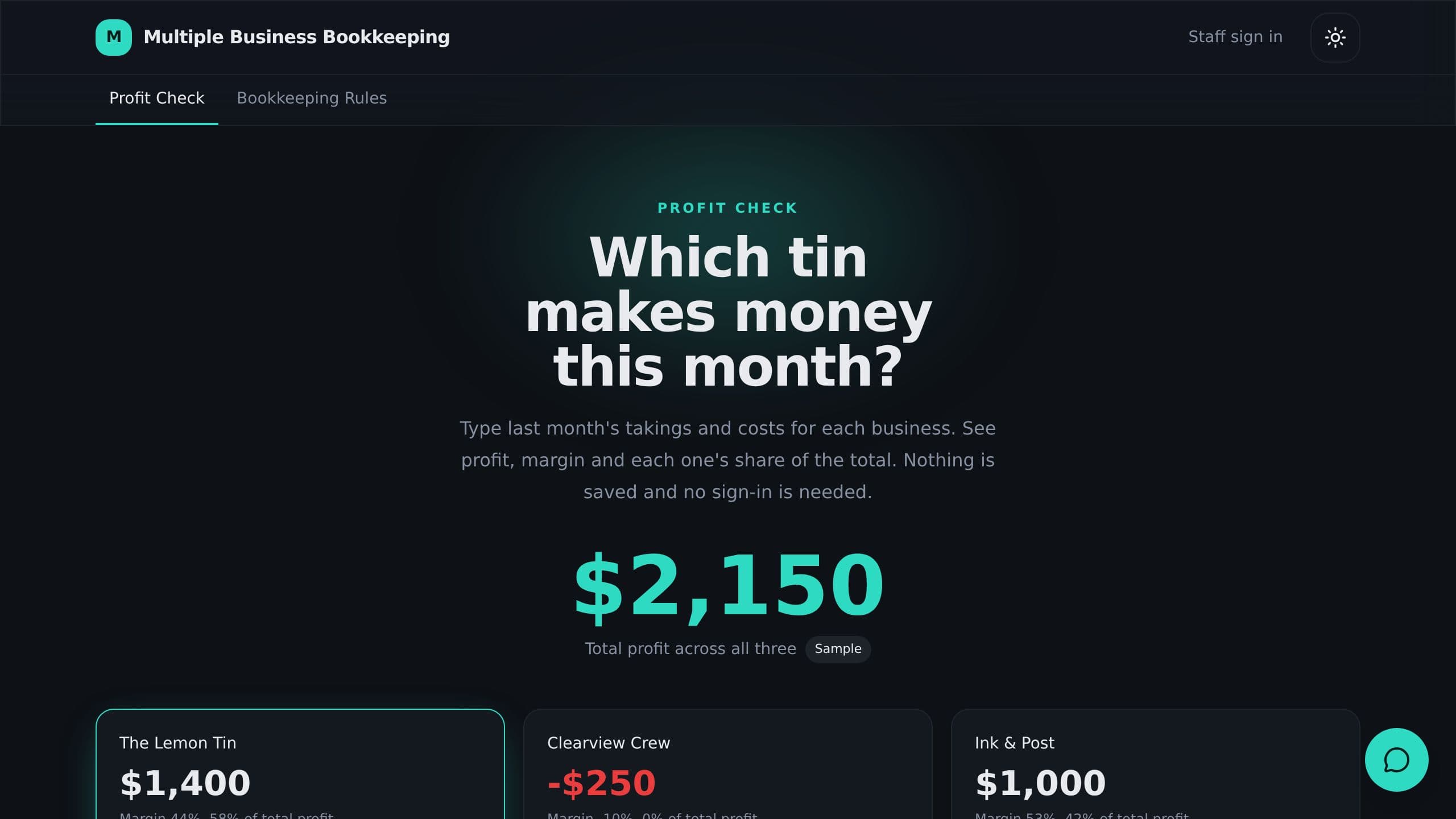
Track income and expense for several small businesses, split shared costs and see profit per business.
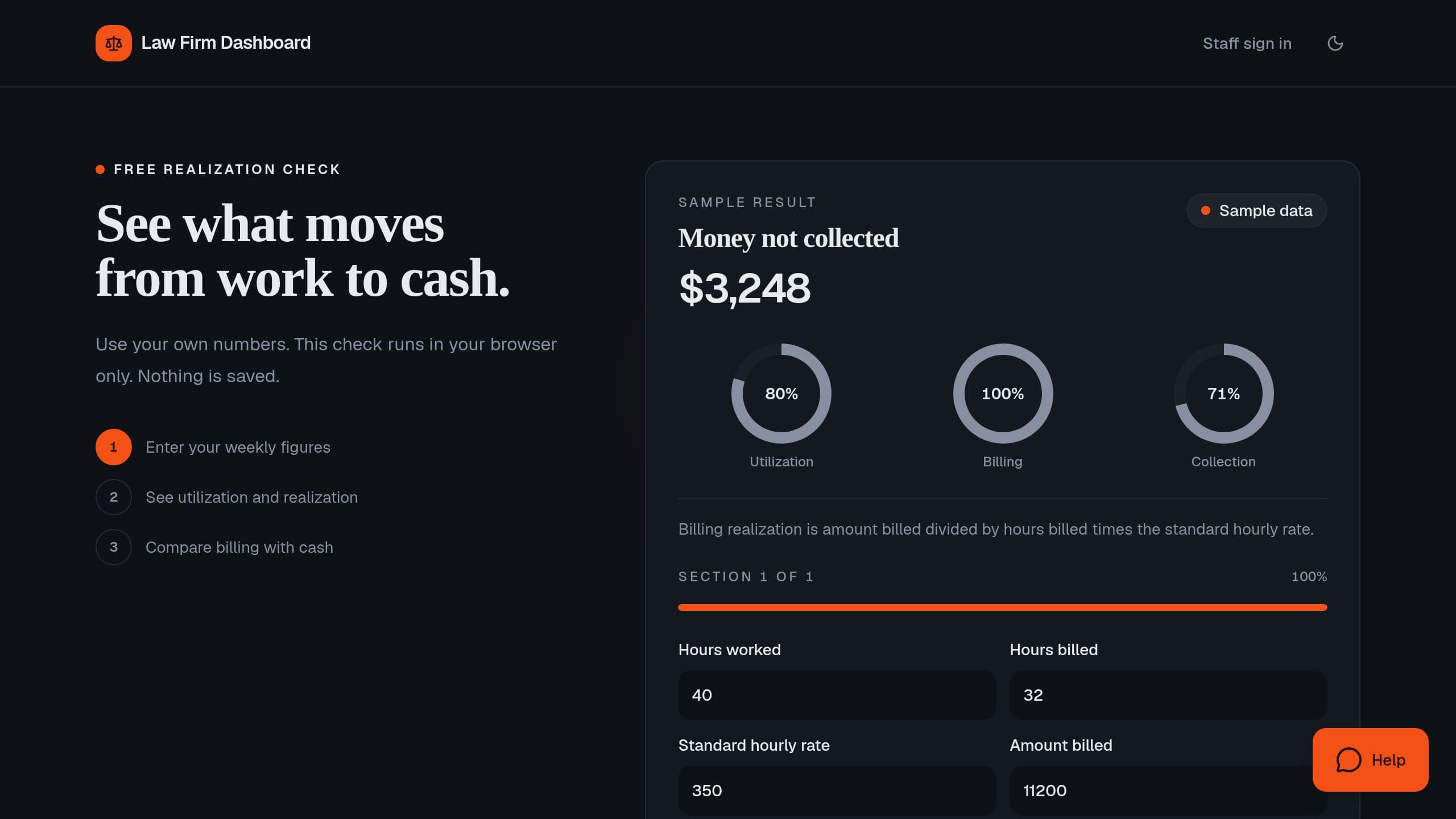
Measure utilization and realization for free, then track hours, billing and collections per lawyer each week.
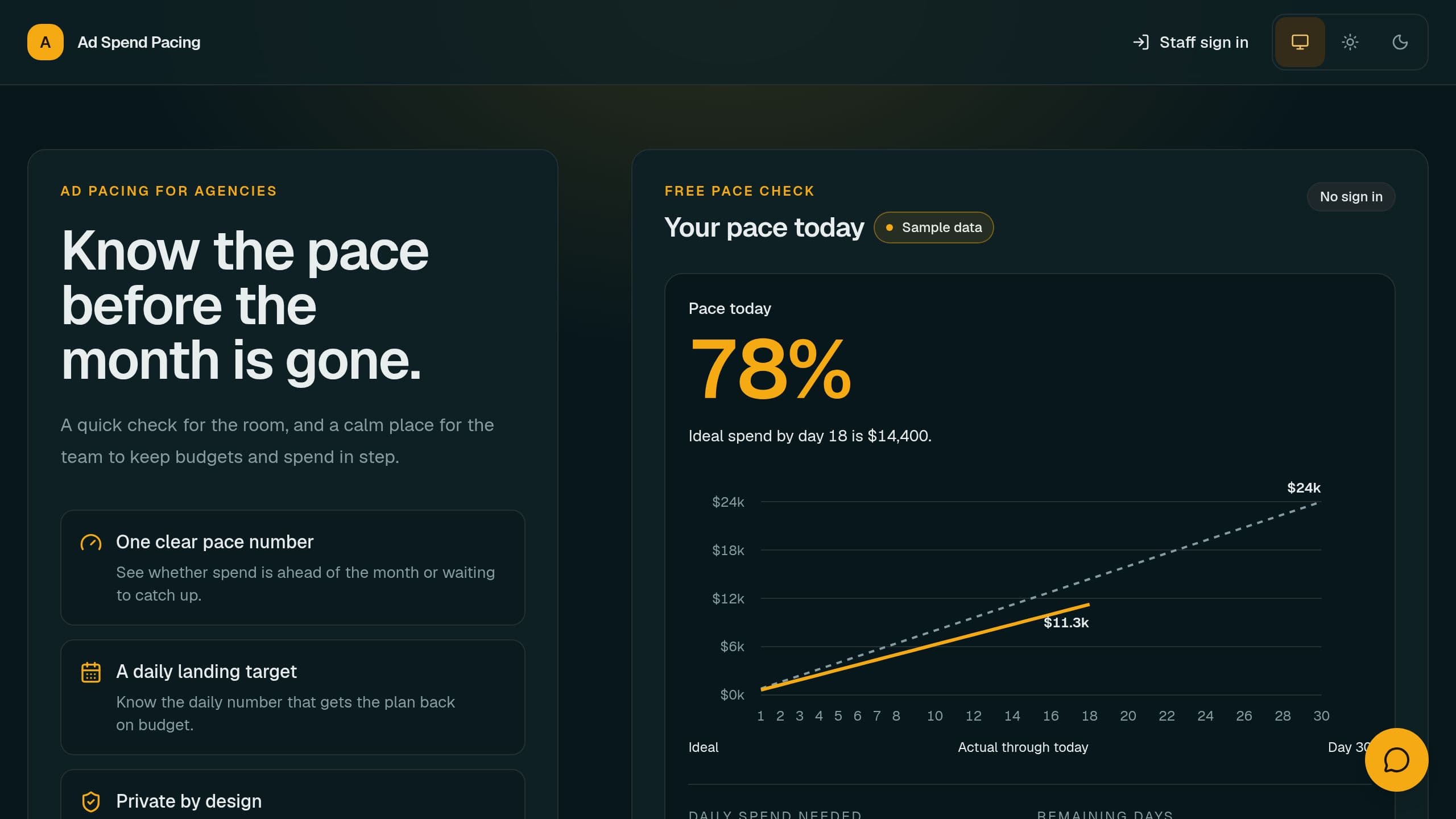
Work out ad budget pace for free, then track every client budget, spend by channel and the daily spend needed.
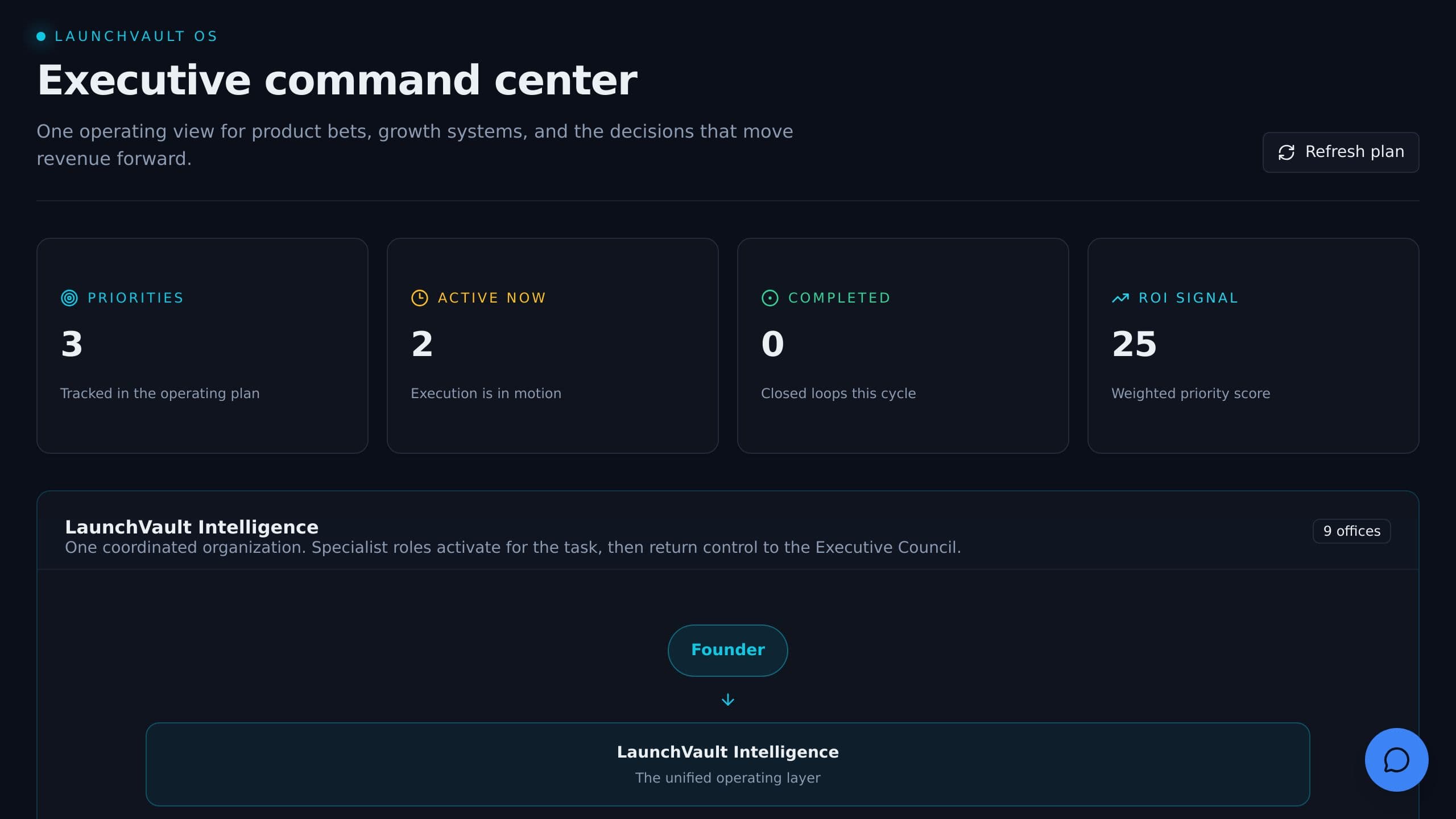
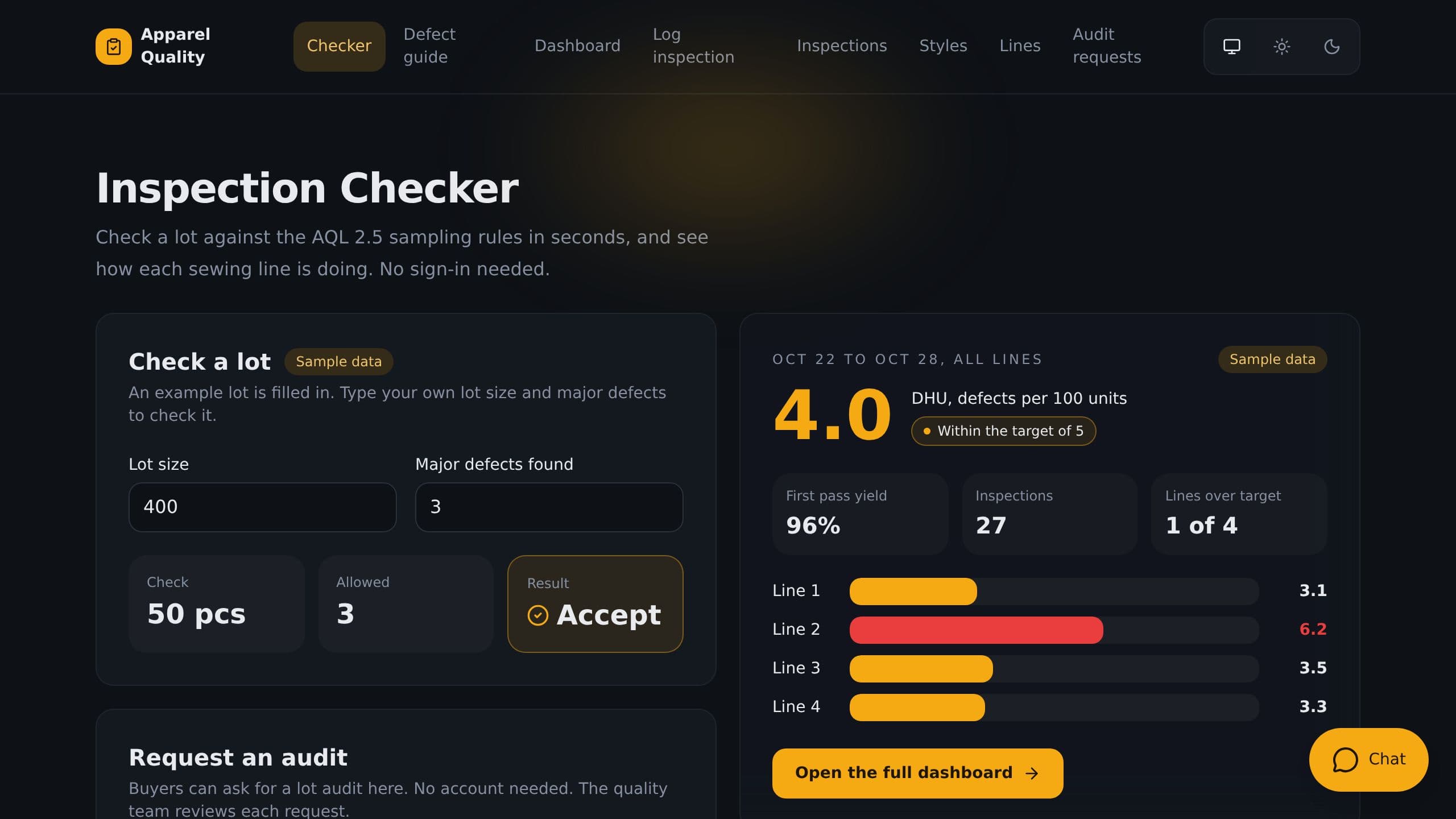
Log inspections by line and style, see defect rate and first pass yield live, and check a lot against sampling rules.
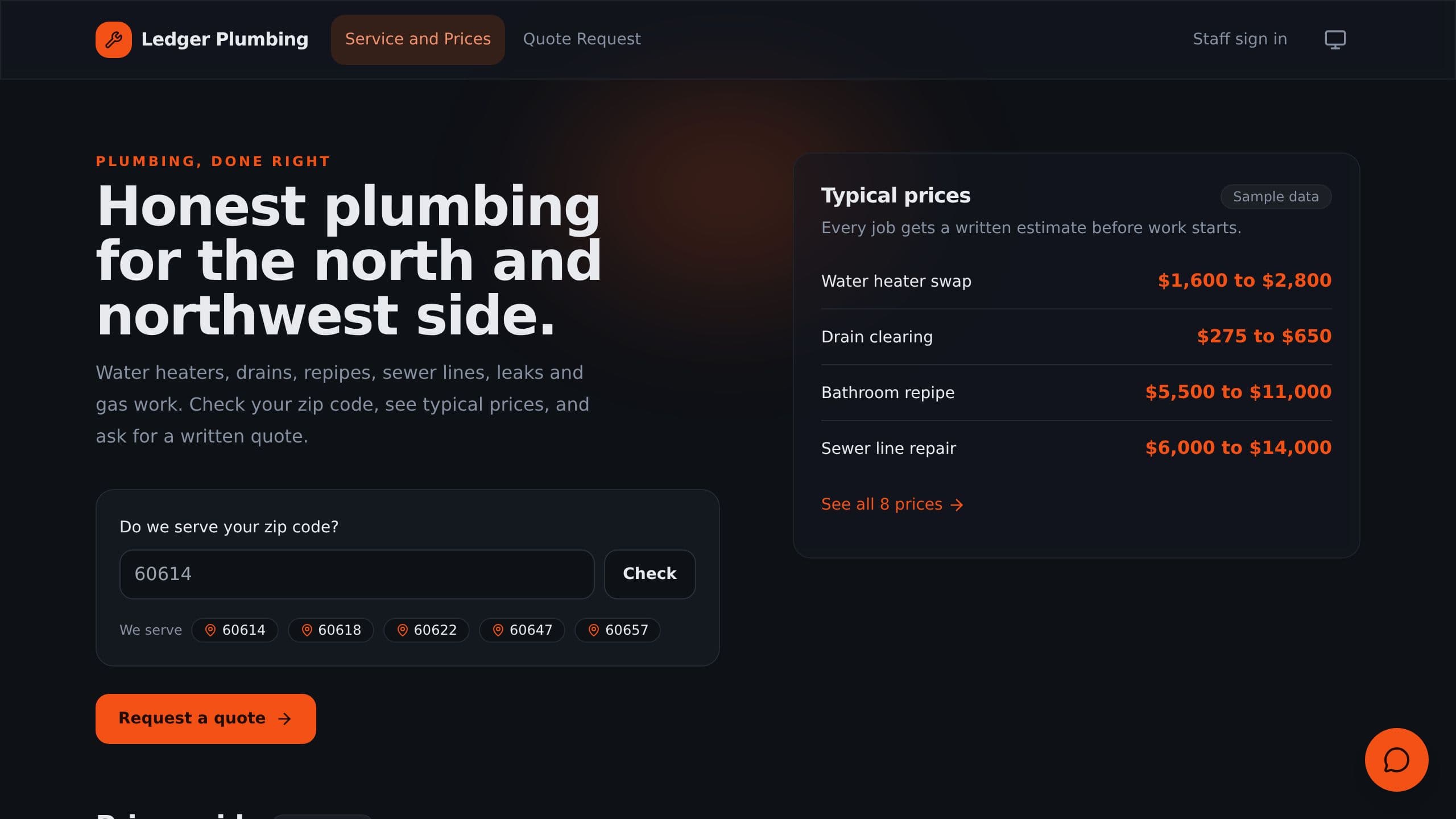
Track leads, estimates, jobs and unpaid invoices, and see backlog and win rate every Monday.
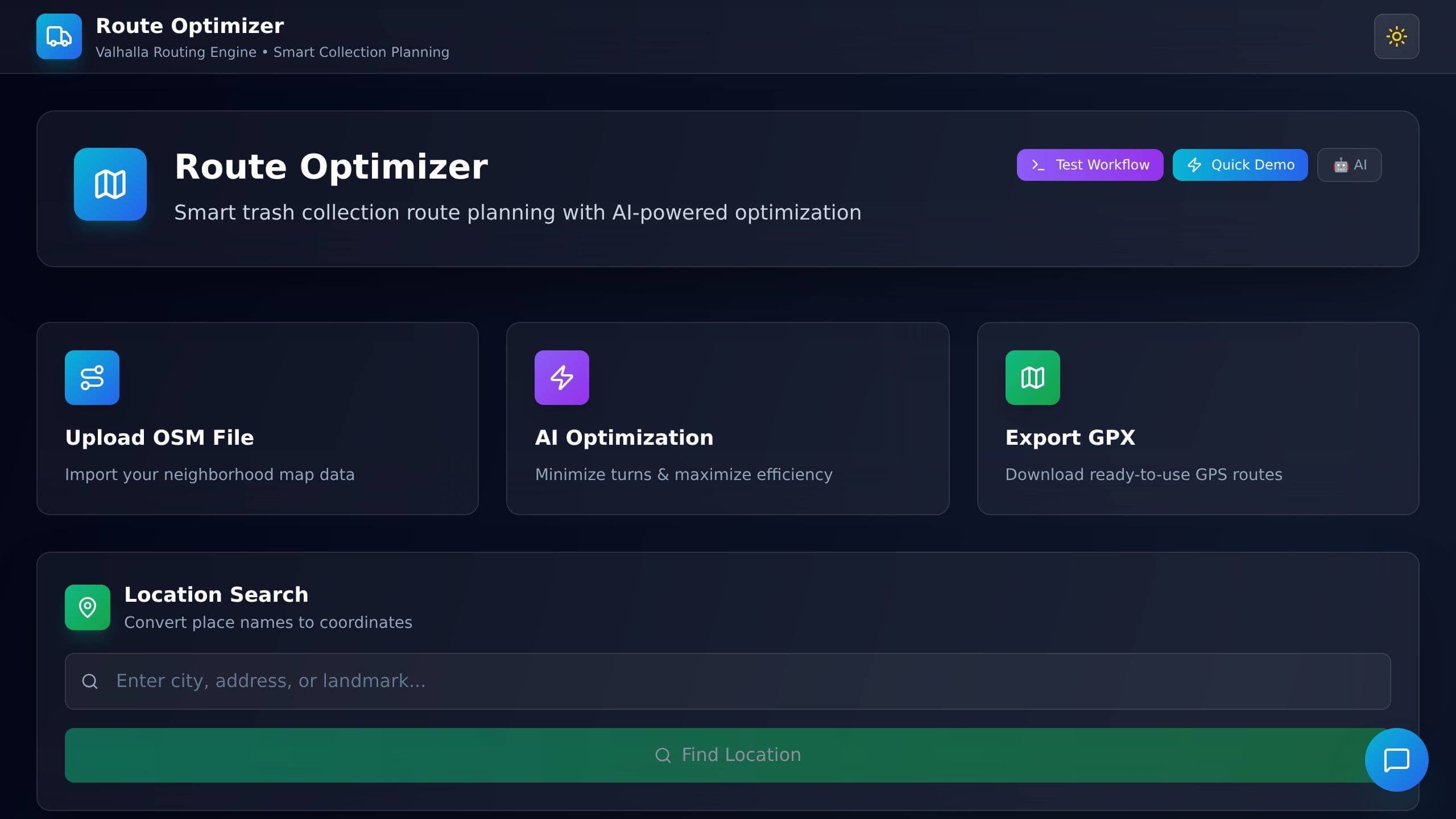
Plan a trash collection route for a neighborhood: upload a map, get an efficient route, and download it as a GPS file.
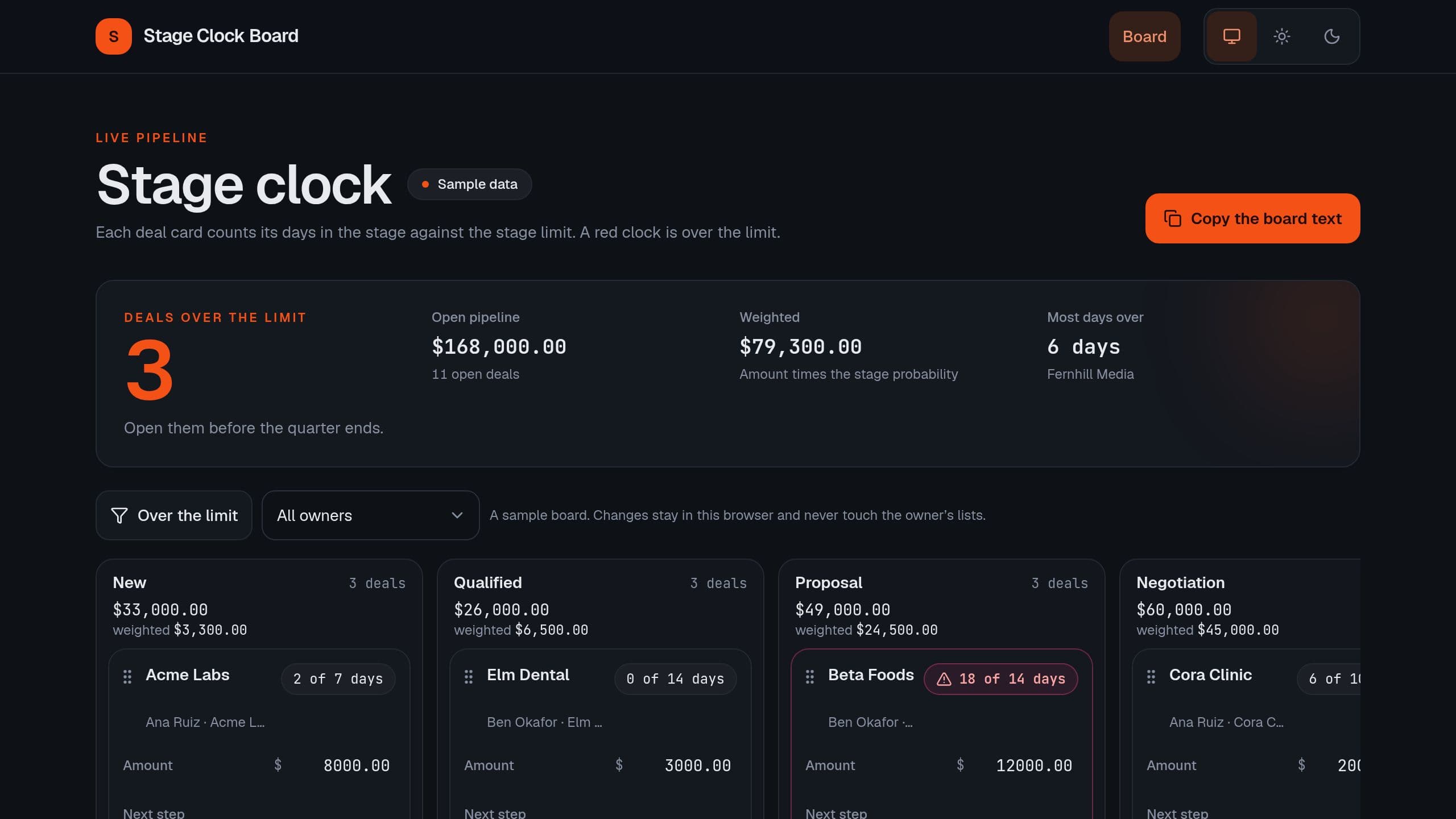
See which deals are stuck past their stage limit, with a Monday email of the deals over their limit.
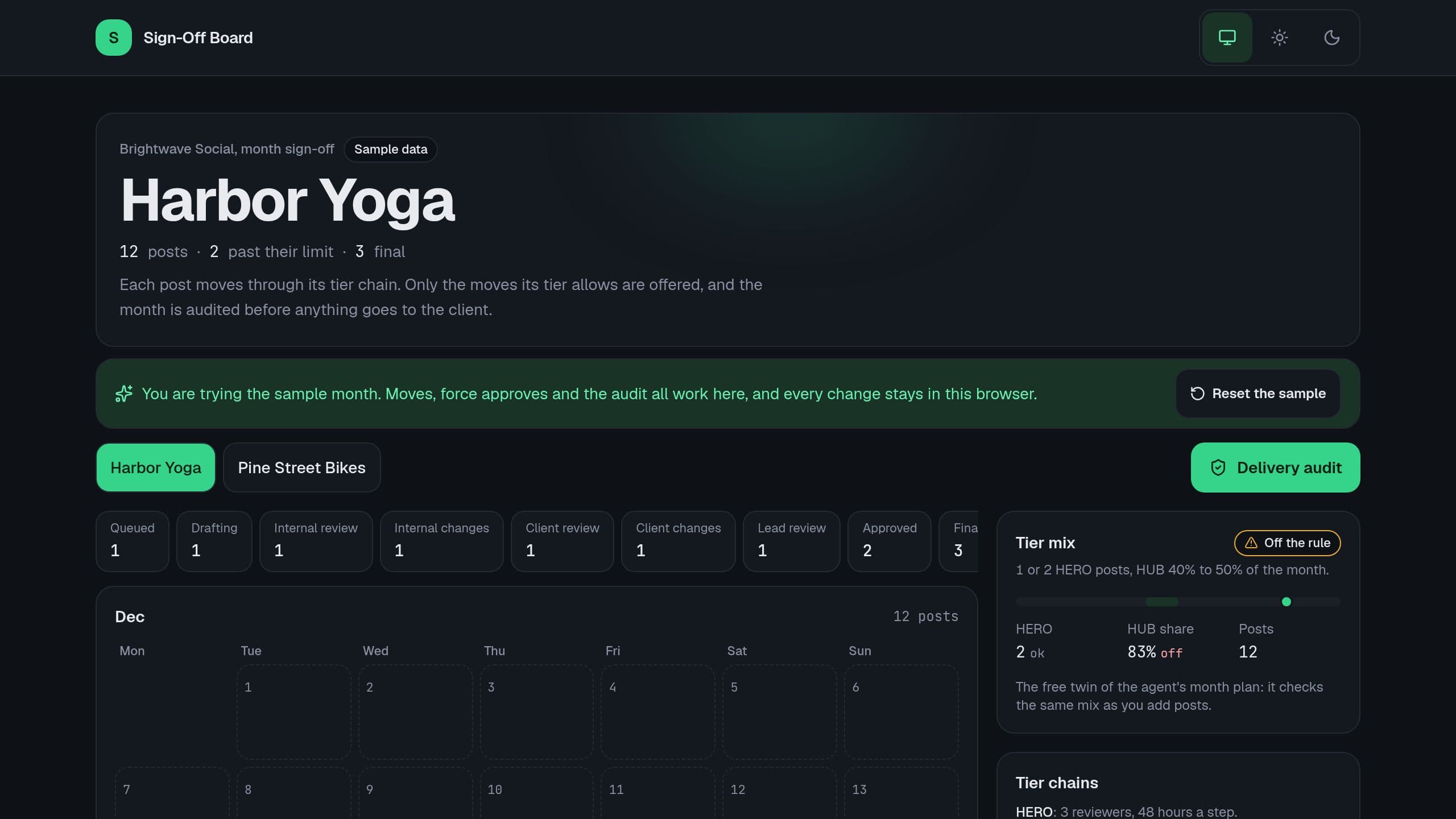
Run each client month of social posts through a tier approval chain with allowed moves only, see force approvals and audit the month before delivery. Free.
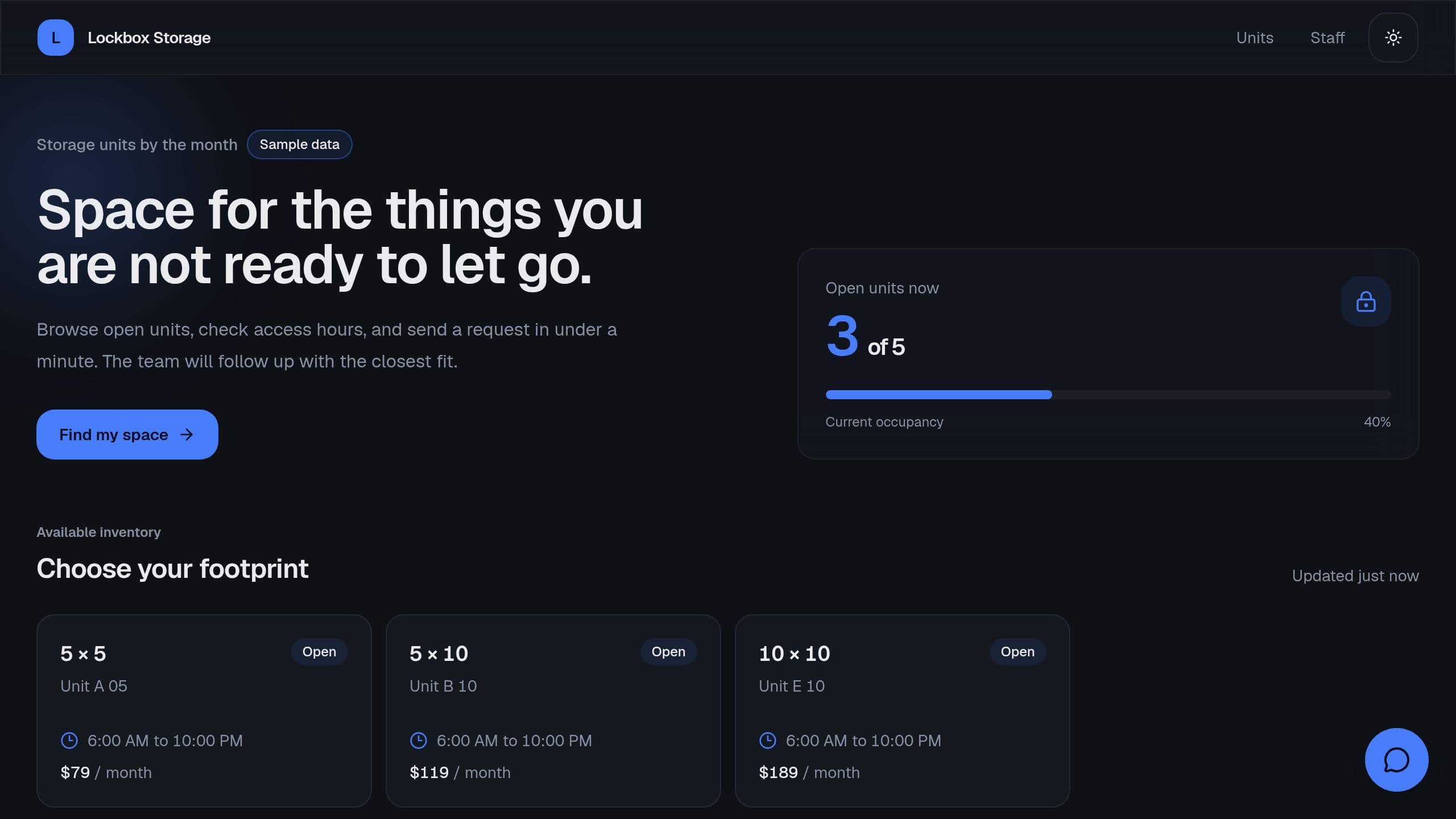
List open units by size, take rental requests, and get a monthly list of late tenants.
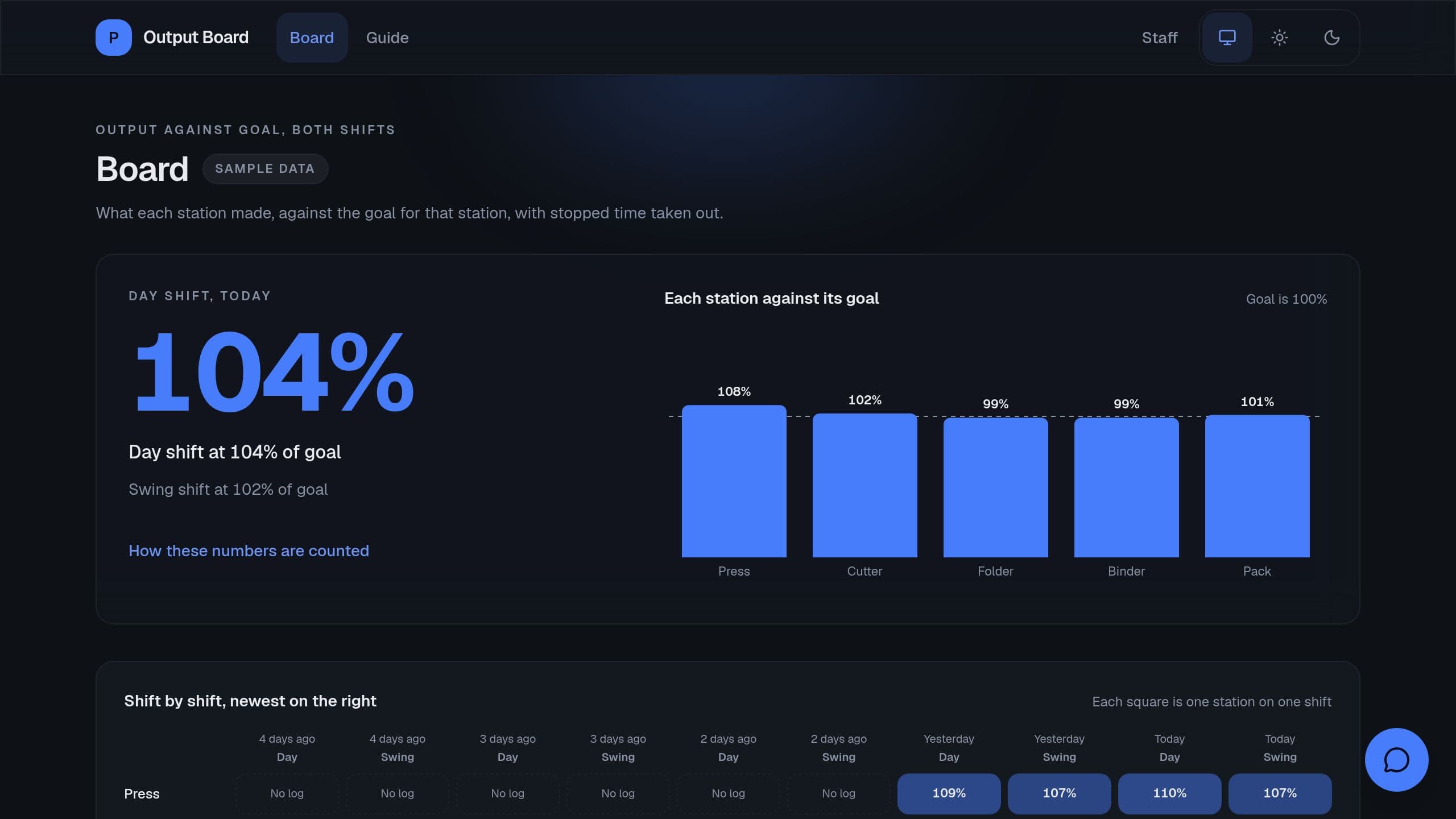
Log output per person and station each shift, see the rate per hour against the goal with downtime taken out, and get a Monday summary. It is a free Taskade Genesis kit. Clone it and make it yours.
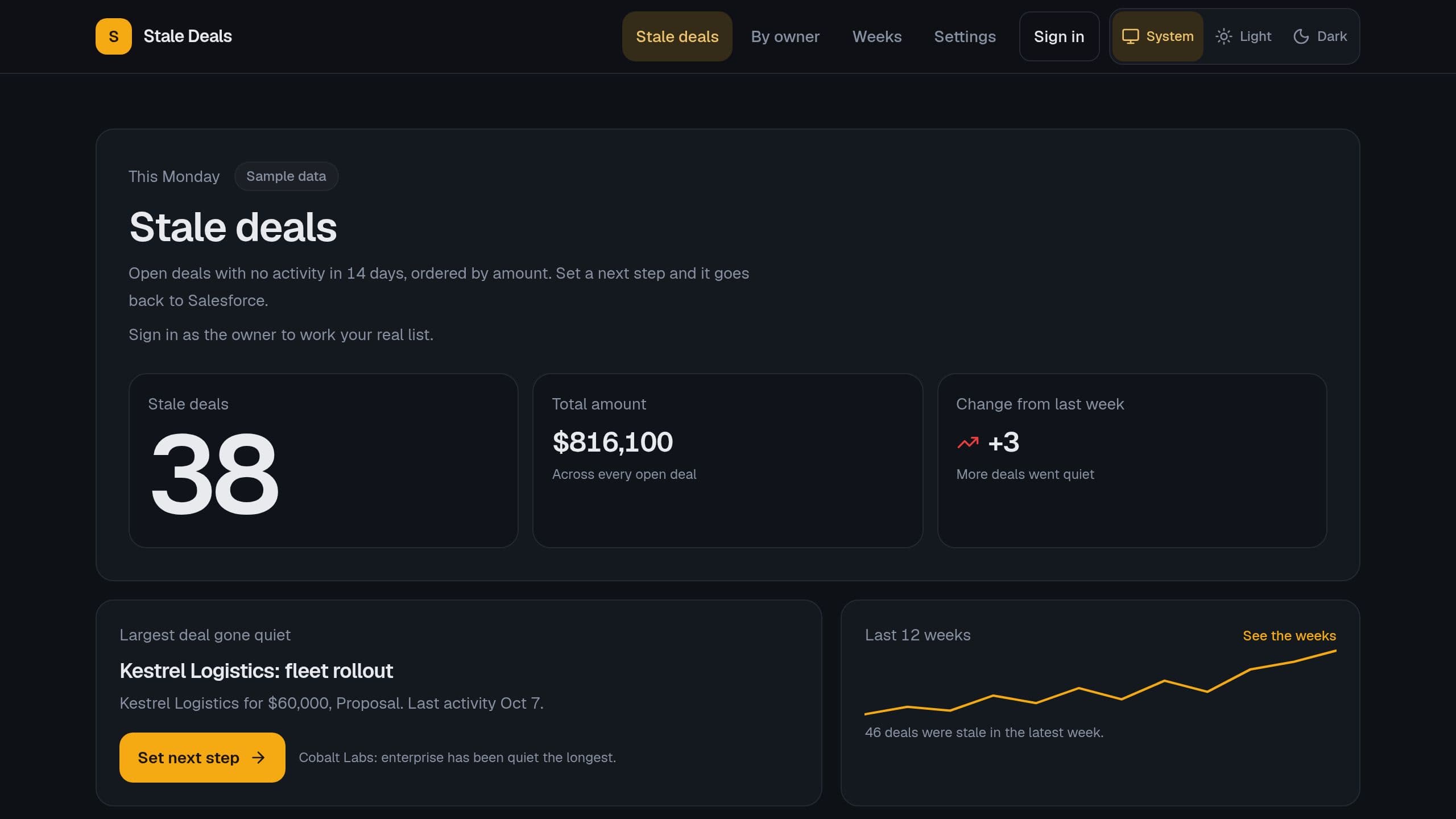
Every Monday you see each quiet Salesforce opportunity, ordered by amount, and set one next step for each.

It replaces the spreadsheet where you note renewals and costs by hand. You log renewals, upgrades and audits as they happen. An AI assistant called License Assistant answers your license questions. Automatic reminders watch for expiring licenses and record each new license. Clone it free, then switch on the automations you want.

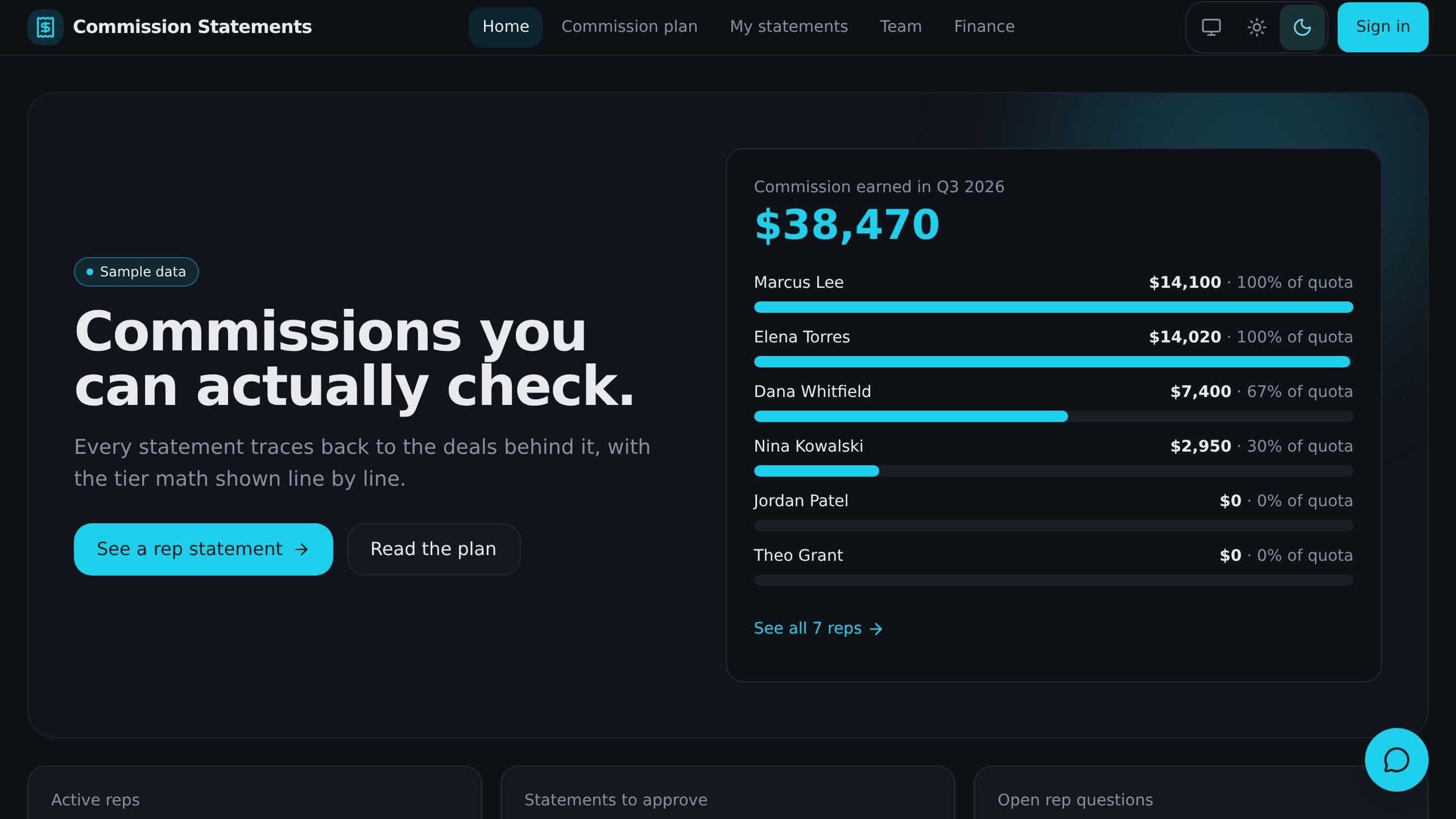
Work out tiered commission, splits, spiffs and clawbacks from deal rows, show each rep a statement with the math, and answer disputes fast.
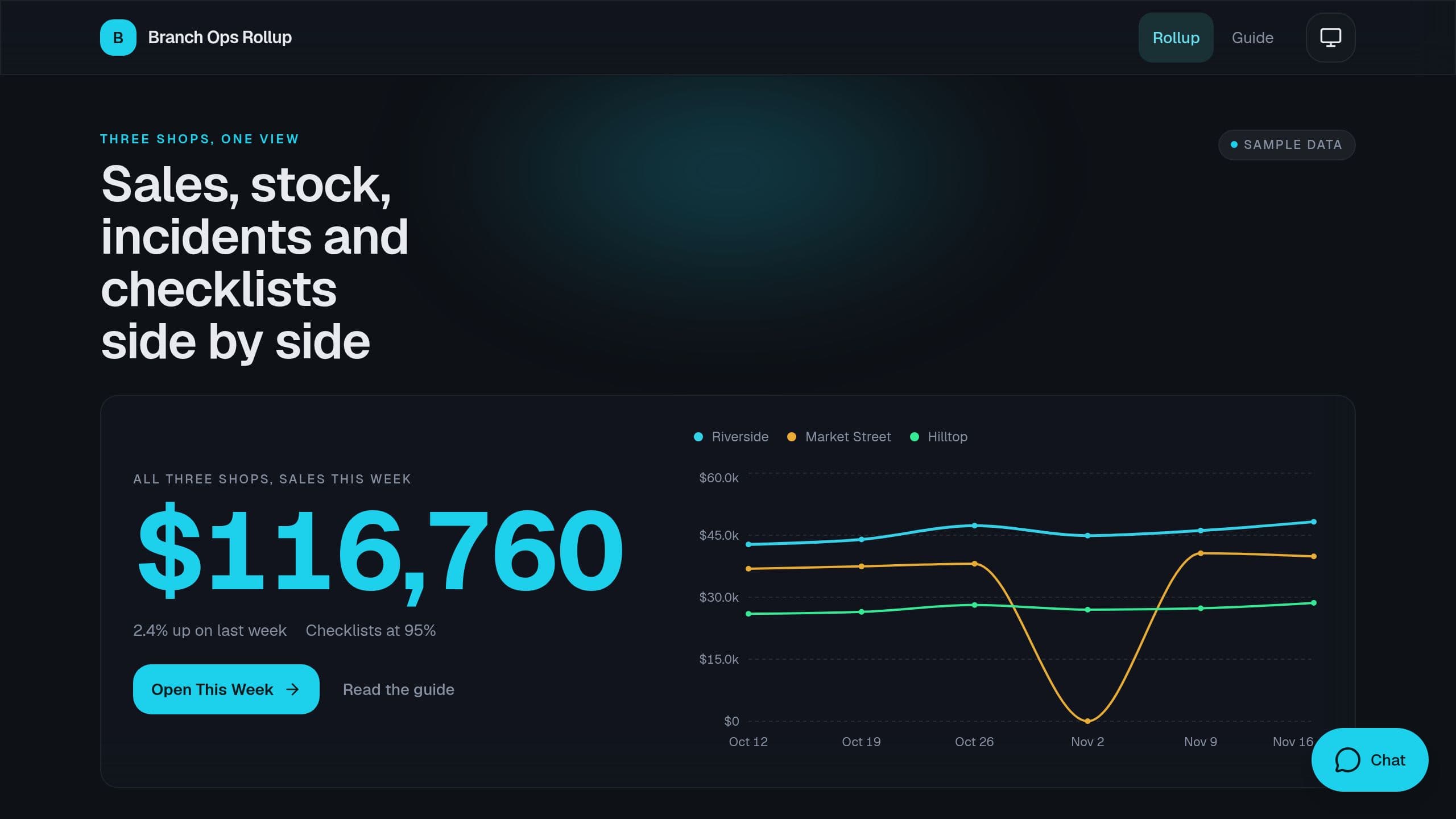
Each manager enters the week in 5 minutes, and you see sales, stock-outs, incidents and checklists for every location side by side with red flags. It is a free Taskade Genesis kit. Clone it and make it yours.
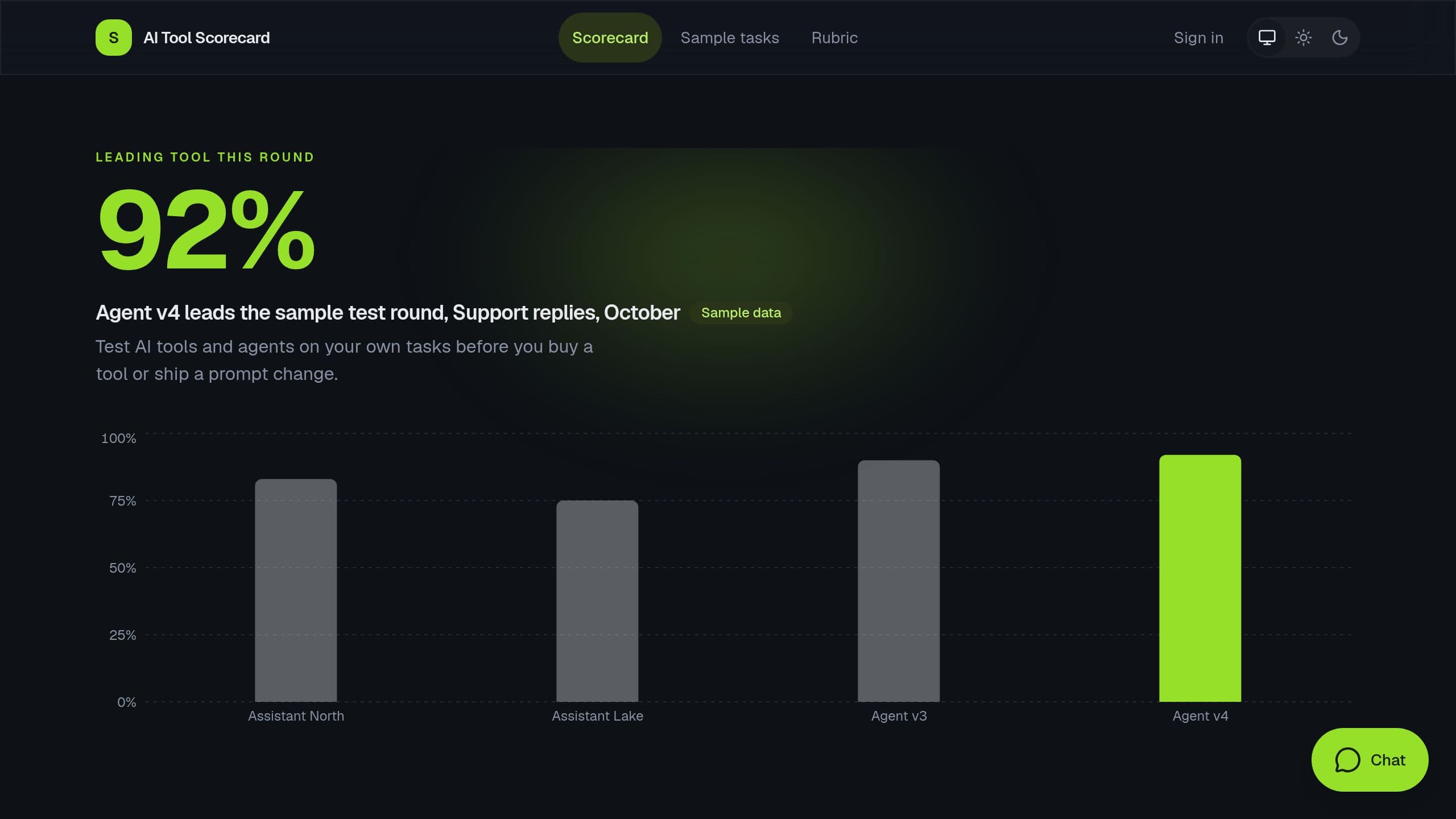
Keep your real tasks with golden answers, paste in what each AI tool or agent answered, score every answer against a pass mark and keep a run history. A free Taskade Genesis kit. Clone it and make it yours.
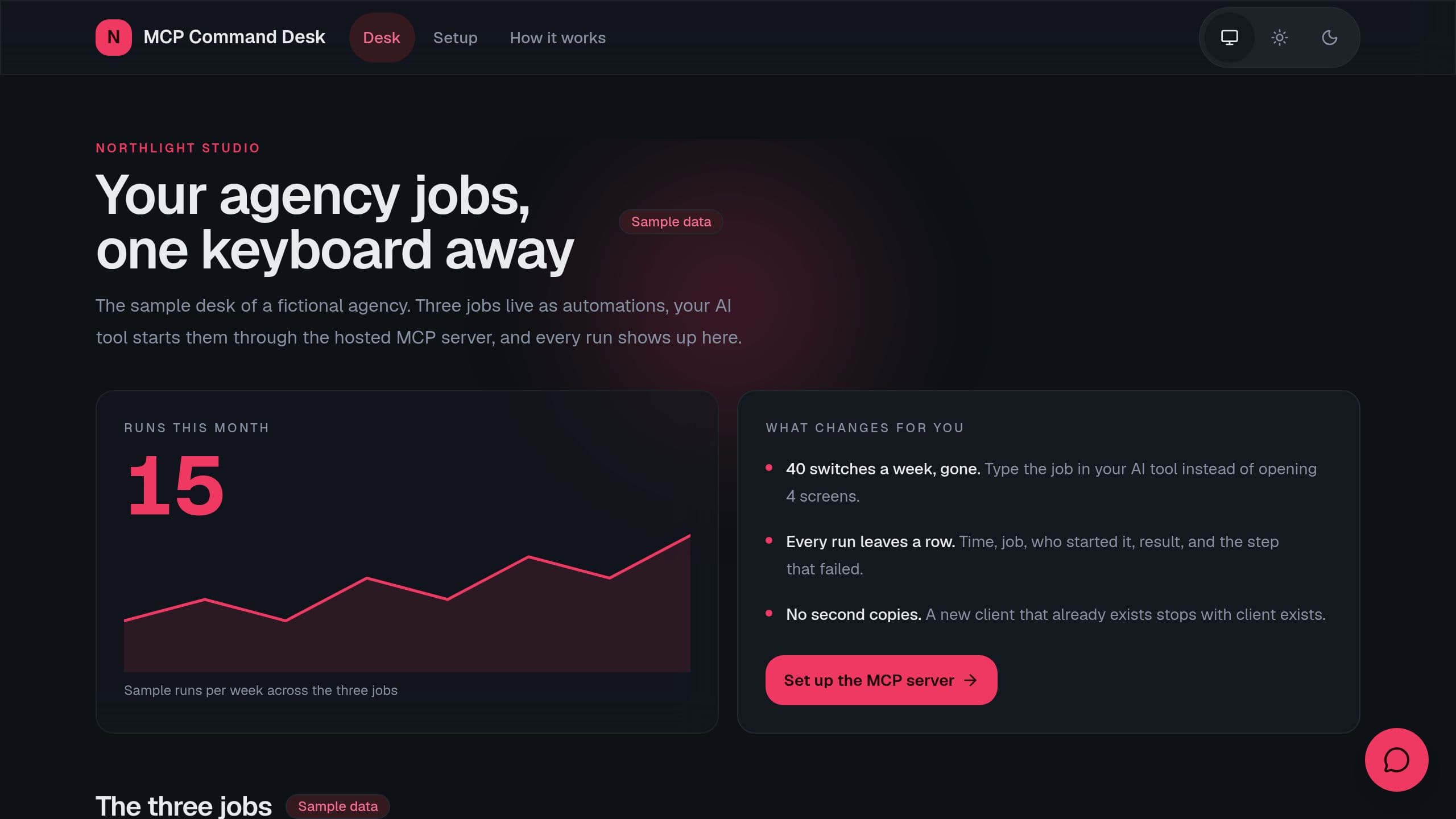
Run your agency jobs from your AI tool through the hosted MCP server: weekly client update, new client from template and a Monday overdue sweep, with a run log that shows the failed step. A free Taskade Genesis kit. Clone it and make it yours.
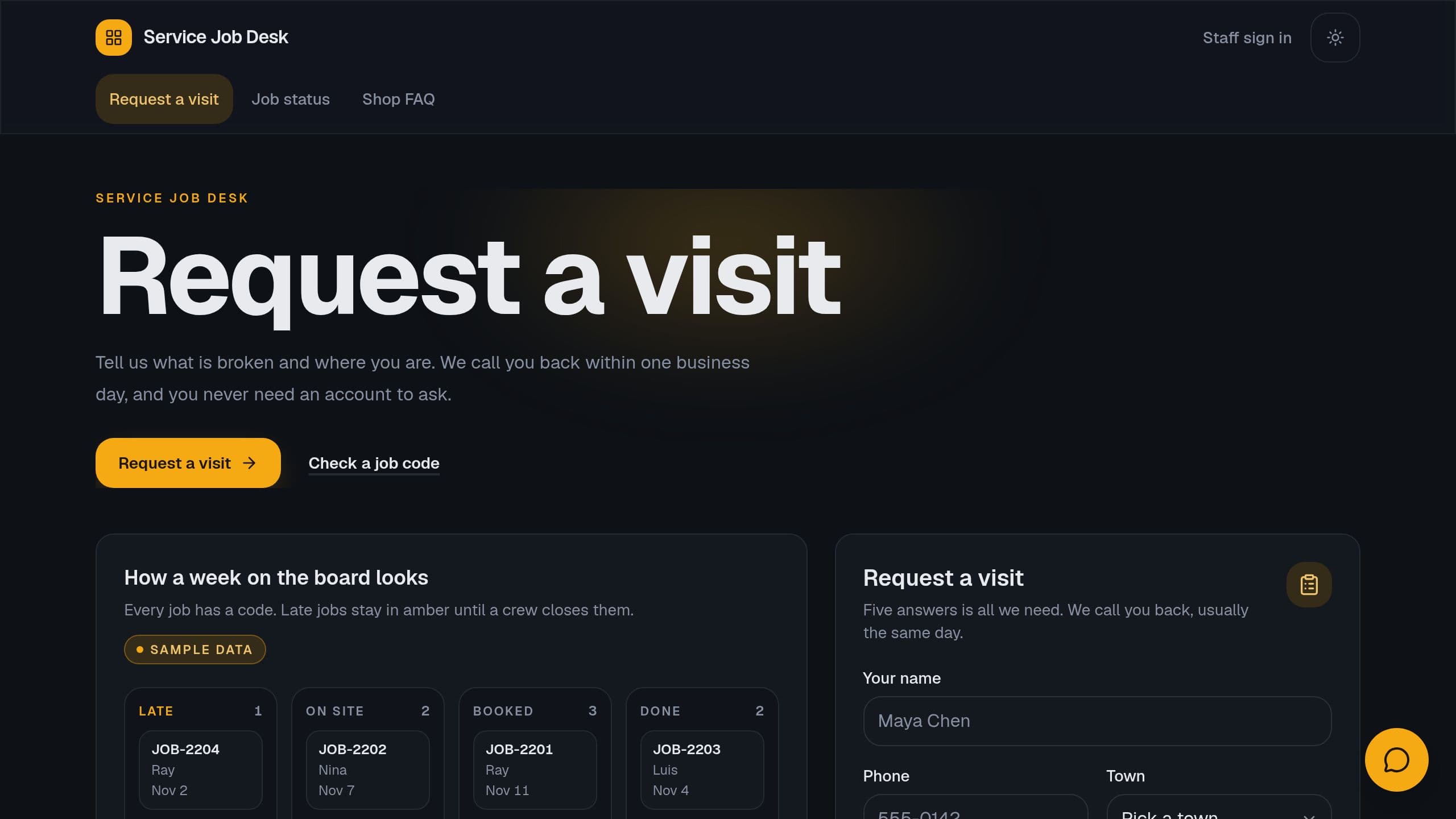
Service Job Desk is a Taskade Genesis kit: four lists, a grounded helper, internal notify flows, a public visit form and a read-only job status page.
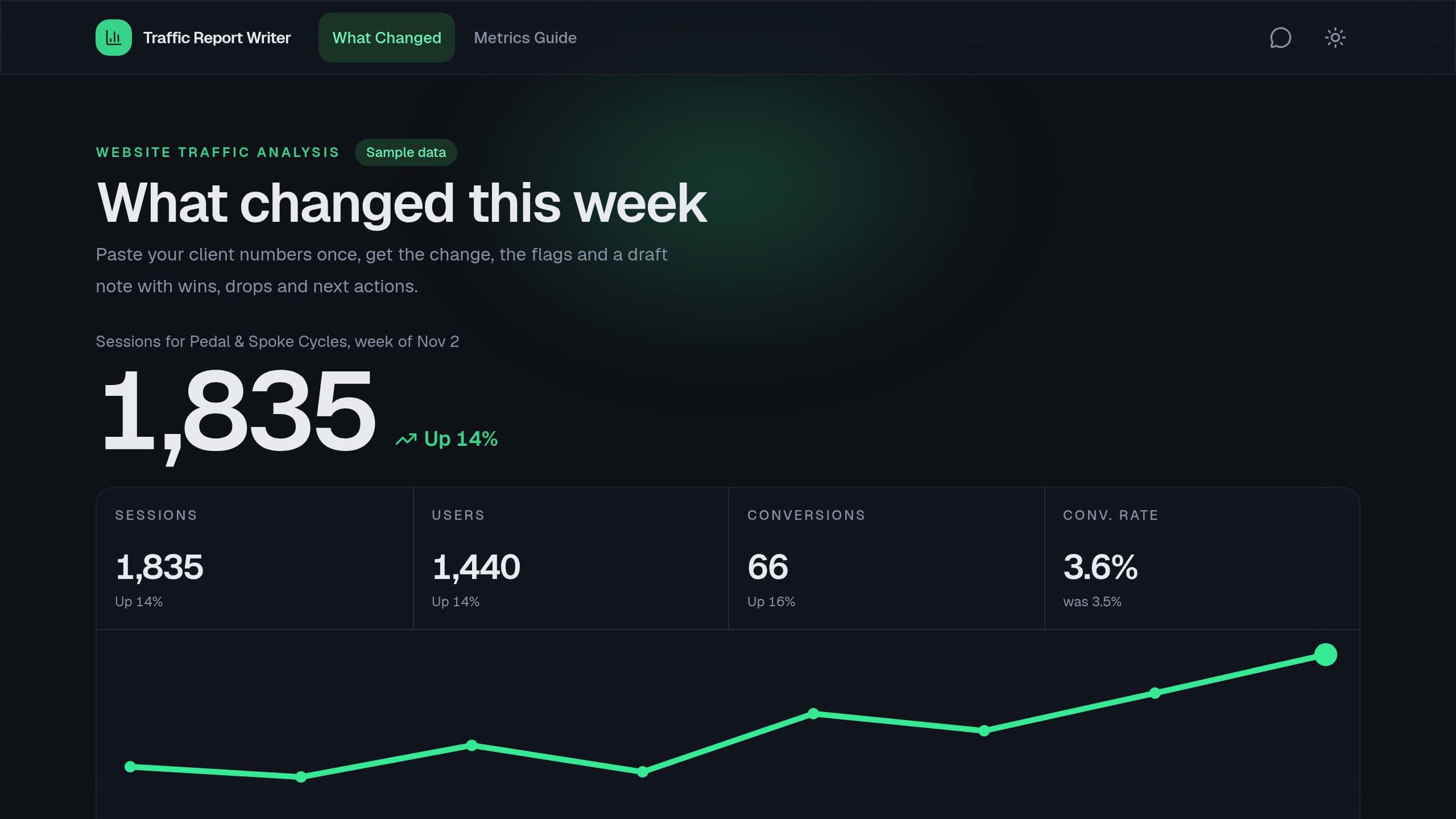
Traffic Report Writer is a free Taskade Genesis kit: paste weekly website and X numbers per client, see what changed against last week, catch one-day spikes, and get a draft report with wins, drops and next actions.
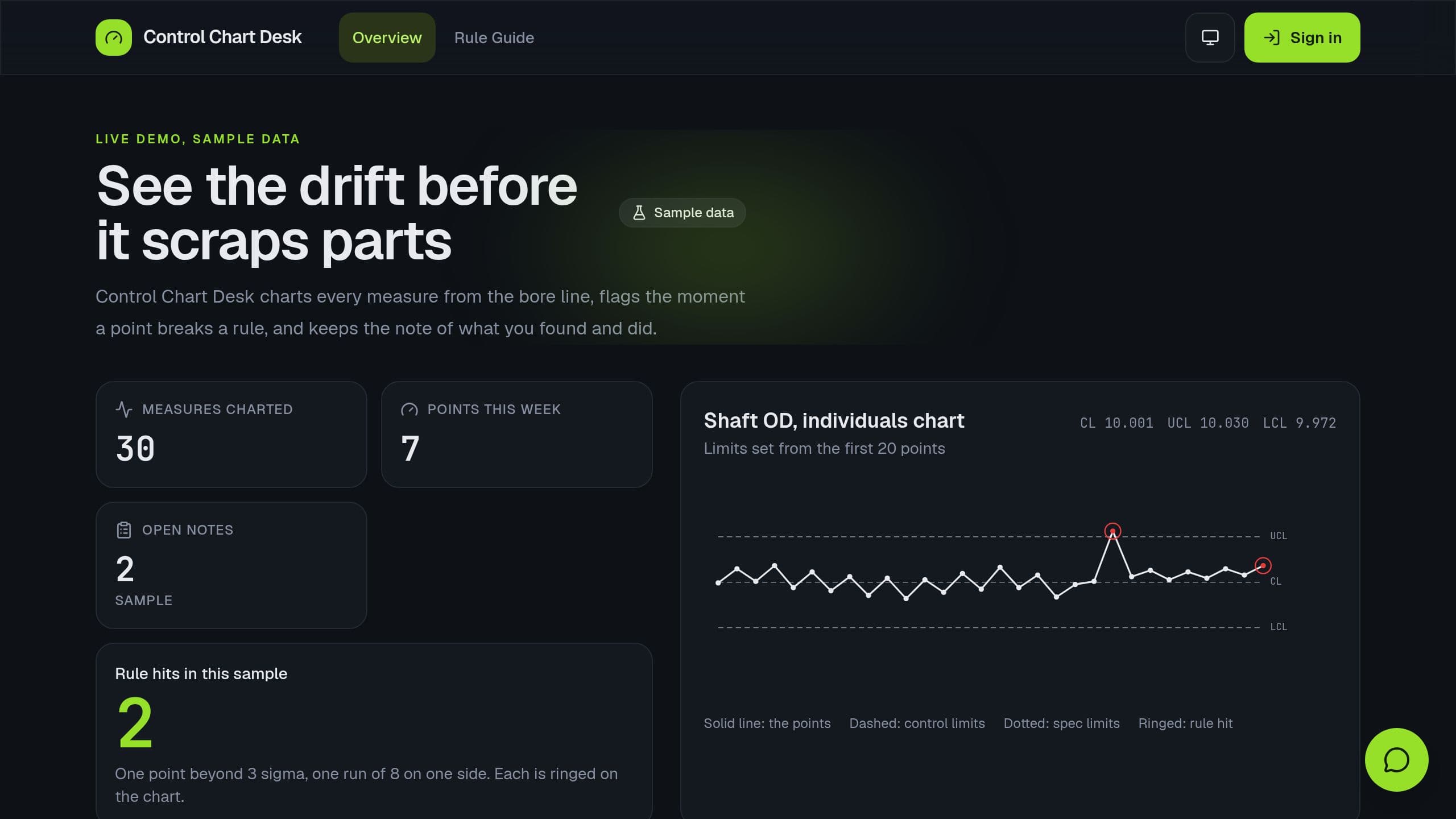
Log process measures at the machine and chart them against locked control limits, with the 4 Western Electric rules flagged.
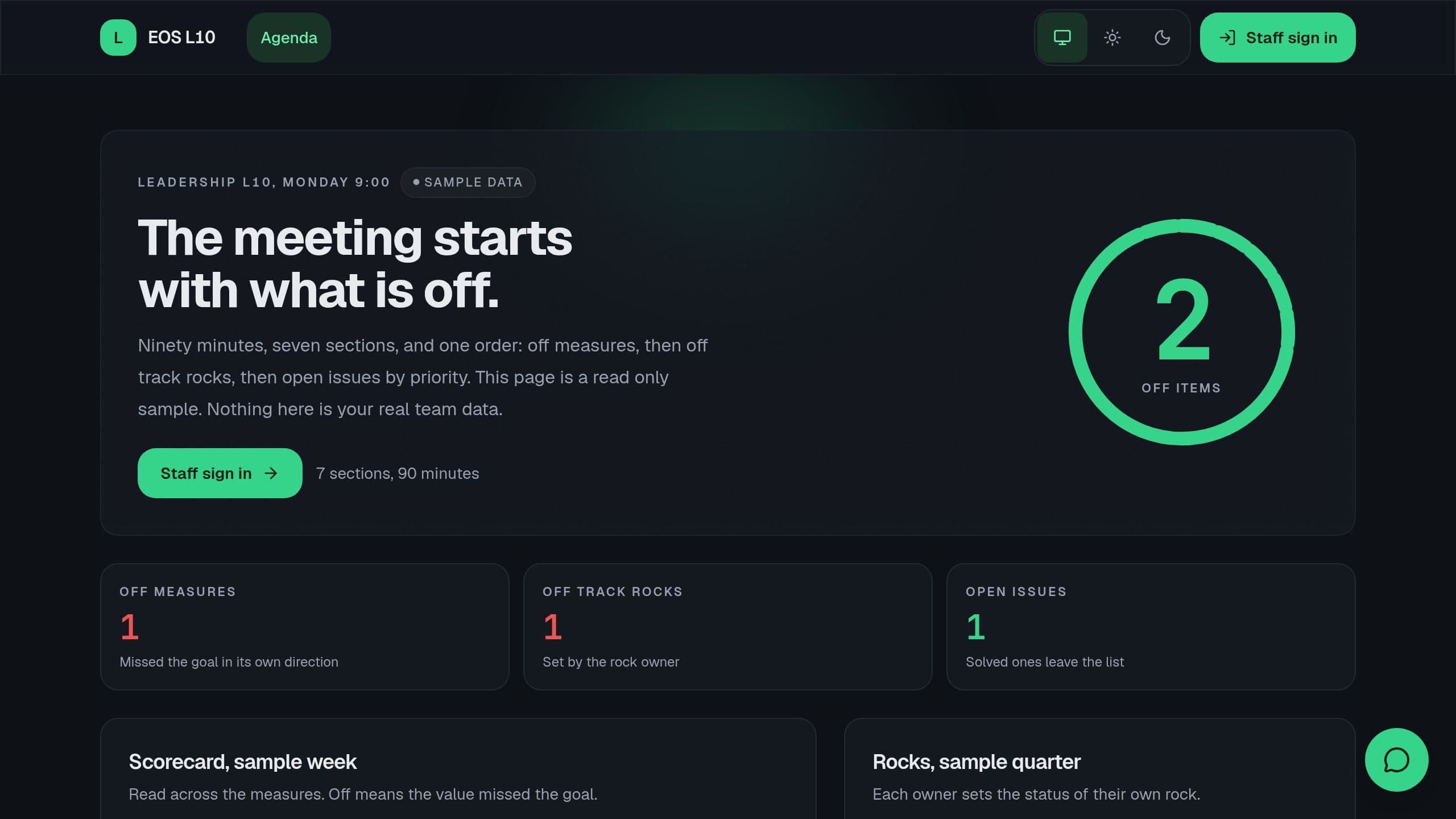
Run the weekly Level 10 meeting: scorecard, rocks, issues and to-dos, with an agenda that lists what is off track first. Not affiliated with EOS Worldwide.
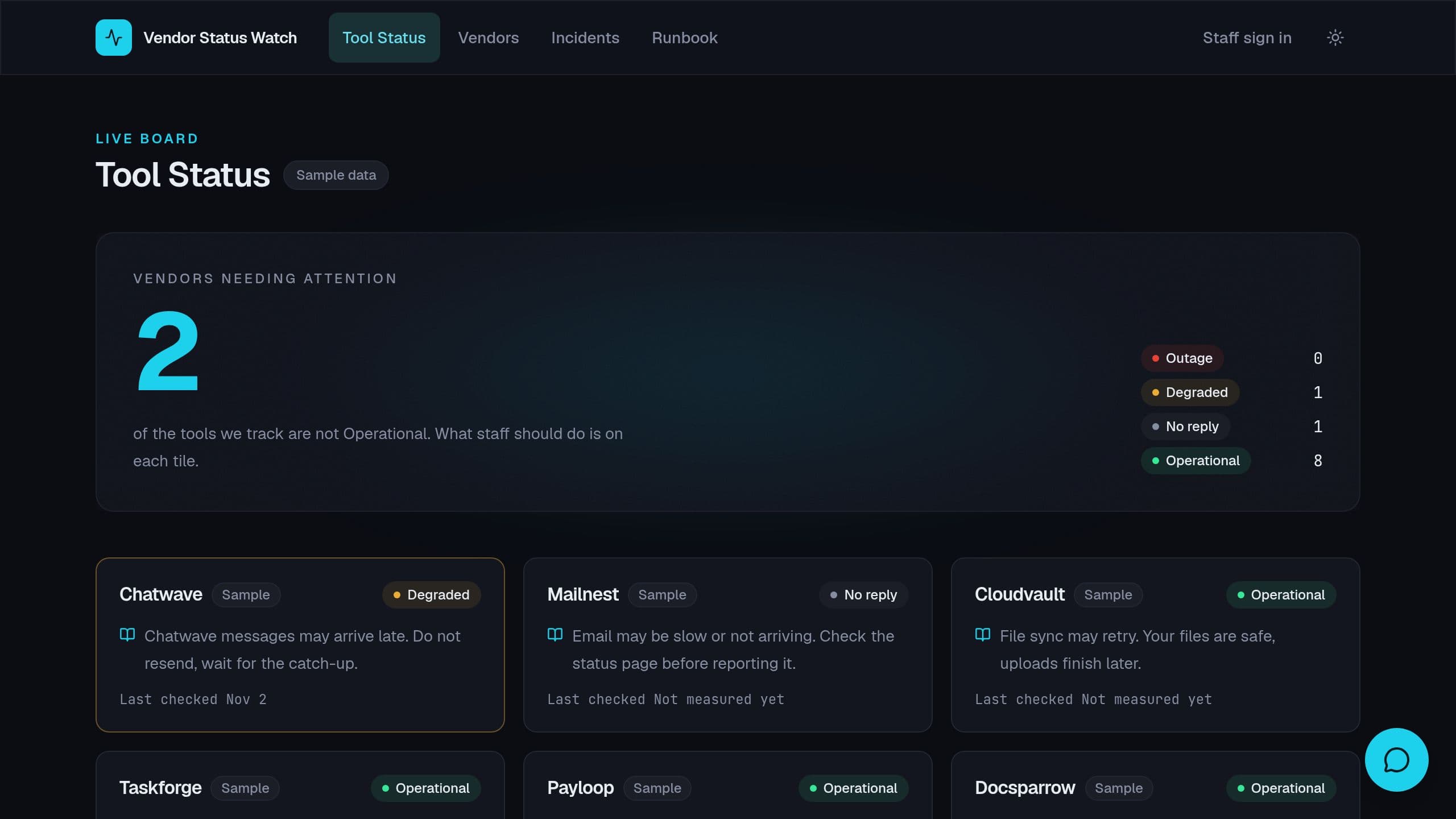
Check the public status JSON of each SaaS vendor every day, open an incident row and email you on an outage, and show staff what is down.
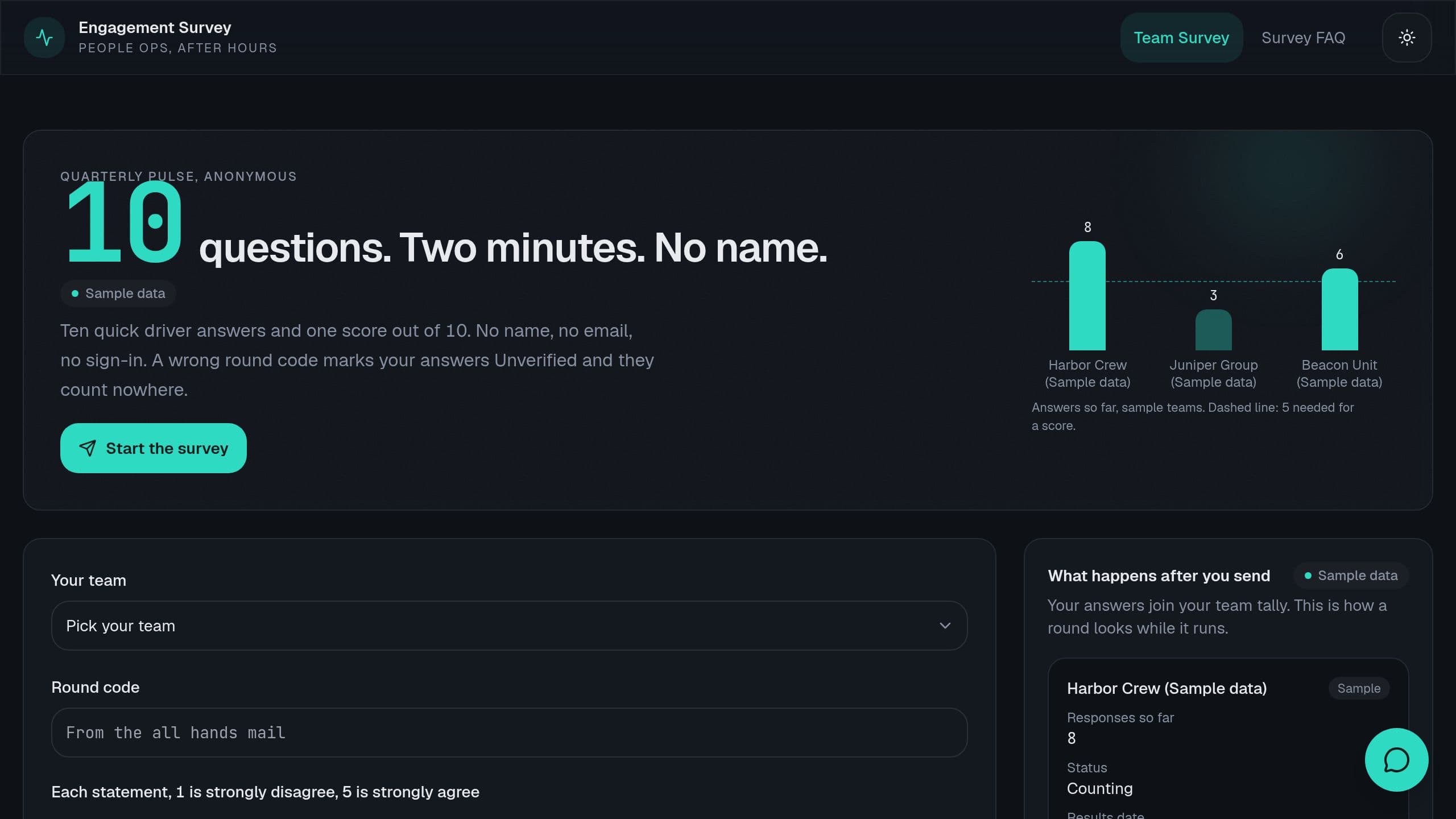
Teams under 5 answers show no score. Clone it and make it yours.
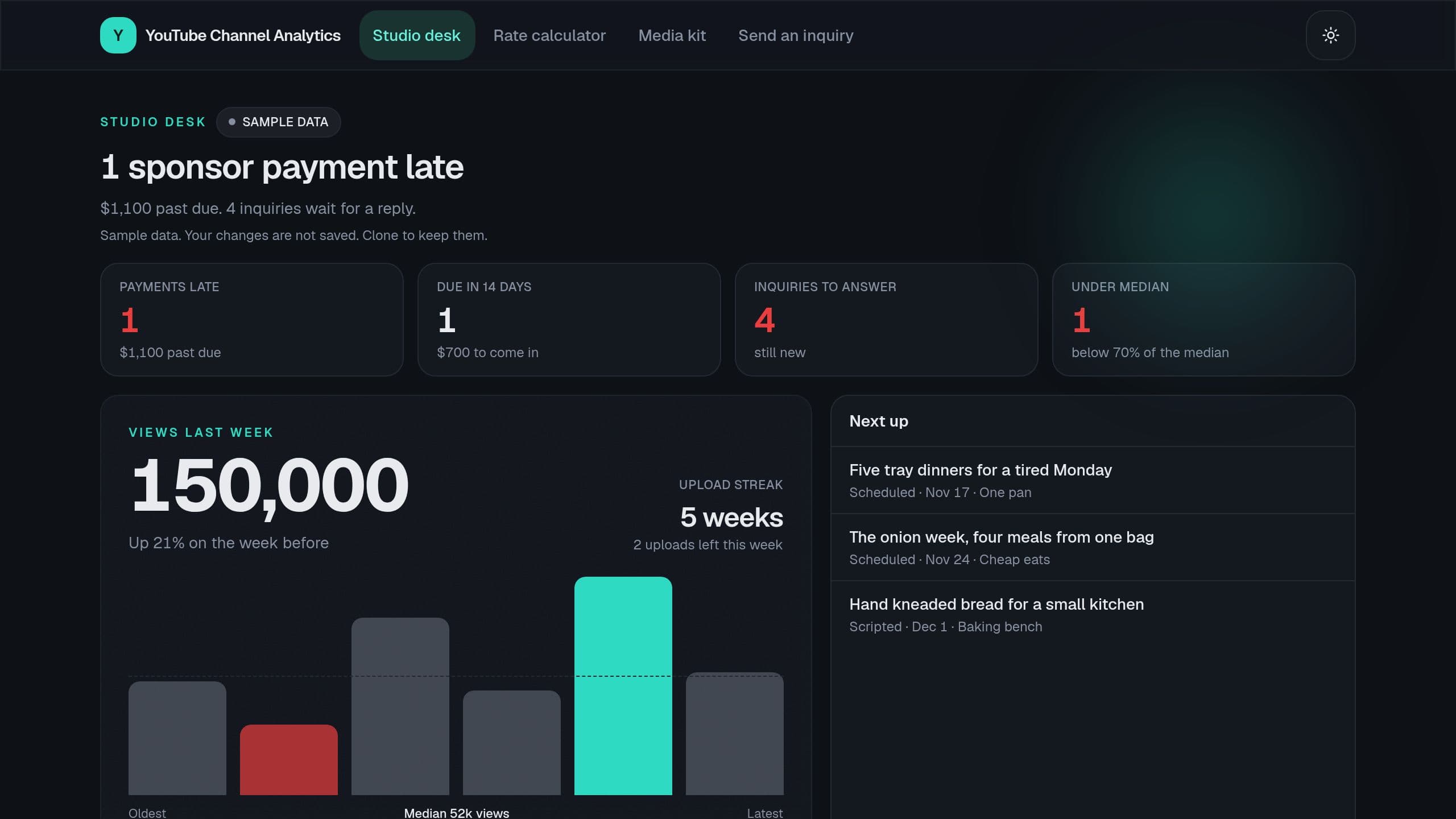
See views, RPM and sponsor income per video, videos under your median, your upload streak and late sponsor payments.
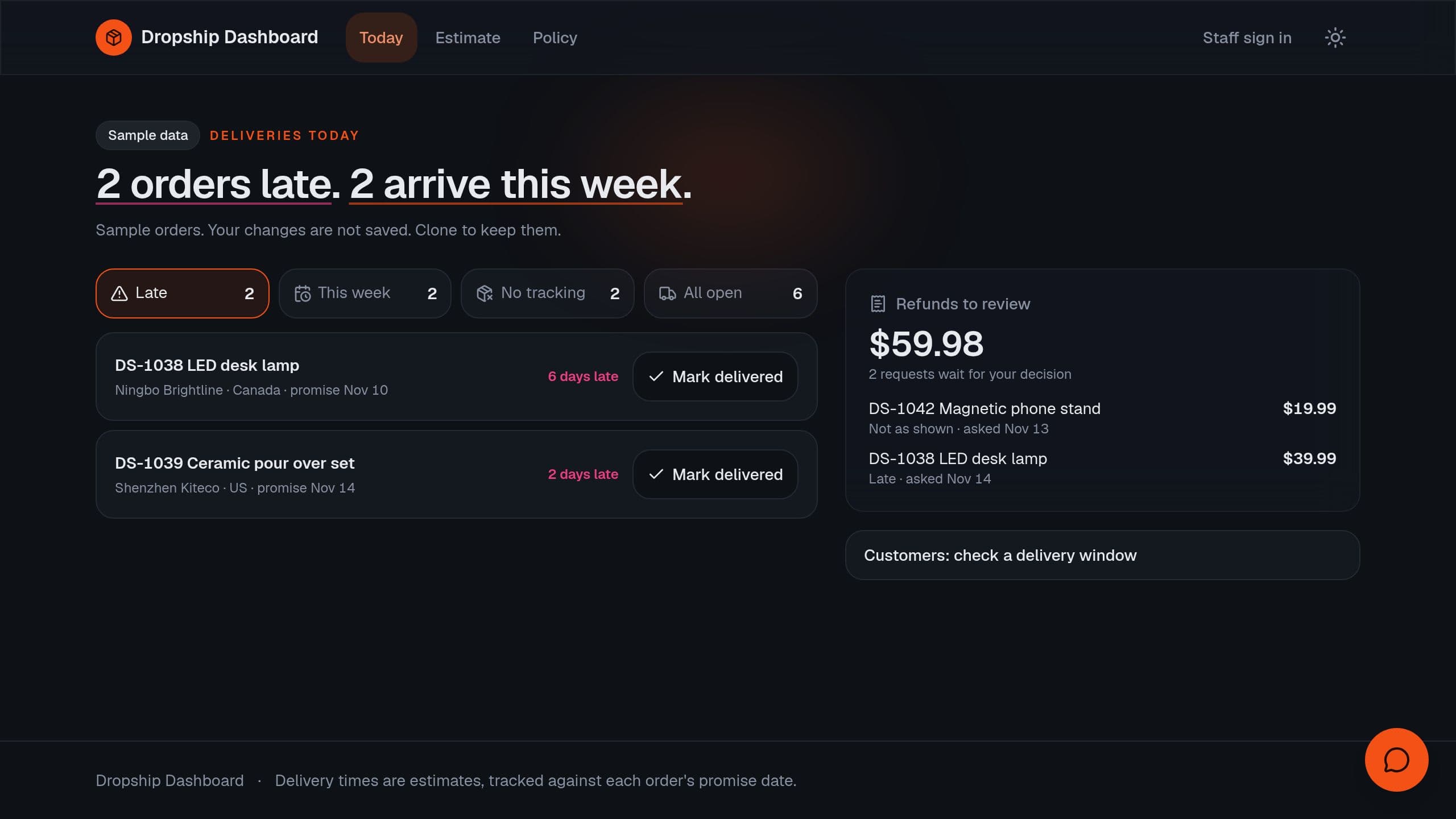
Track orders per supplier, ship time against promise, refunds by reason and margin per product after ads and refunds.
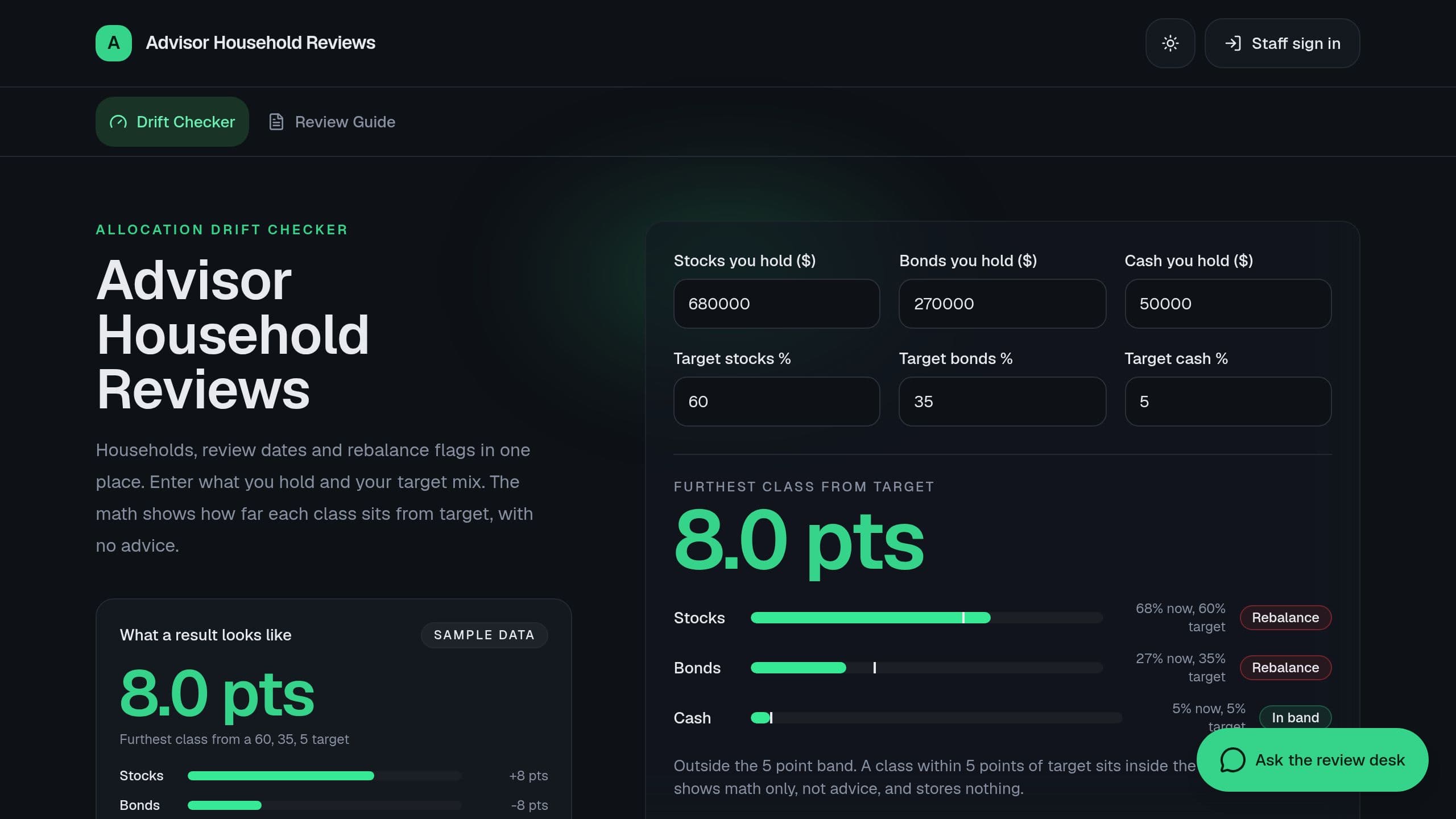
Track household assets, review due dates by tier, allocation drift and rebalance flags, and action items from each meeting.
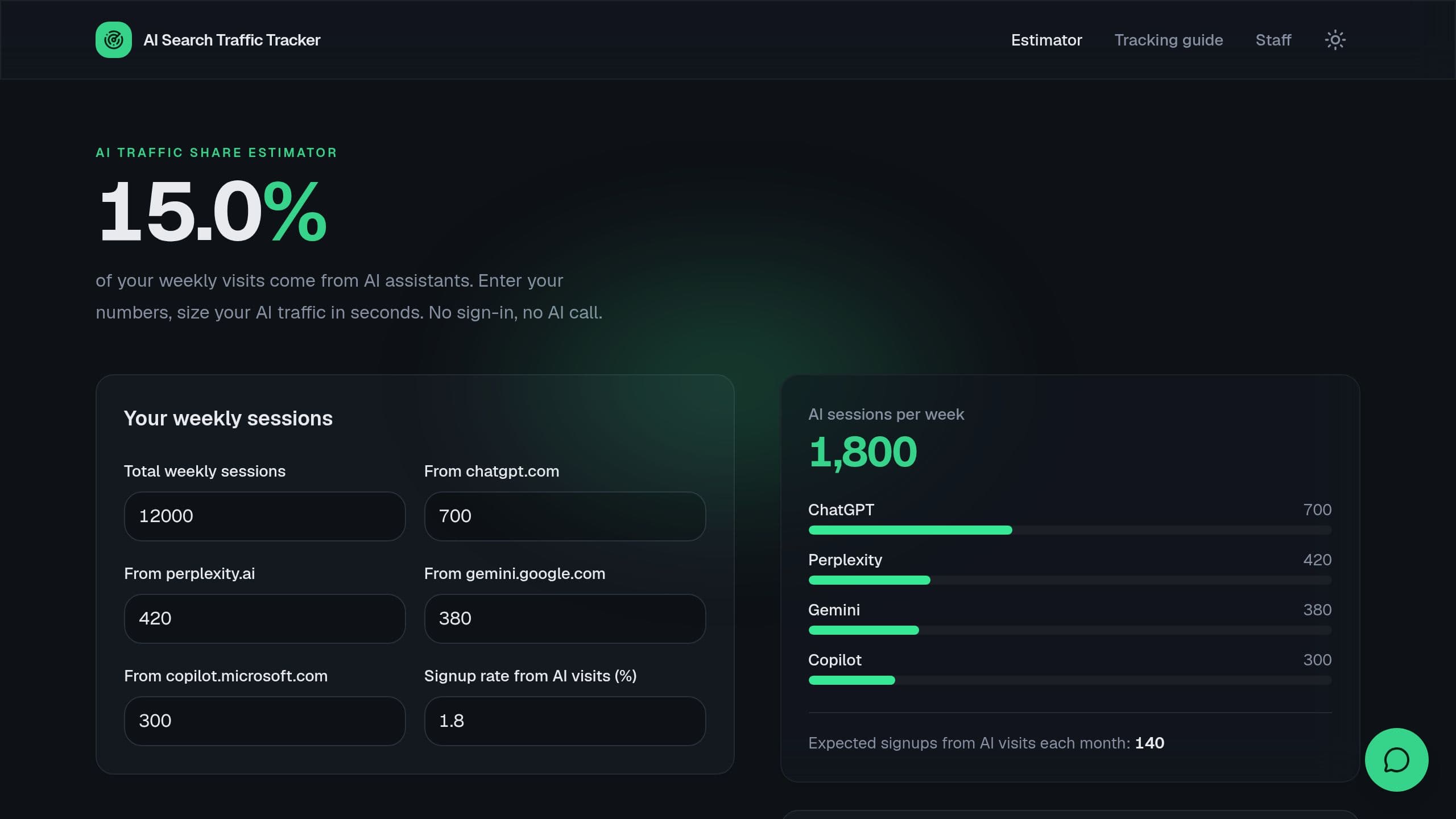
Track weekly visits from ChatGPT, Perplexity and Gemini per page, signups from AI traffic and pages losing AI visits.

A dashboard kit turns the records you already keep into charts you can read at a glance. The data lives in projects inside the app, so the numbers update when someone adds a sale, a delivery or a stock count. You do not export anything. The kits here cover KPI and executive dashboards, sales pipelines, finance trackers, fleet and maintenance boards, and inventory with low-stock alerts. An AI agent can read the same data and answer questions such as "which product sold less this month and why". Clone the one closest to your work, then change the metrics, the charts and the time ranges to the ones your team reviews.
Related: Inventory Management App Templates, Fleet and Logistics App Templates, AI CRM App Templates, HR App Templates
Each kit stores its records in Taskade projects that come with the app. You add rows by hand, through a form in the app, or with an automation that pulls them in from another tool. The charts and the KPI cards read those projects, so they show the current numbers every time you open the dashboard.


