

See the alternative working — clone in 60 seconds
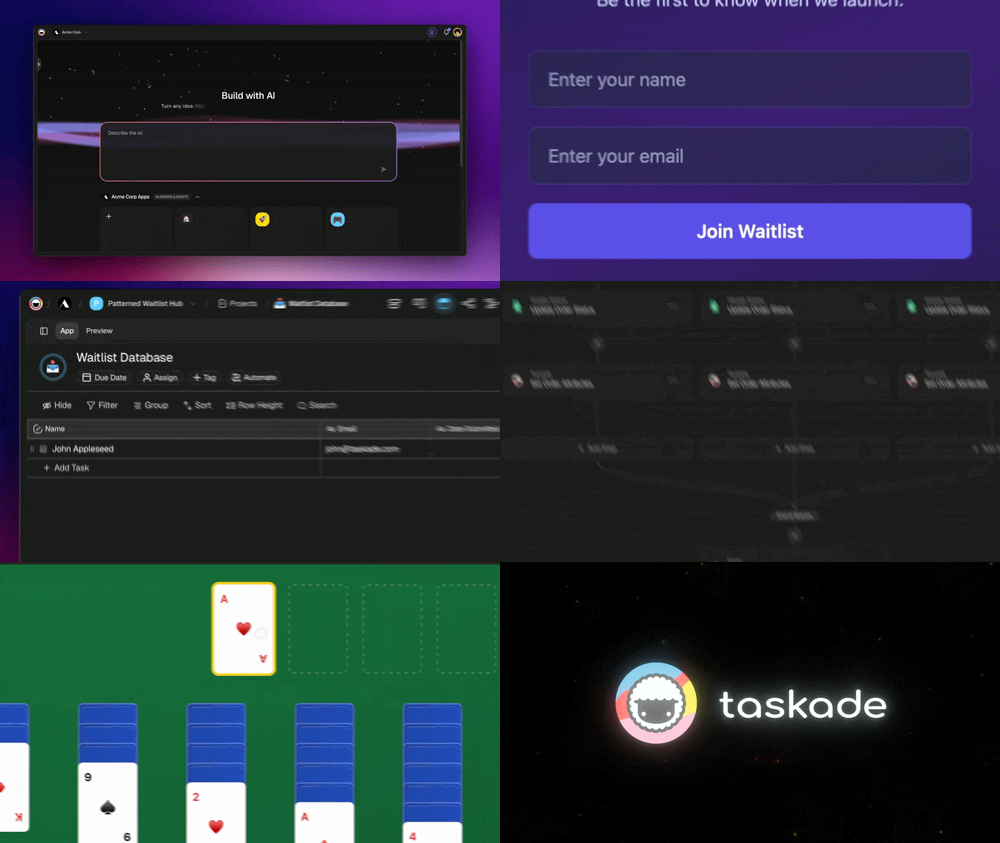
No signup, no credit card. Open the live SaaS landing page → (opens in new tab)
| Capability | Framer | Taskade Genesis |
|---|---|---|
| Pricing (starting) | $10-30/month | $0 Free · $16/mo Pro (10 seats) |
| Cloneable live demo | ❌ | ✅ |
| Built-in AI agents | None | ✅ 33 built-in tools |
| Automation engine | Forms + plugins only | ✅ Temporal-backed, 100+ integrations |
| Workspace DNA loop | ❌ | ✅ ▲ Memory · ■ Intelligence · ● Execution |
What is Taskade Genesis?
Taskade Genesis is the AI app builder inside the Taskade workspace. Founded in 2017 by John Xie, Dionis Loire, and Stan Chang, Taskade is a Y Combinator-backed platform serving over a million users. Genesis is built on Workspace DNA — Memory (Projects), Intelligence (AI Agents), and Execution (Automations) — a self-reinforcing loop where the workspace gets smarter the more your team uses it.
A single prompt can produce a customer portal, an ops dashboard, a CRM, a knowledge base, a form-driven intake tool, or an internal app — with custom domains, password protection, built-in OIDC/SSO via GenesisAuth, and one-click publishing to the Community Gallery.
What is Framer?
Framer started in 2013 in Amsterdam as a prototyping tool and evolved into a no-code website builder famous for fluid animations and design-grade typographic control. It targets designers building marketing sites, brand pages, and portfolios.
Framer at a glance: Visual design canvas, advanced animations and interactions, CMS for blog and content, AI design assistance, and managed hosting on paid plans. Best fit for designer-led marketing sites where motion and craft matter.
Where each tool wins
Animated marketing sites — Framer
If the goal is a brand-grade marketing site with bespoke animations, Framer's design canvas is hard to beat.
AI apps with real backend — Taskade Genesis
If the goal is a working application — a portal, a dashboard, a CRM, an internal tool — Genesis ships the deployed app with backend, AI agents, automations, and integrations connected from the first prompt.
The Workspace DNA advantage
Framer's mental model is "designer crafts a page, visitor experiences animations." Genesis's mental model is Workspace DNA: a self-reinforcing loop between three pillars.
- Memory (Projects) — Your team's docs, tasks, files, and structured data become the substrate every agent reasons over. Read How Workspace DNA Works.
- Intelligence (Agents) — AI Agents v2 with persistent memory, 33 built-in tools, custom tools, and the option to embed publicly inside any Genesis App.
- Execution (Automations) — Durable workflows triggered by external events (Slack, Gmail, Stripe, GitHub, Calendly, webhooks, schedules) that read from Memory and act through Intelligence — then write the results back into Memory. The loop closes.
Framer is brilliant at one slice — visual page composition with motion. Genesis runs the entire loop continuously, so the workspace itself becomes the thing that builds the next app.
Pricing comparison
| Plan | Taskade Genesis | Framer |
|---|---|---|
| Free | Free Forever — full app builder access | Free with Framer badge |
| Entry | Starter $6/mo annual (3 seats) | Mini $10/mo per site |
| Most popular | Pro $16/mo annual (10 seats, unlimited apps) | Basic $20/mo per site |
| Team | Business $40/mo (unlimited seats) | Pro $30/mo per site + workspace pricing |
| High capacity | Max $200/mo | Enterprise — custom |
Common Genesis use cases
- Client dashboards with live project data
- Lead management with automated nurturing
- Internal tools for ops teams
- Knowledge bases with AI chat
- Form-driven workflows with automation
Choose Taskade Genesis if
- You want to ship a working app, not design a static site
- You need AI agents that persist, have tools, and can be embedded for customers
- You need workflow automations across Slack, Gmail, Stripe, HubSpot, Salesforce, Notion, Shopify, and 100+ other tools
- You want one flat subscription that includes hosting, agents, automations, and team collaboration
Choose Framer if
- You are a designer building a marketing site or portfolio
- You want fluid animations and pixel-perfect design control
- The project is a brand site rather than a working app
- You do not need backend logic, AI agents, or workflow automations
Use both if: Many teams use Framer for the public marketing site and Genesis for the customer portal, internal dashboards, and AI-powered apps.
Frequently asked questions
Is Taskade Genesis a Framer alternative?
When the job is a working app — portal, dashboard, CRM, internal tool — yes. When the job is an animated marketing site, Framer remains the better fit.
Does Taskade Genesis include AI agents and automations?
Yes — AI Agents v2 with 33 built-in tools, plus durable workflows across 100+ bidirectional integrations.
Which AI models power Taskade Genesis?
Taskade routes work across 15+ frontier models from OpenAI, Anthropic, and Google. Routing is automatic by plan tier.
Can I publish a Genesis app to a custom domain?
Yes — custom domains are available on Business+ plans; password protection and OIDC/SSO via GenesisAuth are available on Pro and above.
Build without permission
Framer gives designers a sharper canvas. Genesis gives every team — designers, ops, founders, engineers — a workshop where the apps come out finished, hosted, and ready for users.
- Build with Genesis → — One prompt, one deployed app
- Browse the Community Gallery — Clone apps shipped by other Genesis builders
- Read the Workspace DNA explainer — How Memory, Intelligence, and Execution work together
Explore Taskade Genesis
- AI App Builder — Build complete apps from one prompt
- AI Website Builder — Sites in seconds
- AI Agent Platform — Digital teammates that work 24/7
- Workflow Automation — AI-powered business automation
- Vibe Coding — Natural language app creation
Build without code
- AI App Generator — Full apps from prompts
- AI Dashboard Generator — Business dashboards
- AI Website Generator — Sites in seconds
- AI Form Generator — Smart intake forms
- Browse Community Apps — Clone and customize
Related reading
- Build Without Permission — Our manifesto
- How Workspace DNA Works — The architecture
- Origin of Living Software — The future of apps
- Best Vibe Coding Tools in 2026 — AI coding tools compared
- Vibe Coding for Non-Developers — Build apps without code
- AI Tools Built With Taskade Genesis — Real apps from the gallery