

See the alternative working — clone in 60 seconds
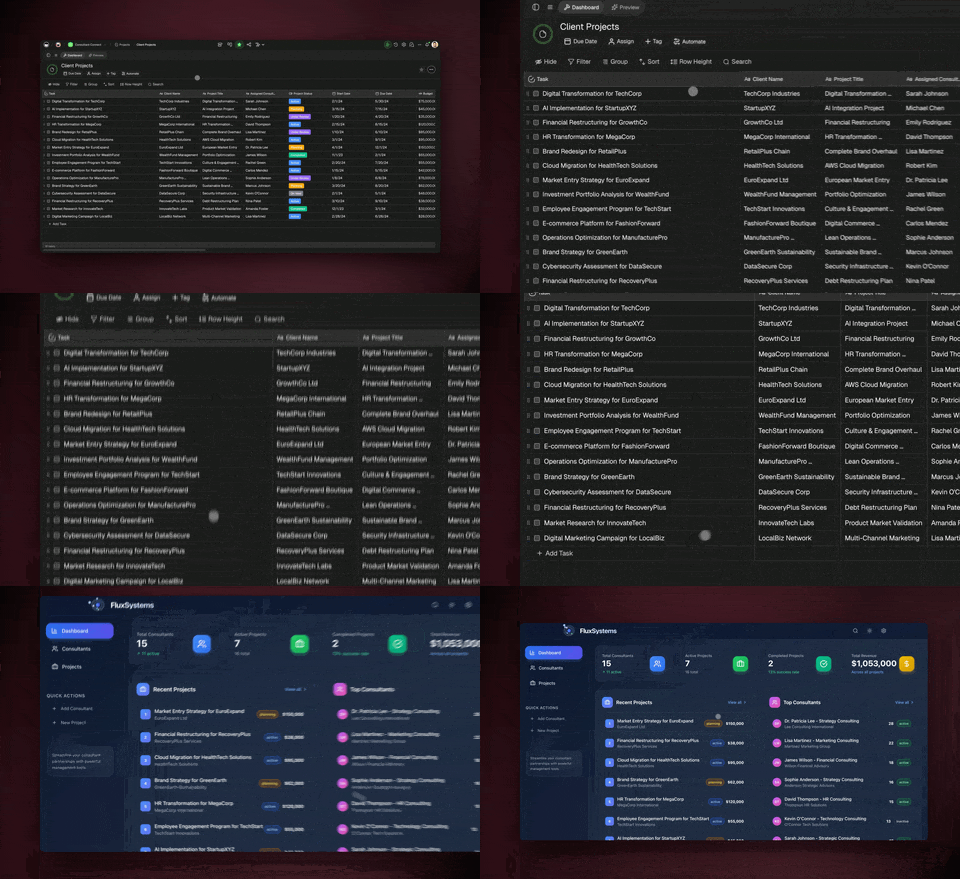
No signup, no credit card. Open the live automation workspace → (opens in new tab)
| Capability | Make | Taskade Genesis |
|---|---|---|
| Pricing (starting) | Free; Core $9/mo; Pro $16/mo; Teams $29/mo (annual) | $0 Free · $16/mo Pro (10 seats) |
| Cloneable live demo | ❌ | ✅ |
| Built-in AI agents | None (just a runner) | ✅ 33 built-in tools |
| Automation engine | Yes (scenarios only) | ✅ Temporal-backed, 100+ integrations |
| Workspace DNA loop | ❌ | ✅ ▲ Memory · ■ Intelligence · ● Execution |
Table of Contents
- Quick Comparison Table
- The fundamental difference
- What is Taskade Genesis?
- What is Make?
- Feature-by-feature deep dive
- The Workspace DNA advantage
- Pricing and total cost of ownership
- When to choose each
- Frequently asked questions
- Build without permission
The fundamental difference
Make is a craftsman's automation tool. Drag modules onto a canvas, wire them with connections, configure routers and iterators, debug visually. The result is precise, powerful, and deeply customizable — the visual canvas is genuinely the best in the category for complex data pipelines.
Taskade Genesis takes a different starting point. You describe the automation in natural language, AI agents reason inside every step, and Genesis ships the front-end app the workflow feeds. The output is a working system — automation, agents, and app — built and running together.
Make asks: "What modules should I wire?" Genesis asks: "What system should exist, and what should it do automatically?"
What is Taskade Genesis?
Taskade Genesis is the AI app builder inside the Taskade workspace. It is built on Workspace DNA — Memory (Projects), Intelligence (AI Agents), and Execution (Automations) — a self-reinforcing loop where what your team does becomes the substrate the agents reason over. Founded by John Xie, Dionis Loire, and Stan Chang in 2017, Taskade is a Y Combinator-backed platform with a public Community Gallery of apps anyone can clone.
Automations run on a durable execution runtime: retries are automatic, long-running workflows survive provider outages, and branching, looping, and filtering are first-class. Triggers pull events in. Actions push data out. And every workflow step can call an AI agent with persistent memory and 33 built-in tools.
What is Make?
Make launched as Integromat in 2012 and rebranded in 2022. It is a visual automation platform built around scenarios — canvases where you drag modules from a 1,500+ app catalog and wire them together with connections. Routers, iterators, aggregators, and array functions handle complex branching, looping, and data transformation.
Make at a glance: 1,500+ app integrations, industry-leading iterator and aggregator support, deep array and data transformation functions, scenario-level error handling, and beta AI Agents. Pricing is per-operation: Free 1,000 operations per month, Core $9 per month for 10,000 operations (annual), Pro $16 per month with priority execution, Teams $29 per month for shared scenarios and roles.
Make's strengths are real and worth naming: the most powerful visual canvas in the category, deep data transformation support, mature iterator and aggregator modules, and a loyal community of automation specialists. The trade-off is that Make assumes you want to build visually — and it assumes the apps it connects already exist.
Feature-by-feature deep dive
Building surface
- Taskade lets you describe an automation in natural language. AI builds the workflow, surfaces it as editable steps, and you refine through conversation or direct editing.
- Make is a visual canvas of modules. The canvas is genuinely the best in the category — drag, wire, configure, debug. For users who think visually, this is a feature, not a barrier.
Bidirectional integrations
- Taskade ships 100+ first-party bidirectional integrations across 10 categories: Communication, Email and CRM, Payments, Development, Productivity, Content, Data and Analytics, Storage, Calendar, and E-commerce. Triggers pull external events in. Actions push data out.
- Make ships 1,500+ app integrations after more than a decade of partner work. For raw catalog size, Make wins.
Iterators, aggregators, and data transformation
- Make is the leader here. Iterator, Aggregator, Array Aggregator, Text Aggregator, and a deep library of array and string functions handle data shaping that other platforms struggle with.
- Taskade offers loop and filter primitives plus AI-powered transformation steps (an agent can parse, classify, summarize, or reshape data in a single step). Different tool for the same job.
AI agents inside the workflow
- Taskade ships AI Agents v2 — first-class teammates with persistent memory, 33 built-in tools, custom tools, and the option to embed agents publicly. Any automation step can call an agent.
- Make added AI Agents in beta. They are scenario-scoped helpers rather than first-class teammates with persistent identity and a built-in tool catalog.
App builder
- Taskade Genesis turns a prompt into a deployed application with the automation already wired in. Custom domains, password protection, and public embedding via GenesisAuth are built in.
- Make has no app builder. You connect existing apps; you do not build new ones.
Workspace memory and context
- Taskade's Workspace DNA gives every agent persistent context across projects, files, integrations, and the live state of your business.
- Make uses per-scenario data stores. Powerful for the scenario at hand, but no workspace-wide memory layer that automations and agents share.
Team collaboration
- Taskade is workspace-native: real-time multiplayer editing, comments, chat, video calls, and 7-tier role-based access (Owner, Maintainer, Editor, Commenter, Collaborator, Participant, Viewer).
- Make offers scenario sharing and roles on the Teams plan ($29 per month and up).
The Workspace DNA advantage
Make's mental model is "modules on a canvas." Genesis's mental model is Workspace DNA: a self-reinforcing loop between three pillars.
- Memory (Projects) — Your team's docs, tasks, files, and structured data become the substrate every agent reasons over.
- Intelligence (Agents) — Custom AI Agents with persistent memory, 33 built-in tools, and the option to call out to MCP servers or your own tools.
- Execution (Automations) — Durable workflows triggered by external events that read from Memory, act through Intelligence, and write the results back into Memory.
Make is brilliant at one slice of this loop — wiring modules into a precise data pipeline. Genesis runs the entire loop continuously, so the longer you use it, the more your workspace itself becomes the thing that builds and runs the next workflow.
Pricing and total cost of ownership
| Plan | Taskade Genesis | Make |
|---|---|---|
| Free | Free Forever — limited AI credits, full app builder | Free — 1,000 operations / month, 2 active scenarios |
| Core / Pro | Pro $16 / month annual — unlimited apps, 10 seats | Core $9 / month — 10,000 operations |
| Pro | Business $40 / month — unlimited seats, higher AI capacity | Pro $16 / month — priority execution, custom variables |
| Teams / Max | Max $200 / month — maximum AI generation capacity | Teams $29 / month — shared scenarios, roles |
| Enterprise | $400 / month with custom SLA | Custom — contact sales |
Make's pricing is per-operation. A complex scenario can burn dozens of operations per run, and heavy users routinely upgrade for more headroom. Taskade's pricing is flat per seat with included AI credits — predictable monthly spend regardless of how many workflows run.
When to choose each
Choose Make if:
- You think visually about workflows and prefer a canvas of modules.
- Your workflows involve heavy data transformation that iterators and aggregators handle elegantly.
- You need a niche integration only Make supports out of 1,500+ partners.
- You already have all your front-end apps built and only need a connector layer.
Choose Taskade Genesis if:
- You want to describe automations in natural language instead of wiring modules.
- You want first-class AI agents with persistent memory inside every workflow step.
- You want to build the app and the automation in one place.
- You want a flat subscription with included AI credits and no per-operation metering.
- You want workflow automation, an AI agent platform, and an app builder unified by a workspace memory layer.
Use both if: Many teams keep Make for highly visual data pipelines and use Taskade Genesis for AI-powered workflows, agent automation, and the apps the team ships.
Build without permission
Make gives automation specialists a beautiful canvas. Genesis gives every team — technical or not — a workspace where the automation, the AI agents, and the app come out together.
- Build with Genesis → — One prompt, one deployed app
- Browse the Community Gallery — Clone apps shipped by other Genesis builders
- Read the Workspace DNA explainer — How Memory, Intelligence, and Execution work together
Explore Taskade Genesis
- Workflow Automation — AI-powered business automation
- AI Agent Platform — Digital teammates that work 24/7
- AI App Builder — Build complete apps from one prompt
- AI Website Builder — Sites in seconds
- AI Knowledge Base — Searchable AI-powered docs
Build without code
- AI App Generator — Full apps from prompts
- AI Dashboard Generator — Business dashboards
- AI Form Generator — Smart intake forms
- Browse Community Apps — Clone and customize
Related reading
- Build Without Permission — Our manifesto
- How Workspace DNA Works — The architecture
- Origin of Living Software — The future of apps
- Agentic Workflows That Replace Your Startup's Busywork
- Stop Worshipping Prompts, Start Building Workflows
- AI Tools Built with Taskade Genesis