
Free
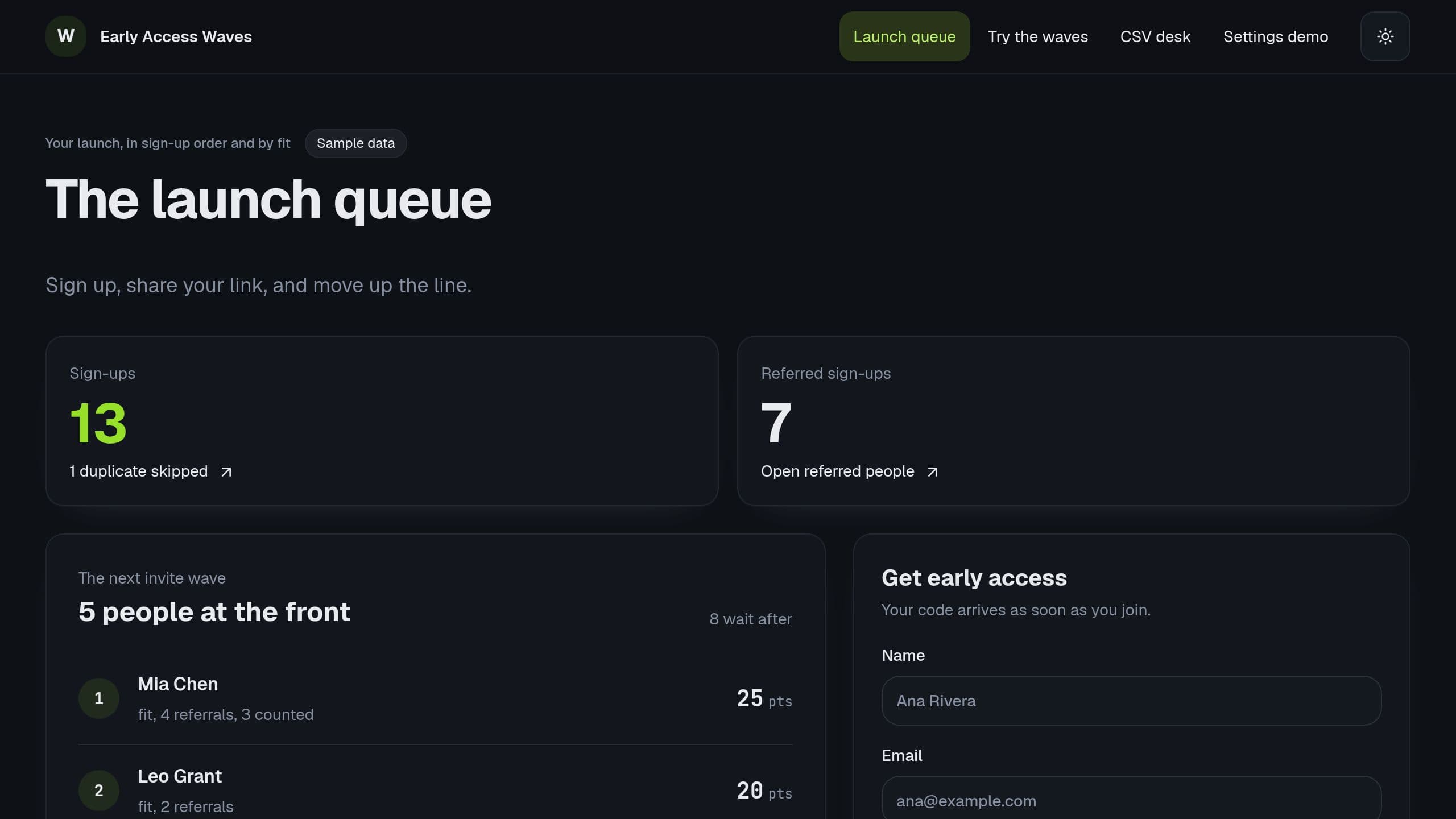
Early Access Waves: Take early access sign-ups, move people up for referrals and fit, let each person check their place by code, and invite the top scores each week.
Free to start. Browse apps to clone.
192 kits
Early Access Waves: Take early access sign-ups, move people up for referrals and fit, let each person check their place by code, and invite the top scores each week.
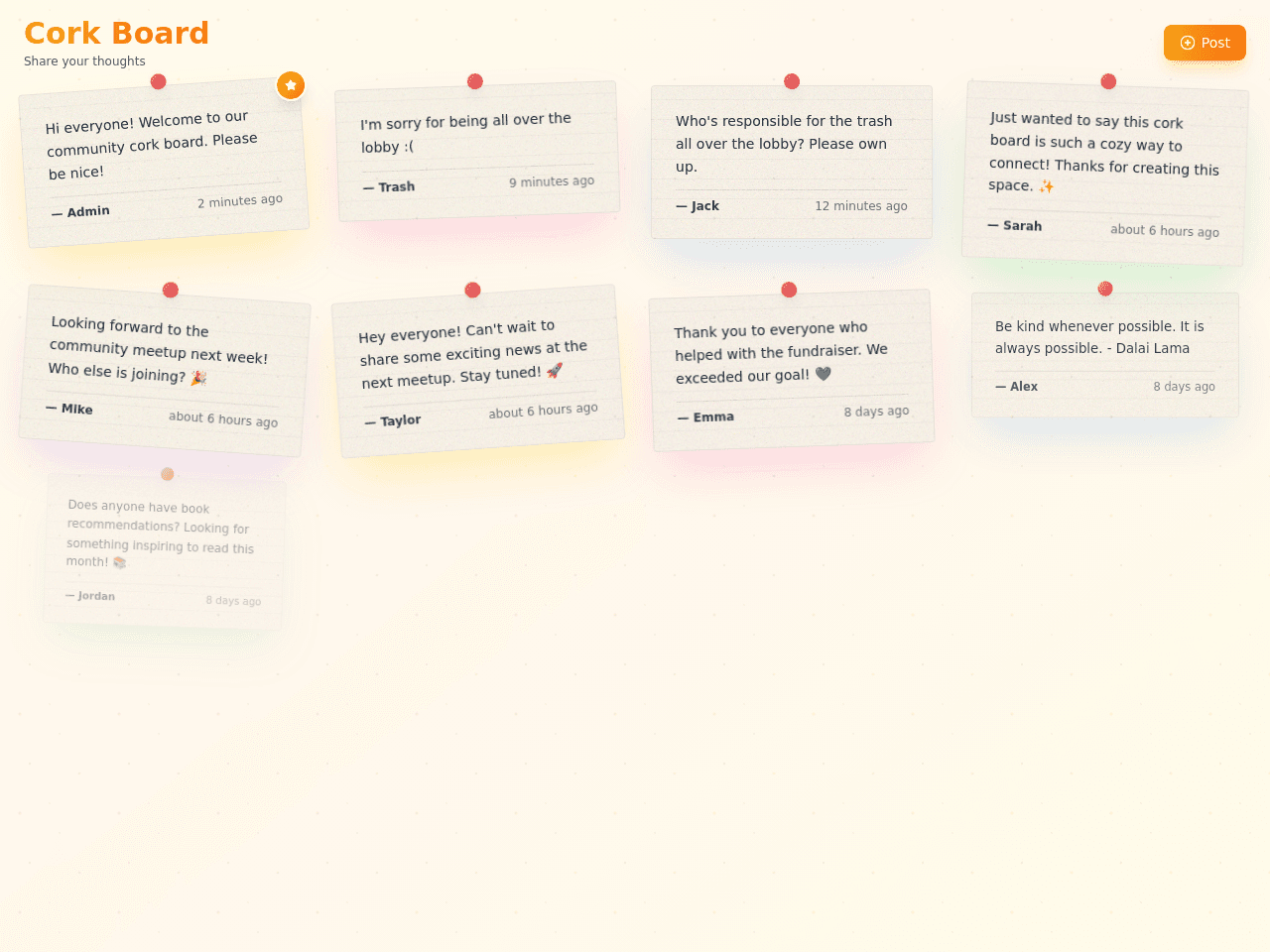
A shared cork board where visitors pin short notes. New notes wait for your approval, then show on the board.
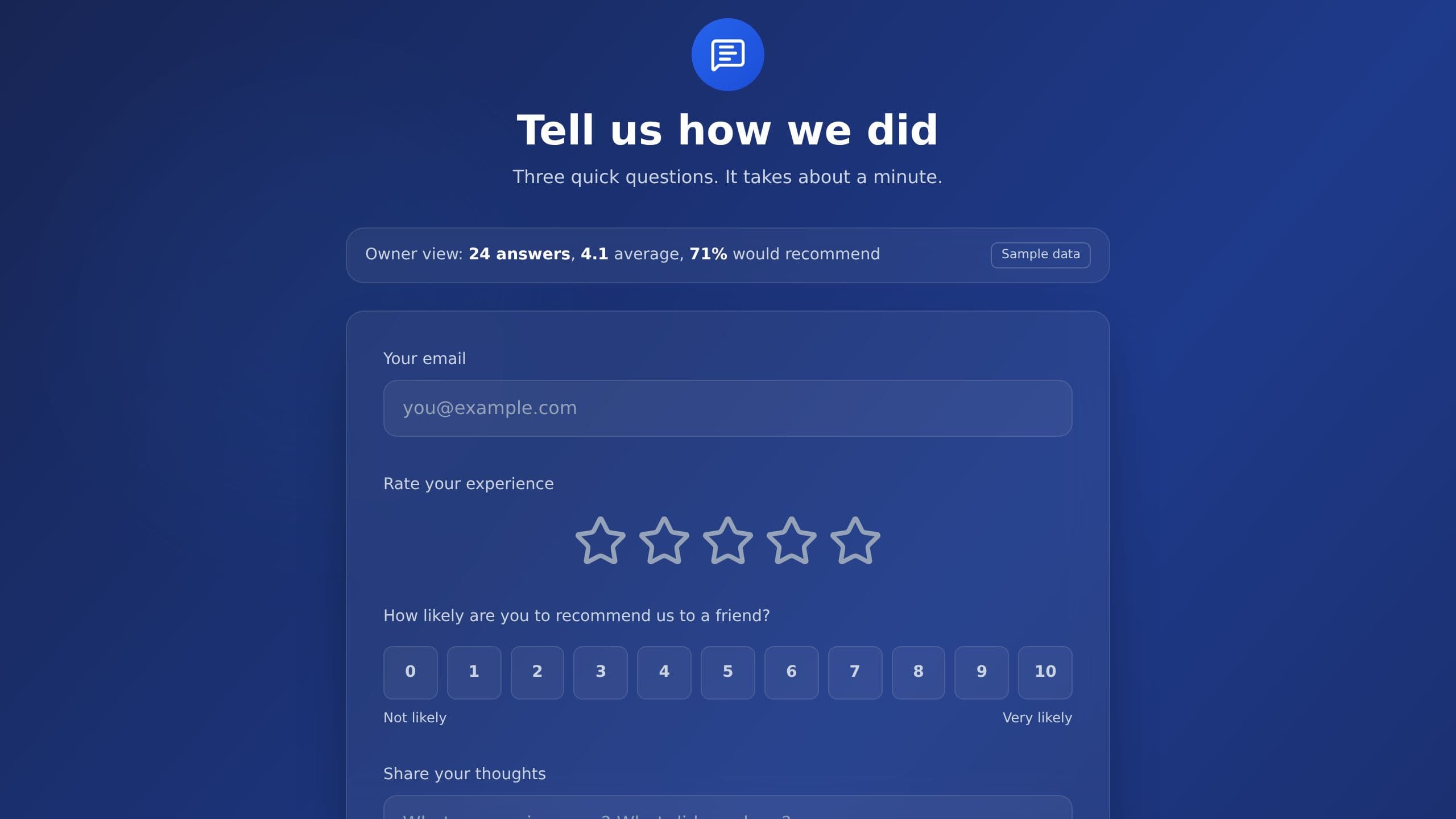
It replaces the paper comment card and the survey link lost in an email. Inside are 2 projects. An automatic alert fires when a rating is low, and an automatic celebration marks positive feedback, so your team hears about both the problems and the wins as they arrive. Clone it free, then switch on the automations you want.
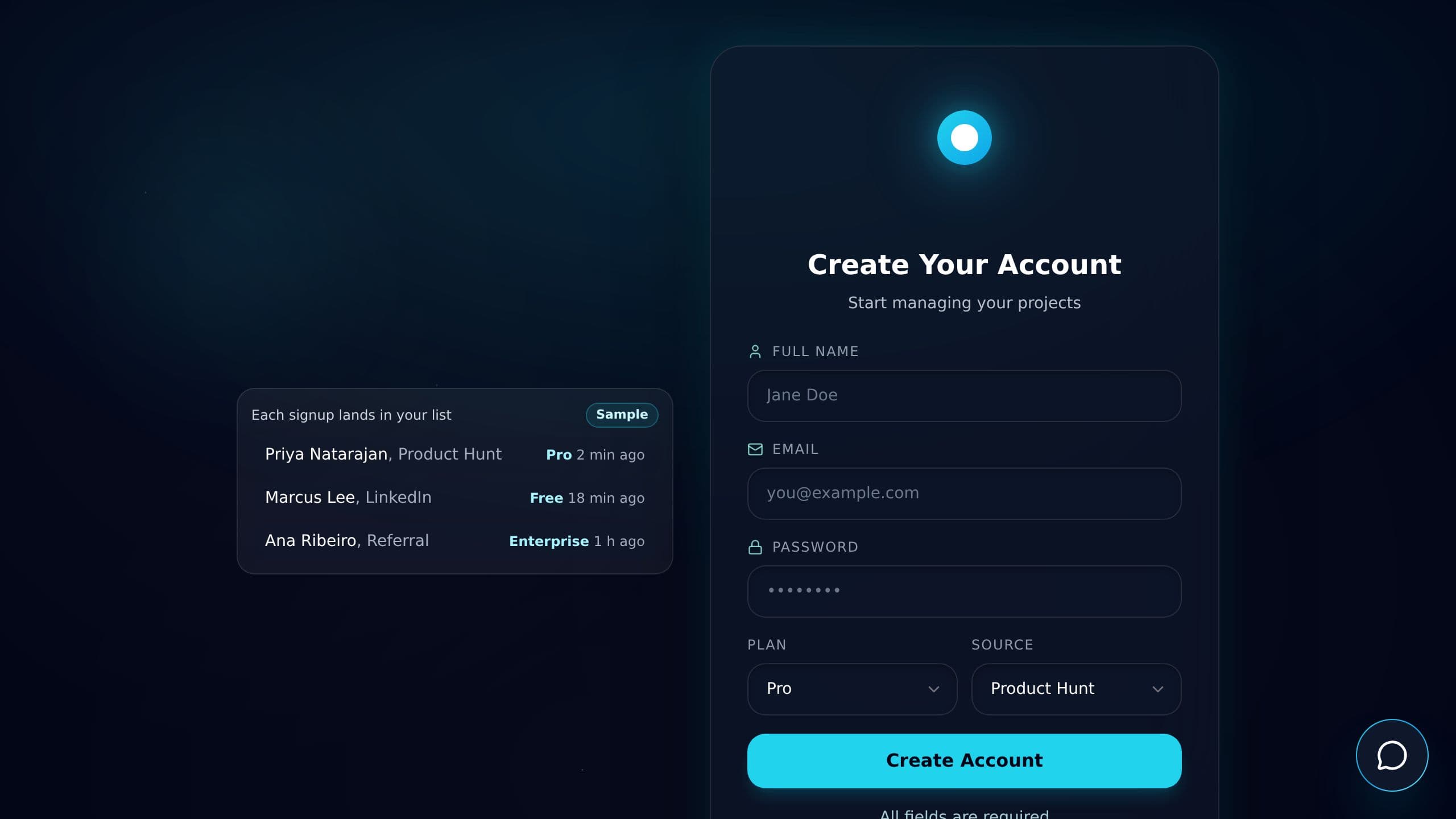
It replaces the paper form and the manual follow-up email to each new sign-up. Two AI assistants, Signup Guide and Sign-Up Assistant, help each person finish. Automatic updates collect each sign-up and handle every new member. Clone it free, then switch on the automations you want.
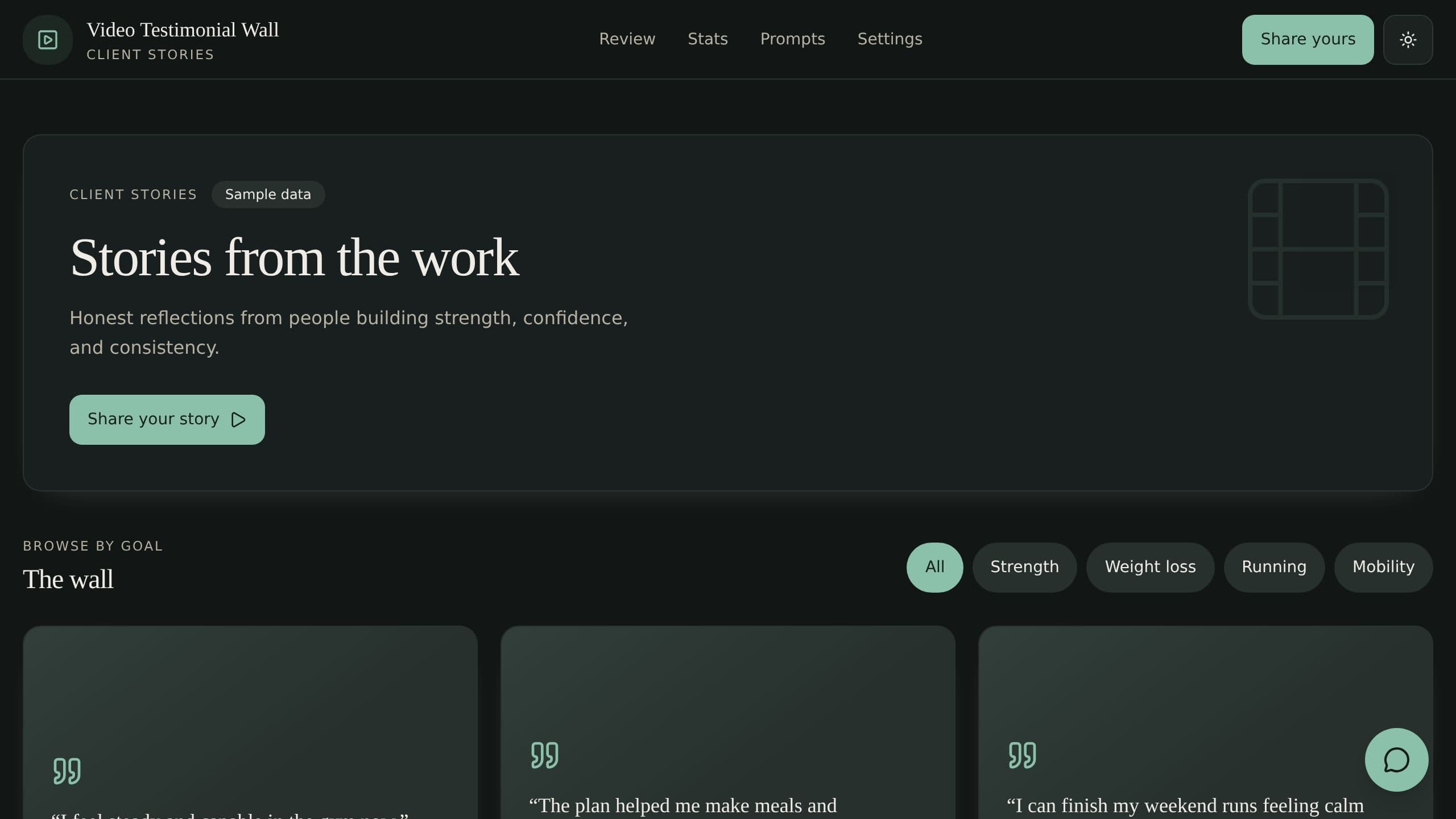
Collect client video testimonials with a share form and consent, approve the best, and show them on a wall.
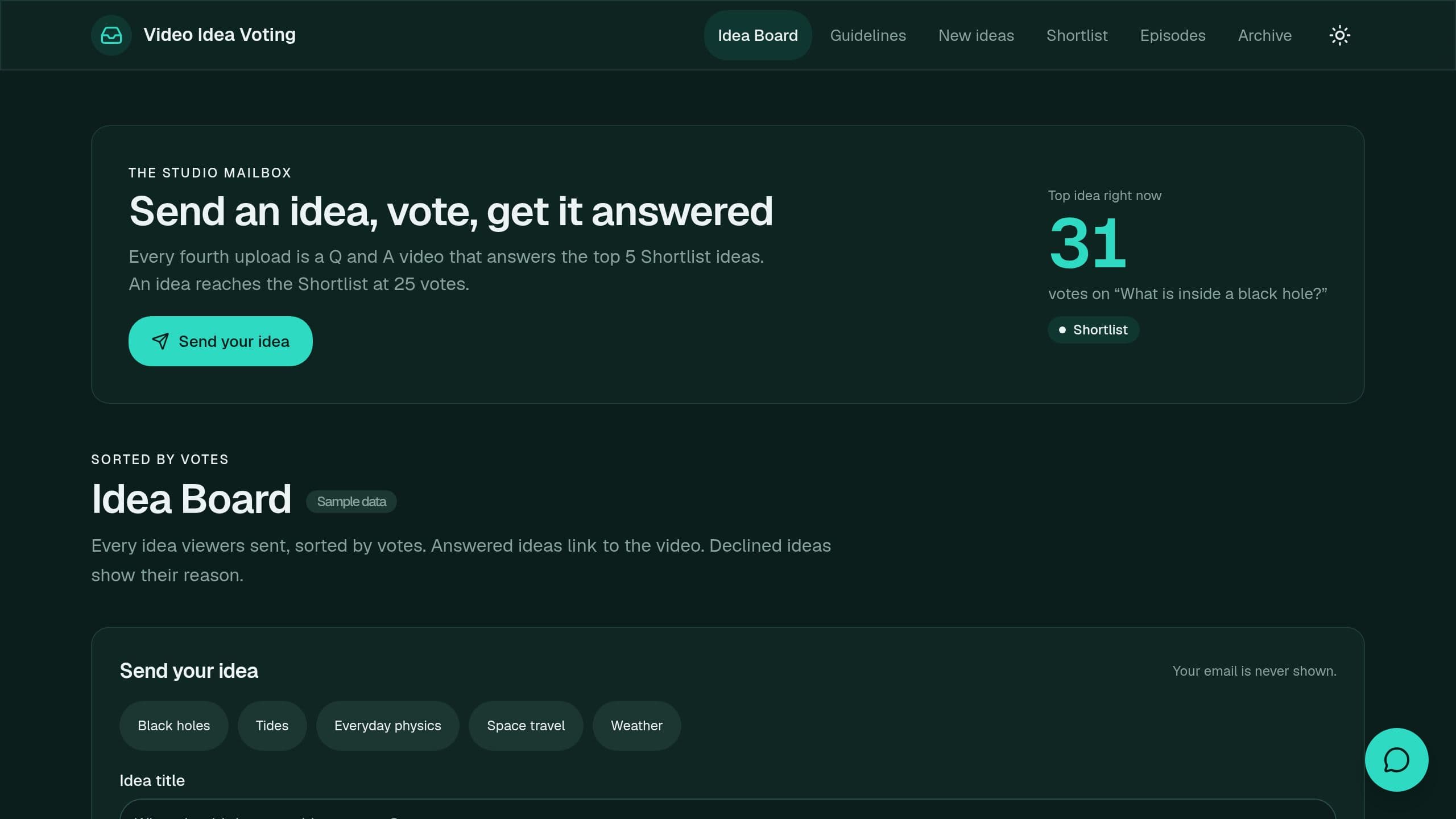
Let viewers send and vote on video ideas, then pick what you answer.
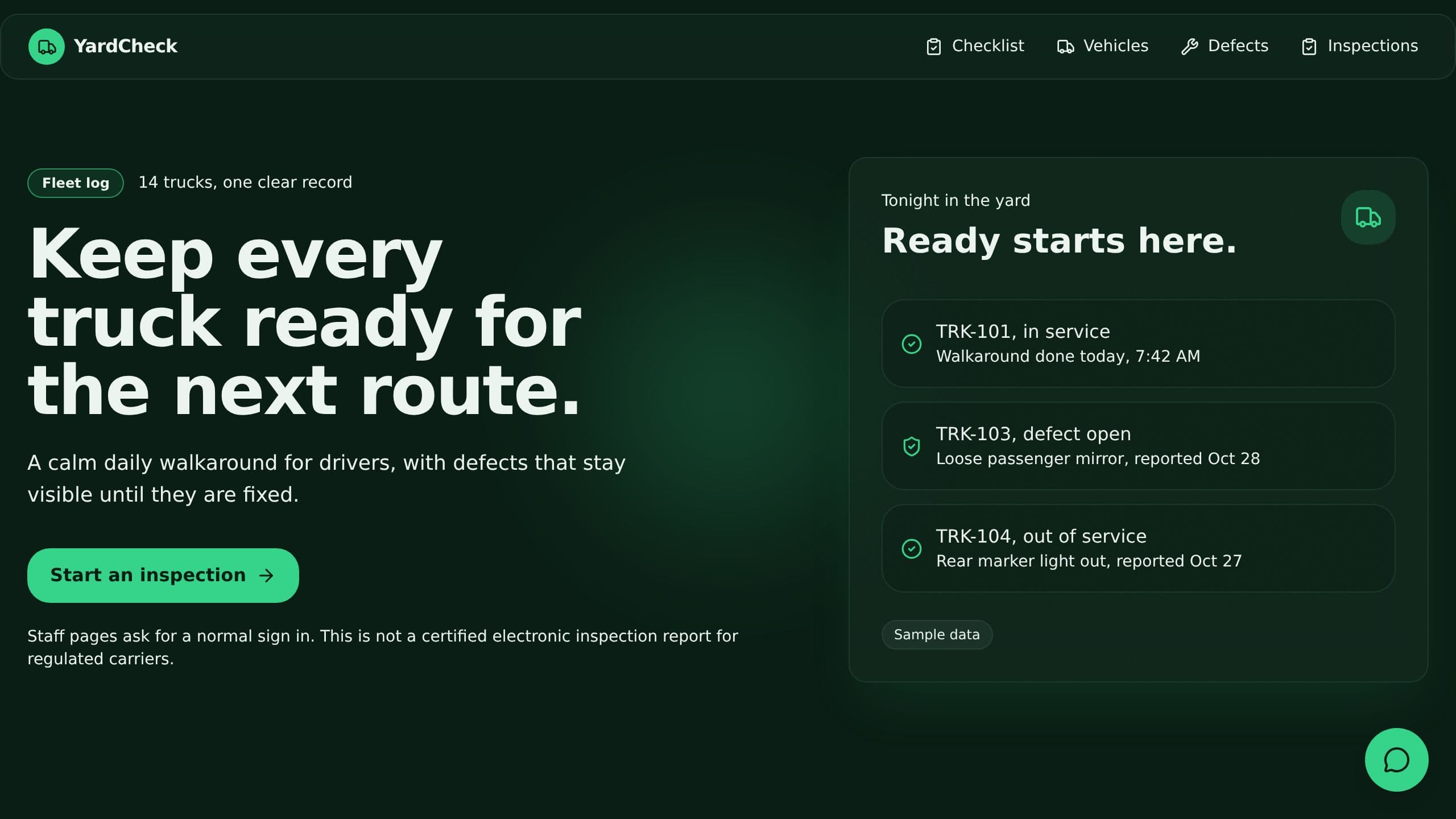
Drivers do a pre-trip check on their phone, unsafe trucks go out of service, and a 9 AM email lists missed checks.
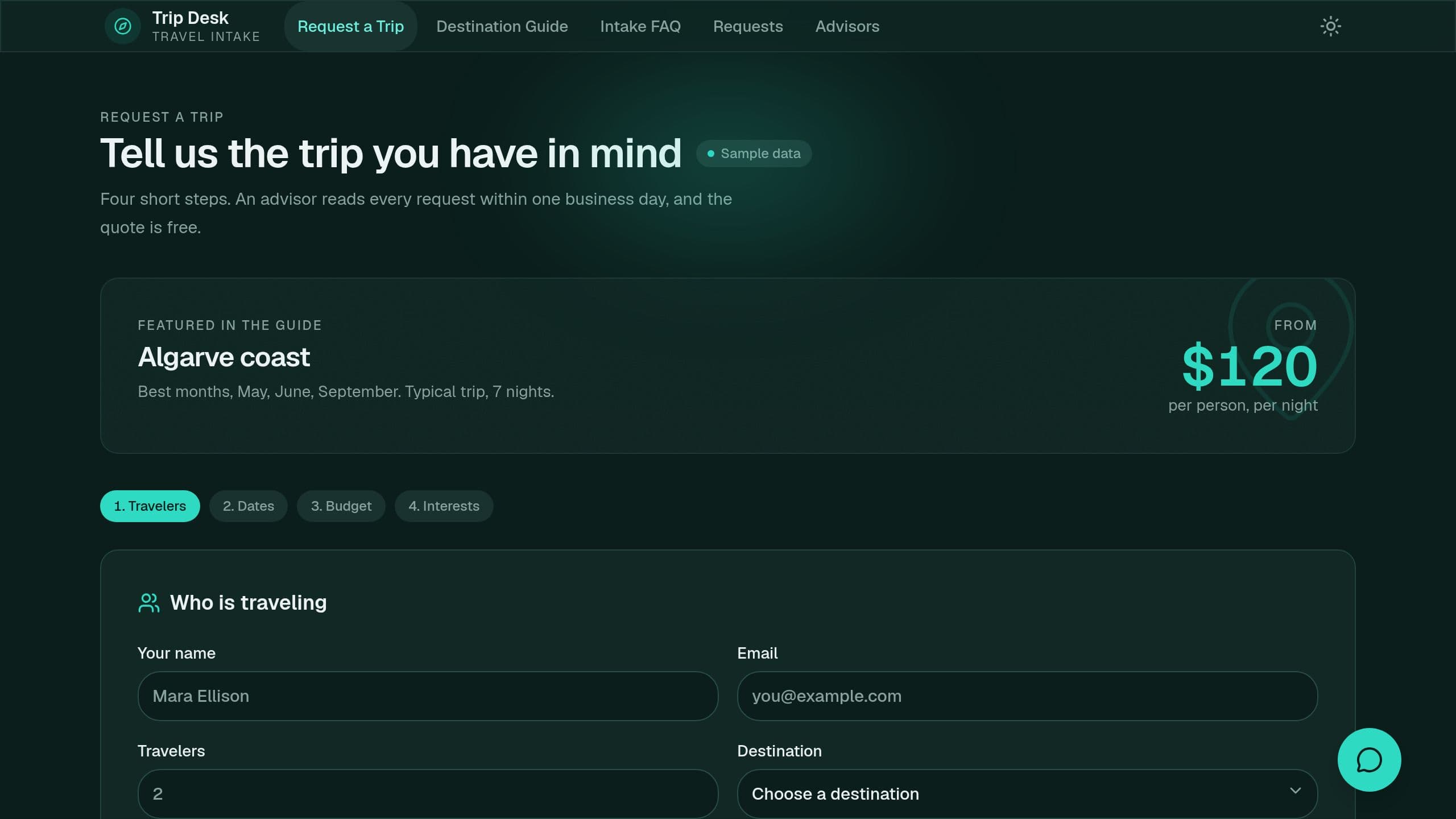
It replaces trip requests that arrive by email in every format. A chat answers planning questions, signed out too. The advisor gets a complete brief with a suggested advisor and sees budget flags. Built for a senior advisor at a small travel agency. Clone it free and start with sample data.
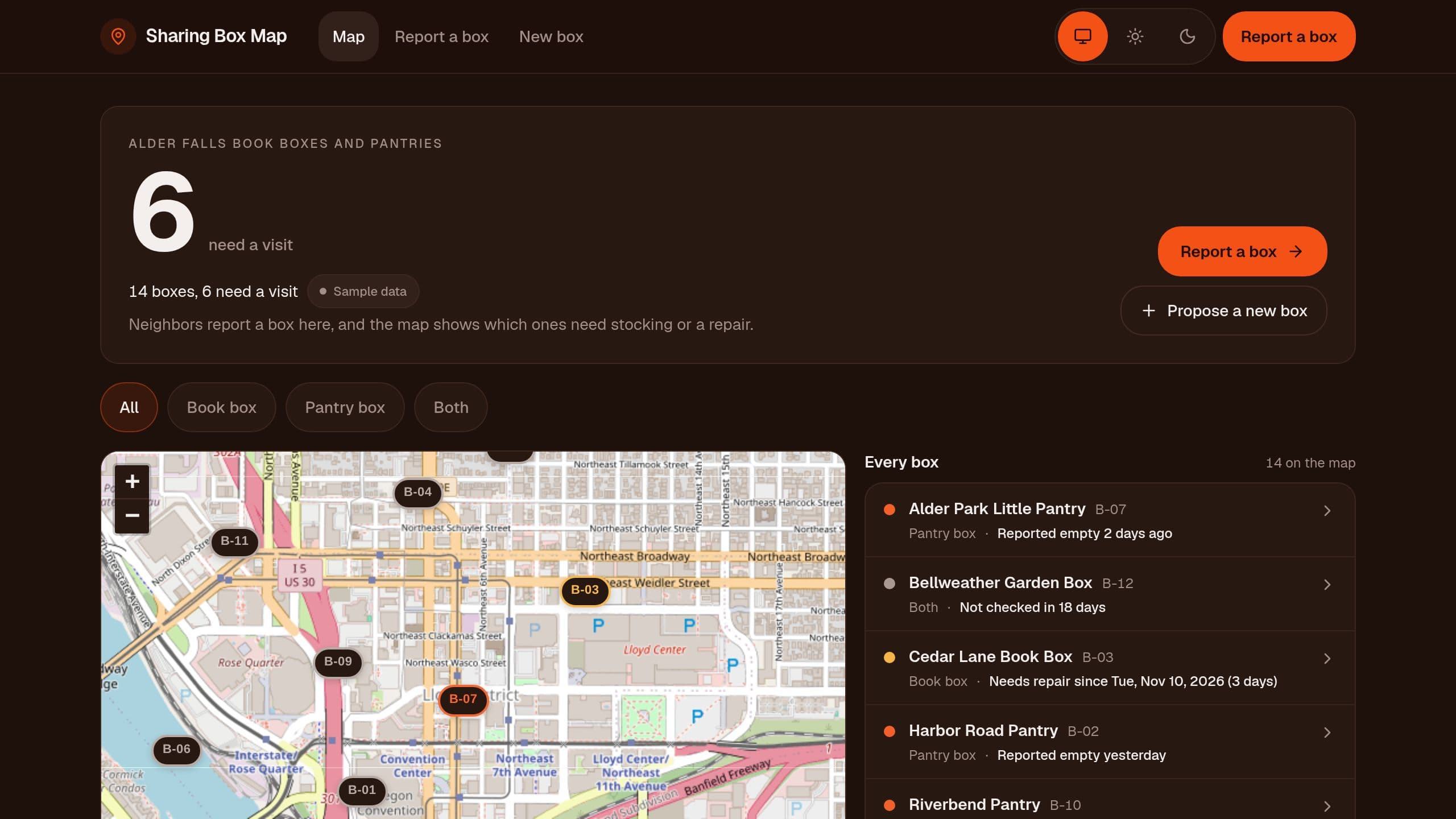
Map every book box and little pantry in town, let neighbors report an empty or broken box, and see which boxes need a visit this week. Free.
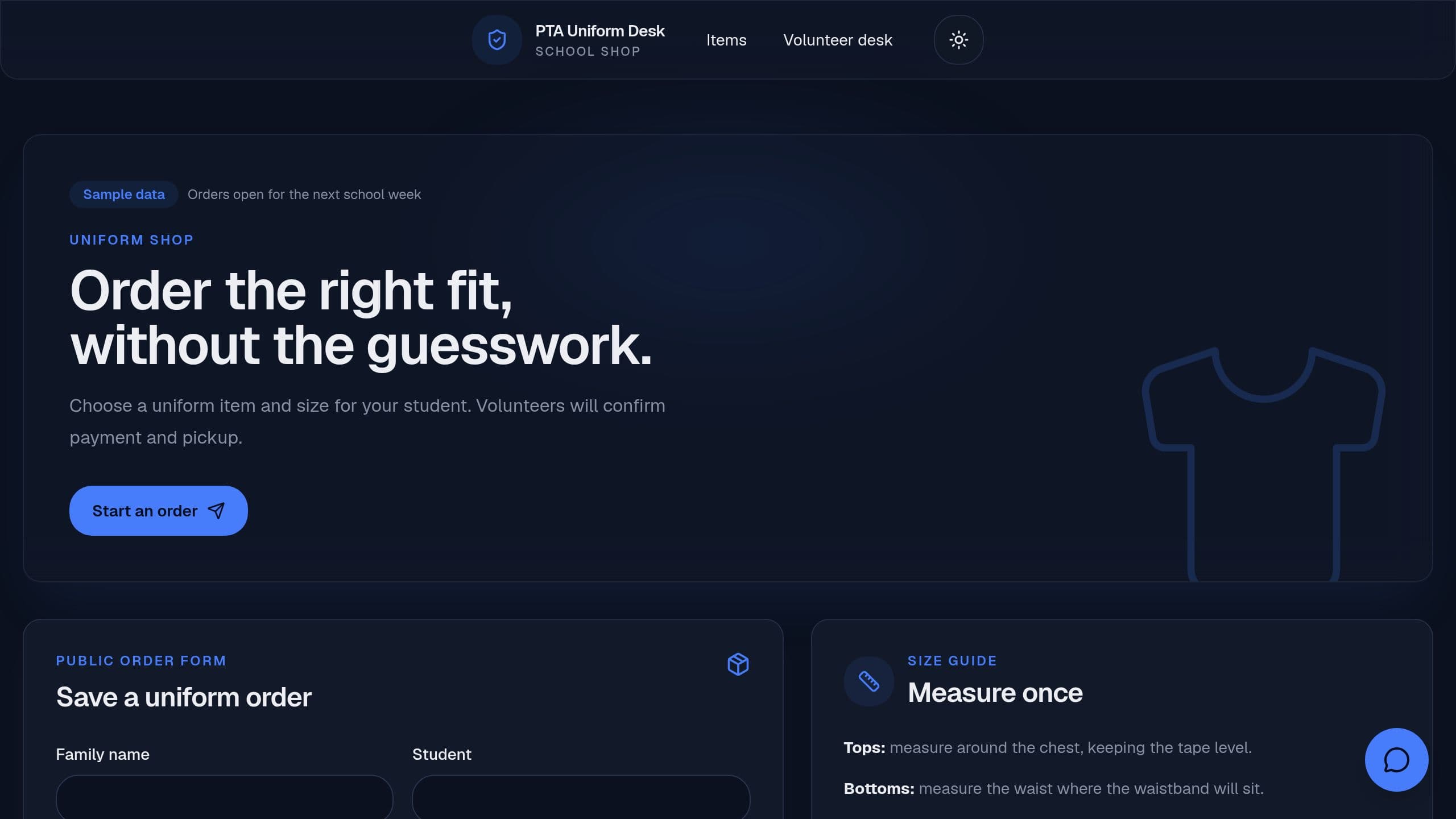
A PTA uniform order page with a size guide, out-of-stock flags and weekly unpaid and low stock emails.
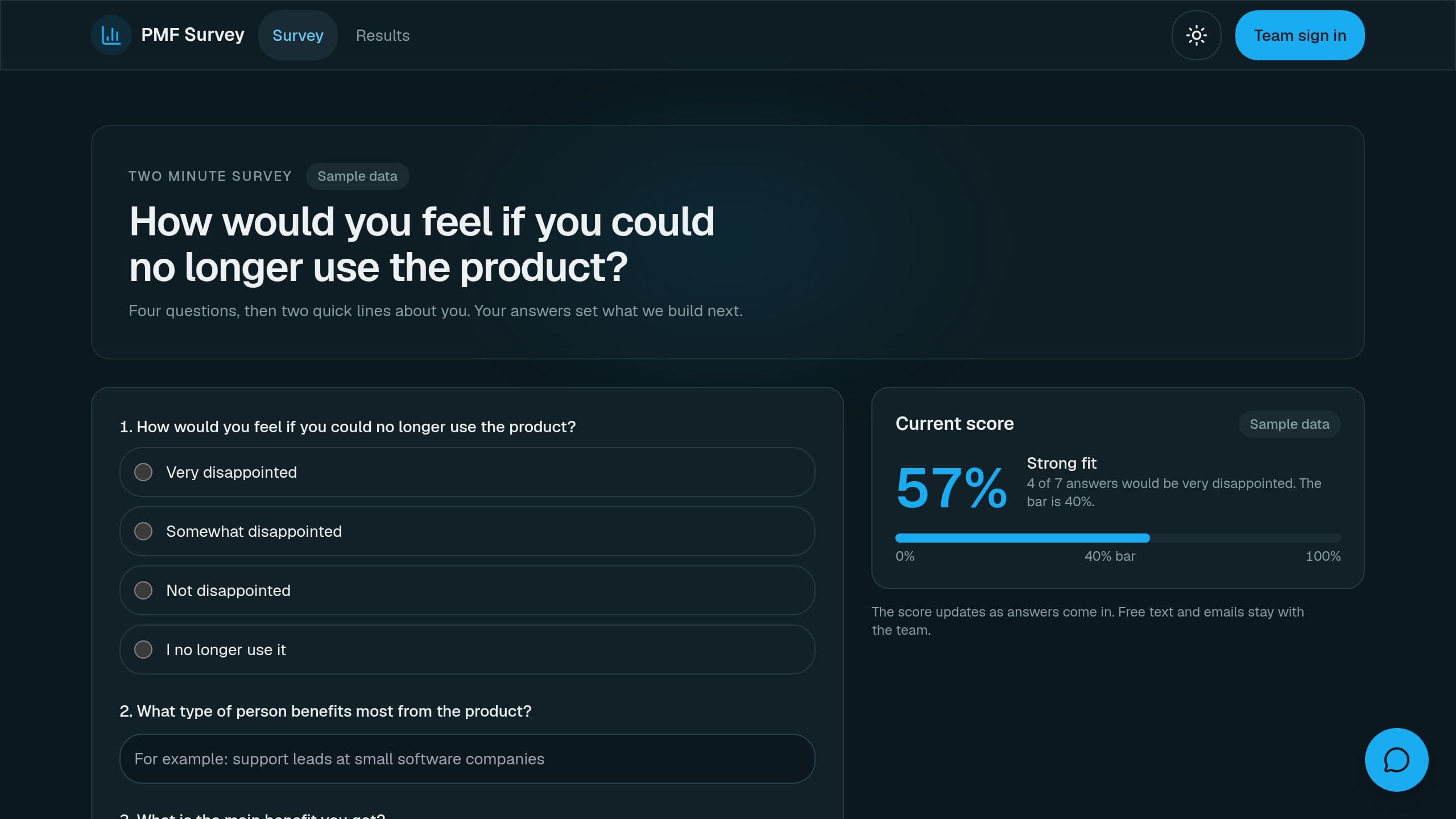
Ask users how they would feel without your product and track the very disappointed share by segment.
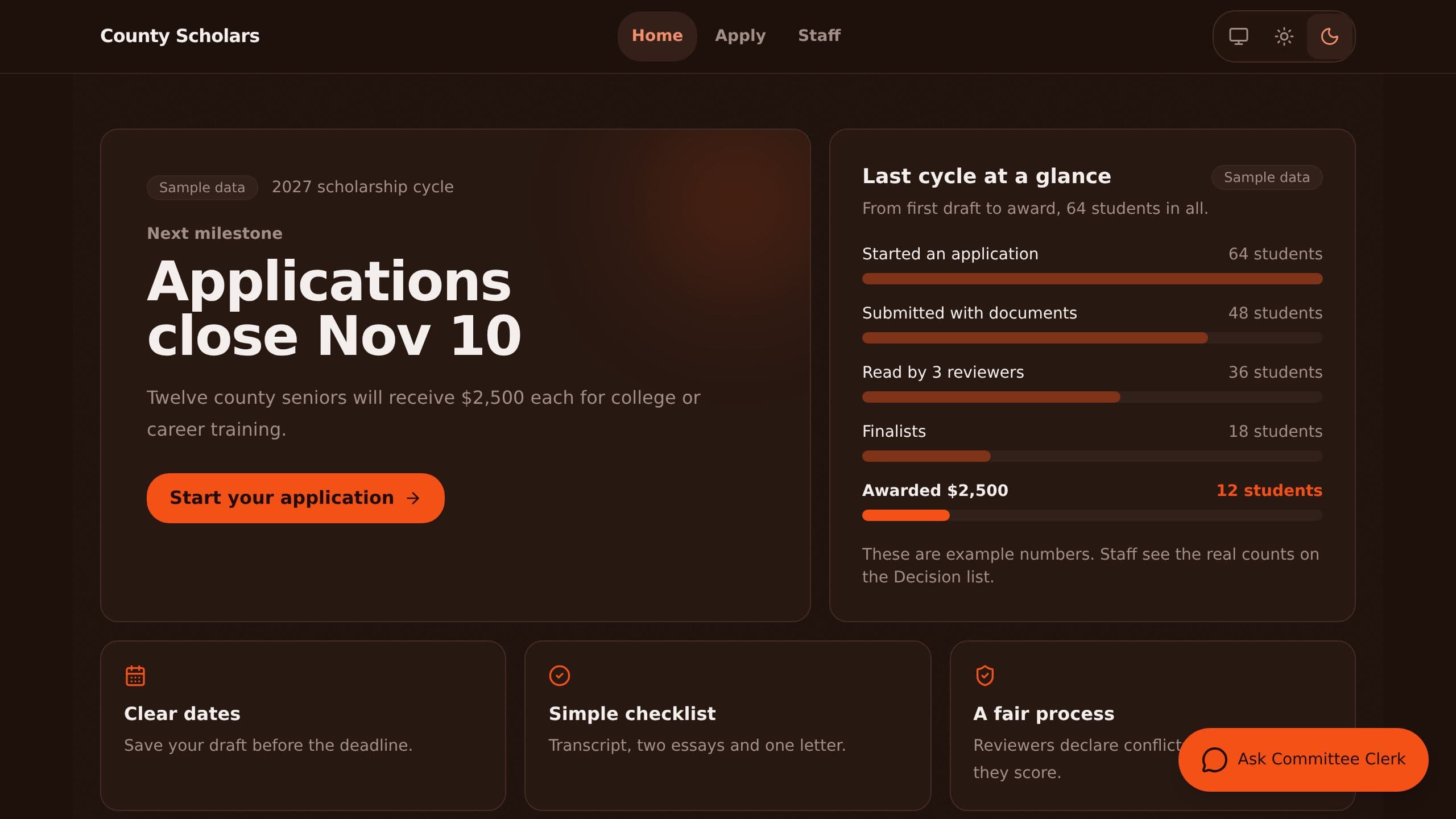
Online scholarship applications with blind conflict checks, a weighted rubric and auto-assigned reviewers.
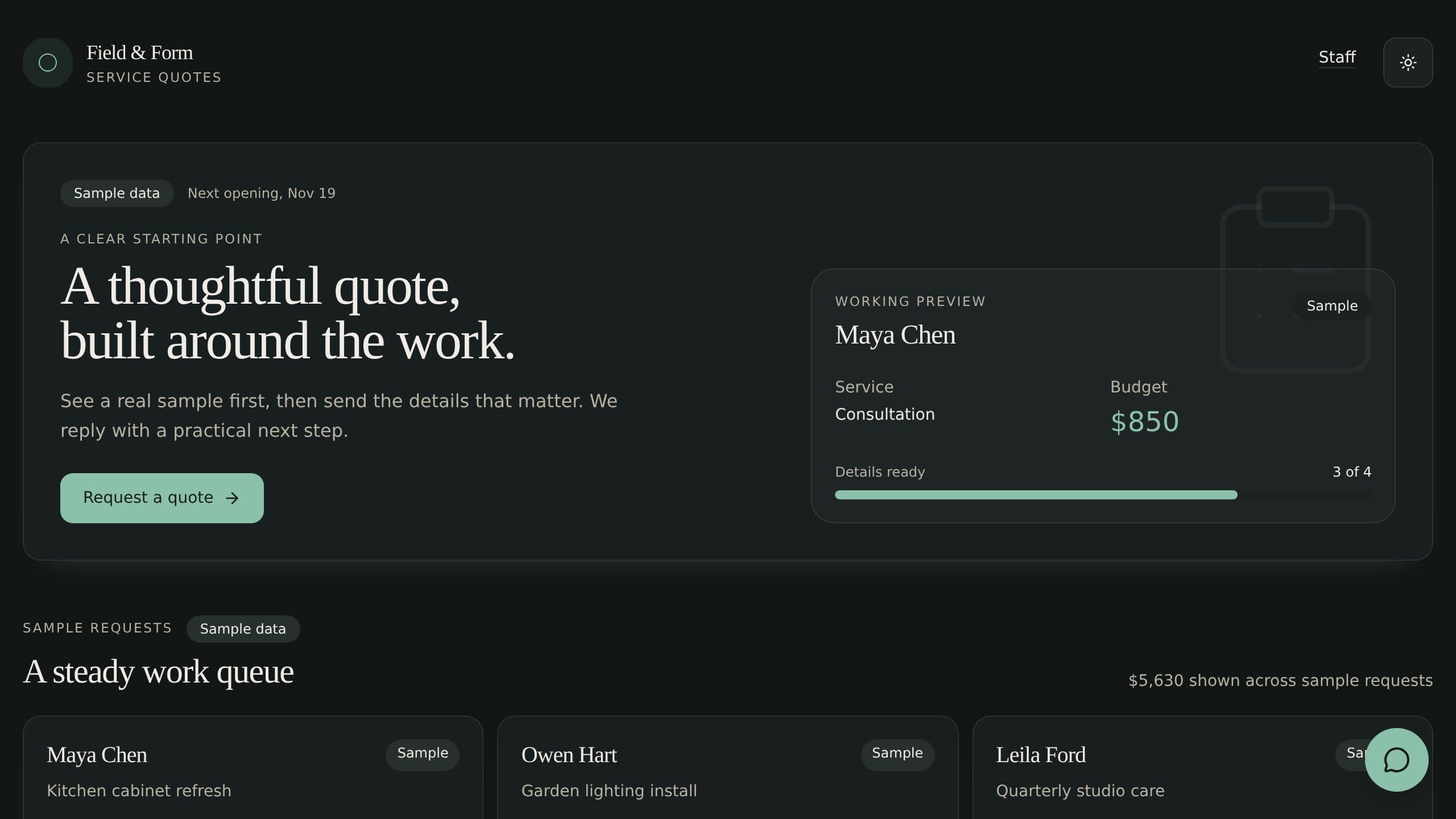
A quote request page for service businesses: a clear starting point, sample requests, a short request form, and a staff queue that drafts the reply, with a quote assistant.
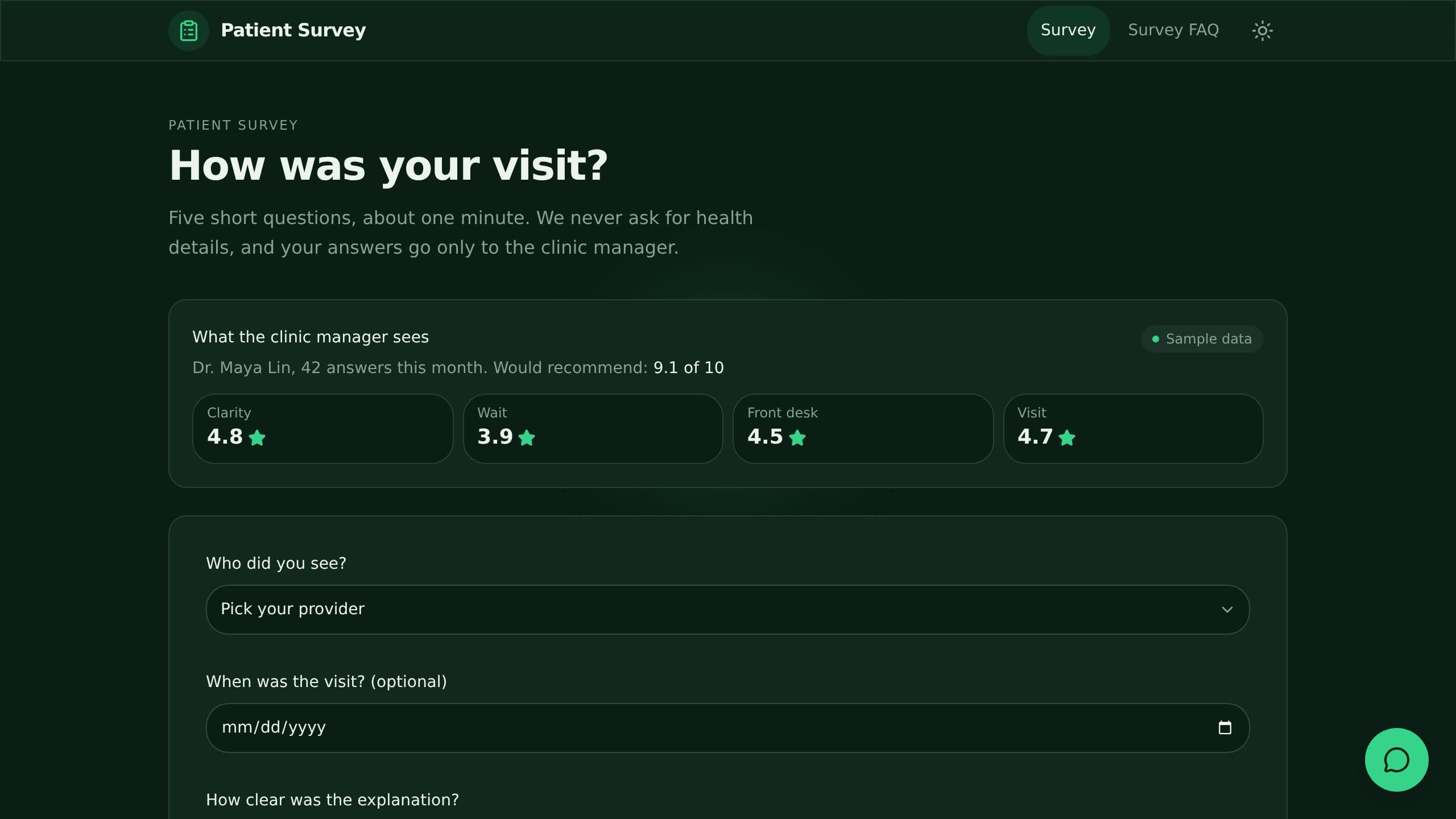
Ask patients five short questions after a visit, score each provider and alert the owner on a low score.
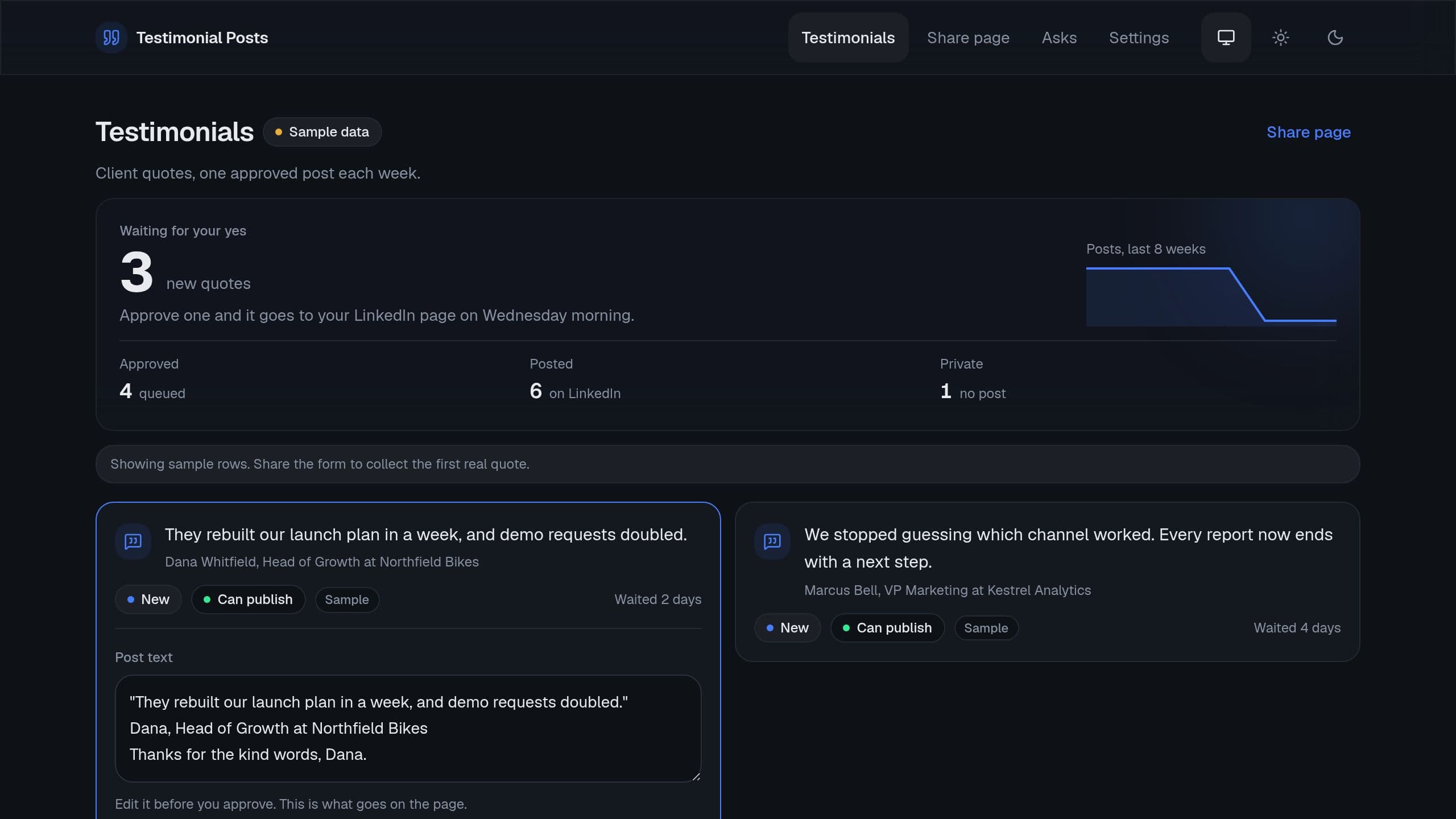
Clients write a testimonial in one form, you approve it, and one goes to your LinkedIn page each week. Posting needs a connected LinkedIn page on Starter or higher. The form, the review page and the Monday email work on Free.
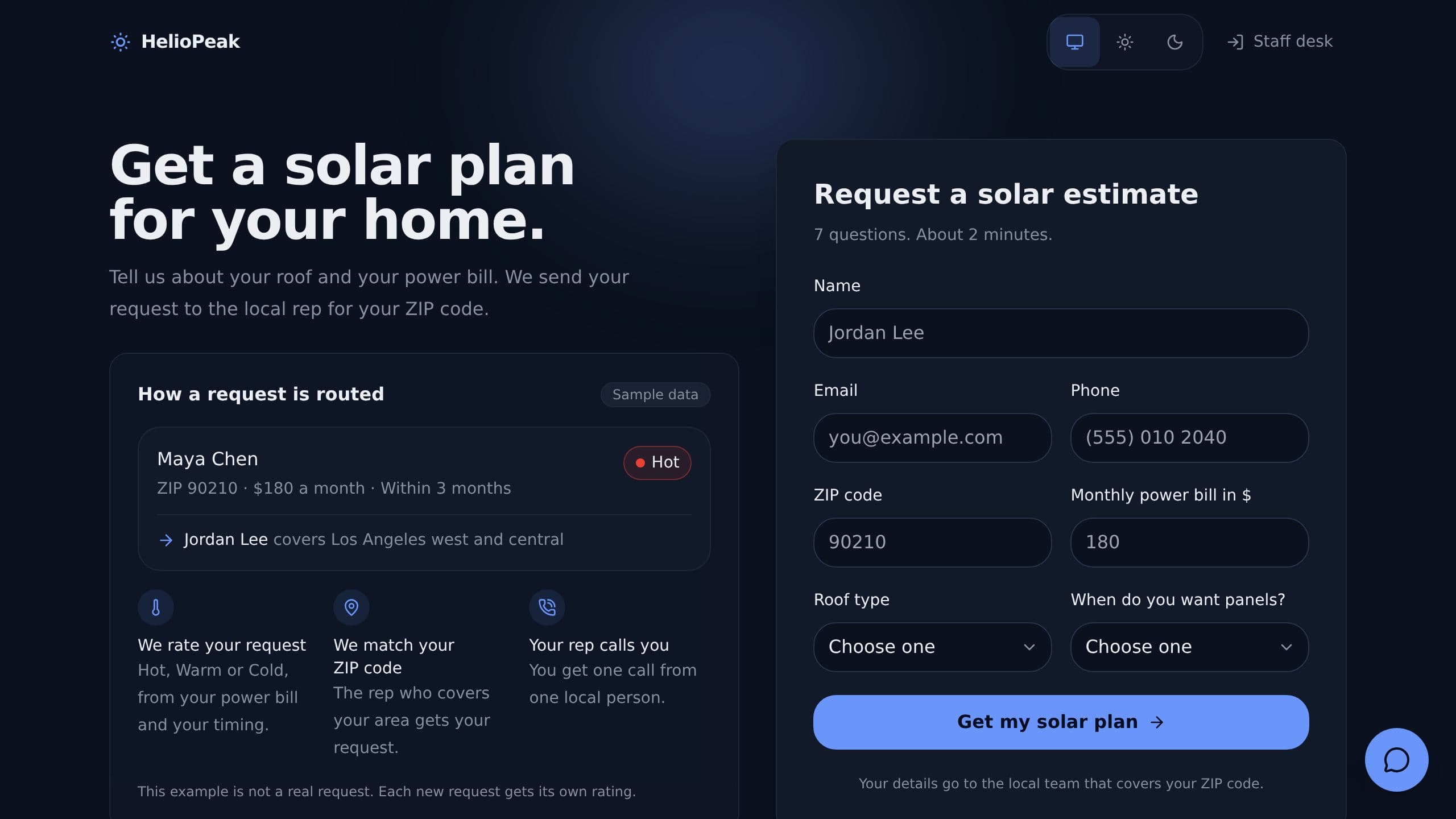
Capture leads on a public form, rate each one hot, warm or cold, assign the rep for that zip code, and flag leads with no first call.
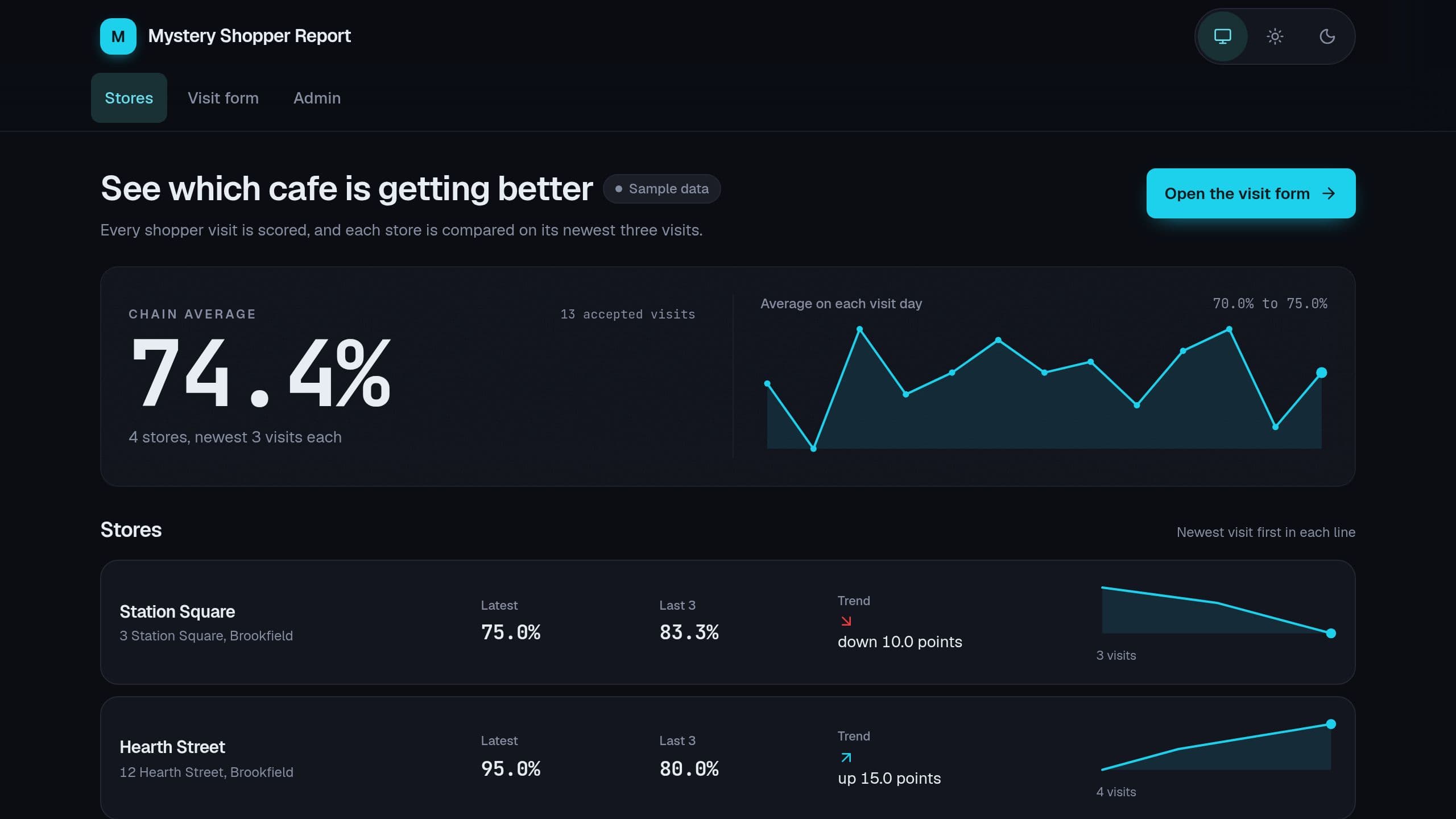
Shoppers fill a scored visit form, and you see each store's score, the average of the last 3 visits and the trend. A Monday email lists the lowest stores: put the link of your copy in the step "Email the week report". Staff need the app Admin role.
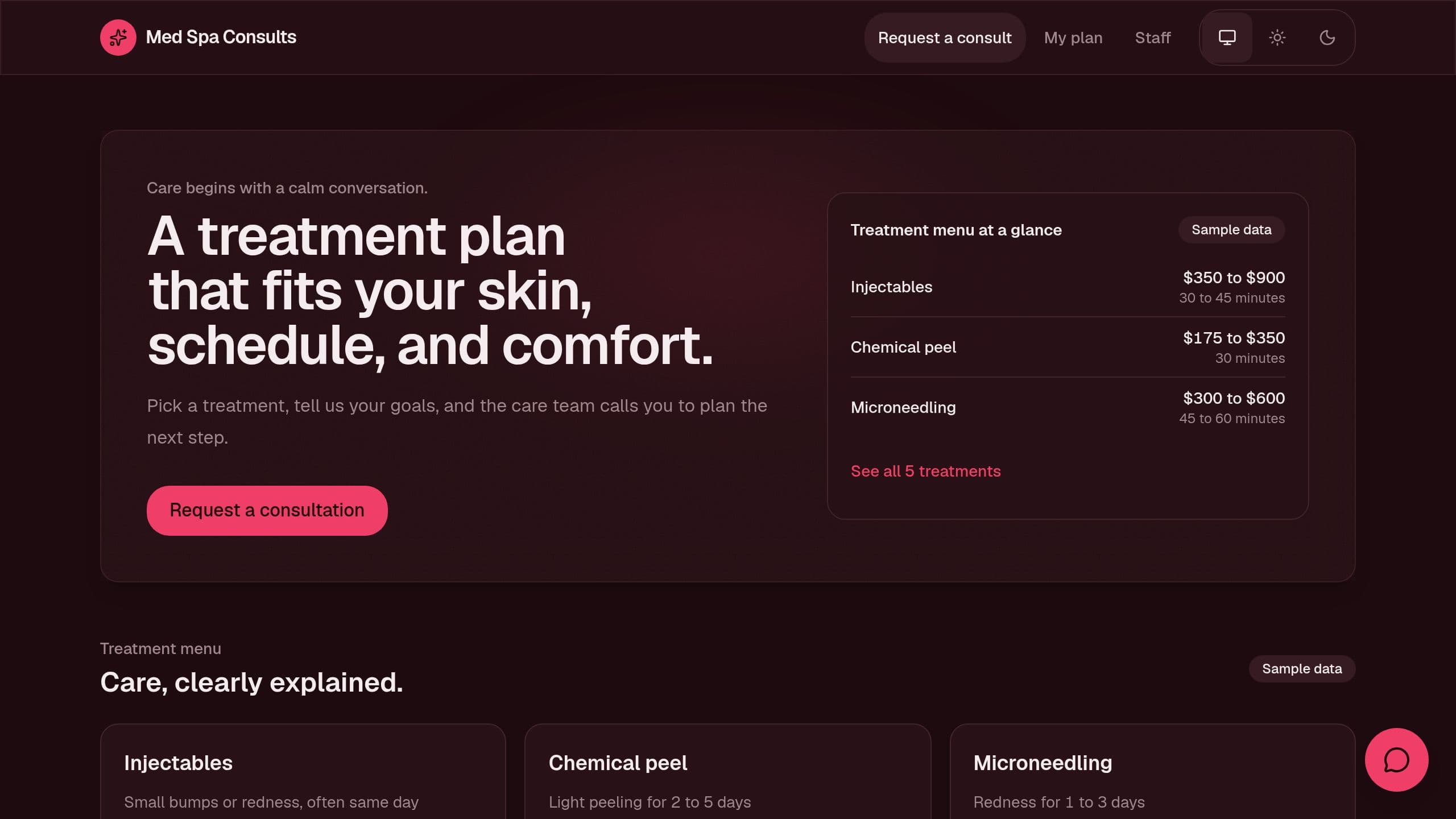
Take consult requests, show a clear treatment menu and share each client's plan.
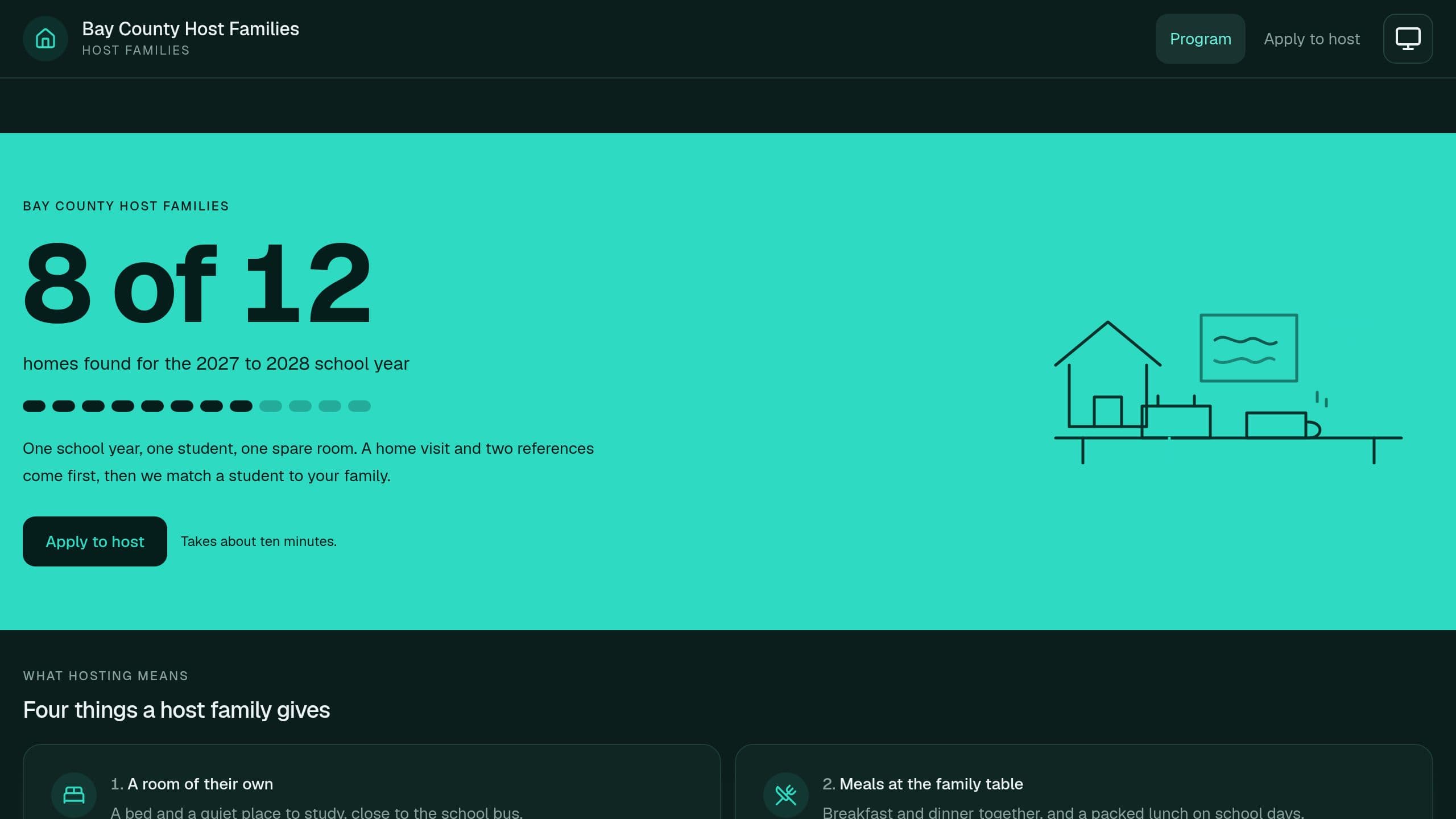
Recruit host families for exchange students with an application form that checks the program rules. Move each family through home visit, references and approval with due dates on one board. A Monday email to you lists new applications and steps that are due or overdue, with no connection needed. Put the link of your copy in Settings.
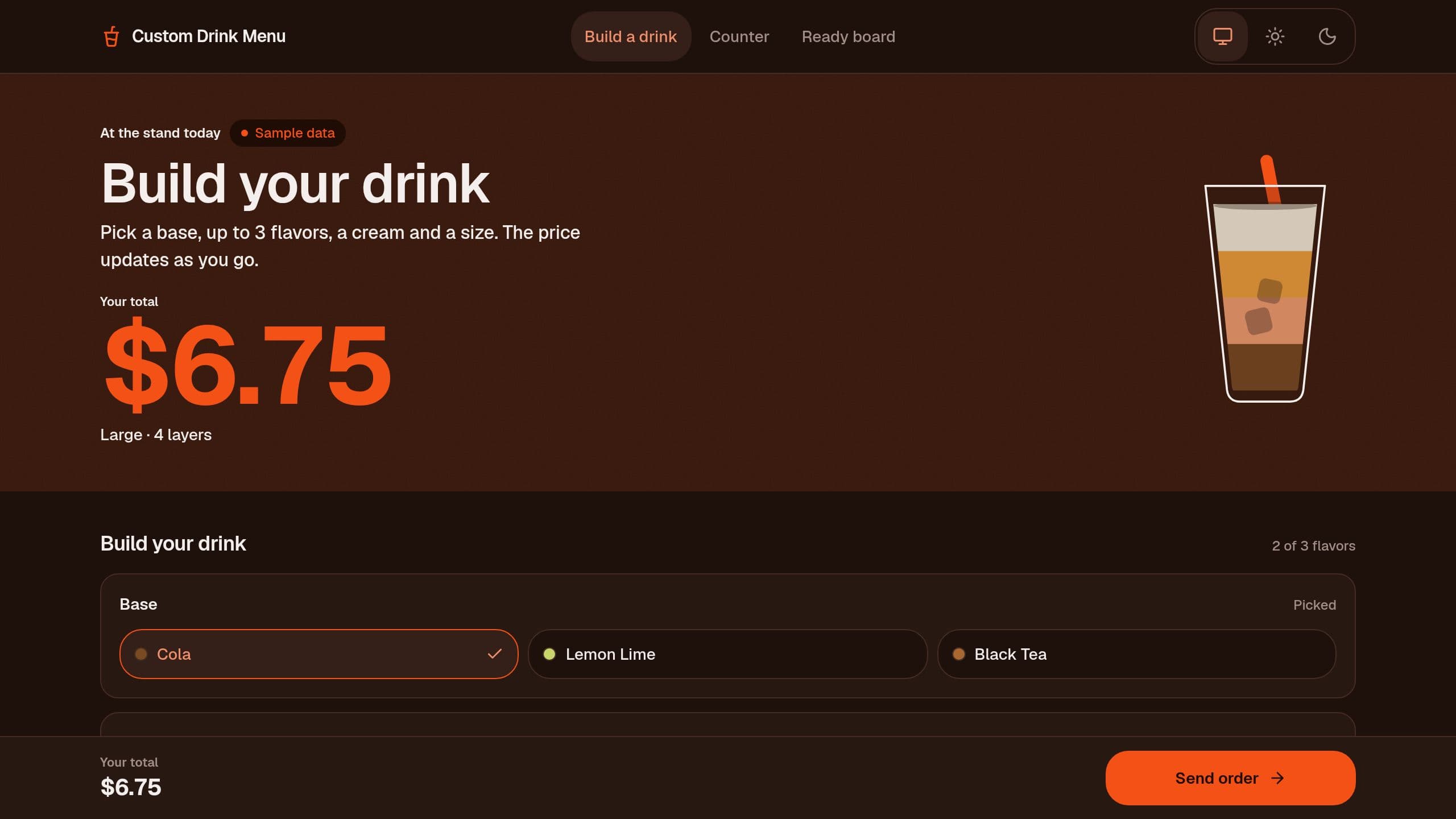
Guests build a layered drink, see the live price and send the order to your counter. The Monday digest email links to this demo: after you clone, put the link of your own copy in that step.
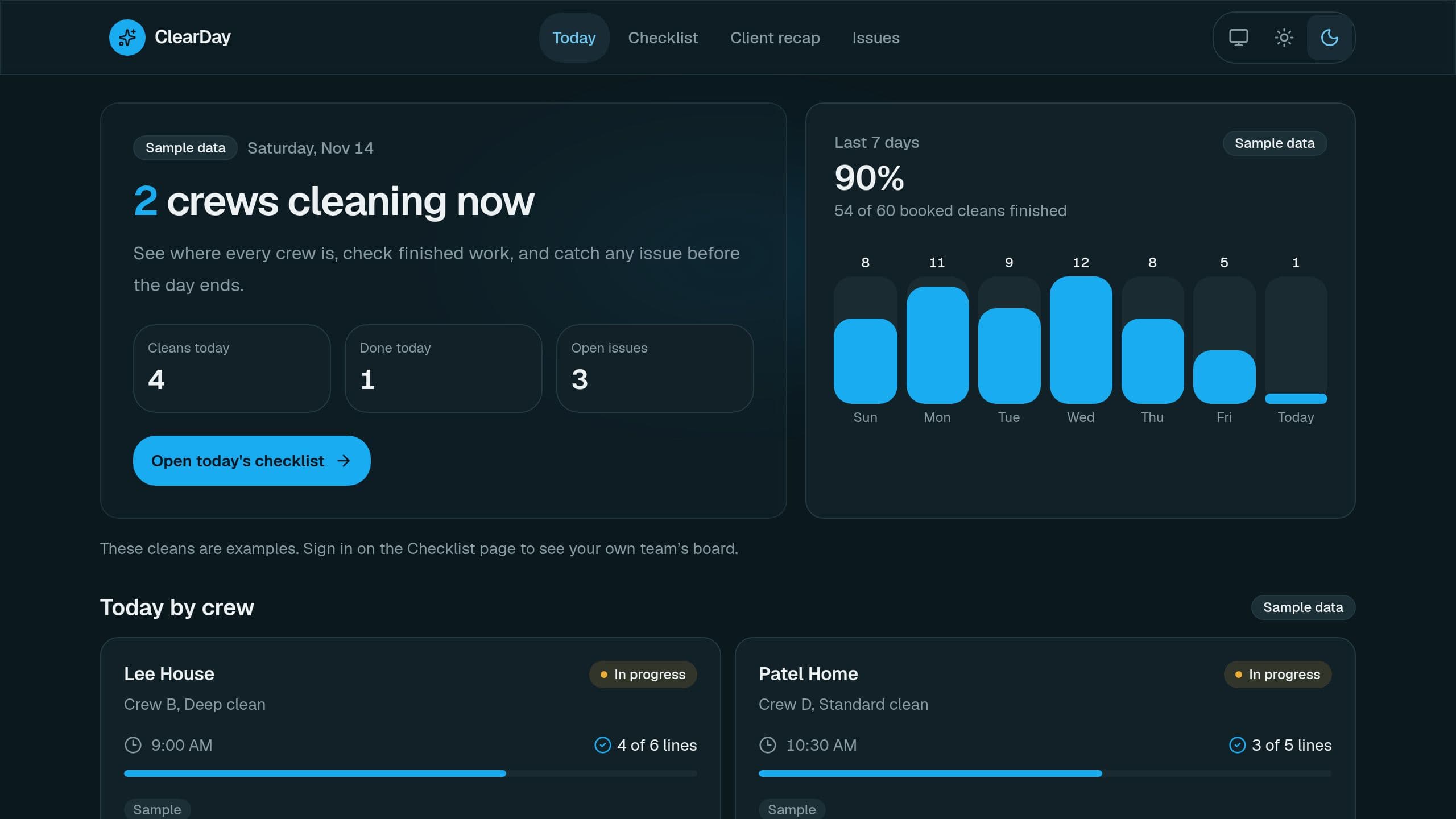
Crews tick a room-by-room cleaning checklist with photos, the office tracks issues, and a client recap is ready to copy into an email. Daily and weekly email recaps.
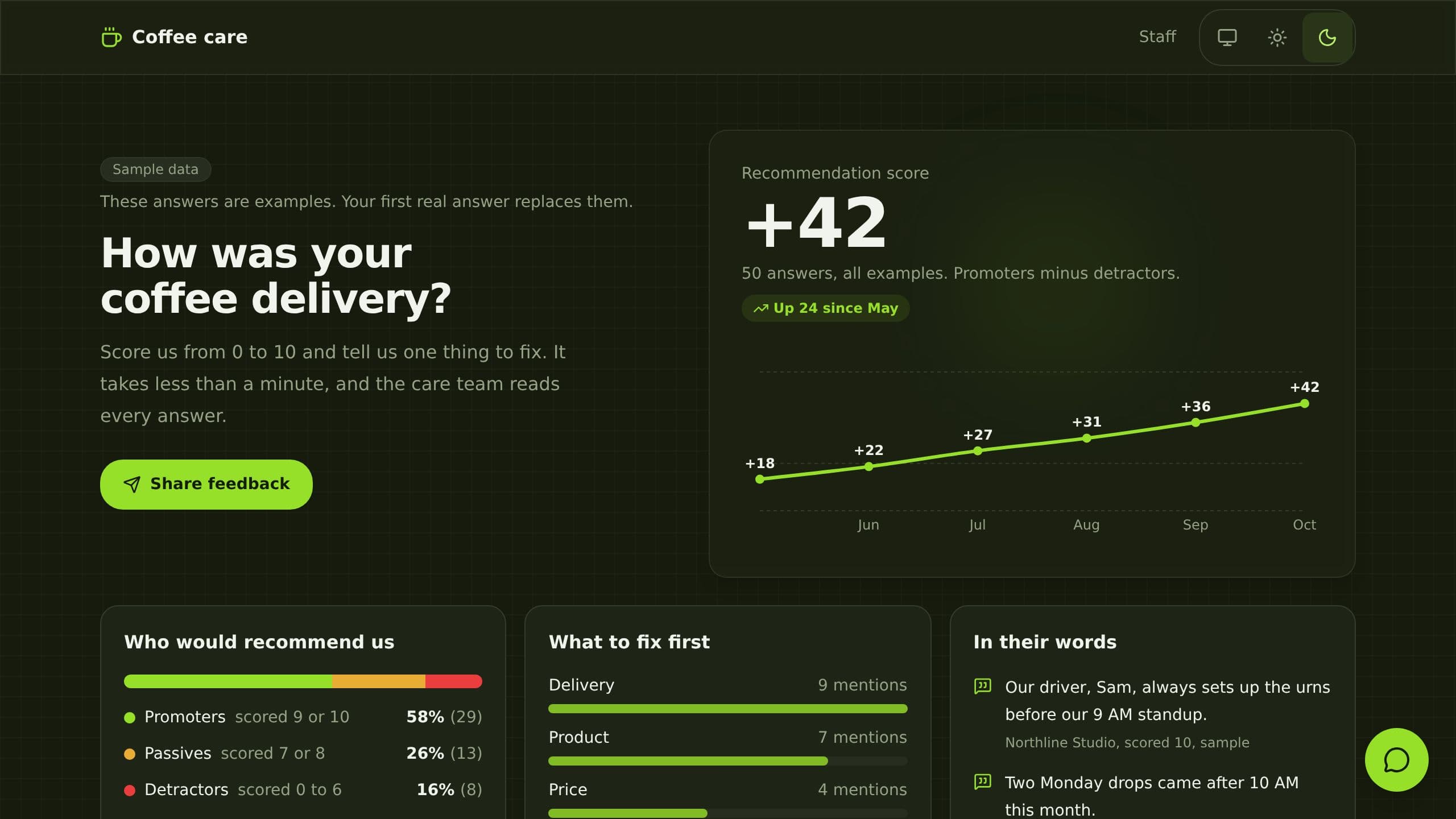
It replaces paper comment cards and scattered survey replies. Customers answer a 0 to 10 recommend question and two short questions on a public link. The app groups promoters and detractors, charts the score by month and tags each detractor with a theme and a suggested reply. Built for a customer care manager. Clone it free and start with sample data.
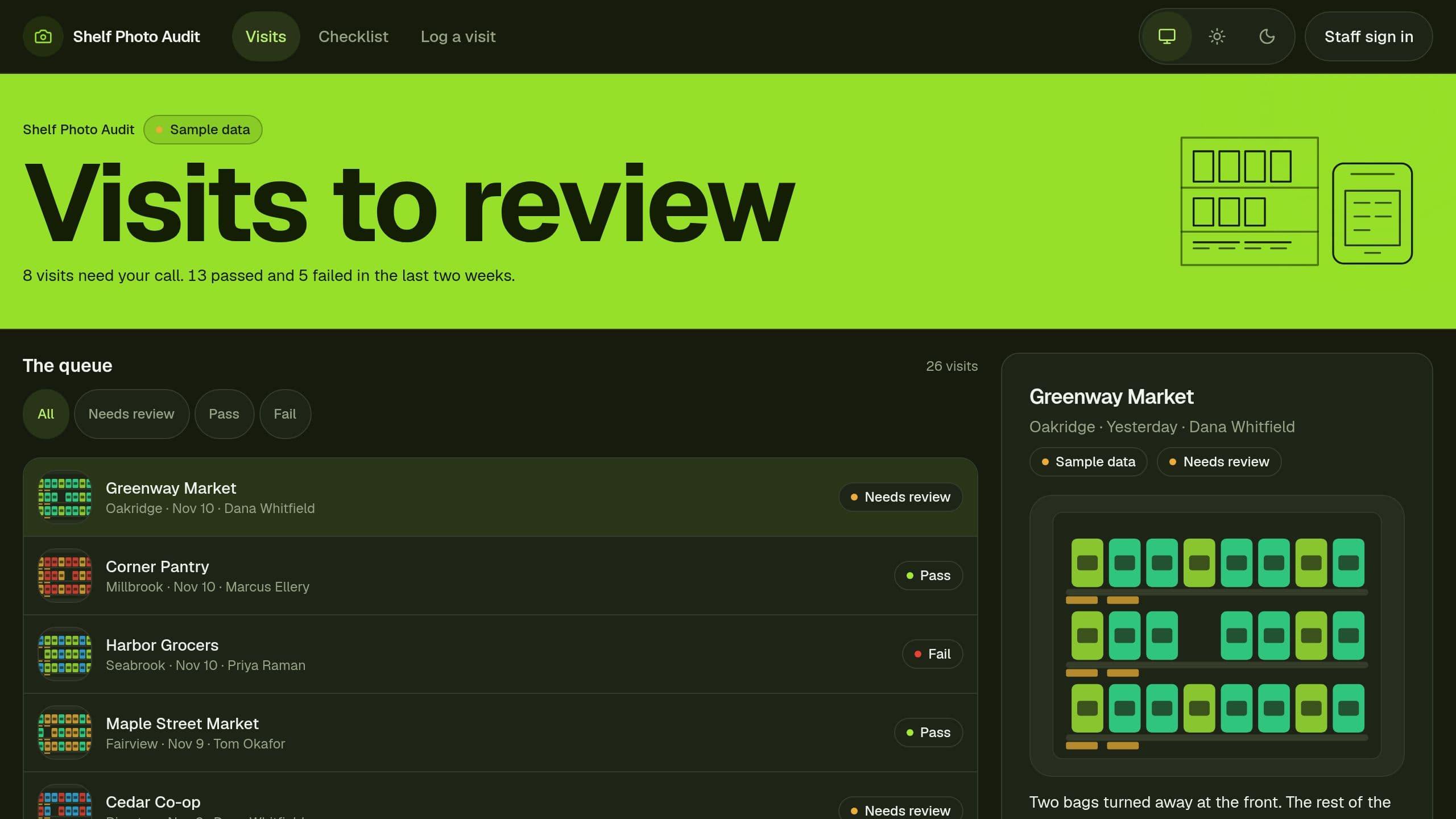
Reps log a store visit with a shelf photo link, and you mark each visit Pass or Fail. The photo check needs a Pro plan and your own Gemini key, and it starts switched off. The form, the review page and the Monday email run on Free. After you clone, put your email and the link of your copy in the Monday email.
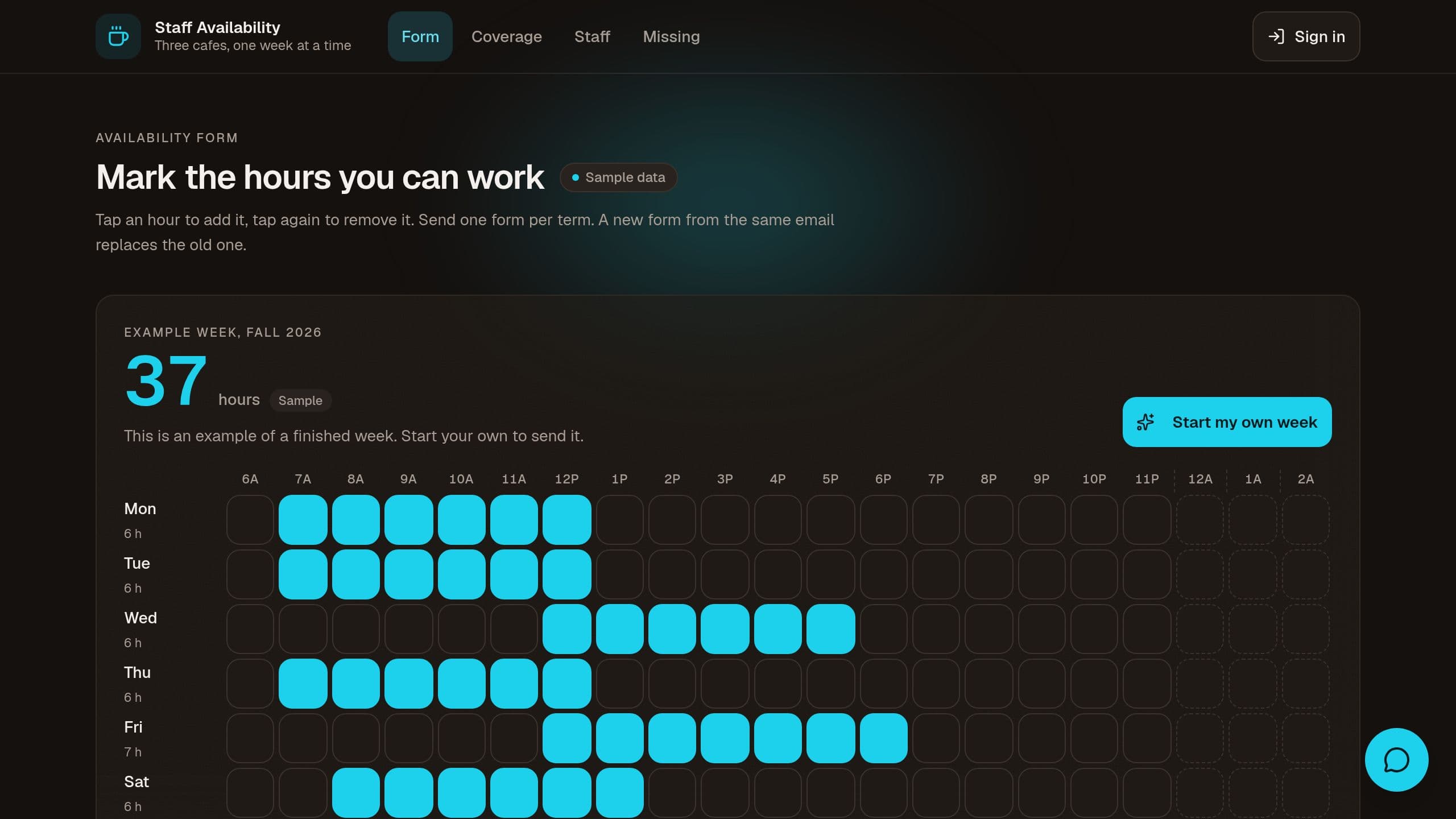
Staff mark their available hours on a week grid, and managers see coverage gaps per location and hour.
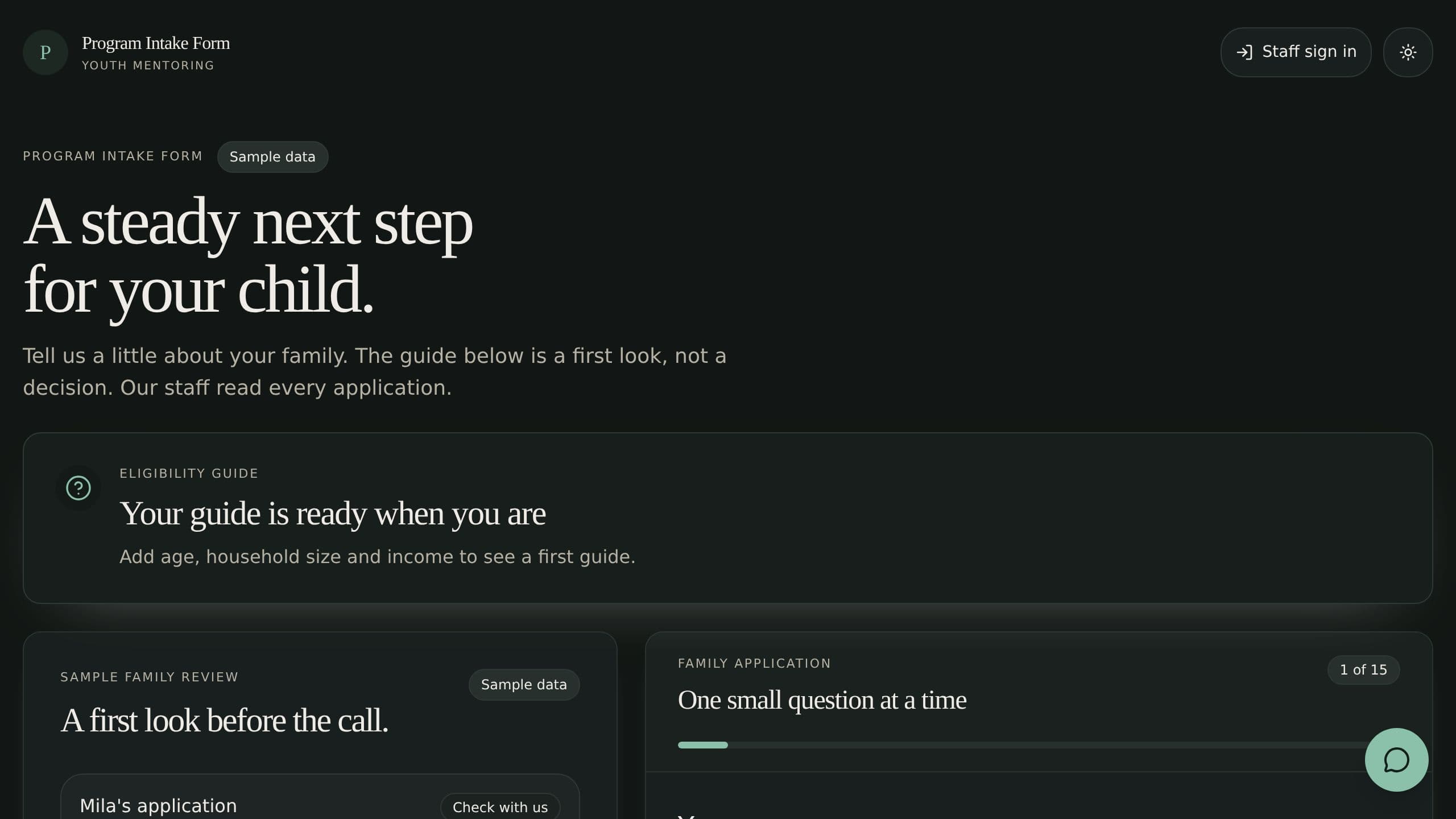
Families apply on a form that checks eligibility as they fill it, and staff review every application in one queue.
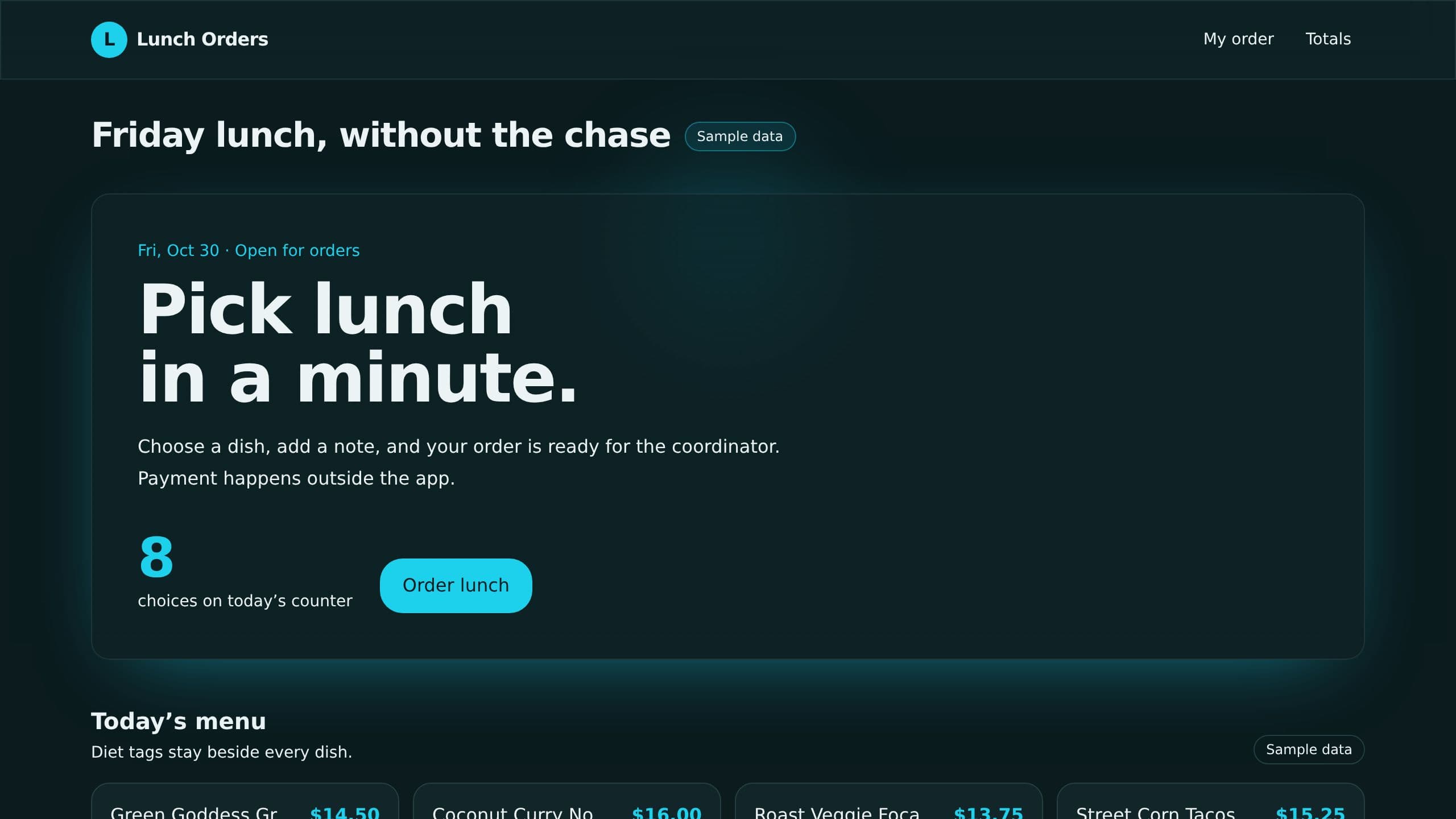
Post the menu, staff tap to order before the cutoff, and the coordinator gets totals by vendor.
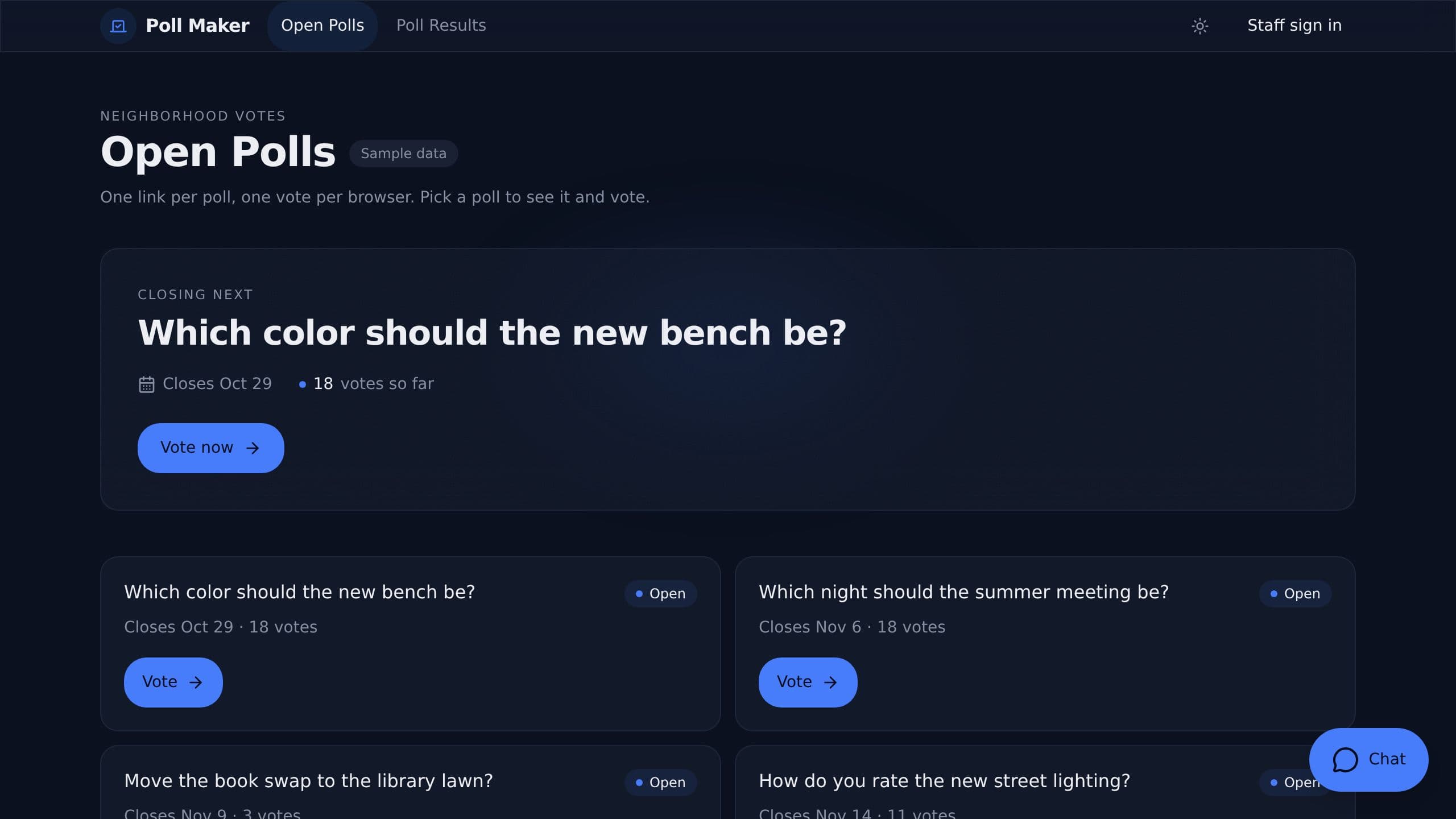
Write a poll in a minute, share one public link, and watch the results update.
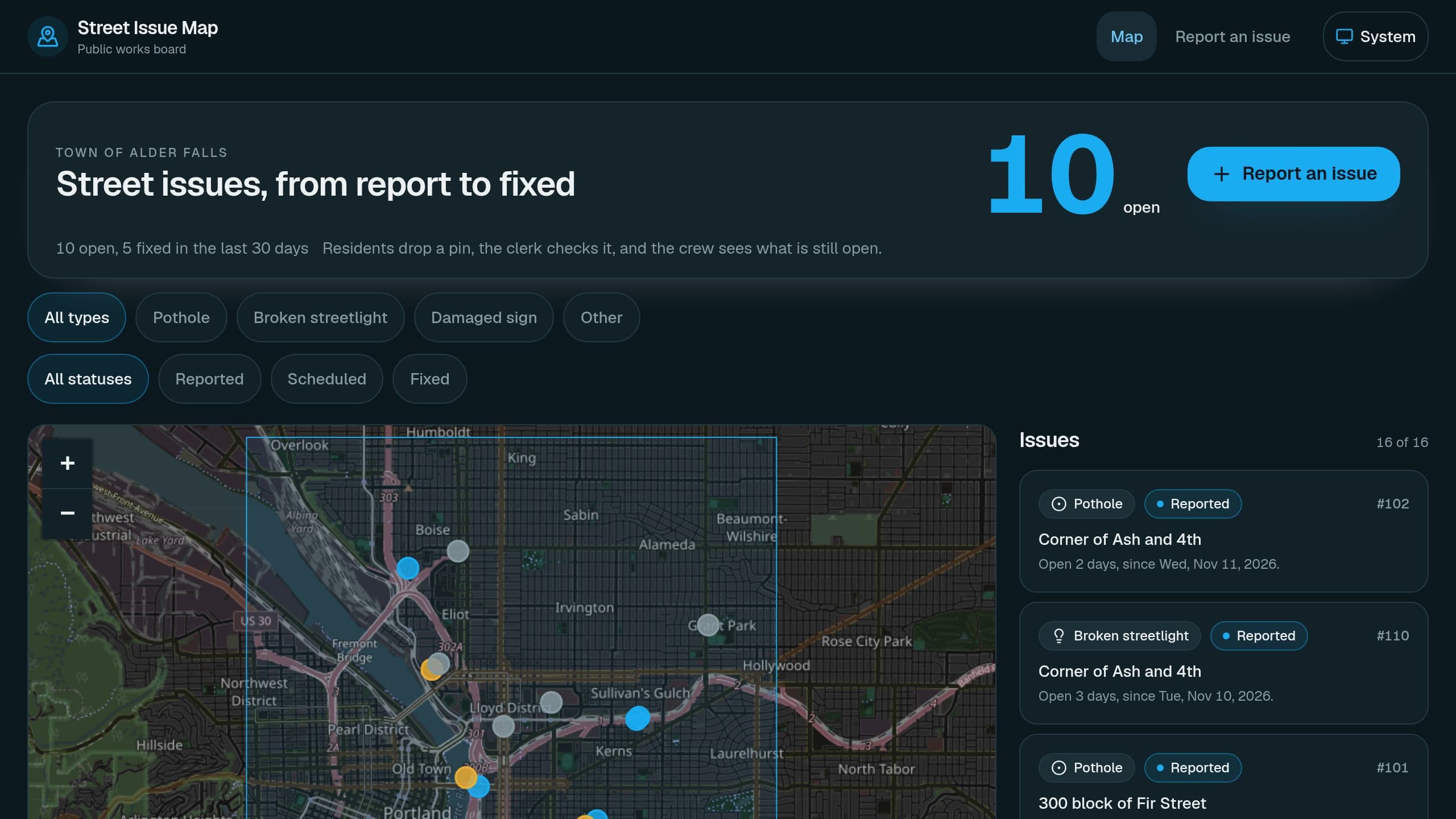
Residents drop a pin, you approve each report onto a public map, and each issue gets tracked to fixed. Staff need the app Admin role. For the Monday email, put your own email address and app link in the flow step.
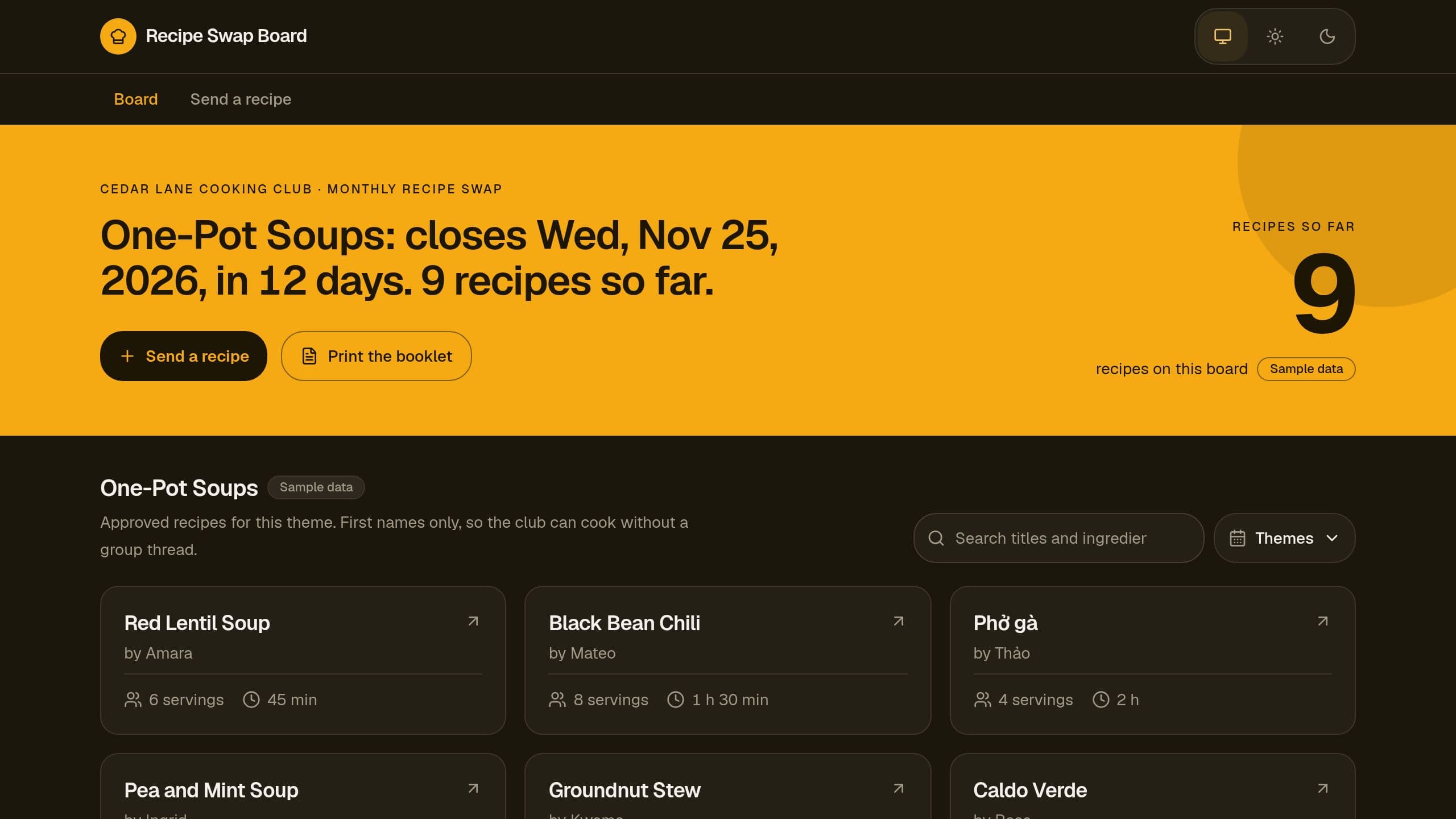
Run a monthly recipe swap for your club: a theme with a close date, member recipes shown after your check, first names only, and a printable booklet. A Monday email lists what waits for a check. After you clone it, open the flow step Email the owner the Monday check and put the link of your own app in it.
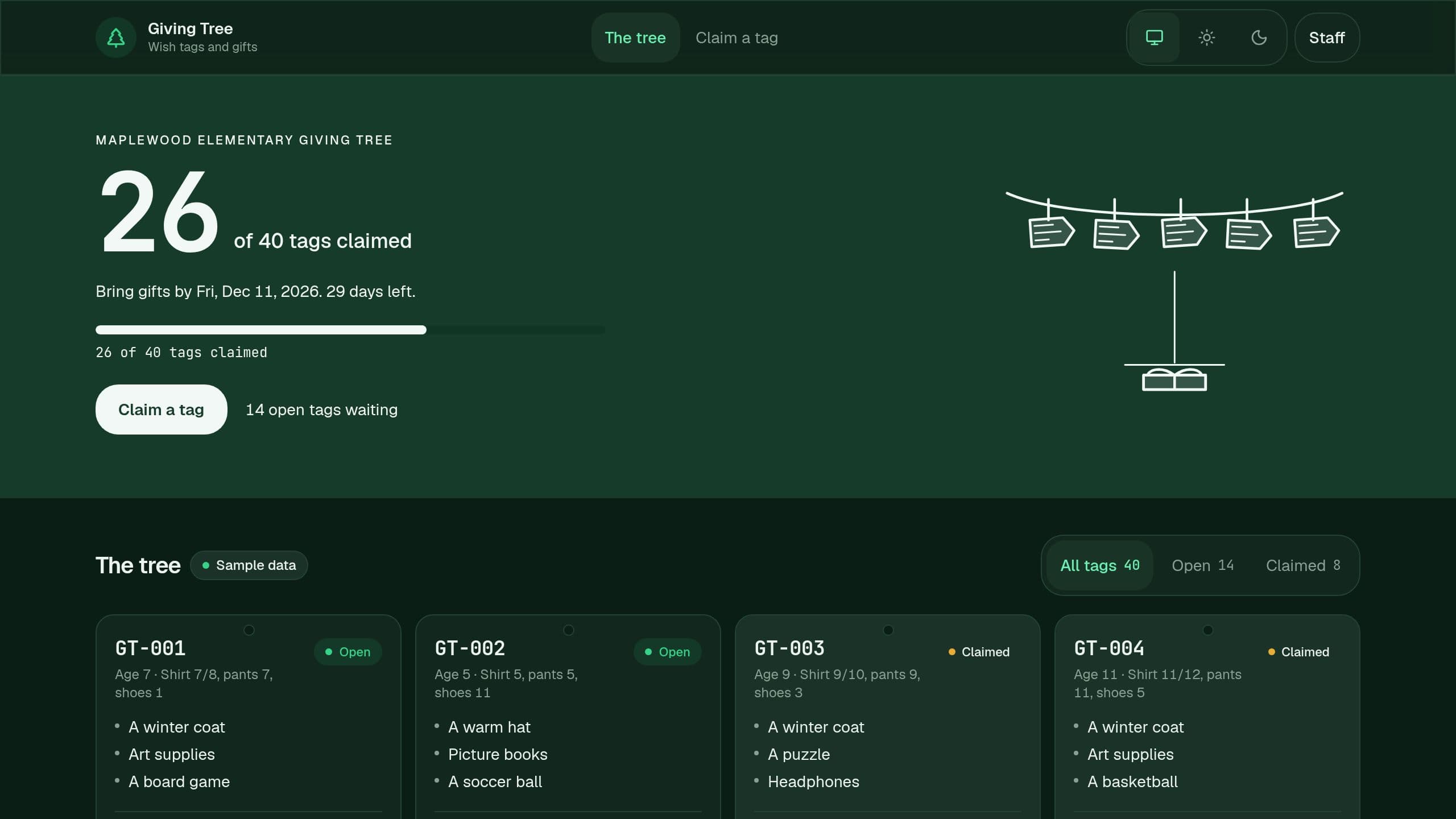
Run a holiday giving tree: publish wish tags with no names, let donors claim a tag online, and track every gift until drop-off day. Free.
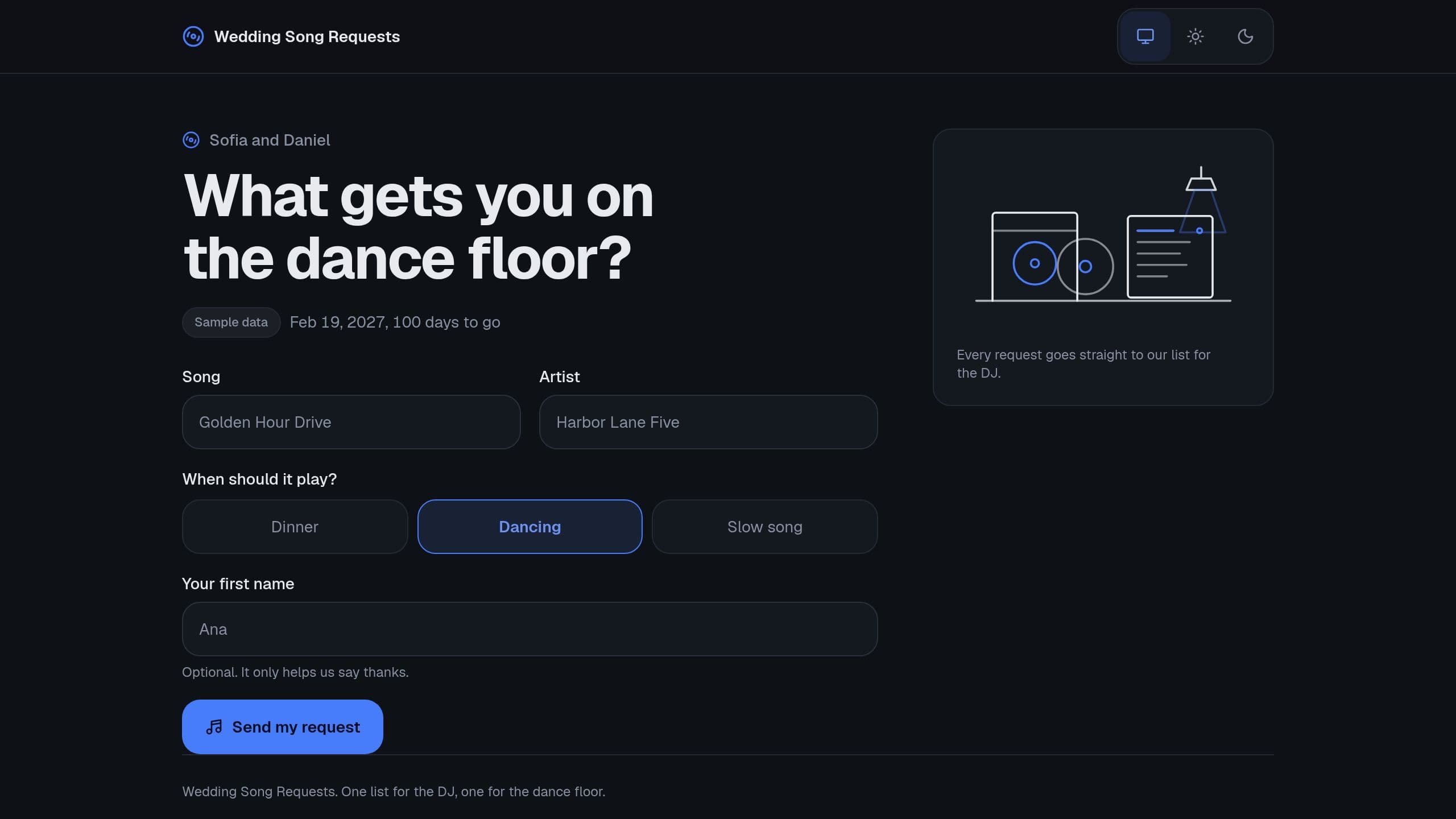
Share one song request page with guests, merge the repeats, and send the DJ a must-play, top-request and do-not-play list. A free Taskade Genesis kit. Clone it and make it yours. Guests need no account. Staff need the app Admin role. The Monday email link points to the seller app: put the link of your copy in that step.
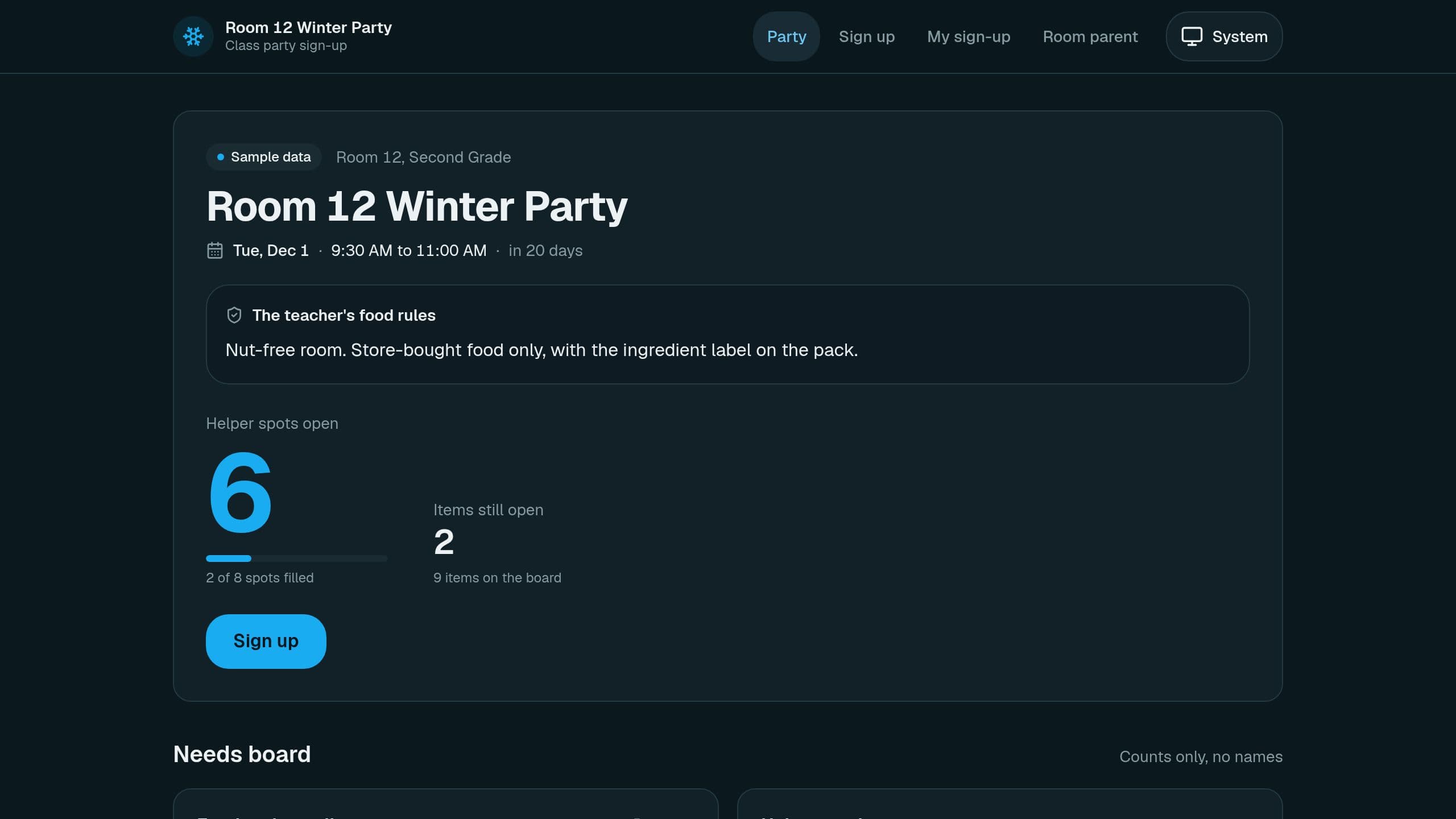
Parents claim an item or a helper station with no account, and the board shows counts and no names. A Monday email tells you what is still open. After you clone it, put the link of your own copy in the "Email the room parent" step, and give staff the app Admin role. Free to clone, no paid plan needed.
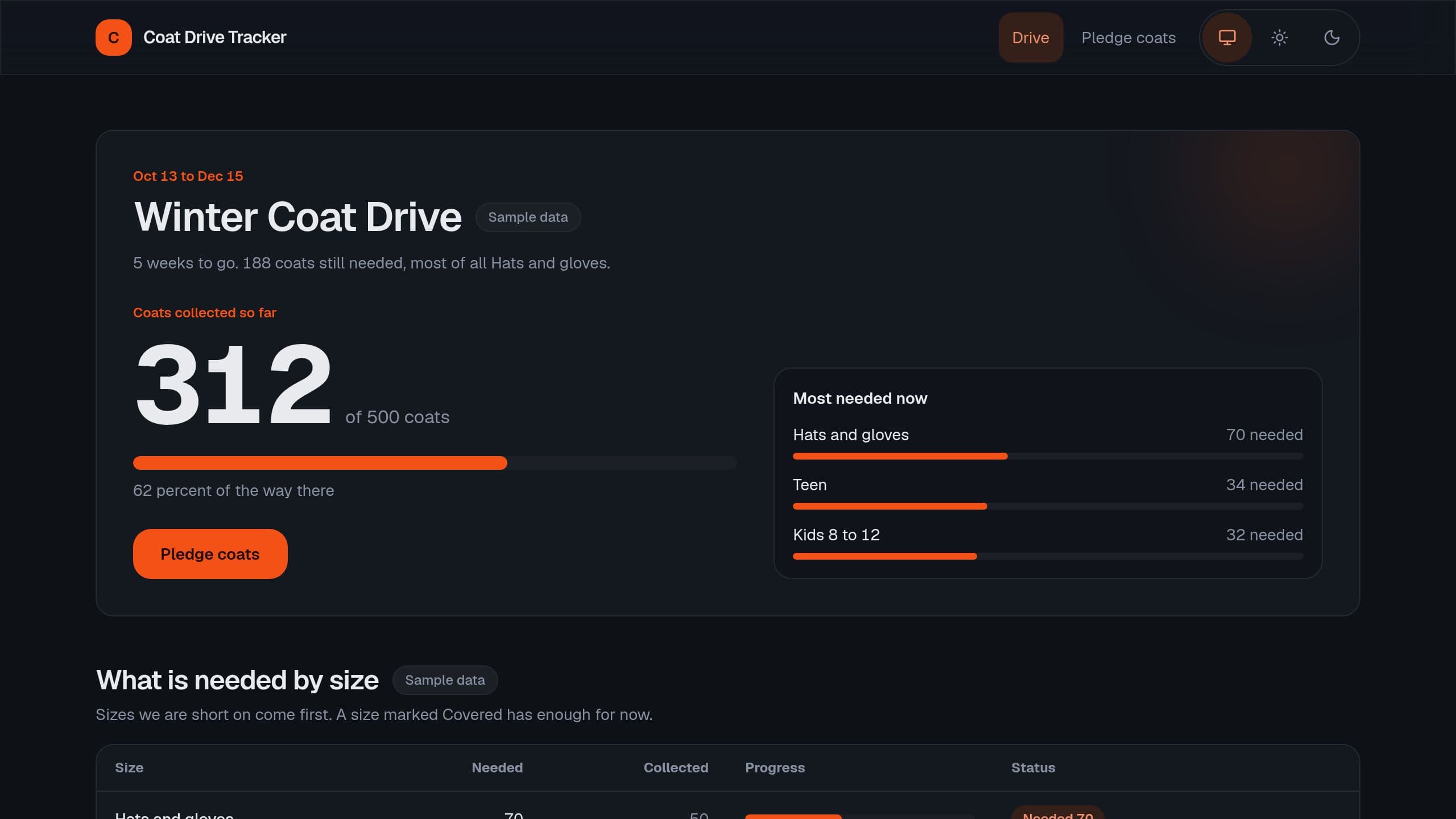
It shows the goal, what is still needed by size and the drop-off sites. Donors pledge coats, and staff log the weekly count per site. Staff need the app Admin role. The Monday email is off: turn it on and put the link of your own copy in its last line.
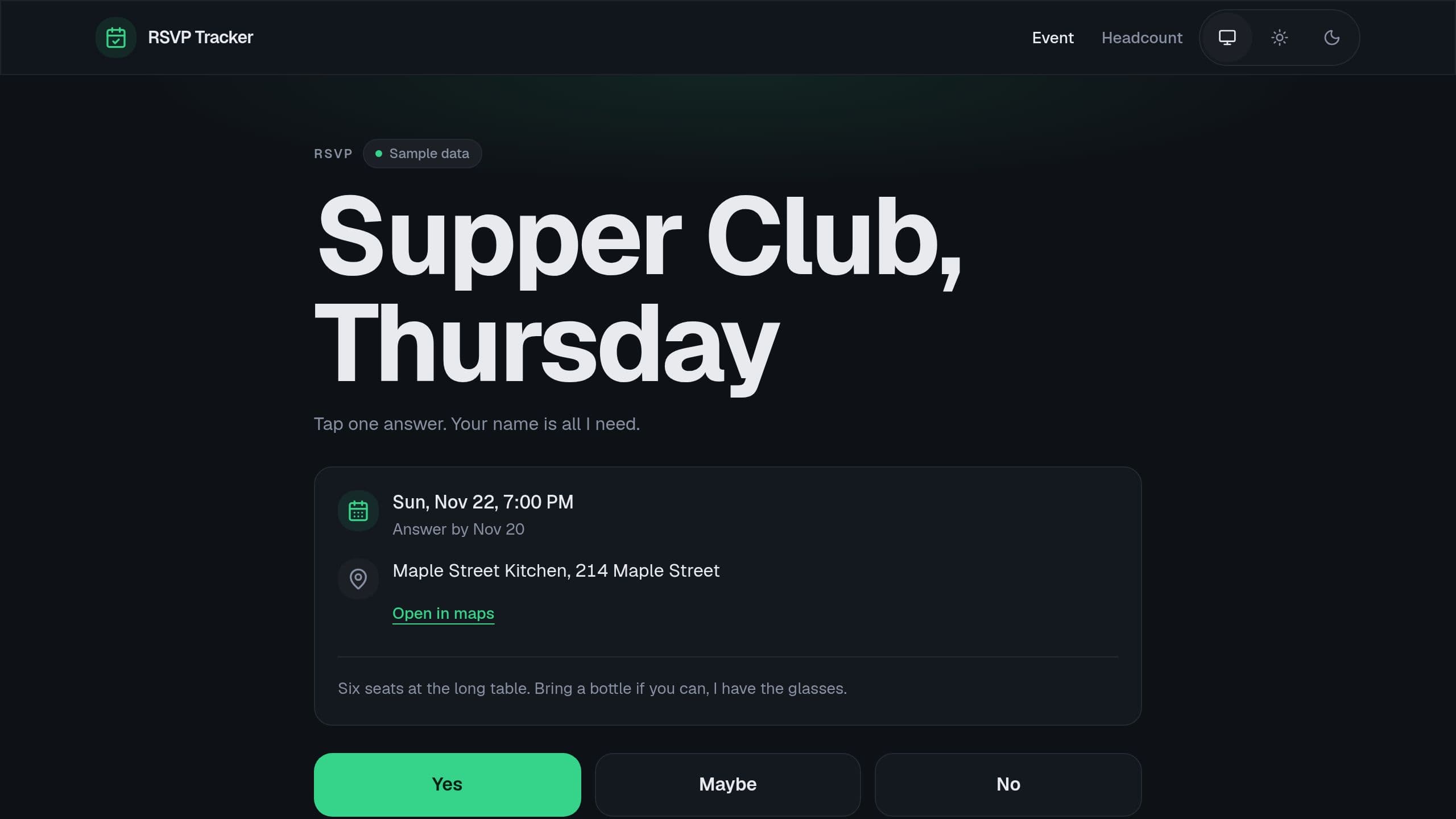
Share one event link, let guests answer Yes, Maybe or No in one tap, and see the live headcount. Staff open the headcount with the app Admin role. In the Monday email step, put the link of your copy. A free Taskade Genesis kit. Clone it and make it yours.
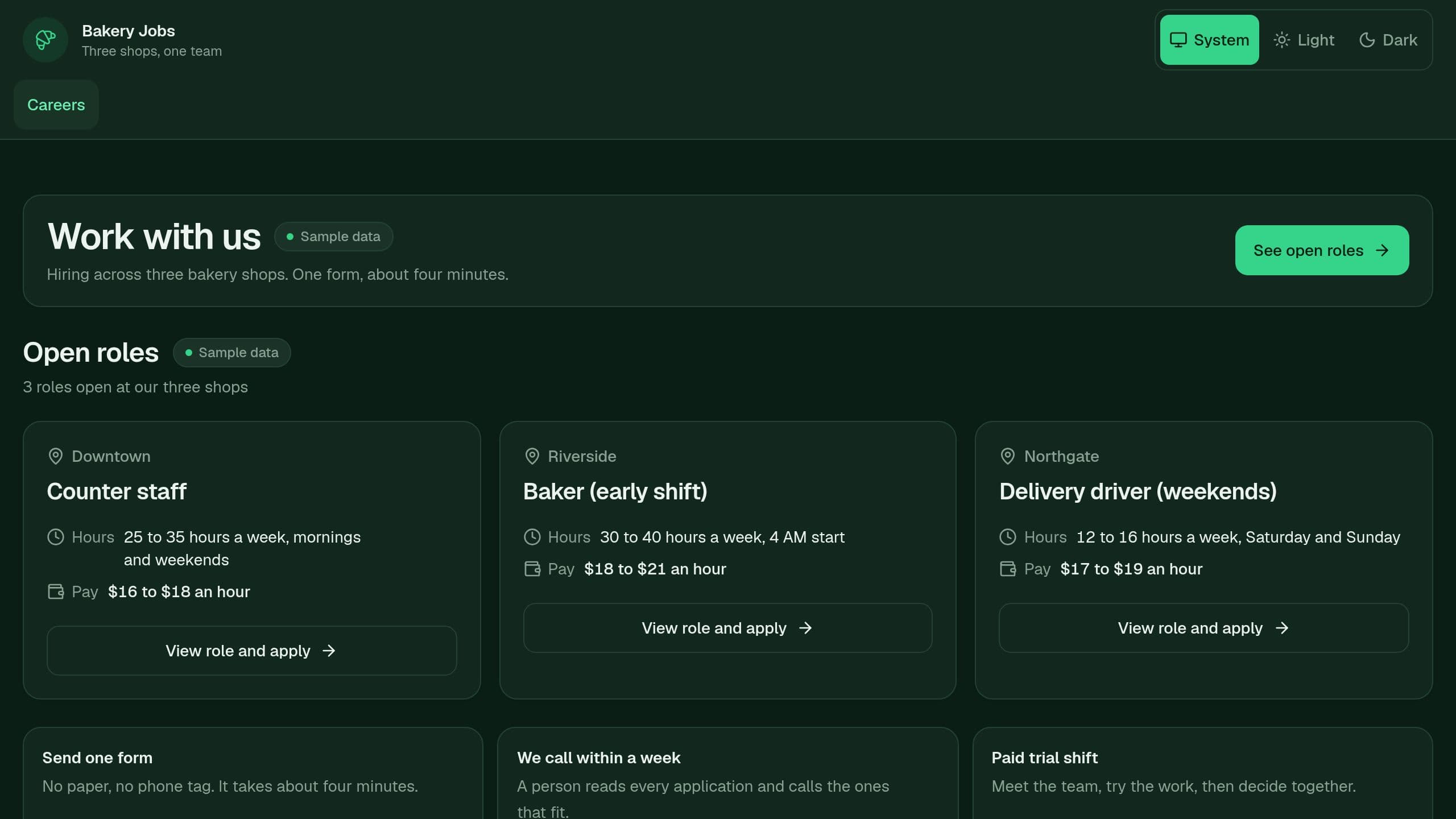
Applicants see your open roles and send one short form, and you move each application across a review board. Free to clone. Staff need the app Admin role. The optional Monday email flow ships off and needs no AI credits. After you clone, put the link of your own copy in its email step.
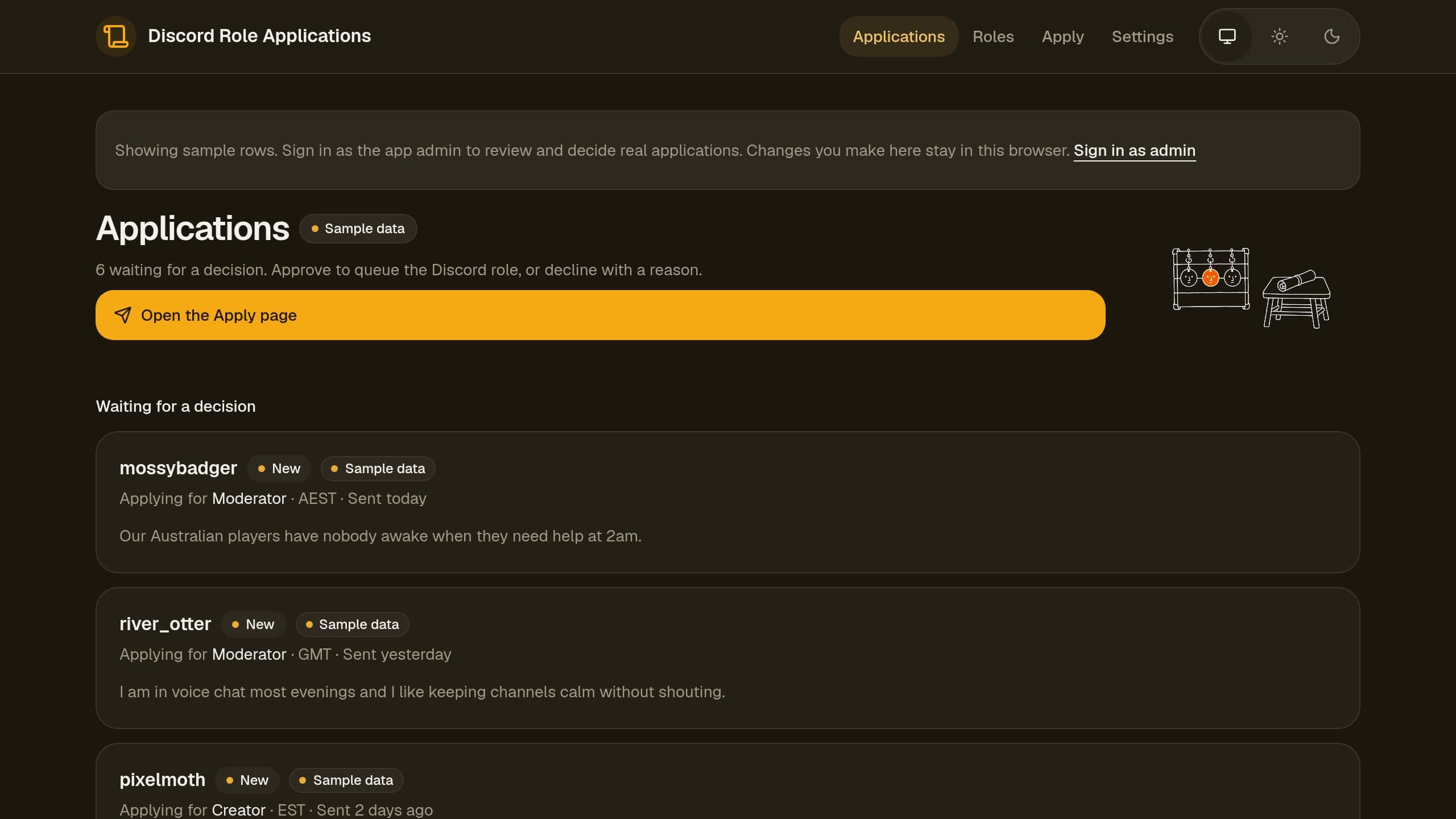
Members apply for a role in one form, you approve or decline, and the role is granted in your server. Granting roles needs Discord connected on Starter or higher. The form, review queue and Monday email run on Free. Includes sample data.
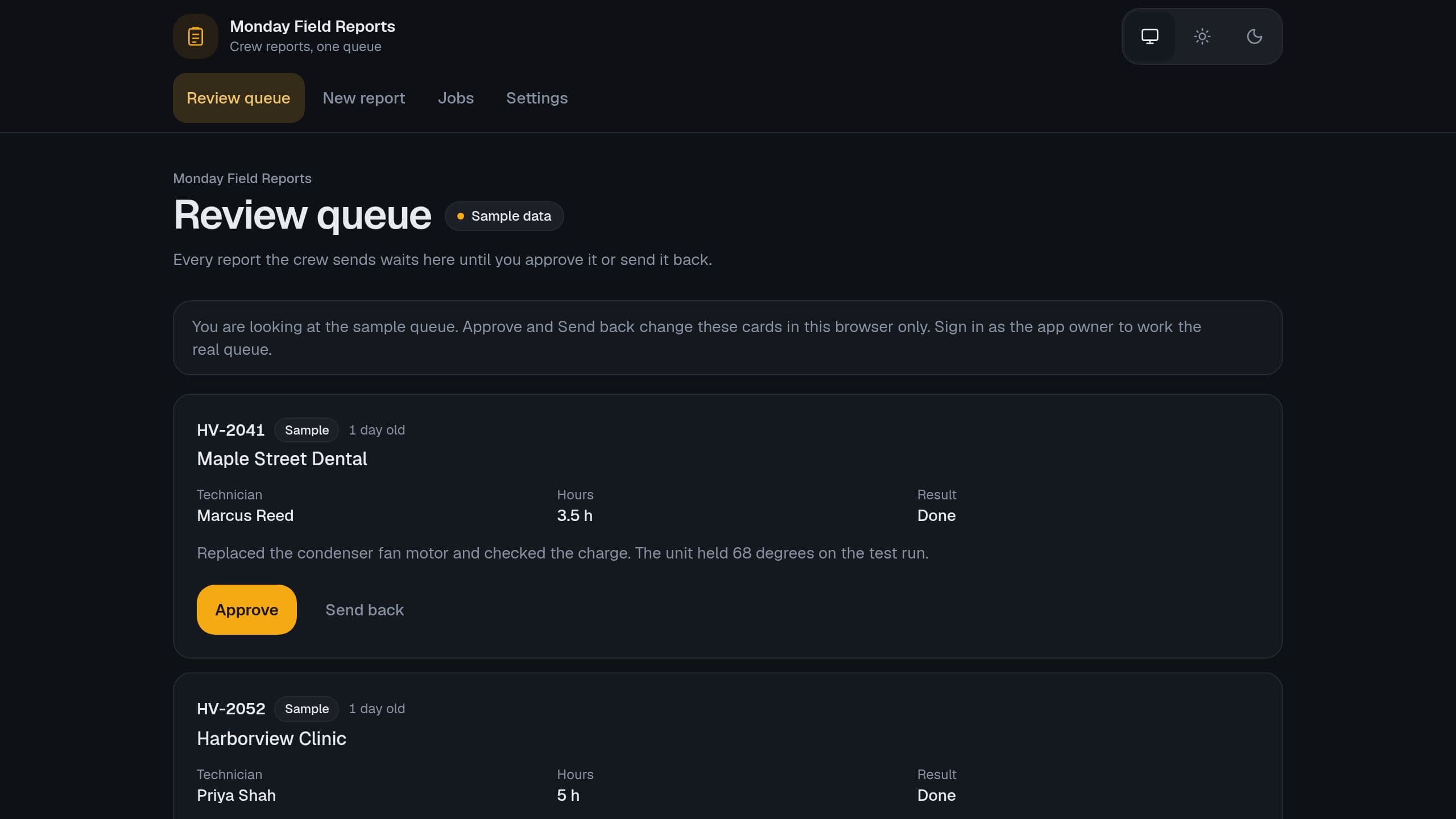
Technicians report a finished job in a phone form, and you approve it before the Monday.com item gets the result, hours and notes. No extra seats. A free Taskade Genesis kit with sample data. The Monday.com sync needs Starter or higher. The form, the review queue and the Monday email run on Free.
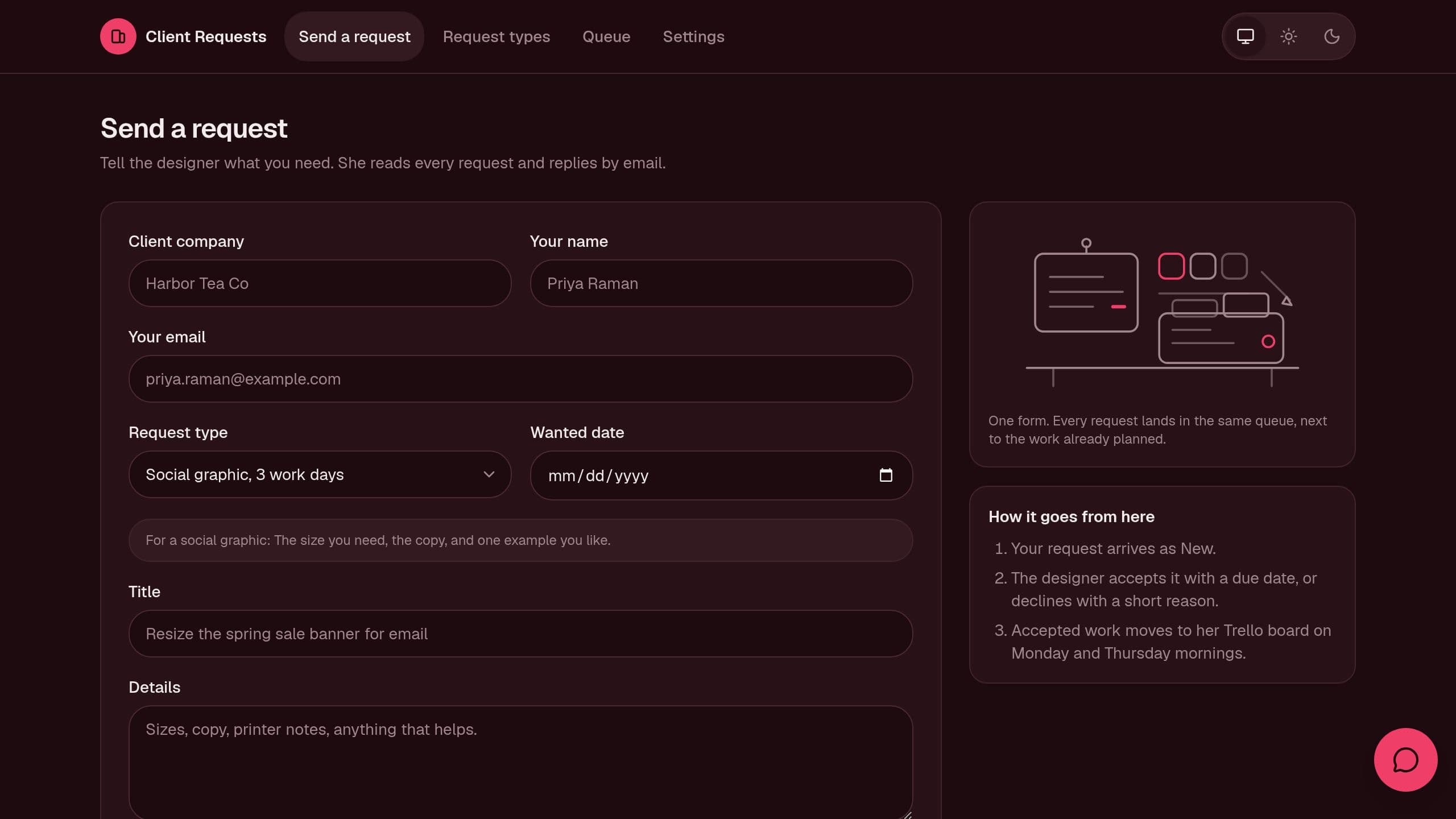
Clients send work requests through one form, and you accept or decline each one in a queue. A Monday email lists the new requests and works on Free. The Trello step turns accepted requests into cards. It needs Starter or higher and your Trello key. Staff need the app Admin role for the queue.
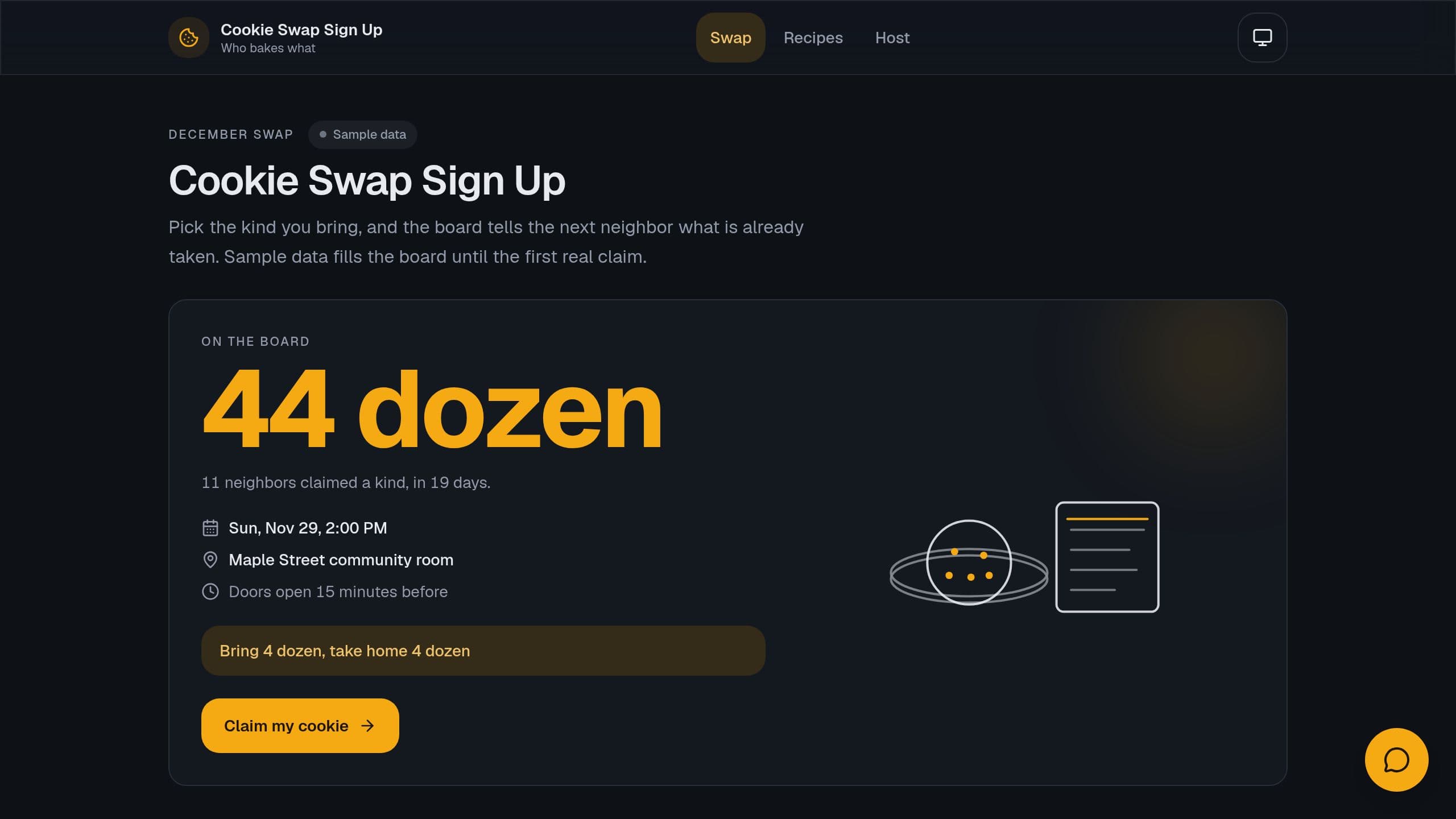
Share one cookie swap page, let each baker claim a kind of cookie with no repeats, see the dozens math, and print one recipe booklet. Each baker gets a private link for the recipe. The host needs the app Admin role. A Monday email reminds the host until the swap.
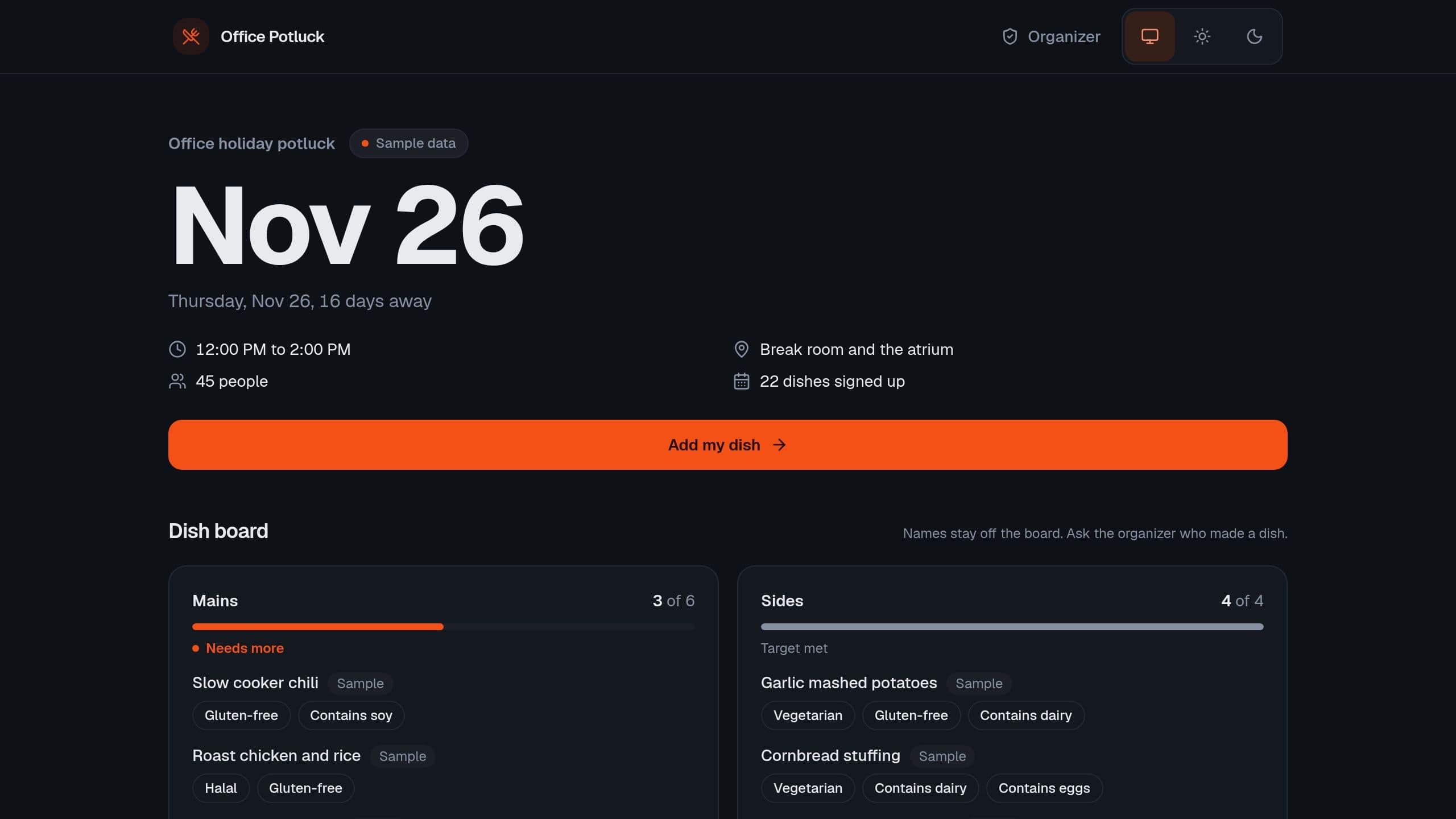
Coworkers add a dish by category, and you see what the table still needs. Organizers need the app Admin role. A free Taskade Genesis kit. Clone it and make it yours.
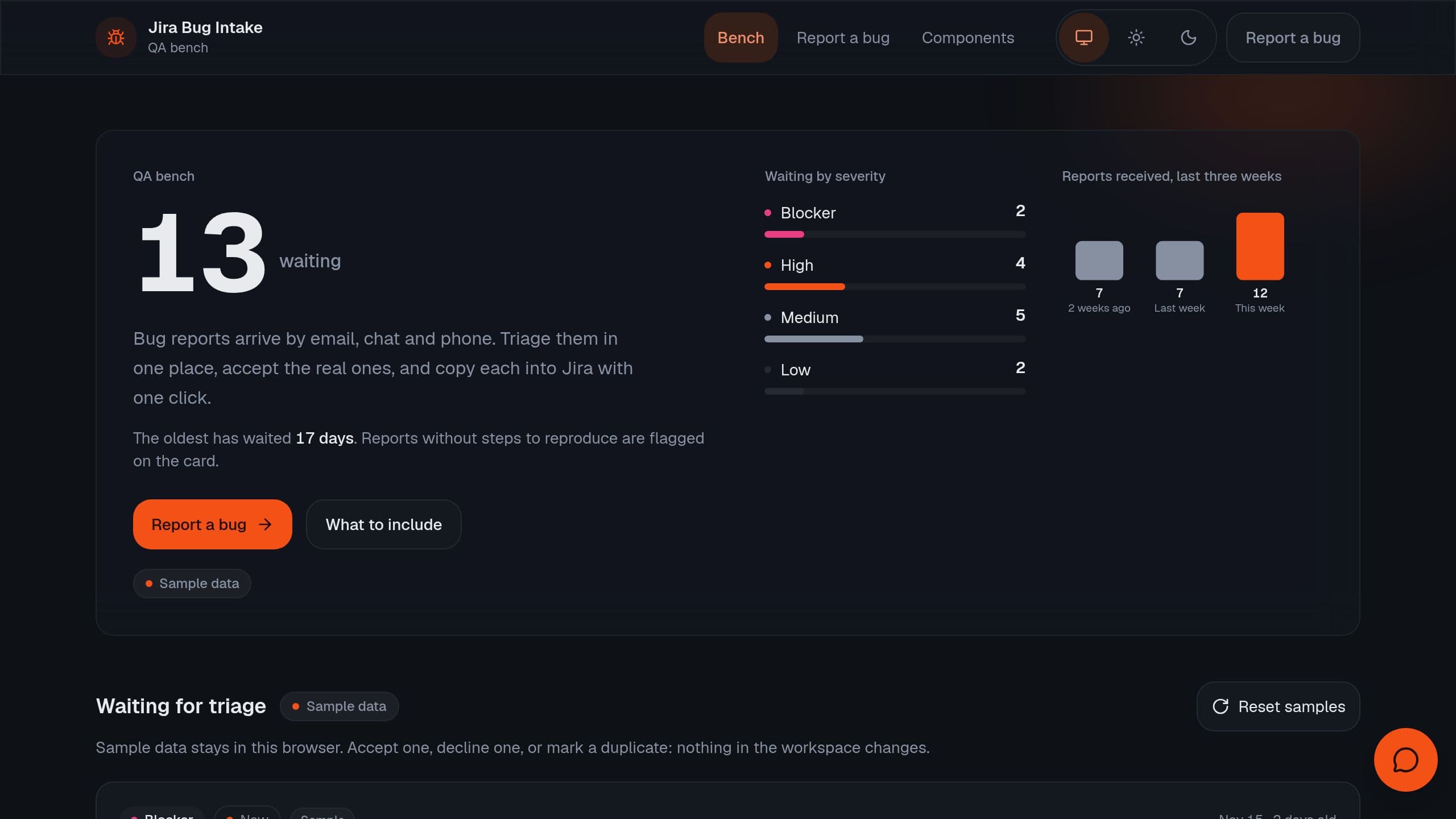
Testers report bugs in one form, you accept, decline or mark a duplicate, and accepted bugs go to Jira. Free to clone with sample data. Filing to Jira needs Starter or higher.
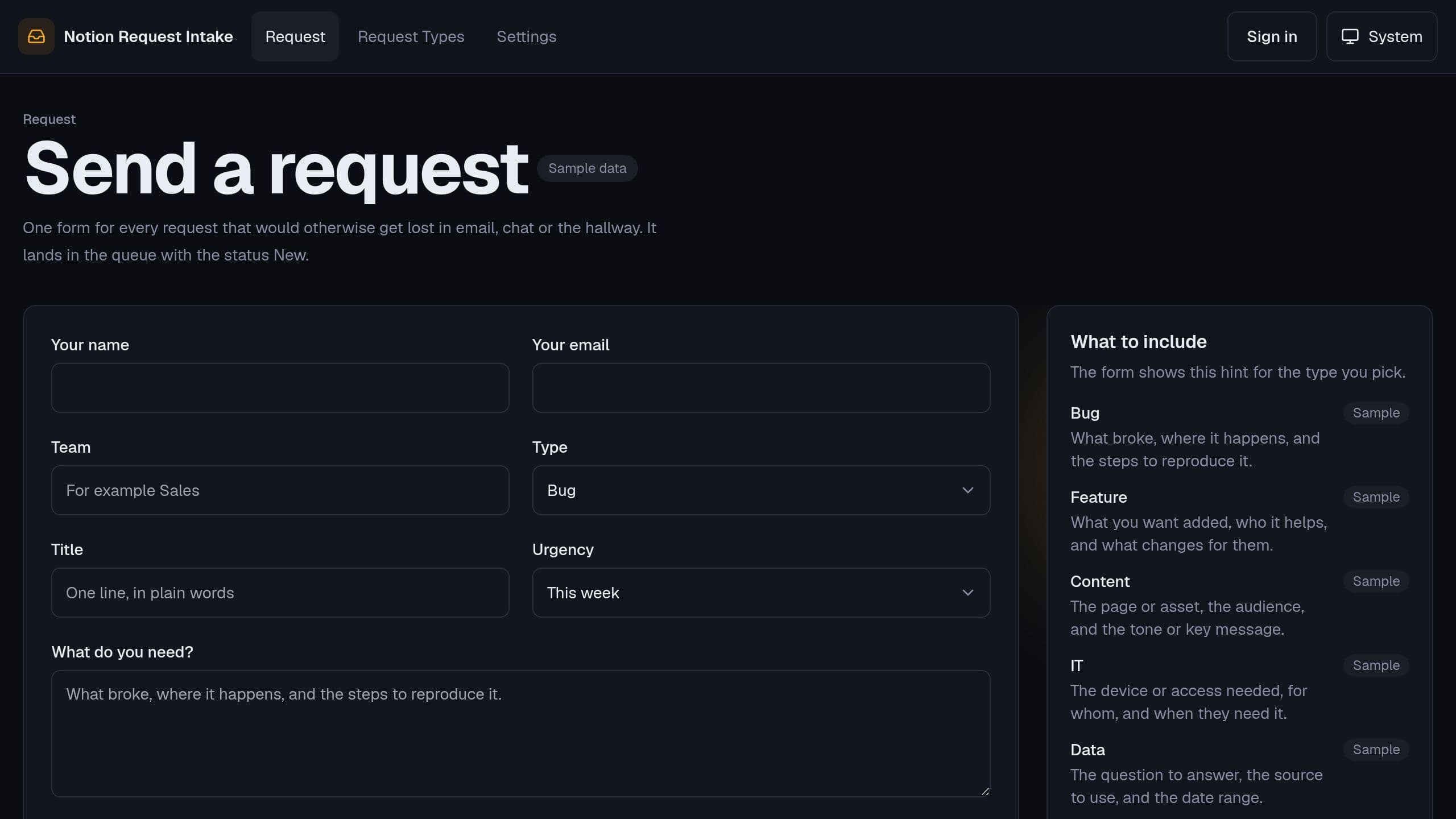
People send requests through one public form, you accept or decline each one, and accepted requests are filed as pages in your Notion database. The Notion flow needs Starter or higher, and the Monday email runs on Free. Staff need the app Admin role. A free Taskade Genesis kit with sample data.

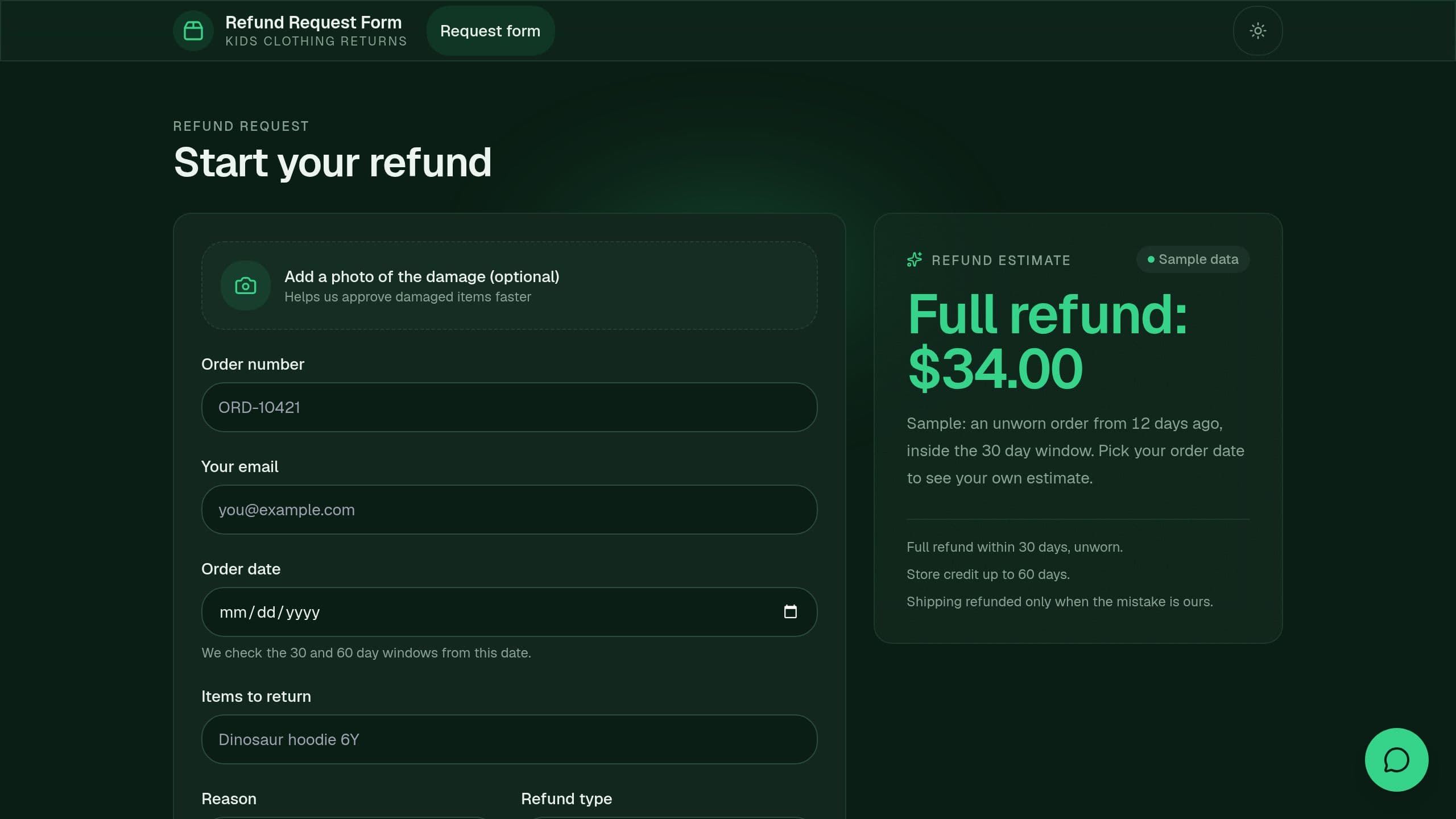
Customers send a complete refund request with the policy checked first, and support works one queue by status and reason.
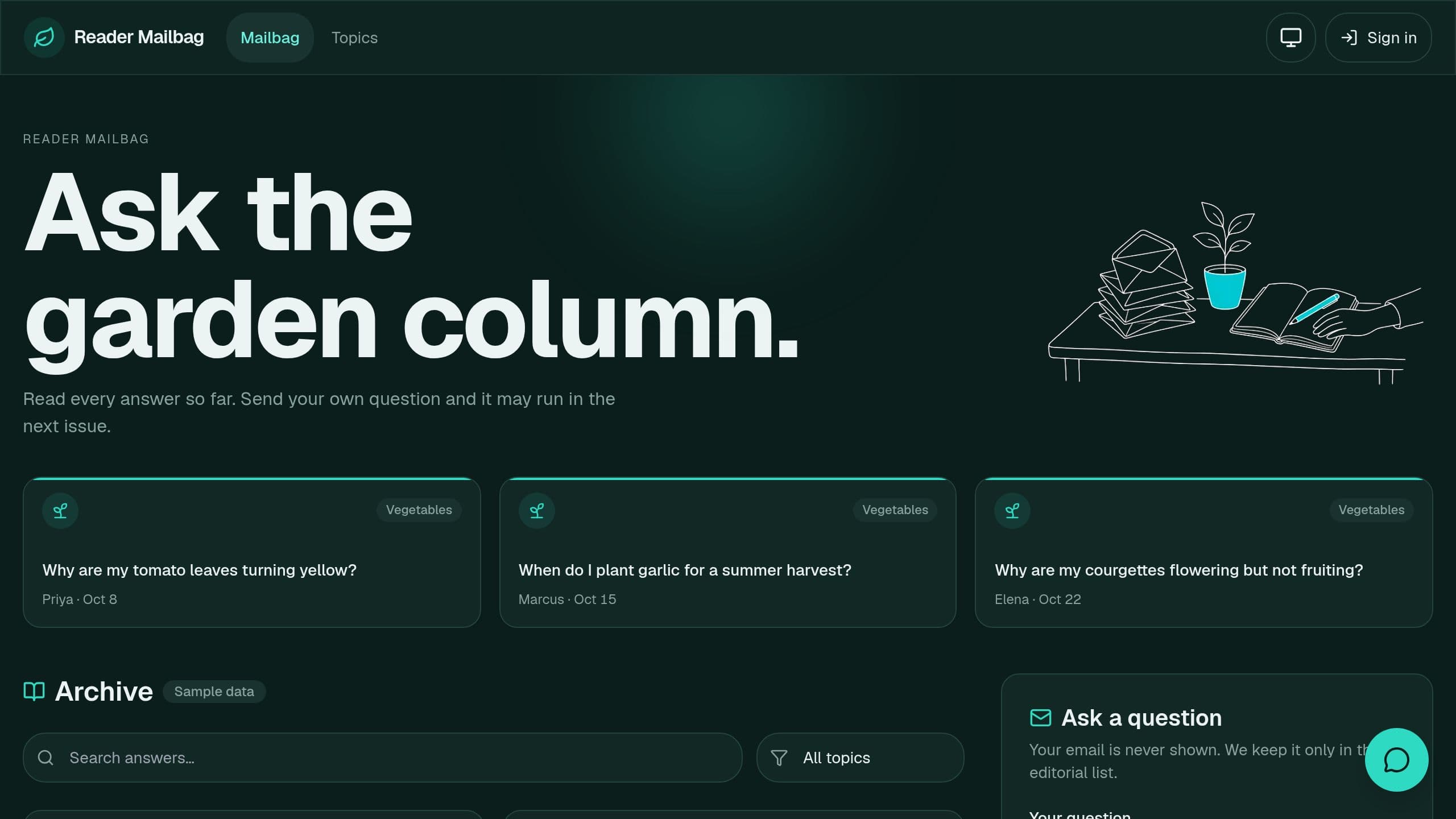
Reader Mailbag is a free Taskade Genesis kit for a Q&A newsletter: readers send questions through one form, the writer gets weekly picks with draft answers in their voice, and published answers go into a public archive by topic. Clone it and make it yours.
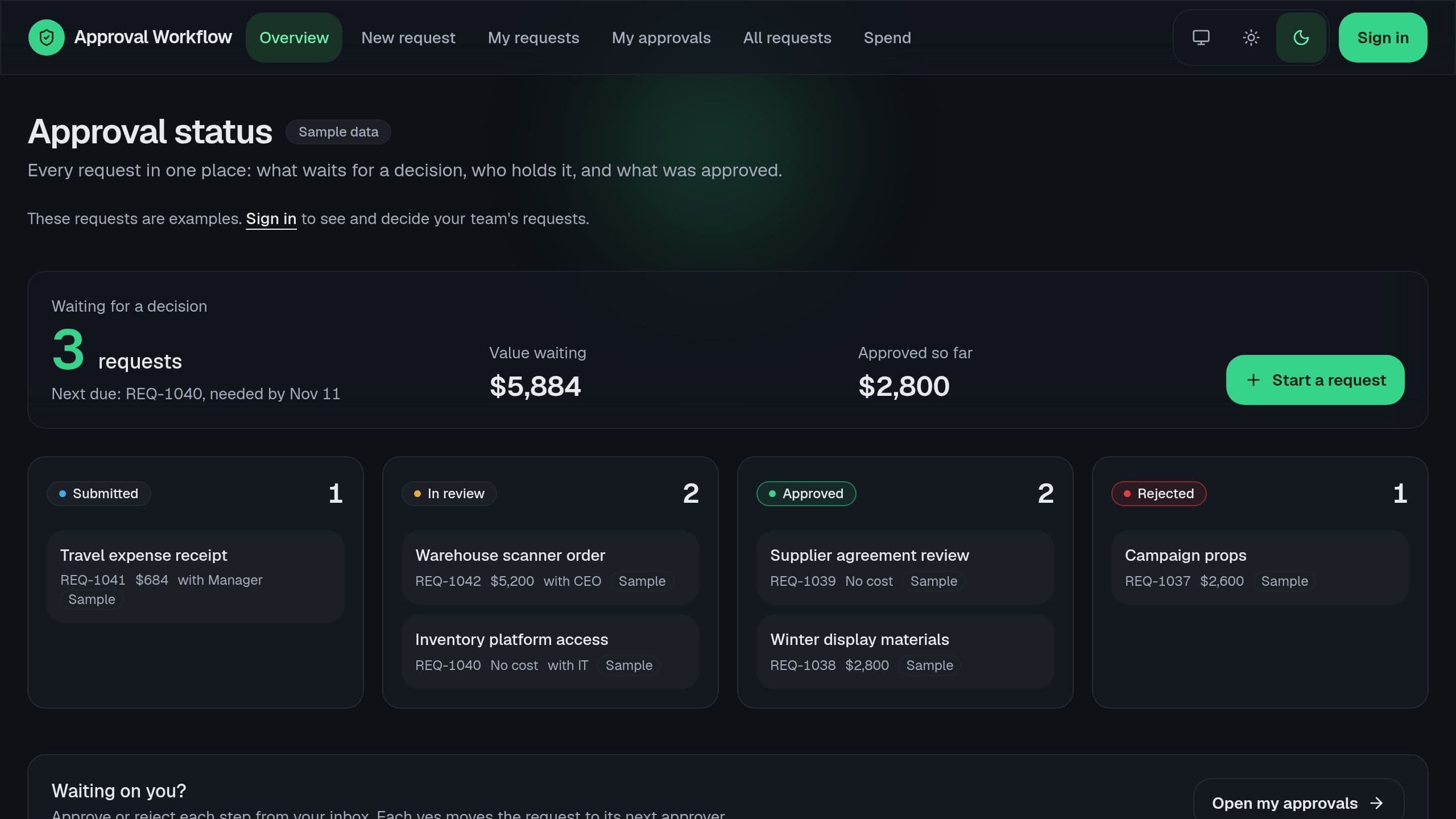
Time off, purchases, expenses, software access and contracts in one request form, routed by type and amount, with Slack alerts.
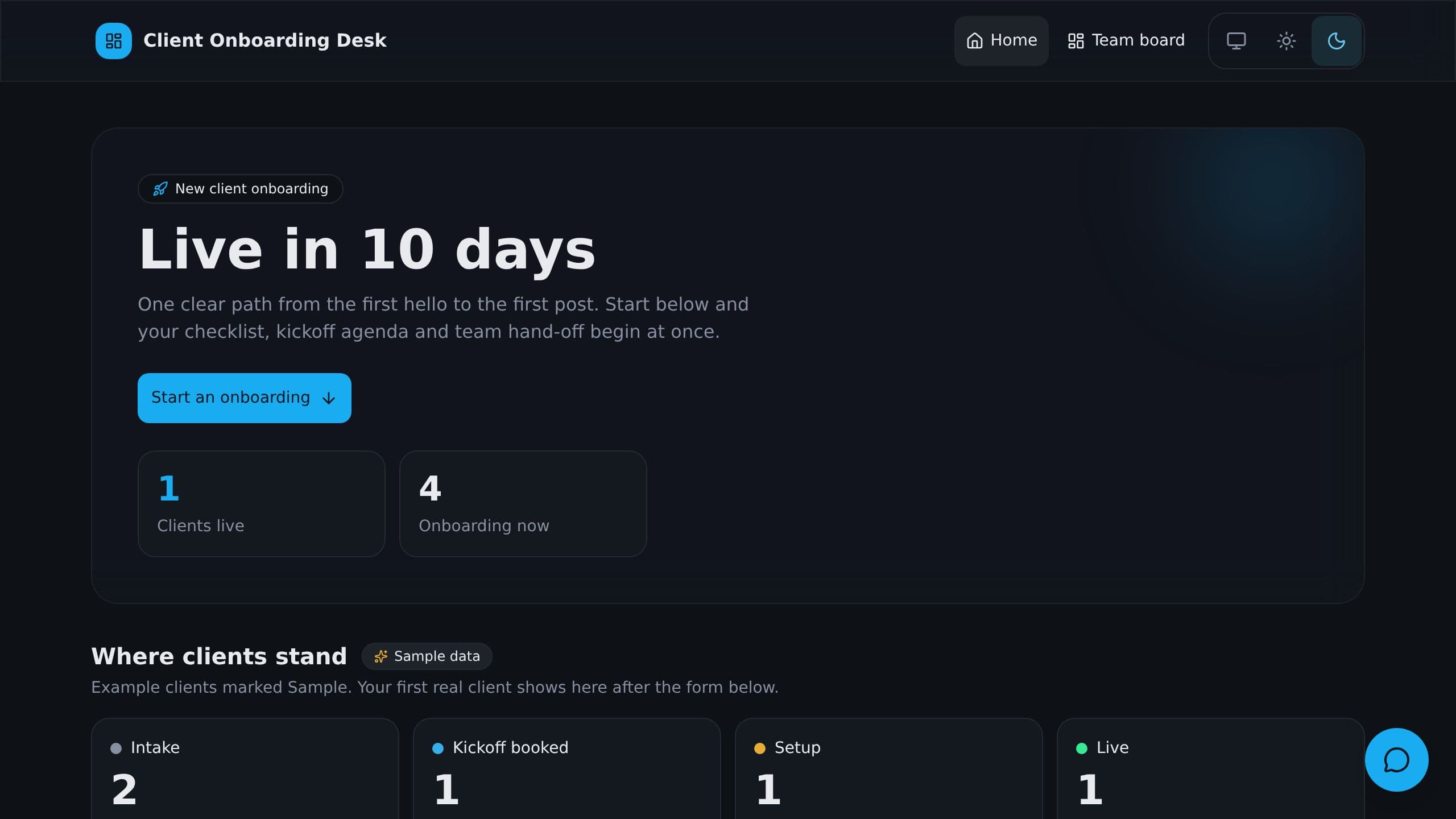
A public intake form starts each client's onboarding: a 12-step checklist with due dates and a kickoff agenda.
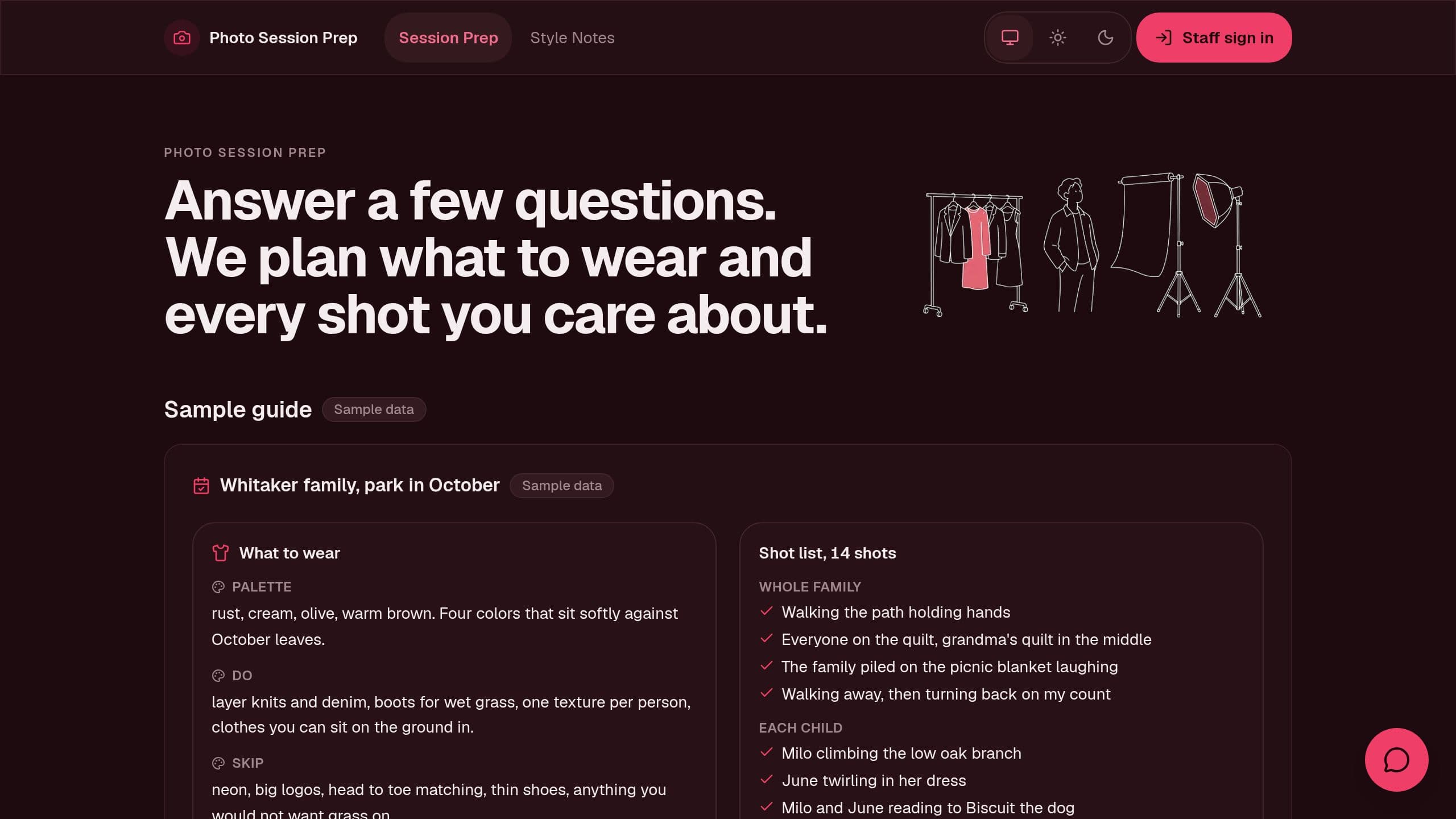
Photo Session Prep is a free Taskade Genesis kit for portrait and family photographers that turns a client prep questionnaire into a what to wear guide and a personal shot list built from your own style notes. Clone it and make it yours.
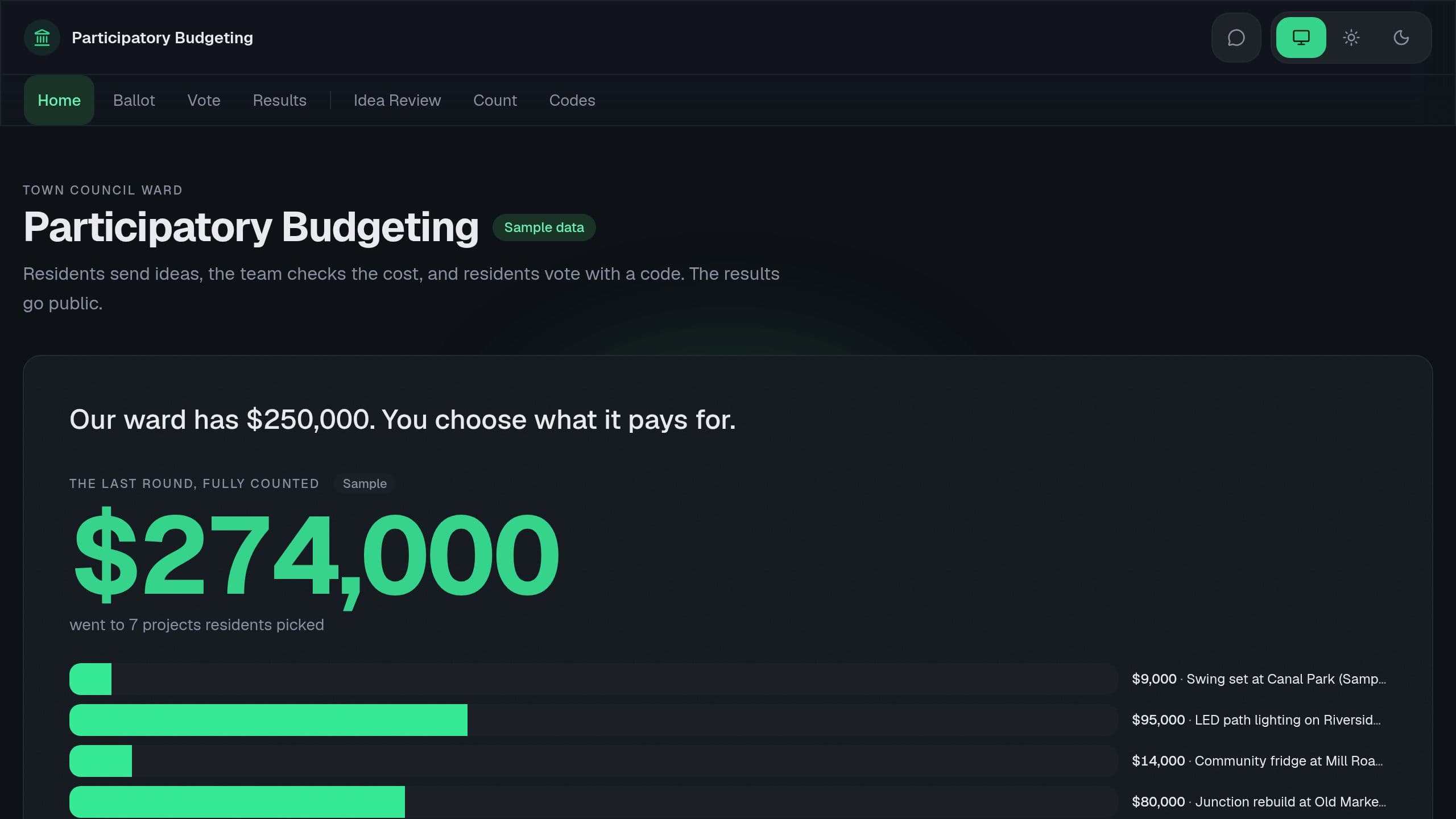
Participatory Budgeting is a free Taskade Genesis kit for a ward, PTA, HOA or nonprofit: residents send project ideas, staff check costs, voters pick ideas within the budget with a one time code, and results go public. Clone it and make it yours.
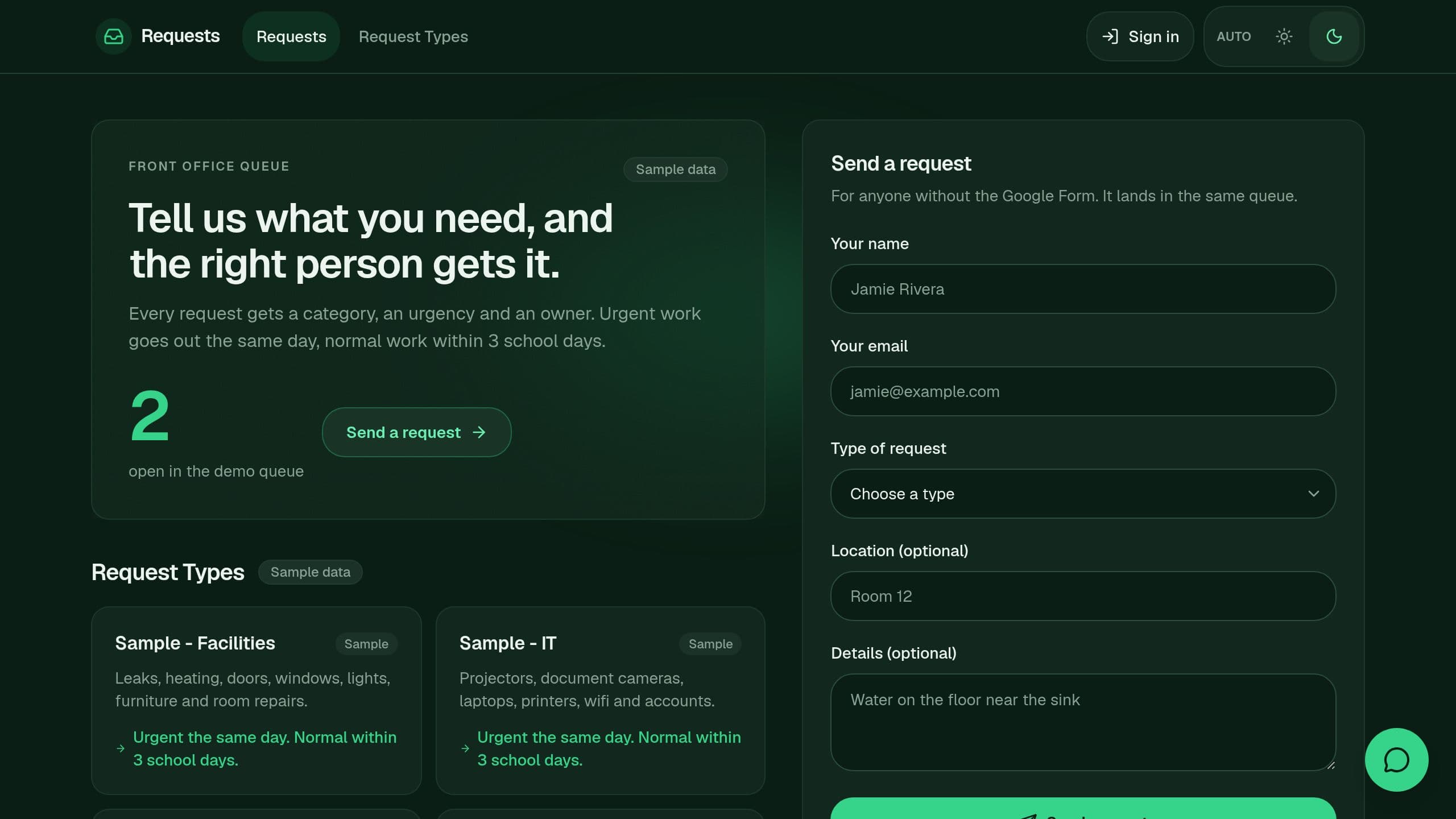
Google Forms Requests is a free Taskade Genesis kit that turns each request into a queue row with a category, an urgency and an owner, with an optional Google Forms connection and a Friday email of open requests. Clone it and make it yours.
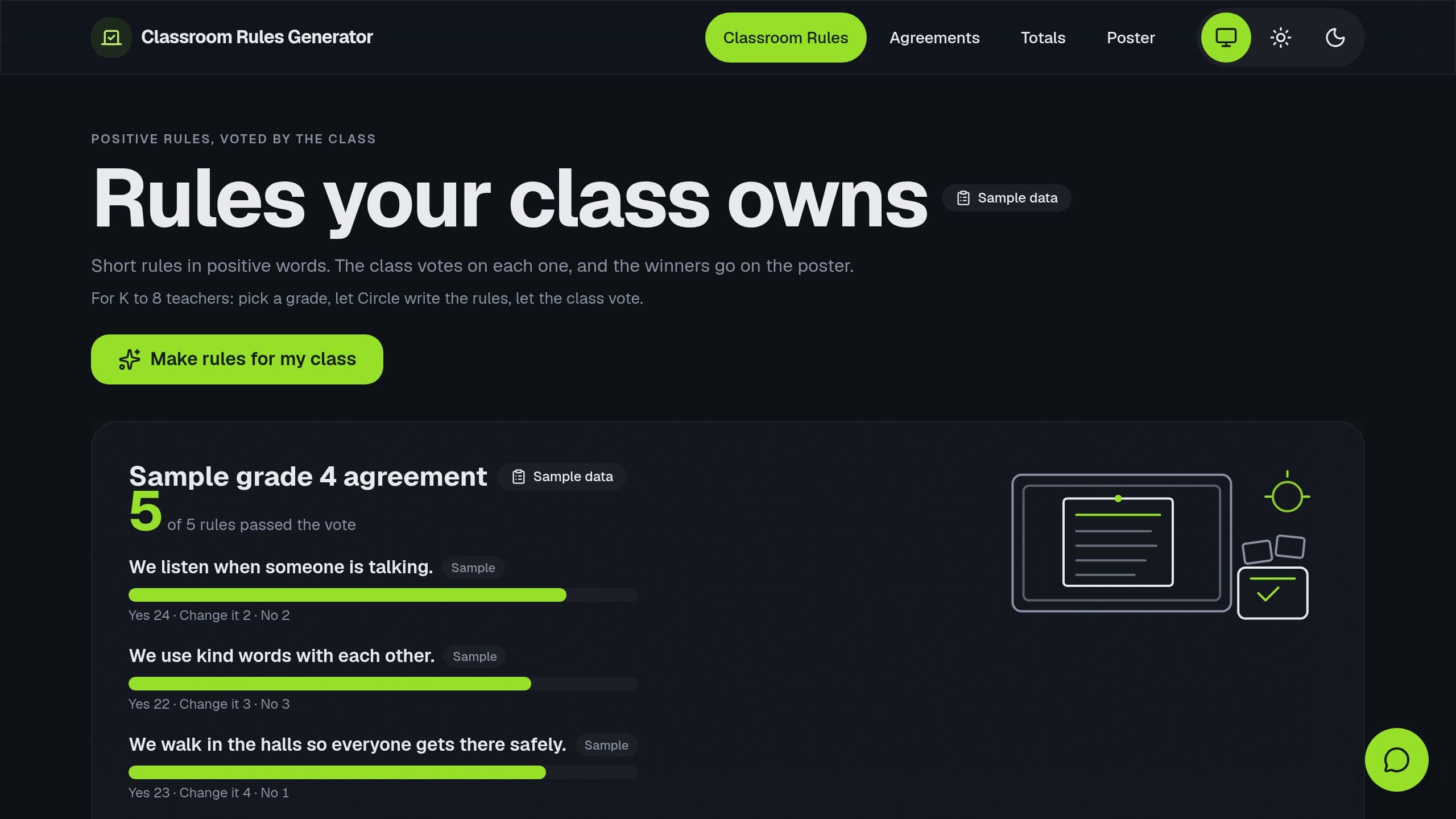
Classroom Rules Generator is a free Taskade Genesis kit for K to 8 teachers: positive classroom rules by grade, a class vote with student numbers and no names, and a poster of the final class agreement. Clone it and make it yours.
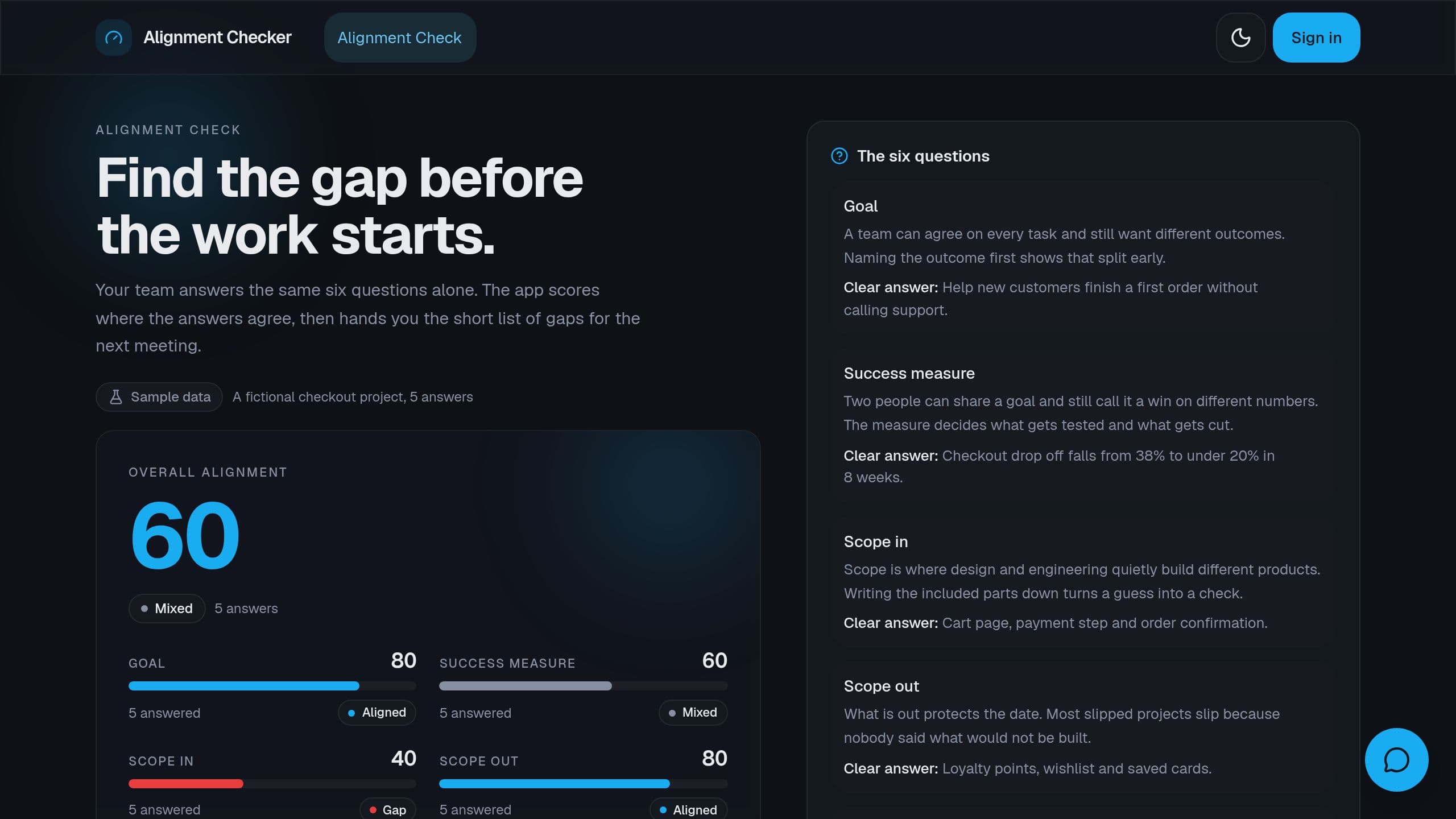
Project Alignment Checker is a free Taskade Genesis kit: each member answers the same 6 questions alone, the app scores agreement per question and writes the gap list for your next meeting.
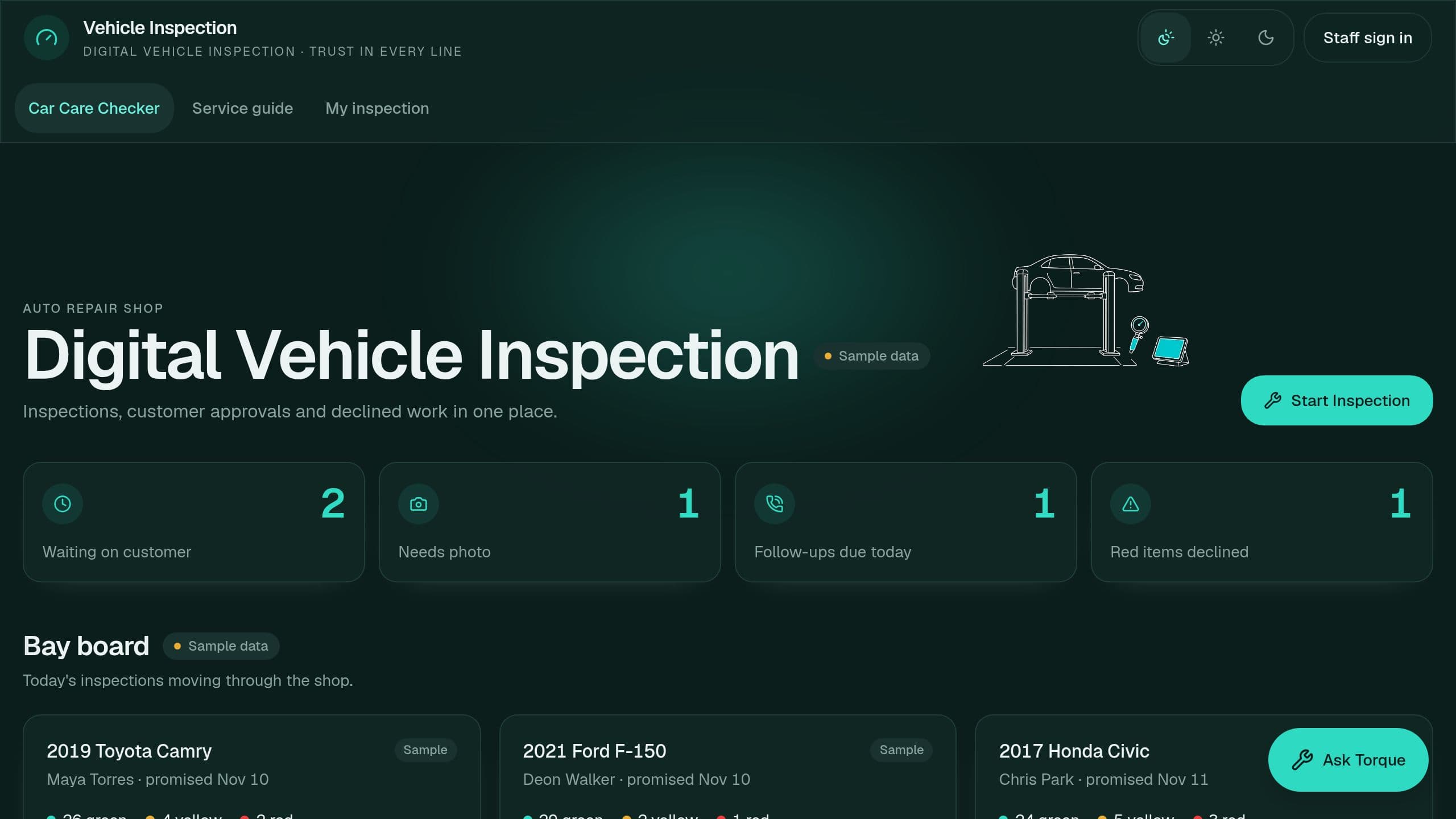
Run a 32-point inspection with photos, let customers approve or decline each repair, and follow up on declined work.
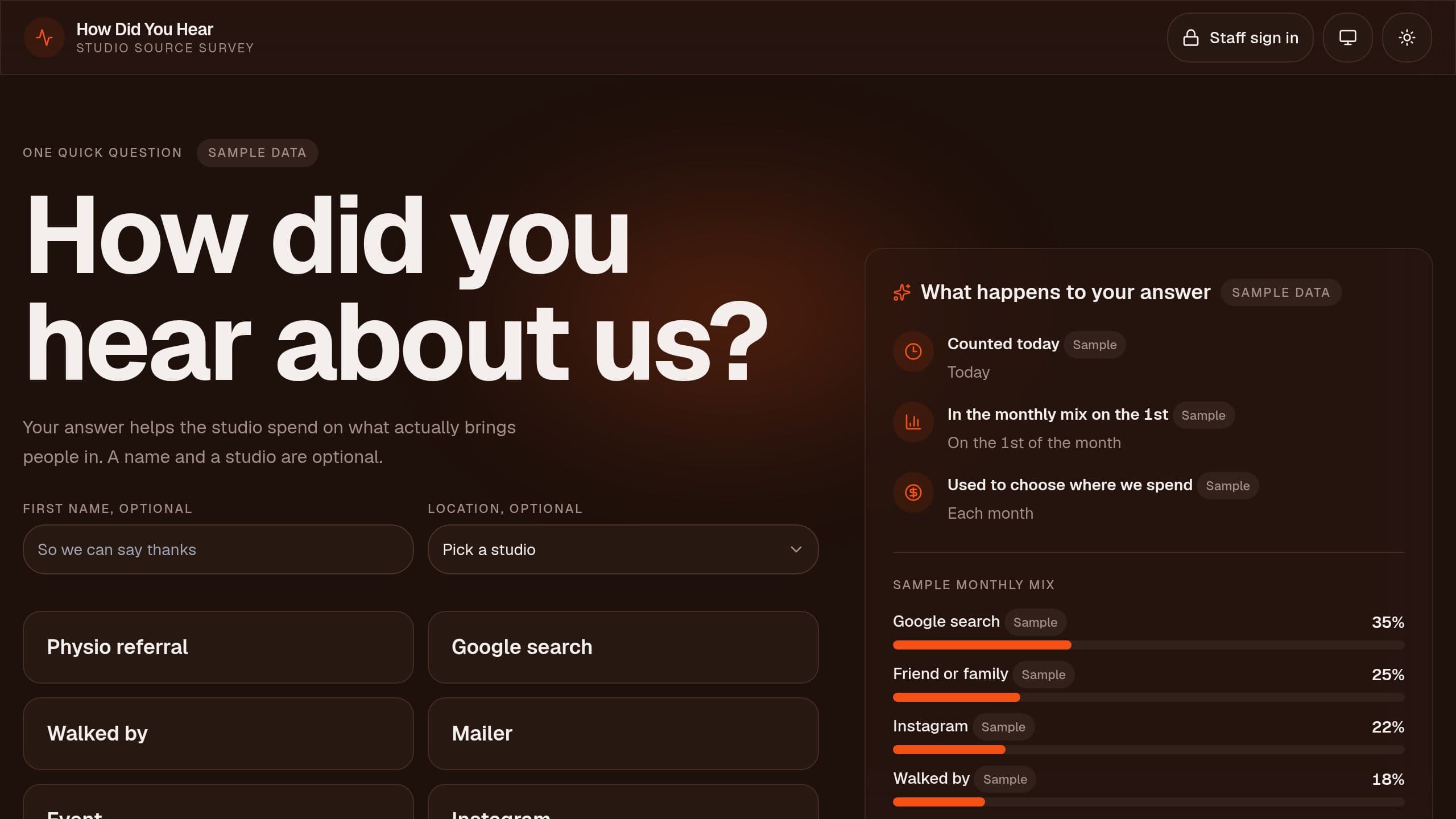
One tap question at the counter or by QR code, a source list you edit, a monthly mix by source and cost per new client where you type spend.
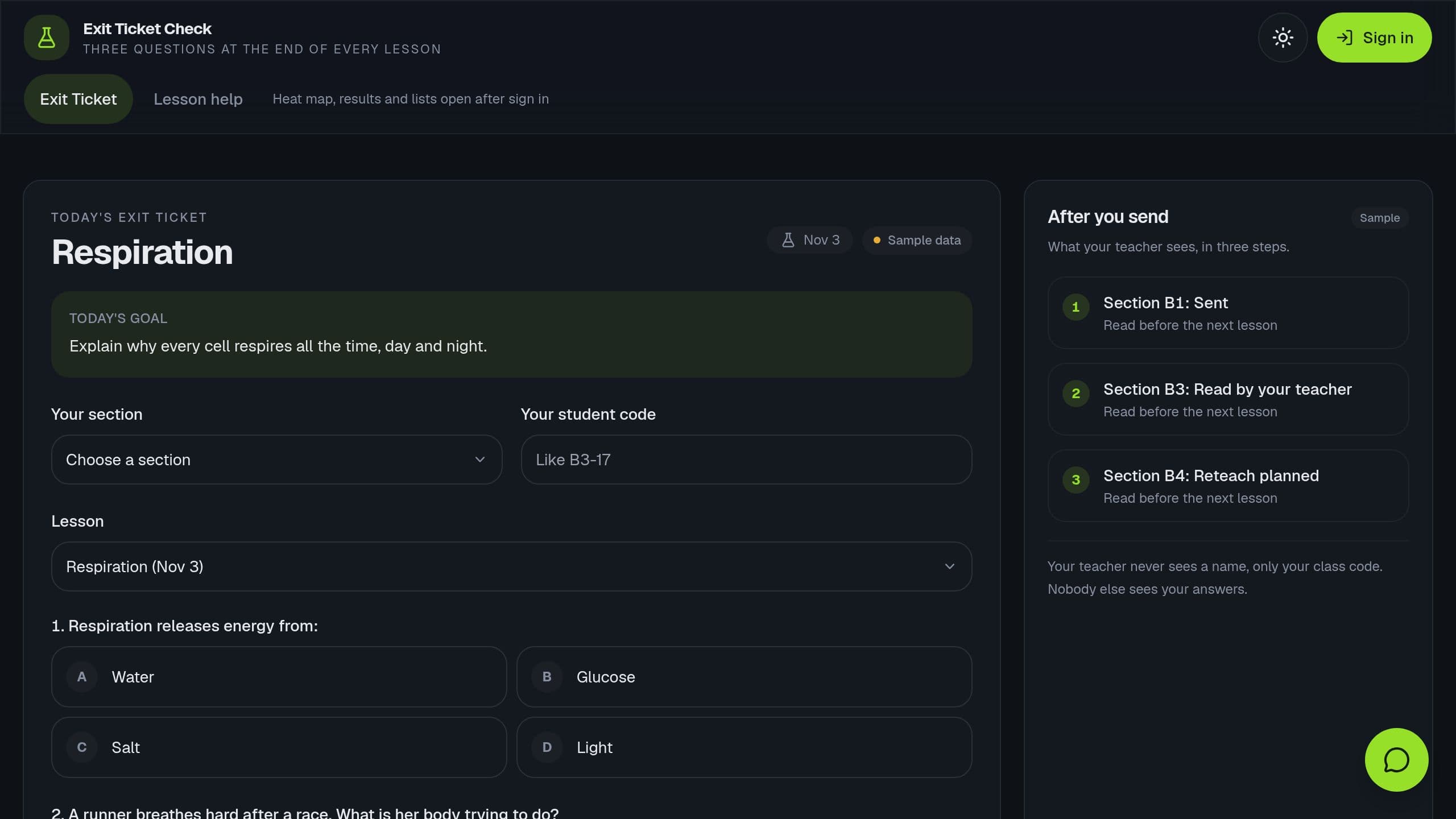
Students answer 3 questions and rate themselves 1 to 4 with a class code. See a heat map by section and objective and a weekly reteach list.
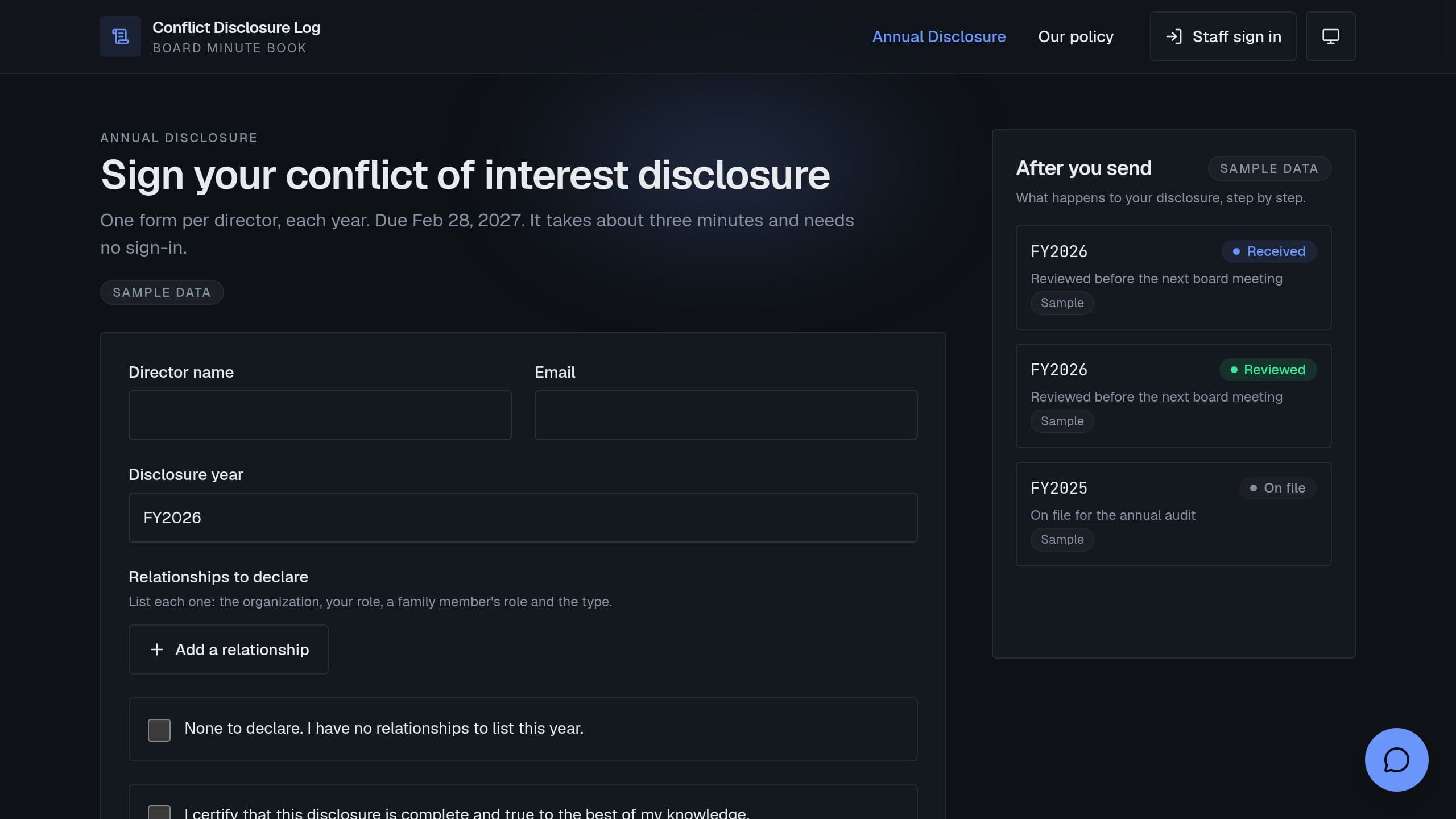
Conflict of interest disclosure form and log for boards. Directors sign once a year with no sign-in, the chair reviews each one, recusals are logged per meeting, and an audit pack prints on one page.
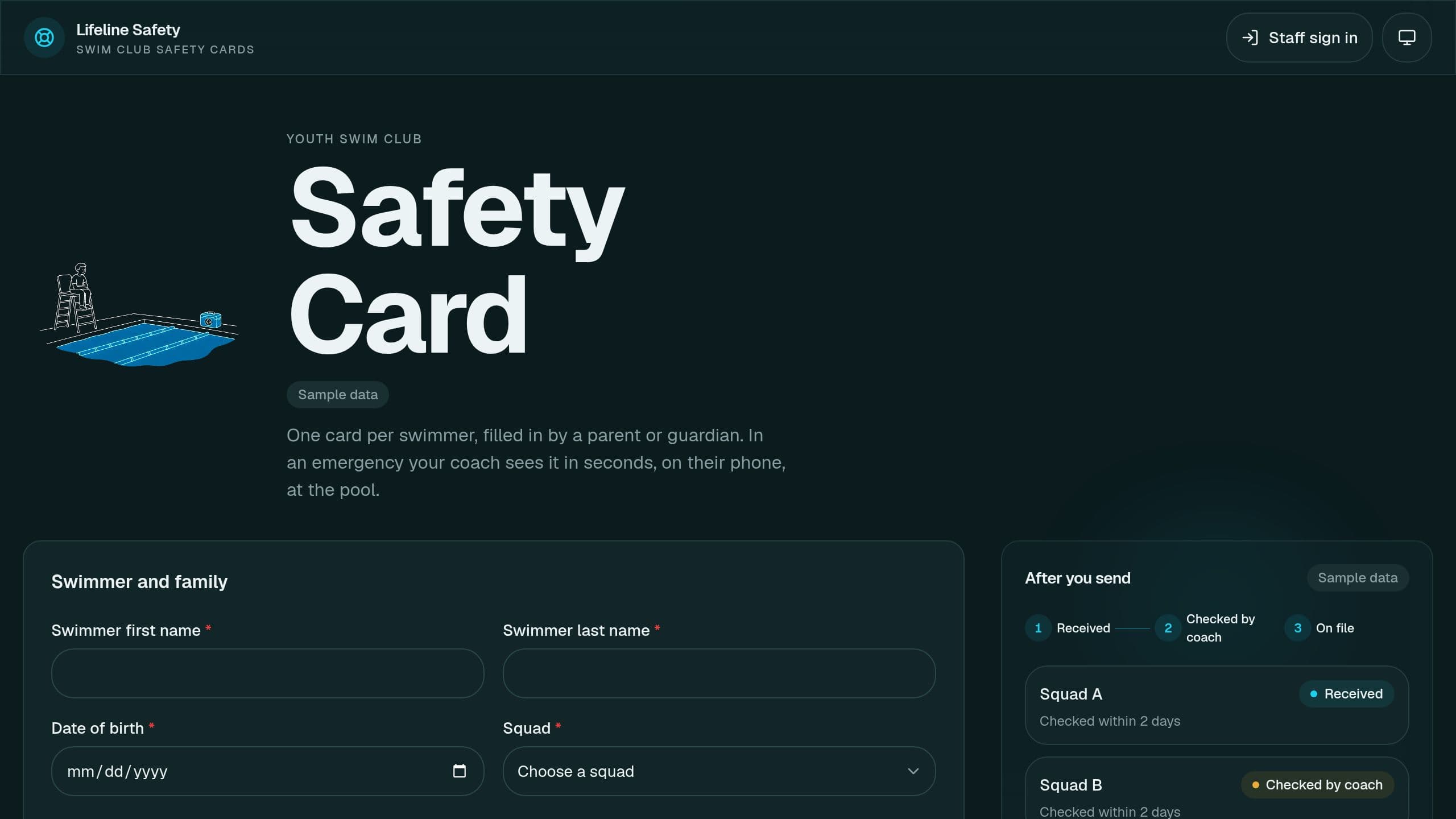
Families fill in a safety card per squad. Coaches see contacts, allergies and medicines on their phone, and get a list of cards older than 12 months.
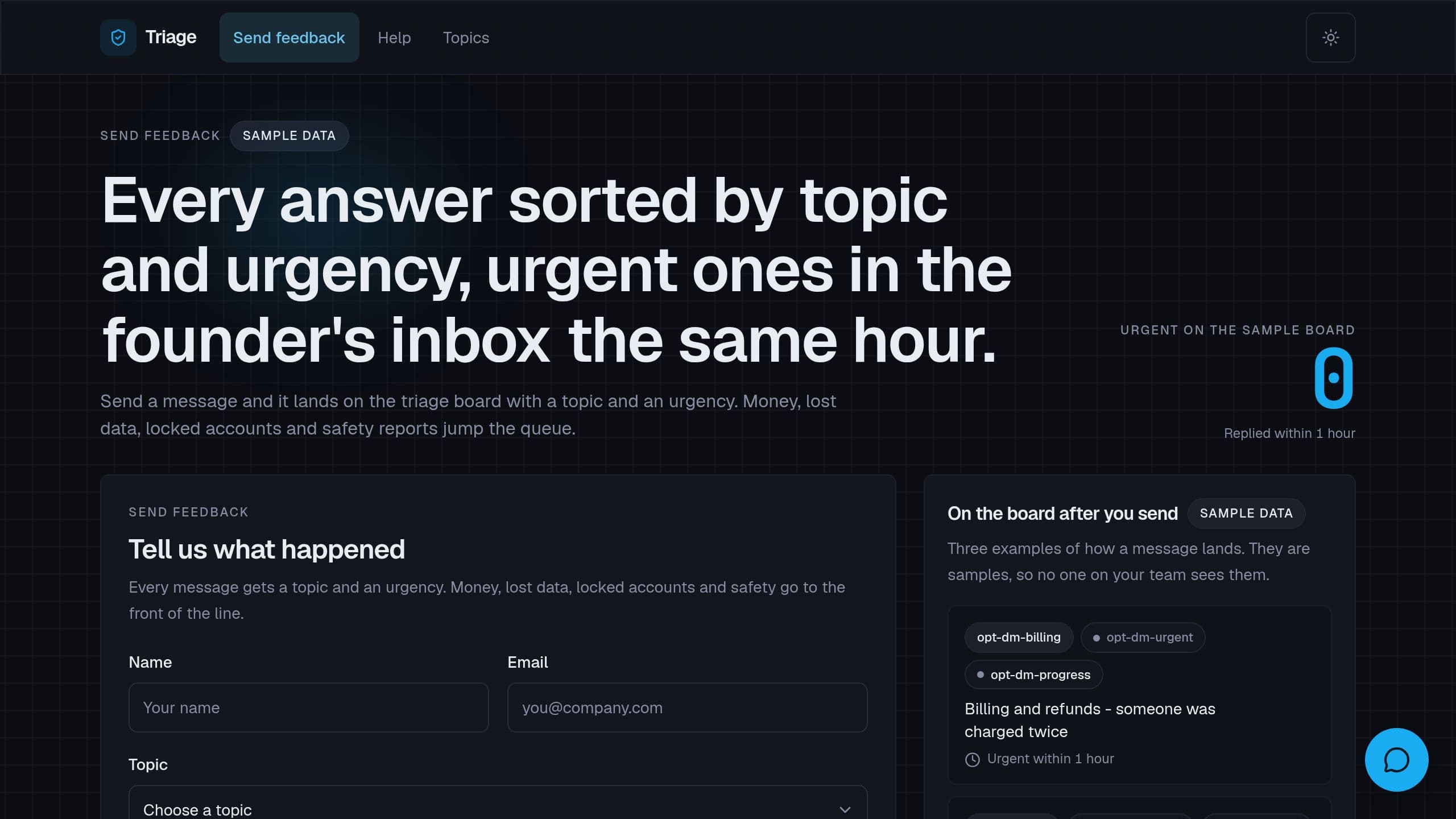
Sort each feedback or form answer by topic and urgency, and get urgent ones by email within the hour. Connect Tally when you are ready.
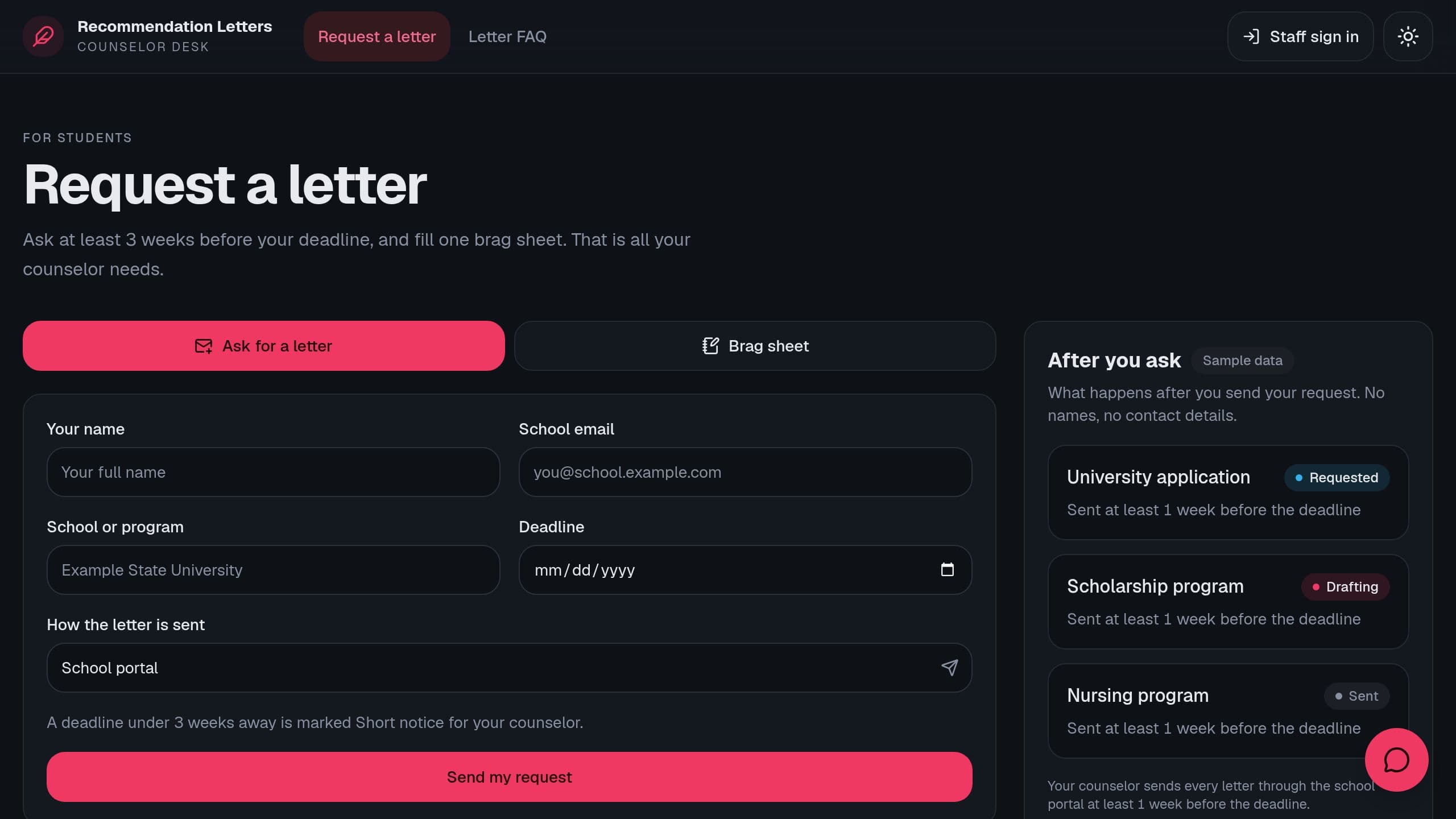
Students request a letter and fill a brag sheet. Track every deadline on one board and draft a first letter only from what the student wrote.
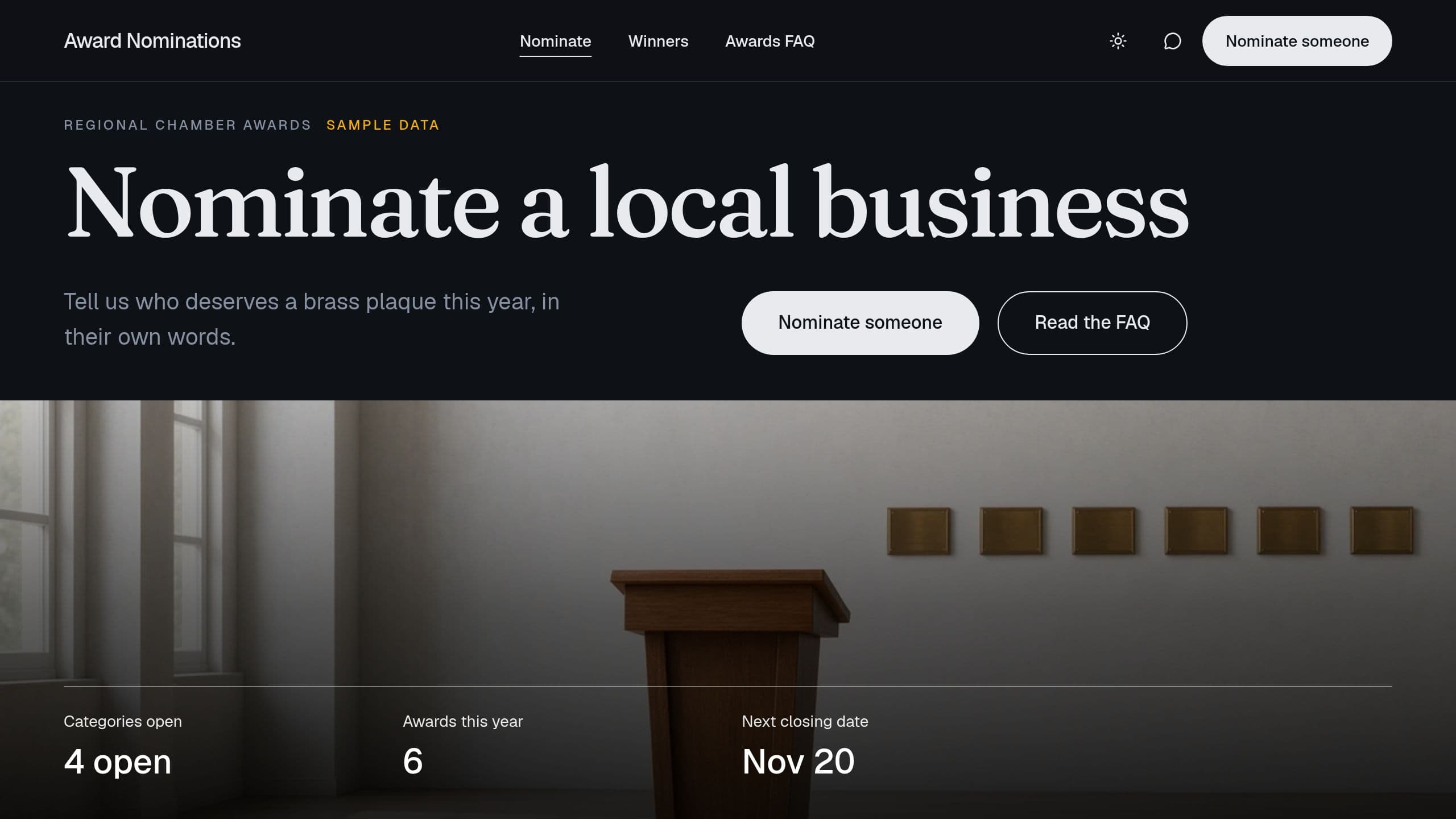
Run an awards program: a public nomination form, judge scoring by criteria with conflict marks, a ranked list and a winners page.
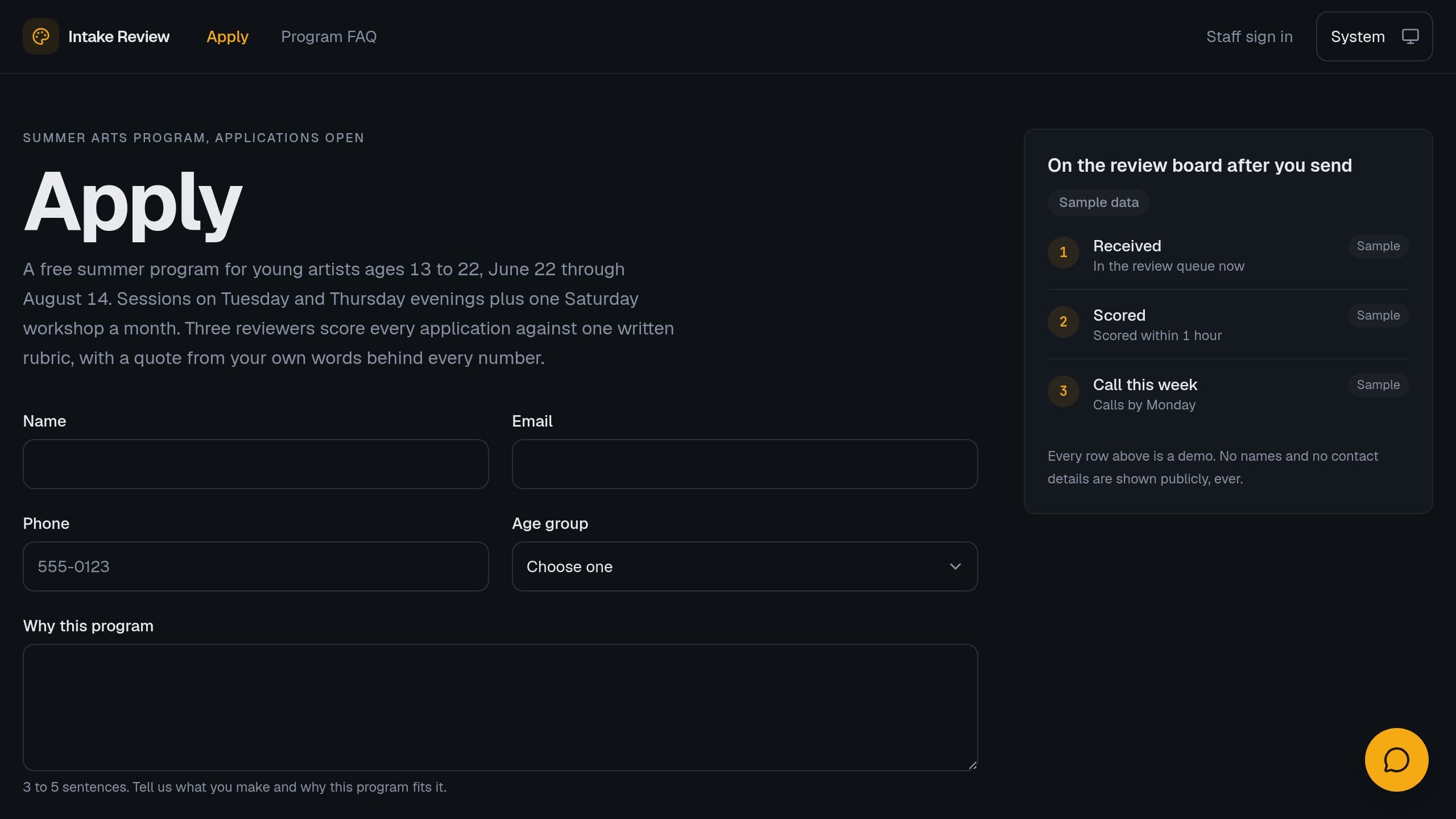
Score program applications against your written rubric, with a quote for each score, and get a weekly call-first list. Connect Jotform when you are ready.
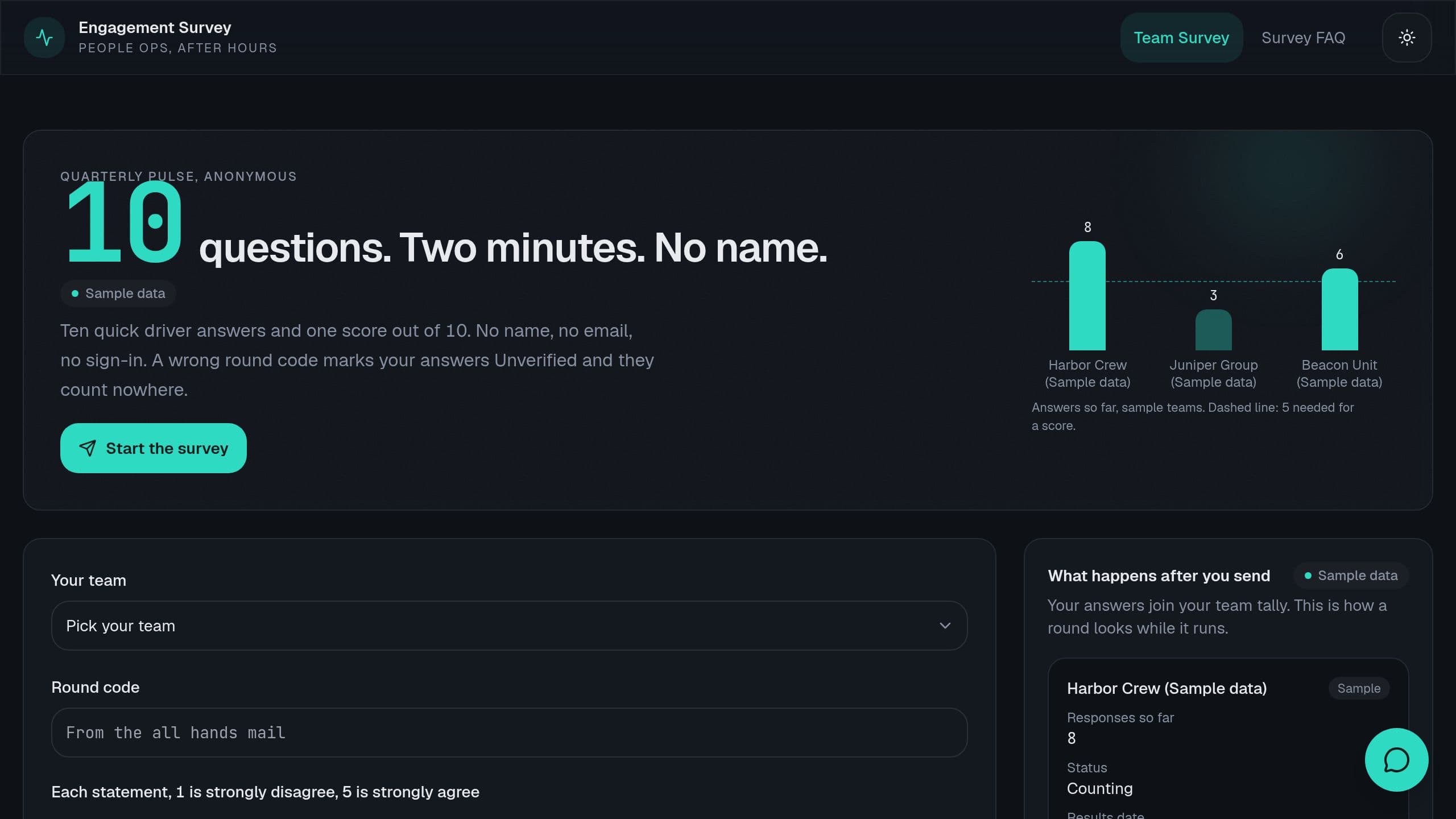
Teams under 5 answers show no score. Clone it and make it yours.
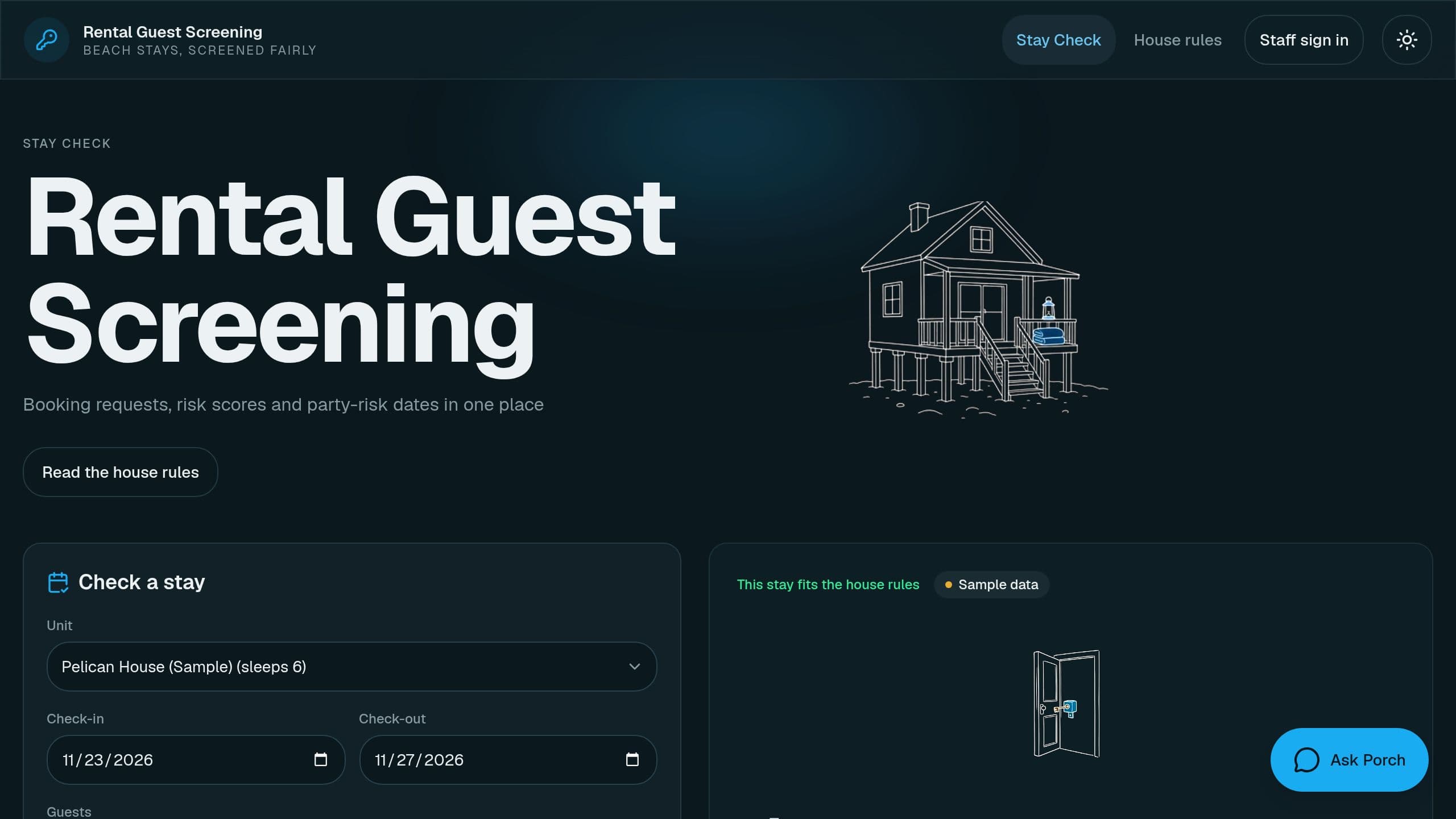
Score short-term rental booking requests from house rules, flag party-risk dates, approve or decline with a reason.
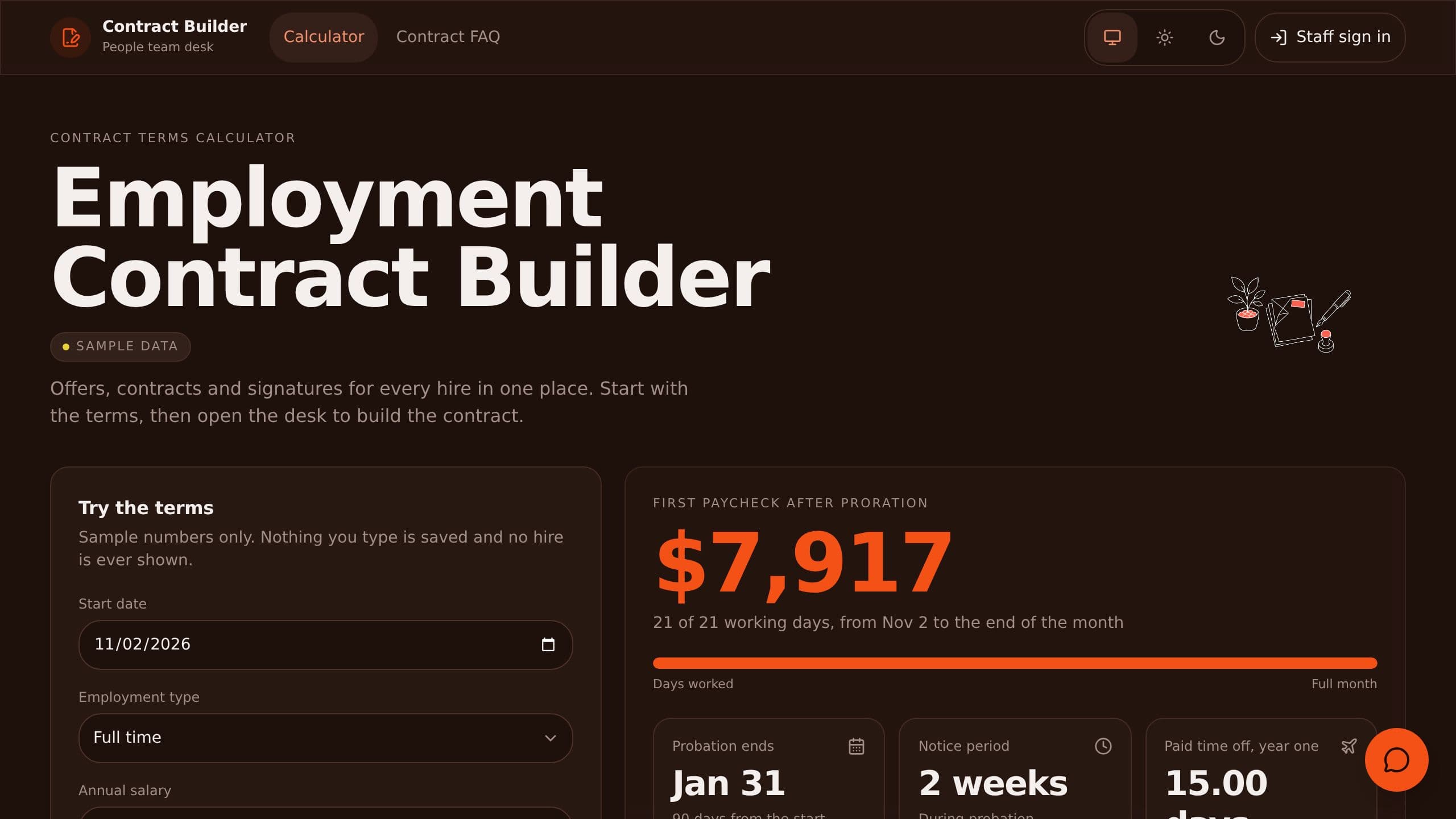
Try the terms, then build each hire's contract from approved clauses, and see contracts that miss a signature.
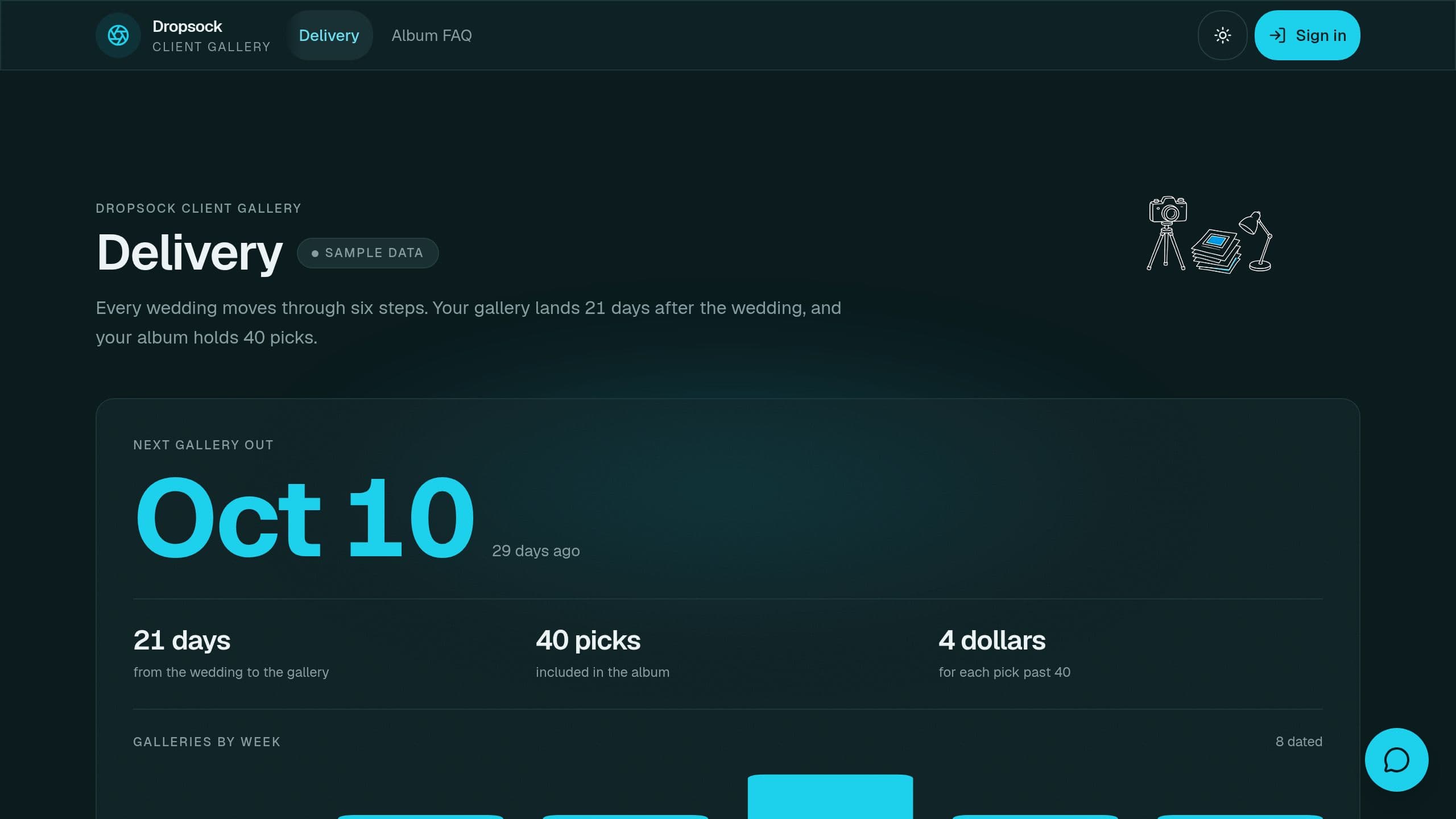
Deliver wedding galleries, collect client picks, and track album choices with a private link per couple. A playful parody, not affiliated with Dropbox.
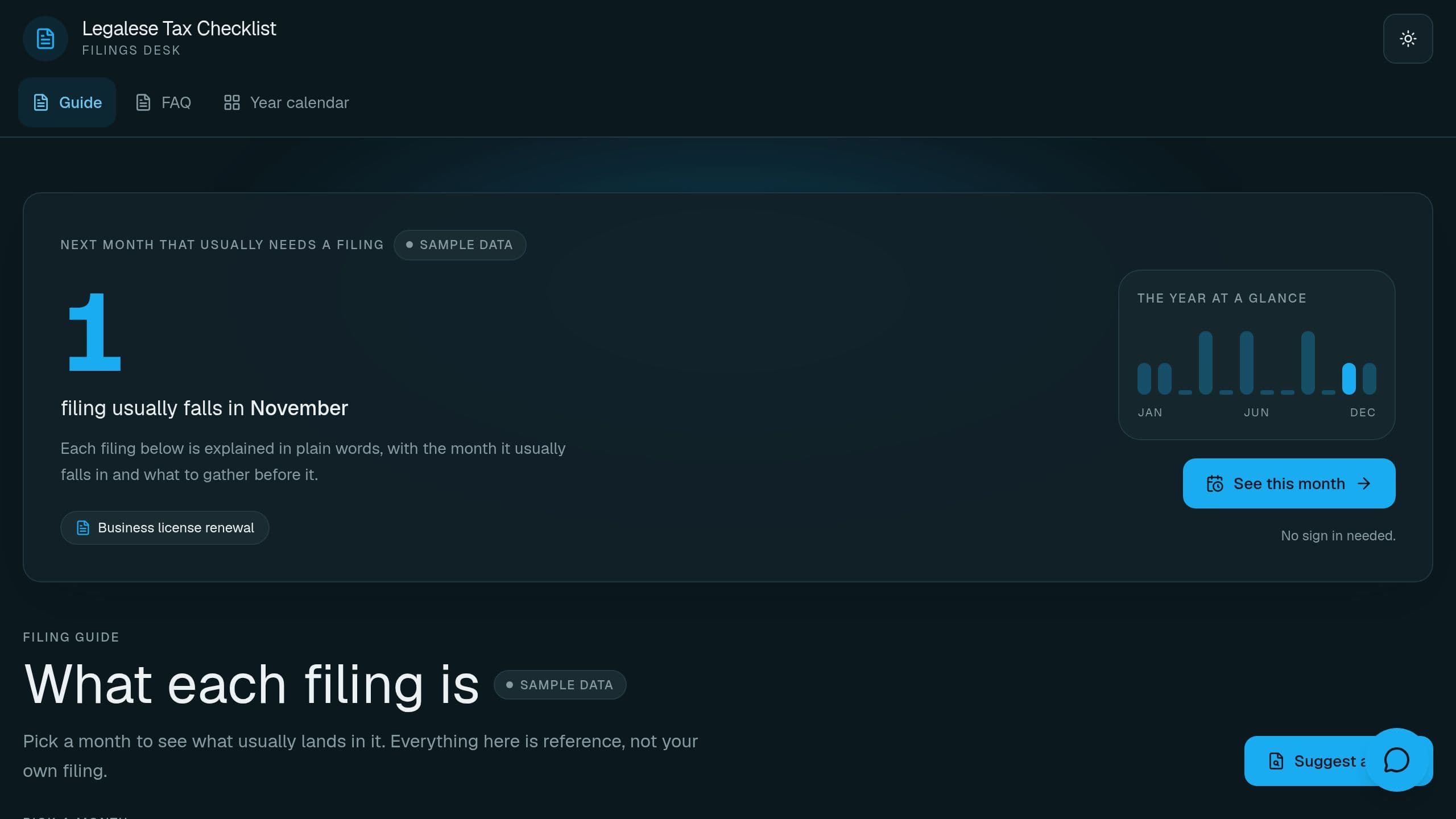
Track every yearly filing for a sole trader with due dates, status and a public explainer page.
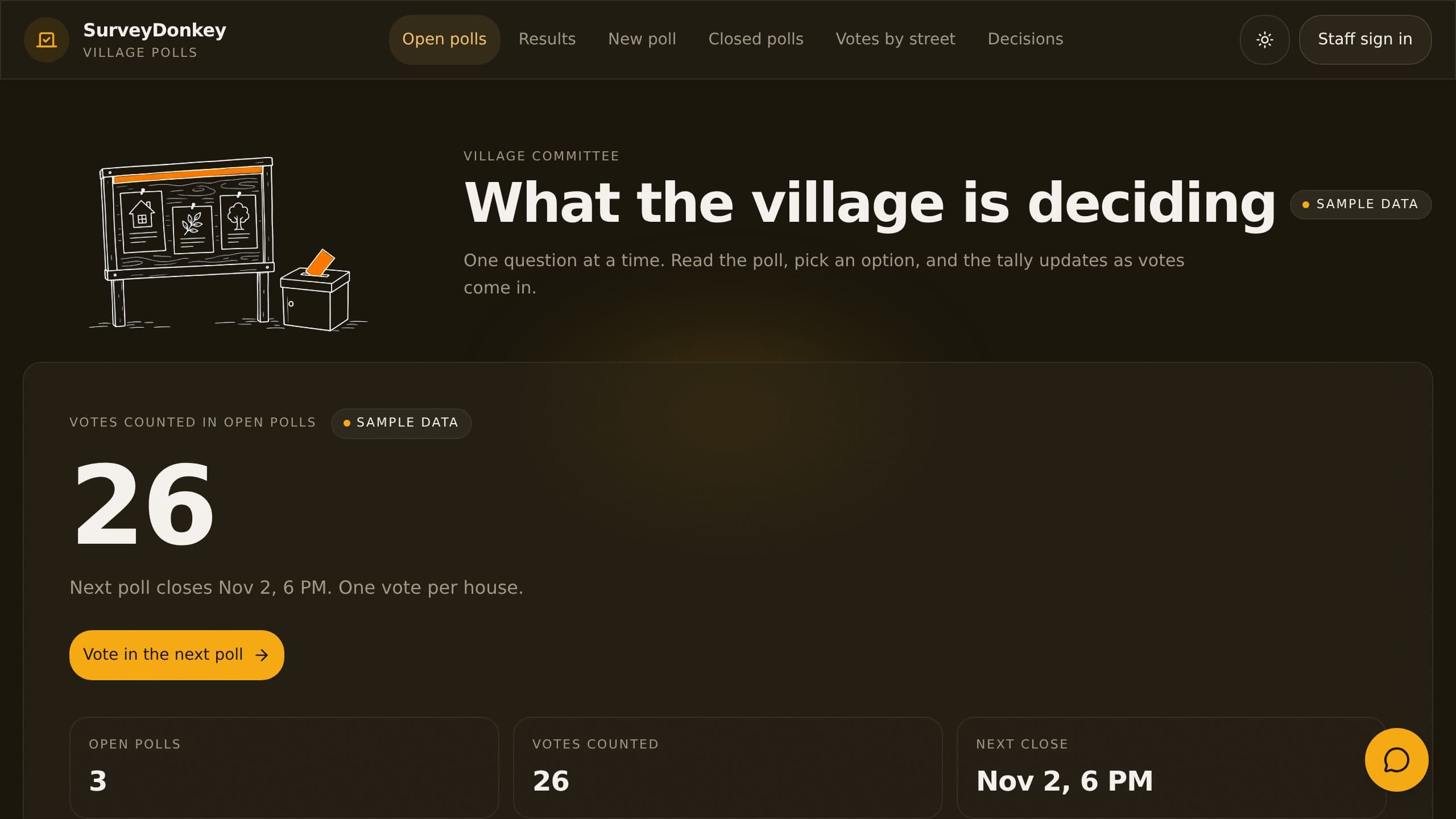
Run one-question polls for your village, allow one vote per house and show live tallies. Free to clone. A playful parody, not affiliated with SurveyMonkey.
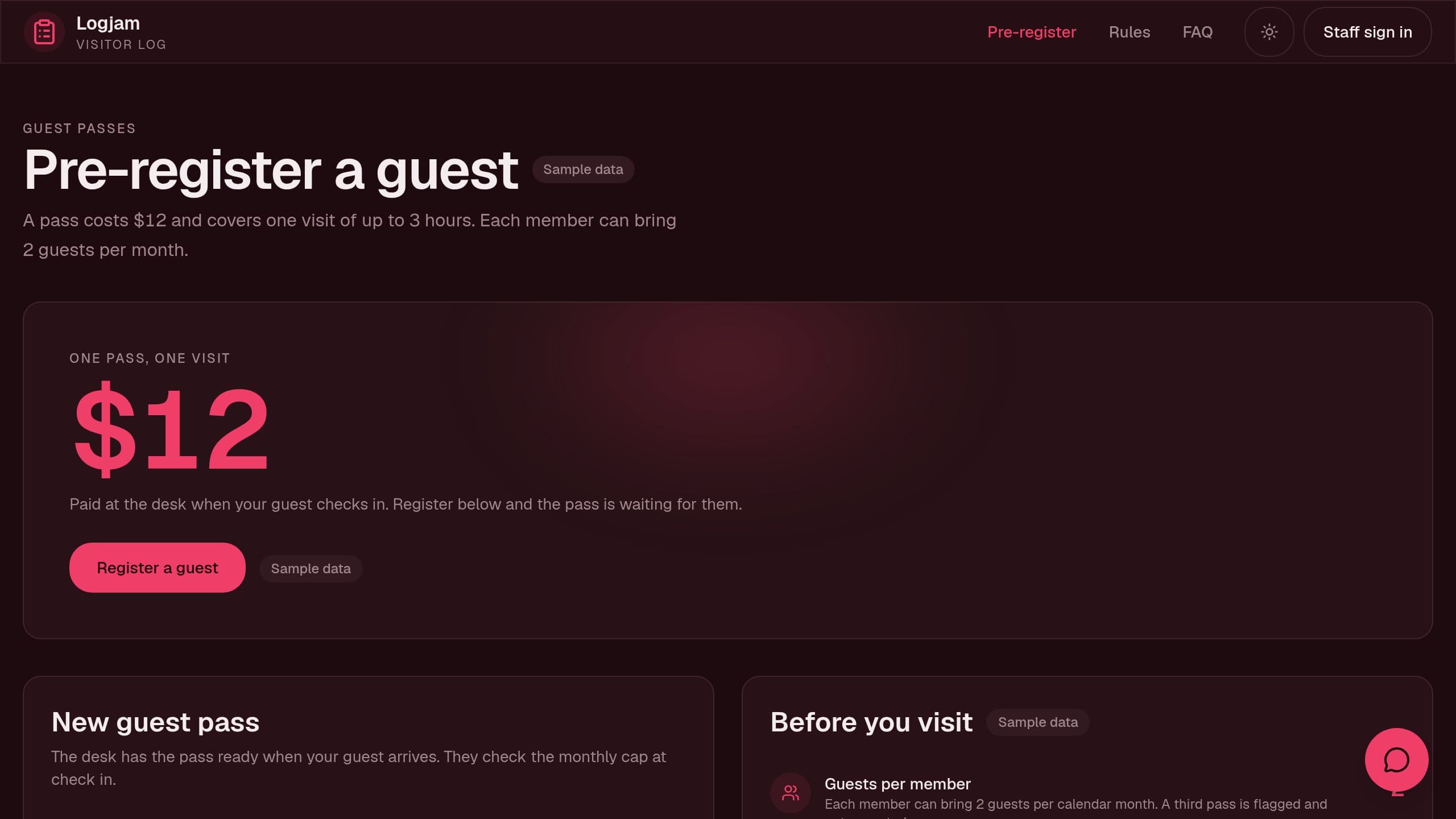
Log gym guest passes in and out, cap passes per member, and show the rules on a public page. Free to clone. A playful parody, not affiliated with LogMeIn.
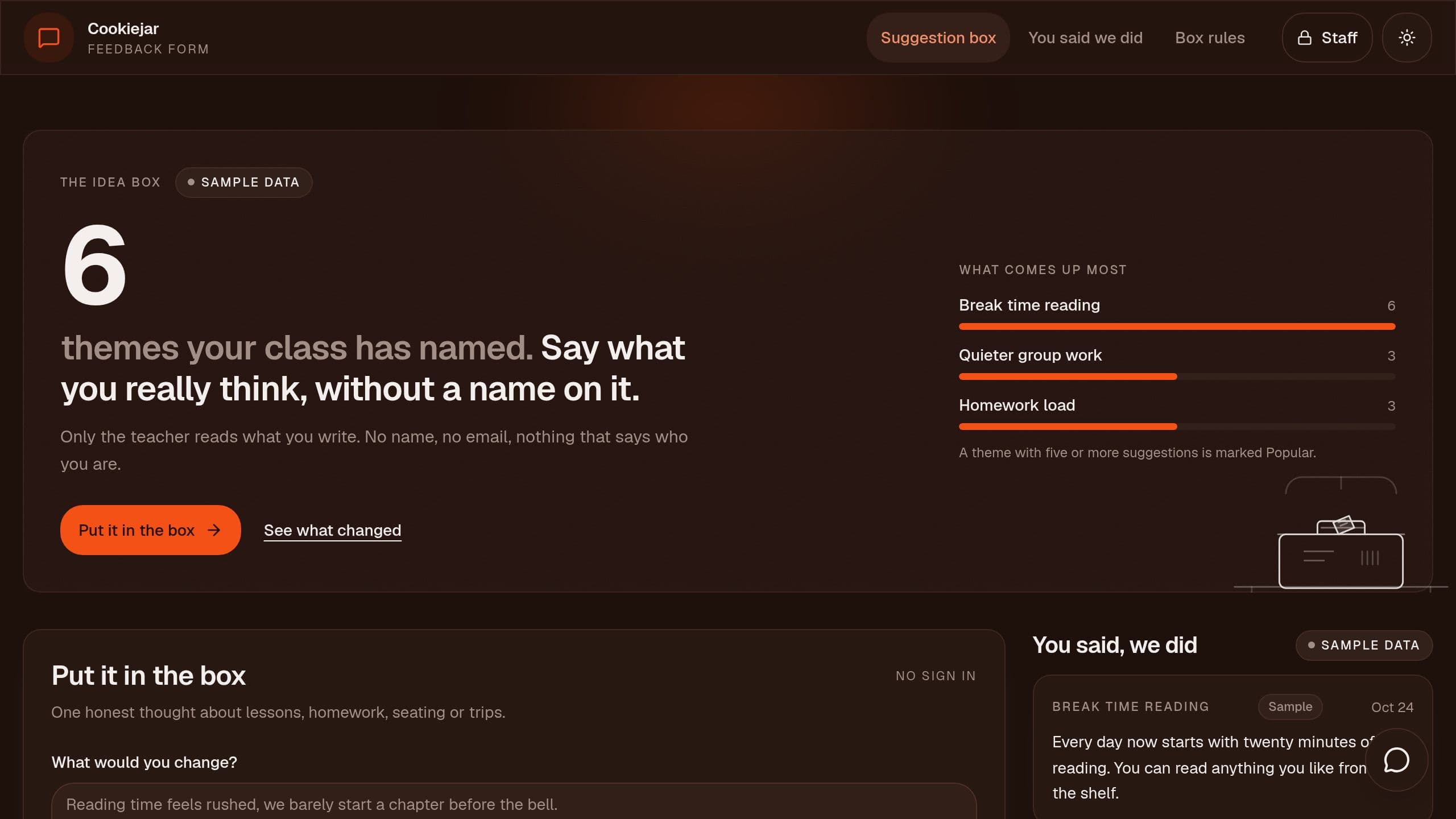
Collect anonymous class suggestions, tag them by theme and show pupils what changed. Free to clone. A playful parody, not affiliated with Hotjar.
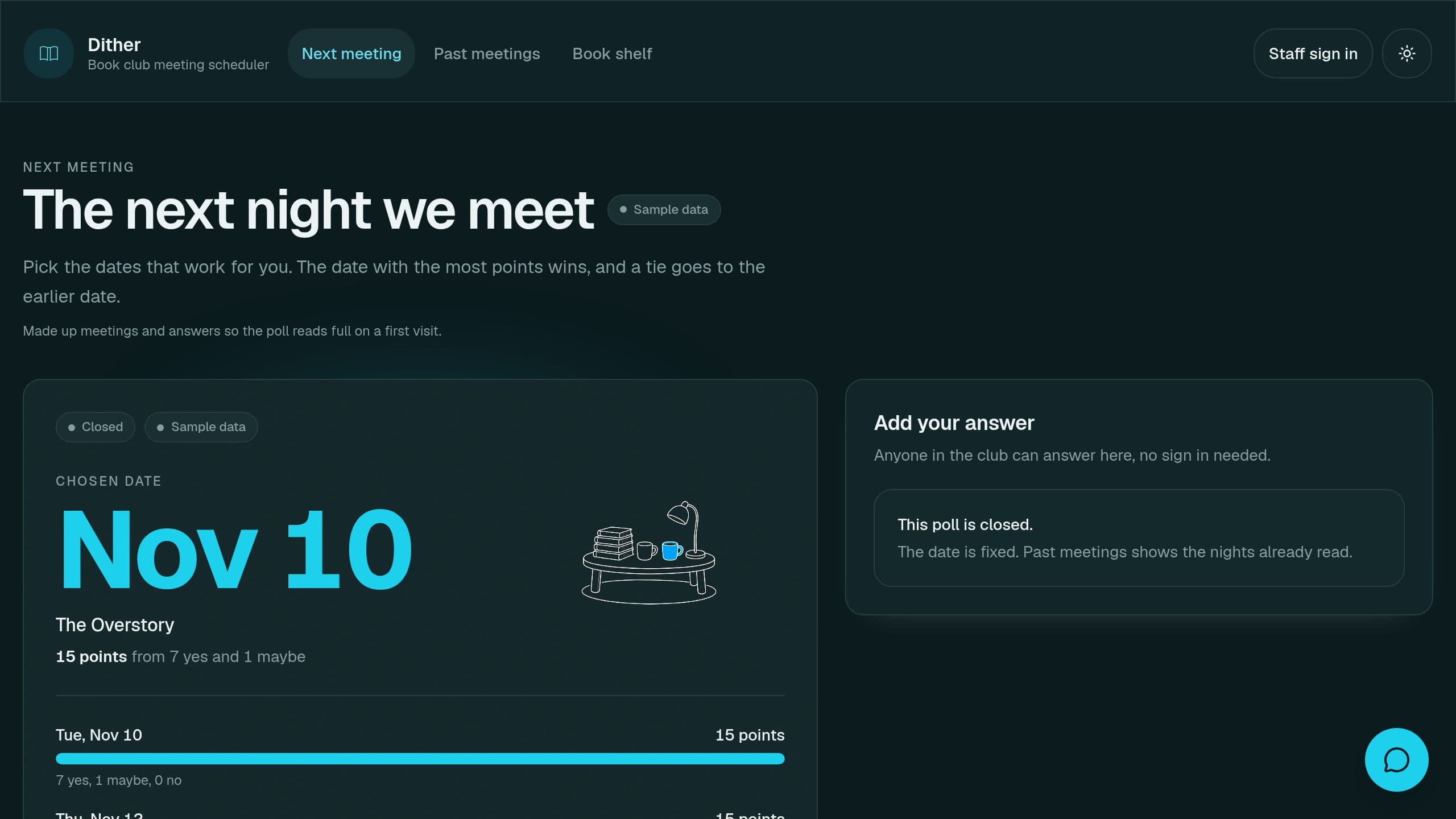
Offer a few dates, let members vote Yes, Maybe or No and see which date fits most. Free to clone. A playful parody, not affiliated with Doodle.
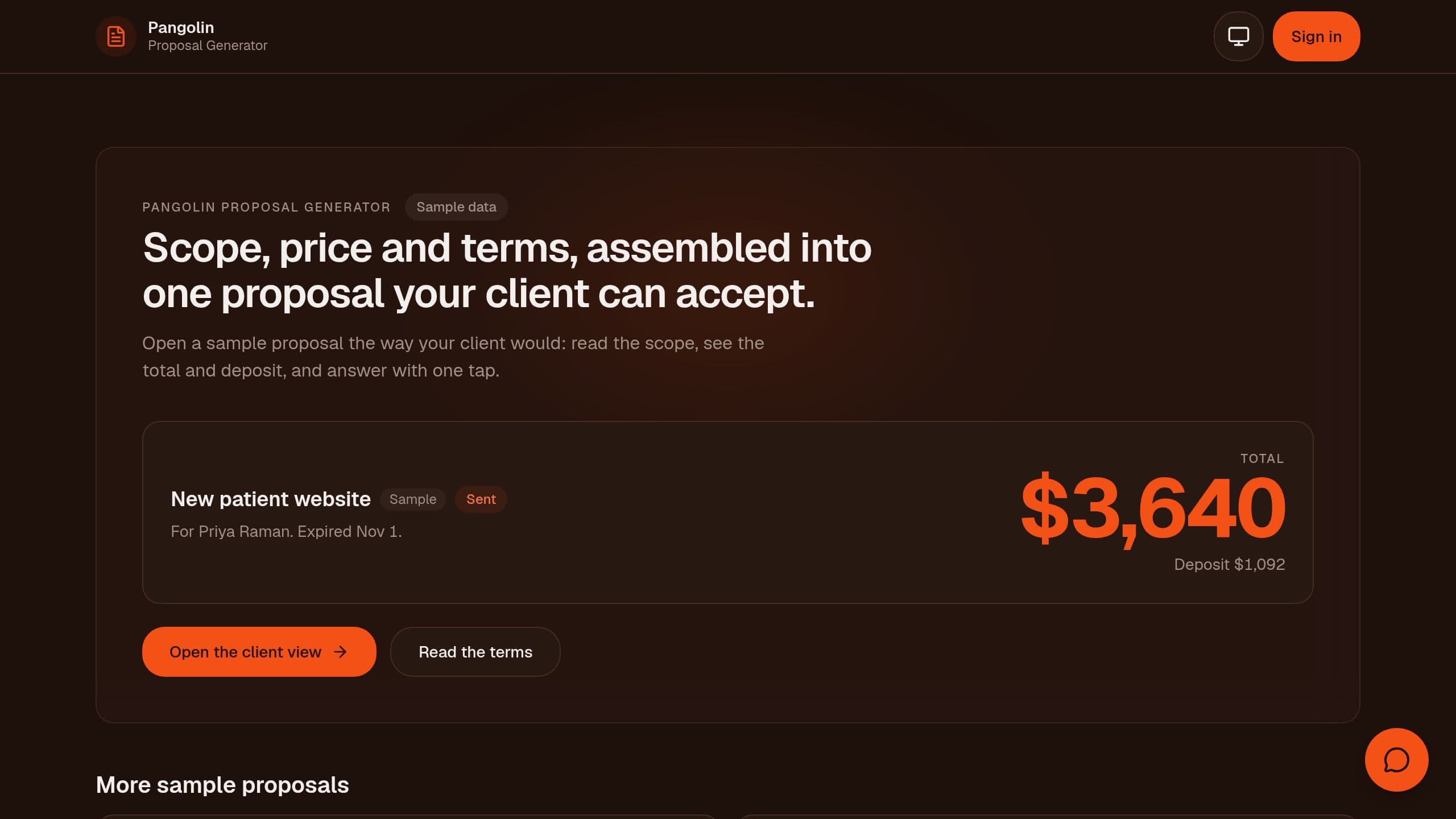
Assemble scope, price and terms into a proposal your client can accept online. Free to clone. A playful parody, not affiliated with PandaDoc.
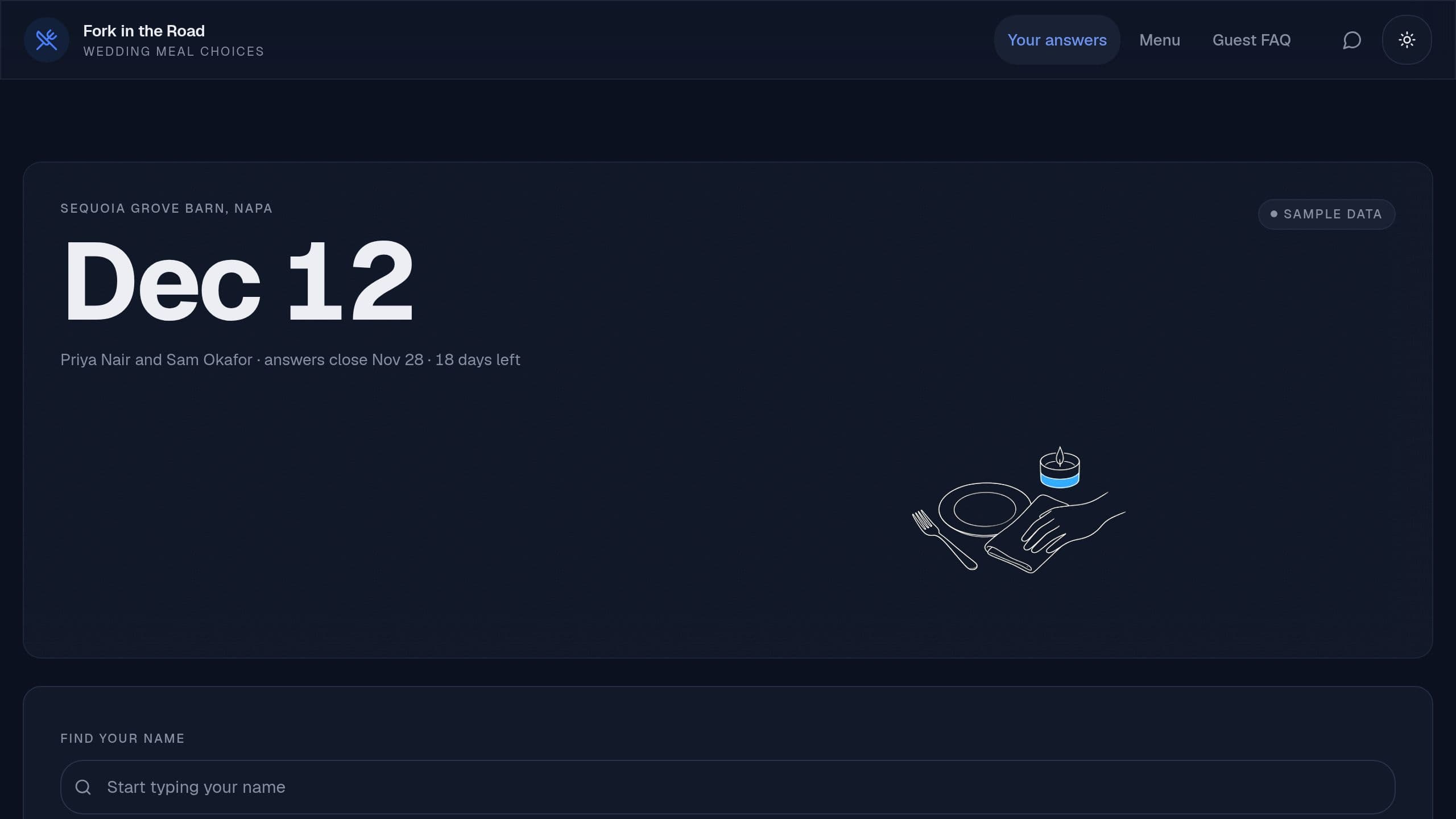
Collect guest meal choices and allergies one question at a time and send the caterer a clean count. A playful parody, not affiliated with Typeform.
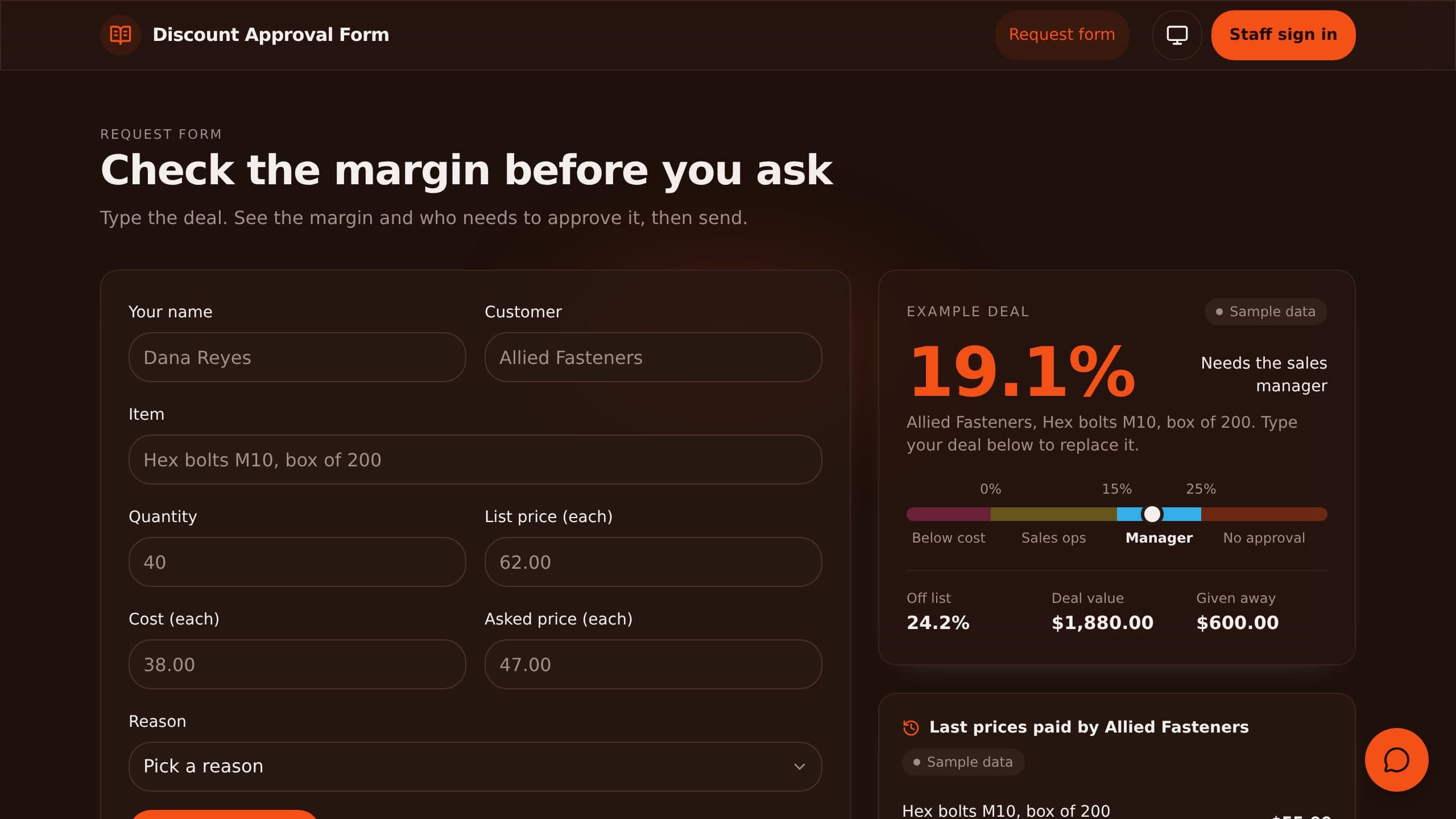
Reps see the margin and the approver before they ask for a discount, and managers approve from one queue.
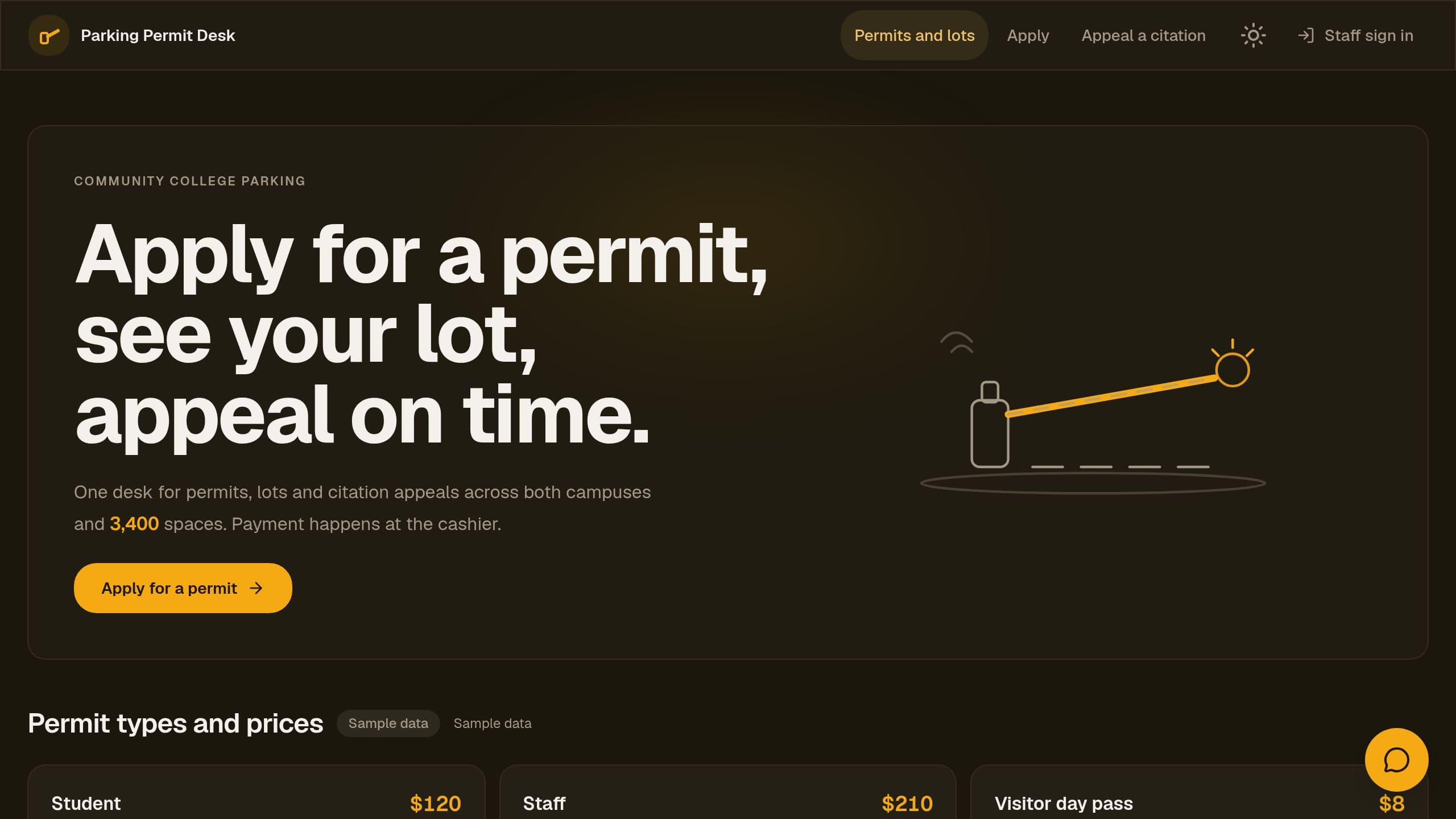
Apply for a campus parking permit, see which lot it covers, appeal a citation within the window, and let staff look up plates.
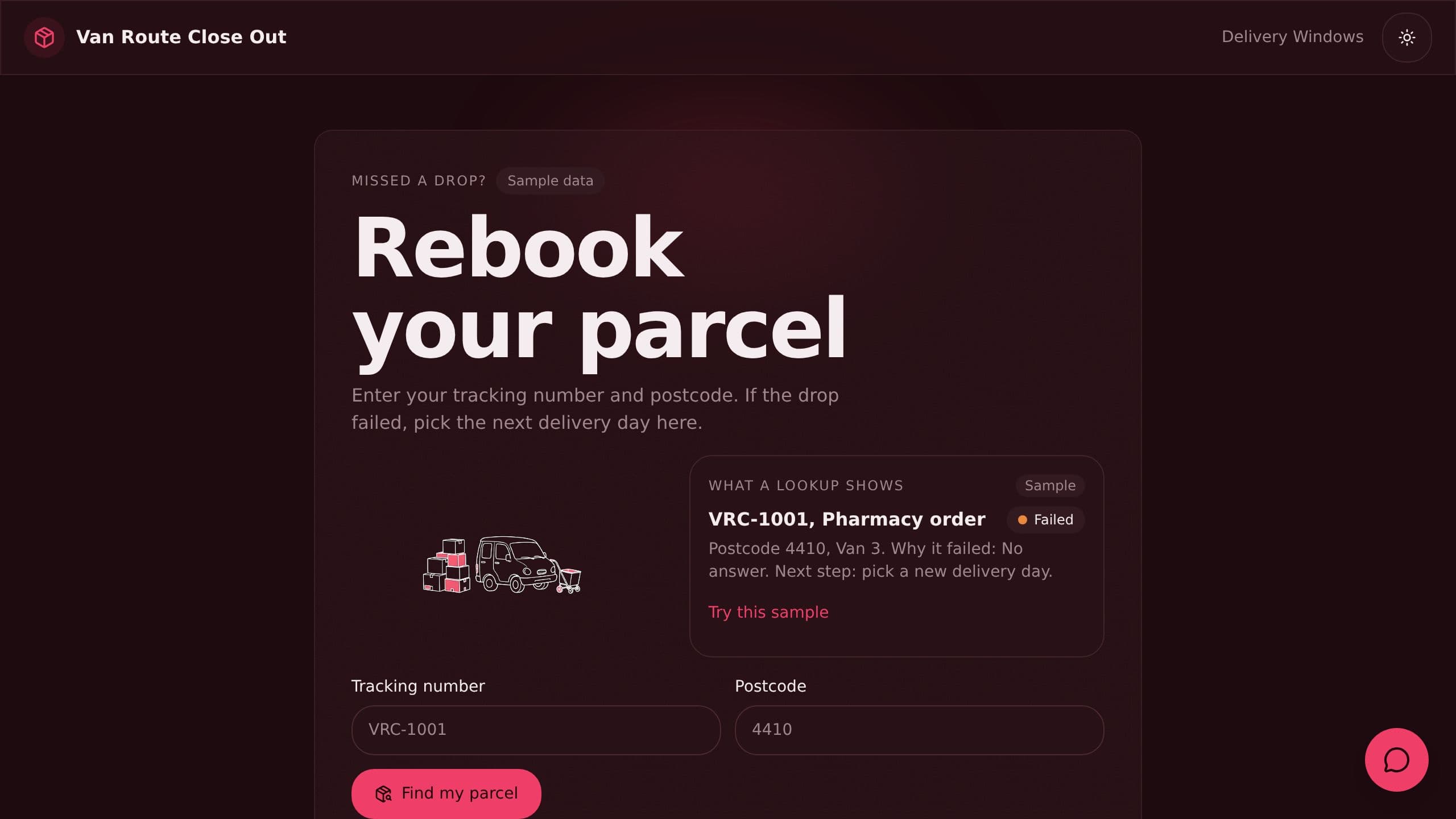
Includes delivery windows, routes and a helper chat.
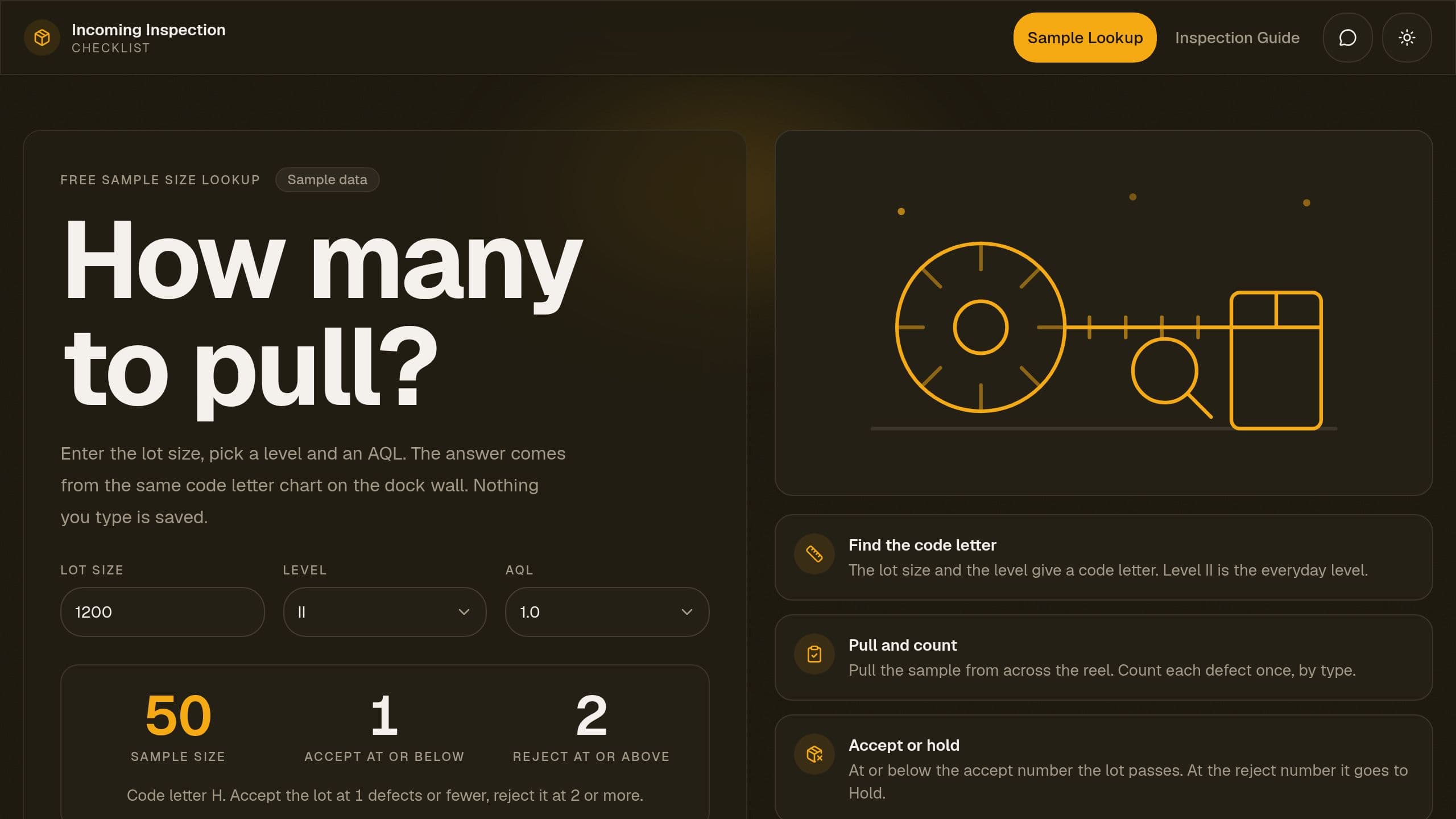
Look up the AQL sample size for any lot, log accept or reject, and hold bad lots.
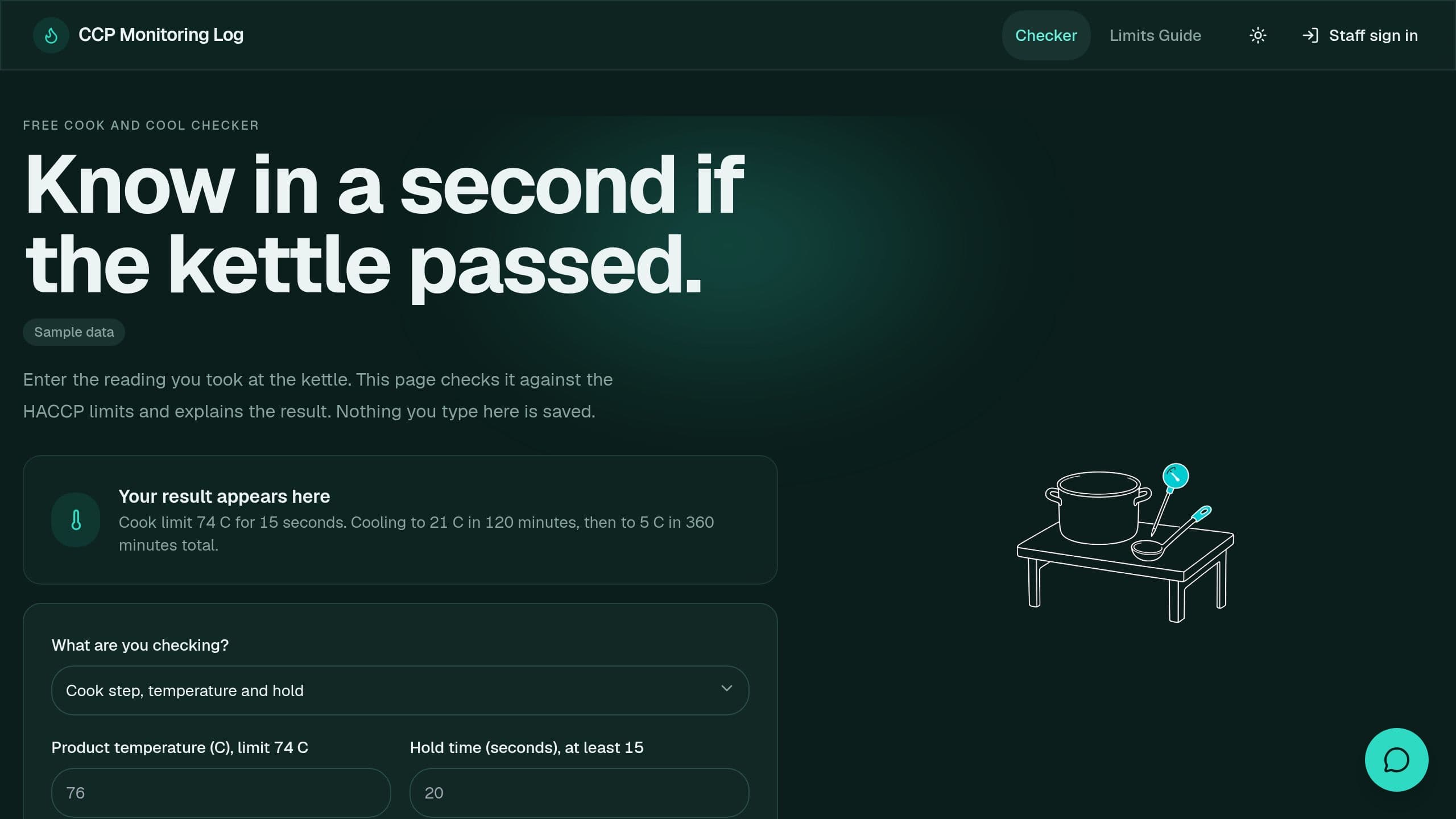
Log each critical control point check on a phone, see a pass or deviation at once, and record the fix.
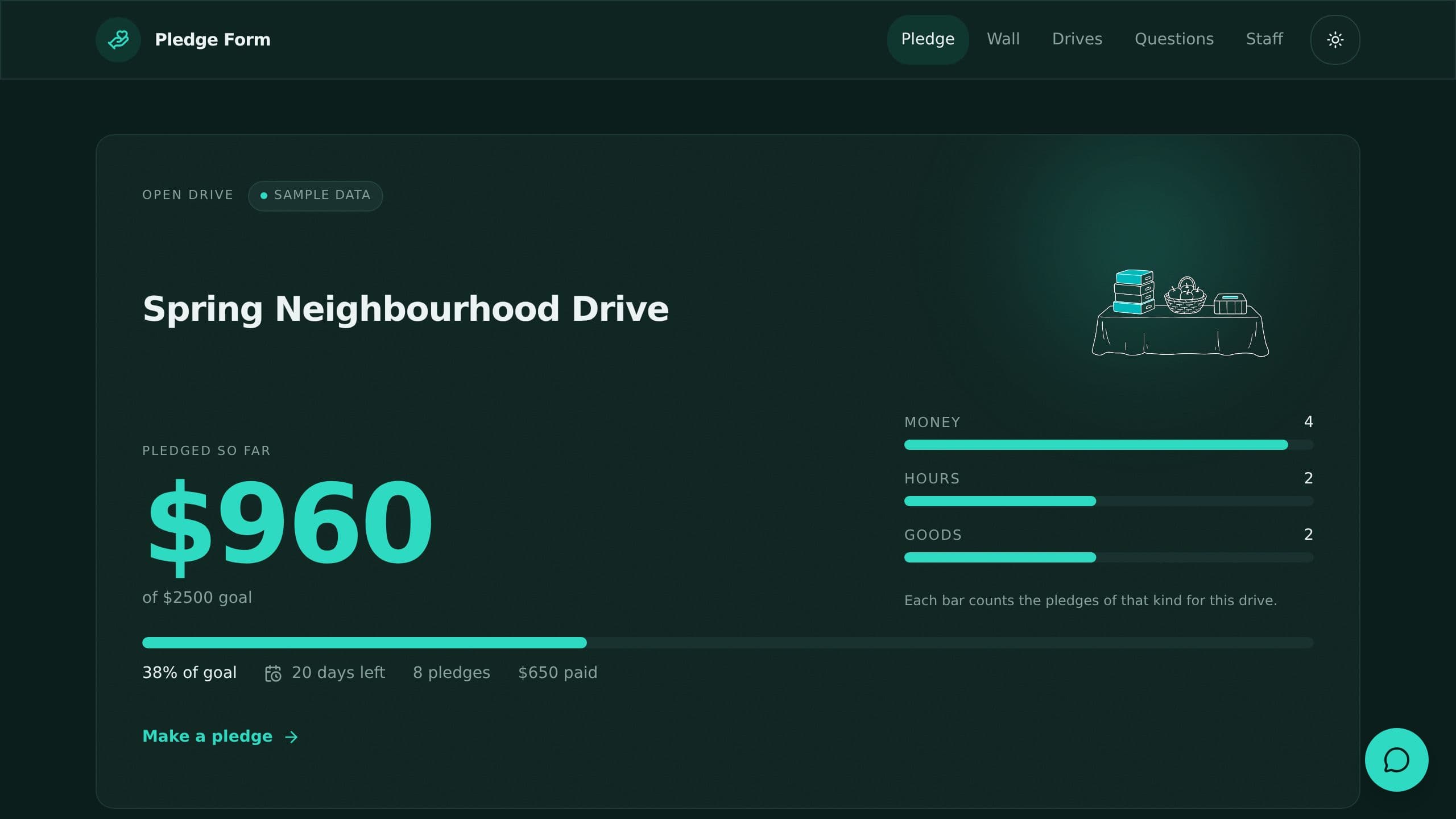
Collect pledges of money, hours or goods on a public page, show the total, and remind donors later.
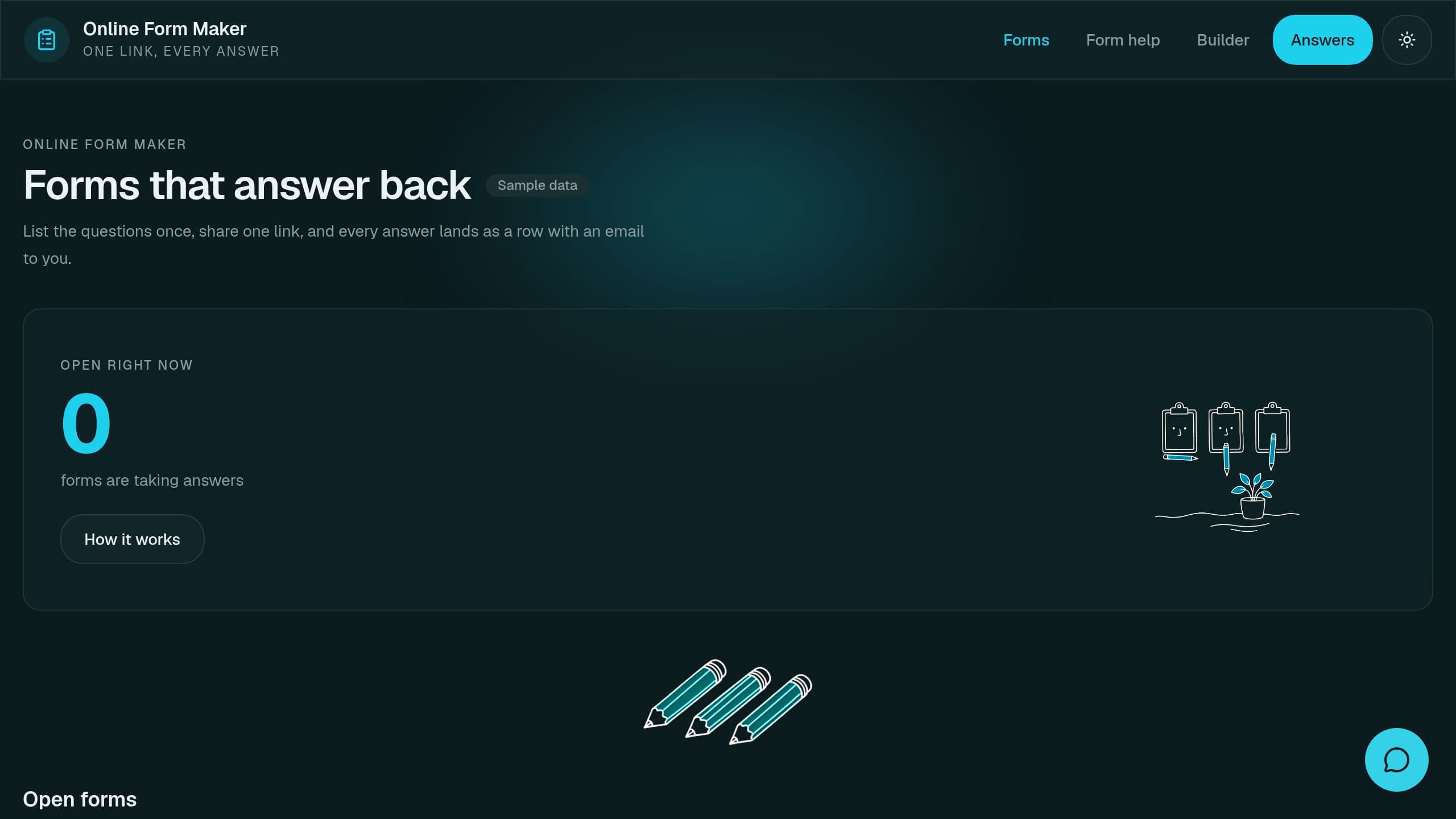
List your questions once, share a link, and get every answer as a row plus an email. A free form maker to clone.
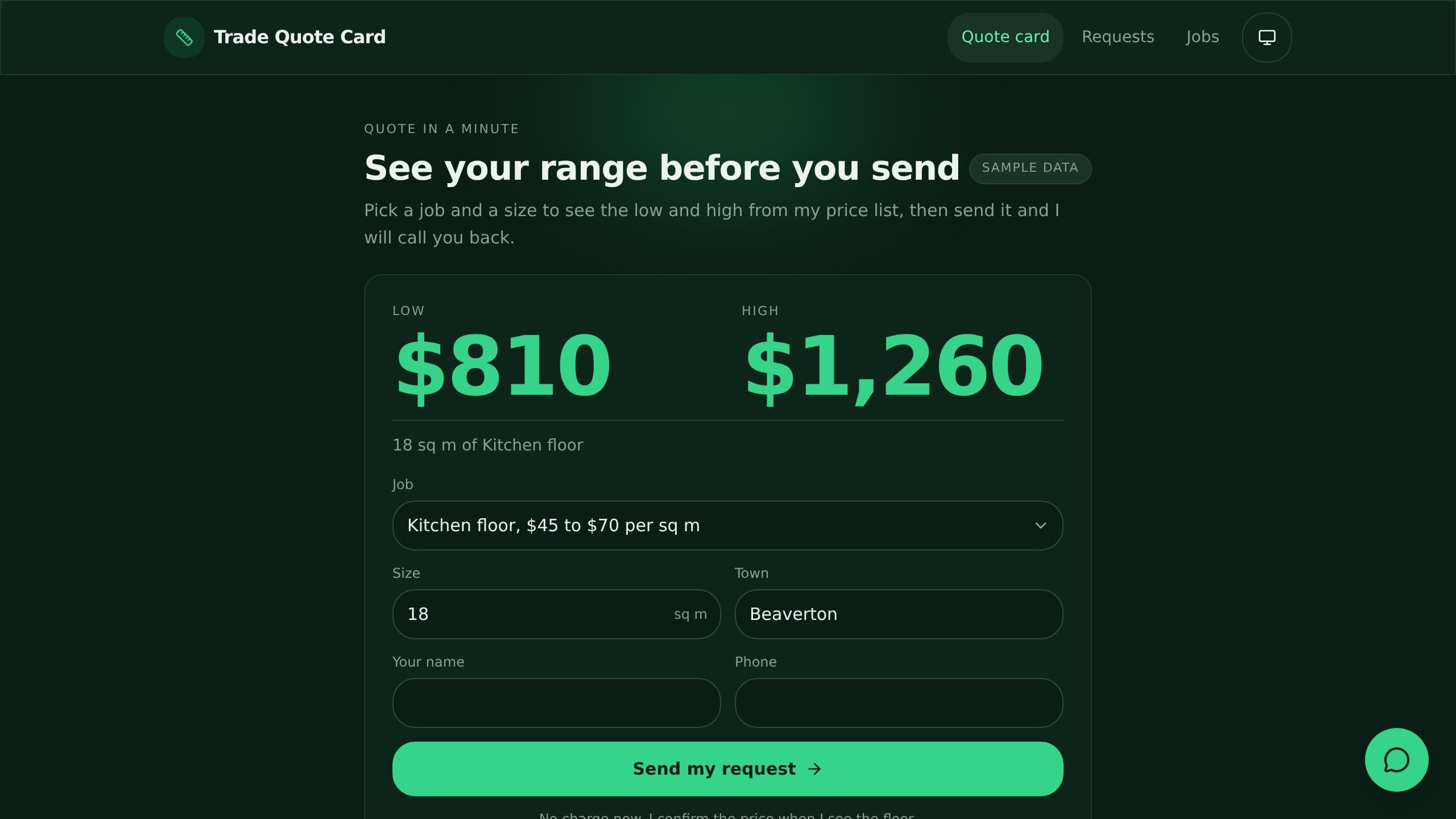
Pick a trade job, enter size, see a low and high from your price list, and send the request to yourself.
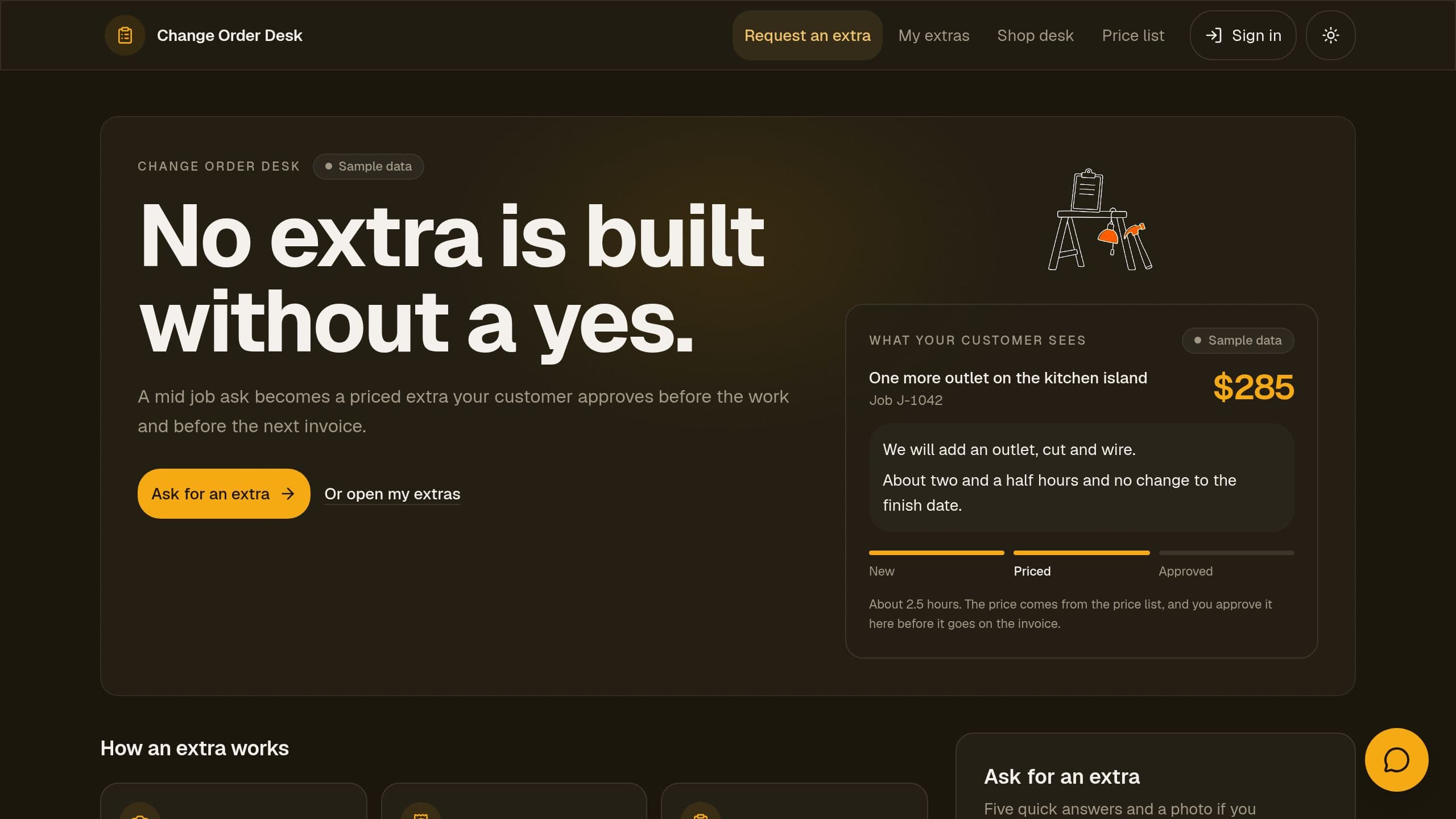
Includes a request form, a crew desk, a price list and a helper chat.
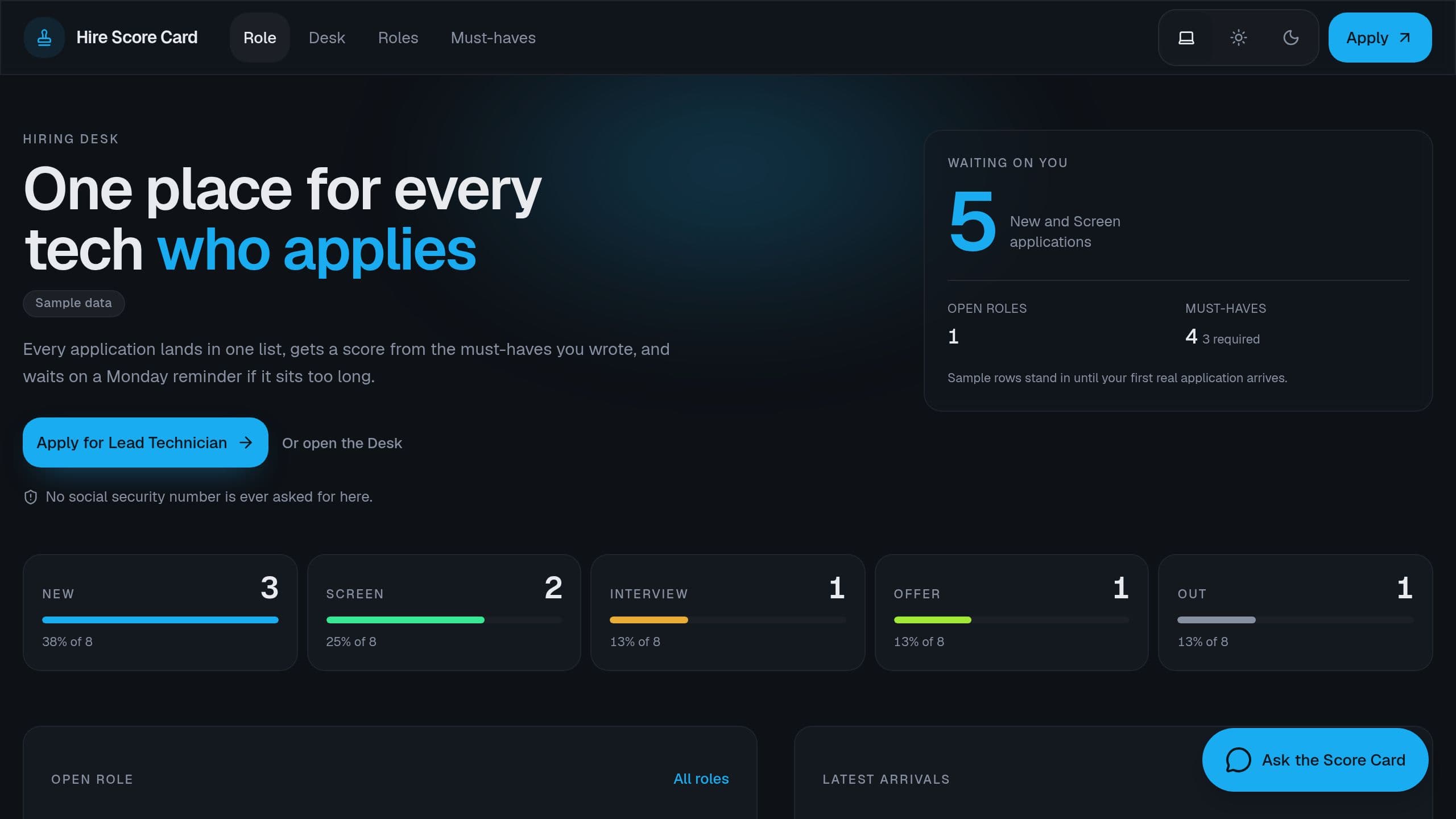
A public apply form, a score from your must-haves, and a Monday list of candidates waiting.
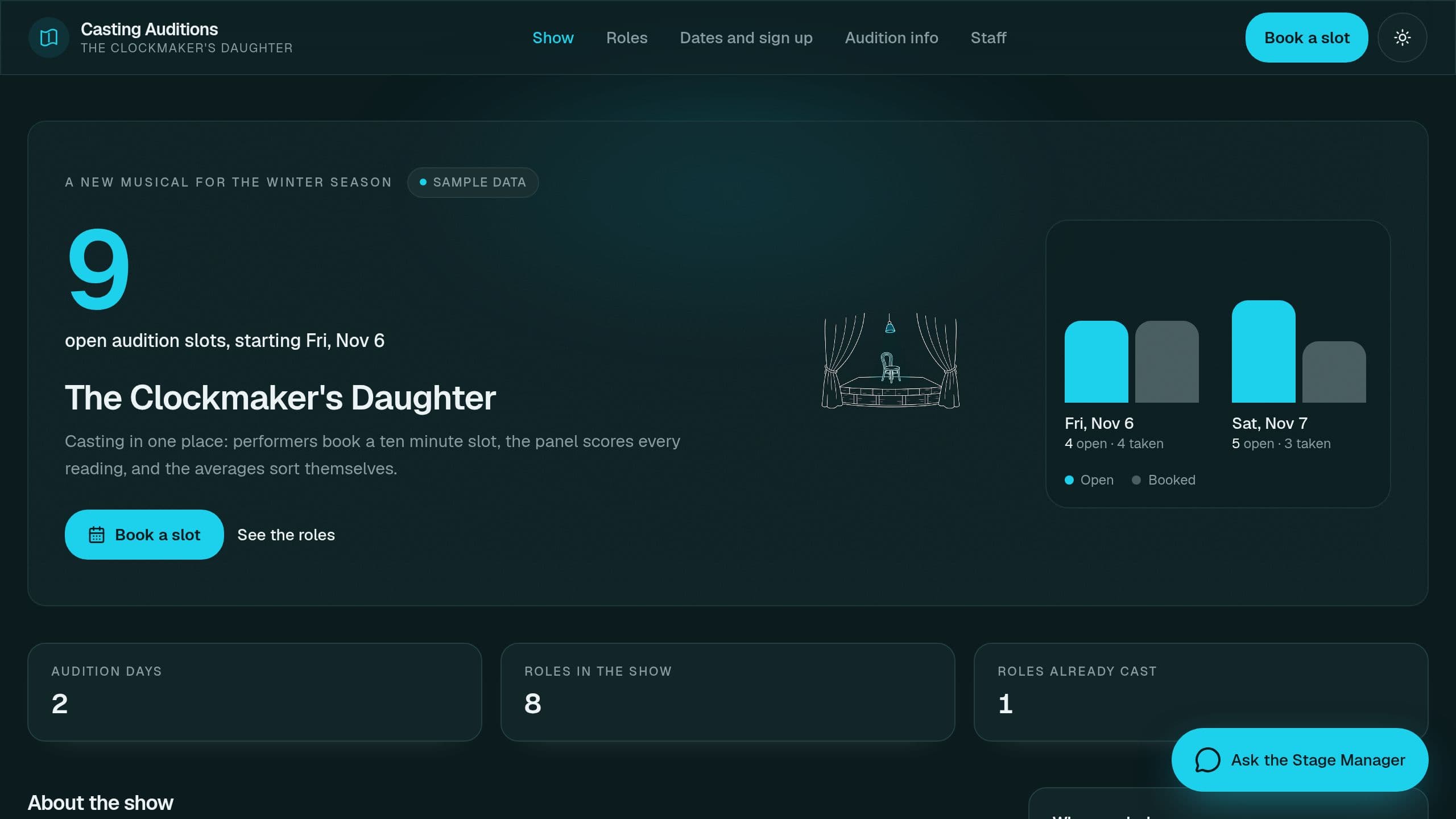
Theater auditions with slot sign-ups, panel scoring per role and a weekly callback shortlist.
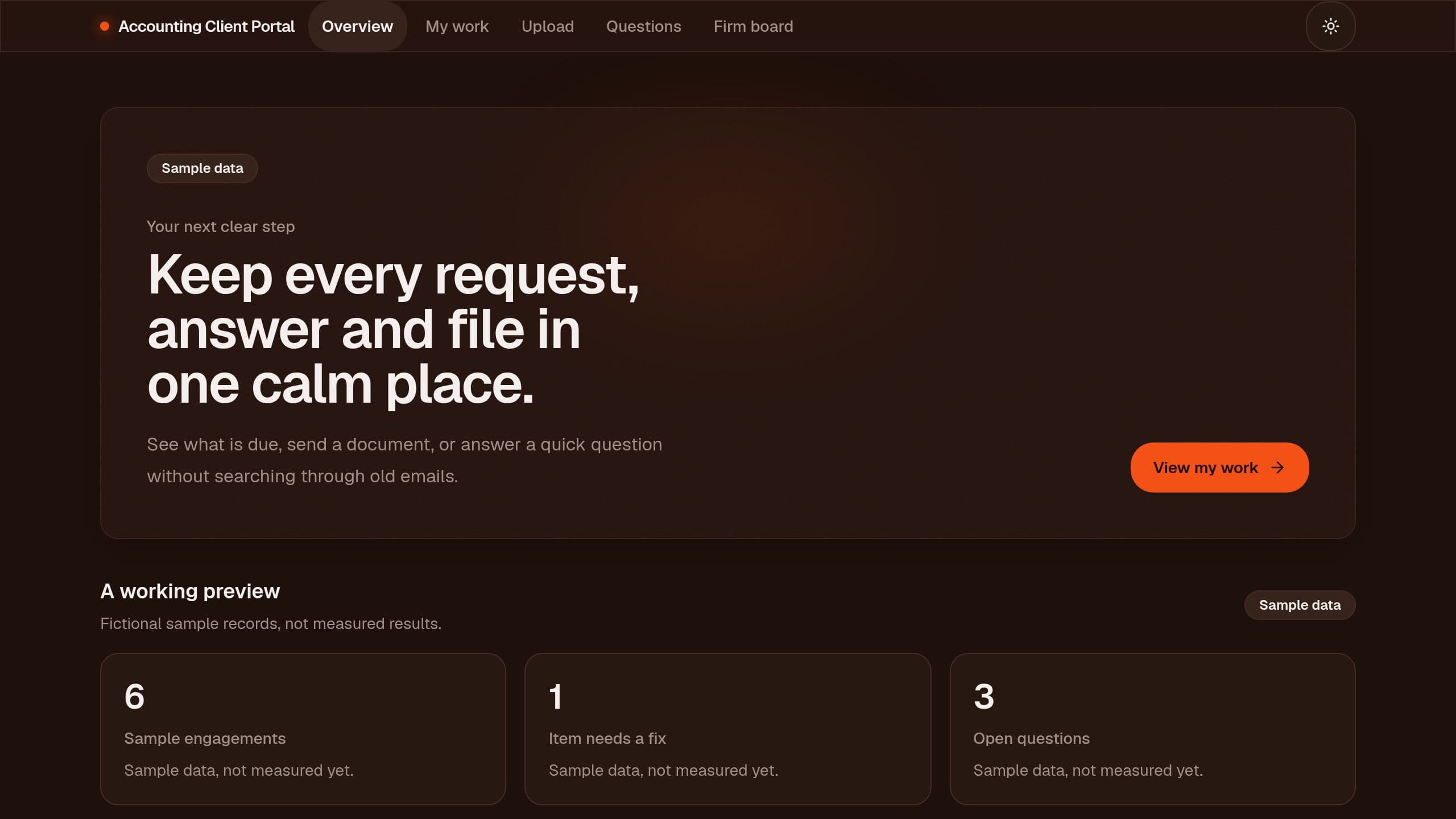
Bookkeeping clients sign in free to see what is needed, upload statements, answer questions and track their books, with auto reminders.
Keep a hazard analysis for each task, let crews read and sign it, and track reviews.
Let owners post homes for sale or rent, review each post, and sell listing packages.
Take a dispute intake, draft each round of letters from your templates and track the 30 day response clock.
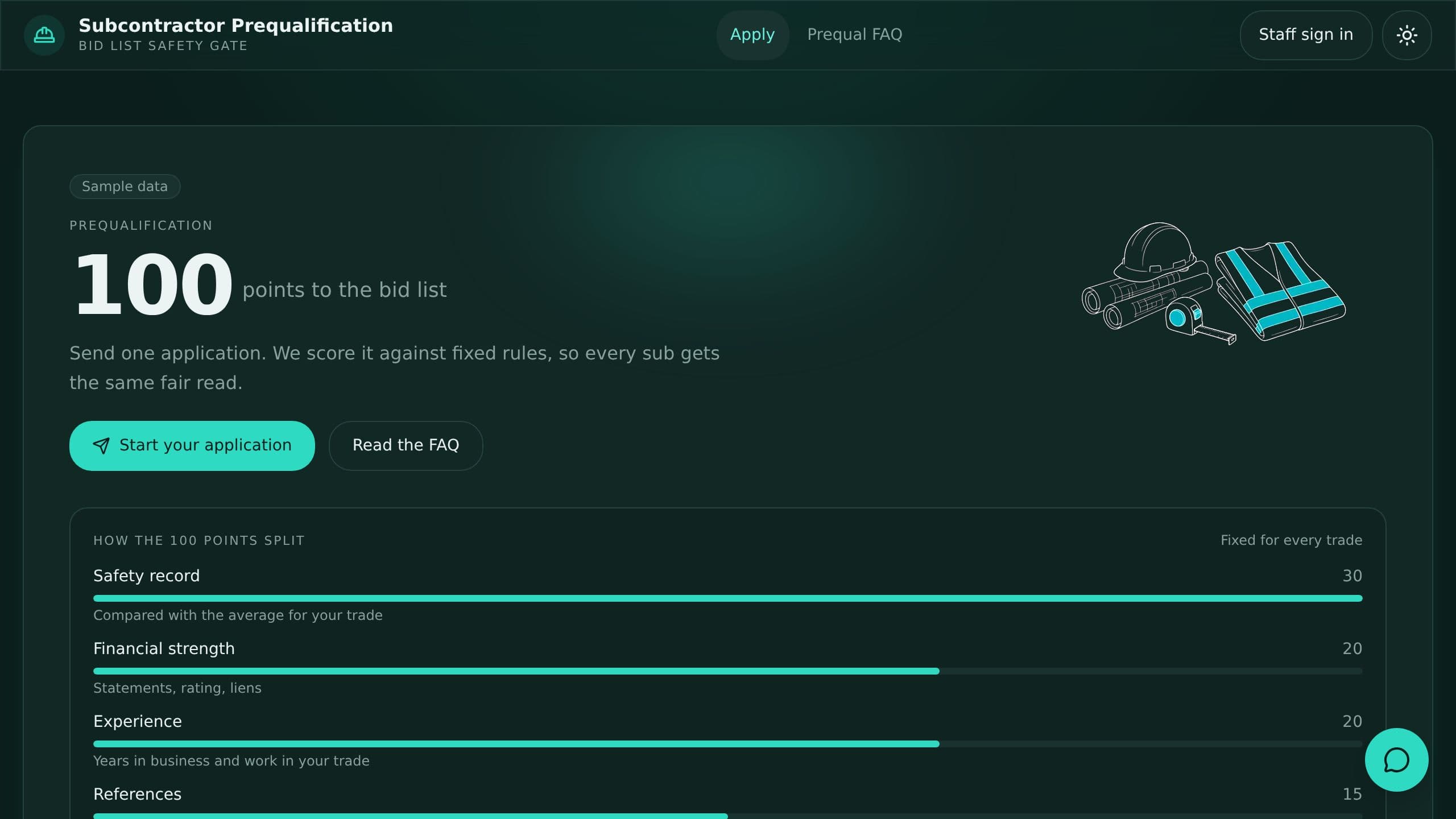
Score subcontractor applications on safety, finances and references and keep an approved list.
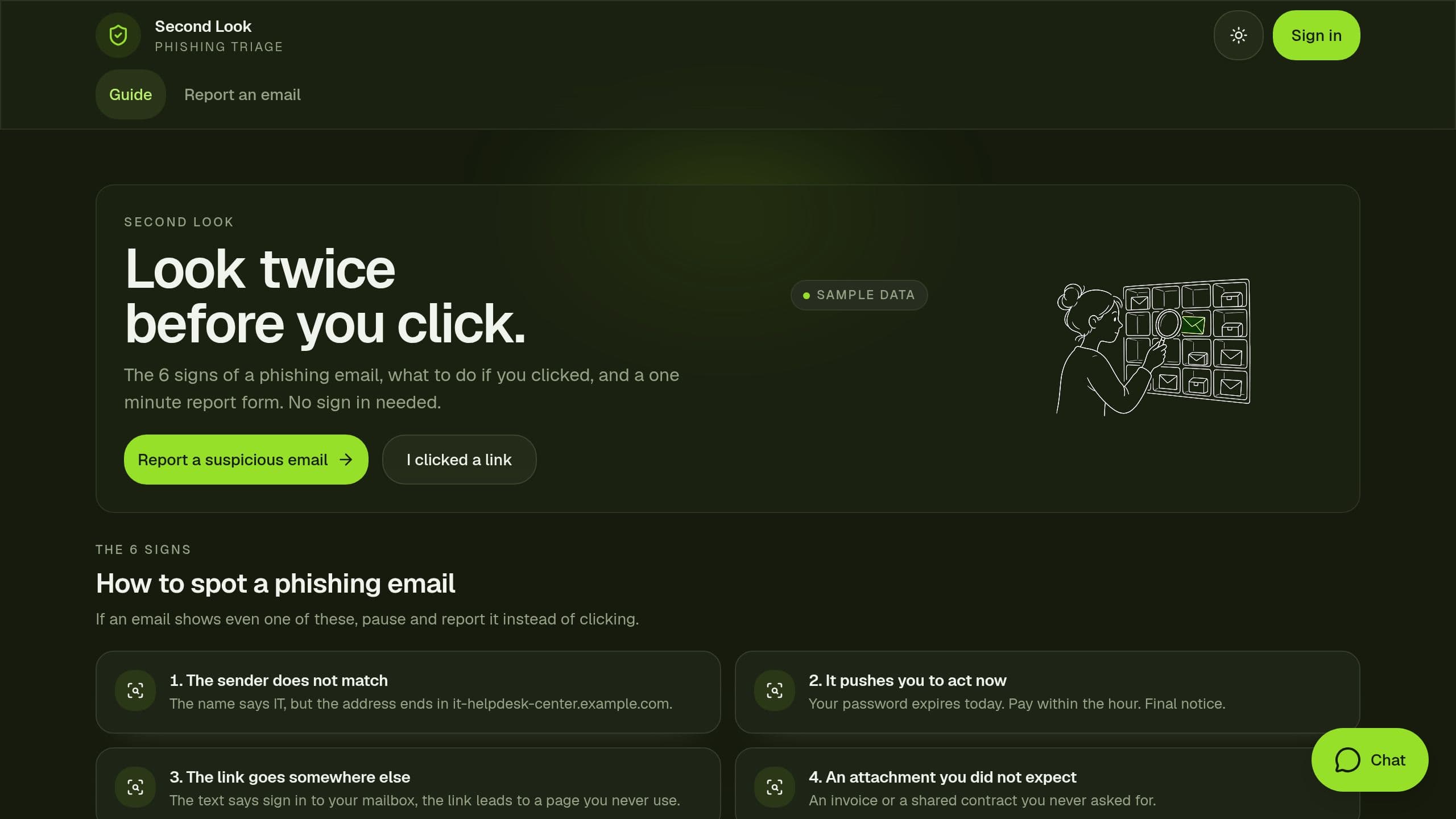
Let staff report suspicious emails, triage them on a clock and publish a phishing guide.
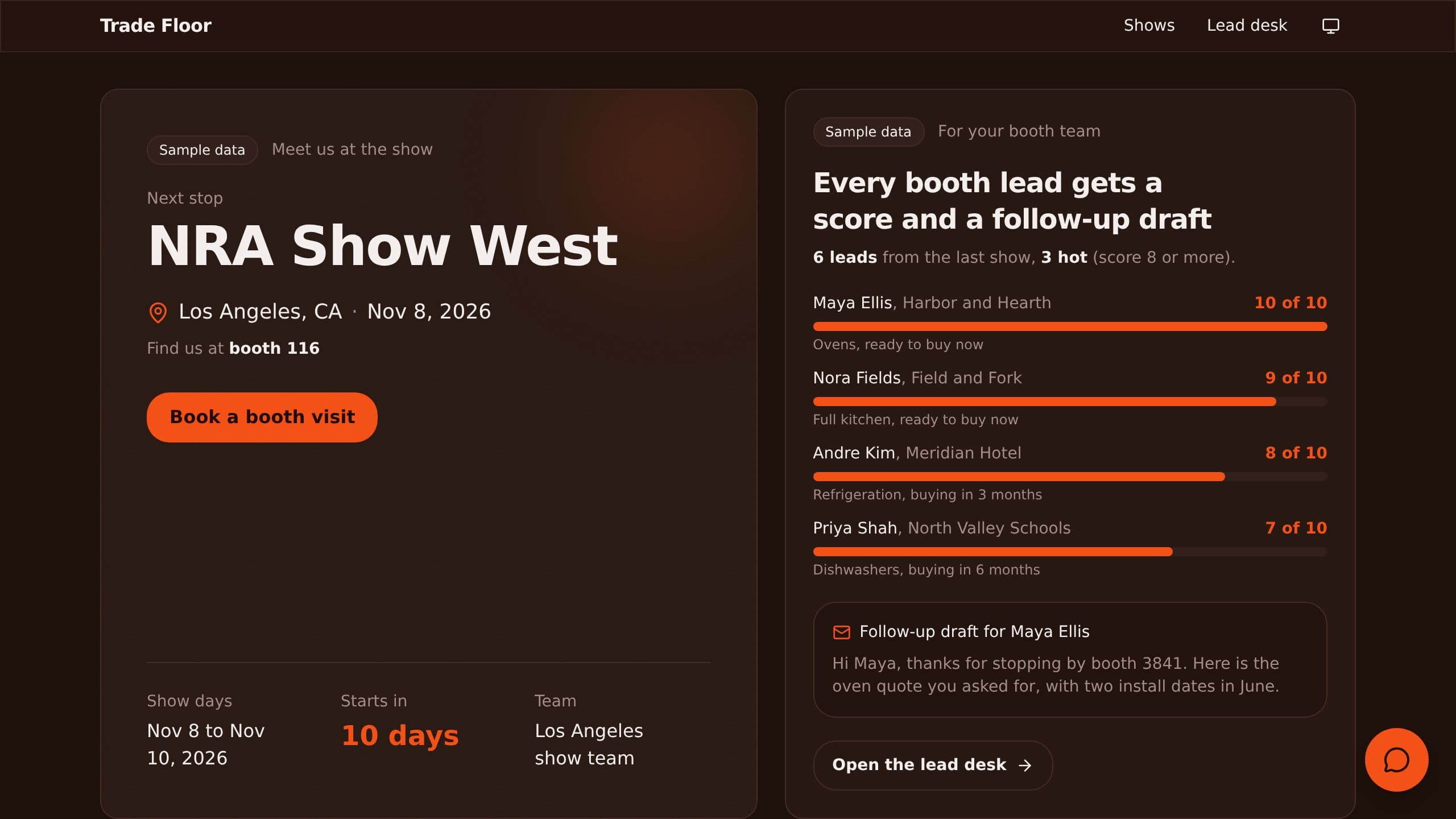
Capture trade show leads at the booth, score them and get follow-up drafts.
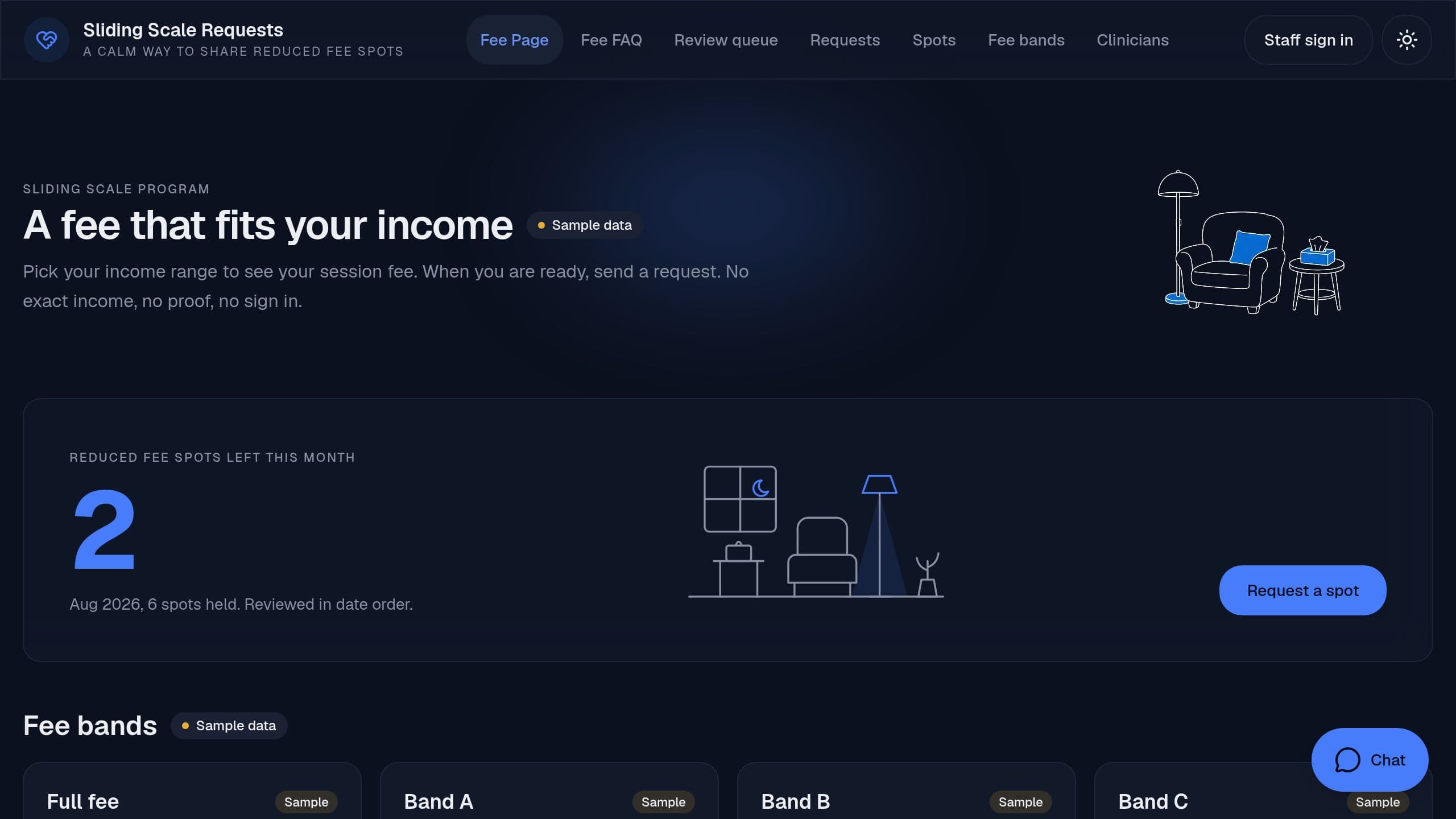
Let clients request a reduced-fee spot, see the fee bands in the open, and track the limited spots each month.
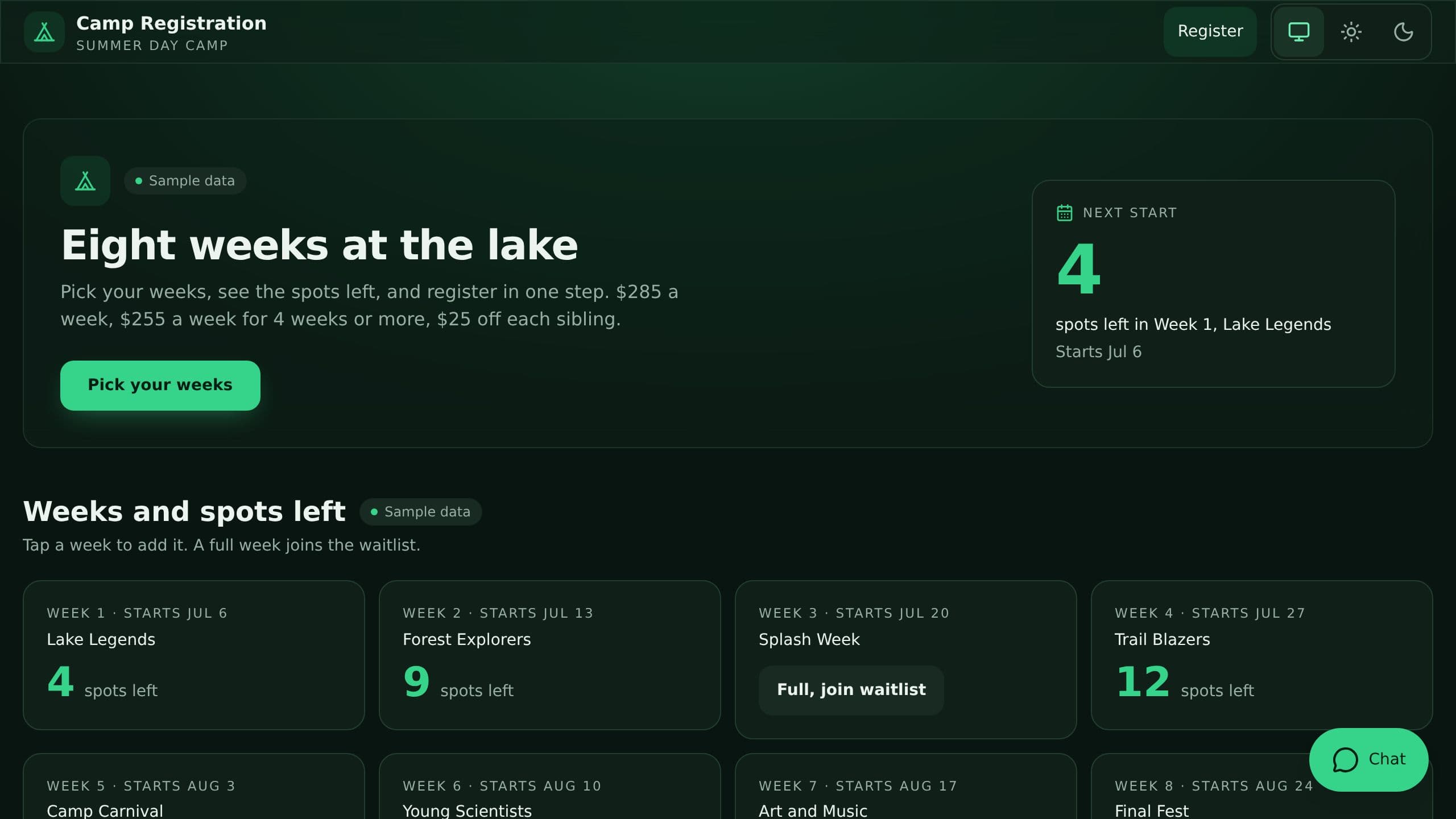
Parents see open spots per week and the price as they register, and the camp keeps rosters, allergies and waitlists.
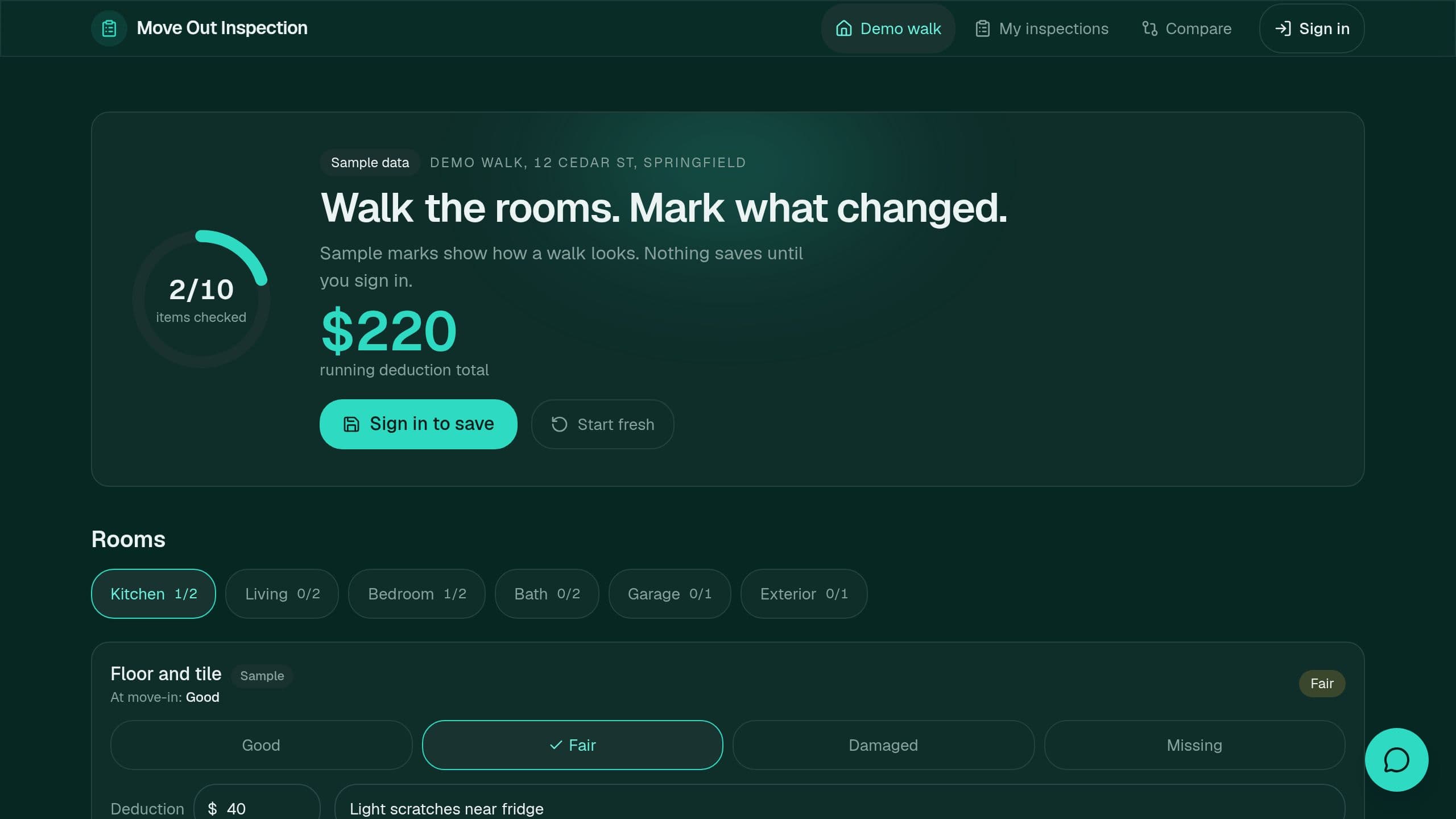
Walk each room on a phone, mark condition, and compare move-out with move-in item by item.
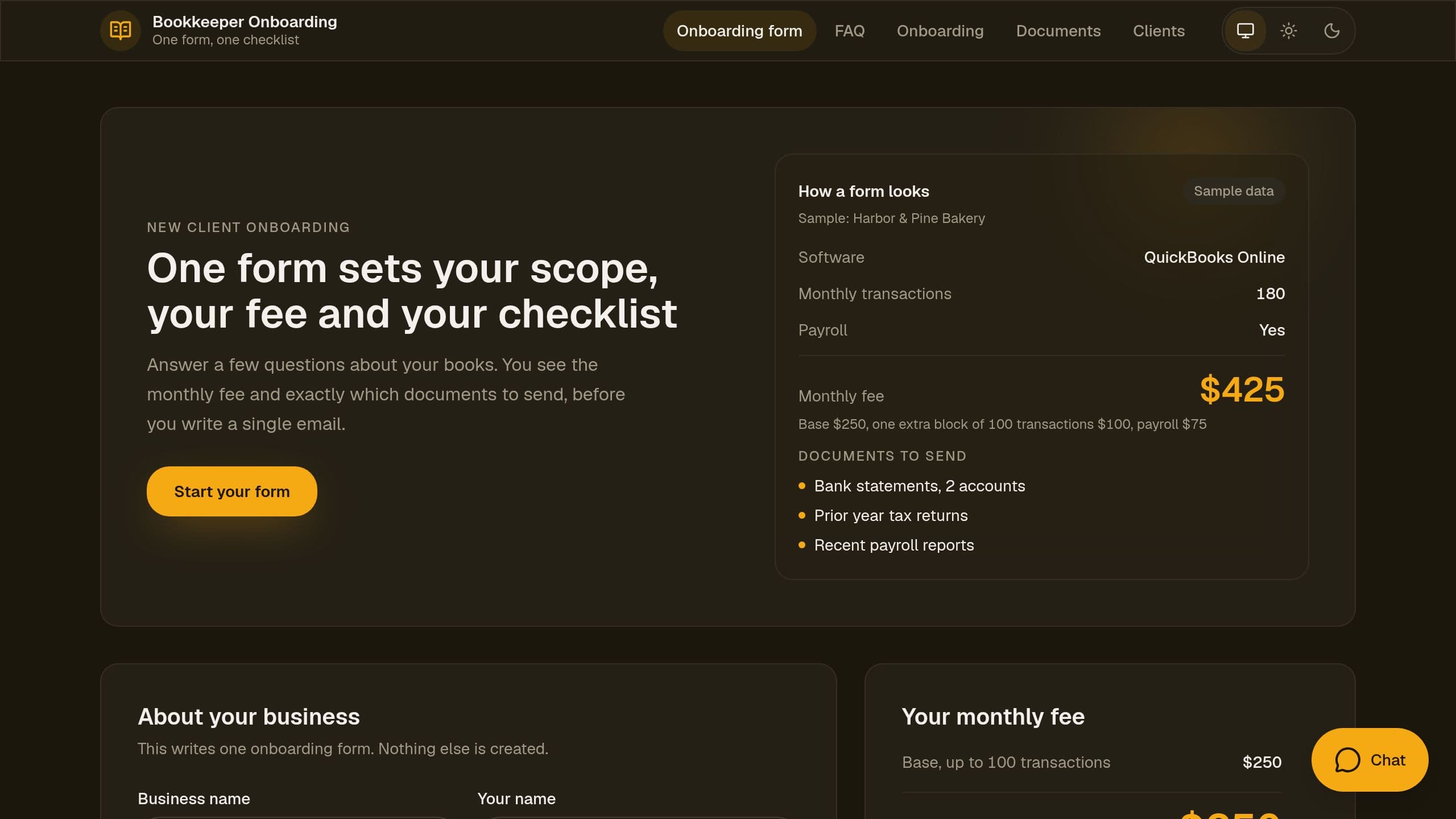
Collect a new bookkeeping client's scope, preview the monthly fee and create the document checklist.
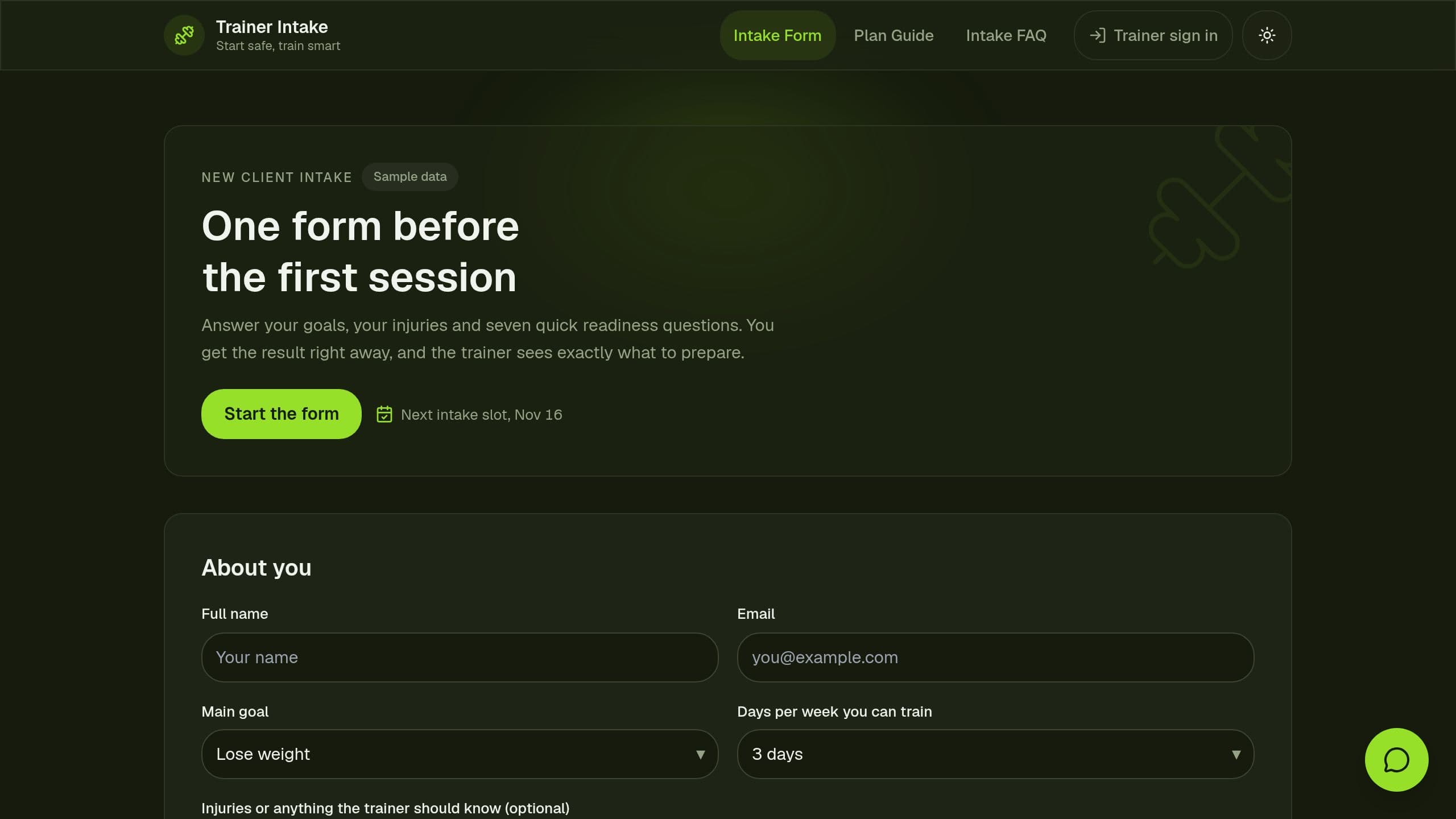
Collect goals, injuries and a seven question readiness screen from new training clients before the first session.
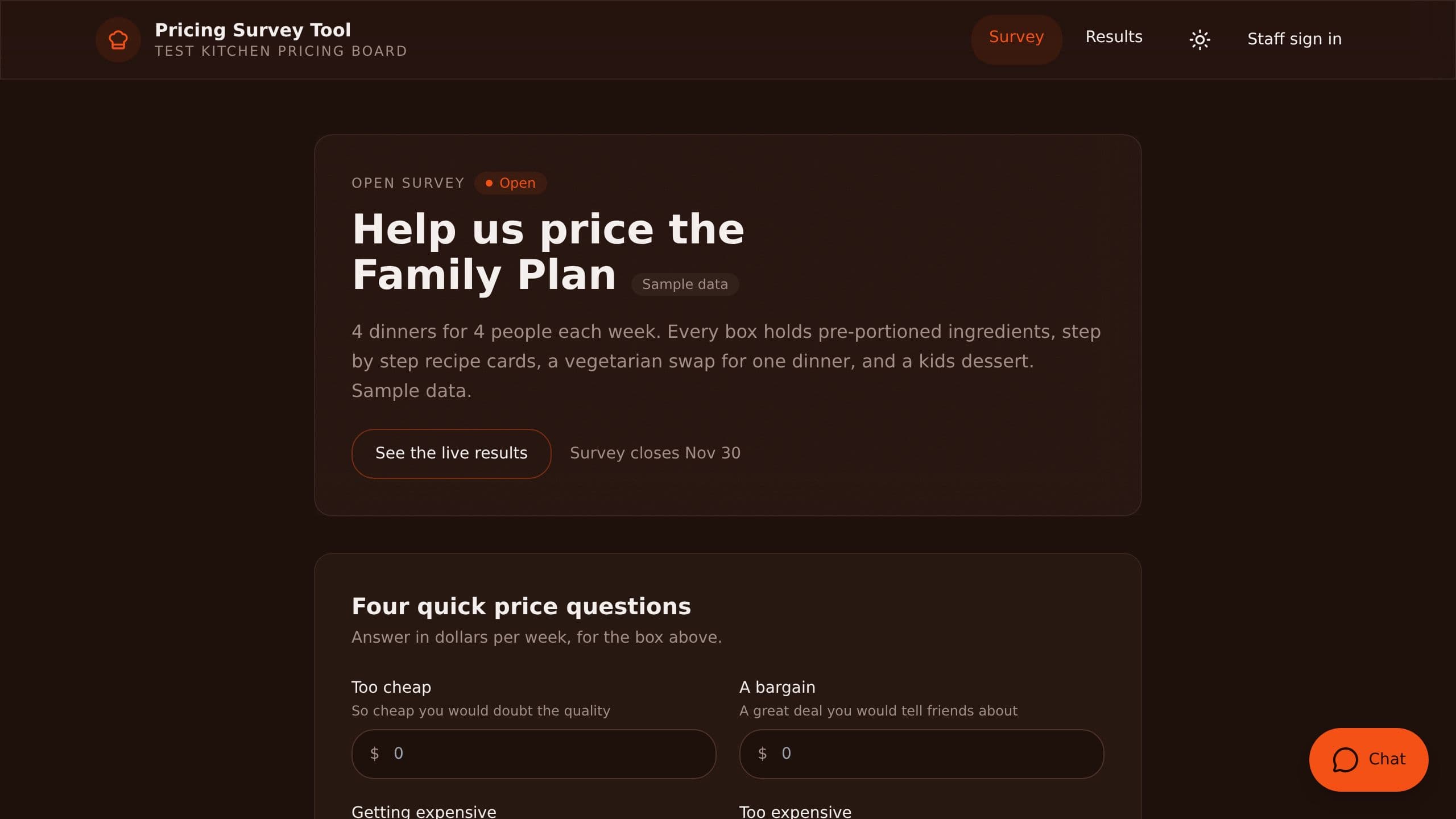
Ask customers four price questions and see the acceptable price range and optimal price by segment.
A form kit is more than a form. Each answer lands as a row in a project, an automation sends it to the right person, and an AI agent can read the answer and reply, sort it or summarize it. The kits here cover appointment booking, event sign-up, feedback and mood surveys, onboarding checklists, lead capture and eligibility checks. Because the form and its data live in the same app, you can add a results dashboard or a follow-up step without moving the data to another tool. Clone a kit, change the questions to your own, and publish the form on its own link or inside your website.
Related: Client Portal Templates, AI CRM App Templates, Recruiting and Applicant Tracking Templates, Quick AI App Templates
The answer is saved as a new row in a project inside your app. From there an automation can email you, assign a task to a teammate or post a message to your team chat, and an AI agent can read the answer and draft a reply. You see every answer in a table or on a board.


