
Free
Free to start. Browse apps to clone.
663 kits
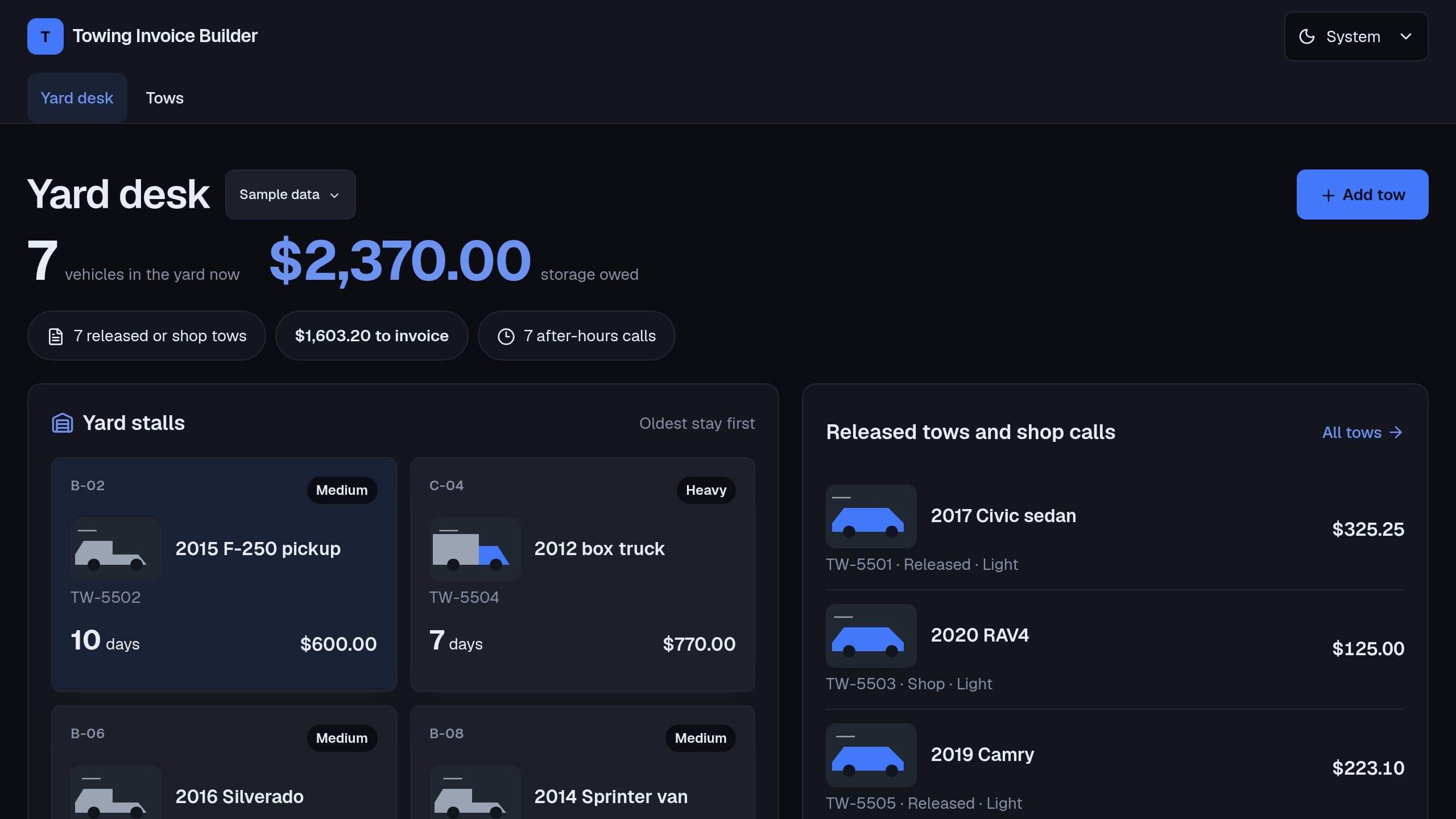
Invoice each tow from the hook fee by class, loaded miles over the free miles, after-hours, winch time and the storage days of each vehicle in the yard.
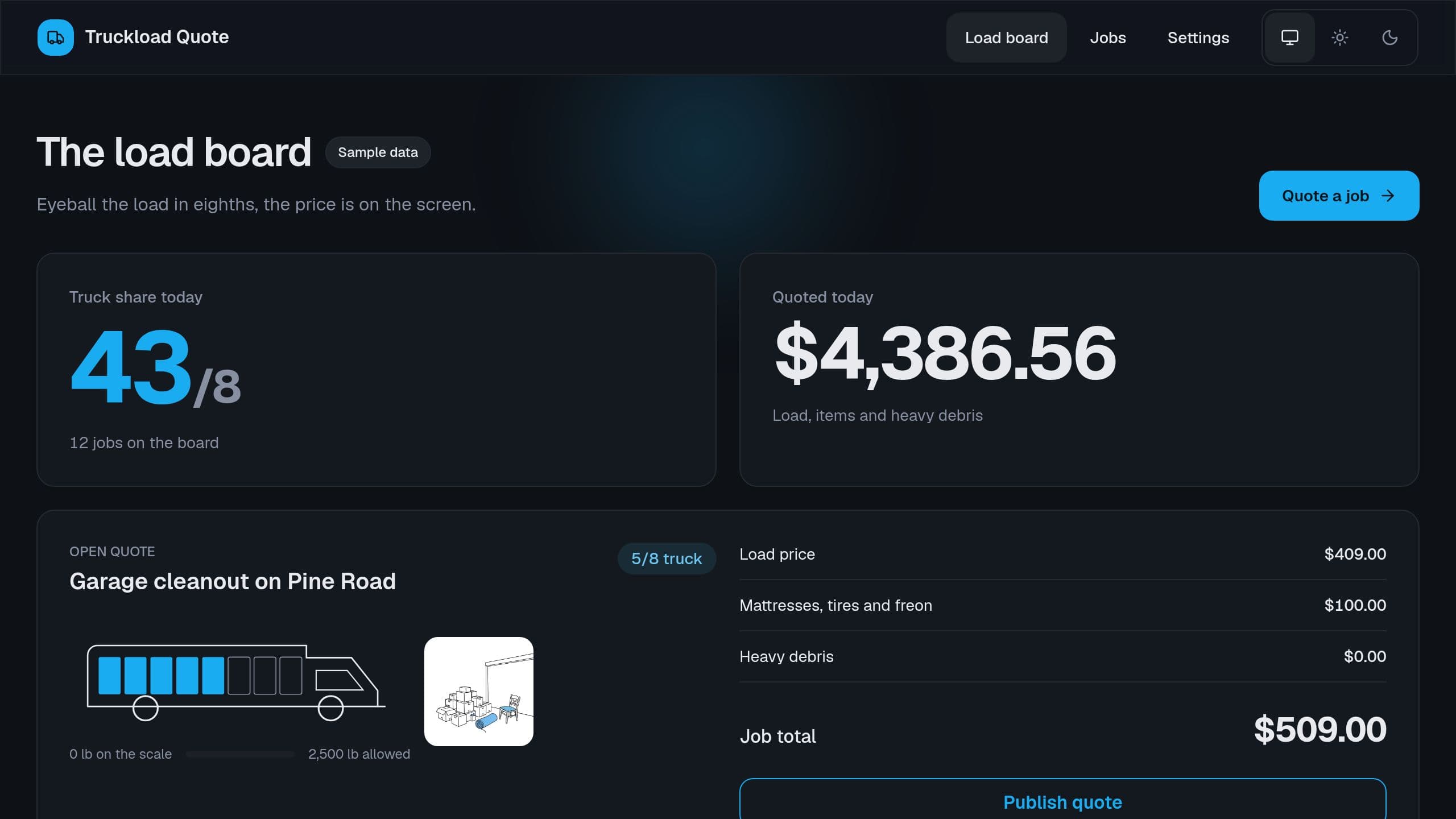
Quote a junk removal job by the eighths of the truck it fills, the fees for mattresses, tires and freon units, and the weight fee for heavy debris.
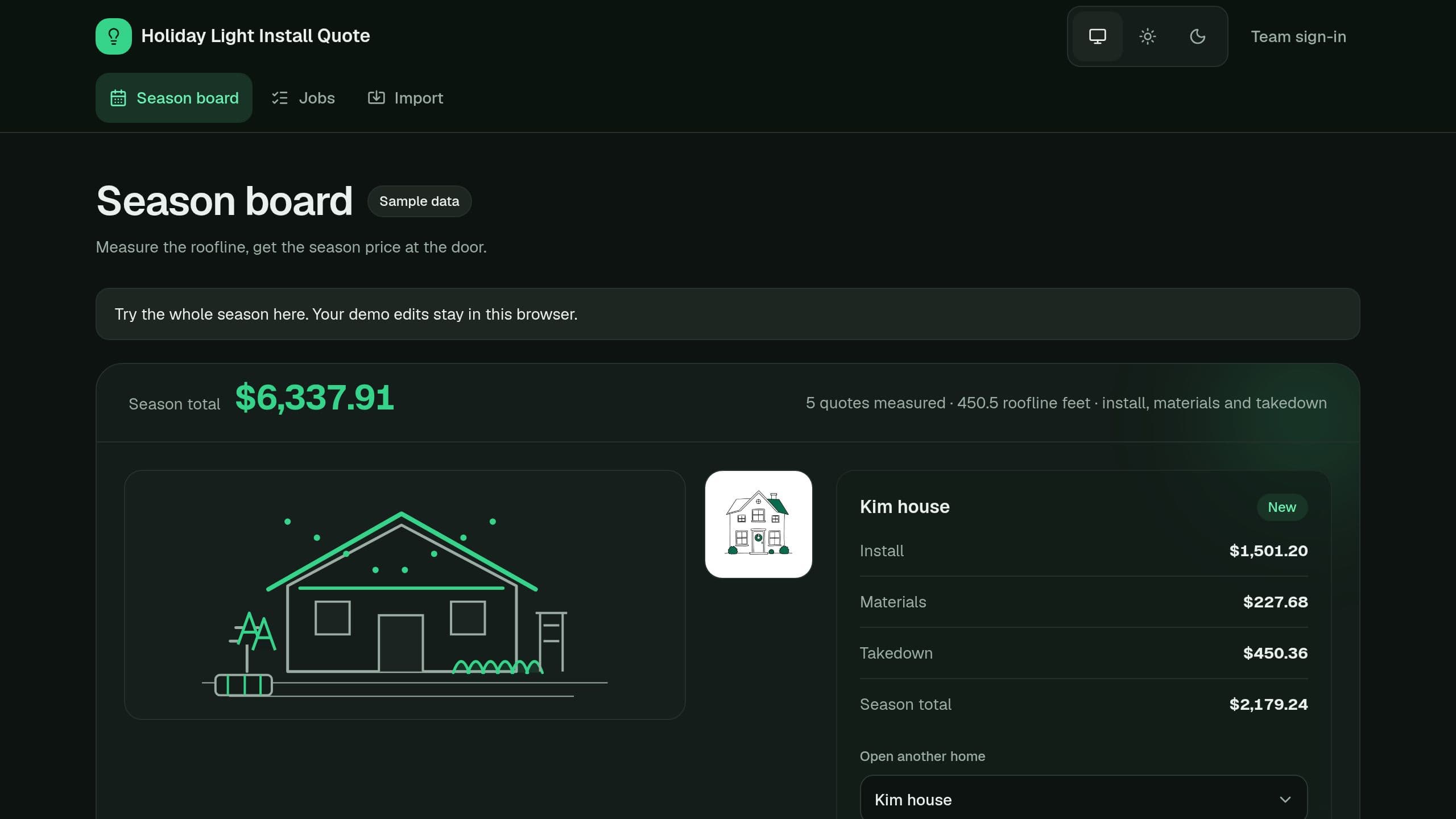
Quote a holiday light install from roofline feet by story, trees and bushes, strands and clips, takedown and a season price for returning clients.
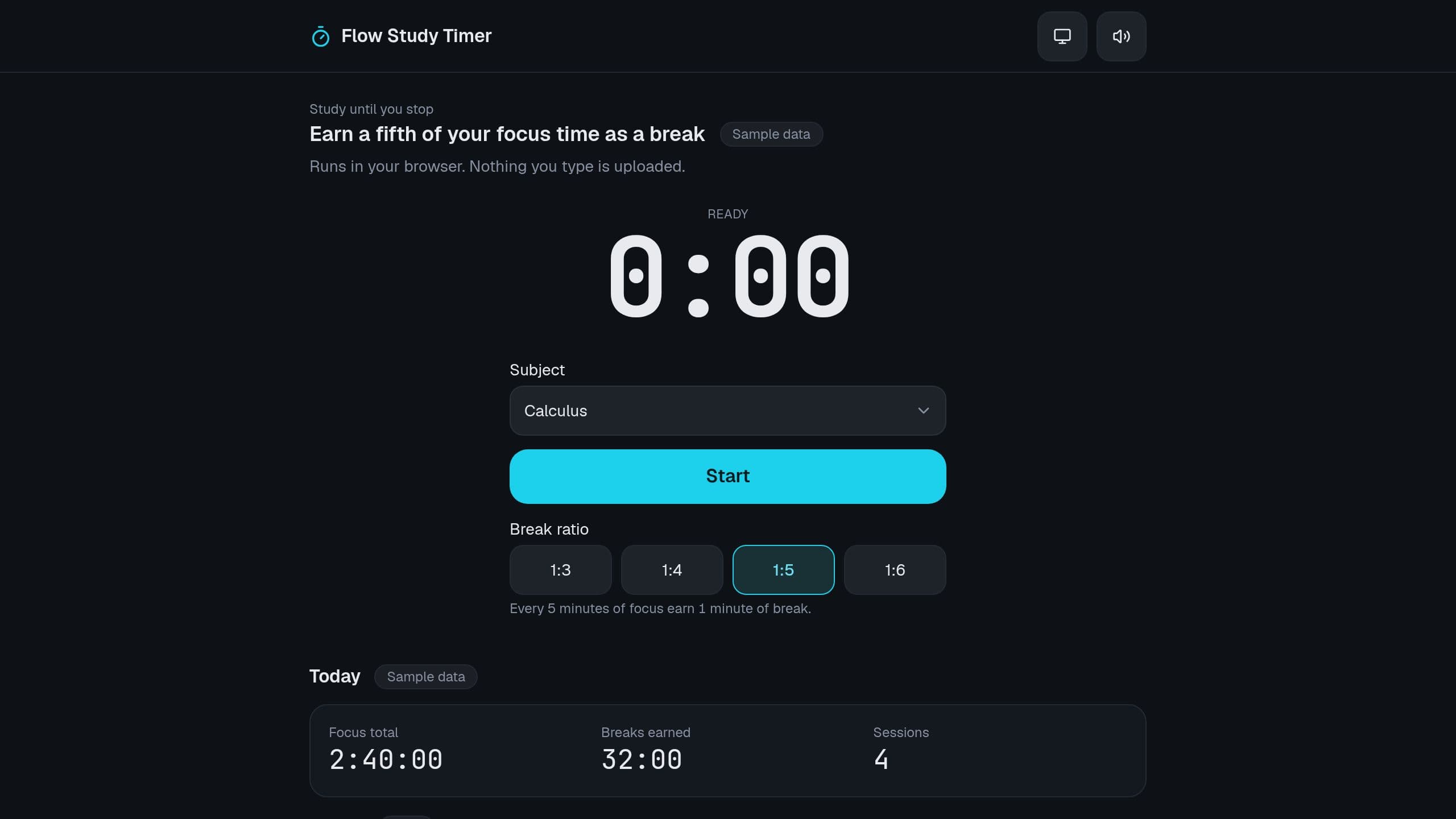
Study until you choose to stop, then take a break of one fifth of your focus time. Track focus by subject. Free study timer, runs in your browser.
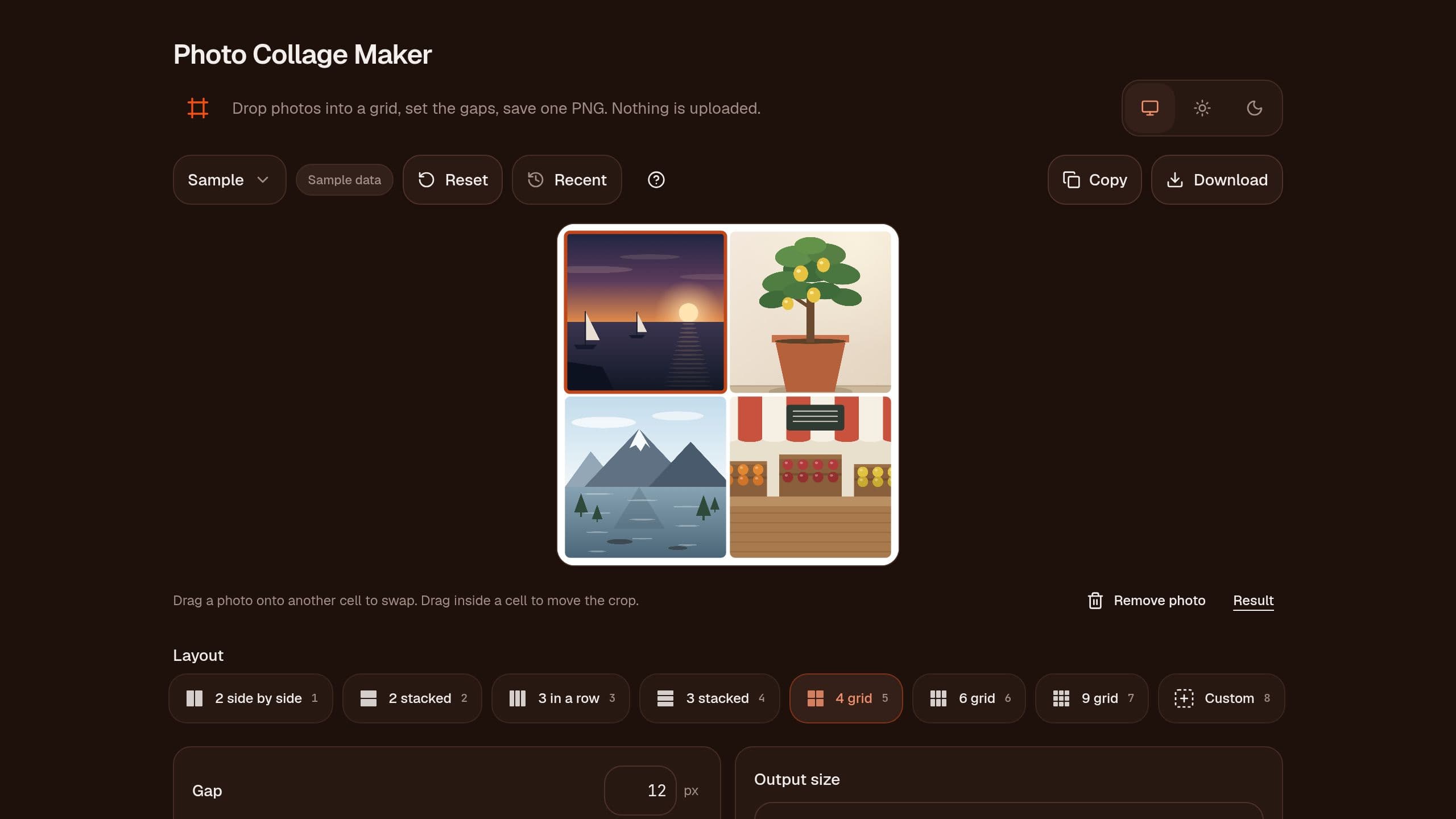
Drop photos into a grid, set the gap, border and round corners, and save one PNG. Runs in your browser. Free, no sign-in.
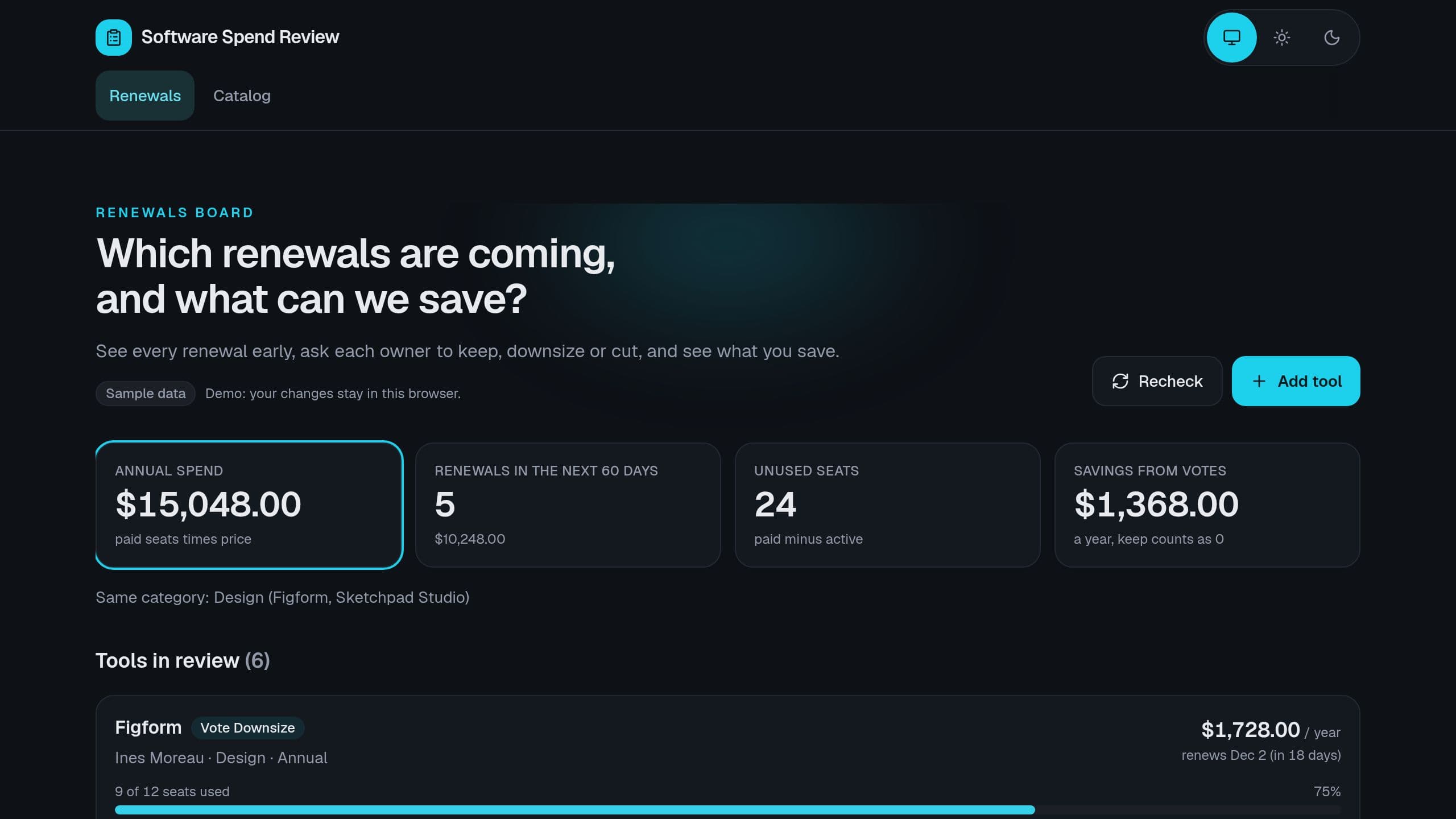
Give each tool an owner, see seat use and the renewal window, collect a keep, downsize or cut vote before each renewal, and see the savings.
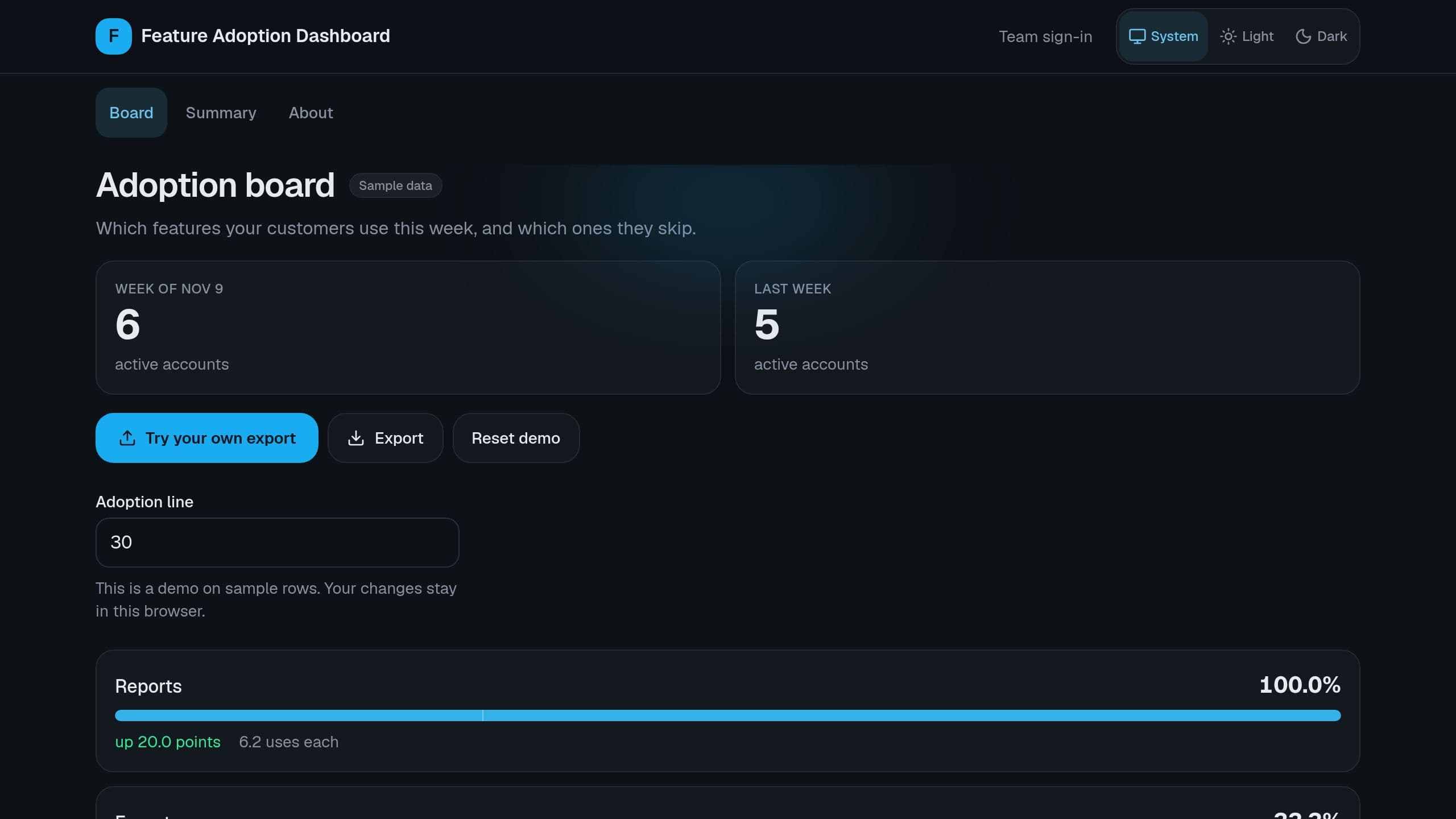
Paste a weekly event export and see the share of active accounts that use each feature, the change since last week and the features under your line. Free to clone: put the link of your copy in the Settings App link row before the Monday digest.
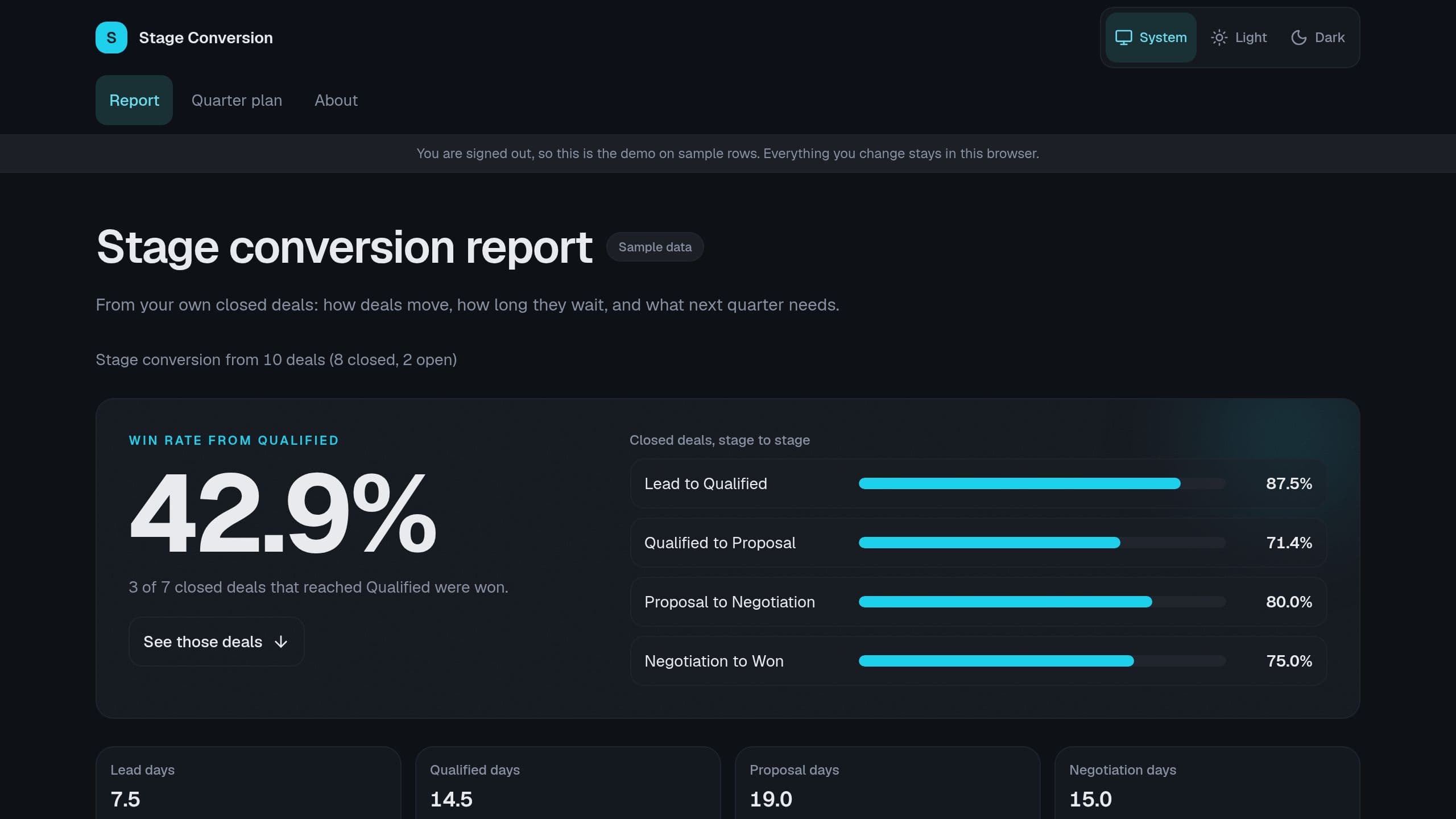
Sales Stage Conversion Report: Import the stage history of your deals and see the rate from each stage to the next, the days deals wait, the win rate per rep and the pipeline next quarter needs. Free copy runs the report and the Monday digest. Receiving data from a CRM needs Pro, the agent needs AI credits. Put the link of your copy in the Monday email step.
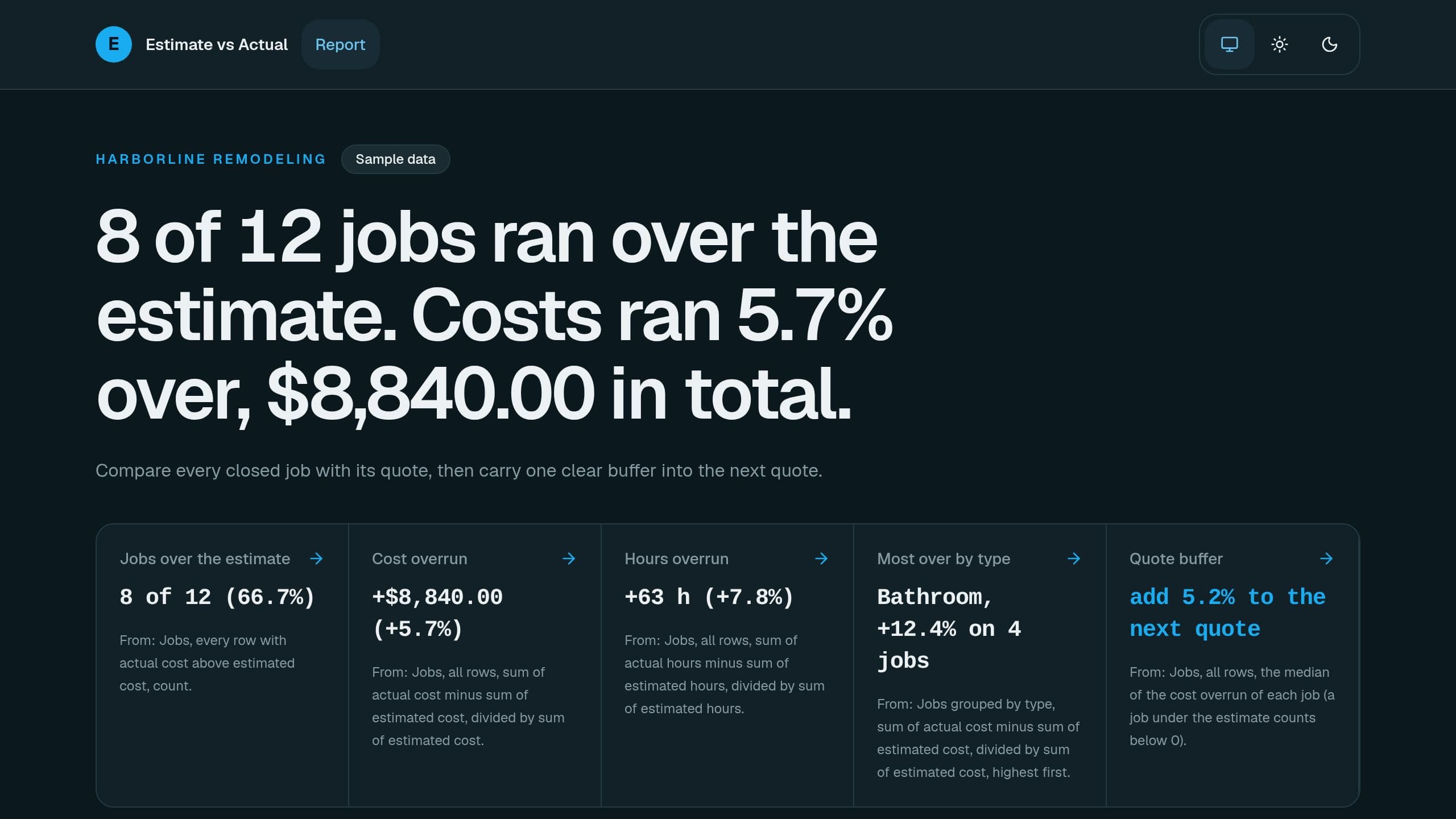
Paste closed jobs and see which ran over the estimate, by how much, which job type runs over most, and the buffer to add to your next quote, free.
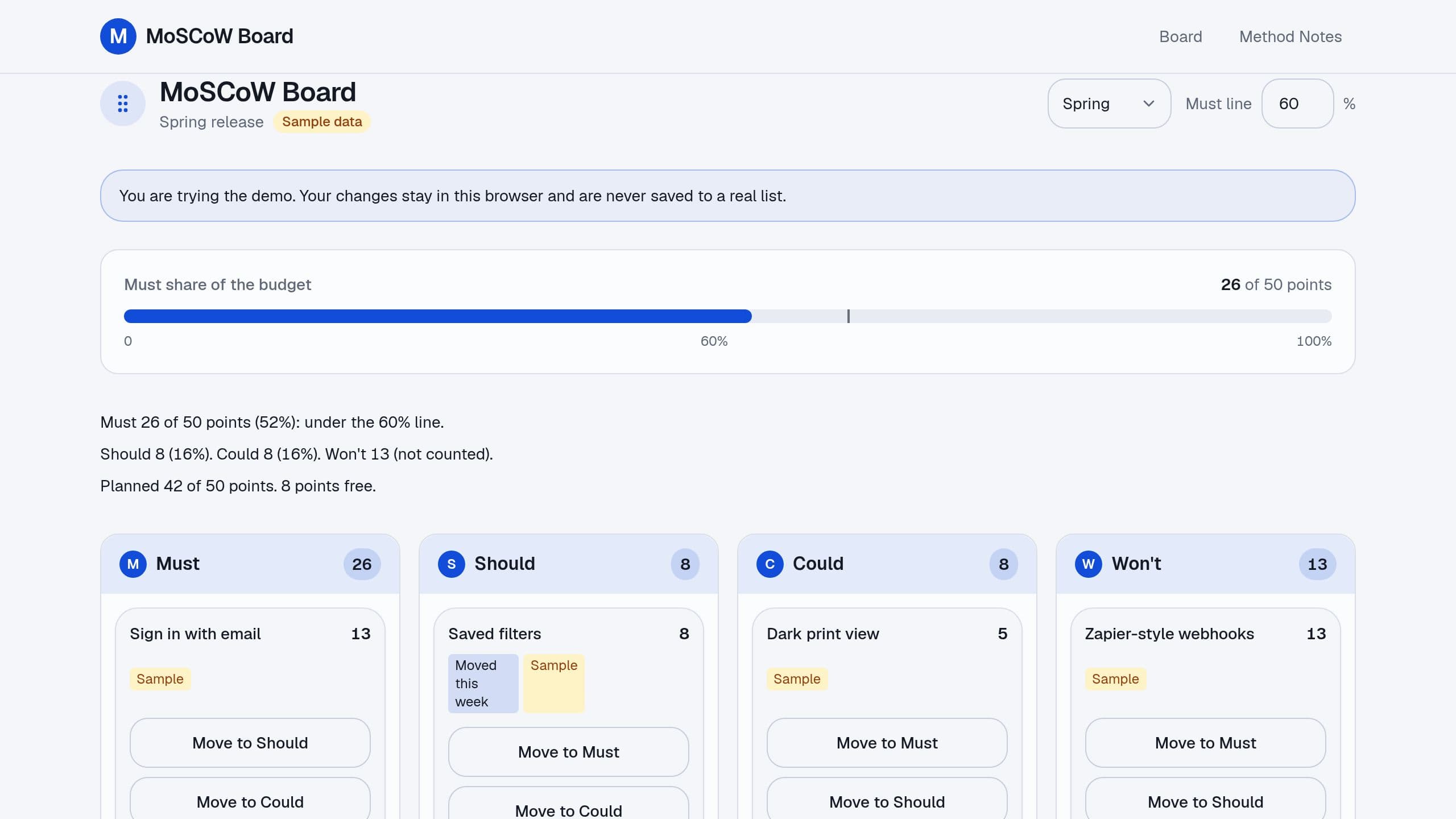
Sort features into Must, Should, Could and Won't within a release budget, see when must-haves pass 60% of it and log every move with a reason, free.
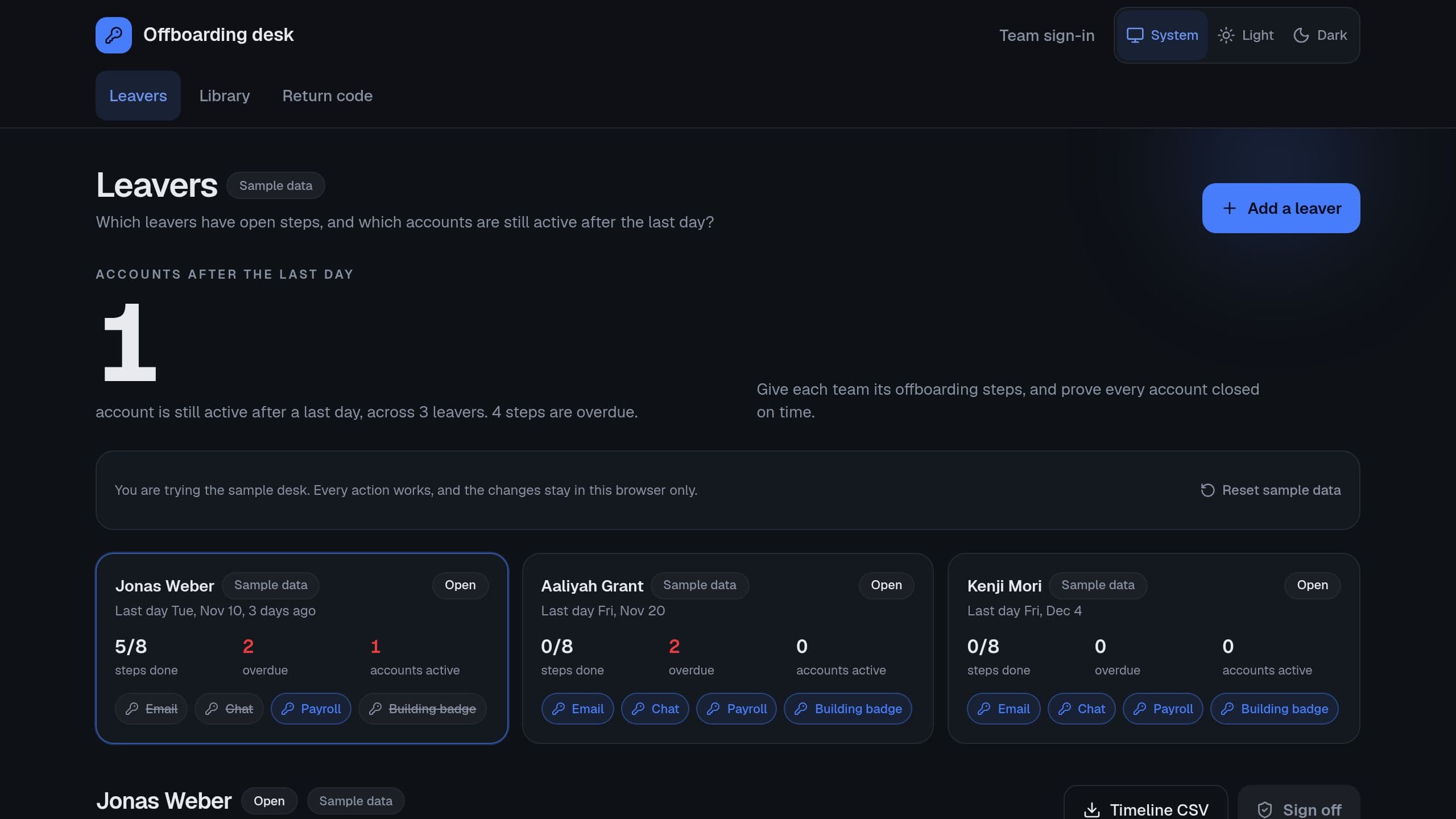
Build each leaver's timeline from their last day, give HR, IT, the manager and finance their steps, and prove every account closed on time.
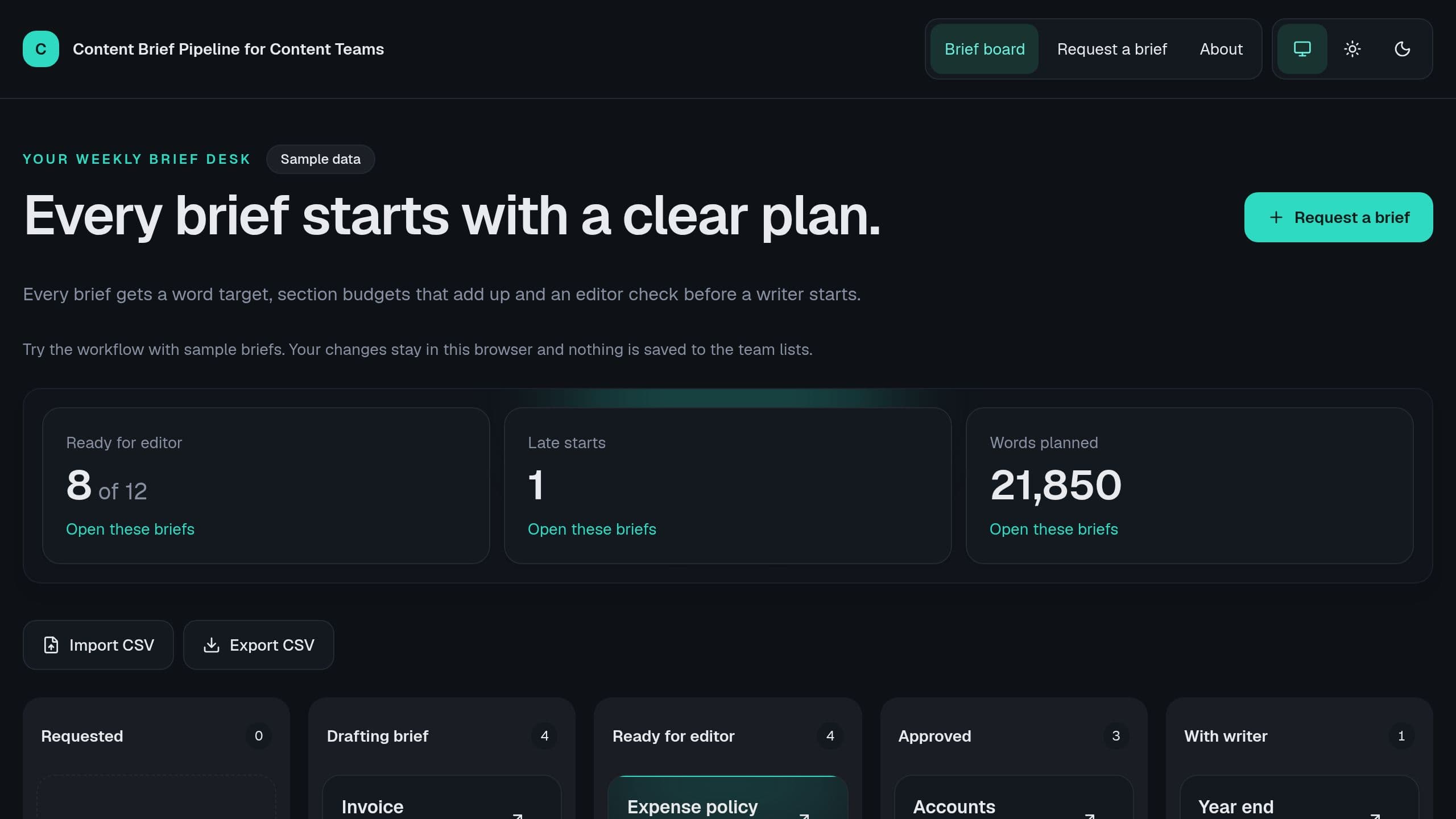
Get a target from your competitor pages and send each checked brief to its writer.
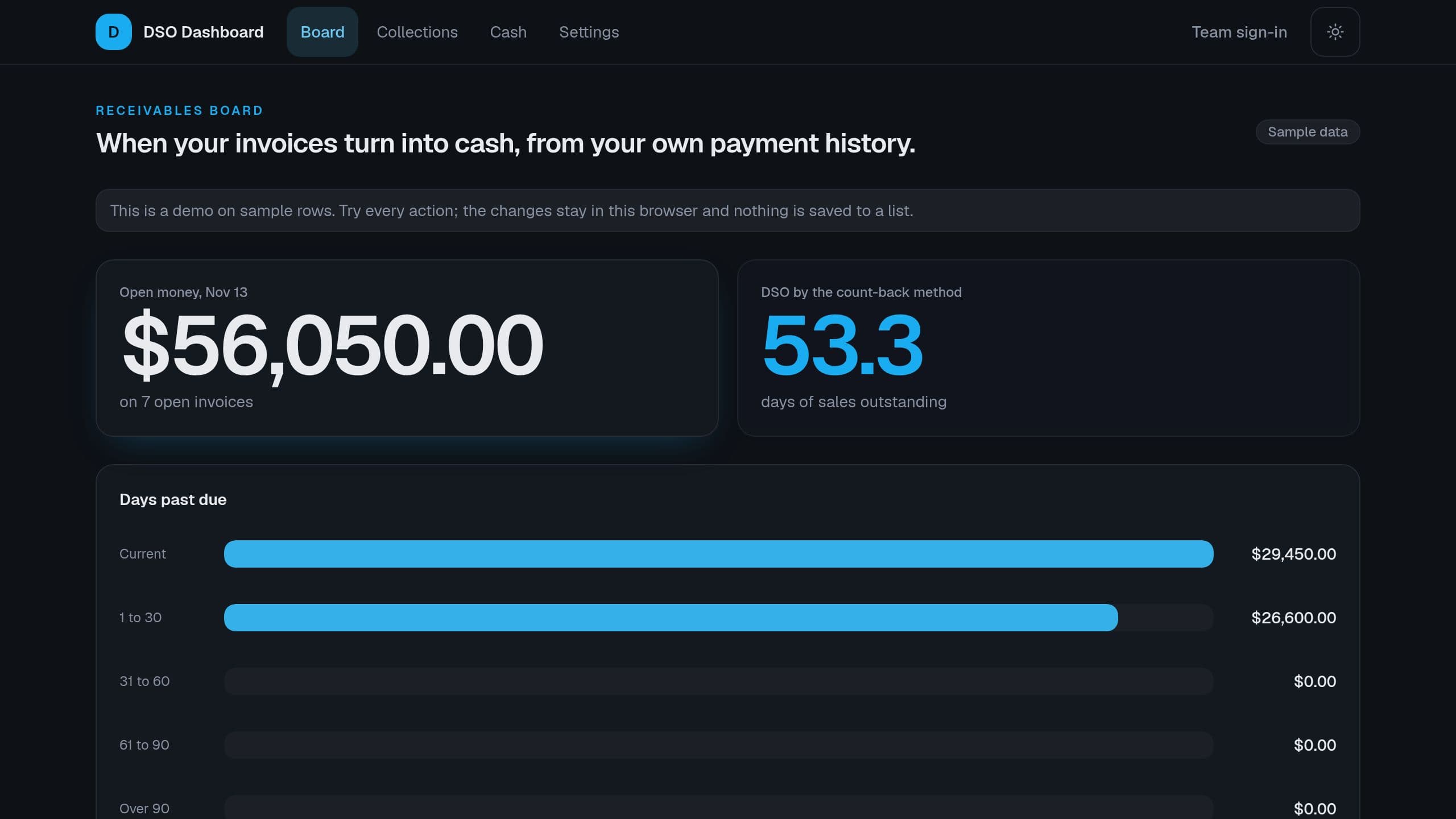
Import your invoices, and see DSO by the count-back method, money past due by bucket, the slowest payers and the cash that each week can expect.
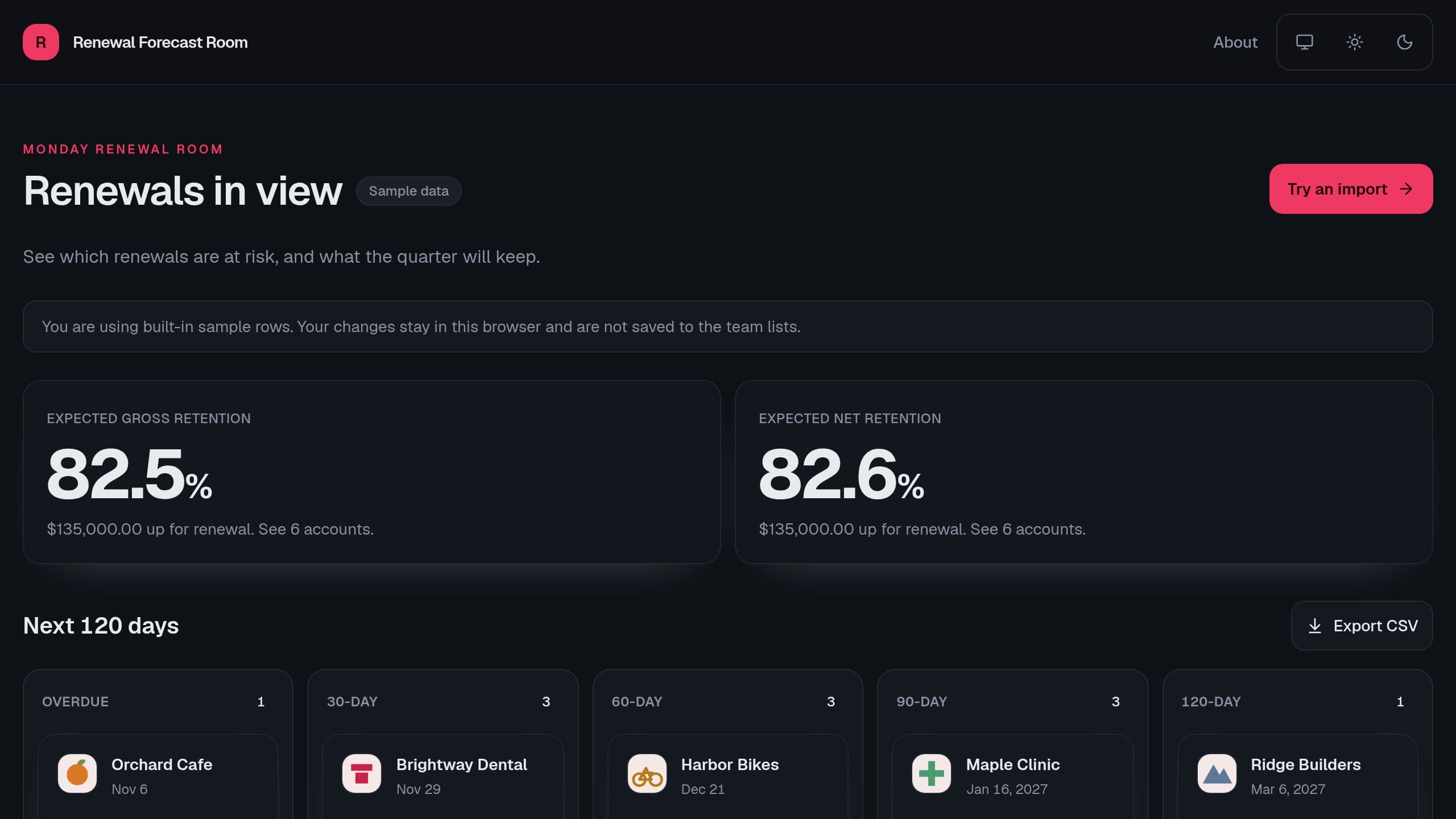
See every renewal of the next 120 days by stage, a risk band from usage, tickets and the champion, the expected value with uplift, and the gross and net retention of the quarter.
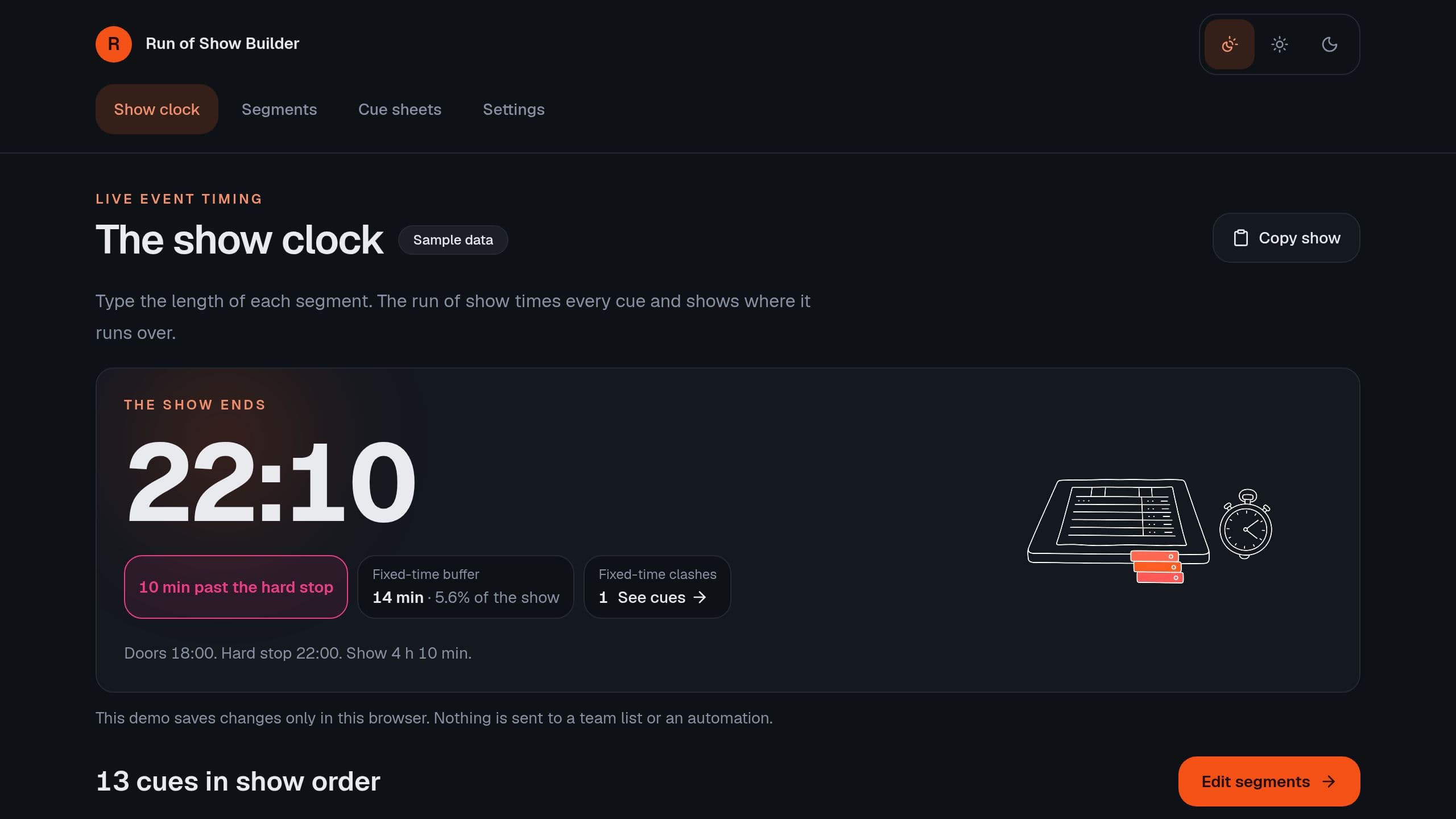
Build the minute-by-minute run of show for a live event. Type the length of each segment, see the start of every cue, fixed-time waits and clashes, the overrun against the hard stop, and a cue sheet for each role.
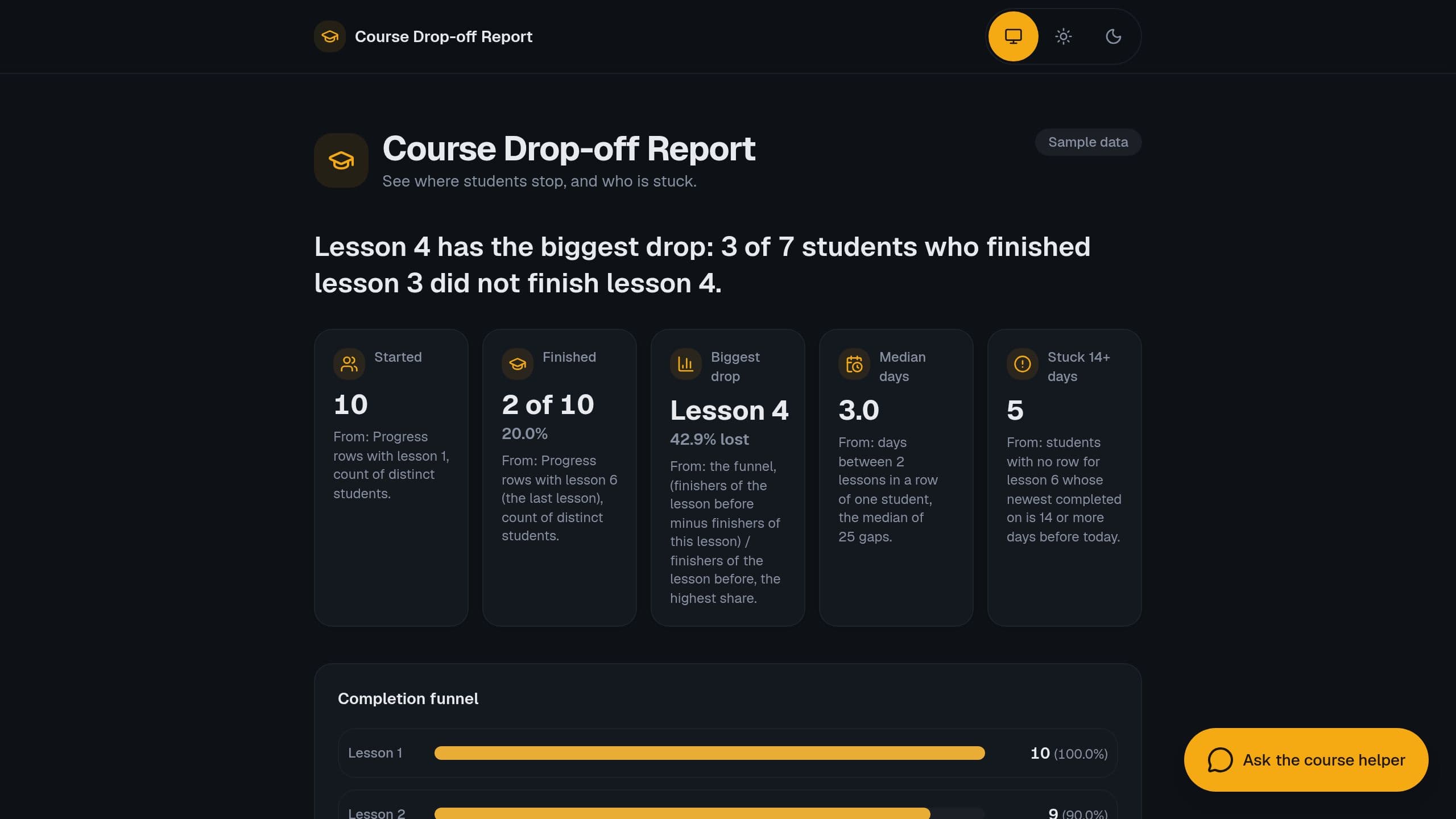
Paste course progress rows and see the lesson where students stop, the completion funnel, median days per lesson and who is stuck.
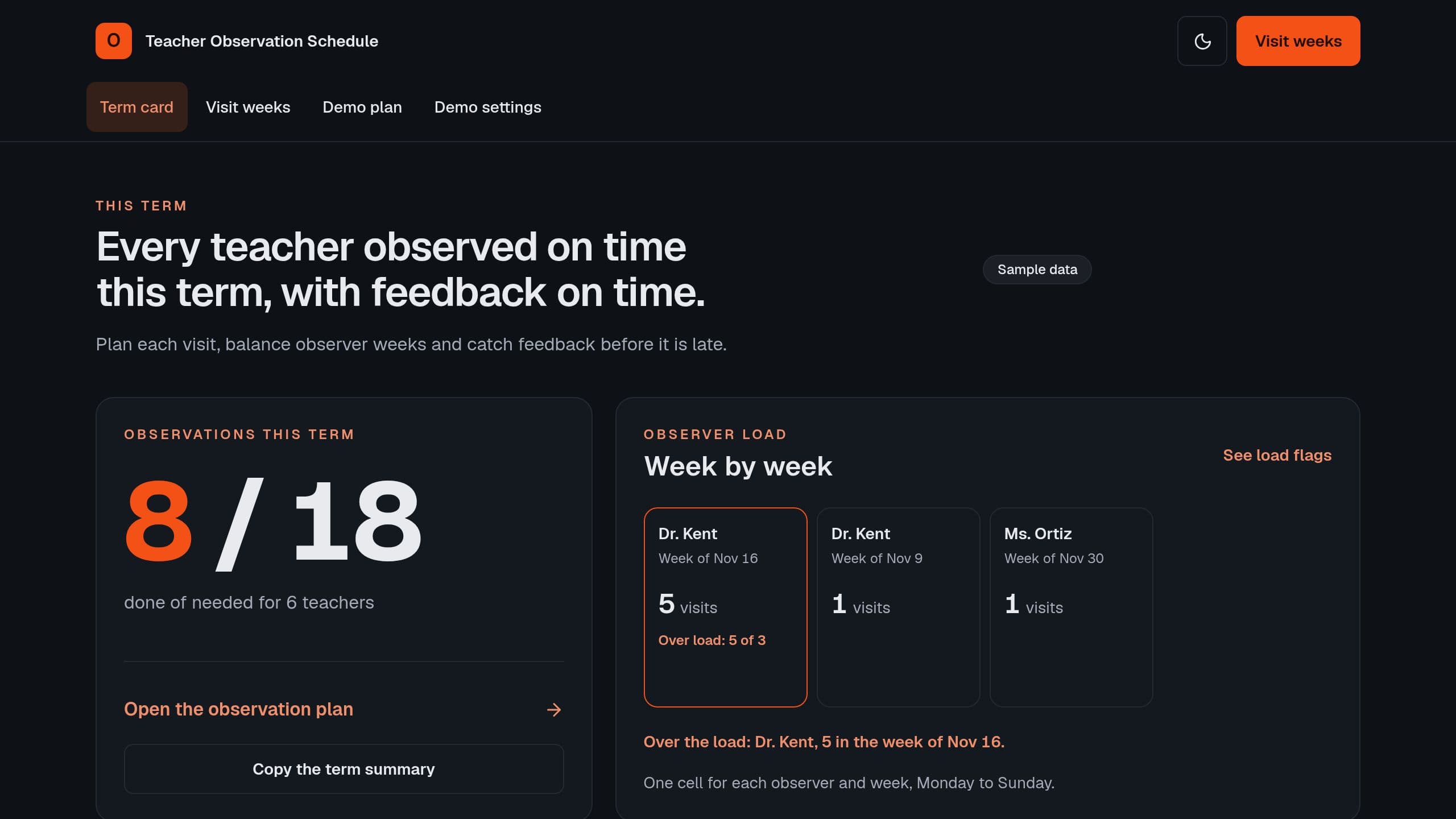
Plan the formal and informal observations of each teacher this term, see who is not planned yet, the observers over their weekly load and the late feedback.
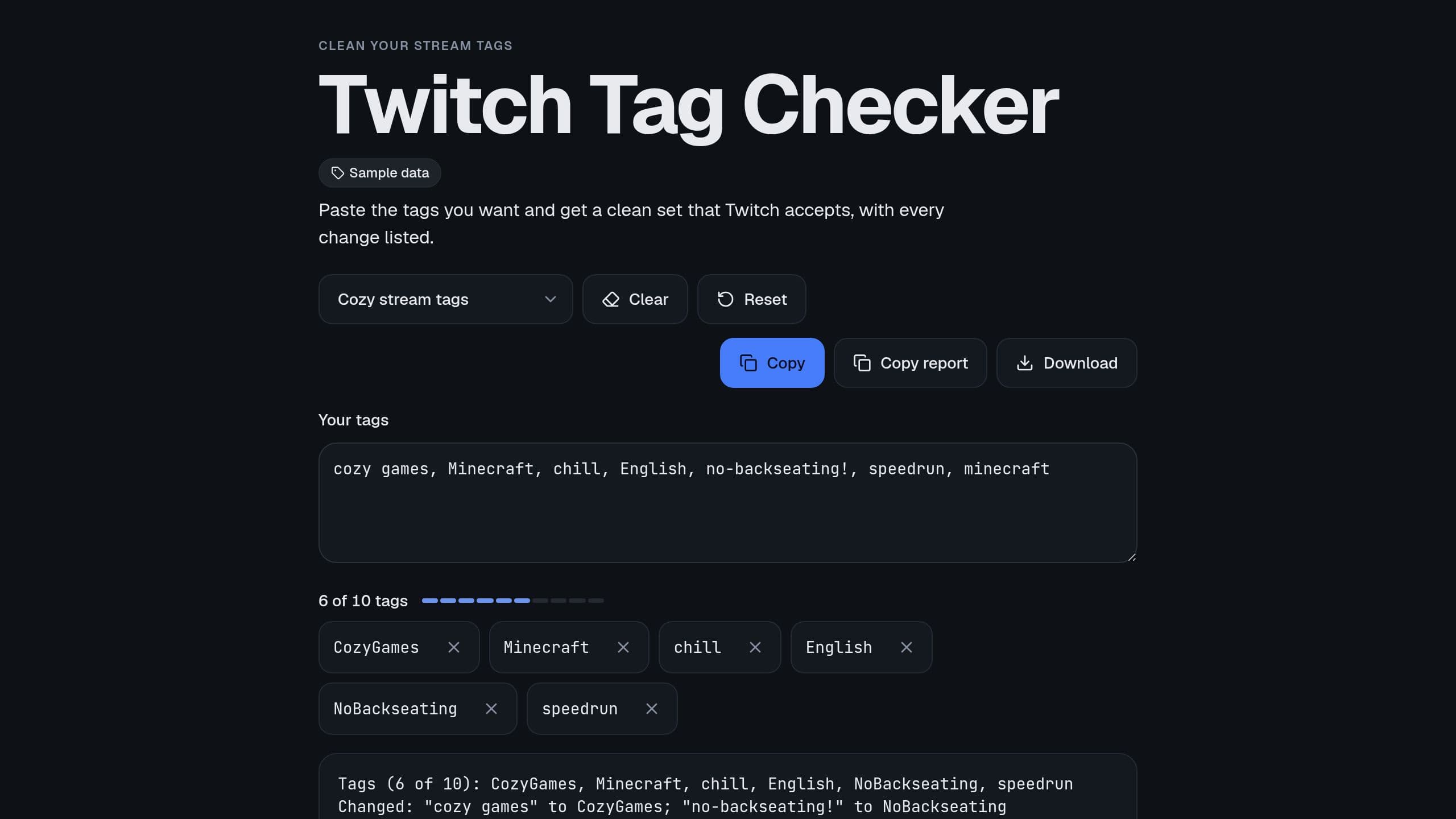
Paste your stream tags and get a clean set that Twitch accepts: 10 tags, 25 characters, no spaces or marks, with every change listed. Free.
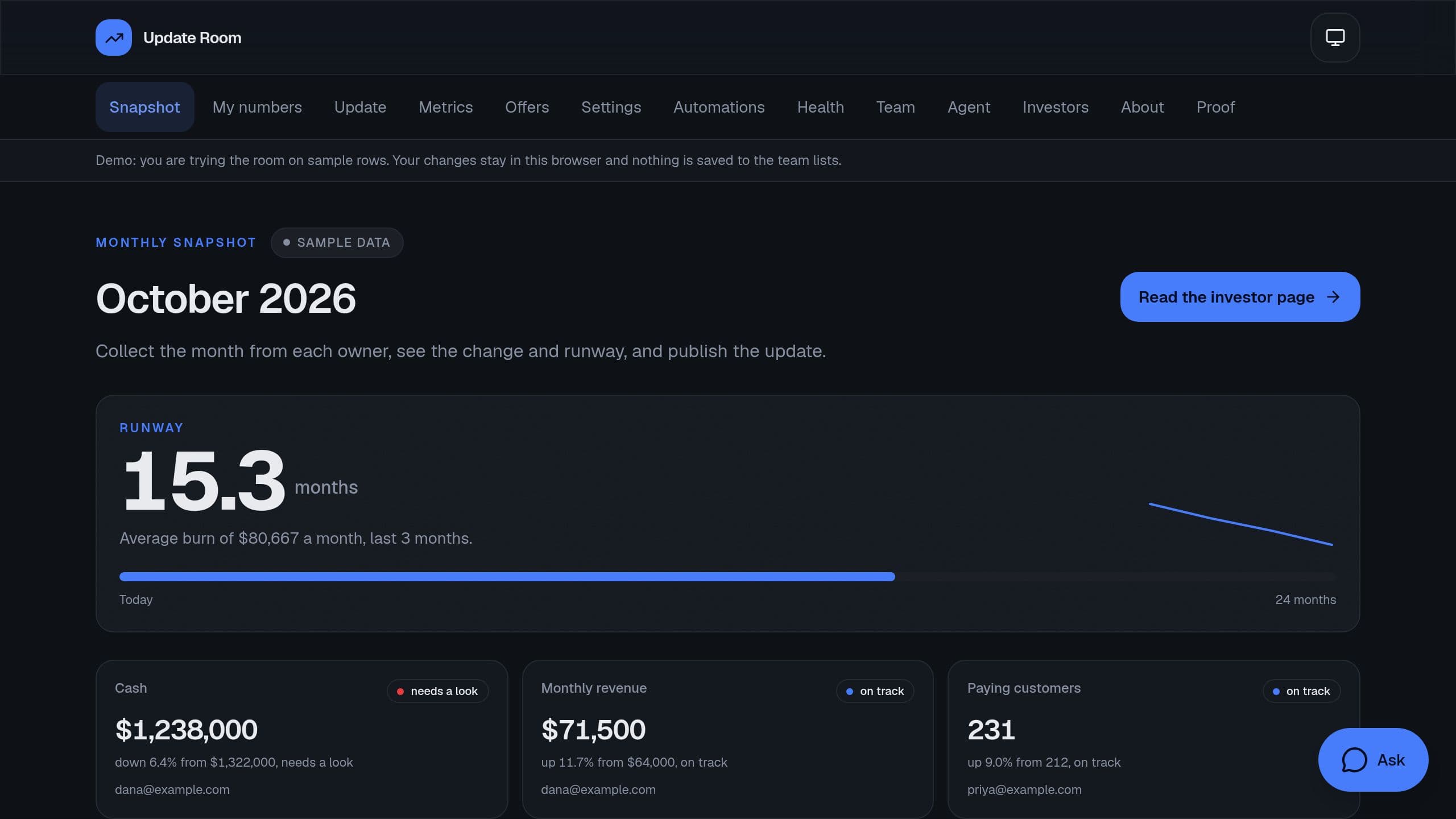
Collect each metric from its owner, see the change and the runway, and publish a monthly investor update with the numbers, wins and asks.
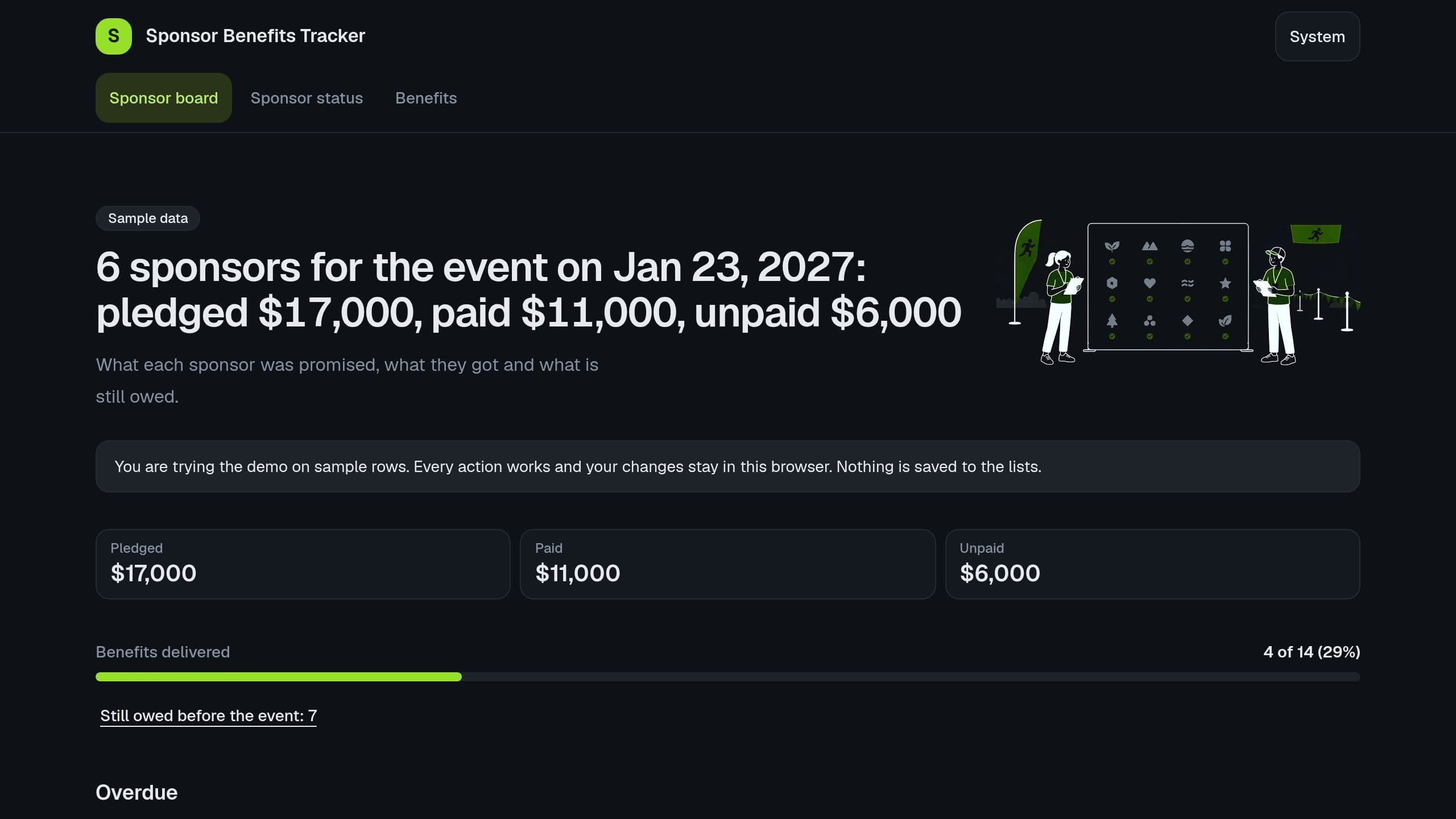
Track the benefits that each sponsor tier promises, mark each one delivered with proof, see the money paid and unpaid, and what is still owed before the event.
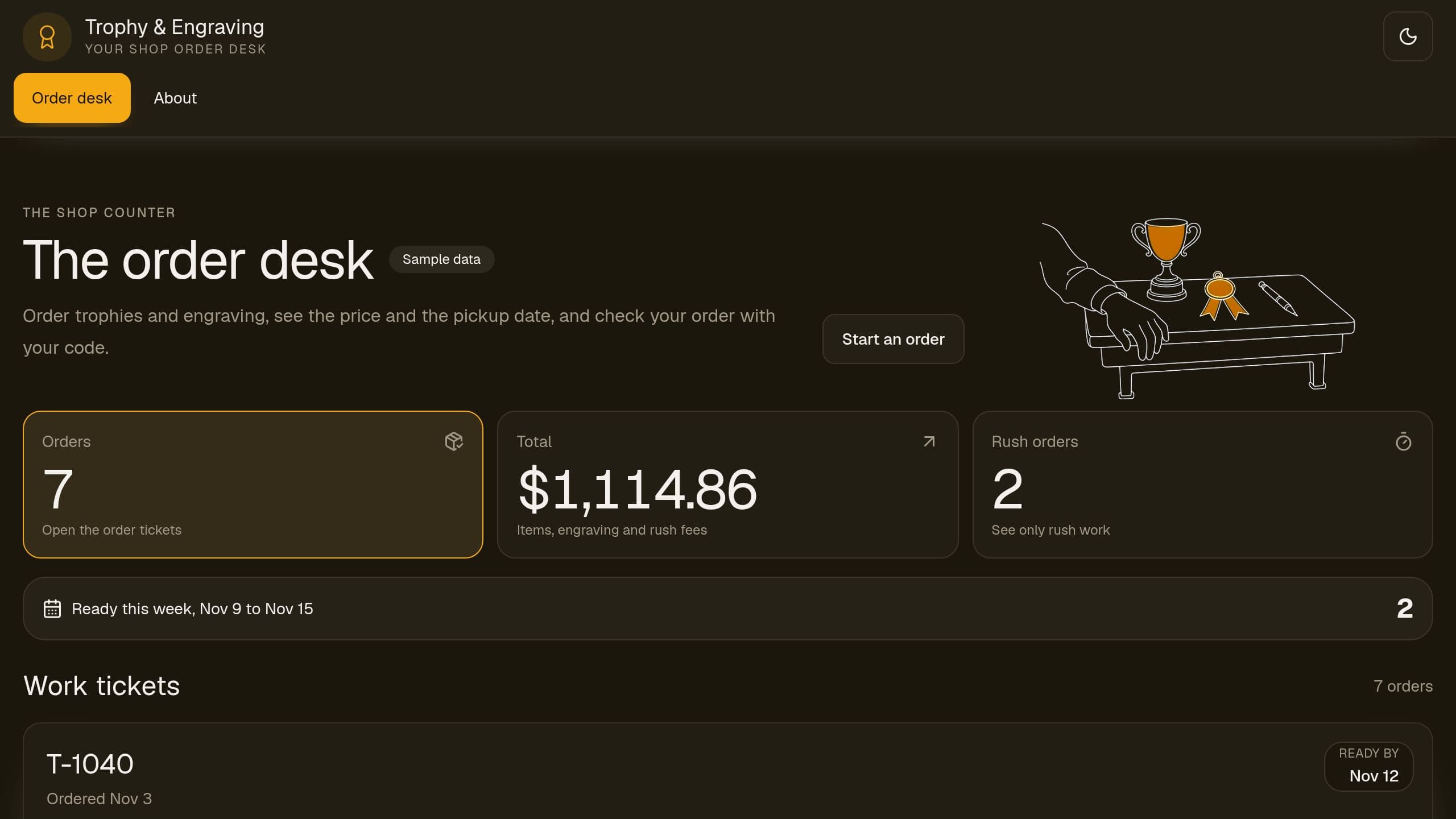
Take trophy and engraving orders by a public form, price each order by item and letter count with a rush fee, set a ready-by date in business days around closed days, and let customers check status by private code.
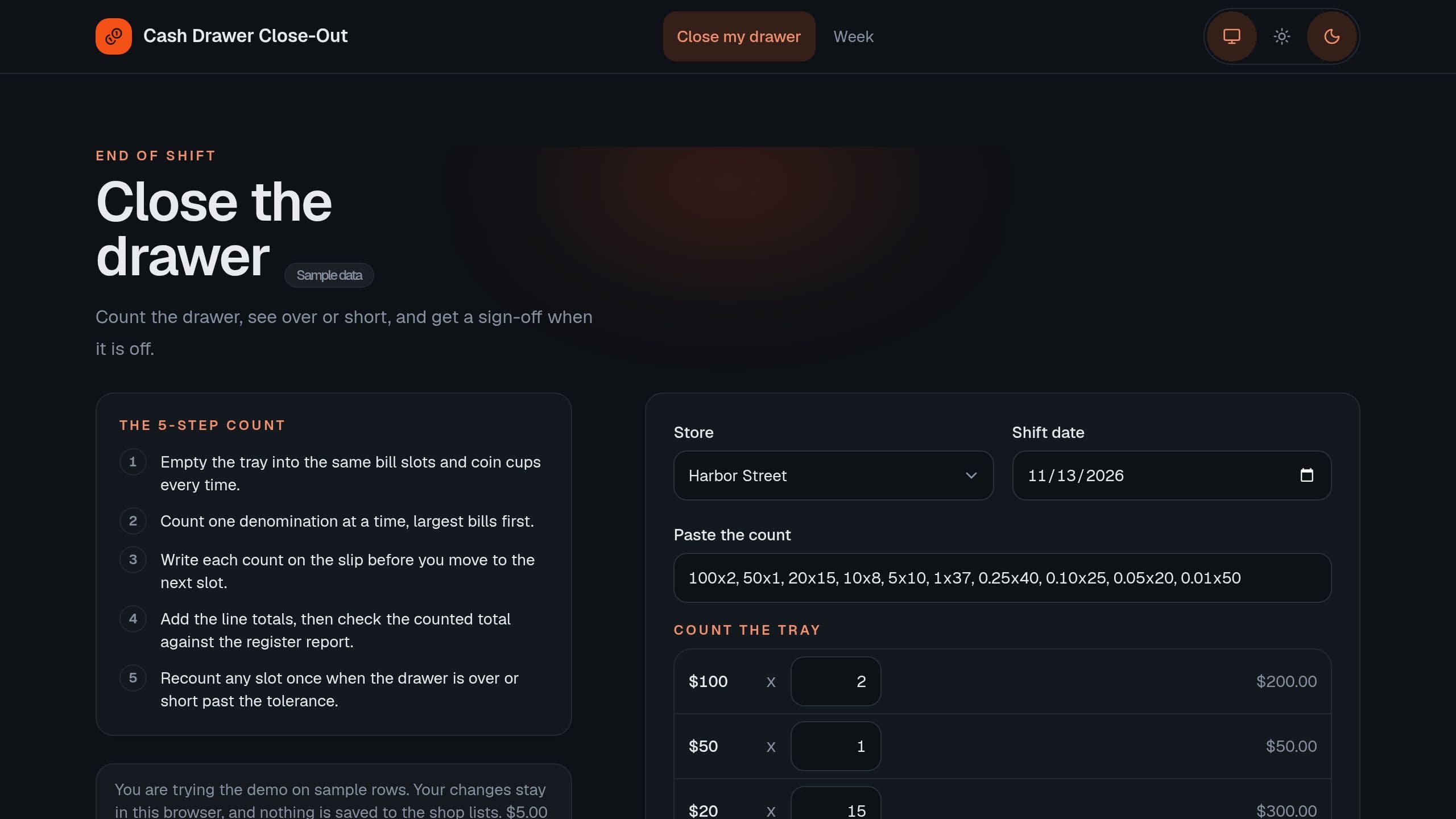
Count the drawer by bill and coin, see over or short, and get a manager sign-off when it is off. The week board shows which cashiers came up short. Sample data shows first, and the Monday digest needs the app link of your copy.
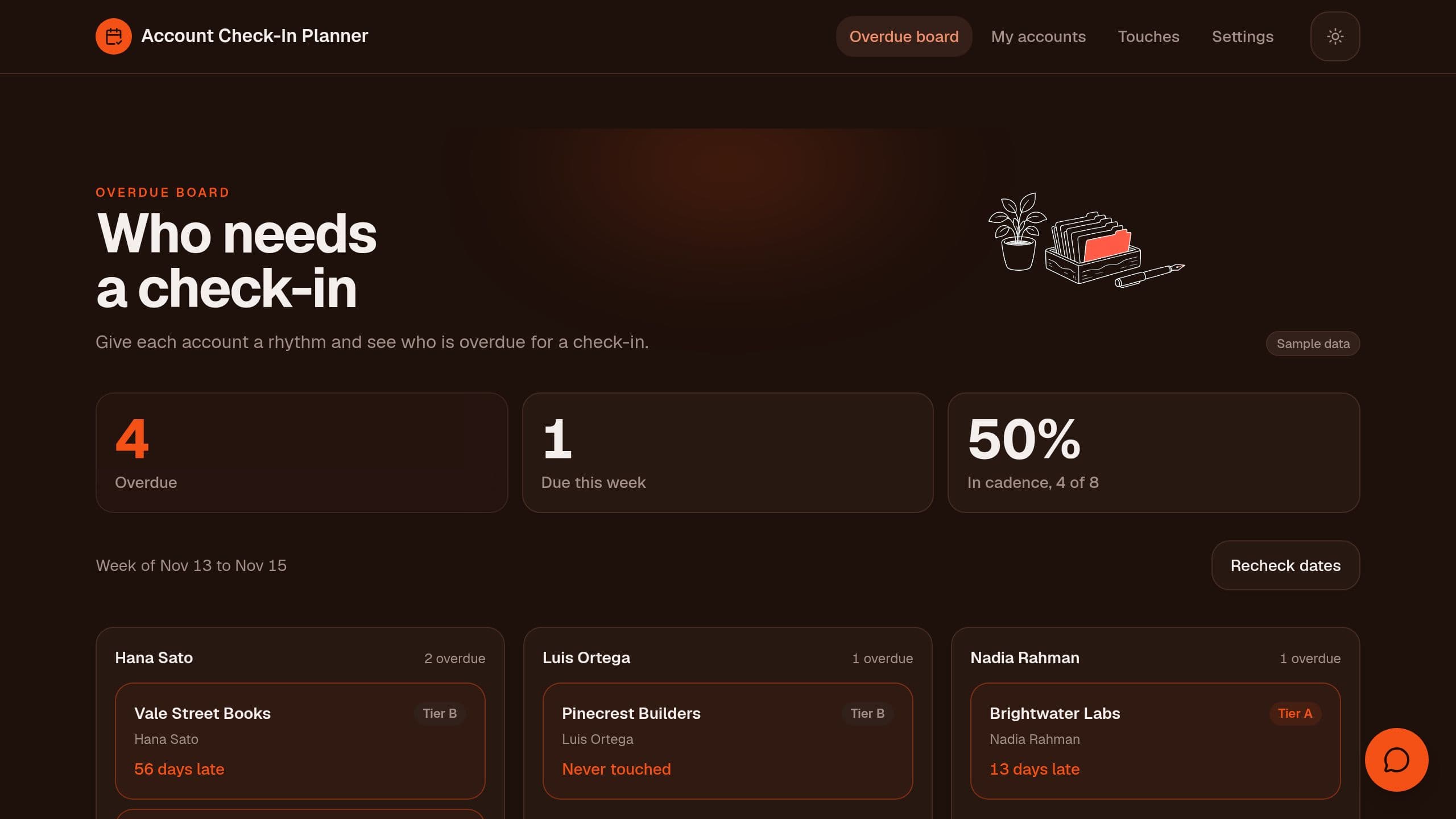
Give each account a tier and a check-in rhythm, see the next touch date, and start each Monday with the overdue accounts of each owner.
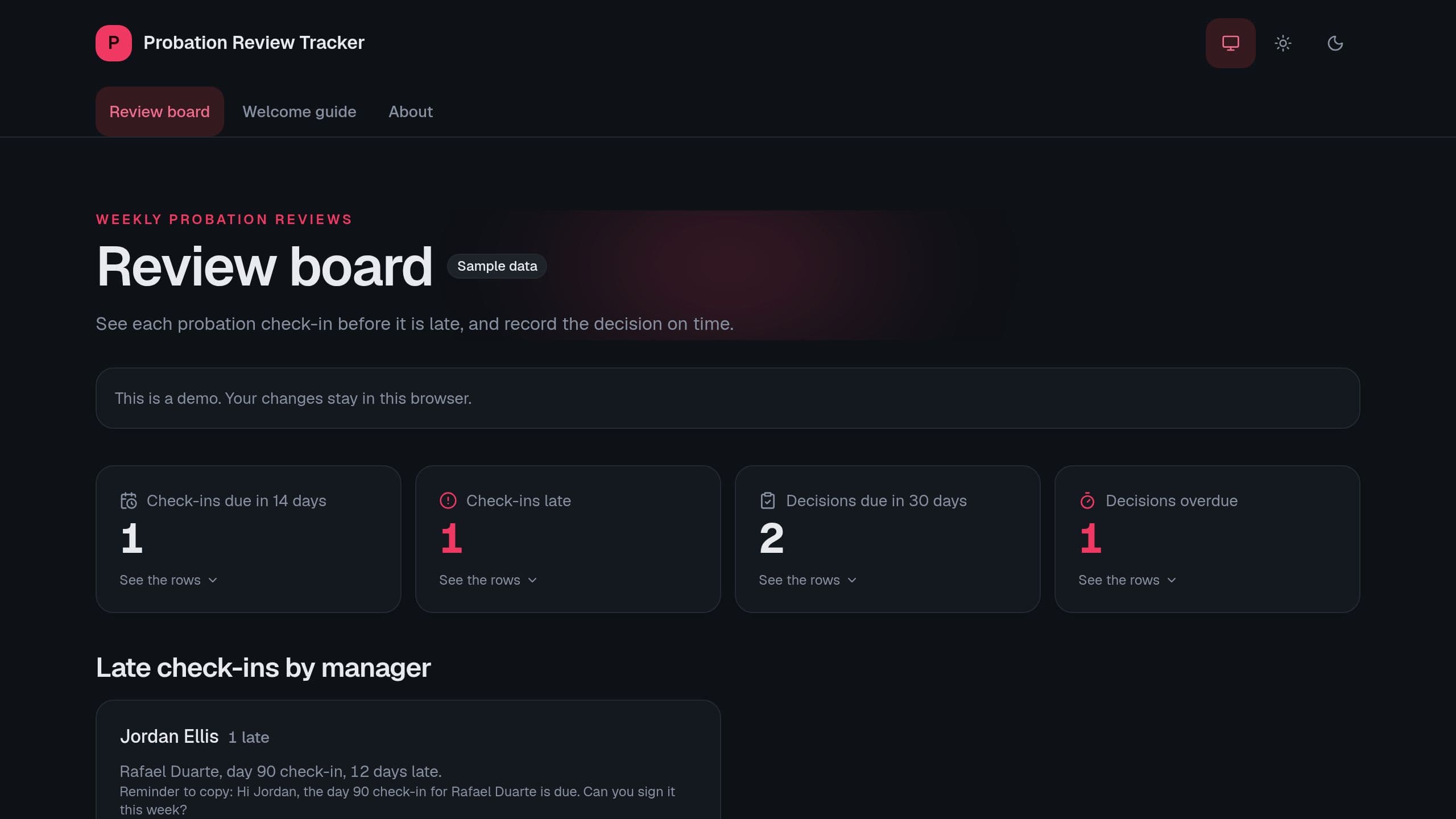
Set the probation plan for each new hire, see each manager's check-ins as they come due, and record the decision before the end date. A Monday digest email lists late check-ins, check-ins due soon and decisions due. Put the link of your copy into the App link of Settings so the email opens your app. Receiving hires from your HR system needs Pro and is finished in the flow editor. This kit gives no legal advice.
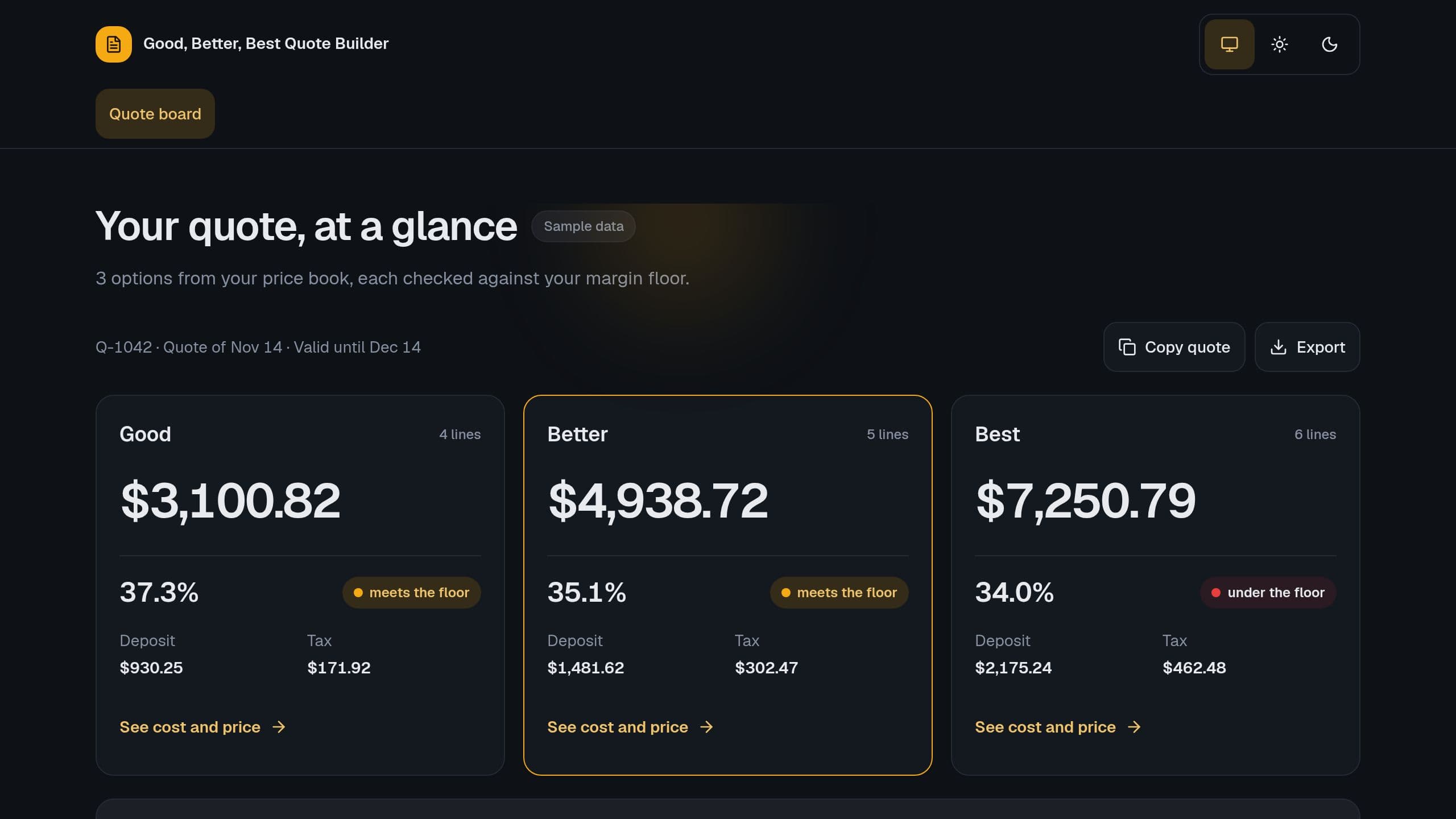
Build a quote with 3 options from your price book, see the margin of each option against your floor, the tax and the deposit, and send a clear choice page.
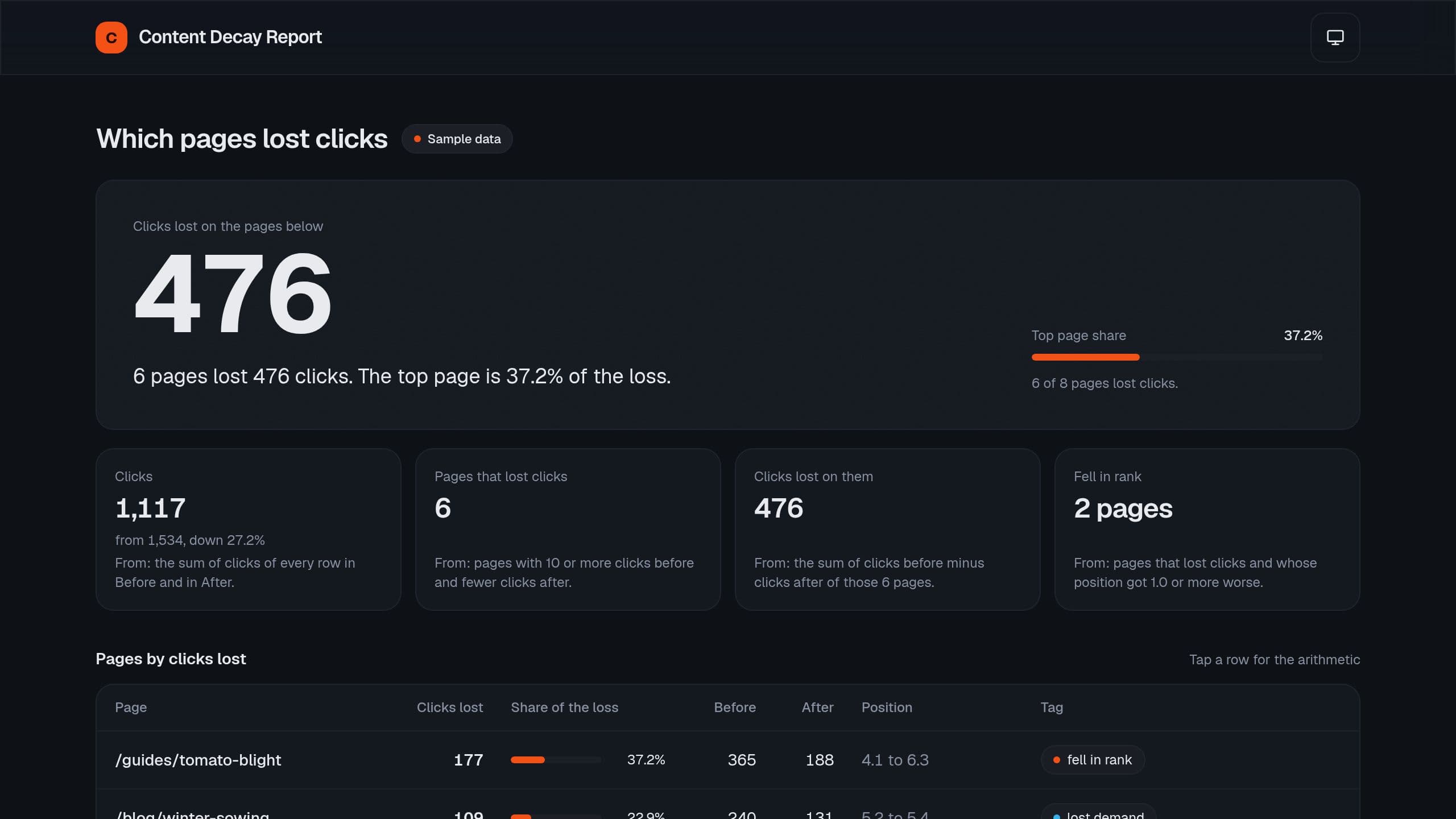
Paste 2 periods of page clicks from a search console export and see the pages that lost clicks, the share of the loss, the rank change and a reason tag.
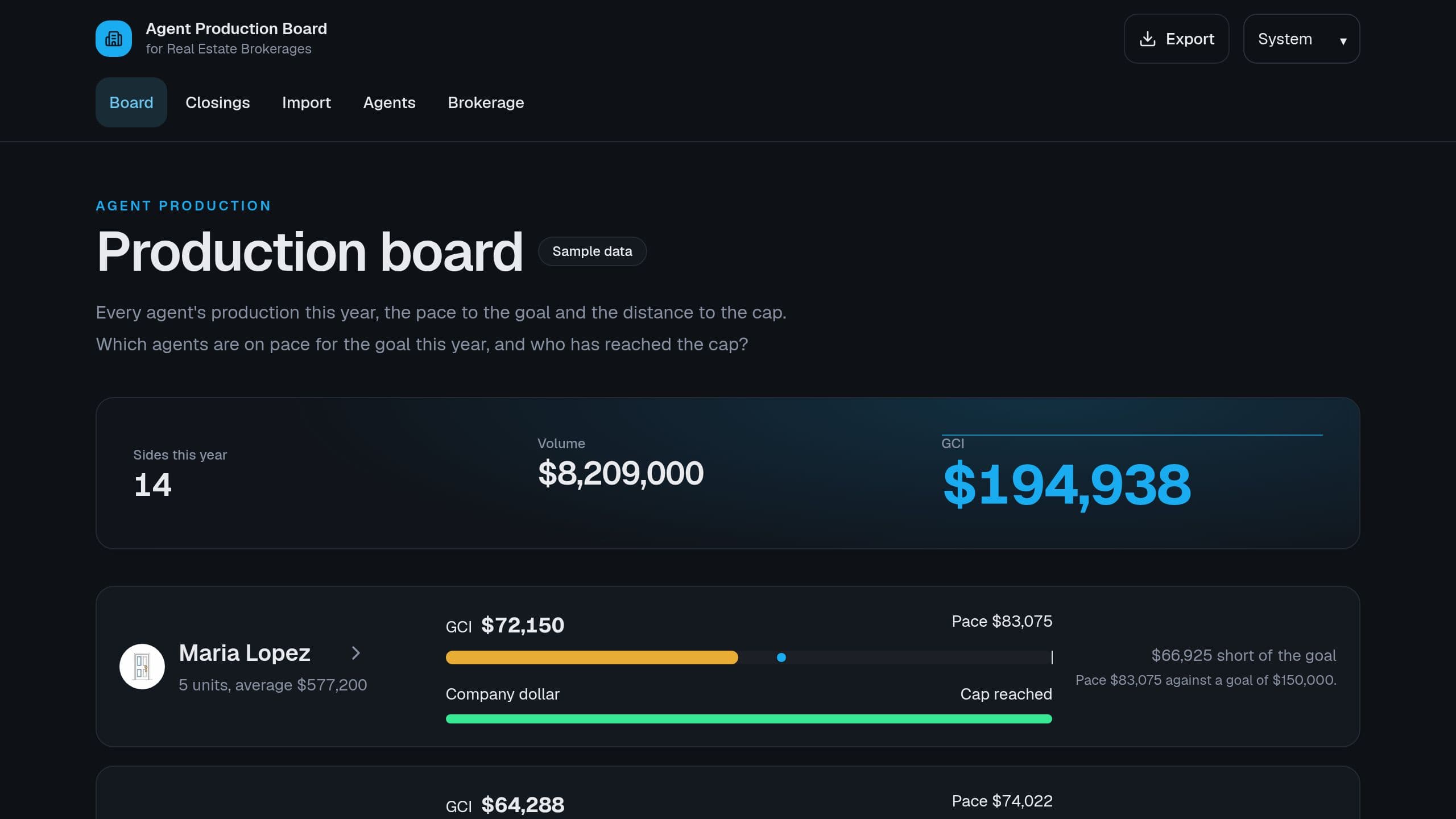
From each closed side, see GCI, units and average price per agent this year, the pace to the annual goal and how far each agent is from the cap.
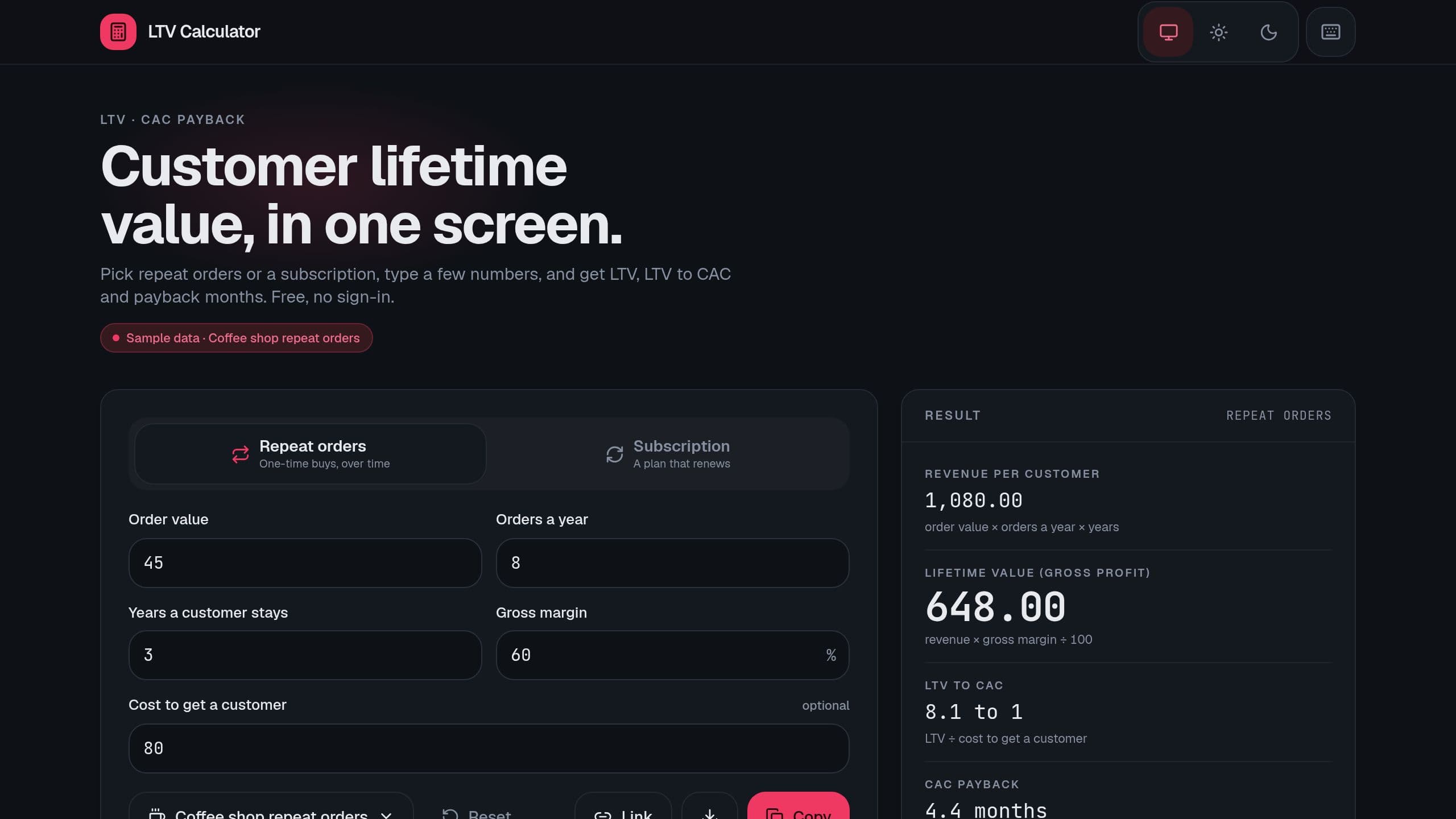
Work out customer lifetime value for repeat orders or subscriptions, with LTV to CAC and payback months, from a few numbers. Free, no sign-in.
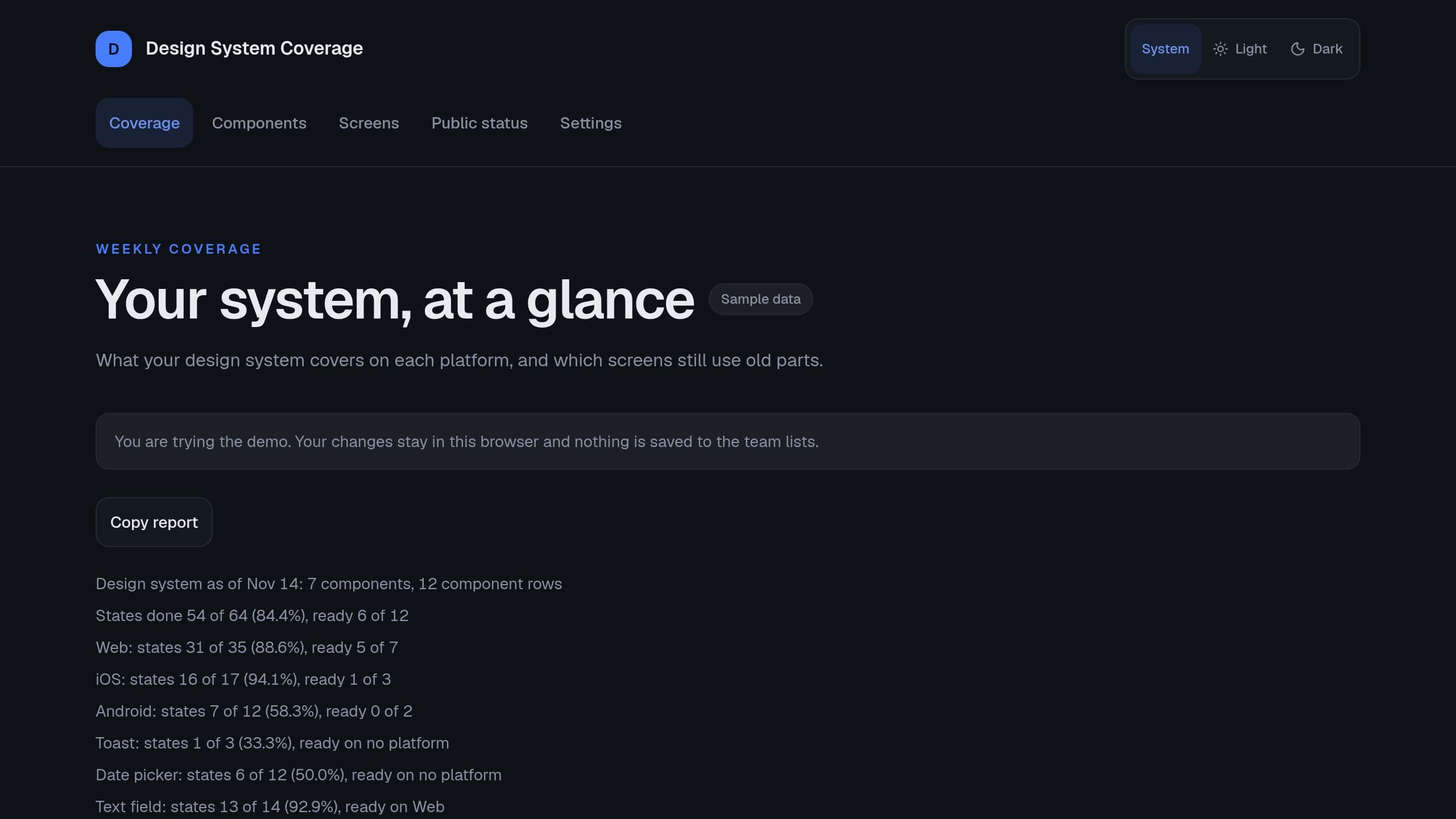
See the share of states done for each component and platform, the ready components, the oldest gaps, and the share of new components on each screen.
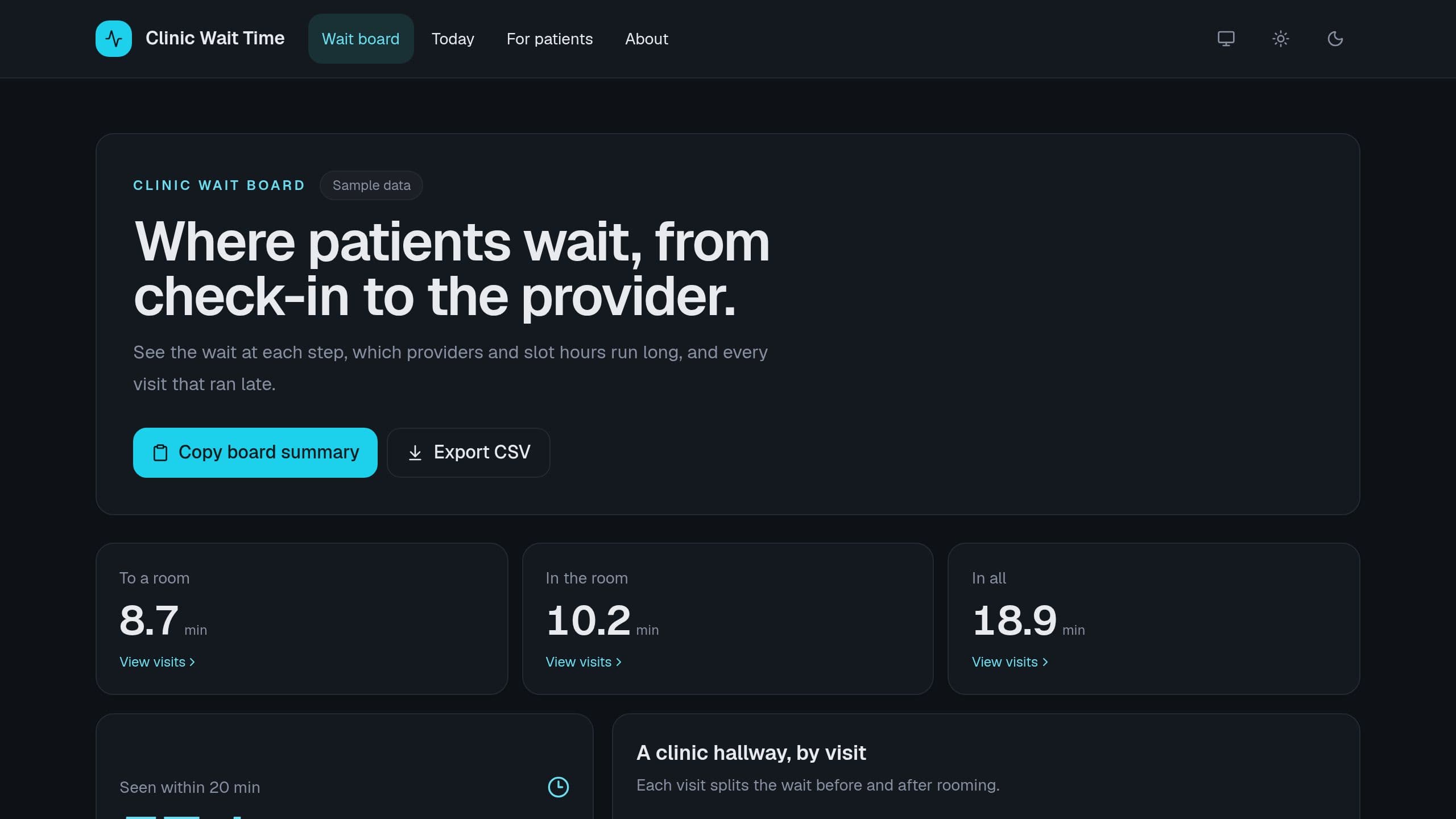
Log check-in, rooming and provider times for each visit, and see the wait at each step, the share seen within your target, and the slots that ran late.
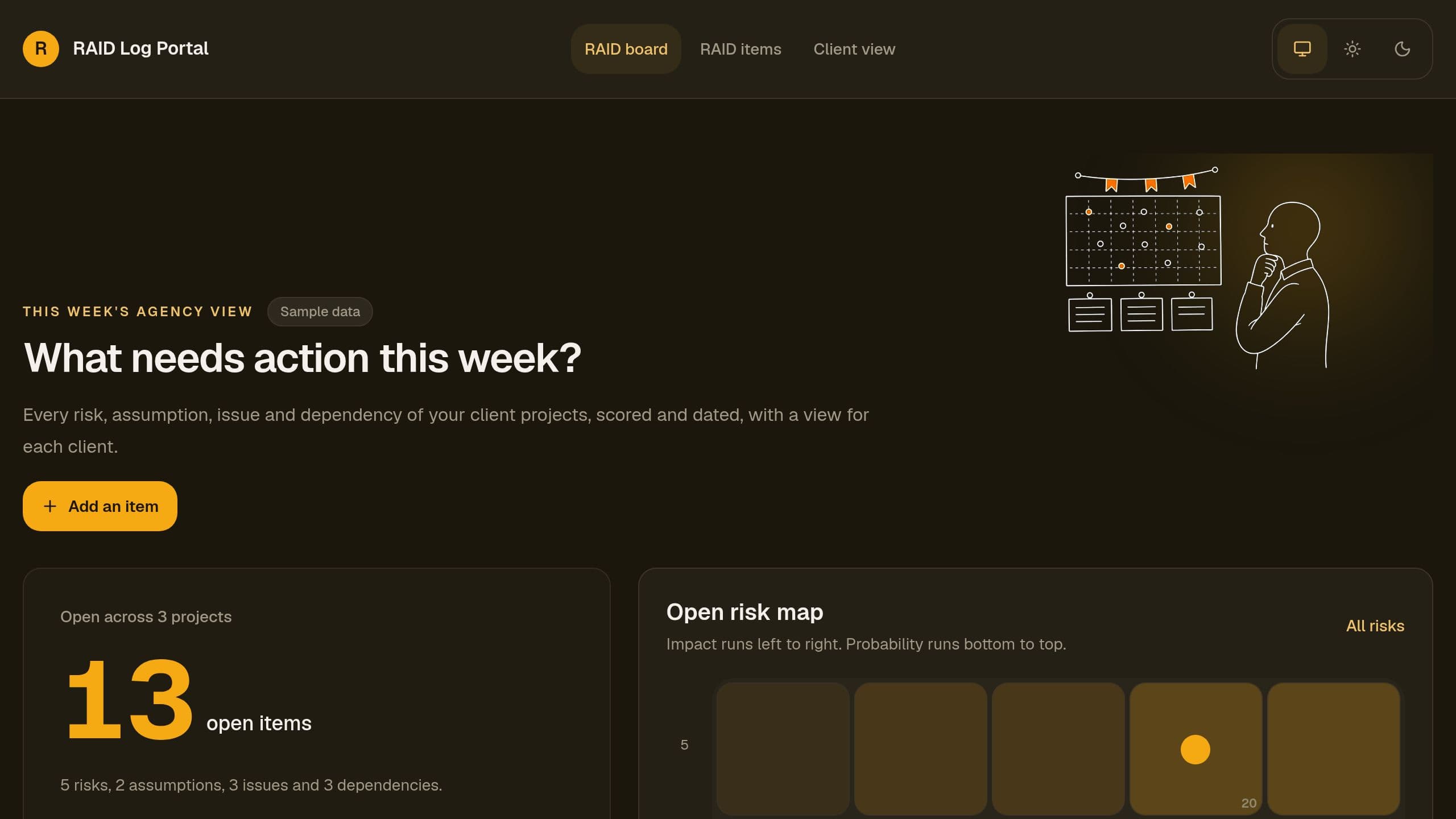
Keep the risks, assumptions, issues and dependencies of each client project, score each risk, and let the client read their project log by code.
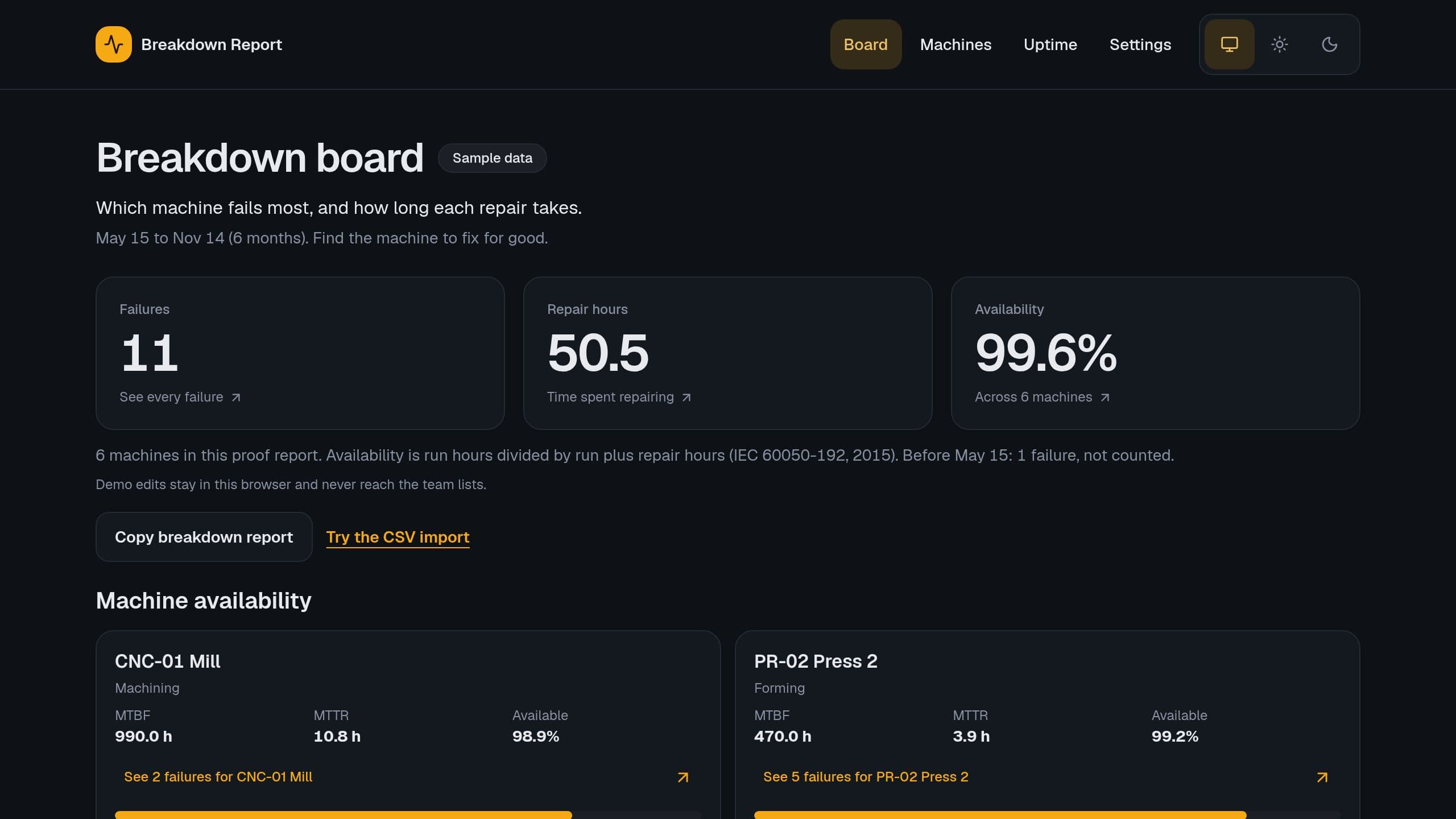
Work out the mean time between failures, the mean time to repair and the availability of each machine from your breakdown log, and see which ones fail most.
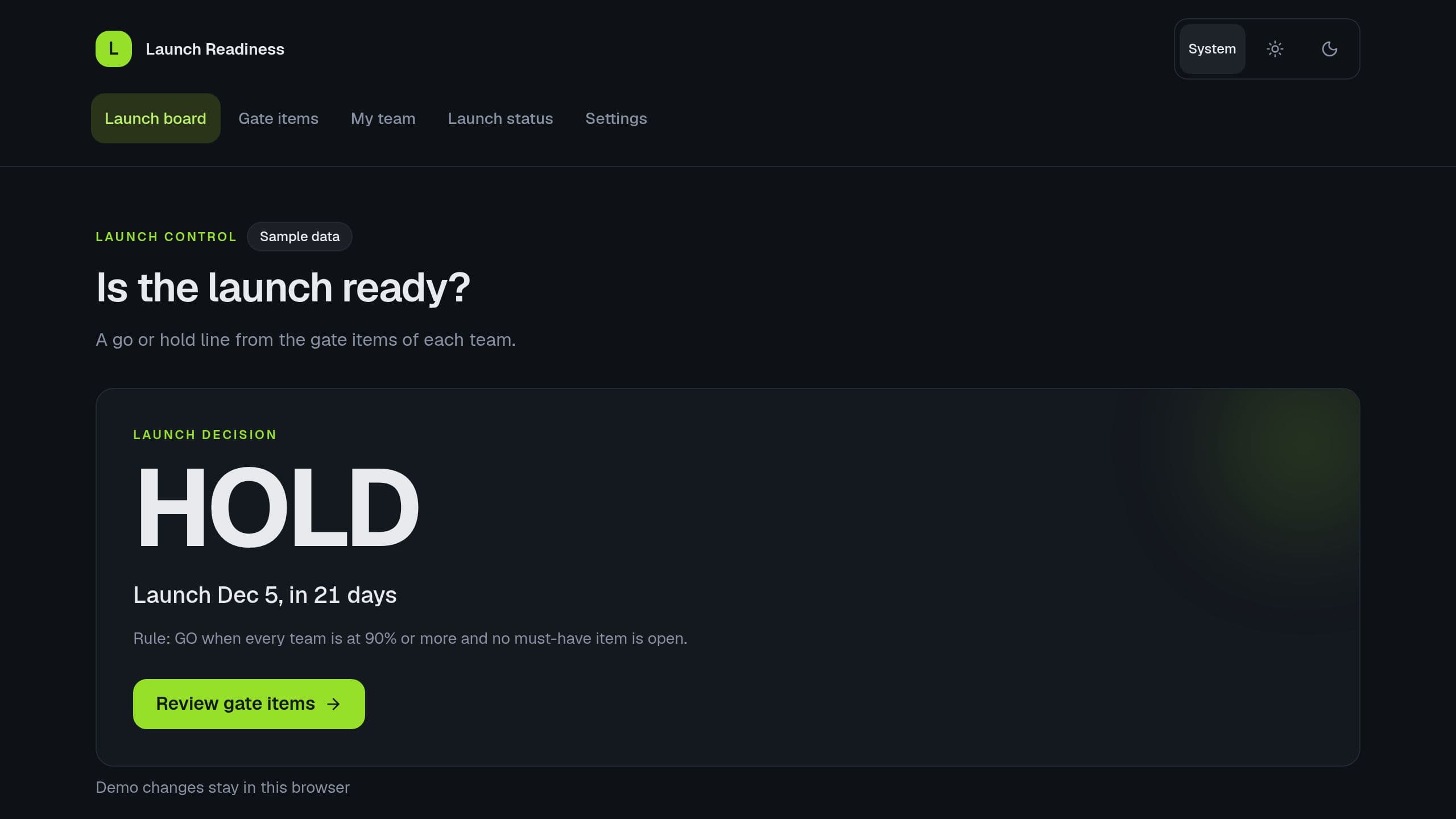
Score each launch team against its gate items, see the readiness share, the blockers, the late items and the days to launch, and get a go or hold line by rule.
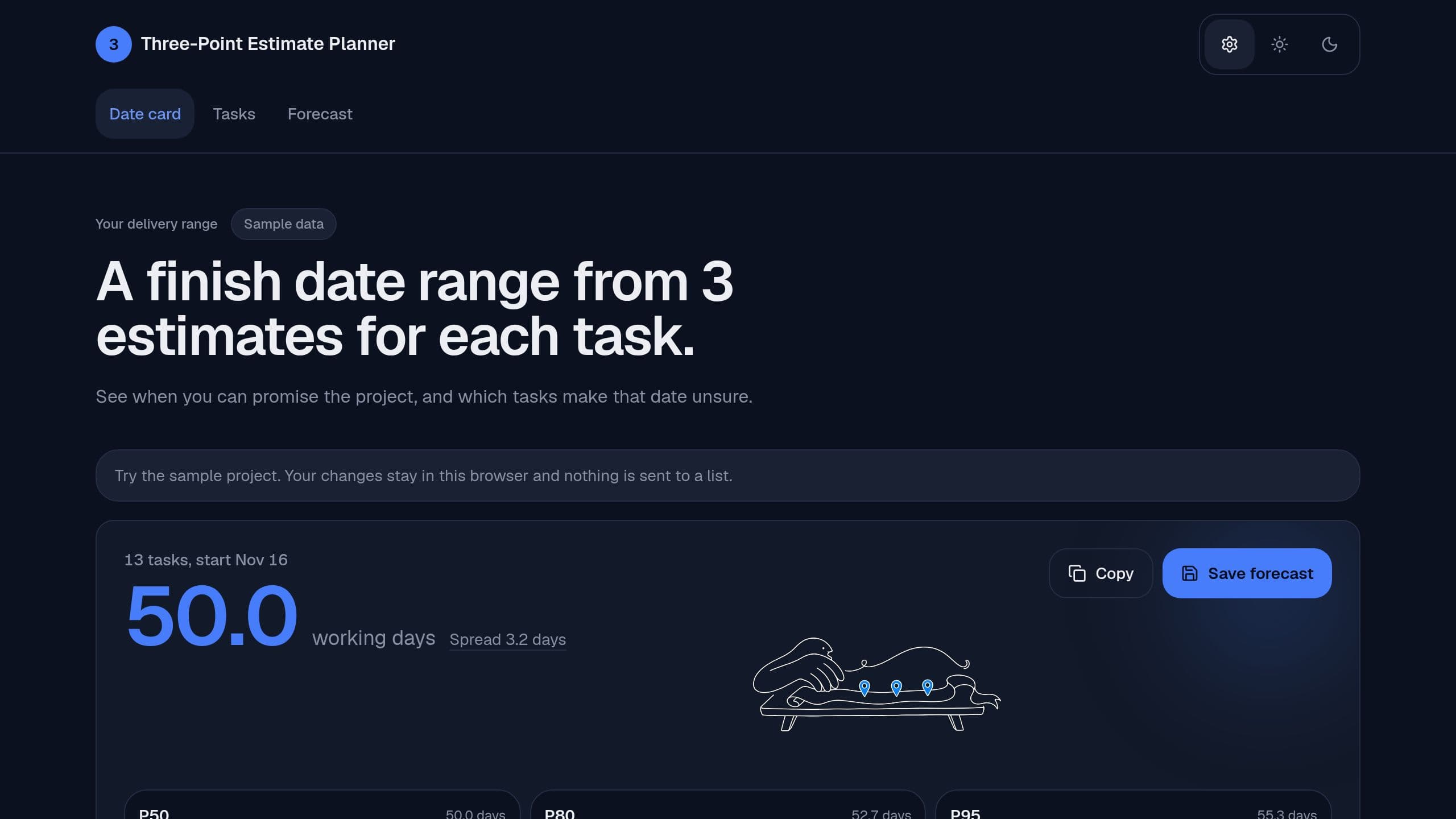
Enter an optimistic, likely and pessimistic estimate for each task, and get the PERT total with P50, P80 and P95 finish dates on your working days.
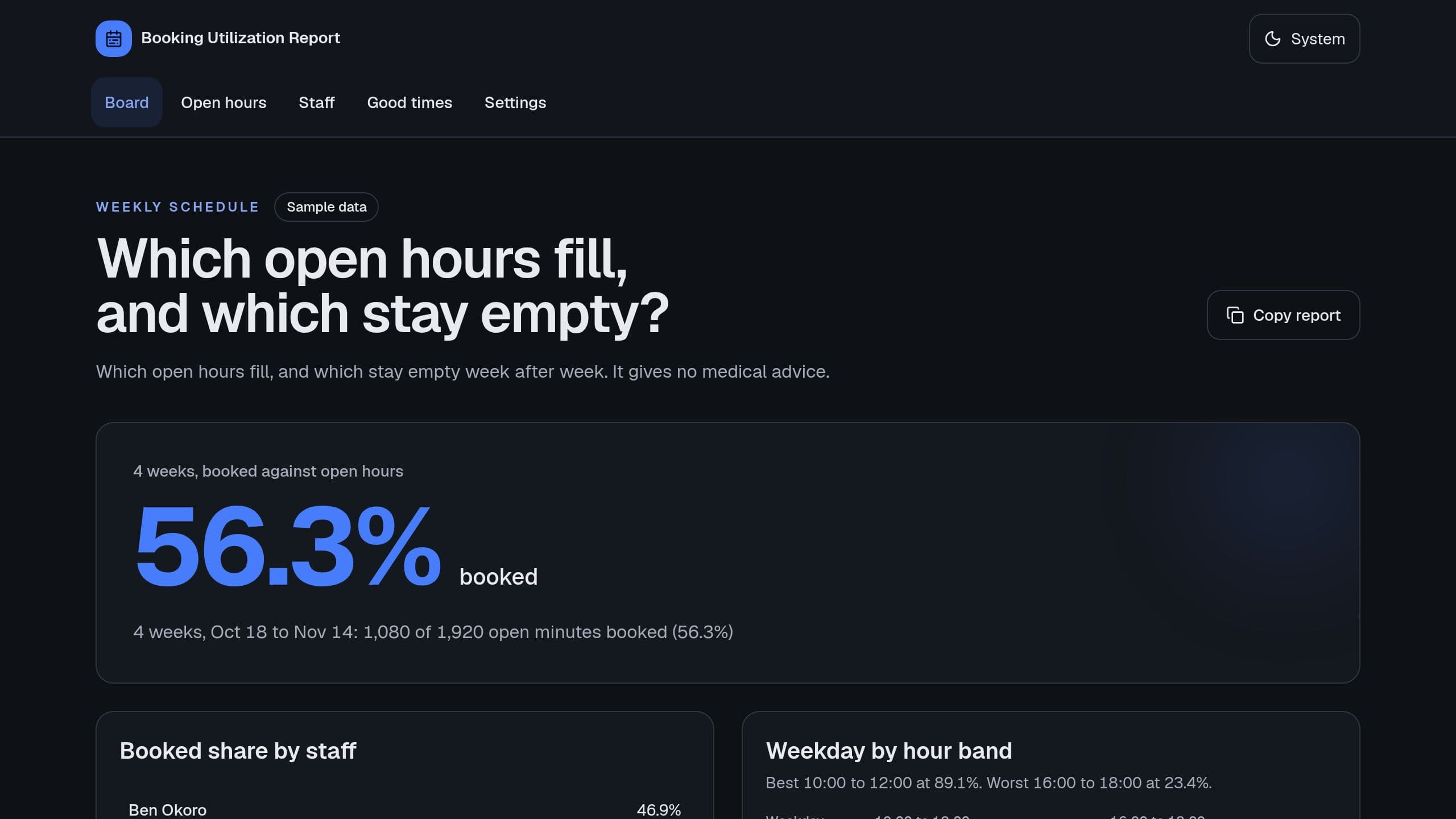
List the open hours that fill and the ones that stay empty week after week. It compares booked and open minutes per staff member, weekday and 2-hour band, and shows the revenue that repeat empty slots leave. It gives no medical advice.
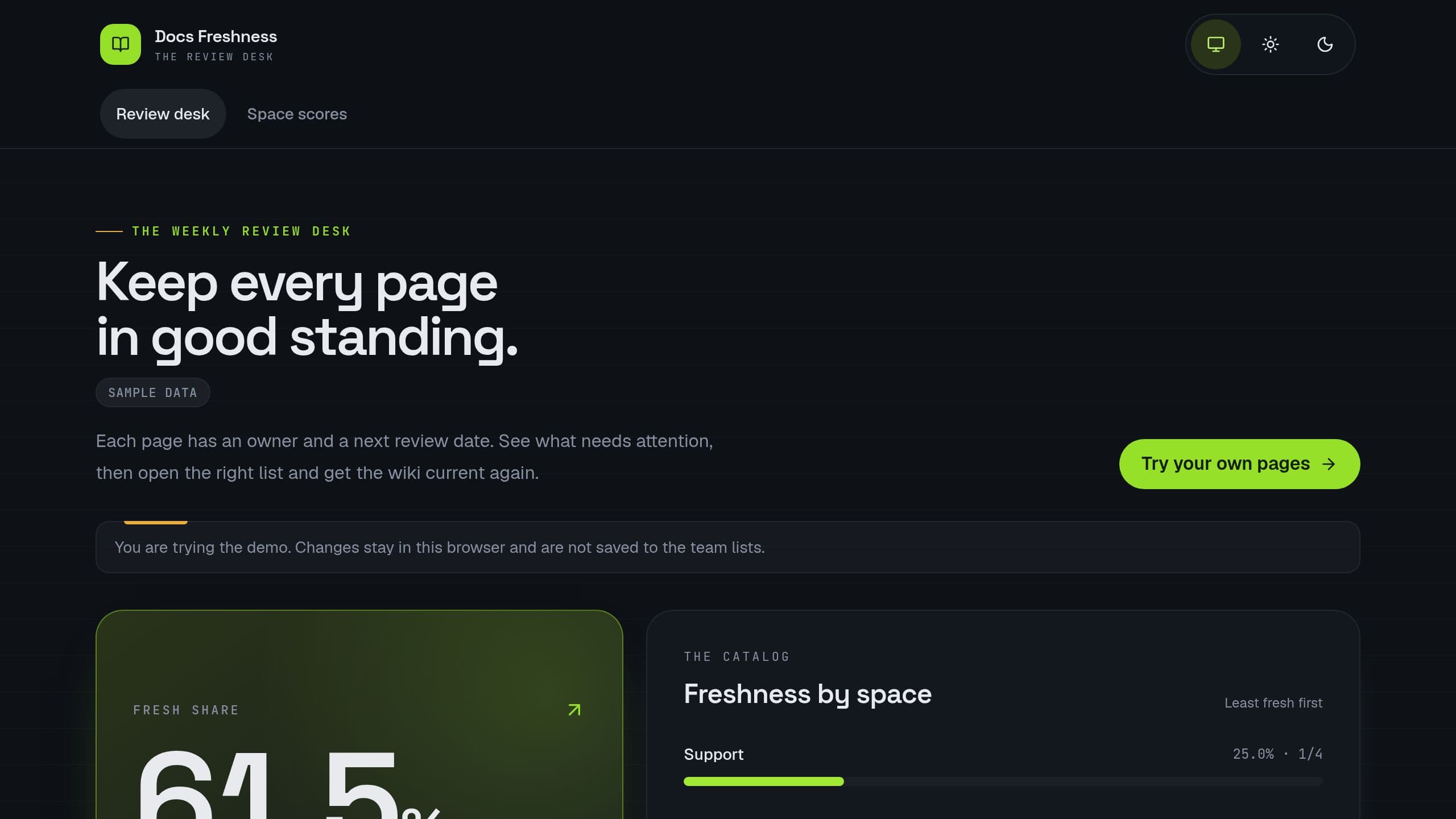
Give each page of your internal docs an owner and a review cycle, and see the stale pages, the freshness of each space and the review queue of each owner. Try it with your own CSV on the first screen, no sign-in and no AI credit. A Monday digest lists stale and flagged pages.
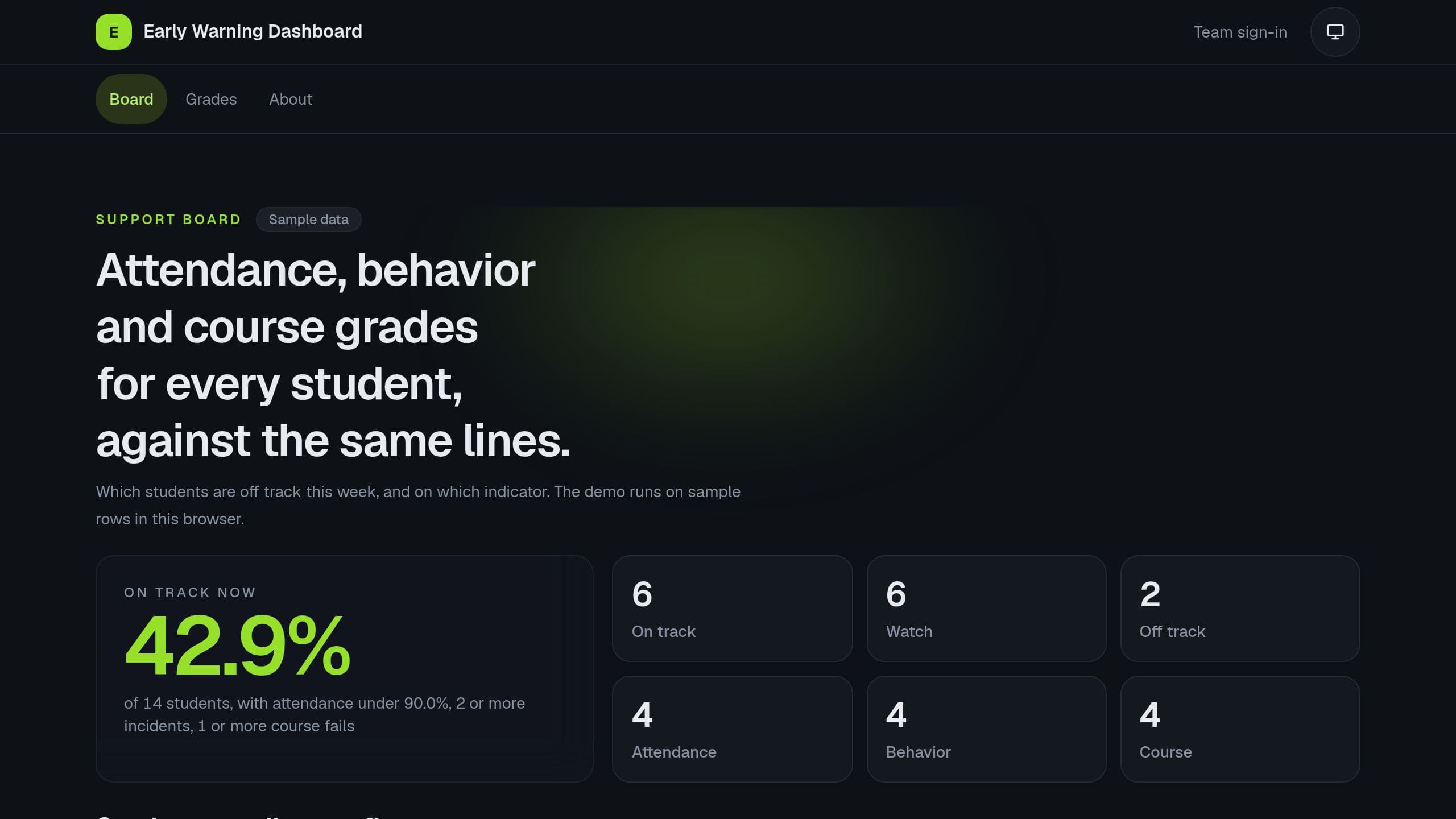
Import attendance, incidents and course fails for each student, and see who is on track, on watch or off track by the ABC rule. Free copy runs the board and the Monday digest. Receiving data from a student system needs Pro, the agent needs AI credits. Put the link of your copy in the Monday email step.
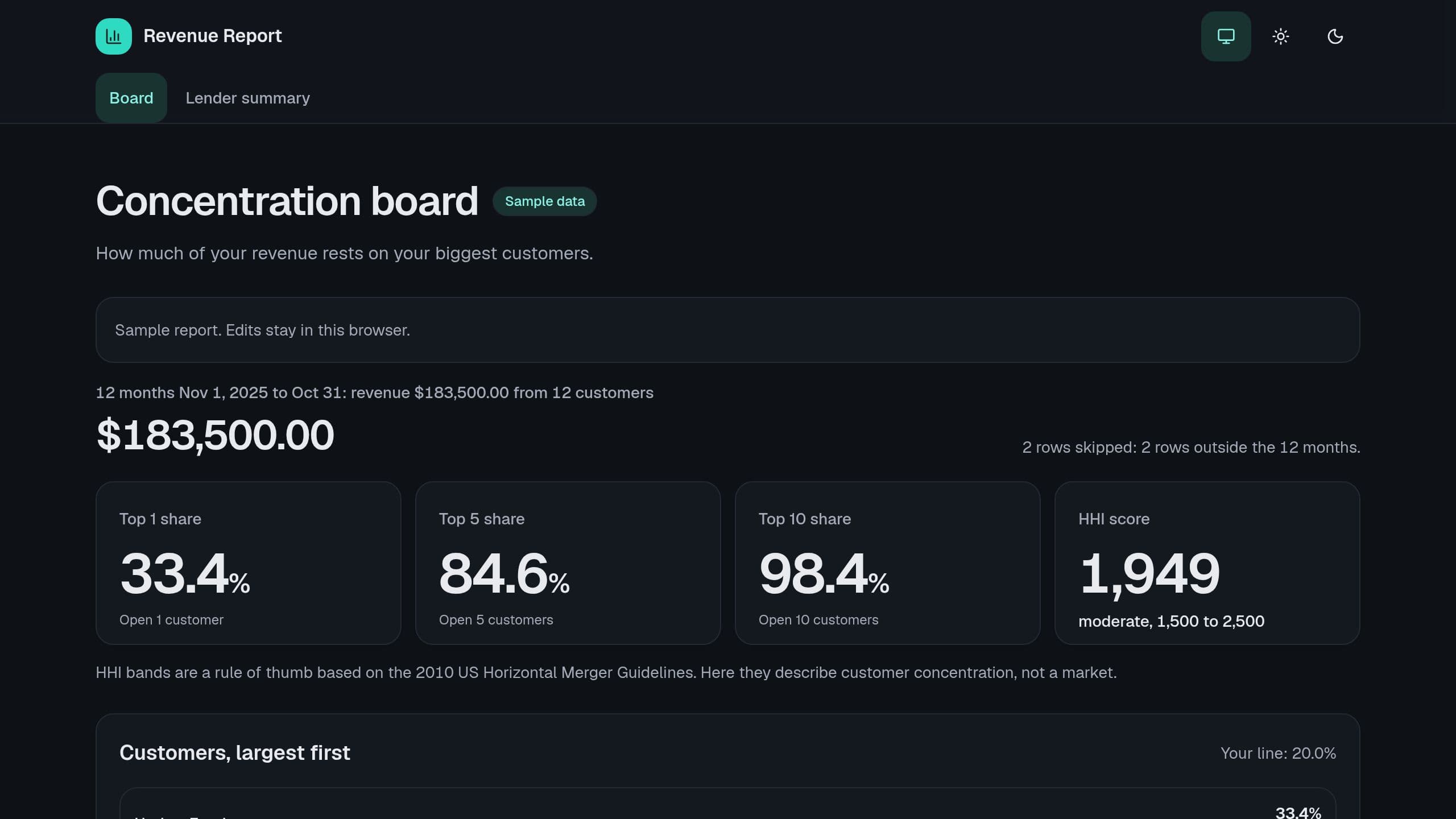
Paste revenue by customer and month and see the share of your top 1, 5 and 10 customers over 12 months, an HHI score with its band and the customers over your line. Sample rows included. After you copy the kit, put the link of your copy in the App link row of Settings.
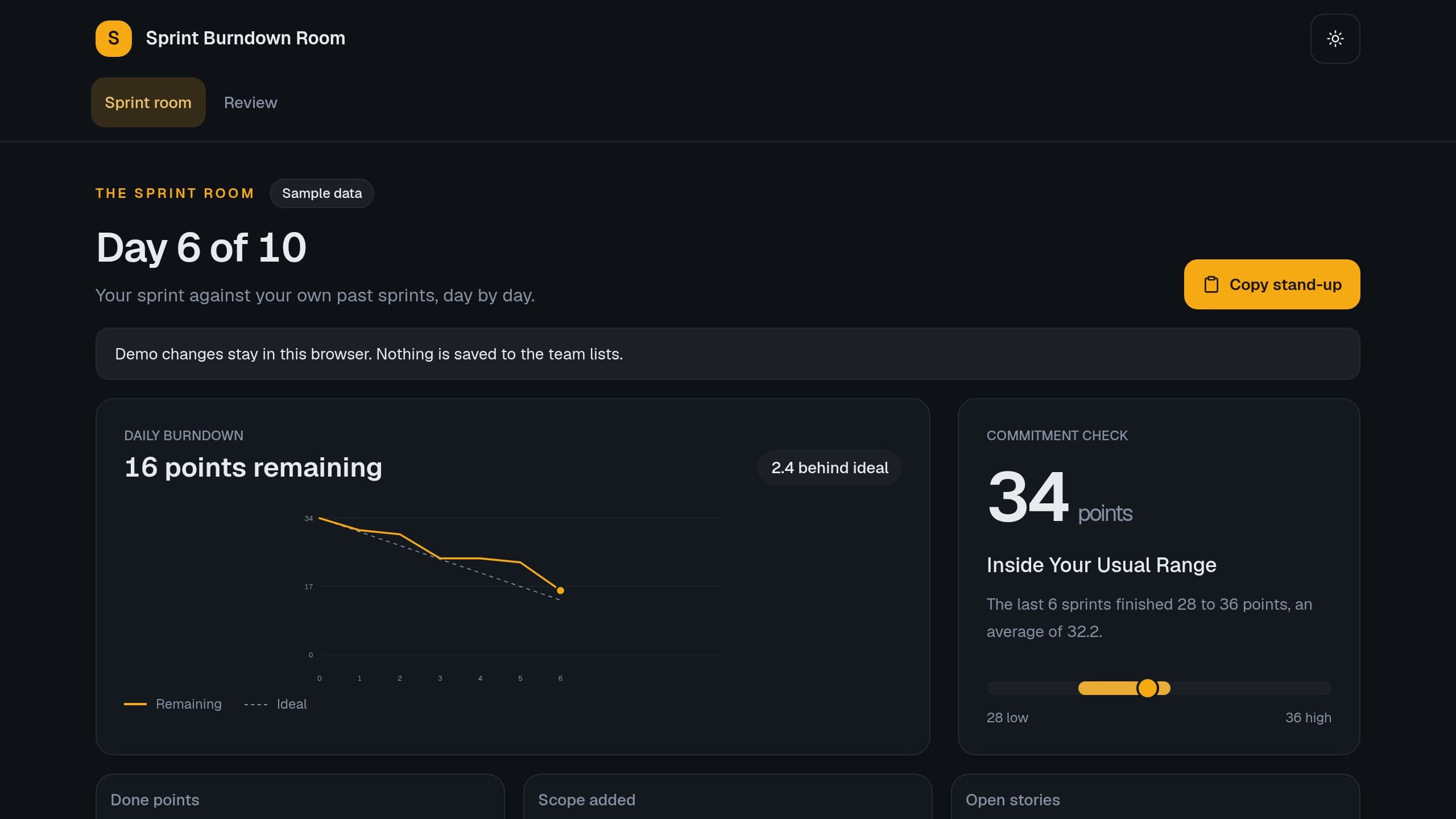
Check the sprint commitment against your last 6 sprints, see the daily burndown with the ideal line, the scope added after day 0 and the carryover.
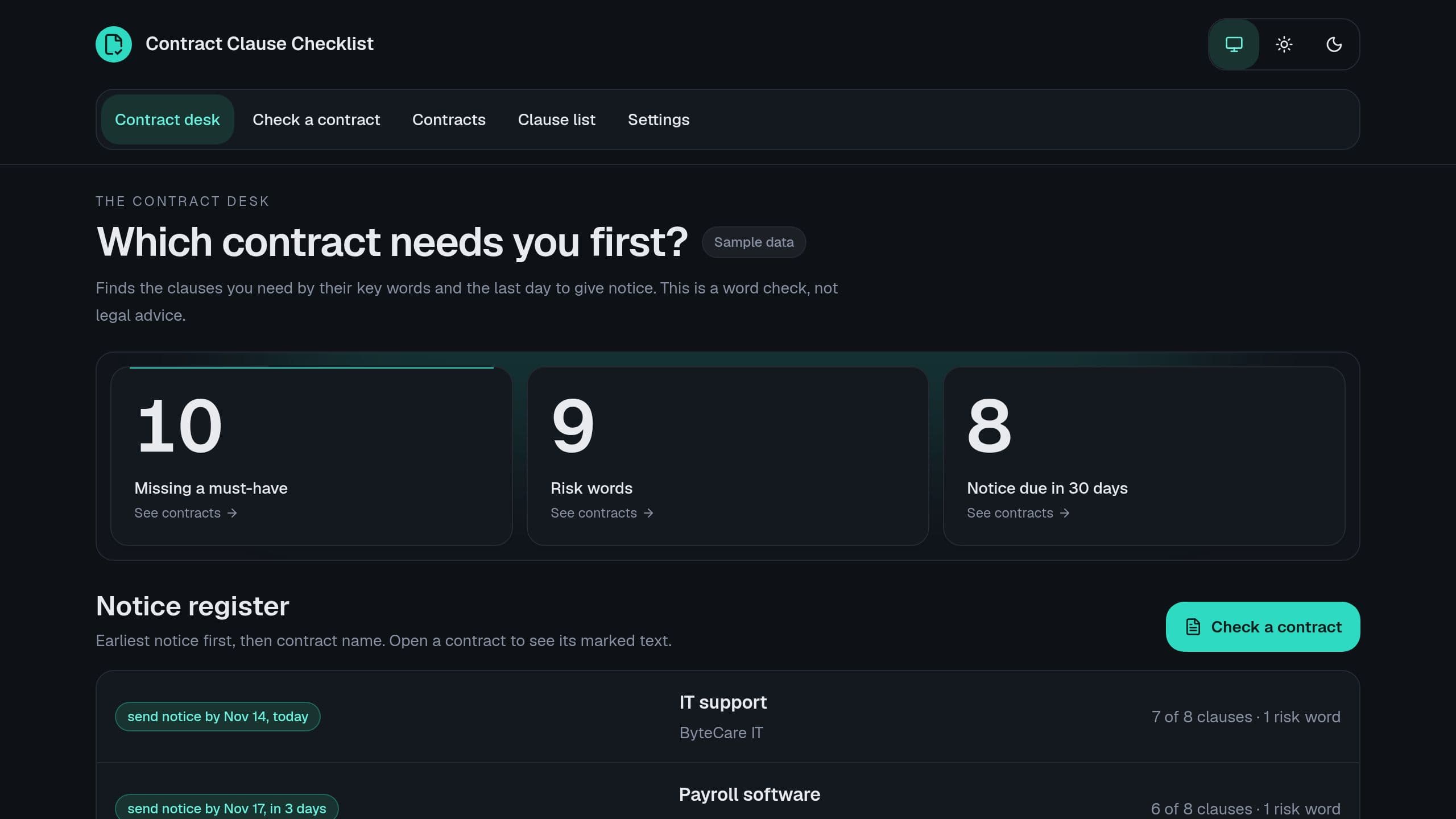
Check each contract against the clauses that you need by their key words, see missing must-have clauses and risk words, and get the notice date of each renewal.
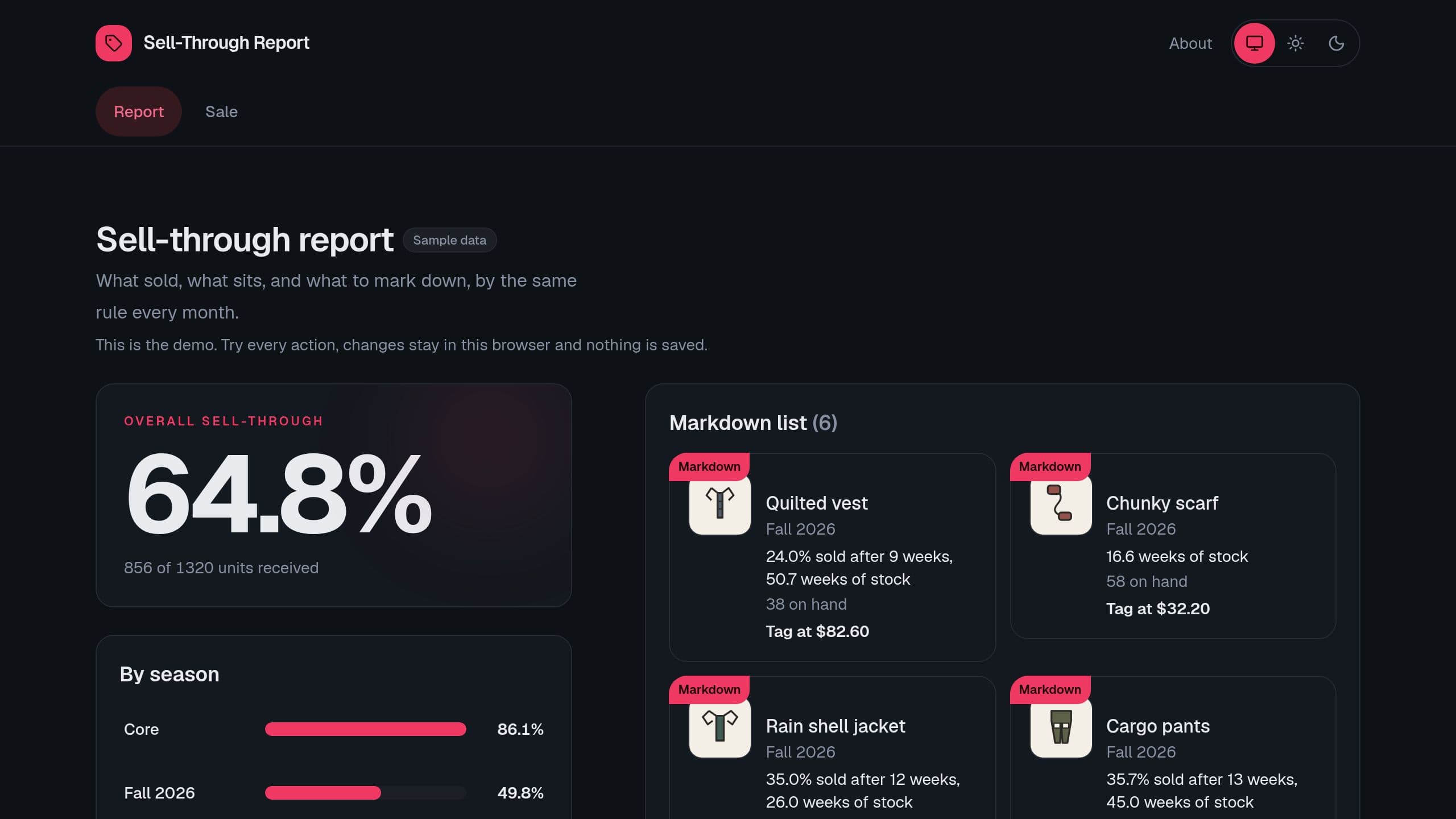
See sell-through for each product and season, the weeks of stock left at the current sales pace, the markdown list by your rule and what runs low.
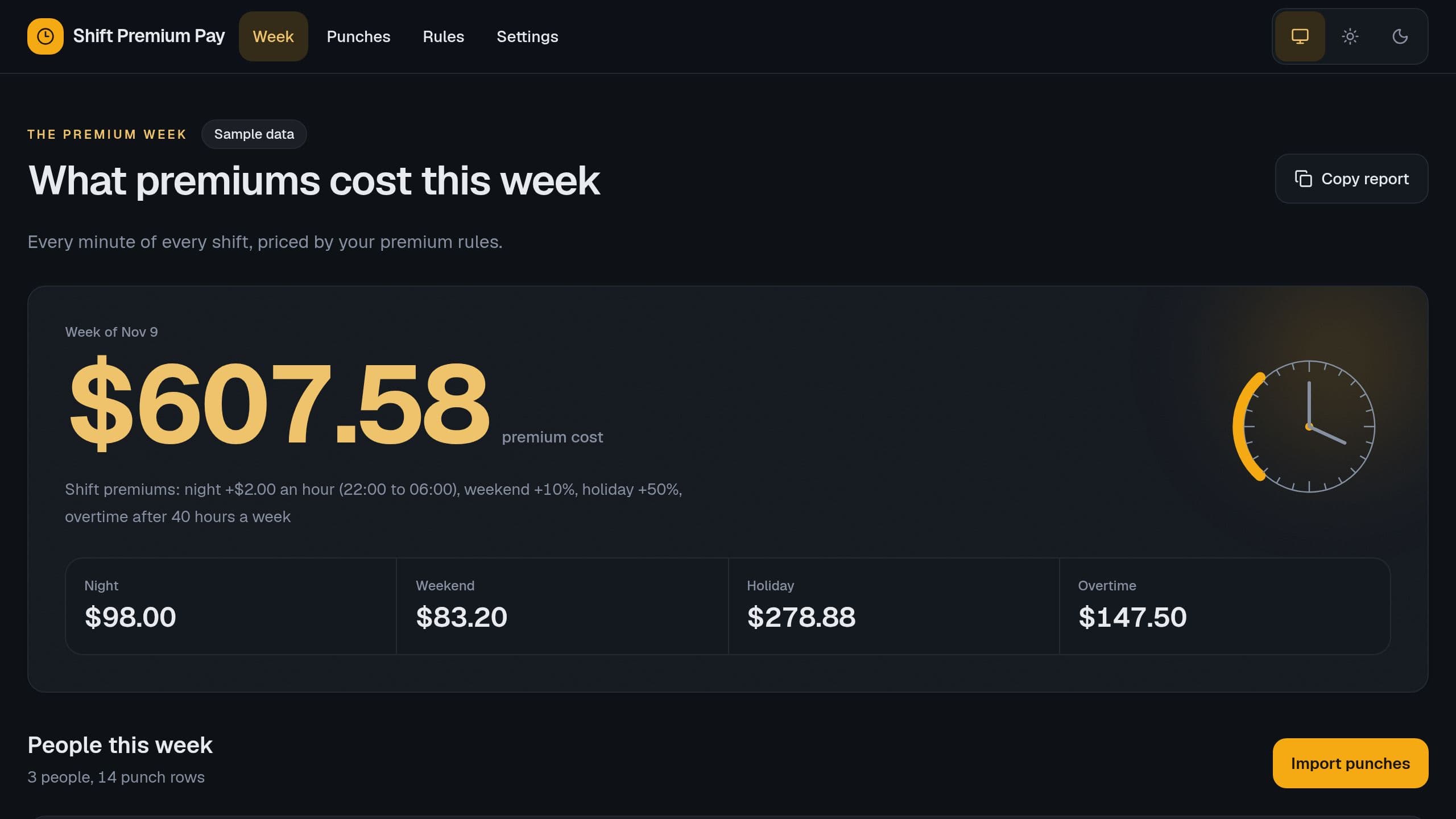
Work out night, weekend and holiday premiums minute by minute from punch times, overtime after 40 hours at the regular rate, and the premium cost per week.
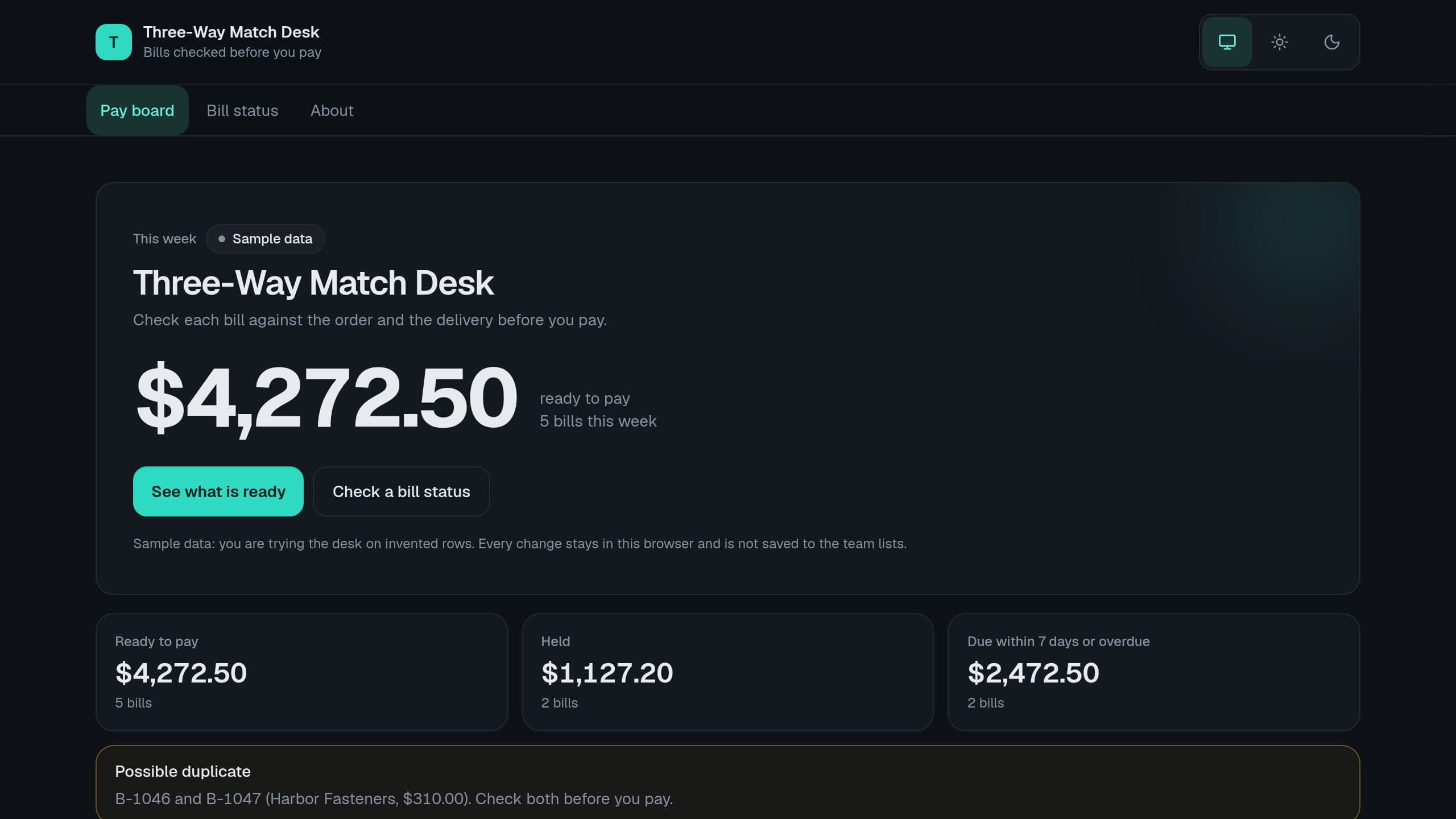
Check each supplier bill against the purchase order and the goods received before you pay. Held lines, price tolerance, duplicate bills and a Monday pay list, with a bill status page for suppliers.
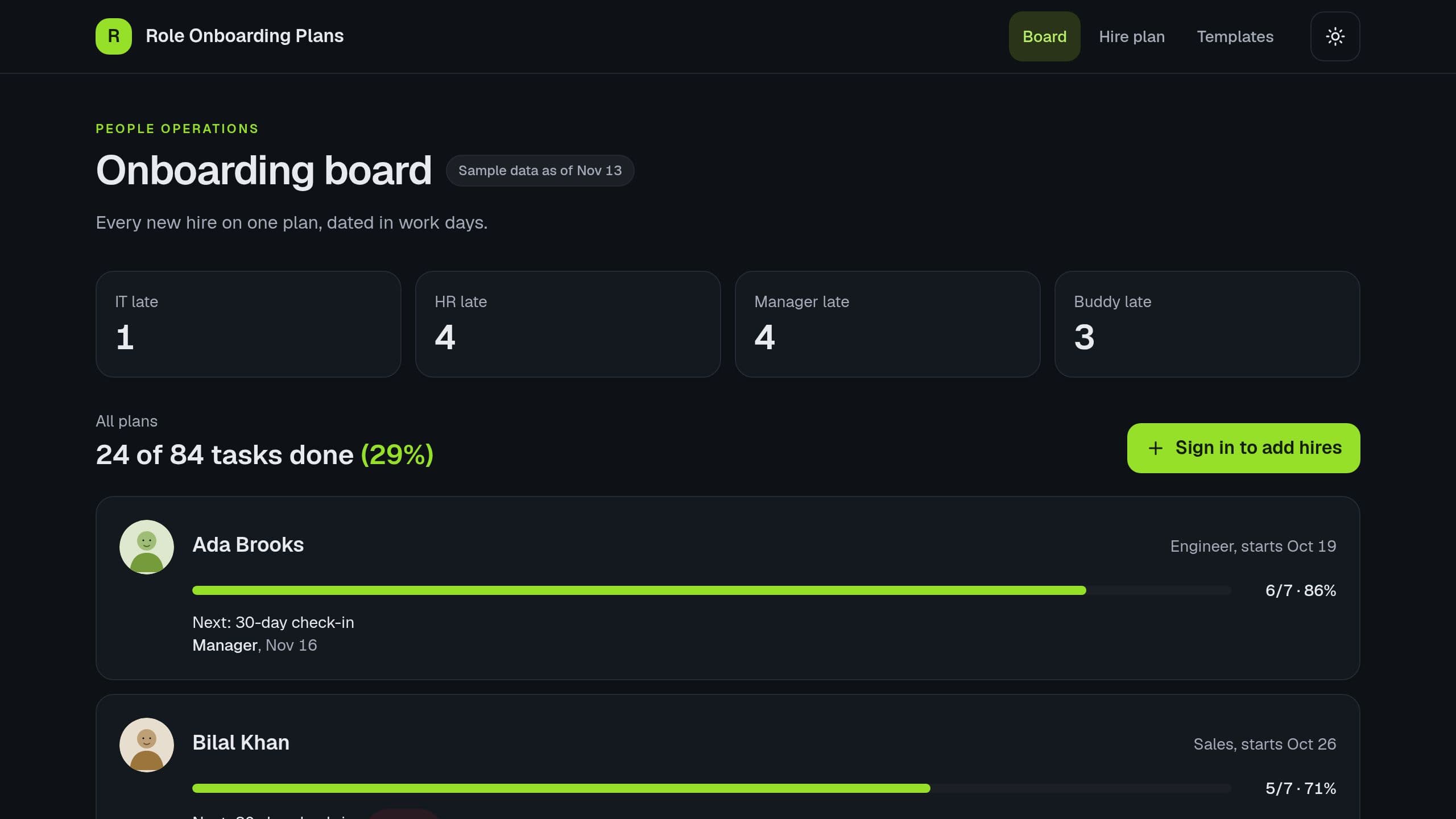
Pick a role and a start date for each new hire, get a plan dated in work days, and see the share done and the late tasks of IT, HR, managers and buddies.
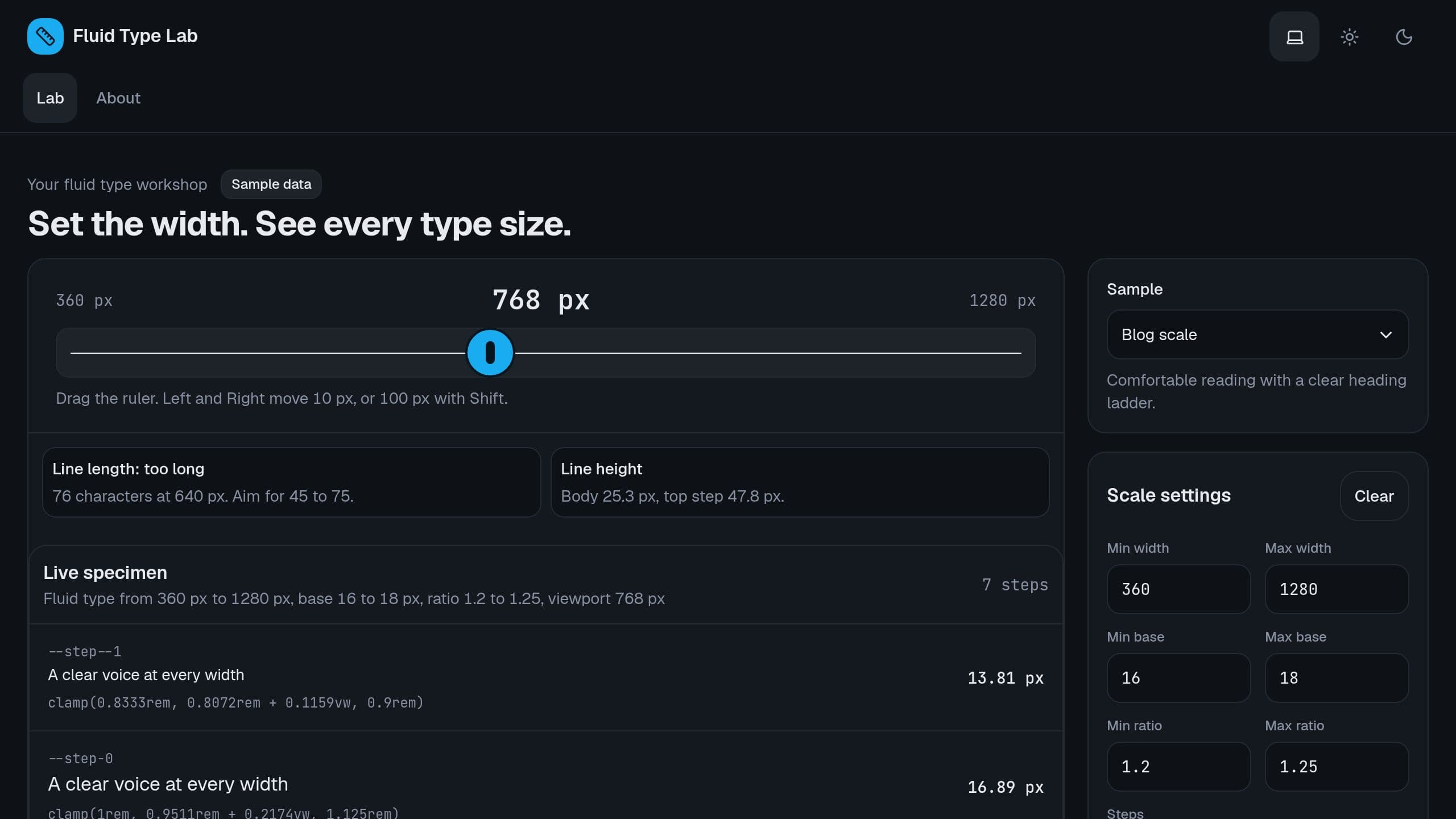
Set 2 screen widths, 2 base sizes and 2 ratios, drag the width and see each type step as clamp() CSS, the line length and the line height. Free.
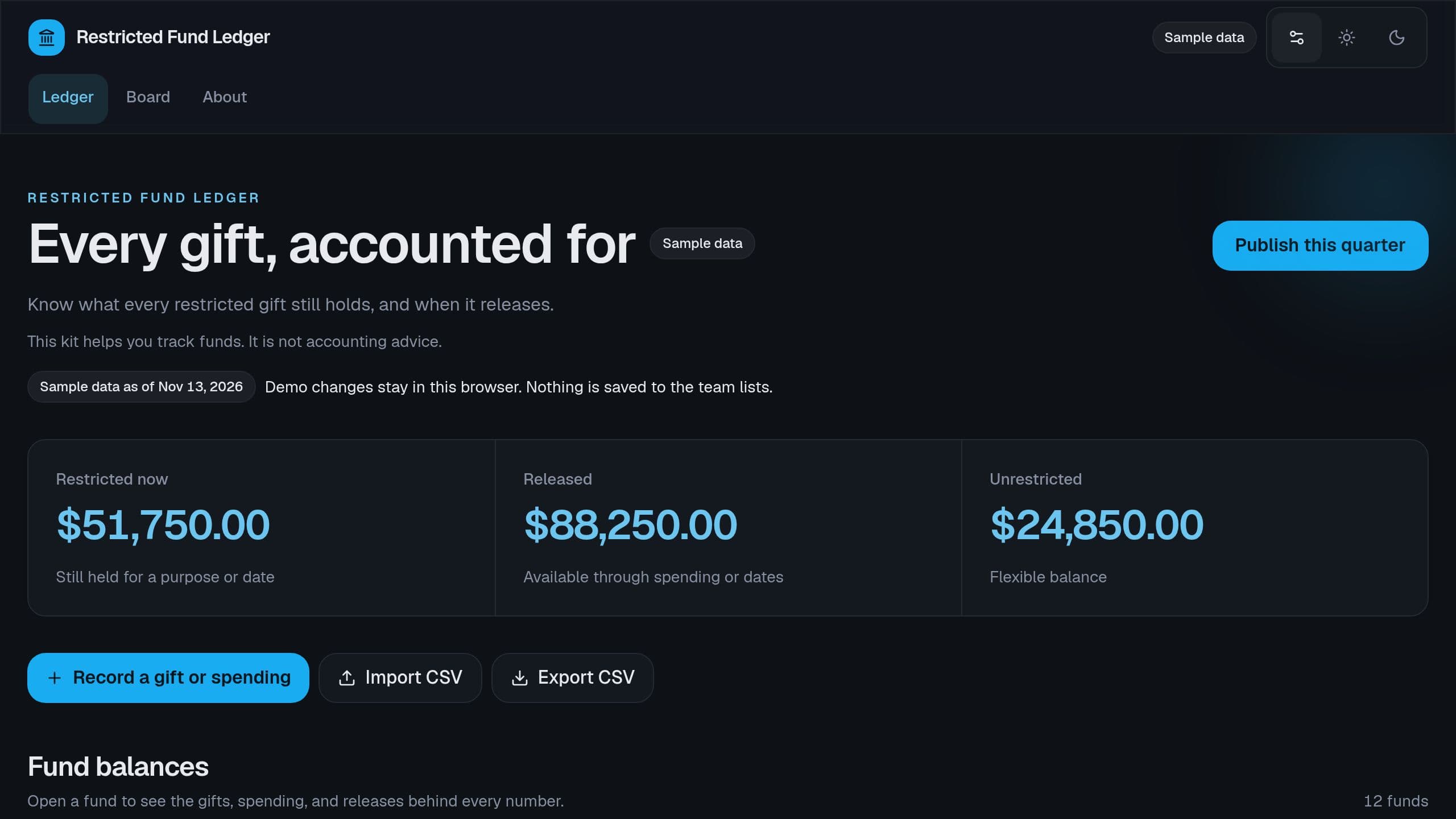
Track each restricted gift by purpose or by date, release it when you spend on the purpose or when its date comes, and see the restricted balance of each fund for the board.
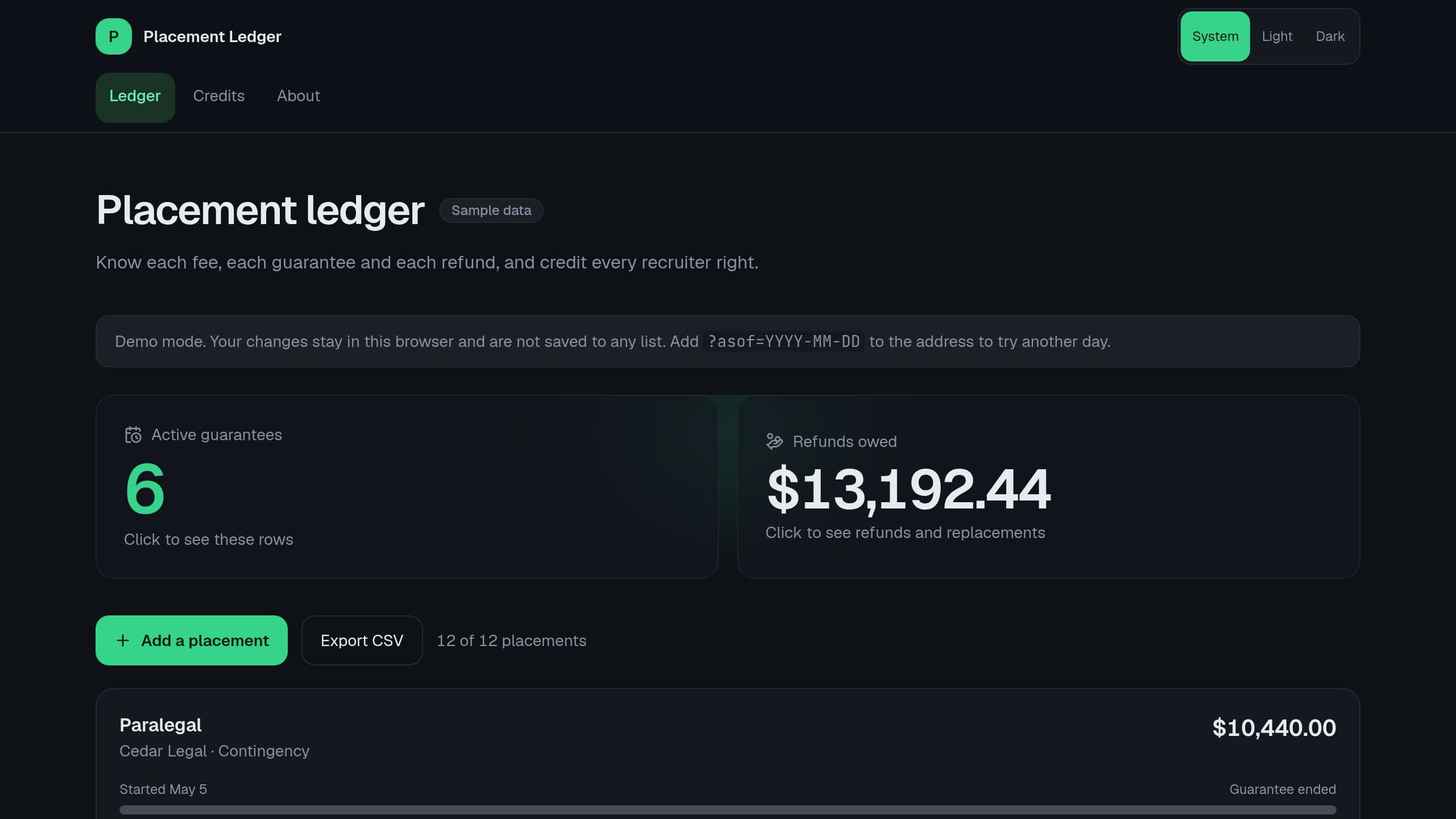
Track each placement fee, retained fees in 3 parts, the guarantee period, the refund or free replacement when a hire leaves early, and the fee credit of each recruiter. Set the App link row in Settings to your own app address.
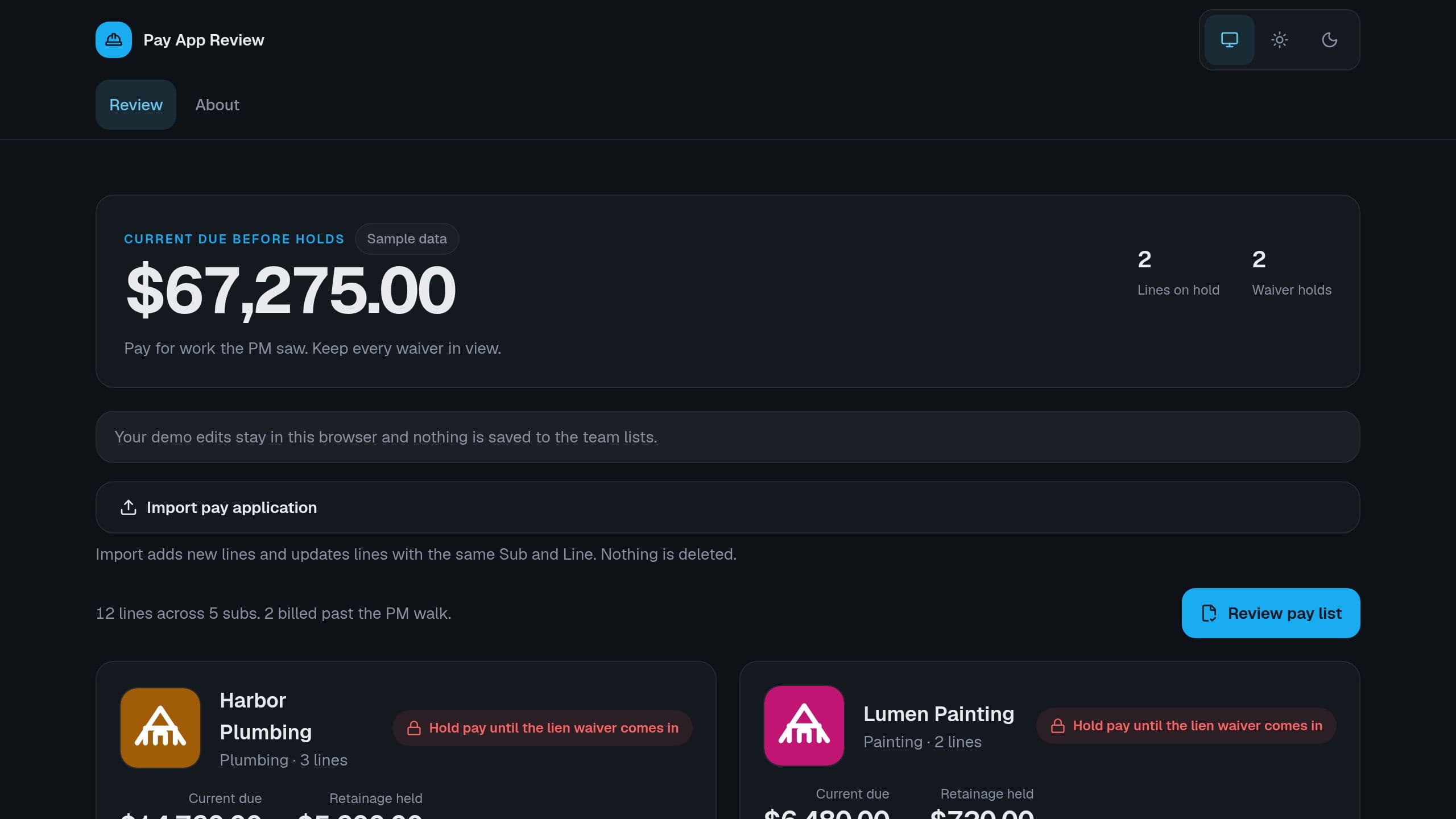
Review each subcontractor pay application line by line: percent complete against what the PM verified, stored materials, retainage and current due, with a hold until the lien waiver comes in.
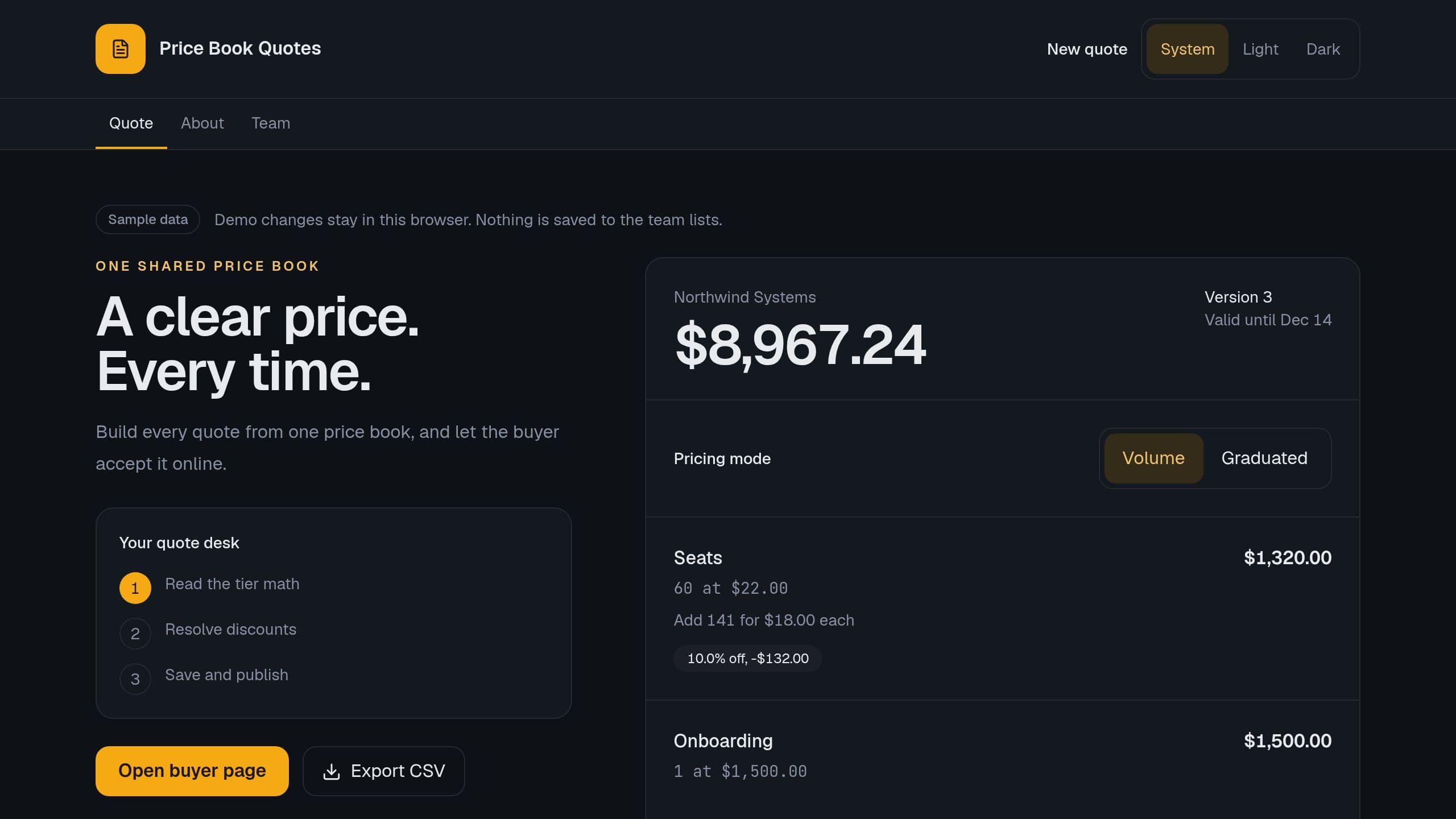
Build each quote from one price book with quantity tiers, volume or graduated pricing, discounts inside a limit and tax, keep each version, and let the buyer accept it on a page.
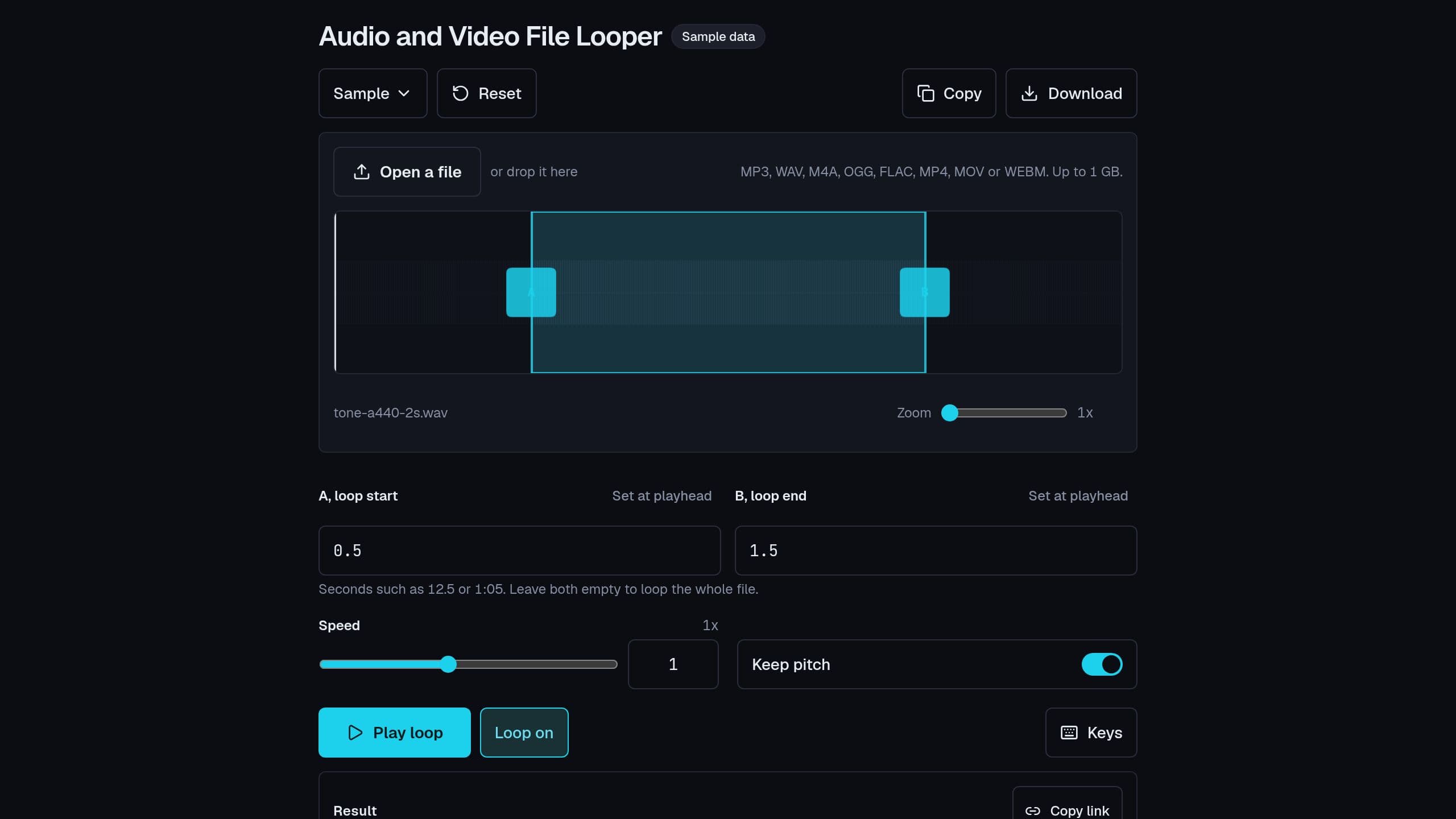
Loop part of your own audio or video file on a waveform. Drag A and B, change the speed from 0.25x to 2x with or without pitch, read the peak level of the loop, and share the loop settings as a link. The file stays on your device and is never uploaded. No sign-in.
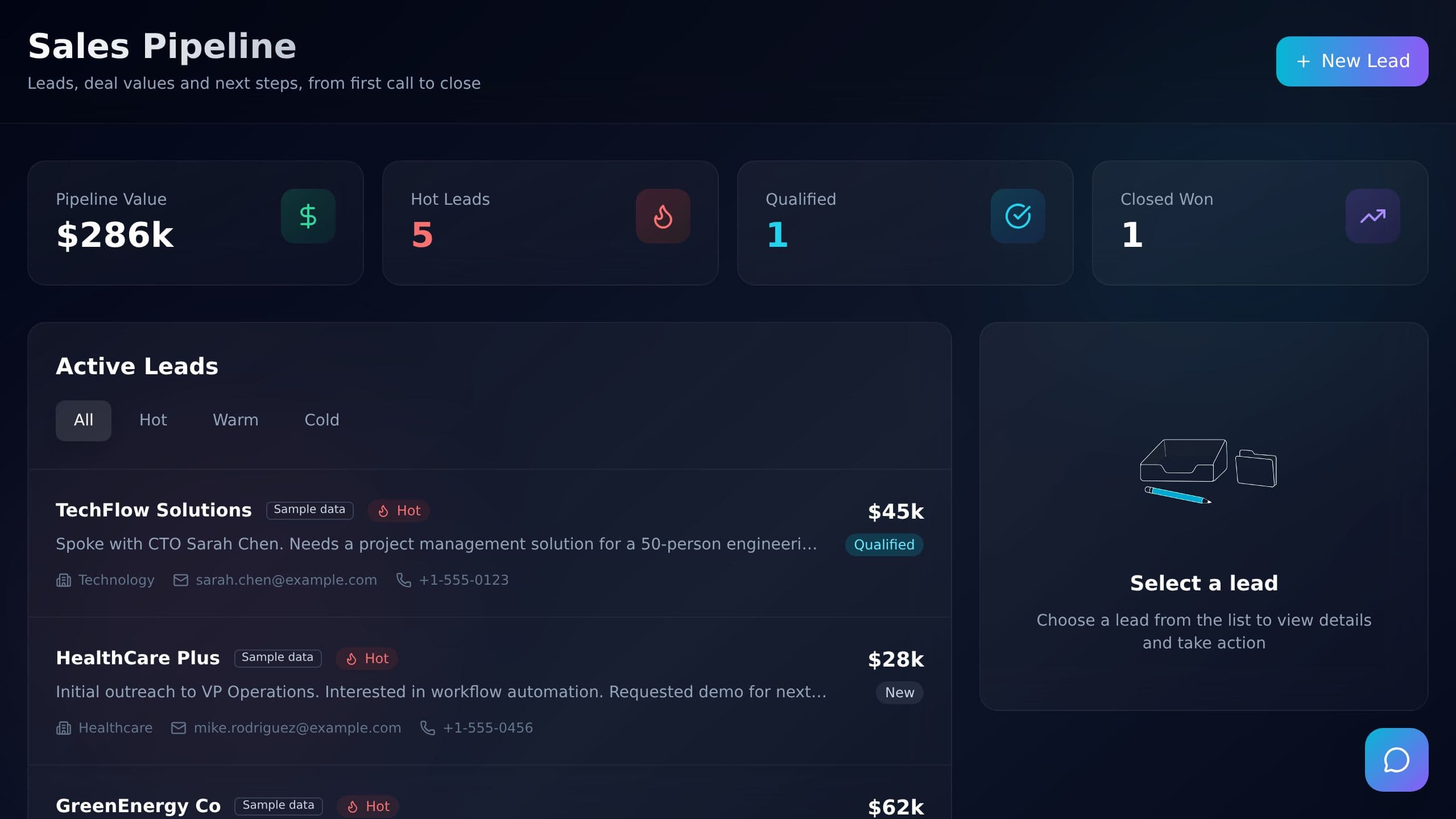
See pipeline value, hot leads, qualified and closed deals at a glance. Filter active leads by hot, warm or cold, and open a lead to see its details and next step. Sample leads show how it works.
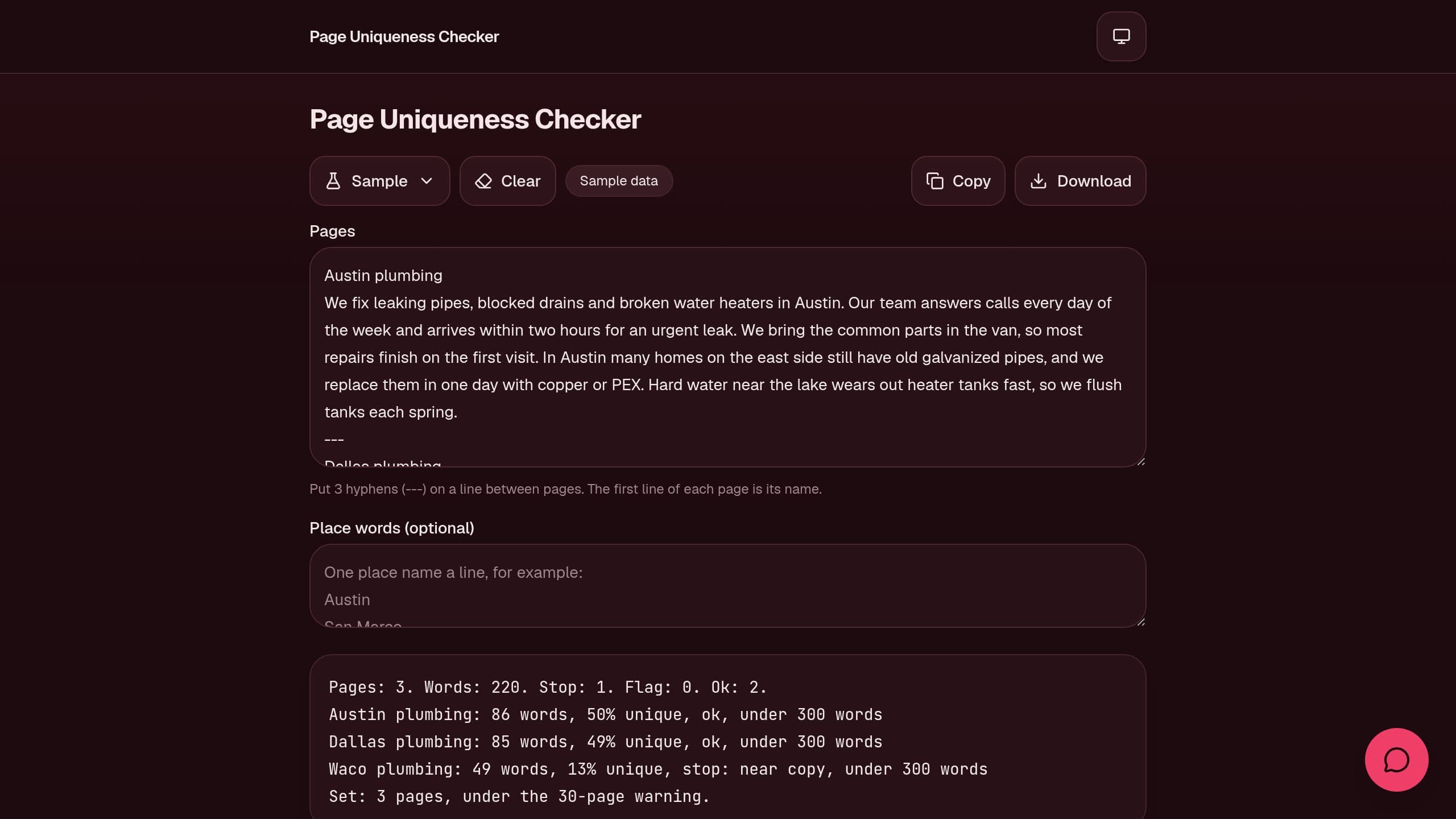
Paste a set of location or template pages and see the unique text share of each page, a swap test for place names and a large-set warning, free.
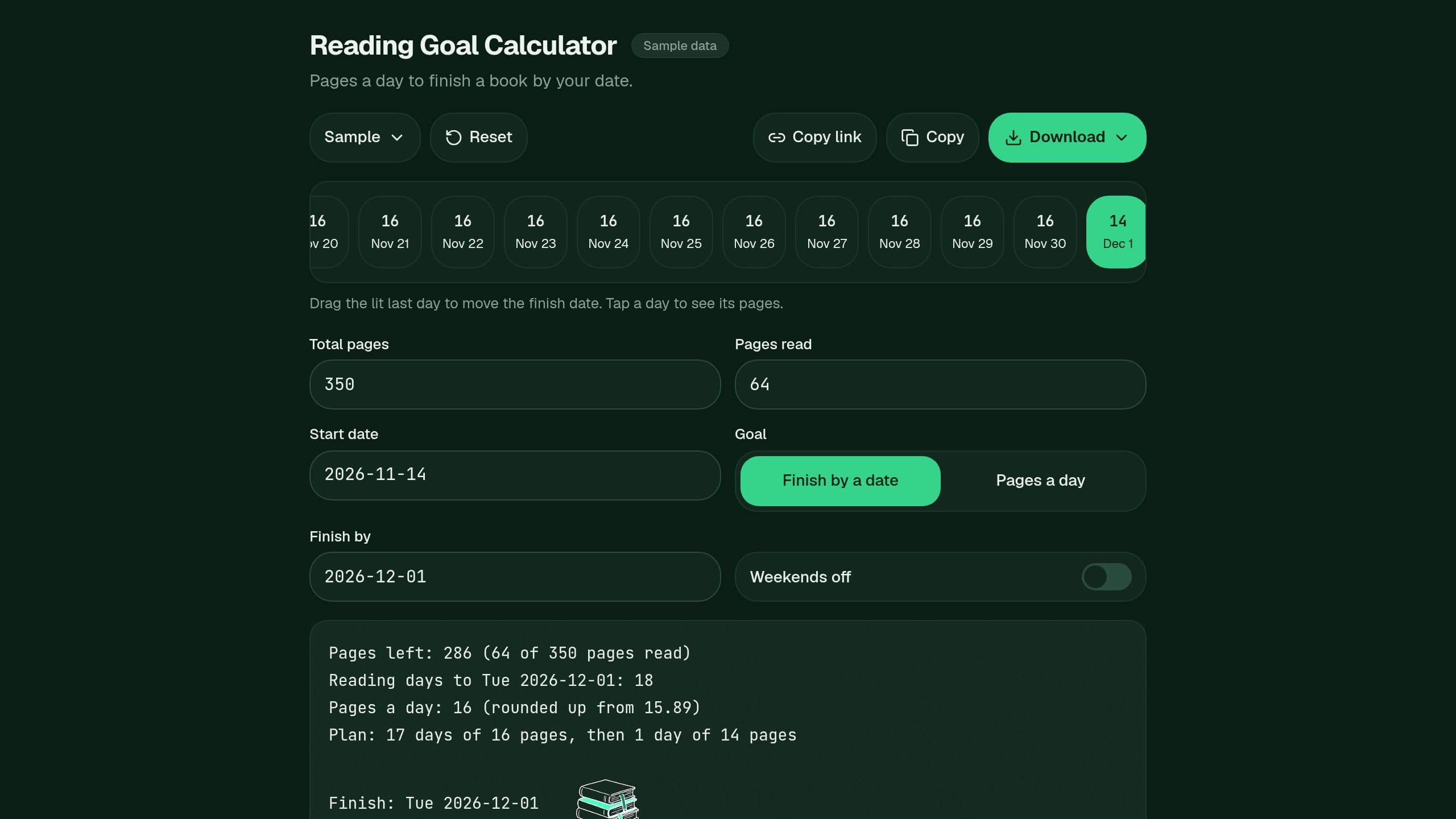
Type your pages, the pages read and a finish date, and get the pages a day, a day plan and the finish date. Free.
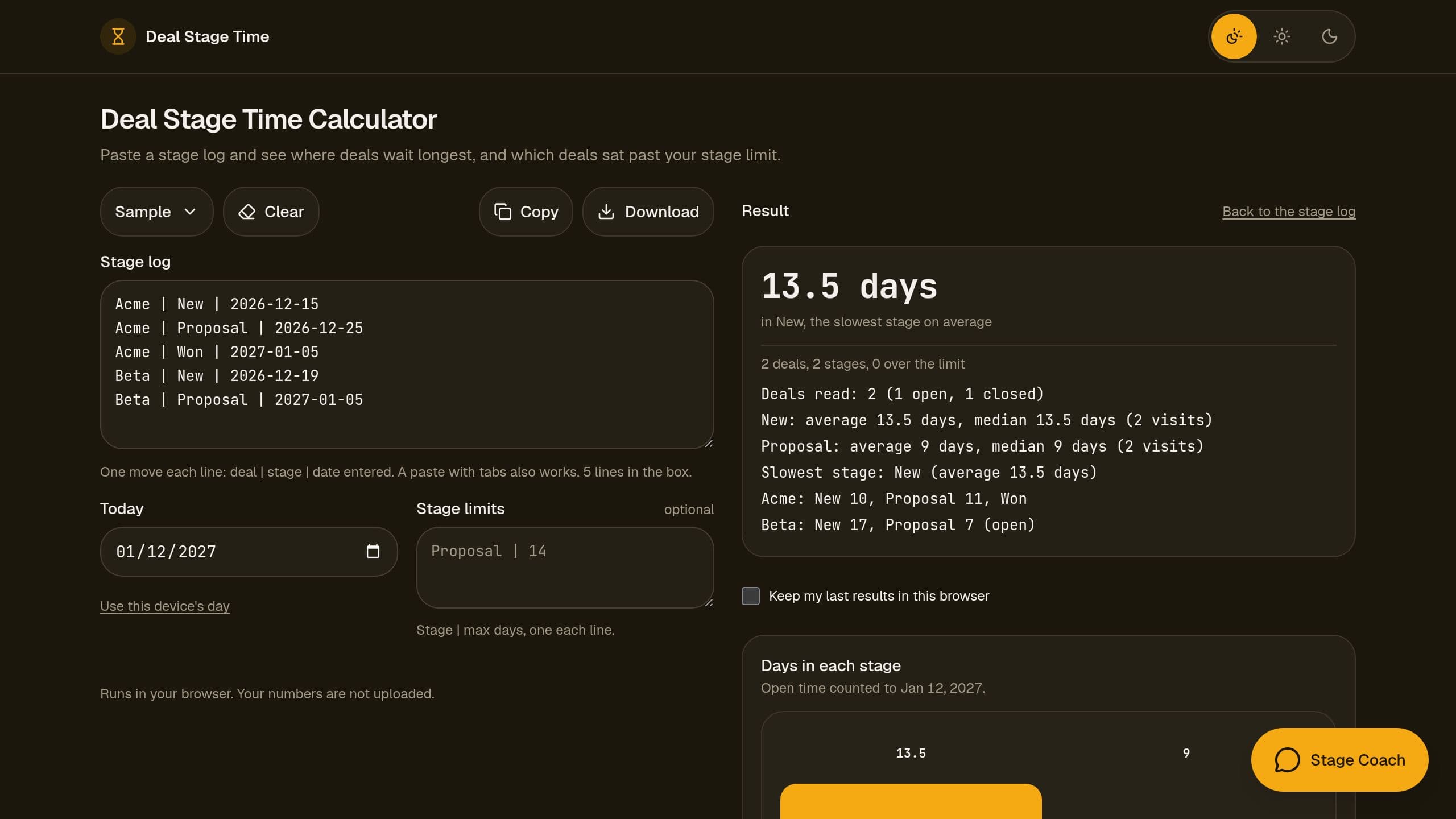
Paste a stage log from any CRM and see the median days in each stage, the slowest stage and the deals over your stage limit, free, in your browser.
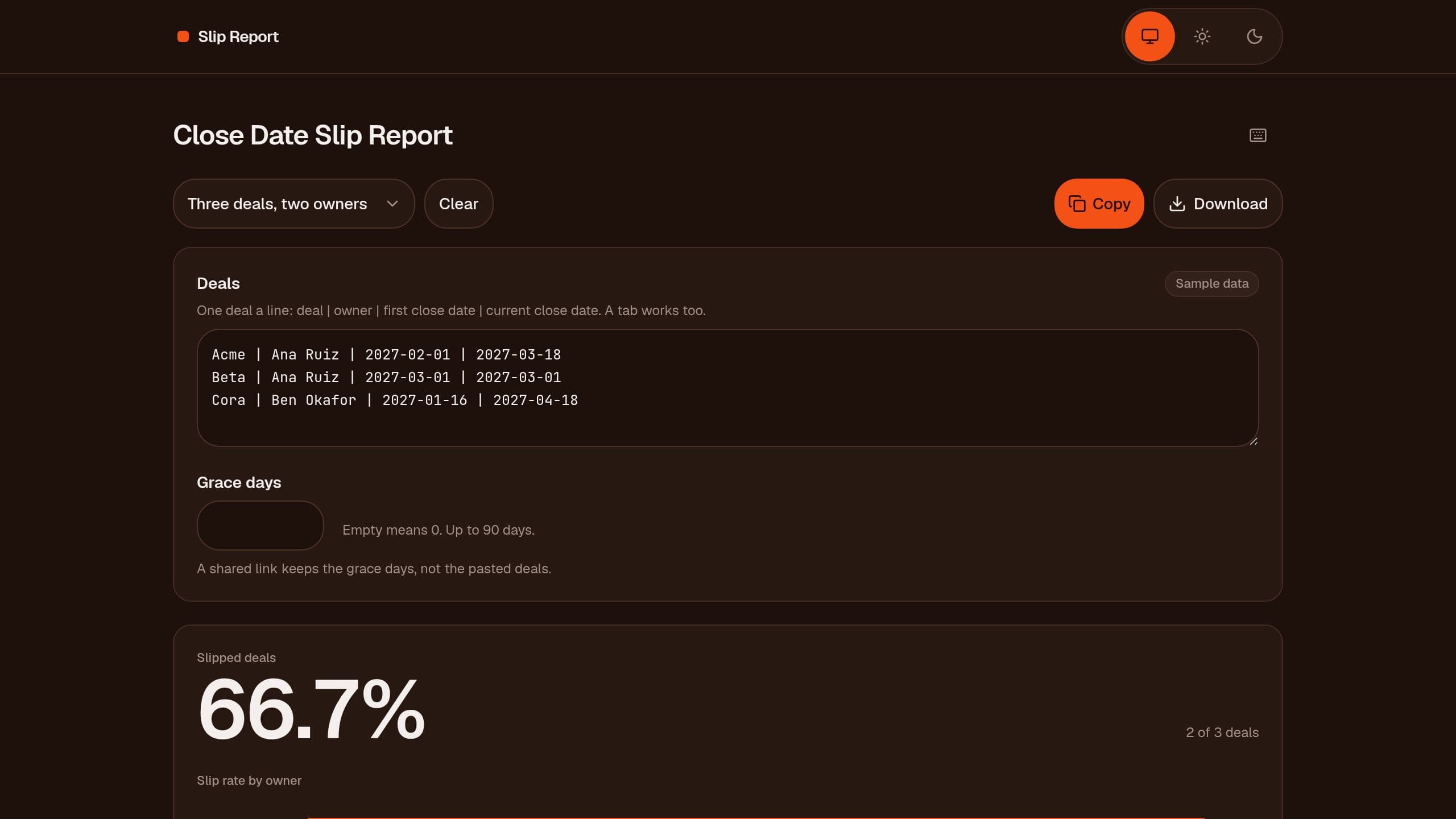
Paste the first and current close date of each deal and see slip days per deal and the slip rate per owner. Free, runs in your browser.
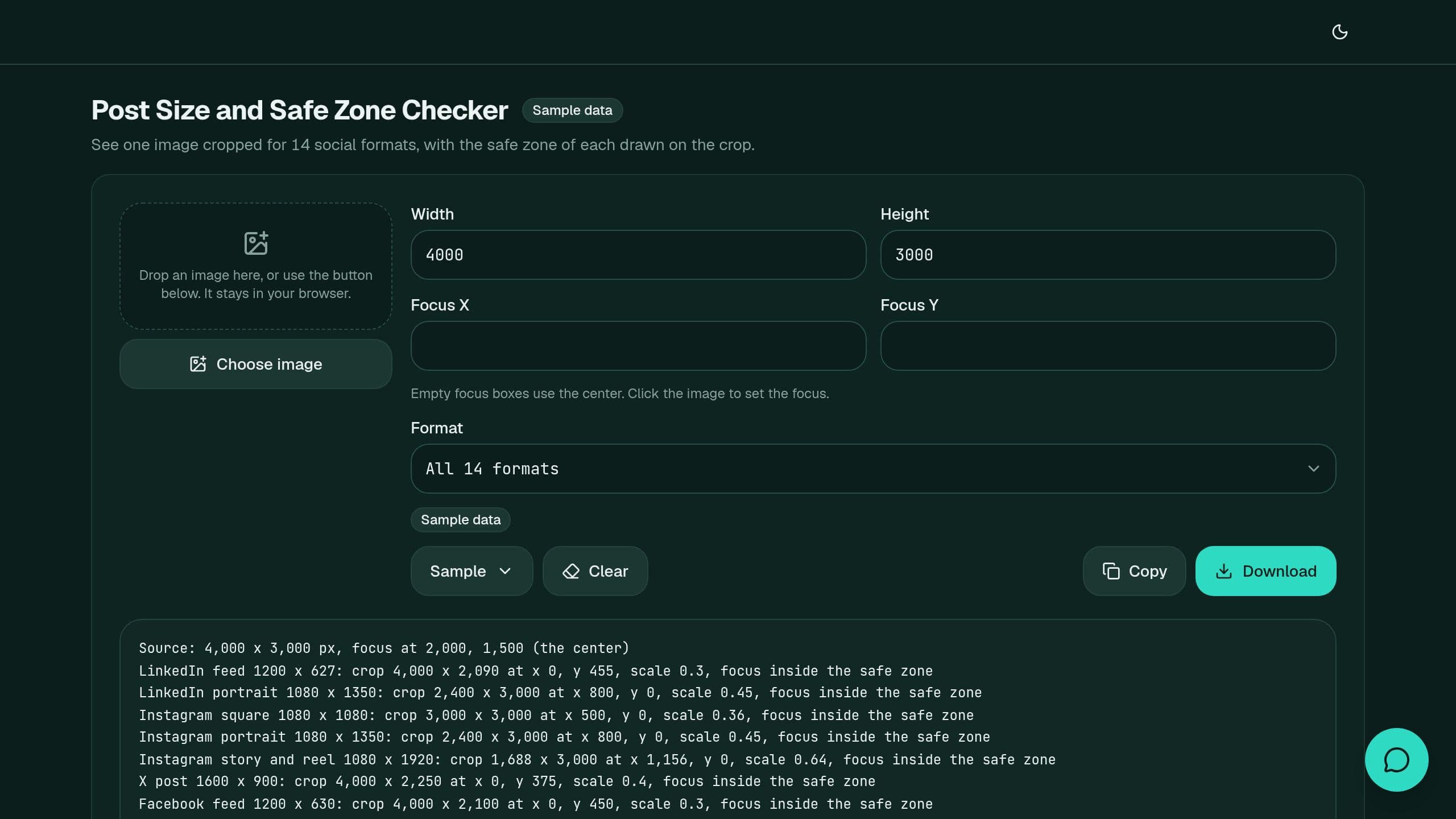
Pick an image and see it cropped for 14 social formats with the safe zone drawn on each, a focus check and an upscale warning, then save each crop, free.
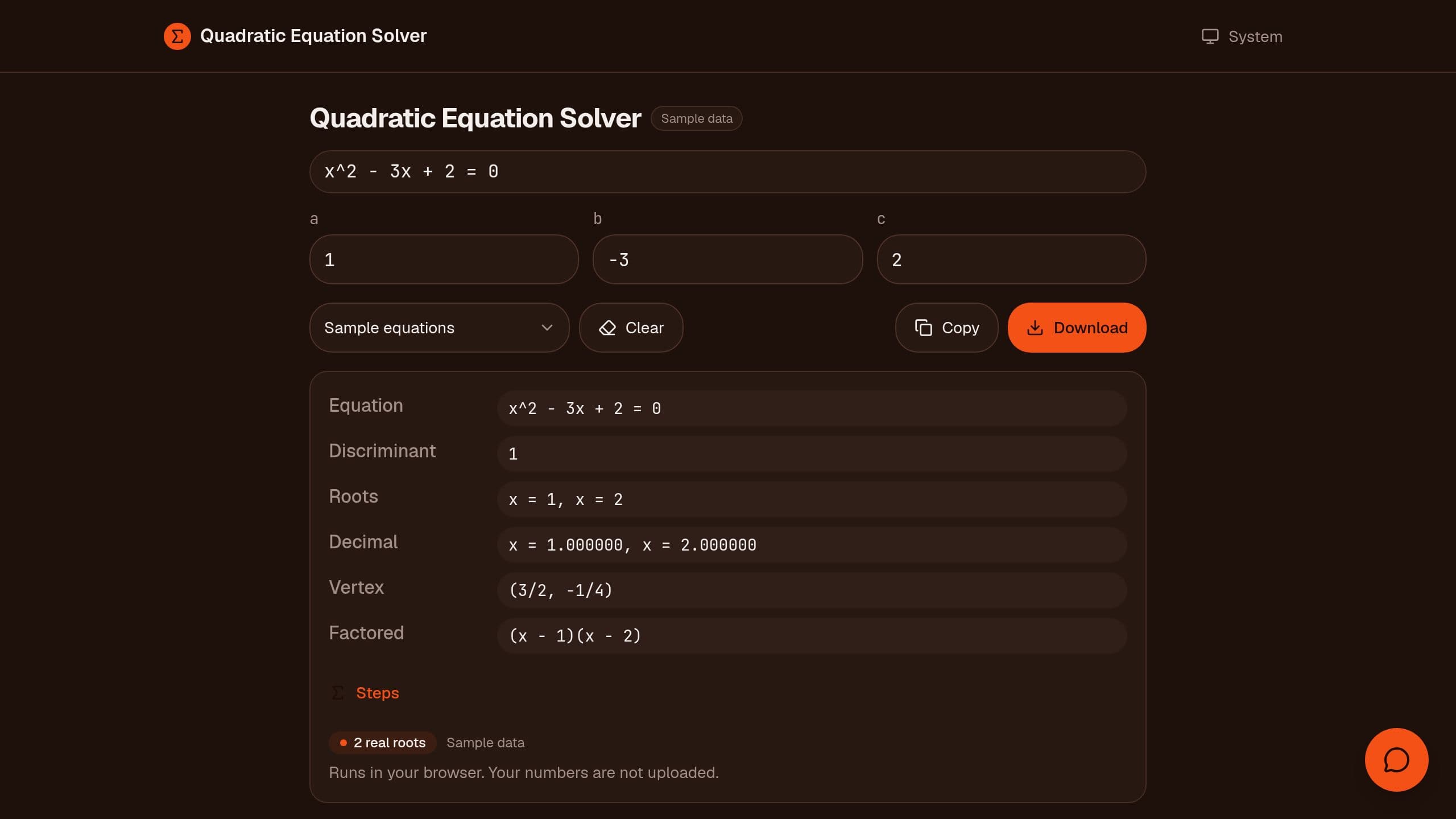
Free quadratic equation solver: type a, b and c and get the exact roots, discriminant, vertex and factored form, with decimals and steps. Runs in your browser.
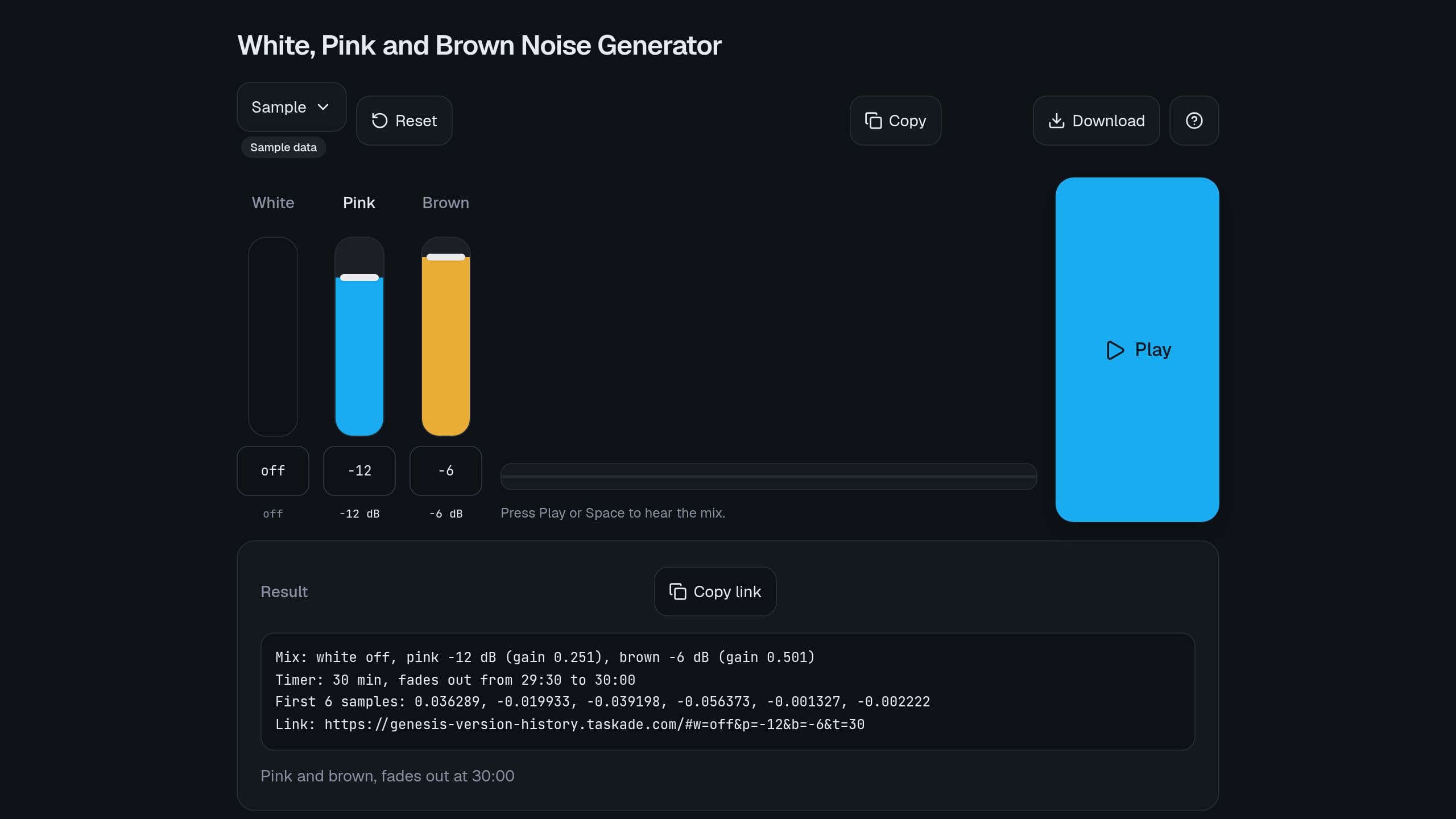
Mix white, pink and brown noise with 3 sliders, set a sleep or focus timer with a soft fade, and share your mix as a link. Free, made in your browser.
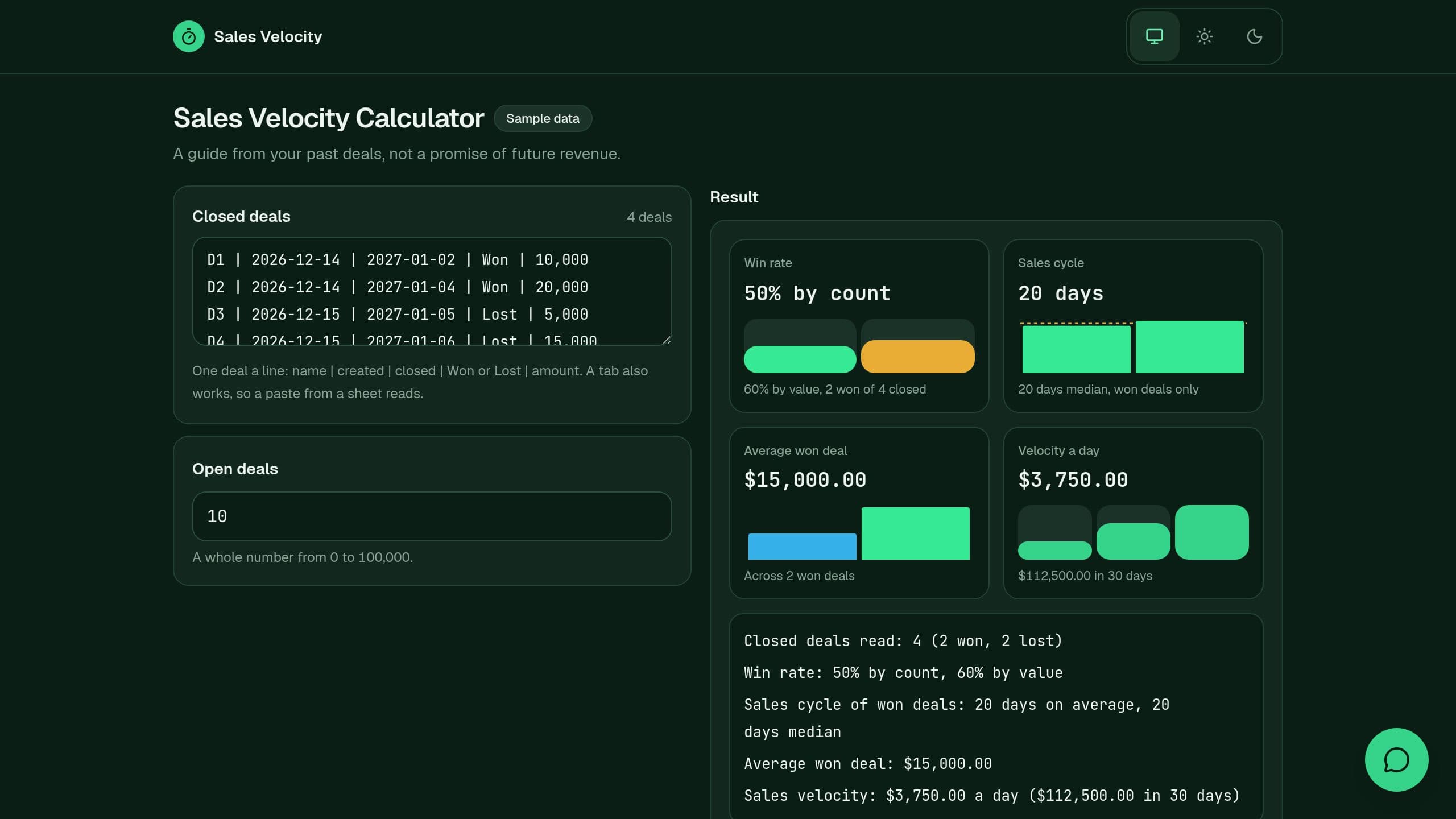
Paste your closed deals and open deal count, and see win rate by count and value, the sales cycle, the average won deal and sales velocity, free.
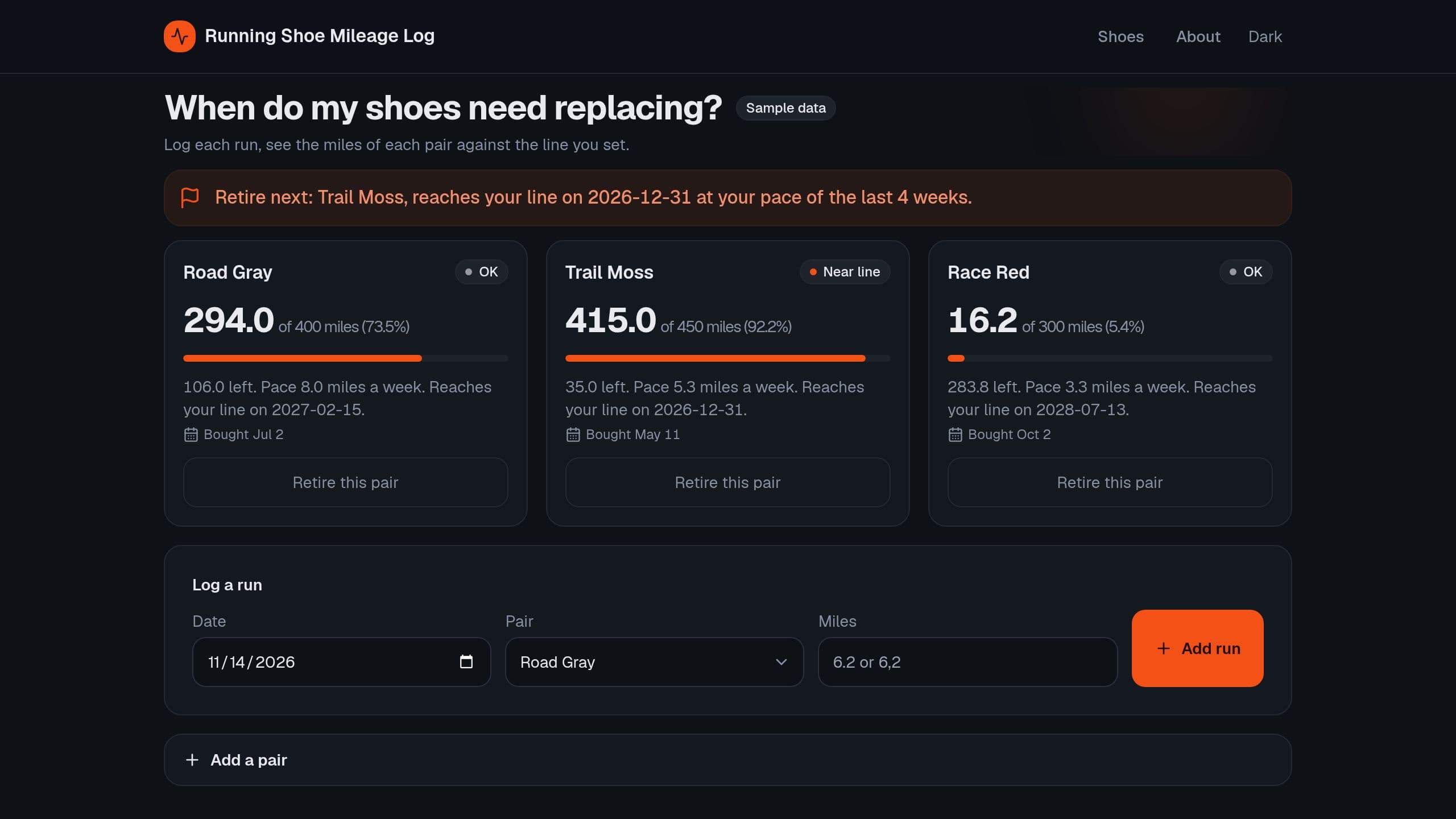
Log runs per pair of shoes and see miles so far, miles left to a replace line you set, and the date each pair reaches it at your pace. Free, with a Monday email.
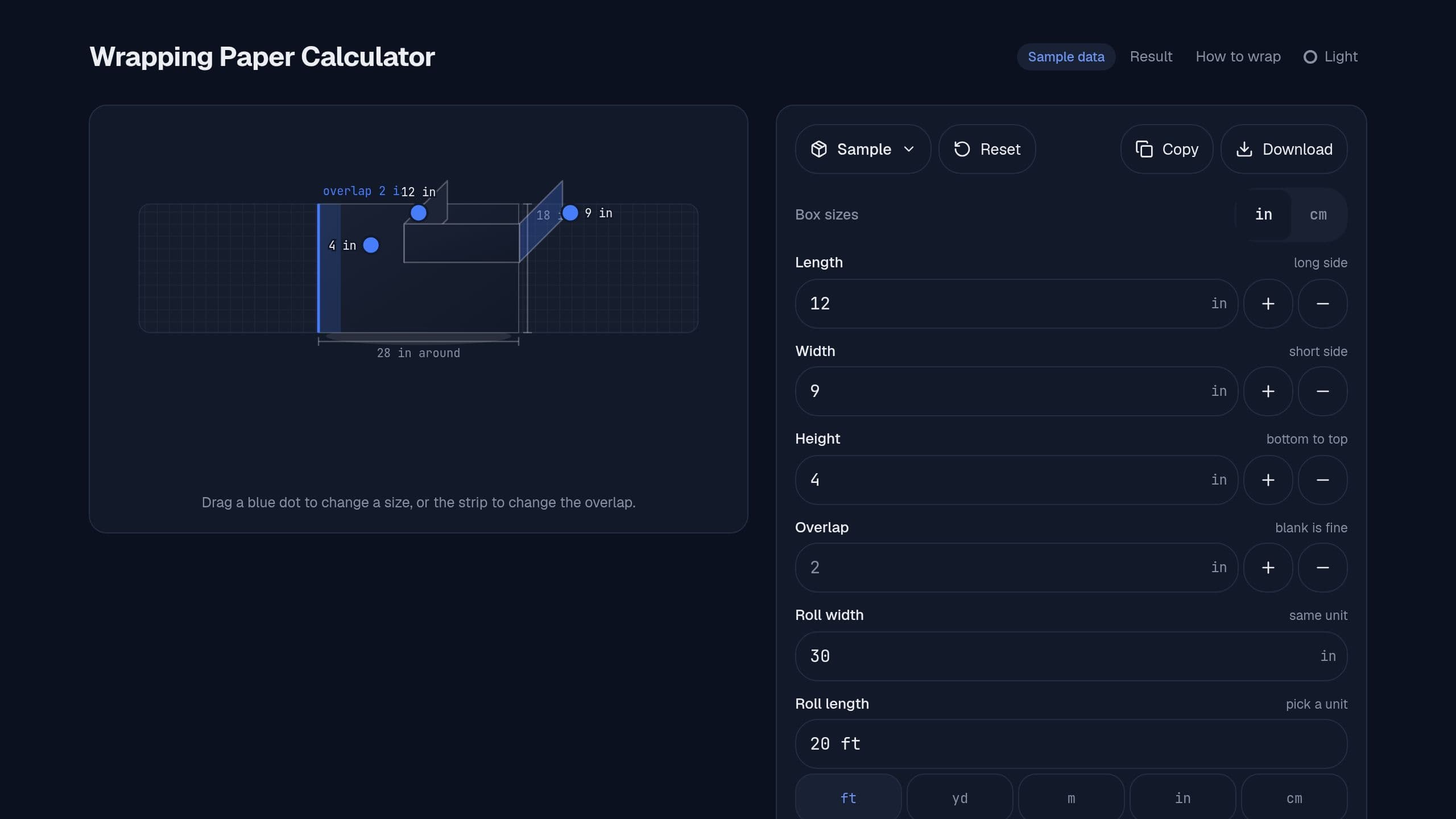
Type a box size and get the wrapping paper sheet to cut, the overlap and how many boxes one roll wraps. Free.
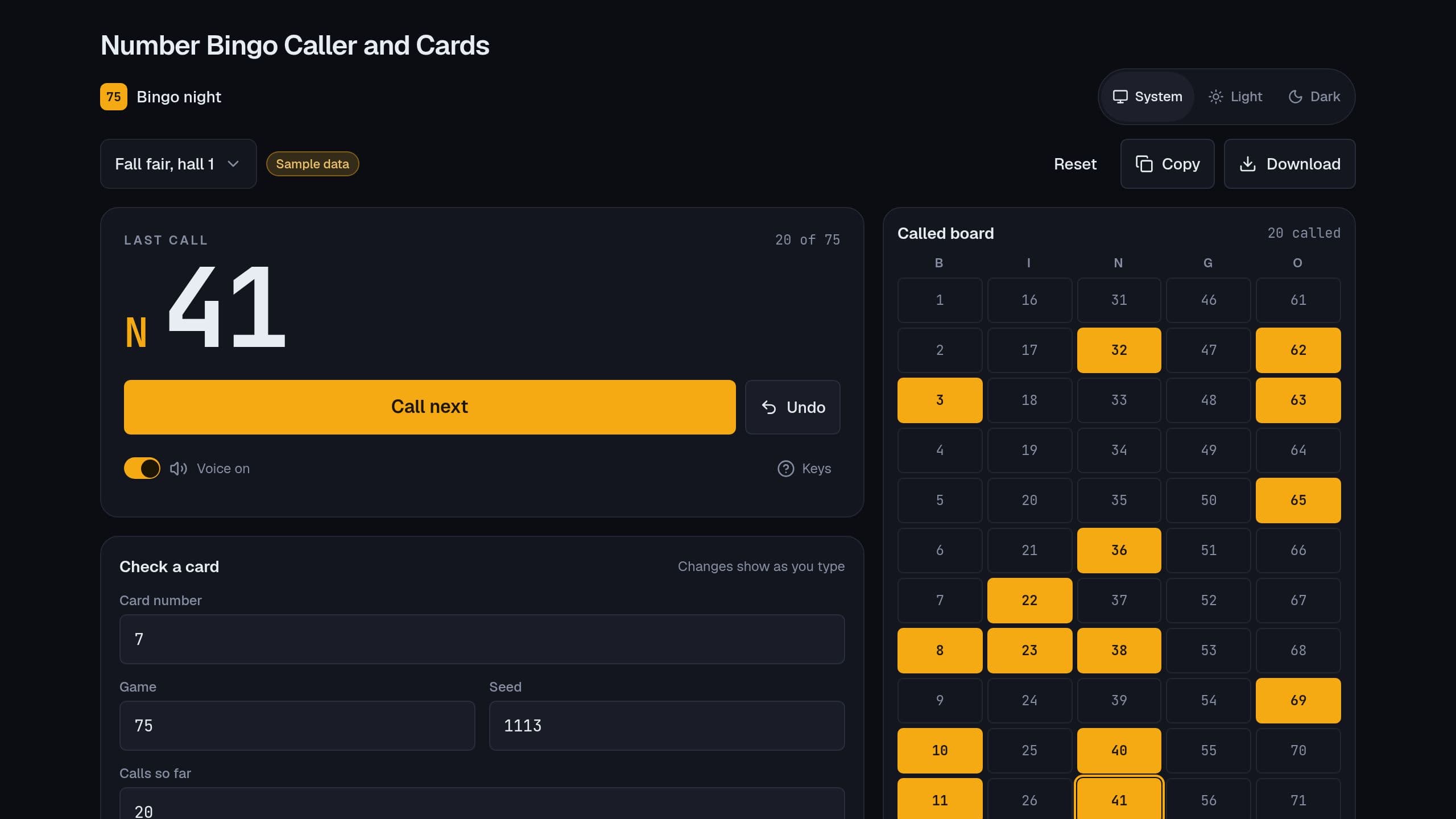
Call a 75-ball or 90-ball game, see the called board, print numbered cards and check any card by its number. Free, no sign-in.
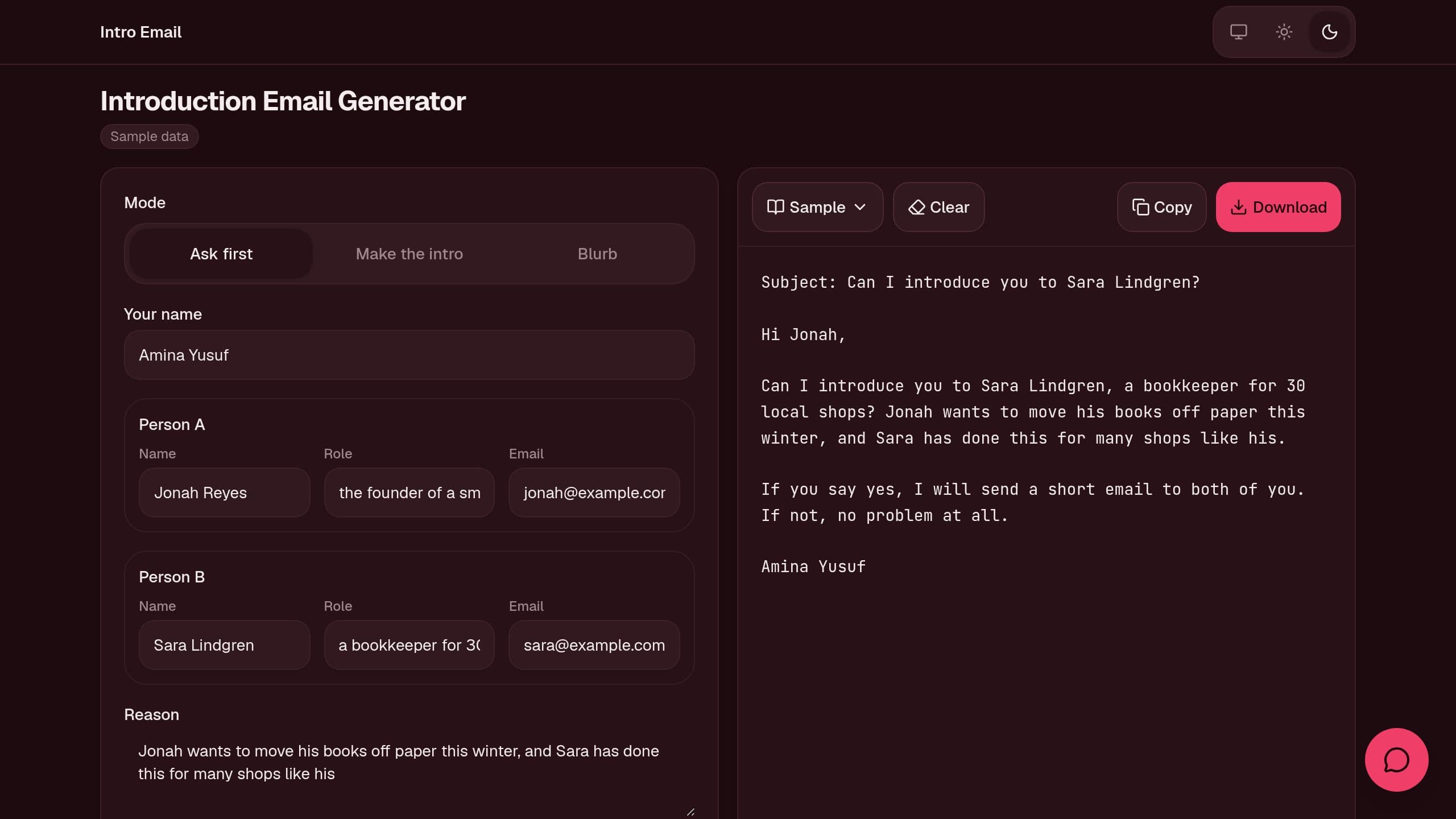
Fill 2 names, their roles and why they can help each other, and copy an ask-first email, an intro to both or a short blurb, free.
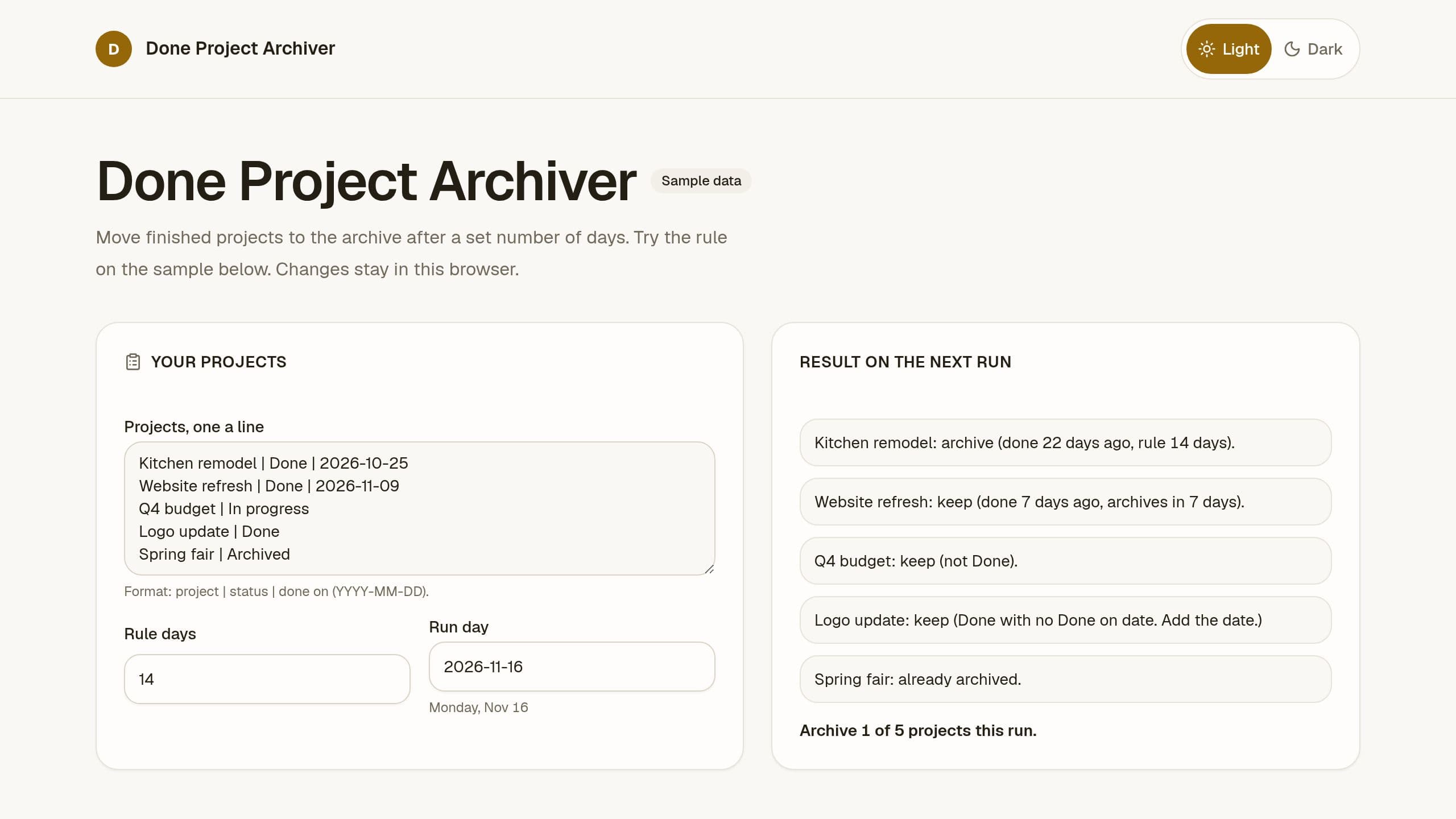
Set a rule such as 14 days, see which finished projects move to the archive on the next weekly run, and let a schedule archive them, free.
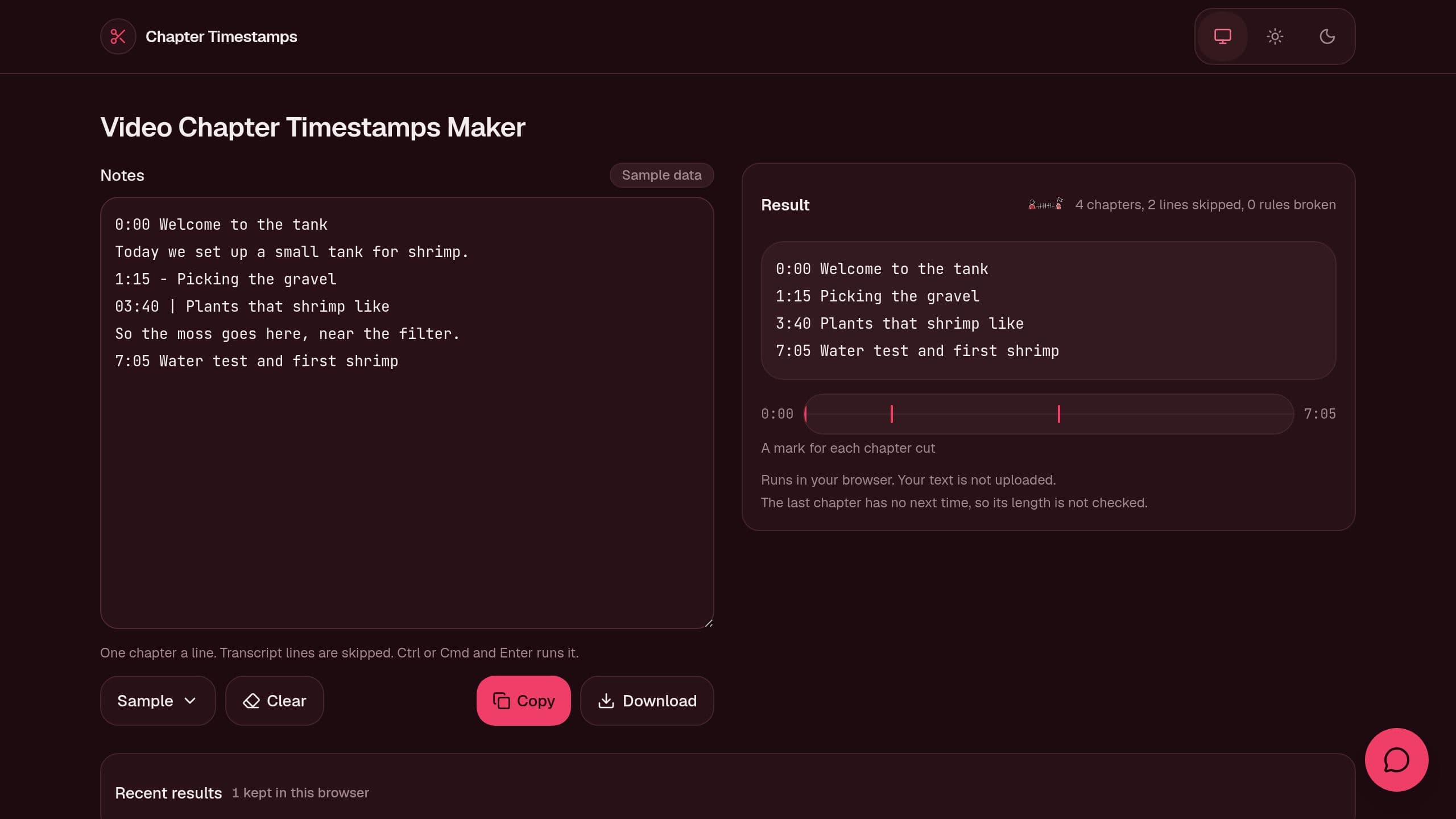
Paste timestamped notes or a transcript and get clean chapter lines for a video description, with each broken chapter rule and its fix. Free, runs in your browser, no sign-in.
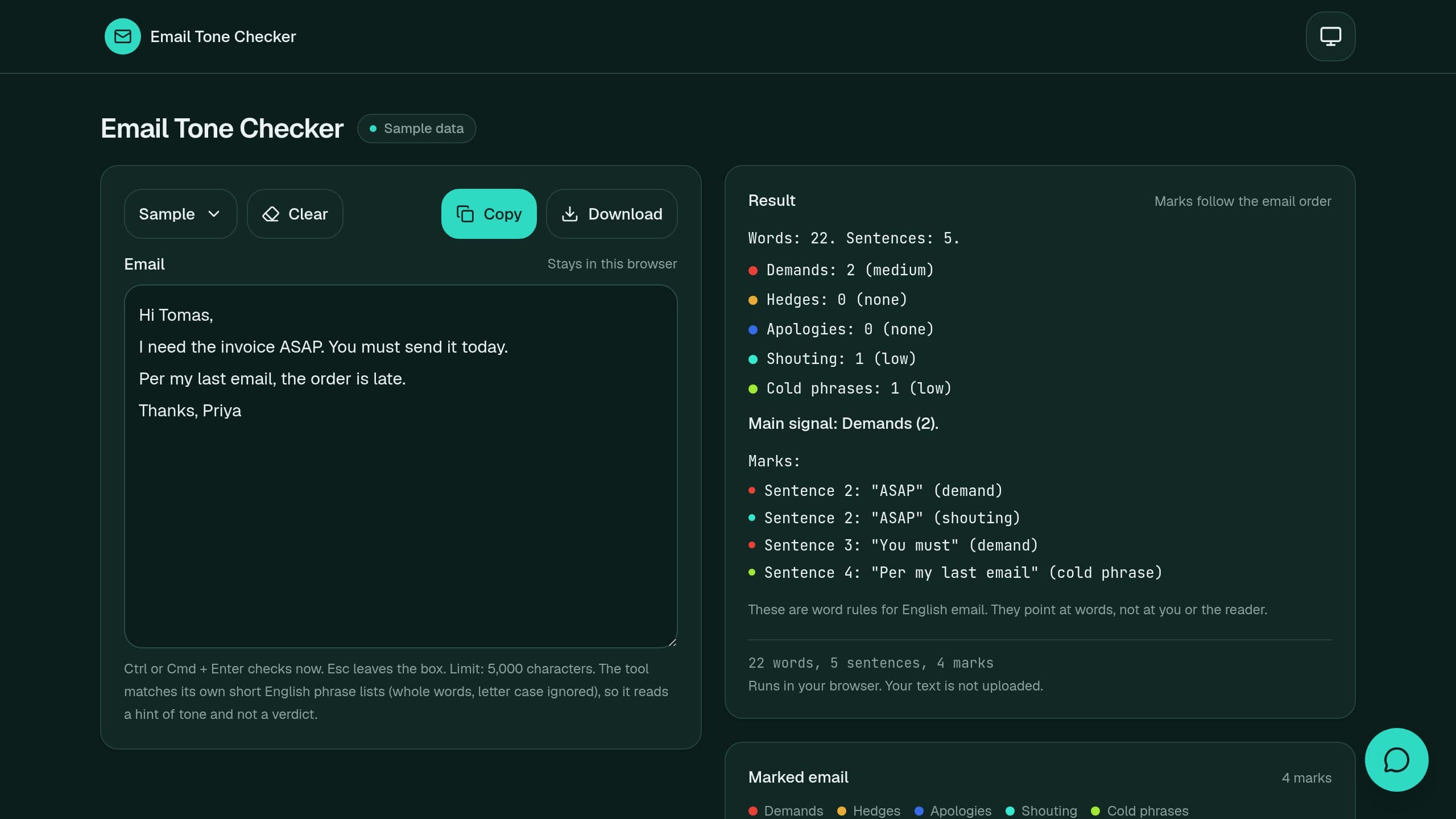
Paste an email and see the pushy, unsure, over-sorry, shouting and cold words in it, with counts and the sentence of each mark, free.
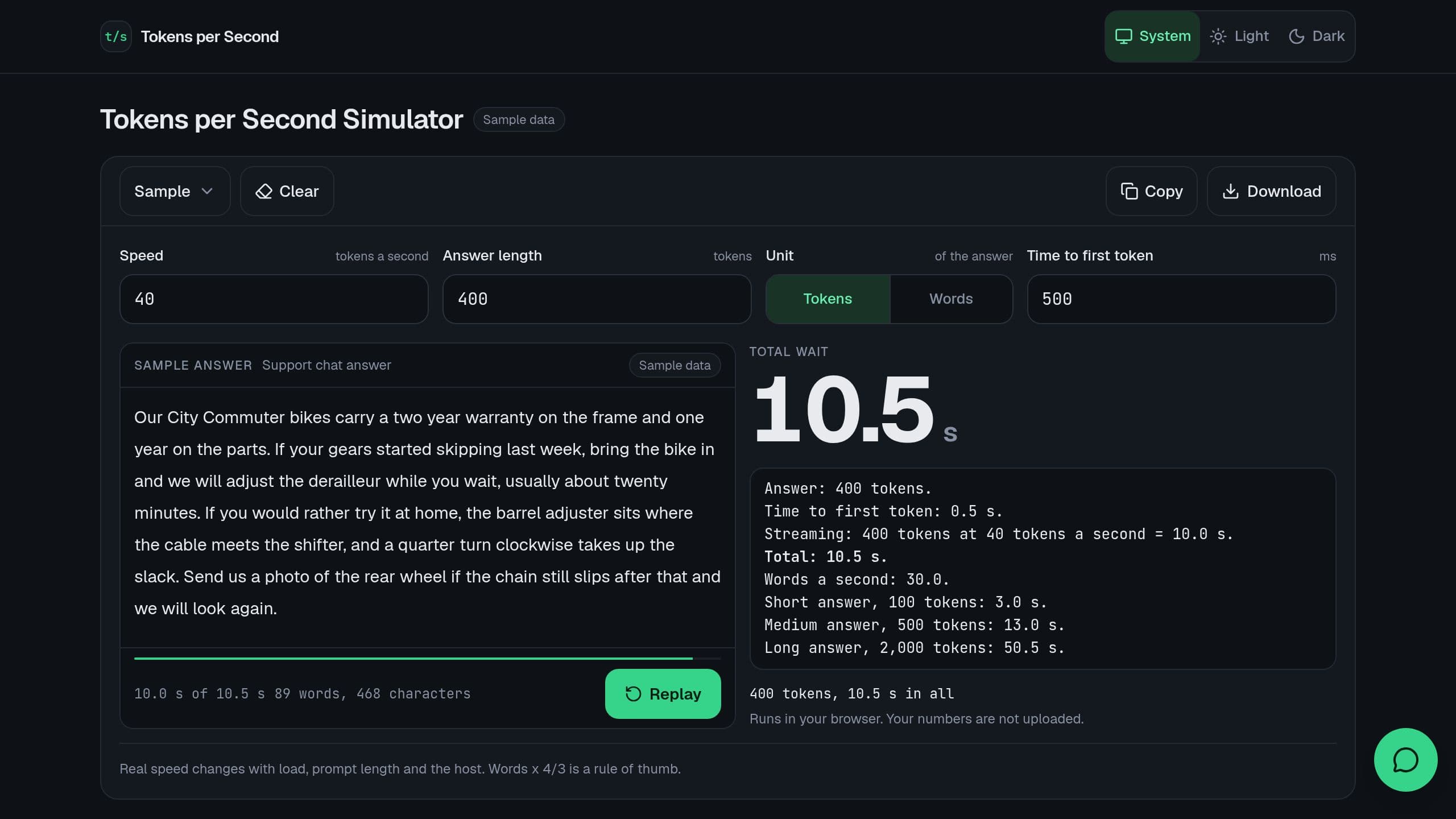
Enter a speed in tokens a second and an answer length, and see the wait, the stream time and the words a second, with a live stream, free.
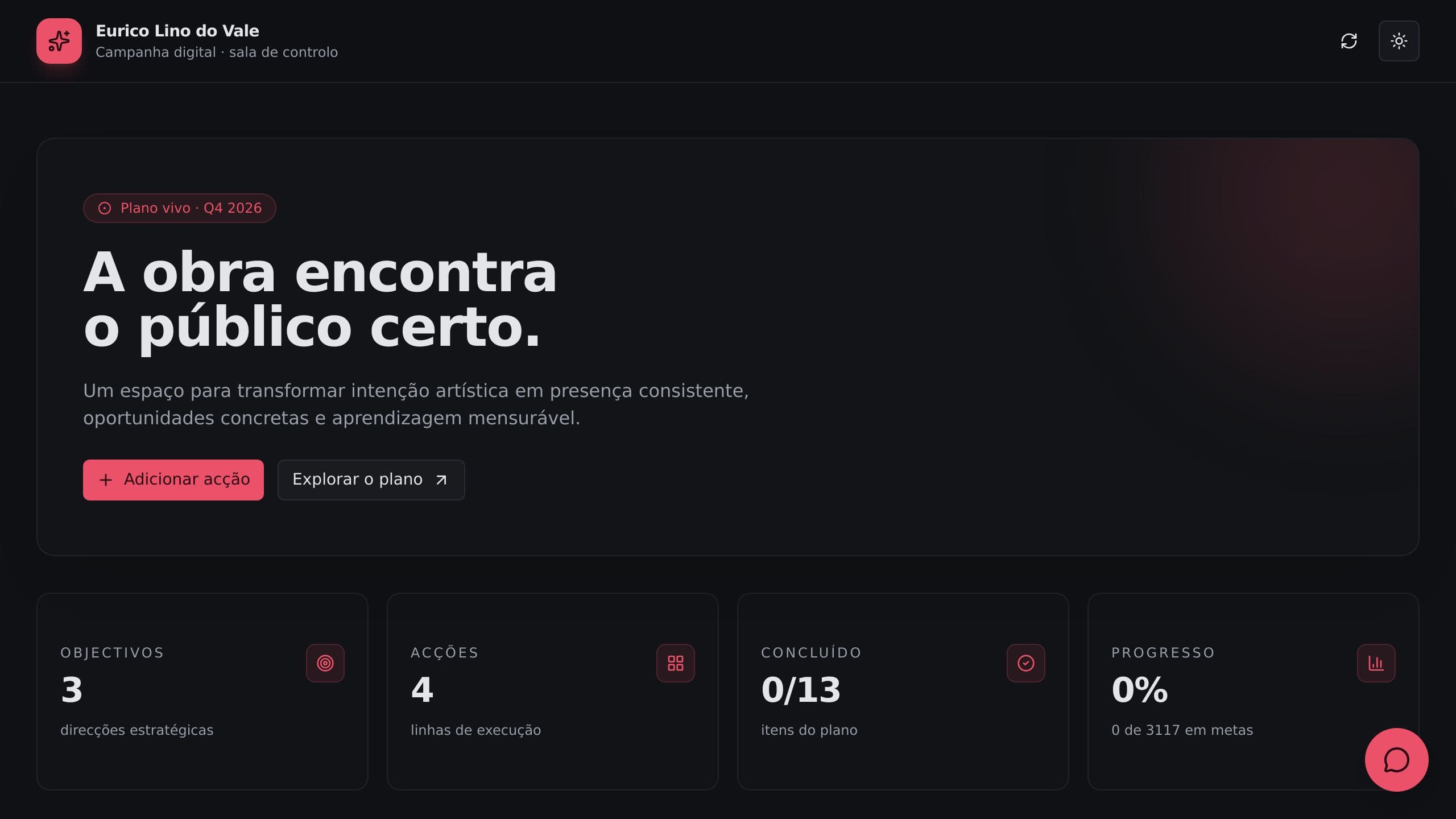
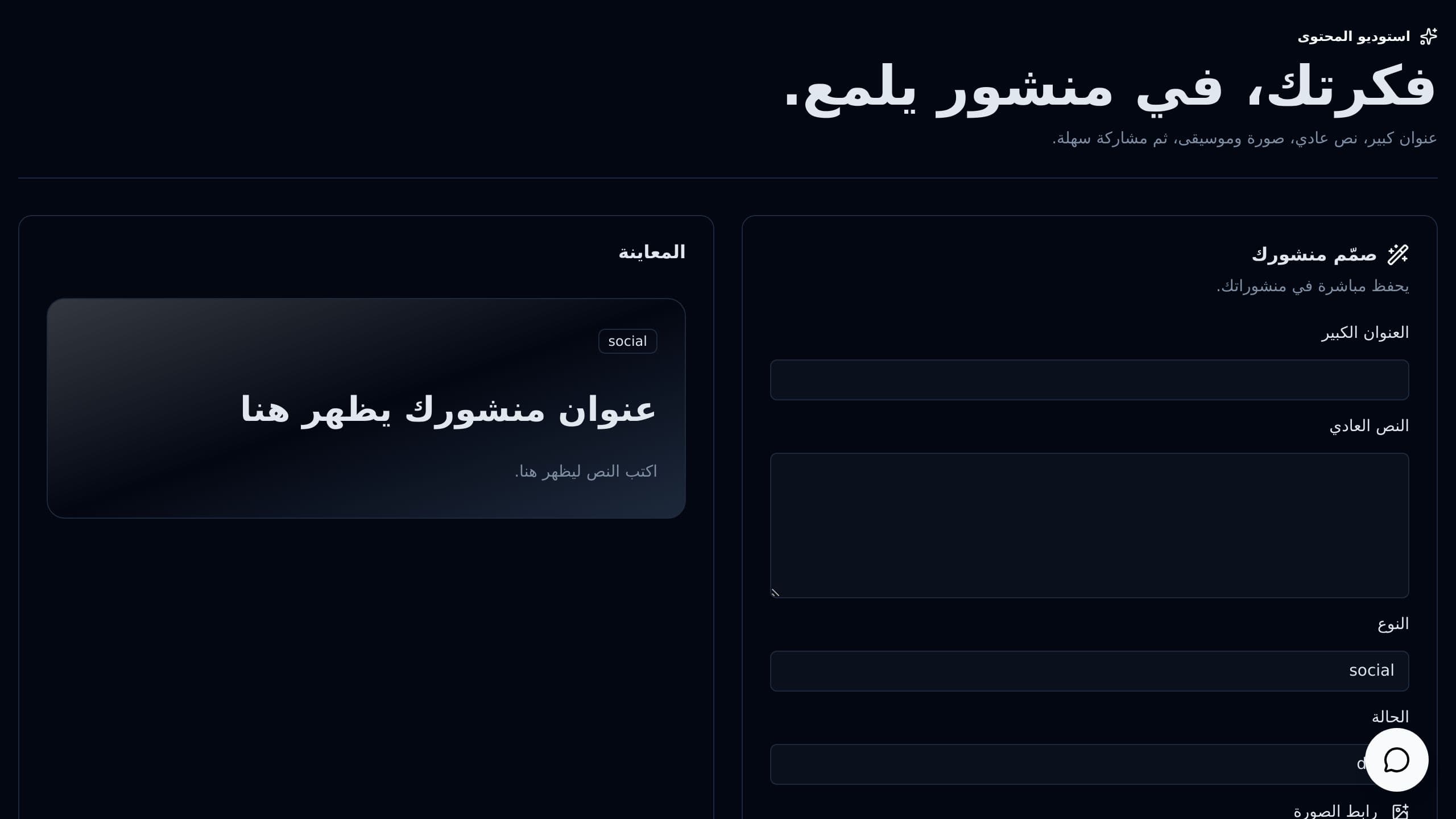
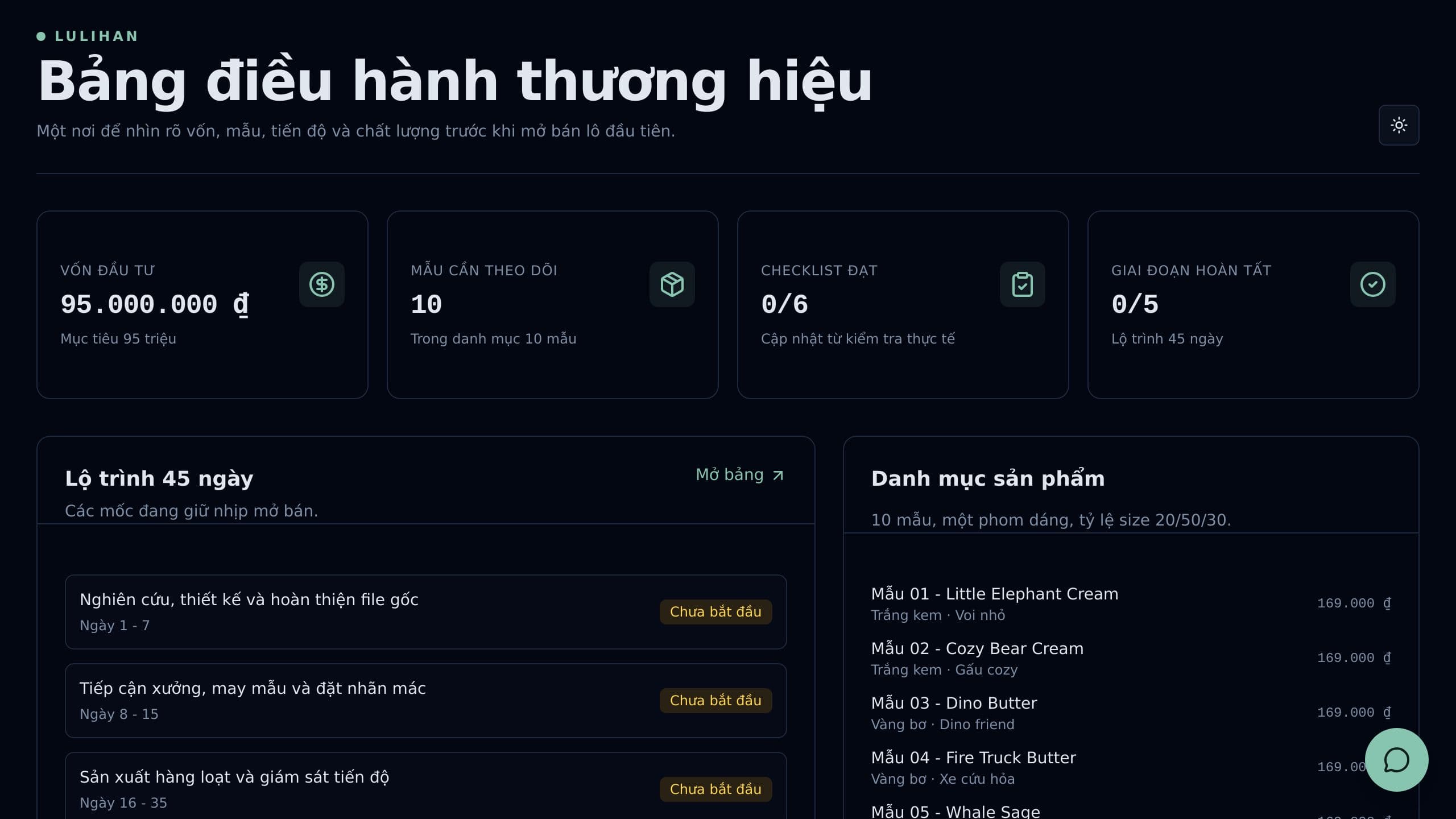
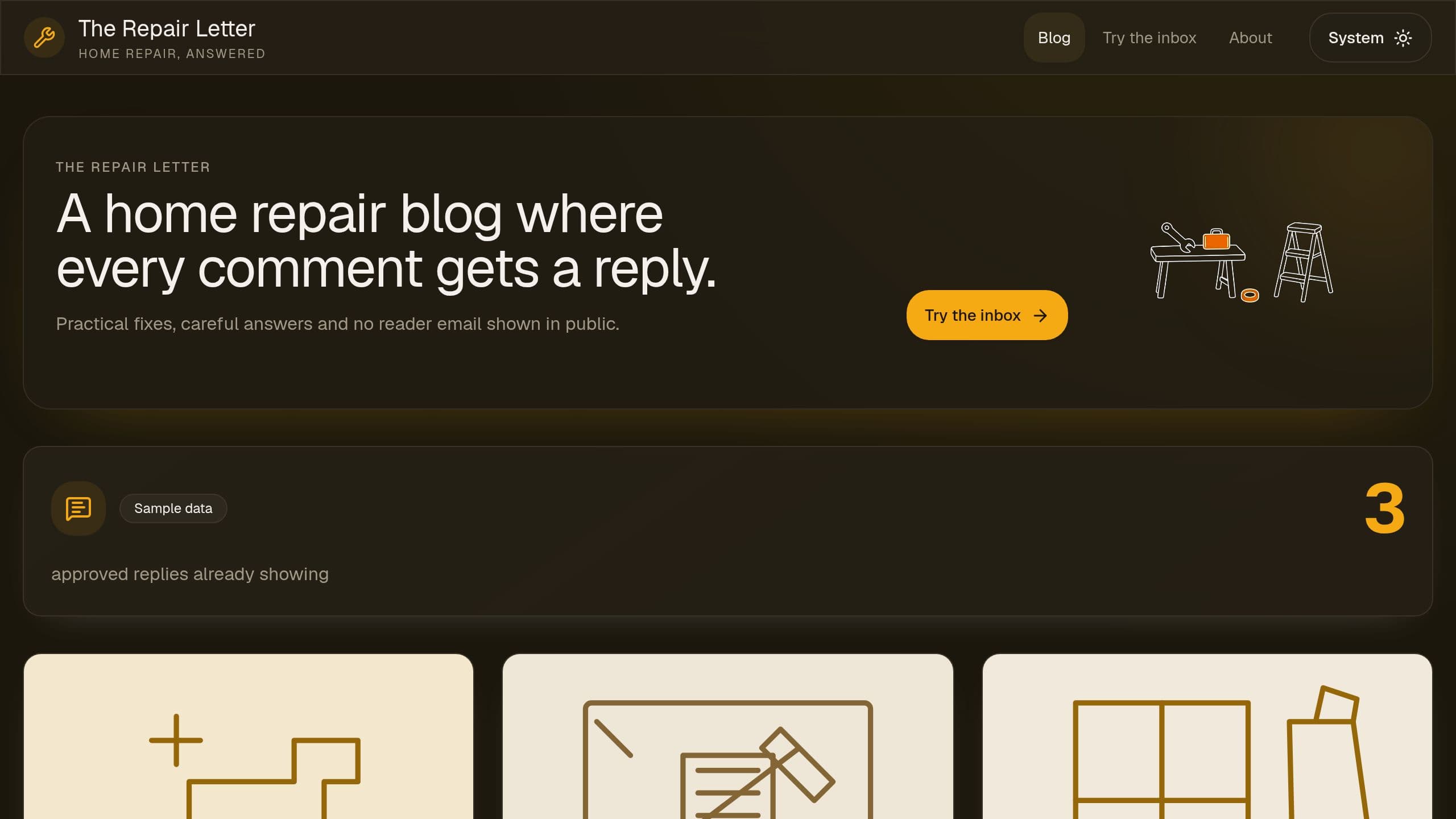
Hold every blog comment for review, block links and personal data, answer with thank, answer, correct or decline templates, and show approved replies. After you copy it, put the link of your copy in the Settings page and in the Friday digest email step.
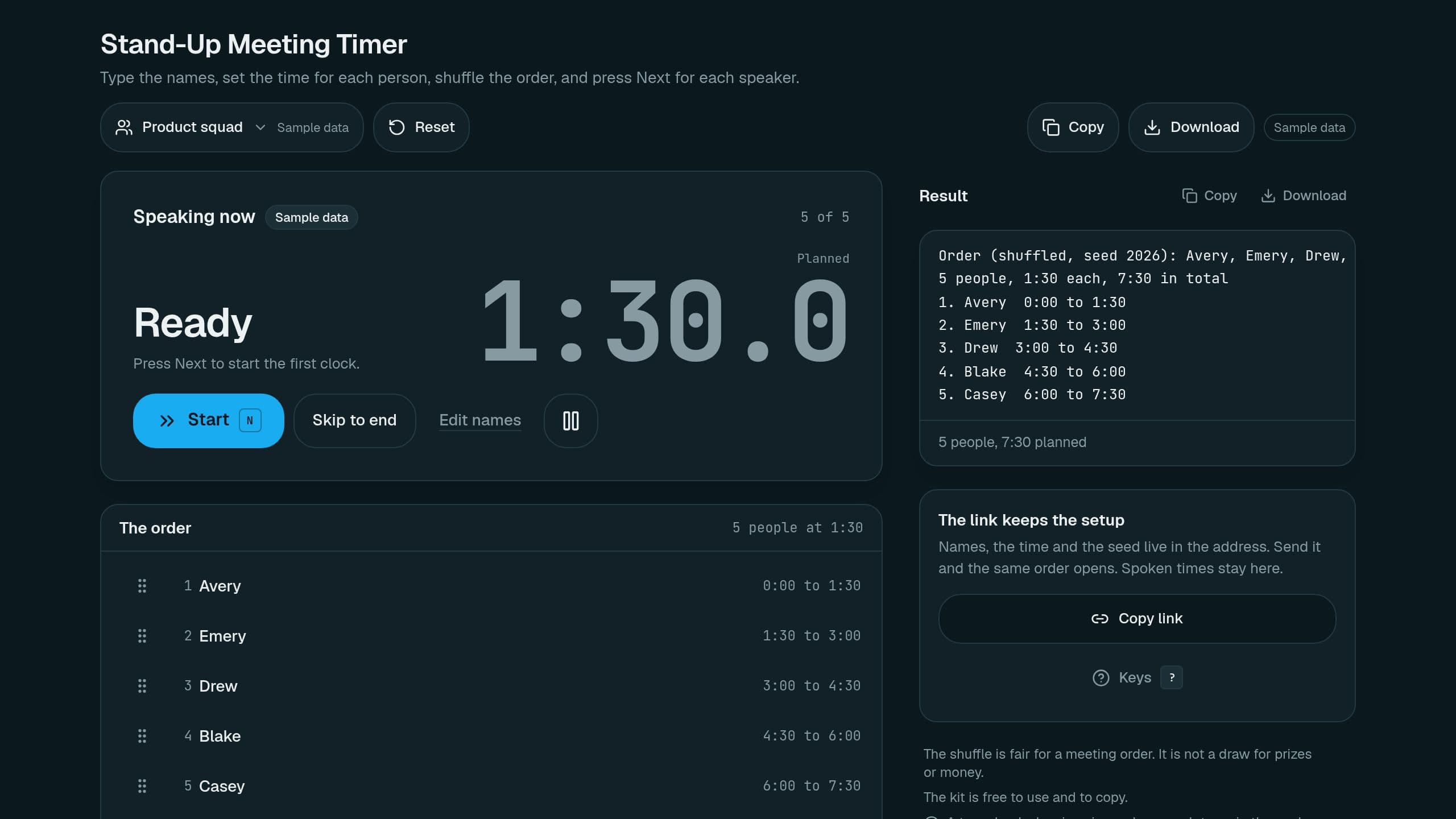
Shuffle the order, give each person 90 seconds on a big clock, press Next, and see who ran over. Free.
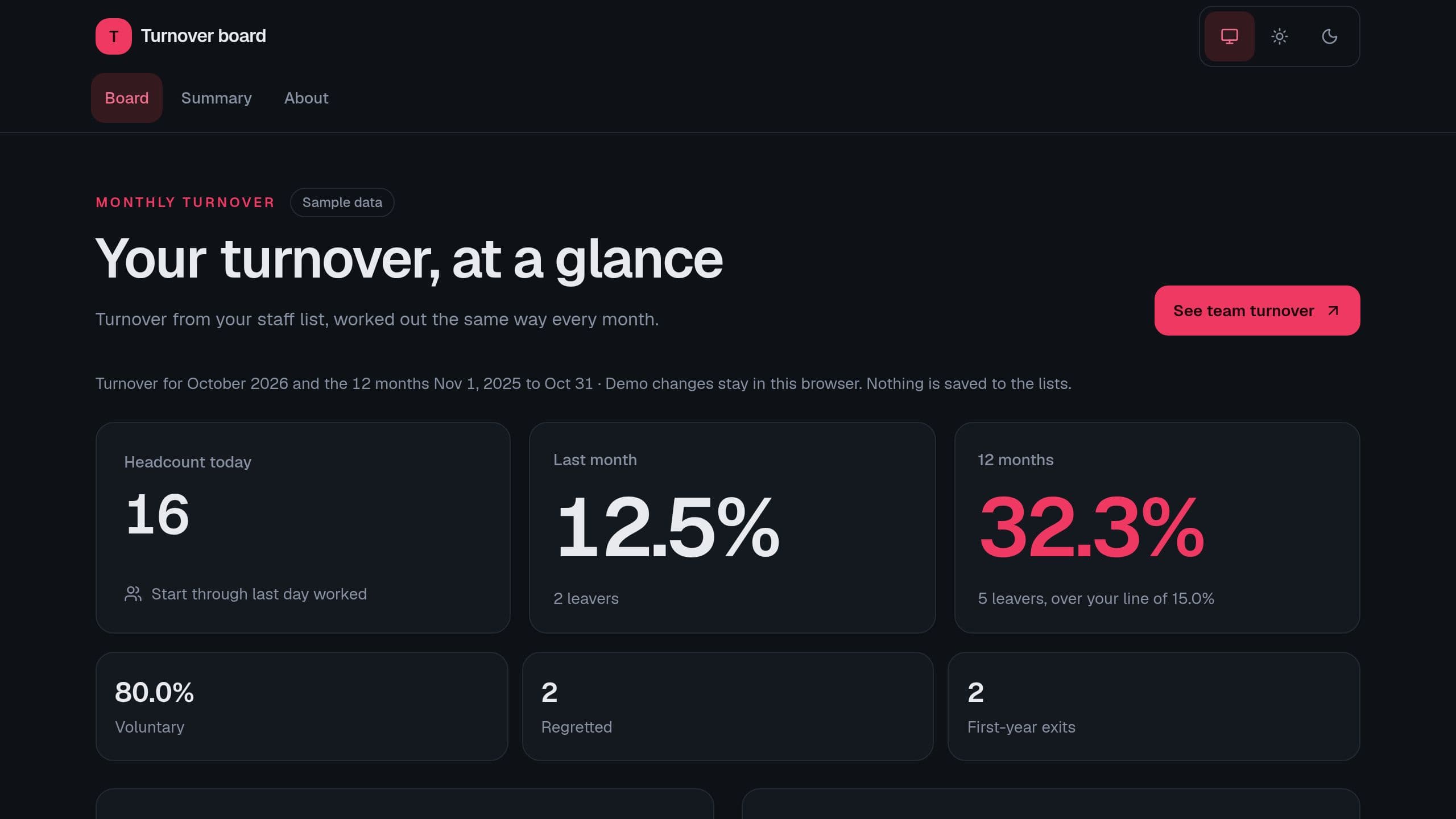
See monthly and 12-month turnover from your staff list, by team, with first-year exits, regretted leavers and the top exit reasons. Runs on sample rows with no sign-in. Put the link of your copy in Settings for the Monday digest email.
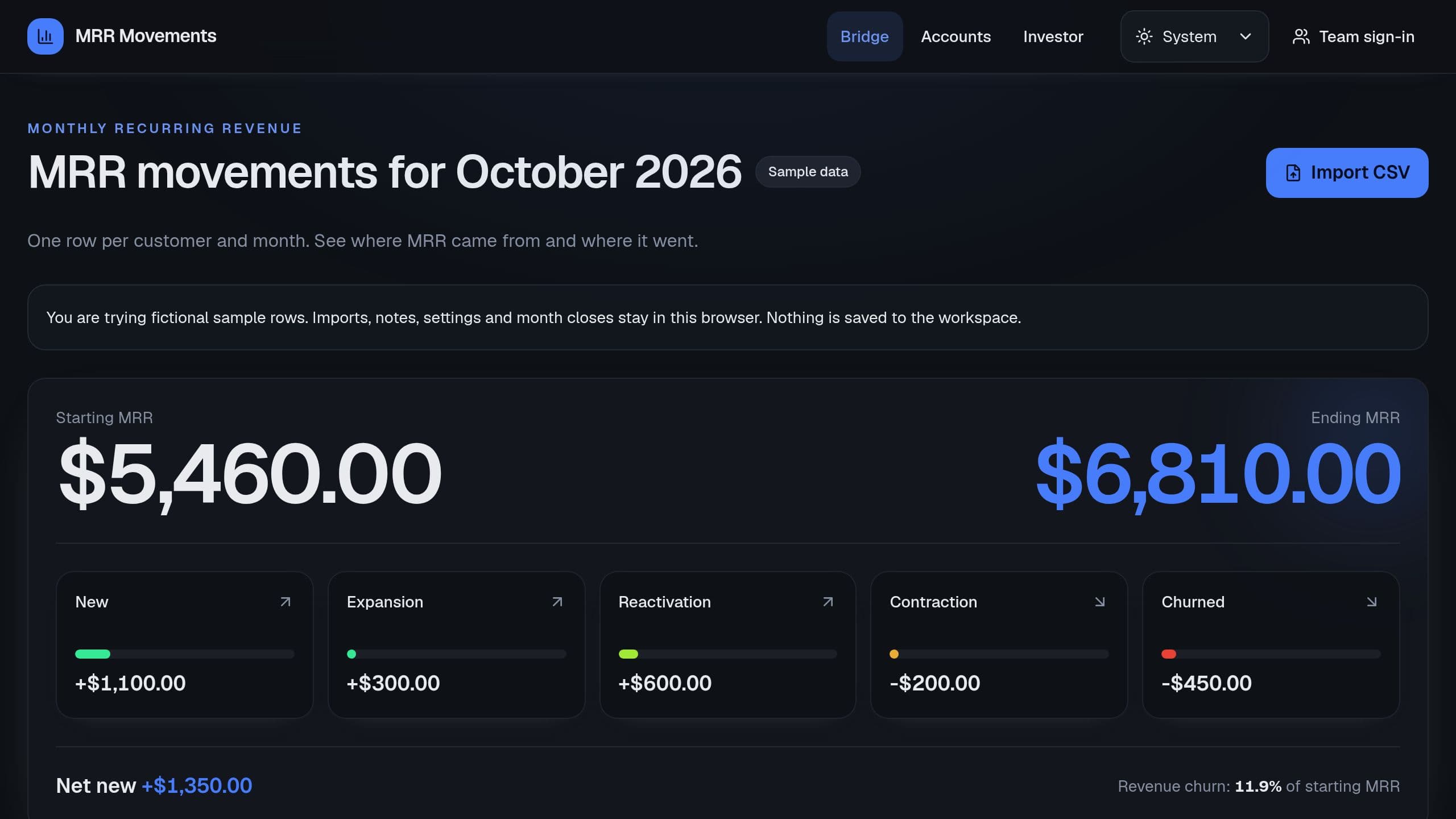
Paste one row per customer and month, and see starting MRR, each movement, ending MRR and revenue churn.
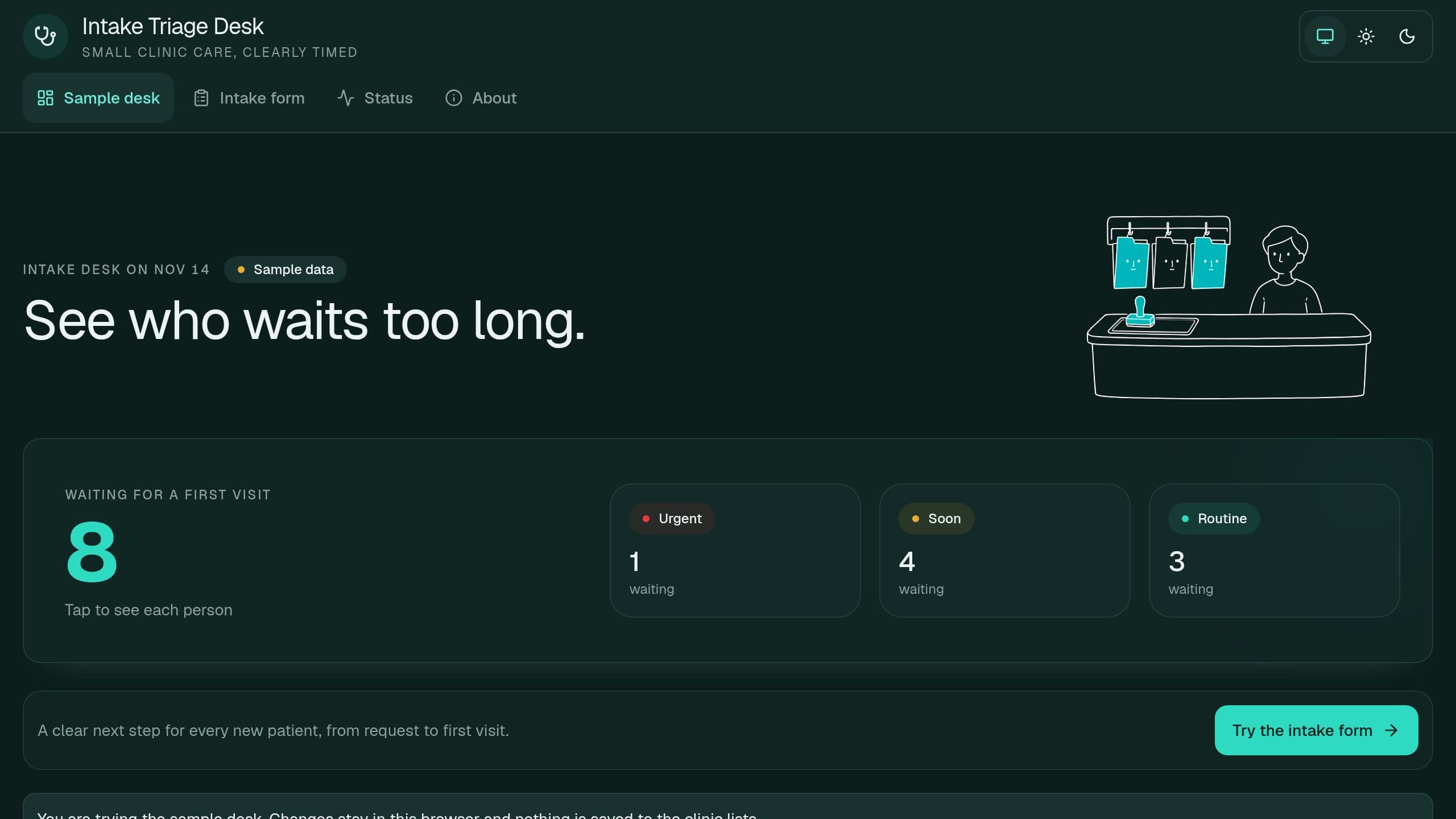
New patients fill one form, each request gets a tier by your rule and a target date, and the desk shows who waits past the target. Runs on sample rows with no sign-in. Put the link of your copy in Settings for the digest and alert emails.
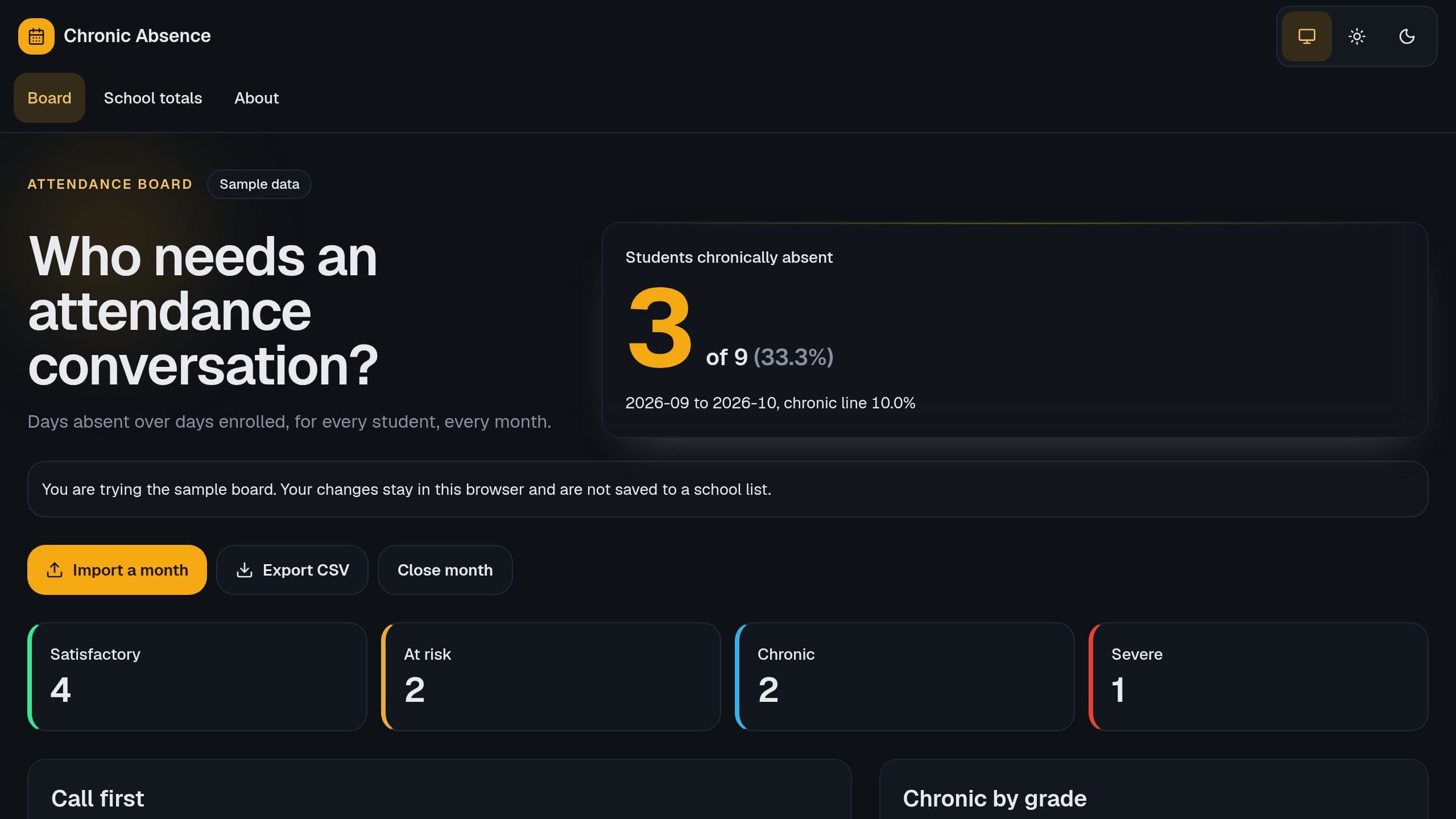
See each student's absence rate, tier and trend, and who to call first, from one monthly import.
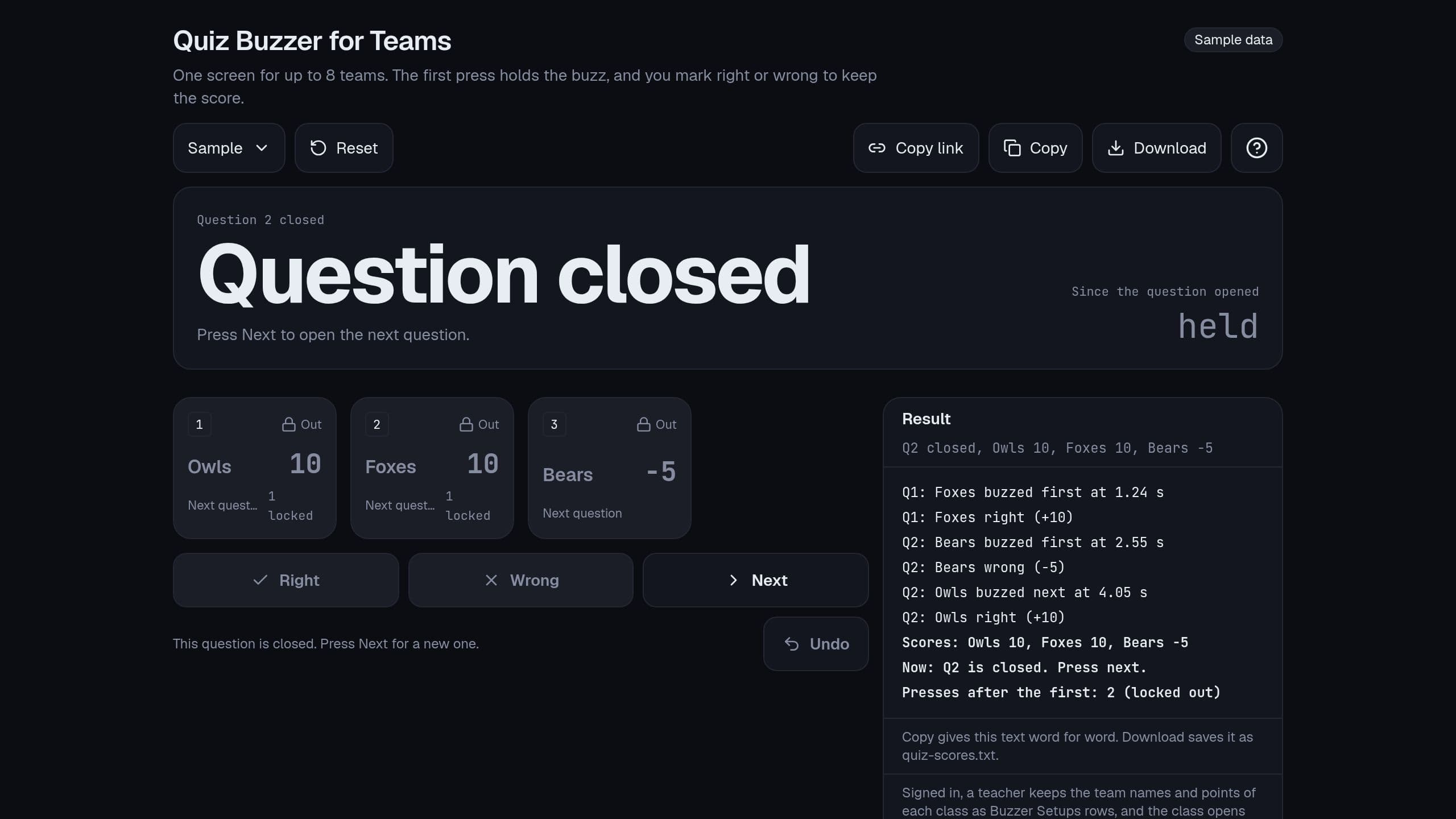
Up to 8 teams each own a key or a big tile, the first press locks out the rest, and the host marks right or wrong to keep score. Free.
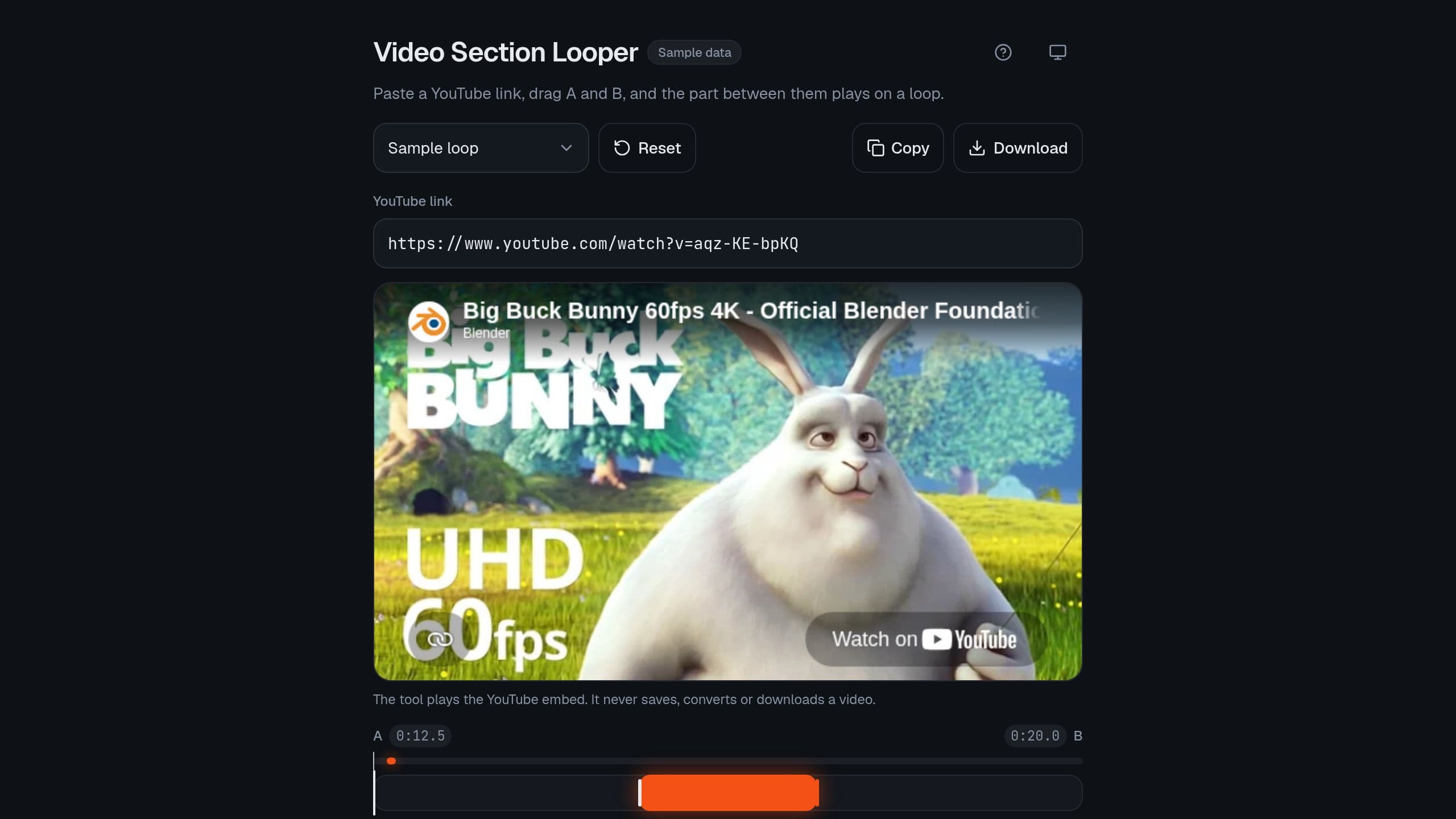
Loop any part of a YouTube video. Drag the A and B handles, slow it down from 0.25x to 2x, set a loop count or loop until you stop, and share the exact loop as a link. Runs in your browser with no sign-in. For a frame, allow: autoplay; encrypted-media; picture-in-picture; fullscreen; clipboard-write.
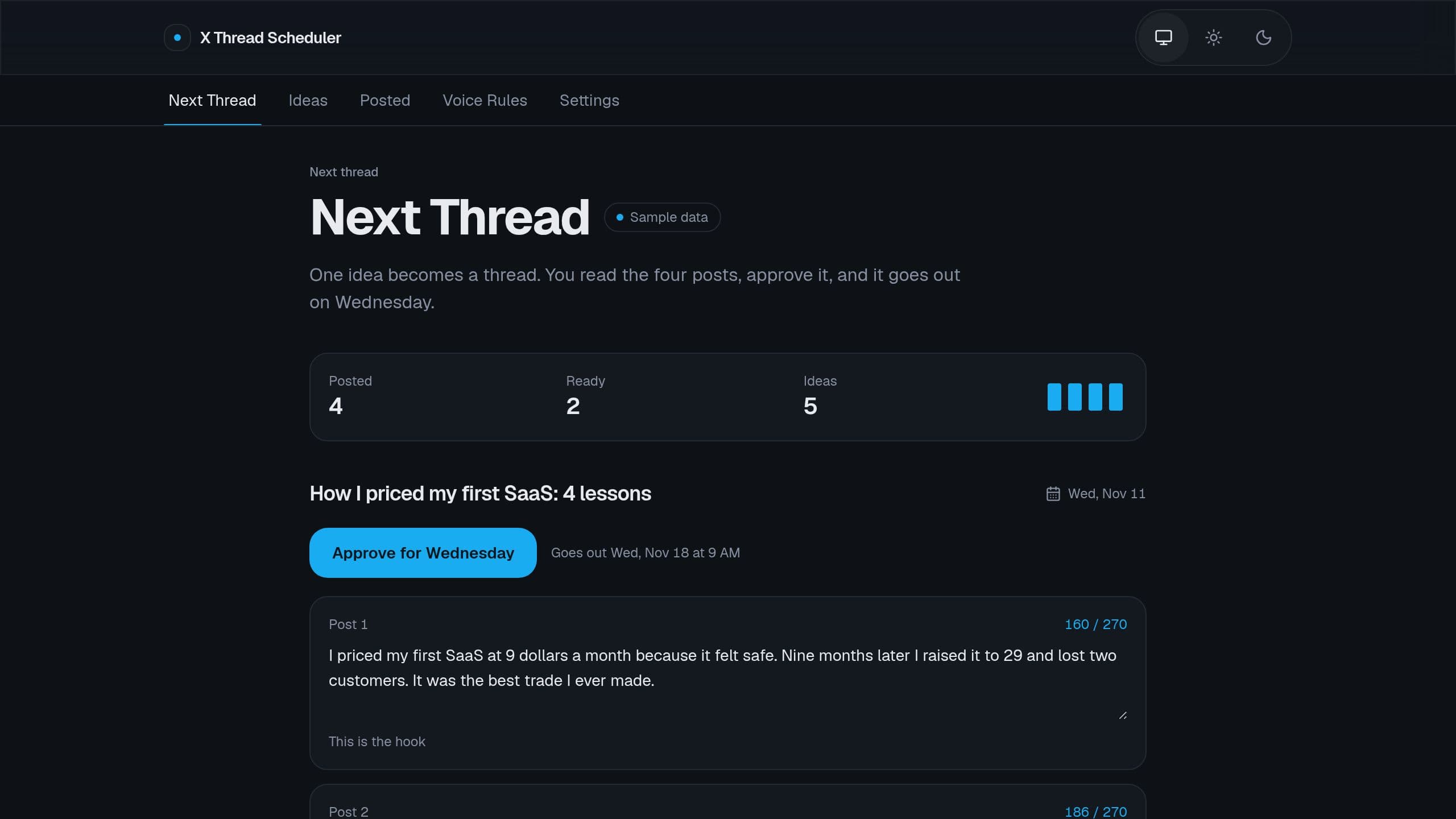
Turn one idea into a thread of up to 4 posts in your voice, approve it, and it posts on X on Wednesday. Posting needs your own X developer keys and Starter or higher, and that flow ships off. The Monday email links the app of the seller, so put the link of your own copy in its steps.
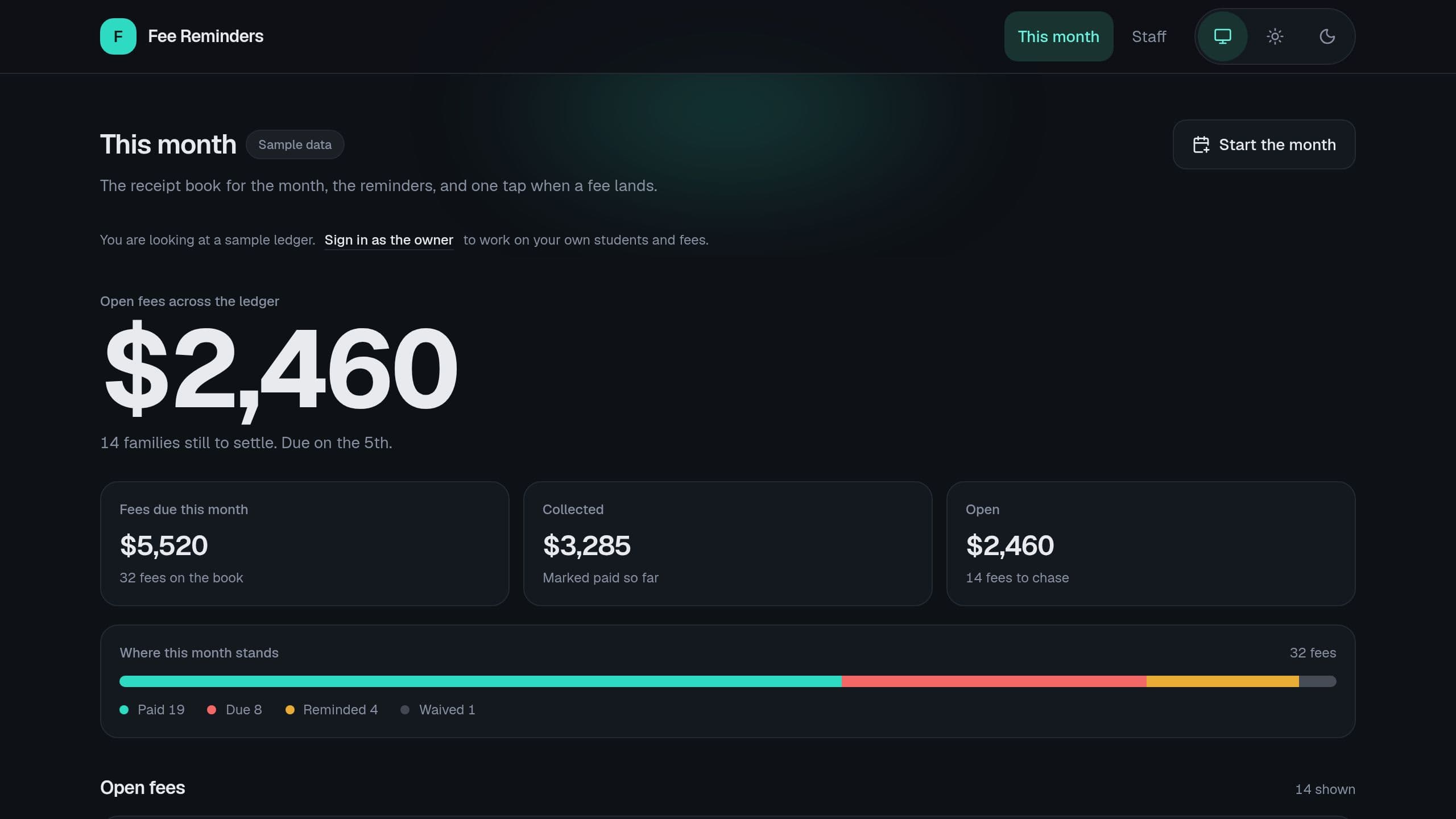
Keep a monthly fee ledger, see who owes what, and approve one batch of WhatsApp reminders each Monday. WhatsApp needs Starter or higher.
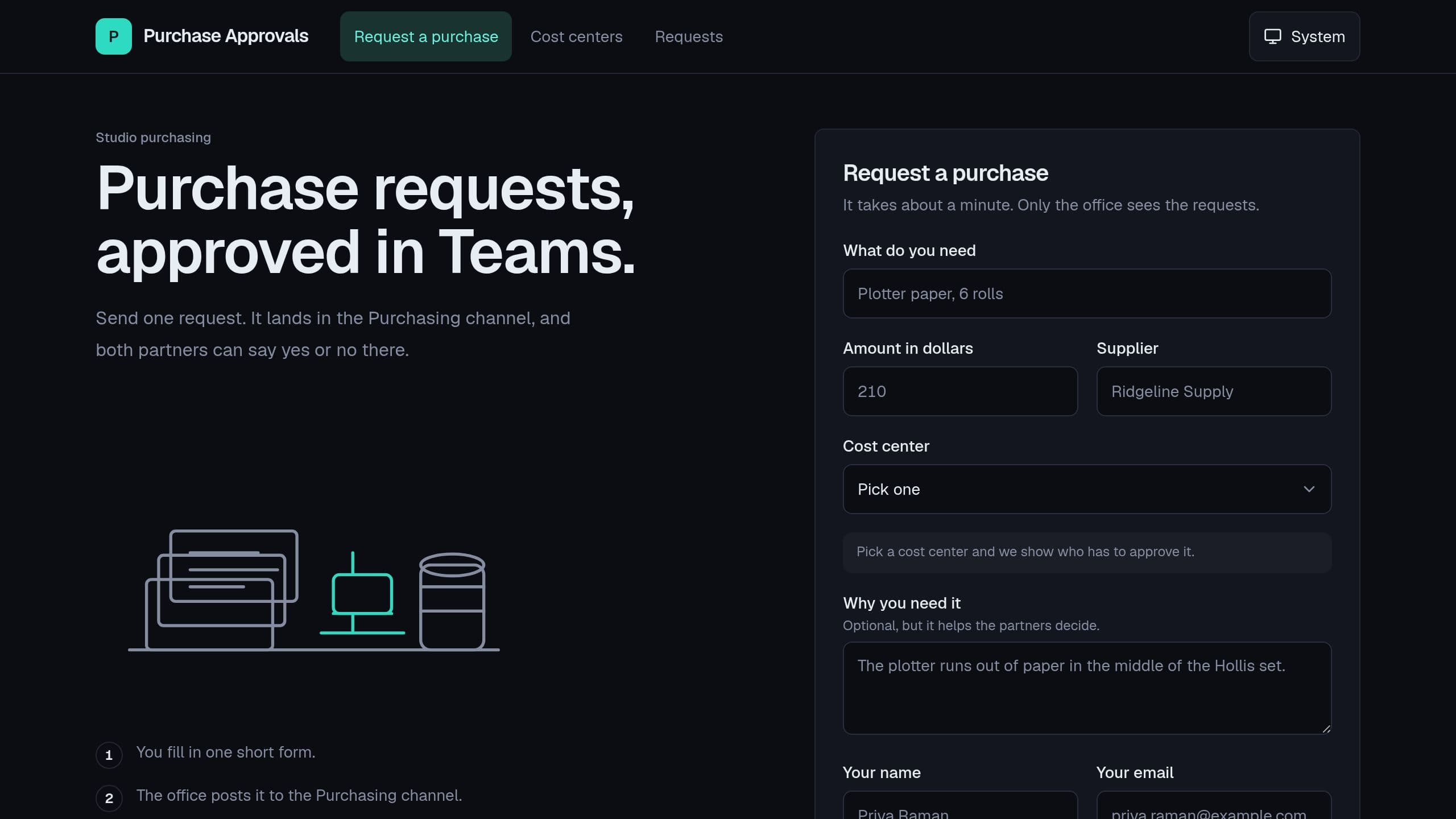
Staff send a purchase request in one form and each one gets an approval card in your Teams channel. The decision is saved on the request, and a Monday email lists what waits. The Teams flow ships off and needs Starter or higher. After you clone, put the link of your copy in the Monday email step.
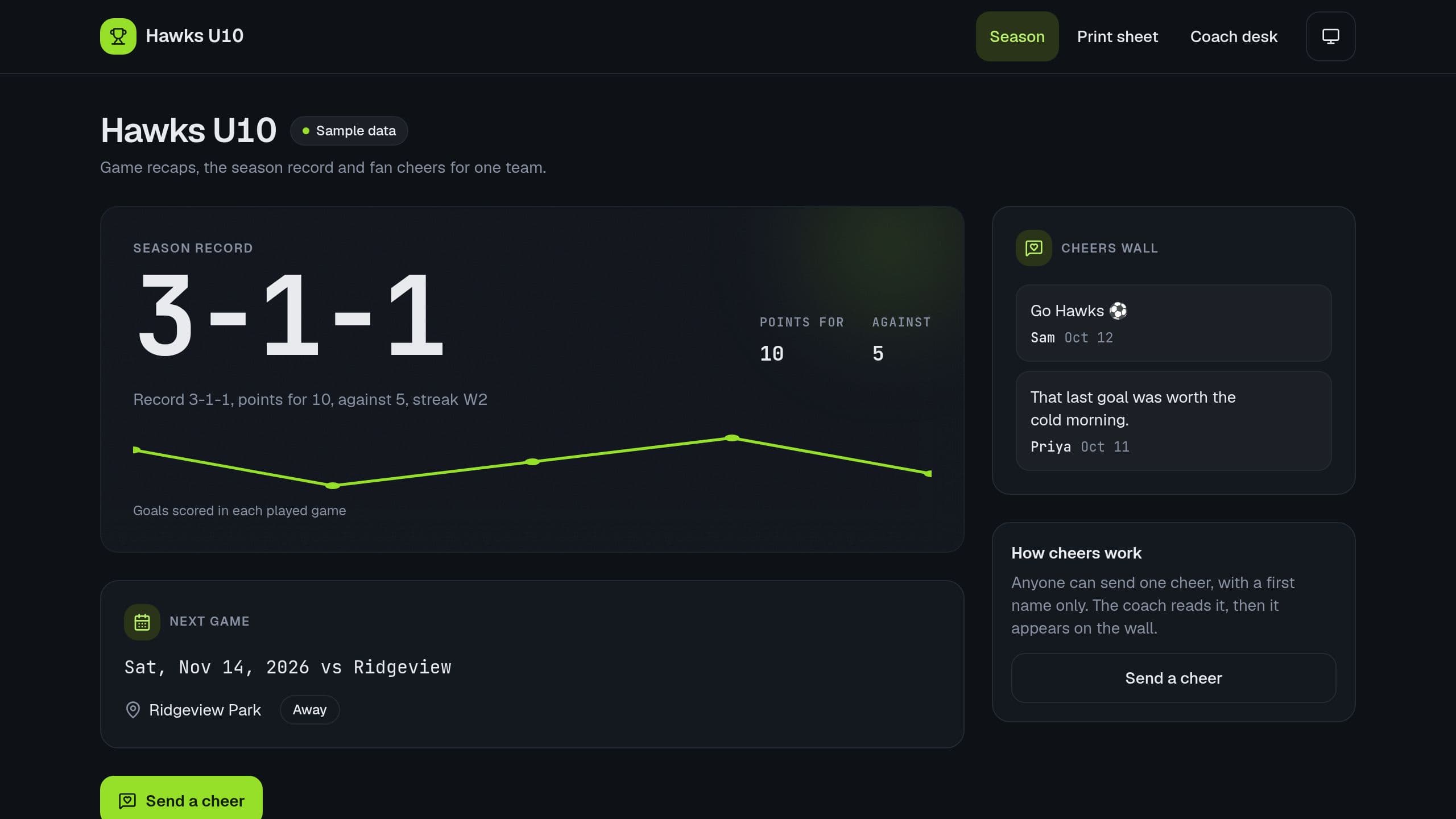
A season page for one youth team: game recaps, the season record and a fan cheers wall. Families send a cheer on a form and the coach approves it. A Monday email lists the cheers that wait and the next game. After you copy it, put the link of your copy in the flow step Build the email.
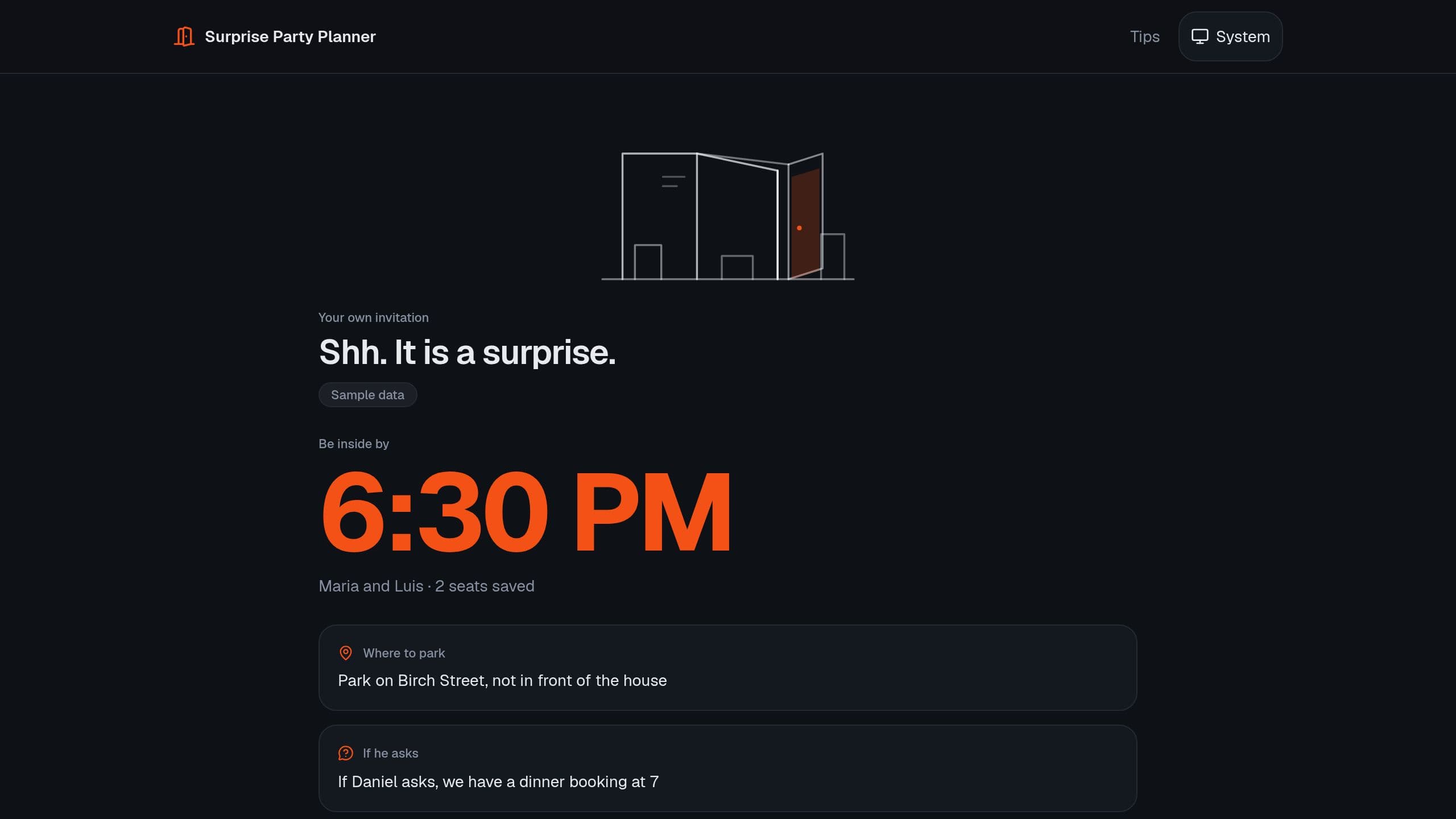
Plan a surprise party with a secret link for each guest, RSVP, helper jobs, a cover story and an arrival plan that gets everyone there first. A free Taskade Genesis kit. Clone it and make it yours. The Monday email step holds a sample address and app link: put your own in that step. Staff need the app Admin role.
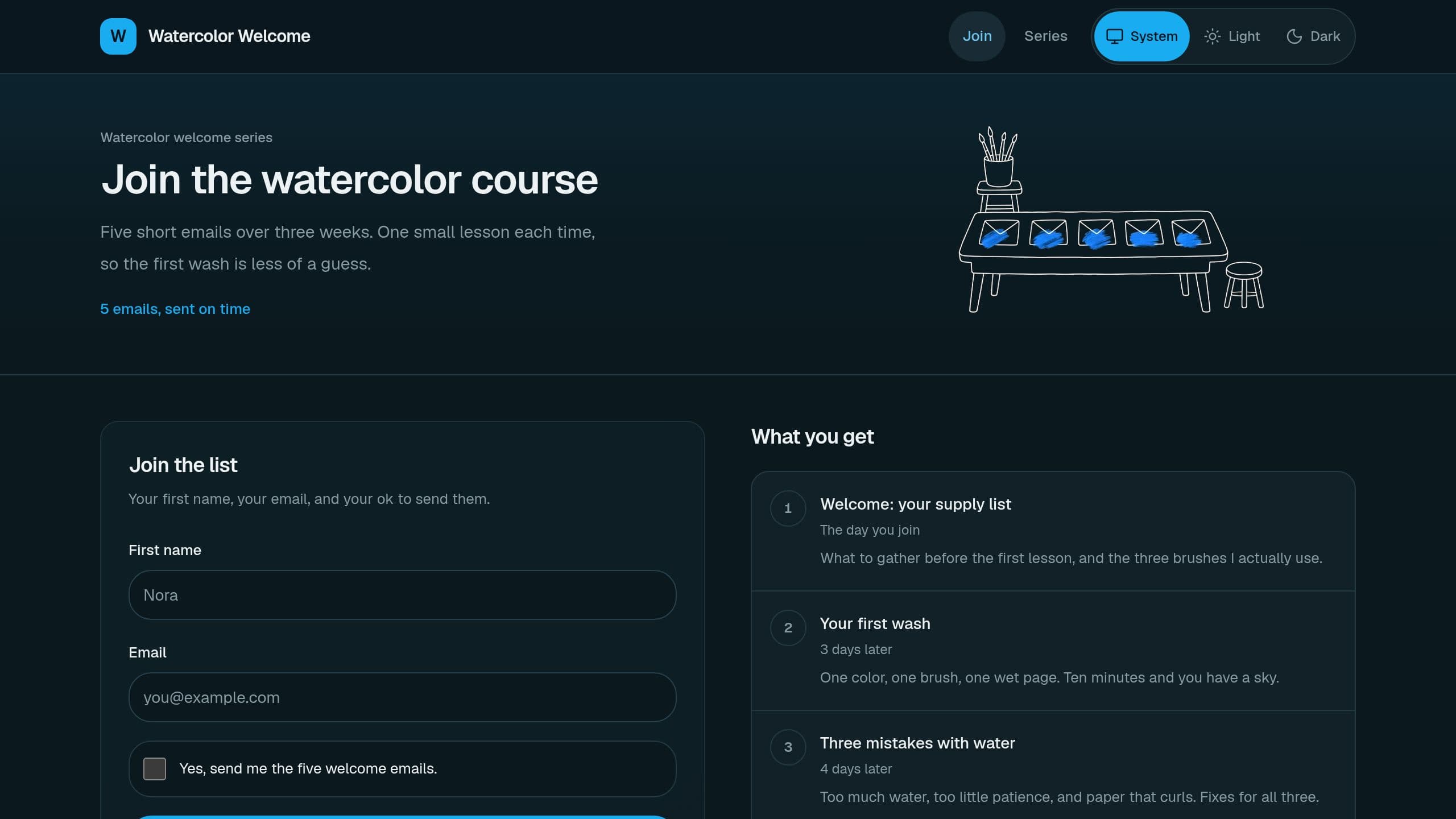
A signup form, a list you confirm, and a plan of 5 welcome emails that you send on time from your SendGrid account. Sending the series needs SendGrid and a Pro plan or higher. The form, the list and the Monday count email work on Free: after you clone, put your own address and your live app link in the email step. Sample data included.

Share one retirement party page, collect answers and memories from current and former colleagues, print a memory book, and order the toasts. The Monday email step holds the seller link, so put the link of your copy there.
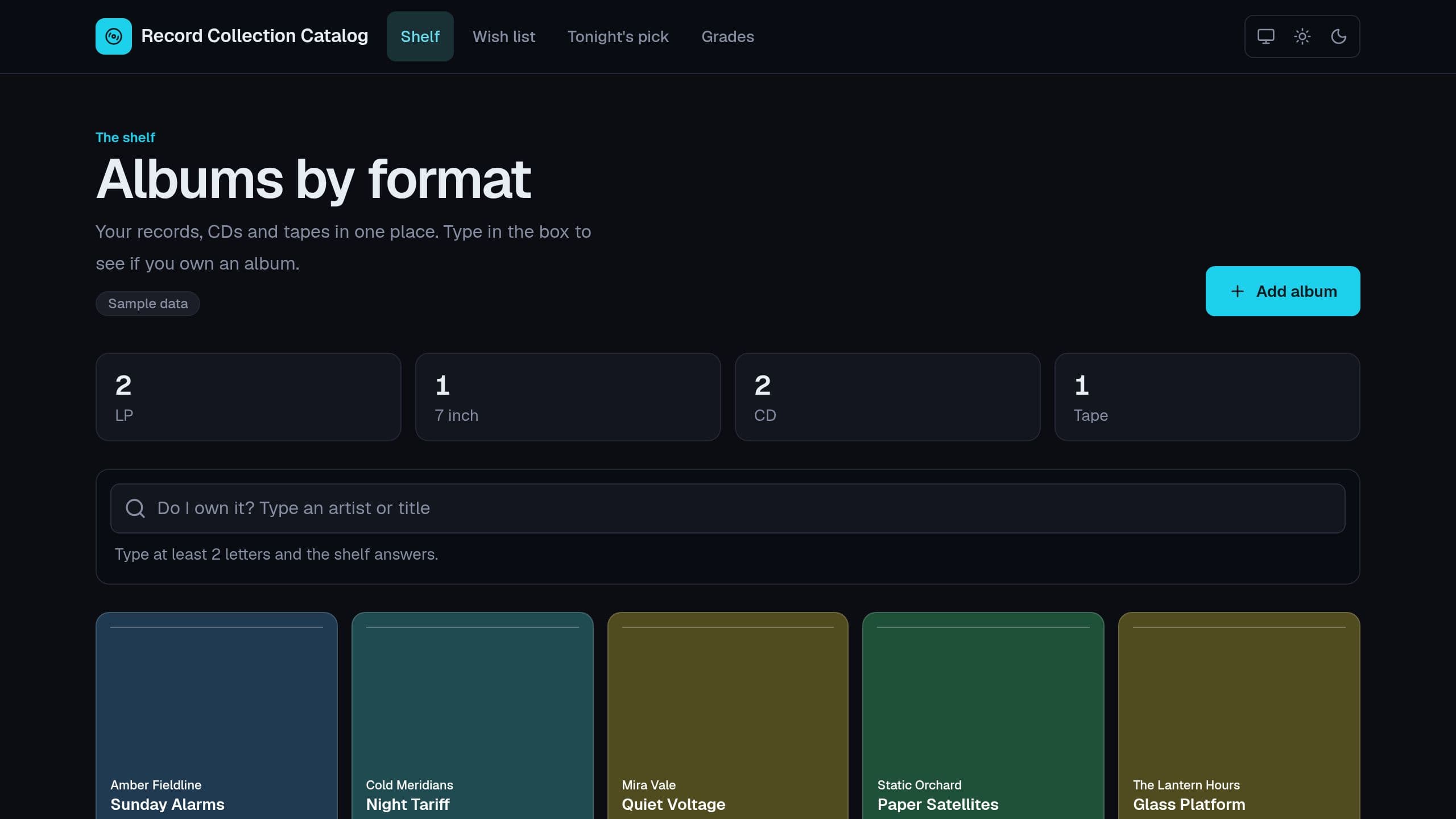
Catalog your records, CDs and tapes, check if you own an album in one search, keep a wish list, and get tonight's pick. Runs in the browser with no sign-in and no AI credits. The monthly digest flow emails your wish list. After you clone, put the link of your copy in the 3 email steps of that flow and turn it on.
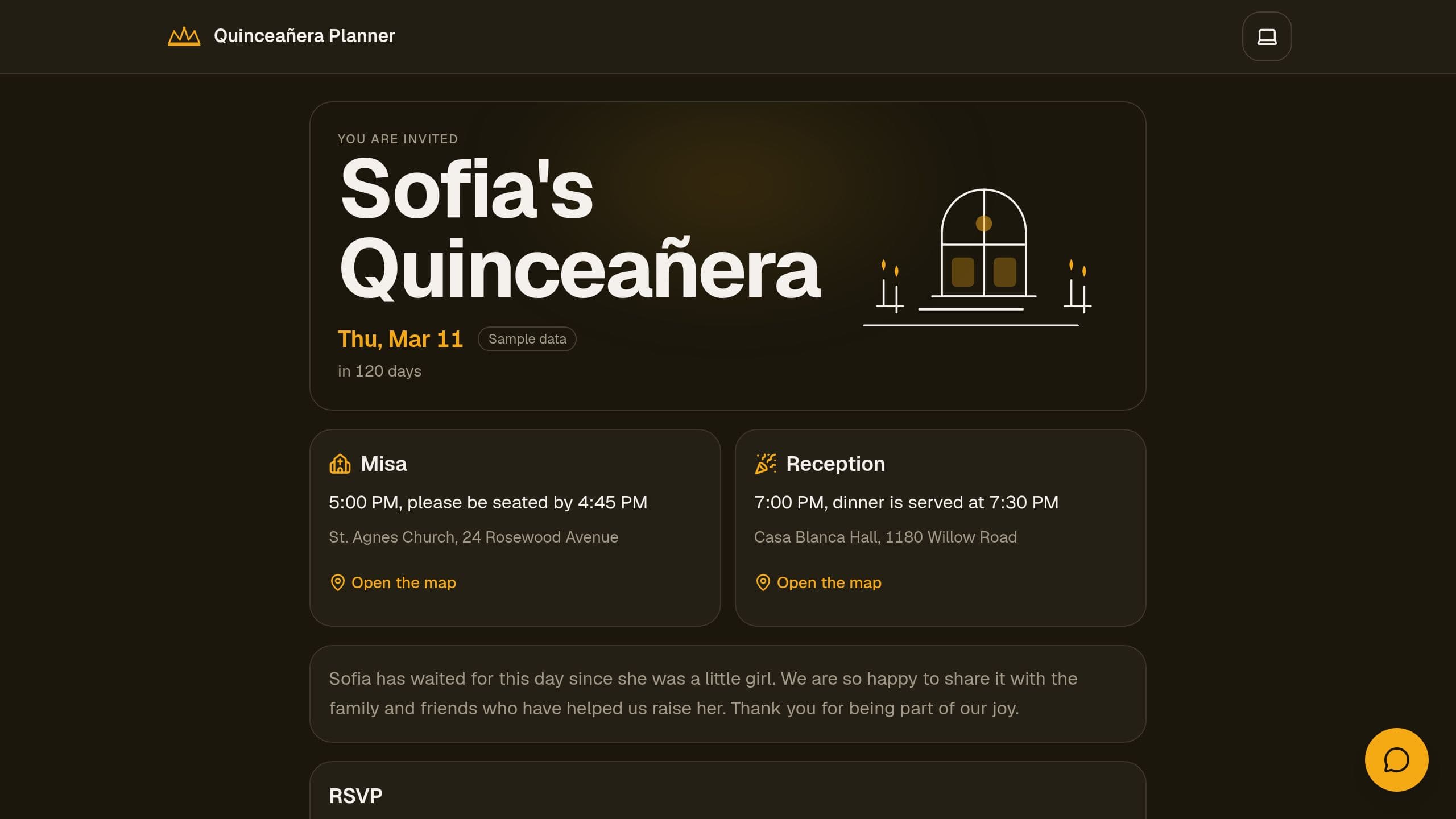
Quinceañera Planner: one celebration page with RSVP, a padrinos page where family friends offer to sponsor items, the court rehearsals, a day timeline and a budget. Share one link, then track guests and sponsors in one place. A free Taskade Genesis kit. Put the link of your copy in the Monday digest step.
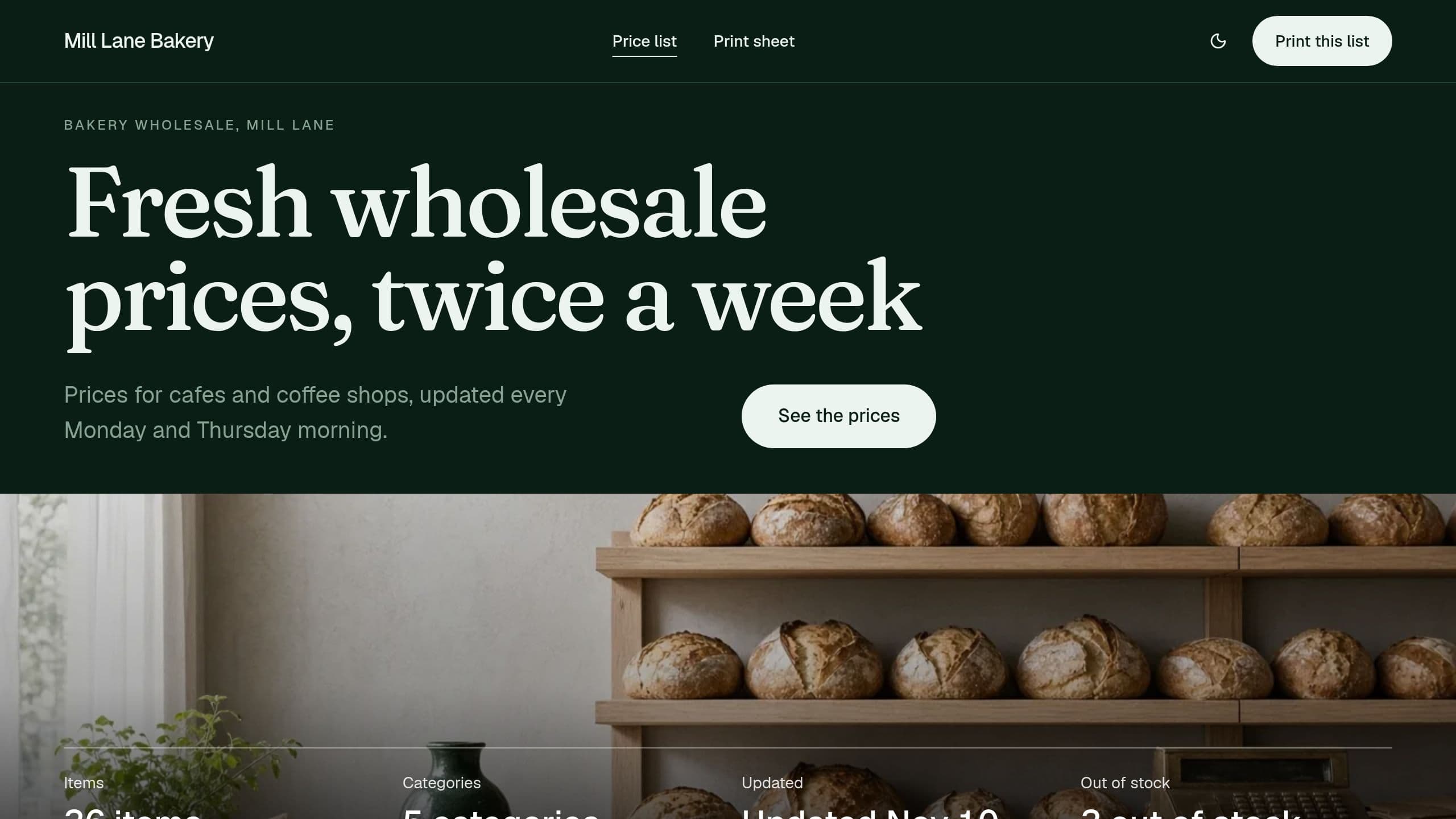
Your customers see current prices with search and print, and you stop emailing old PDF price lists. Connect Google Sheets (Starter or higher) to update prices twice a week from your sheet. The Monday stock email works on Free: after you clone, put your own address and your live app link in its email step. Sample data included.
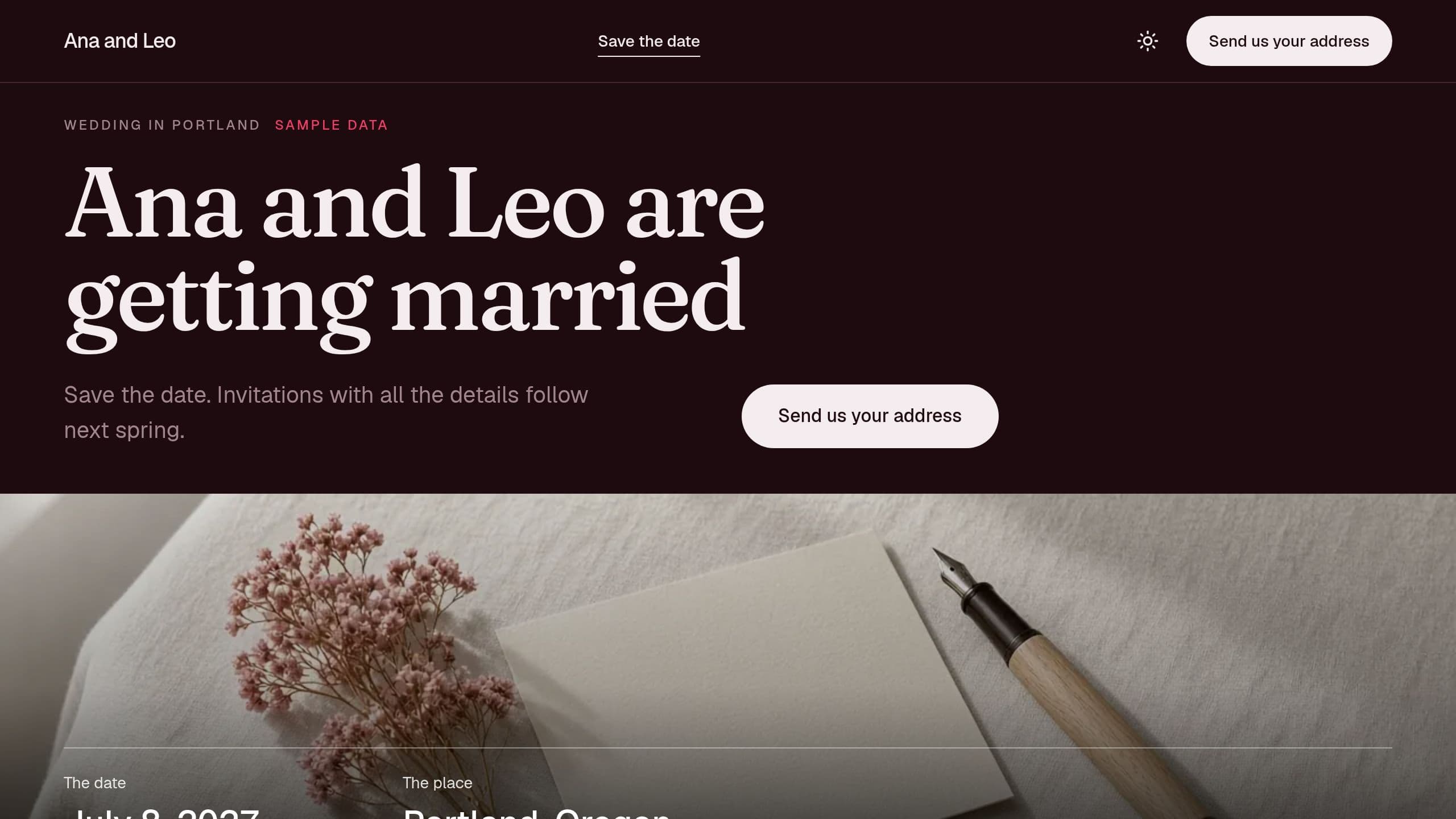
Announce your wedding date and collect every guest's mailing address in one page. Guests send an address once, you export a label sheet, and a weekly email counts who is still missing. Free to clone. Put your own email in the weekly email step after you clone, and give staff the app Admin role.
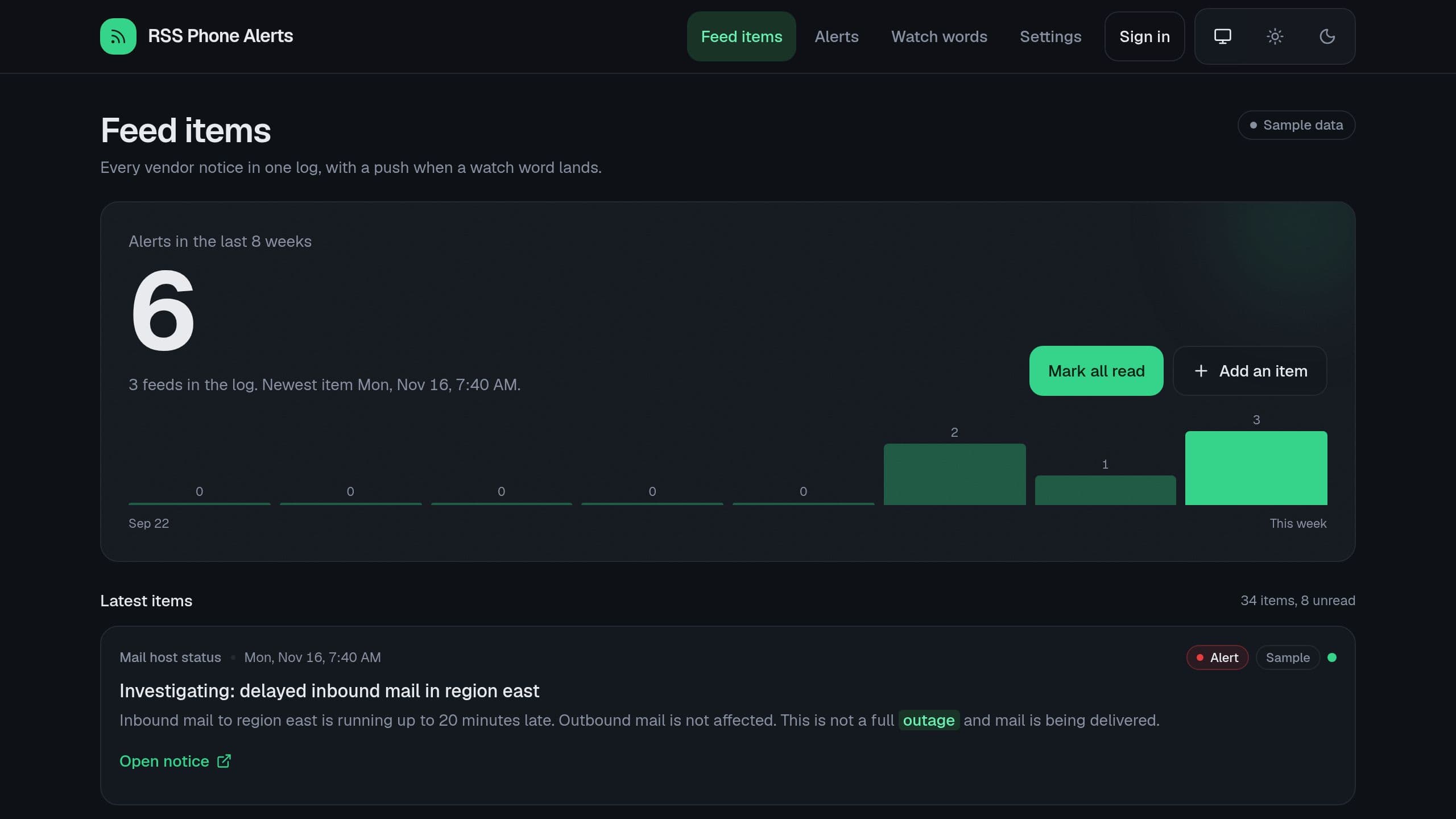
Follow a few vendor feeds and get a phone alert when a new item holds one of your watch words. The feed and Pushover steps use no paid plan, and each new item uses 1 flow run. Add your feed links and your Pushover key on the Settings page.
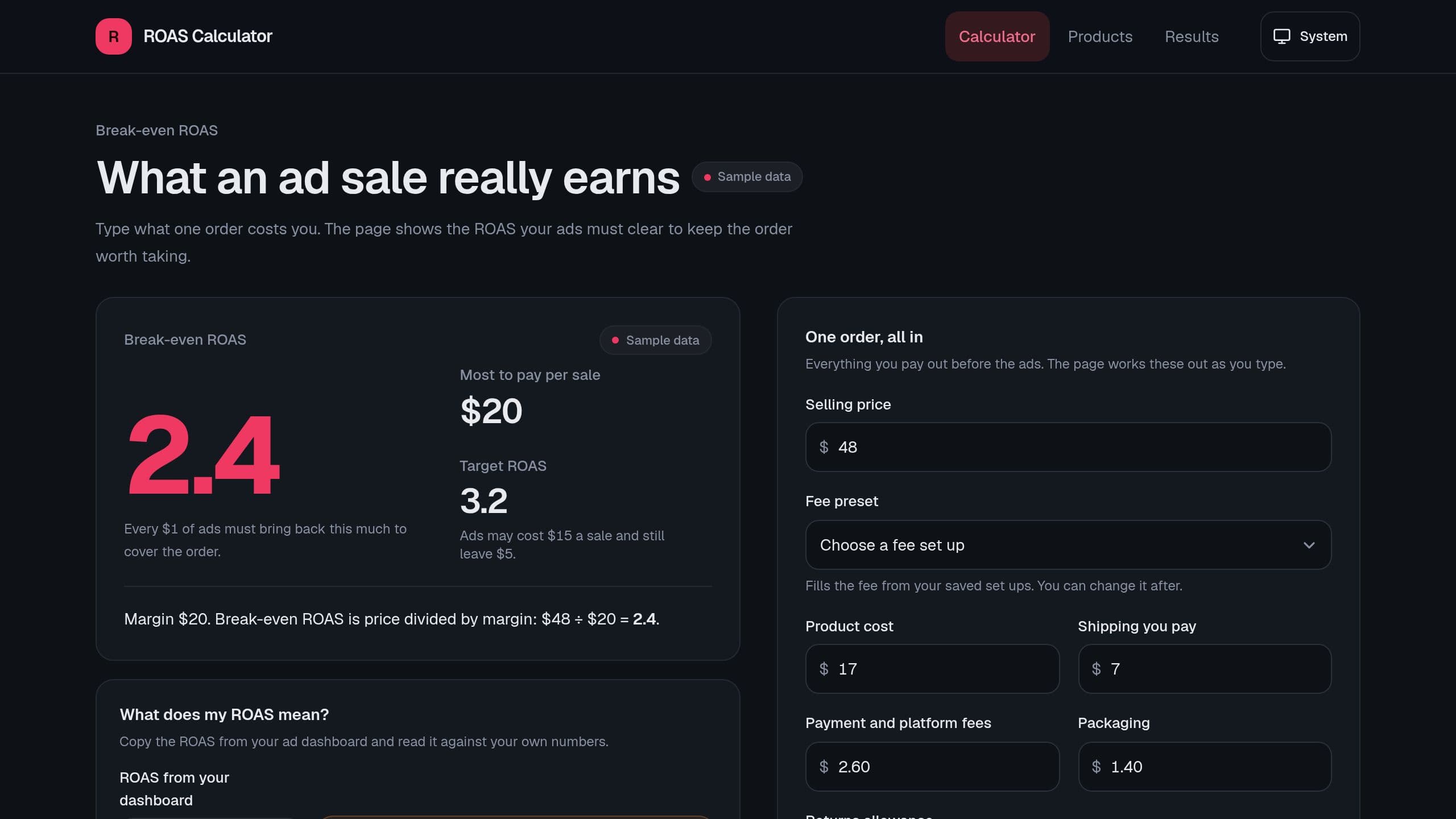
Enter your price and costs to see the ROAS your ads must beat to make money. It works in your browser with no sign-in. As admin you also keep products and weekly results, and a Monday email lists products under break-even. After you clone it, put your own email and your app link in the email step of that flow, then turn the flow on.
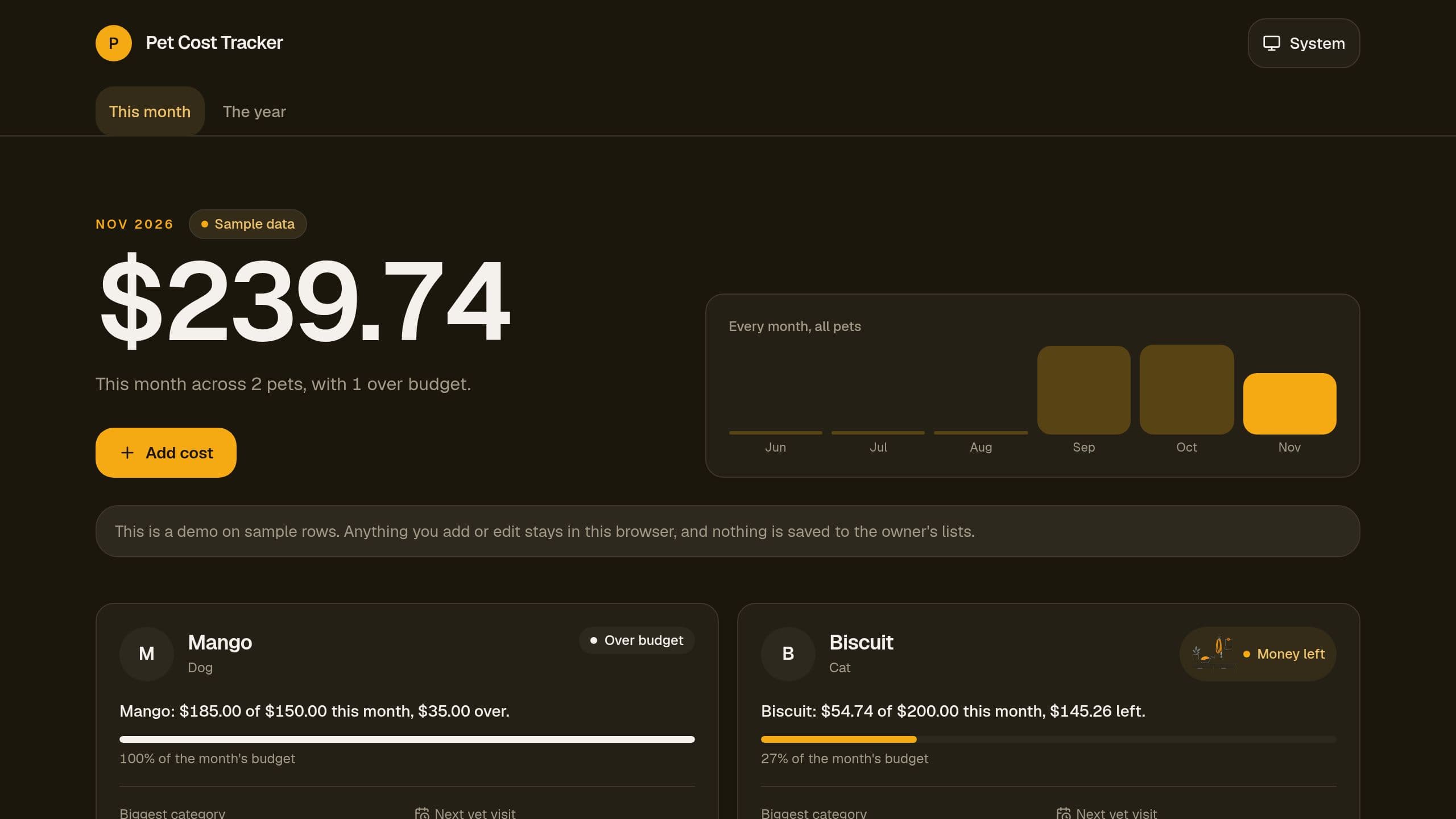
Track what each pet costs by category, set a monthly budget for each pet, log refunds, and see the year total by category. Free.


