

TL;DR: Taskade's multi-layer search combines full-text, semantic (HNSW), and file-content OCR so you can find a task by the exact phrase, a synonym, or a word inside an uploaded PDF. Press
Cmd/Ctrl + Kto search the whole workspace;Cmd/Ctrl + Fto search within a project.
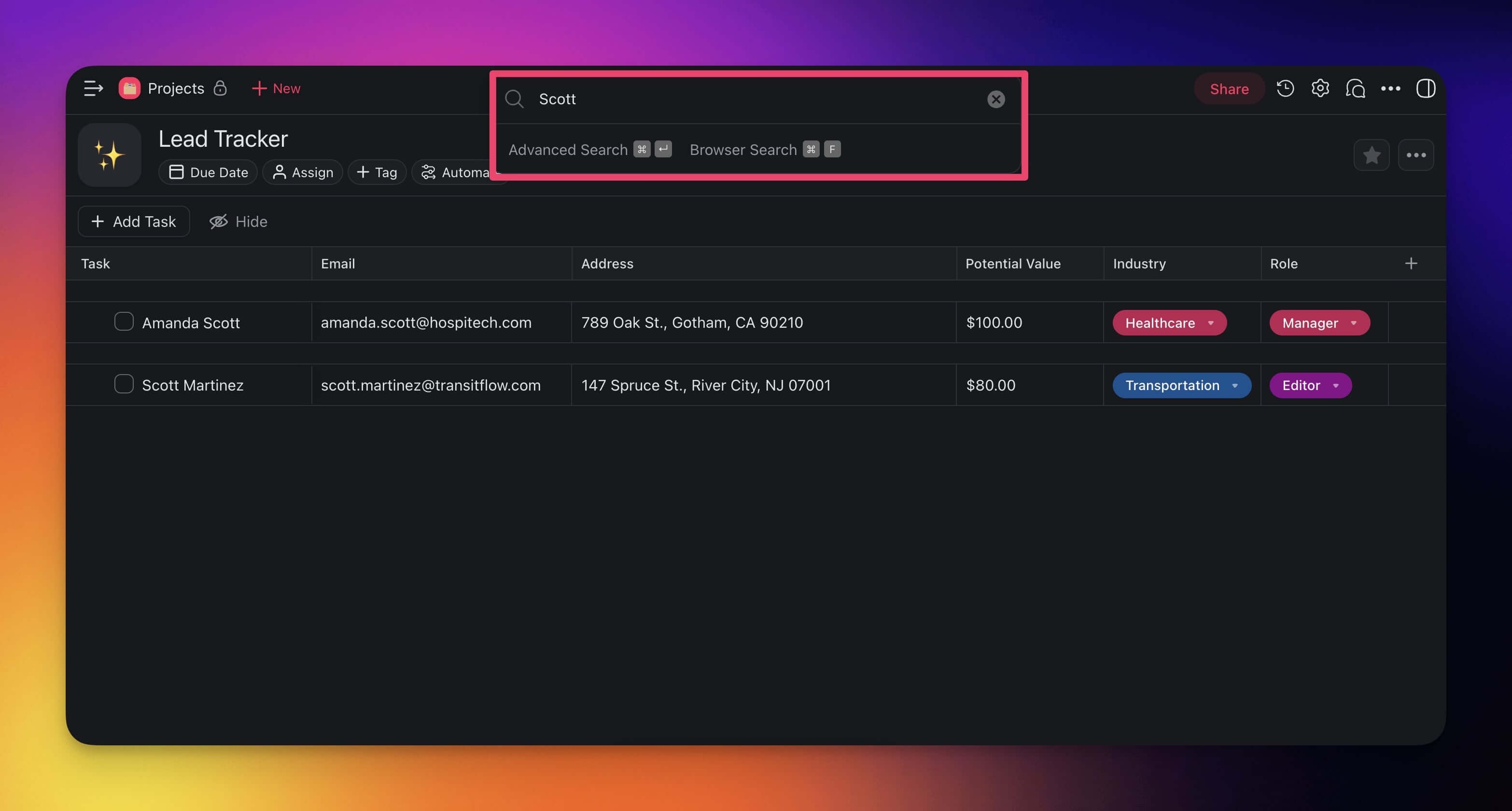
Search Within Projects
Search lets you find blocks and tasks containing keywords and search terms.
- Search within a project with the ⌨️ CTRL + F / ⌘ + F shortcut.
- (optional) You can also search for #mentions, #tags, and usernames.
💡 Note: Taskade highlights search terms with the selected theme color.
Search Across Workspaces
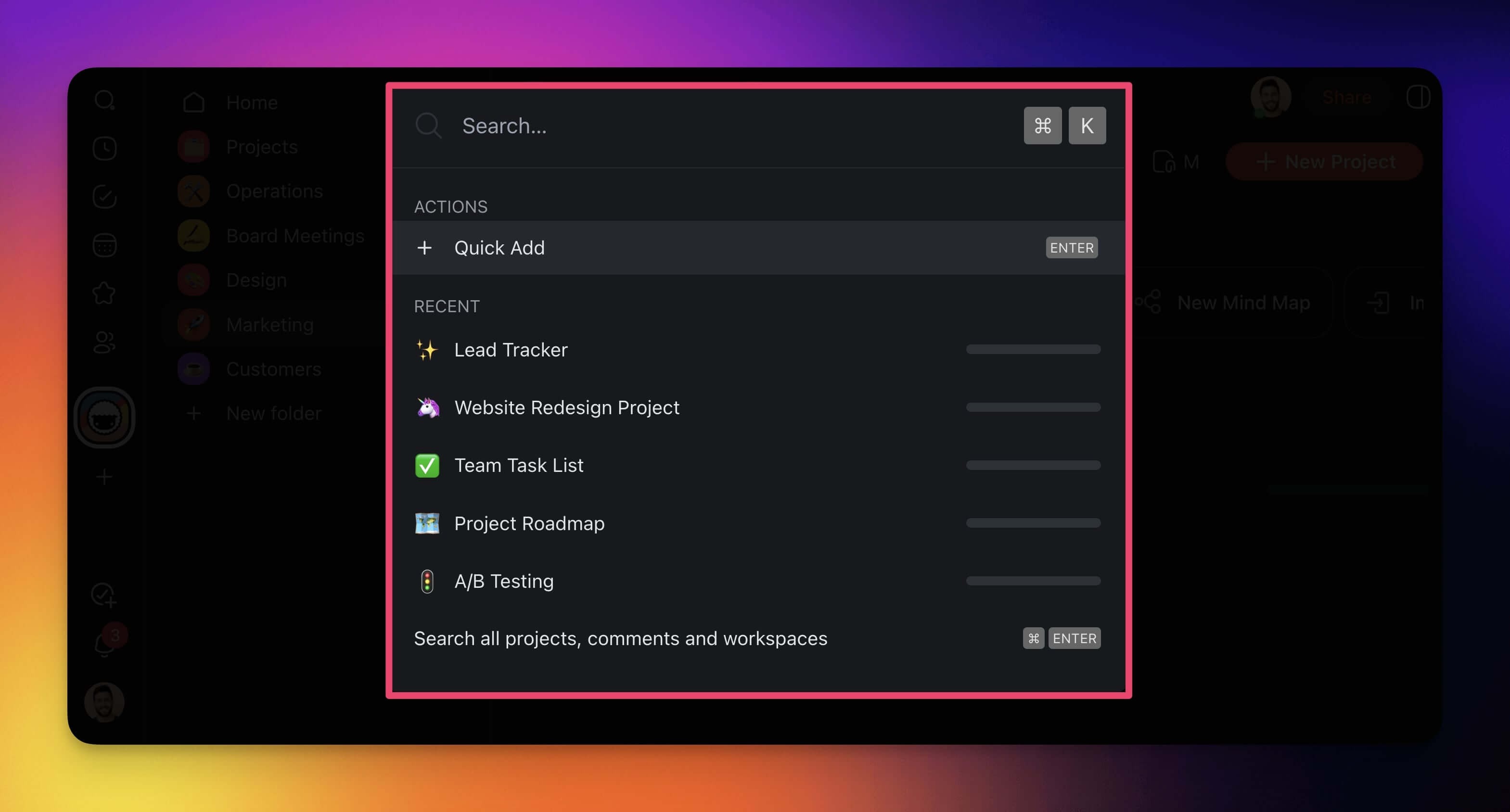
You can search from anywhere inside Taskade with Quick Add shortcut:
- Press ⌨️ CTRL + K / ⌘ + K.
- Type your phrase in the pop-up window.
- Click any of the results to navigate to target projects.
💡 Note: Visit ⚡️Quick Add Shortcut (Tasks, Notes) to learn more.
Global Search
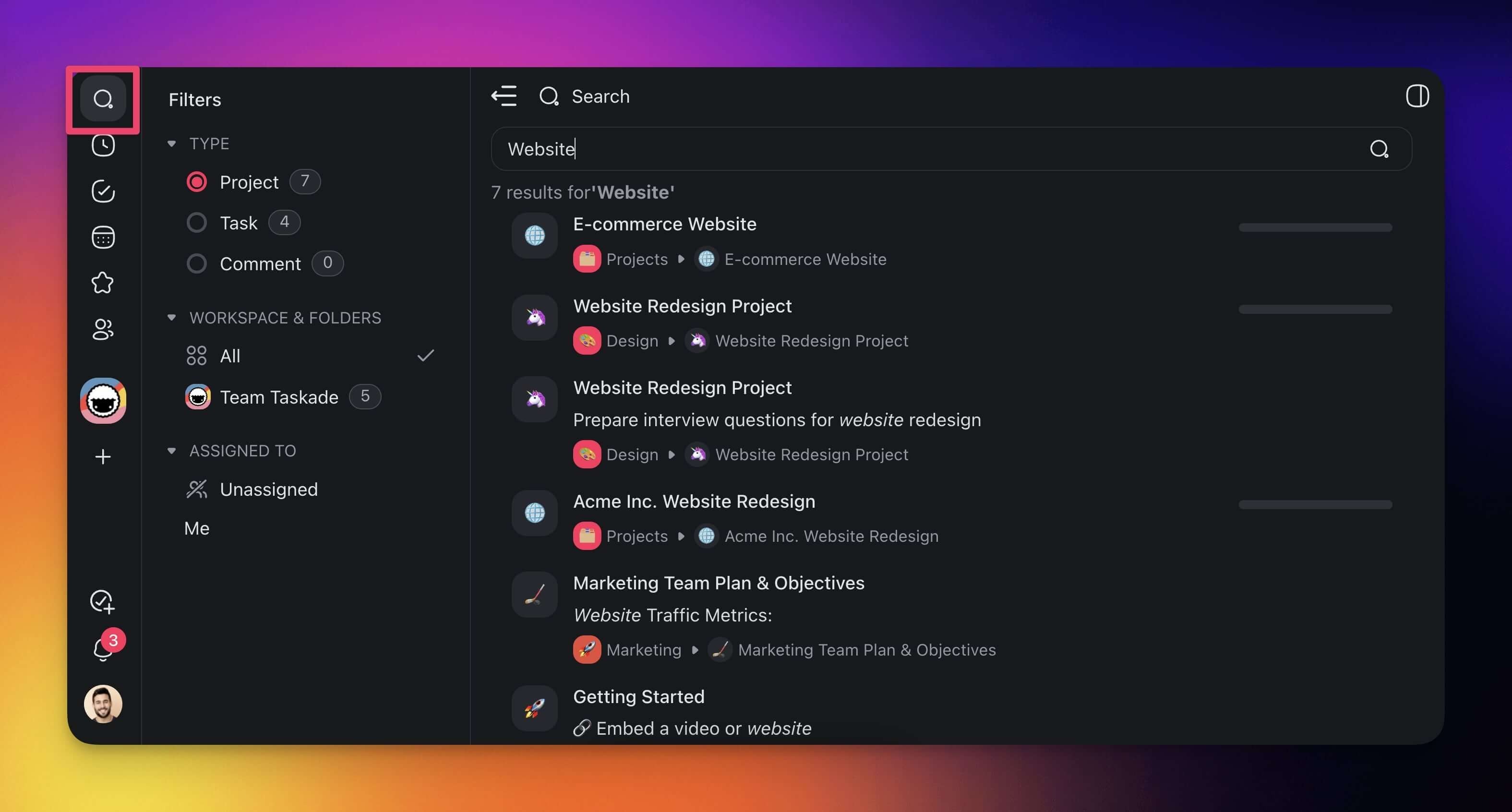
Use the Global Search feature to search across workspaces, folders, and projects.
- Click the 🔍 Search button at the top of the left navigation pane.
- Type the phrase you're looking for and press ⌨️ Enter.
- (optional) Choose and customize filters using the options on the left.
- Click any of the search results to jump to tasks/notes.
Smarter Search Indexing (v6.107.0+)
Taskade search now features enhanced indexing that understands context and meaning:
- Semantic search — Find results by meaning, not just keywords
- Cross-project search — Search across all projects, agents, and automations in your workspace
- Agent knowledge search — Search within agent training data and knowledge sources
- Instant indexing — New content is searchable immediately after creation
Tips
- Use ⌨️ Ctrl/⌘ + F for quick in-project searches and ⌨️ Ctrl/⌘ + K for cross-workspace searches.
- Combine search with filters (type, assignee, workspace) in Global Search to narrow results quickly.
- Search works across all project views, so results link directly to the matching task regardless of the view you are in.