






Remember when building an app meant hiring developers, waiting months, and spending tens of thousands of dollars? Those days are over.
AI app builders have transformed how we create software. Now you can describe what you need in plain English and watch as working applications come to life in minutes—complete with databases, automations, and professional interfaces.
But with dozens of platforms claiming to be the "best," how do you choose? The landscape is moving faster than ever — Lovable hit a $6.6 billion valuation in under a year, Cursor crossed $2 billion in ARR, and Replit raised at $9 billion. New categories like "vibe coding" didn't even exist 18 months ago.
We've tested and compared the top 20 AI app builders available in 2026, analyzing their features, ease of use, pricing, and real-world results. Whether you're a startup founder, business owner, or someone with a great idea, this guide will help you find the perfect tool.
TL;DR: Taskade Genesis leads the AI app builder category with 150,000+ apps built. It combines AI agents, automations, and databases in one prompt-to-deploy pipeline. Free has 3 apps. Pro is $10 a month billed yearly ($20 monthly) and adds 50,000 AI credits a month. See plans and prices. Clone the task dashboard app.
Compare with: on a budget, start with free AI app builders, every free-plan limit verified instead.
Let's dive in. 🚀
⏱️ Quick Comparison: All 20 AI App Builders at a Glance
Before we dive deep, here's the full landscape ranked by category:
| # | Tool | Category | Starting Price | Best For | Key Strength |
|---|---|---|---|---|---|
| 1 | Taskade Genesis | Living Software | Free / $10/mo | Everyone | AI agents + automations + data in one app |
| 2 | Lovable | Vibe Coding | Free / $25/mo | Developers wanting polished frontends | Beautiful React code from prompts |
| 3 | Bolt.new | Vibe Coding | Free / $25/mo | Quick full-stack prototypes | Browser-based WebContainer runtime |
| 4 | v0 | Vibe Coding | Free / $30/user/mo | Frontend developers | shadcn/ui components from Vercel |
| 5 | Replit | Cloud IDE | Free / $20/mo | Developers wanting cloud IDE | Agent 3 autonomous coding |
| 6 | Cursor | AI Code Editor | Free / $20/mo | Professional developers | VS Code fork with deep AI |
| 7 | Windsurf | AI Code Editor | Free / $15/mo | Developers wanting agentic flows | Cascade multi-file editing |
| 8 | Claude Artifacts | Prototyping | Free / $20/mo | Quick idea exploration | Instant interactive previews |
| 9 | Firebase Studio | Cloud IDE | Free | Google ecosystem developers | Gemini-powered, free Firebase hosting |
| 10 | Framer | Website Builder | Free / $5/mo | Designers | Designer-quality animations |
| 11 | Bubble | Visual Builder | Free / $32/mo | Complex custom apps | Deep visual programming |
| 12 | Retool | Internal Tools | Free / $10/user | Engineering teams | Direct database connections |
| 13 | Glide | Spreadsheet Apps | Free / $60/mo | Spreadsheet-to-app | Mobile-first from Google Sheets |
| 14 | Softr | Portal Builder | Free / $59/mo | Airtable users | Membership sites and portals |
| 15 | AppSheet | Google Apps | Free / $5/user | Google Workspace orgs | Offline + barcode scanning |
| 16 | Airtable Interfaces | Data Views | Free / $12/user | Airtable users | Custom views on Airtable data |
| 17 | Power Apps | Enterprise | $5/user/app | Microsoft ecosystem | Dataverse + Copilot AI |
| 18 | Webflow | Website Builder | Free / $18/mo | Designers | Pixel-perfect visual control |
| 19 | Zapier Interfaces | Automation Apps | Free / $29.99/mo | Automation-first teams | 7,000+ app integrations |
| 20 | Dify | AI App Framework | Free (OSS) / $59/mo | AI/LLM app developers | Open-source LLM app orchestration |
🏗️ How AI App Builders Work: Architecture Comparison
Not all AI app builders work the same way under the hood. The fundamental architecture determines what you can build and how much maintenance you'll deal with afterward.
Code generators (Lovable, Bolt.new, v0, Cursor) follow a linear pipeline: you prompt, they generate code, you preview it, then you publish it. Every iteration restarts the cycle. You own the code, and with it the ongoing maintenance, even when the tool hosts the app for you.
Taskade Genesis works differently. It creates living software — apps that are instantly live, connected to your workspace data, powered by AI agents, and automated from day one. There's no deploy step because the app is already running. And because of the Workspace DNA feedback loop, your apps get smarter as your workspace grows.
The key takeaway: code generators produce files you need to deploy and maintain. Genesis produces living software that runs, learns, and automates from the moment you hit enter.
This architectural difference explains why Genesis apps include AI agents, automations, and 100+ integrations out of the box — they're not bolted on after the fact. They're part of the Workspace DNA that powers every app.
Code Generators vs a Living Workspace: What You Get After the Prompt
A code generator builds one project; a living workspace shares its data, agents, and automations across every app. Lovable, Bolt.new, Replit, and v0 write the code for one app. Most of them also host it, and Lovable Cloud, Bolt Cloud, and Replit add a database for that project. AI features and automations live in that code or come from outside tools. Taskade Genesis builds the app on the workspace's own projects, AI agents, and automations, and your team and your other apps use the same ones.
| After the prompt | Code generators (Lovable, Bolt.new, Replit, v0) | Base44 | Taskade Genesis |
|---|---|---|---|
| What you get | Generated code and a preview, hosted or exported | A hosted app with a built-in database and sign-in | A live app on the workspace's own projects, agents, and automations |
| Memory after the build | A database for this one project: Lovable Cloud, Bolt Cloud, or Replit, or one you connect (v0) | Built-in database | Workspace projects in multiple project views |
| AI agents | You add them to the code | Superagents act for the builder, beside the app | Agents with web search, code, file analysis, and persistent memory, inside the app |
| Automations | Outside tools such as Zapier or n8n, or code you write | Integrations billed in integration credits | Built in, with 100+ bidirectional integrations |
| Team work | Project sharing and team plans | Shared workspace | Real-time workspace with role-based access from Owner to Viewer |
| What the meter counts | Build credits, tokens, or Agent effort | Message credits, plus integration credits your end users spend | One workspace plan: AI work uses the plan's monthly AI credits (Free starts with 0) |
This is the same move Anthropic made against ChatGPT. Claude stopped competing as a better chat box and shipped Claude Code, an agent that does the work (the three wedges). Code generators still win for developers who want the raw code and full control of it. For a team that needs the app to keep its records, answer with an agent, and run every day, test the running system. The head-to-head pages are listed under Related Resources at the end.
Need an agent, not an app? See the best AI agent builders, or start with the free AI agent builder.
👉 Try the difference yourself — build a free app →
📅 What Changed in Early 2026: AI App Builder Timeline
The AI app builder space is moving at breakneck speed. Here's what happened since our last update:
| Date | Event | Impact |
|---|---|---|
| Jan 2026 | Cognition acquires Windsurf (Codeium) from OpenAI bidding war | Combines Devin autonomous agent with Windsurf IDE — biggest AI dev tools M&A |
| Jan 2026 | Cursor crosses $2B ARR, valued at $29.3B | Fastest dev tool to $2B ARR in history; 85% of Fortune 500 using it |
| Jan 2026 | Lovable raises Series B at $6.6B valuation | From $0 to $300M+ ARR in under 12 months; 8M+ users |
| Feb 2026 | Replit valued at $9B, launches Agent 3 | Agent 3 runs 200-minute autonomous sessions; effort-based pricing model |
| Feb 2026 | Google rebrands Project IDX → Firebase Studio | Full Gemini integration, free Firebase hosting, Genkit for AI features |
| Feb 2026 | v0 rebrands to v0.app, adds Sandbox runtime | Full-stack apps (not just components), token-based pricing, 3.5M+ users |
| Feb 2026 | Taskade ships MCP v2, Public API v2, Agent Public API | Full programmatic access to Genesis apps, agents, and automations |
| Mar 2026 | Bolt.new adds deployment pipeline, team workspaces | Competing directly with Lovable on full-stack deployment |
| Mar 2026 | Vercel valued at $9.3B, V0 ARR ~$42M | V0 growing 25% month-over-month inside Vercel ecosystem |
The big story of 2026: Vibe coding went from a meme to a $50B+ market. The term, coined by Andrej Karpathy in early 2025, now describes an entire category of tools that let anyone build software by describing what they want.
⚡ Why AI App Builders Are Changing Everything
AI app builders have eliminated the need for traditional development cycles. According to Gartner, the low-code/no-code market will exceed $187 billion by 2030, and AI app builder companies raised over $8 billion in venture funding in 2025 alone. Here's why the shift is happening:
The Old Way:
- Hire developers ($100-200/hour)
- Wait 3-6 months for a basic app
- Spend $50,000-$500,000+
- Still need to explain your business logic repeatedly
The New Way (AI App Builders):
- Describe what you need in natural language
- Get a working app in minutes to hours
- Pay a fraction of traditional development costs
- Iterate instantly through conversation
Here's the thing: according to recent studies, knowledge workers spend 21% of their time on tasks that could be automated. That's more than one full day every week doing work that software should handle.
AI app builders close that gap. They let you turn the perfect solution in your head into working software—without waiting for budget approval or the right developer.
The market agrees. AI app builder companies raised over $8 billion in venture funding in 2025 alone, and the total addressable market for low-code/no-code platforms is projected to exceed $187 billion by 2030 (Gartner). Every major tech company — Google, Microsoft, Amazon, Vercel — now has an AI app builder play.
The benefits include:
- ⚡ Speed: Build and deploy in minutes, not months
- 💰 Cost savings: Eliminate expensive development cycles
- 🔄 Flexibility: Make changes through conversation
- 🧠 Business alignment: Software that fits your exact needs
- 🚀 Competitive advantage: Ship faster than competitors
- 🔒 Lower risk: Test ideas before committing engineering resources
- 🌐 Accessibility: Non-technical team members can build what they need
Now let's look at the best tools for making this happen.
🏆 The 20 Best AI App Builders in 2026
The AI app builder landscape exploded in 2024-2025, and 2026 is the year it matured into distinct categories. We've organized these 20 tools into three tiers:
🔥 Vibe Coding / AI-First Platforms (1-9): Generate complete apps from natural language prompts
🛠️ Visual/No-Code Platforms (10-16): Build with drag-and-drop interfaces and visual programming
🏢 Enterprise & Automation Platforms (17-20): IT-governed development and workflow automation
| Category | Tools | Best For | Market Trend |
|---|---|---|---|
| Living Software | Taskade Genesis | Complete apps with AI agents, automations, data | Only platform combining AI agents + automations + data |
| Code Export | Lovable, Bolt.new, Replit | Developers who want AI help writing code | Lovable at $6.6B, fastest-growing category |
| Full-Stack AI | v0, Firebase Studio | Full-stack apps with AI assistance | v0 expanded beyond components in 2026 |
| AI Code Editors | Cursor, Windsurf | Professional developers | Cursor at $29.3B, Windsurf acquired by Cognition |
| Prototyping | Claude Artifacts | Quick idea exploration | Claude model improvements expand capabilities |
| Websites | Framer, Webflow | Designers building marketing sites | AI features added to existing builders |
| Visual Builders | Bubble | Maximum visual control | Adding AI assistants to visual paradigm |
| Spreadsheet Apps | Glide, AppSheet, Airtable | Data-driven simple apps | Google ecosystem dominance |
| Enterprise | Power Apps, Retool | IT-governed development | Copilot integration in enterprise tools |
| Automation-First | Zapier Interfaces | Workflow-driven apps | 7,000+ integrations |
| Open-Source AI | Dify | LLM app developers | OSS alternative growing fast |
Let's dive into each platform:
#1 Taskade Genesis ⭐

Taskade Genesis isn't just another app builder—it's a new paradigm called vibe coding. The vibe coding market hit $4.7 billion in 2026 with 63% of users being non-developers. You describe what you want to build in natural language, and Genesis creates complete, production-ready applications with databases, automations, AI agents, and integrations already connected.
What makes Genesis different? Most app builders give you mockups or templates that don't actually do anything. Genesis delivers living software—fully functional applications powered by your Taskade workspace data. When you ask for a CRM, you get a real CRM with working pipelines, automated follow-ups, and actual business logic. See what users are building in our Genesis reviews roundup.
The secret is Workspace DNA — a self-reinforcing loop where Memory (your projects and documents) feeds Intelligence (AI agents), which triggers Execution (automations), which creates more Memory. Every app Genesis creates inherits this intelligence automatically.
What you can build:
- Complete web applications and dashboards
- Client portals and booking systems
- CRMs and lead management tools
- Internal workflow tools and admin panels
- Landing pages with lead capture
- AI-powered chatbots and assistants
- Inventory and e-commerce tools
- Forms, surveys, and data collection apps
Taskade Genesis Select Features 🌟
| Feature | Description |
|---|---|
| 🧬 Vibe Coding | Build apps by describing what you need in natural language |
| 🤖 Custom AI Agents | Embed trainable AI assistants with built-in tools and custom slash commands |
| 💾 Built-in Databases | Projects act as intelligent databases with multiple views (List, Board, Calendar, Table, Mind Map, Gantt, Org Chart) |
| ⚡ 100+ Integrations | Connect to Slack, Google, HubSpot, Stripe, Shopify, Telegram, and more |
| 🔄 Real-time Collaboration | Multiple users can build and use apps together with RBAC |
| 📱 Mobile Responsive | All apps work on desktop, tablet, and mobile |
| 🌐 Instant Publishing | One-click deployment with shareable URLs and custom domain support |
| 🎨 Full Customization | Adjust styling, layouts, and logic through conversation |
| 🔌 MCP v2 Server | Programmatic access to apps, agents, and automations via Model Context Protocol |
| 🔑 Public API v2 | Full REST API for building custom integrations and workflows |
| 🤖 Multi-Agent Collaboration | Multiple AI agents working together on complex tasks |
| 🔒 Password Protection & OIDC | Secure published apps with access controls or enterprise SSO login flows |
| 📊 Built-in Analytics | Tinybird-powered dashboard tracking app usage, user engagement, and performance |
| 🎯 Element Selector | Click any element in your app and edit it with natural language—visual editing meets AI |
| 🔧 Self-Healing Deploys | Build health checks and auto-restart keep your apps running without intervention |
| 🌐 Custom Domain Registration | Register .com, .org, .net, .app, .dev, .fyi domains directly from Taskade with automatic SSL |
| ⚙️ Automation Engine | durable execution with branching, looping, and filtering |
| 🧠 Frontier AI Models | Frontier models from top AI labs |
Example prompt (find more in our prompt gallery):
"Build a client portal for my agency with project tracking,
file uploads, and automated weekly status updates."
Genesis will create a complete portal with milestone tracking, document management, and email automations—all connected to your workspace data. The app includes embedded AI agents that can answer client questions, and automations that trigger Slack notifications when milestones are reached.
Taskade Genesis Pricing 💸
| Plan | Price | What's Included |
|---|---|---|
| 🟢 Free | $0 | 3 apps, 1 AI agent, automations (10 runs/mo), hosting |
| 🟣 Pro | $10/month annual / $20/month | 10 users included, advanced AI agents, custom branding |
| 🟡 Business | $25/month annual / $50/month | Team workspaces, SSO, admin controls, priority support |
| ⚫ Enterprise | Custom | Dedicated support, custom integrations, SLA |
Why Taskade Genesis wins:
- Only platform with true "living software" that connects to real data
- Built-in AI agents with built-in tools that can be embedded in any app
- 100+ integrations work out of the box (Slack, HubSpot, Stripe, Shopify, Telegram)
- Apps evolve with your workspace — Workspace DNA means everything stays in sync
- MCP v2 server and Public API v2 for developers who want programmatic access
- Over 150,000 community-built apps you can clone and customize
- Multi-agent collaboration for complex workflows
- Self-healing deploys with automatic health checks — apps stay running without manual intervention
- 3M+ automations running across Taskade workspaces, powered by a durable execution engine
See Genesis in action — clone these apps instantly:
| Category | Example Apps |
|---|---|
| 📊 Dashboards | Finance Tracker • Investor Dashboard • Support Rating Dashboard |
| 📅 Booking Systems | Room Booking • Class Booking Portal • Appointment System |
| 🌐 Landing Pages | SaaS Landing Page • Real Estate Page • Nonprofit Website |
| 💼 Business Tools | Neon CRM • Invoice Generator • Simple Store |
| 🛠️ Productivity | Time Tracker • Minimalist ToDo • Note Tiles |
👉 Create your first app with Genesis
👉 Browse 150,000+ community apps
#2 Lovable (fka GPT Engineer)
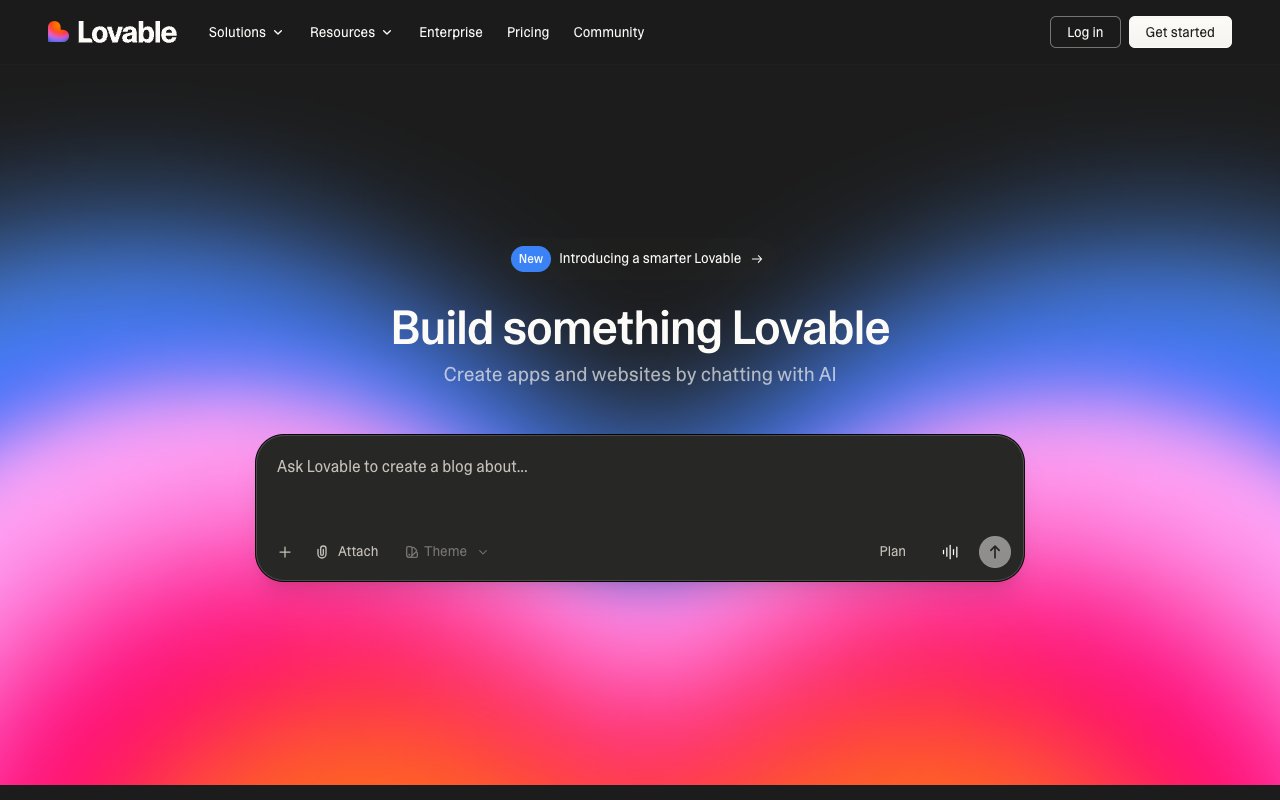
Lovable (formerly GPT Engineer) is the breakout star of the AI app builder wave. Founded by Anton Osika in Sweden, the company rebranded from GPT Engineer in late 2024 and hasn't looked back — hitting a $6.6 billion valuation with its February 2026 Series B ($330M led by Benchmark), crossing $300M+ ARR, and reaching 8 million users in under a year.
The platform excels at creating polished React frontends quickly. You describe what you want, Lovable generates production-quality React/TypeScript code with modern UI components. The Supabase integration adds database and auth capabilities, and the GitHub sync lets you export code for self-hosting.
However, unlike Taskade Genesis, Lovable focuses purely on code generation. You get beautifully designed interfaces, but no built-in AI agents, no workflow automations, and no connected data layer. Apps require Supabase for backend functionality and separate hosting for production deployment. Enterprise customers like Klarna, HubSpot, and Photoroom use it for rapid prototyping, but production apps still need engineering teams to maintain.
The honest catch: Credit consumption can be unpredictable. Complex apps can burn through monthly credits quickly, and each iteration costs credits. Users on Reddit frequently report running out mid-project and needing to upgrade or wait for renewal.
Lovable Select Features 🌟
- Conversational app generation with React/TypeScript output
- Modern, polished UI designs with responsive layouts
- GitHub integration for code export and version control
- Supabase integration for databases and authentication
- Iterative refinement through chat with visual previews
- Lovable 2.0 improvements: faster generation, better code quality
- Custom domain support on paid plans
Lovable Pricing 💸
| Plan | Price | Credits | Key Features |
|---|---|---|---|
| 🟢 Free | $0 | 5 build credits a day (up to 30 a month), 20 Cloud credits | Publish to lovable.app addresses with a badge |
| 🔵 Pro | $25/month | 100 monthly credits plus 5 a day | Custom domains, badge removal |
| 🟣 Business | $50/month | 100 monthly credits plus 5 a day | Controls for teams |
| 🟡 Enterprise | Custom | Custom | Custom terms and support |
Checked on the vendor's pricing page on October 20, 2026.
Best for: Developers who want AI assistance building polished React frontends and prefer to own and deploy their own code.
Taskade Genesis vs Lovable:
| Feature | Lovable | Taskade Genesis |
|---|---|---|
| Natural language | ✅ | ✅ |
| Working apps | ✅ Code export | ✅ Live instantly |
| Built-in AI Agents | ❌ | ✅ built-in tools |
| 100+ Integrations | ❌ | ✅ |
| Database included | ❌ (needs Supabase) | ✅ Built-in |
| Hosting included | ❌ (separate deploy) | ✅ One-click |
| Automations | ❌ | ✅ durable execution engine |
| Living Software | ❌ Static export | ✅ Workspace DNA |
| Valuation | $6.6B | — |
👉 Read our full Lovable review →
#3 Bolt.new (StackBlitz)
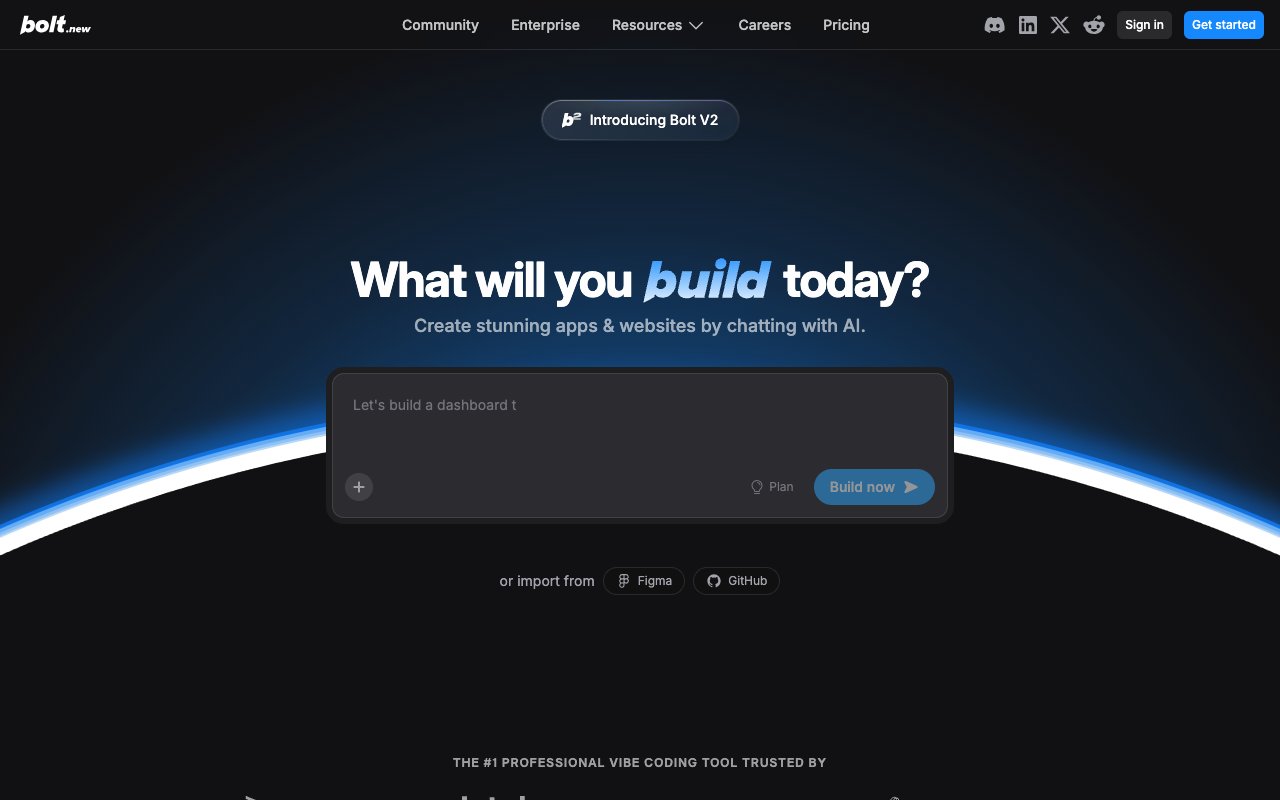
Bolt.new from StackBlitz went viral in late 2024 for its ability to spin up full-stack apps in a browser-based development environment. The secret sauce is WebContainers — StackBlitz's technology that runs Node.js entirely in the browser, giving you instant previews without any server setup.
The platform uses Claude and other frontier models to generate code from prompts, with real-time previews as you iterate. In early 2026, Bolt.new added deployment pipelines and team workspaces, competing more directly with Lovable on the full-stack front. The multi-framework support (React, Vue, Svelte, Next.js, Remix) gives developers flexibility that single-framework tools don't offer.
However, Bolt.new is still fundamentally a developer tool. While deployment has improved, you're still working with generated code that needs understanding to maintain. There are no built-in AI agents, no workflow automations, and no connected data layer like Taskade Genesis provides.
The honest catch: Token consumption is the pain point. Complex apps eat through tokens quickly, and many users report having to start over when the AI loses context on longer conversations. The free tier is very limited — expect to hit the paywall within your first serious project.
Bolt.new Select Features 🌟
- Browser-based code generation with WebContainer runtime
- Full-stack app templates across multiple frameworks (React, Vue, Svelte, Next.js)
- Instant preview with hot reload
- Claude and GPT-powered AI coding
- Export to GitHub with version history
- Deployment pipeline (added 2026)
- Team workspaces for collaboration
- Figma import for design-to-code
Bolt.new Pricing 💸
| Plan | Price | Tokens | Key Features |
|---|---|---|---|
| 🟢 Free | $0 | 1M tokens/mo, 300K daily cap | Hosting with Bolt branding |
| 🔵 Pro | $25/month, or $18/month billed annually | 10M tokens/mo, unused tokens roll over | No daily cap, custom domains |
| 🟣 Teams | $27/member/month billed annually | From 10M tokens per member | Team workspaces |
| 🟡 Enterprise | Custom | Billed by consumption | Custom annual contract |
Checked on the vendor's pricing page on October 20, 2026.
Best for: Developers prototyping full-stack ideas who want multi-framework flexibility.
Taskade Genesis vs Bolt.new:
| Feature | Bolt.new | Taskade Genesis |
|---|---|---|
| Natural language | ✅ | ✅ |
| Browser-based | ✅ | ✅ |
| Built-in AI Agents | ❌ | ✅ built-in tools |
| Hosted apps | ✅ Website hosting on Free | ✅ Always live |
| Database included | ✅ Unlimited databases on Free | ✅ Built-in, linked to your workspace |
| One-click deploy | ✅ | ✅ Instant |
| 100+ Integrations | ❌ | ✅ |
| Multi-framework | ✅ React/Vue/Svelte | ✅ React |
| Automations | ❌ | ✅ durable execution engine |
#4 v0 (Vercel)
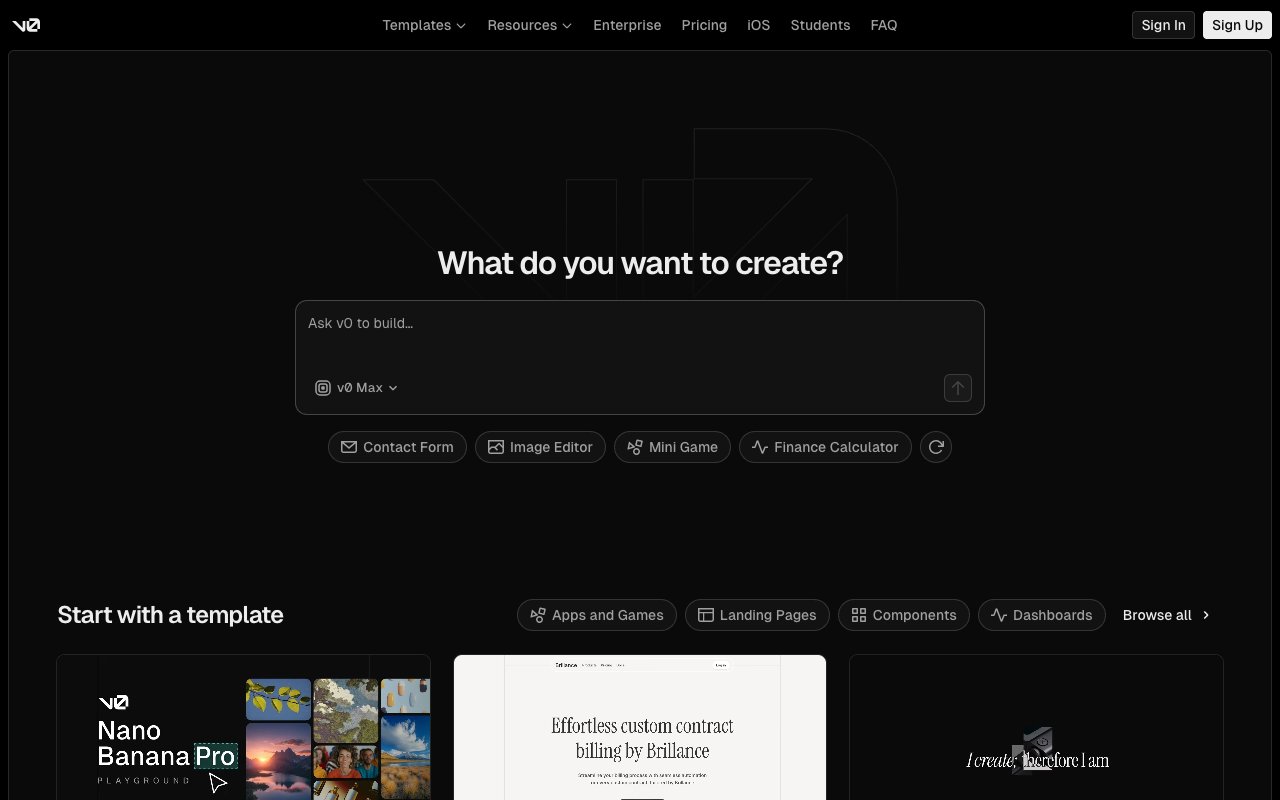
v0 (rebranded from v0.dev to v0.app in early 2026) is Vercel's AI-powered development platform. What started as a UI component generator has evolved into a much more ambitious tool — the new sandbox-based runtime can import entire GitHub repos, pull Vercel environment variables, and build full-stack applications, not just components.
The numbers tell the story: 6 million+ developers, 80,000+ active teams, and an estimated ~$42M ARR growing 25% month-over-month. Vercel itself is valued at $9.3 billion, giving v0 significant resources to invest in the product. The new Git panel lets you create branches and PRs directly from chat, and database integrations with Snowflake and AWS bring backend capabilities that were previously missing.
However, v0 remains tightly coupled to the Vercel/Next.js ecosystem. If you're not deploying on Vercel, you'll face friction. And while the sandbox runtime is impressive, it still generates code that requires developer knowledge to maintain. There are no built-in AI agents, no workflow automations, and no connected data layer.
The honest catch: Token-based pricing replaced the old credit system, making costs harder to predict. Each generation costs a variable number of tokens depending on complexity. Users report that complex full-stack apps can burn through the monthly allocation quickly.
v0 Select Features 🌟
- Full-stack app generation from prompts (not just components anymore)
- Sandbox runtime that imports GitHub repos and Vercel env vars
- shadcn/ui components with Tailwind CSS styling
- Image-to-code conversion
- Git panel for branch/PR workflows directly from chat
- Database integrations (Snowflake, AWS)
- Figma import support
- Seamless Vercel deployment
v0 Pricing 💸
| Plan | Price | Credits | Key Features |
|---|---|---|---|
| 🟢 Free | $0 | 7 messages a day | One-time $5 credit for new users |
| 🔵 Plus | $30/user/month | $30 monthly credits plus $2 daily login credits | More usage and faster models |
| 🟣 Business | $100/user/month | Credits per user | Team controls |
| 🟡 Enterprise | Custom | Custom | SSO, SLA, dedicated support |
Checked on the vendor's pricing page on October 20, 2026.
Best for: Frontend and full-stack developers in the Vercel/Next.js ecosystem who want AI-assisted development with seamless deployment.
Taskade Genesis vs v0:
| Feature | v0 | Taskade Genesis |
|---|---|---|
| Natural language | ✅ | ✅ |
| Full apps | ✅ (new sandbox) | ✅ Complete apps |
| Built-in AI Agents | ❌ | ✅ built-in tools |
| Database | ⚠️ Snowflake/AWS add-on | ✅ Built-in |
| Automations | ❌ | ✅ durable execution engine |
| Deploy & host | ✅ Vercel only | ✅ One-click anywhere |
| Ecosystem lock-in | ⚠️ Vercel/Next.js | ❌ Open |
| Users | 6M+ developers | — |
#5 Replit
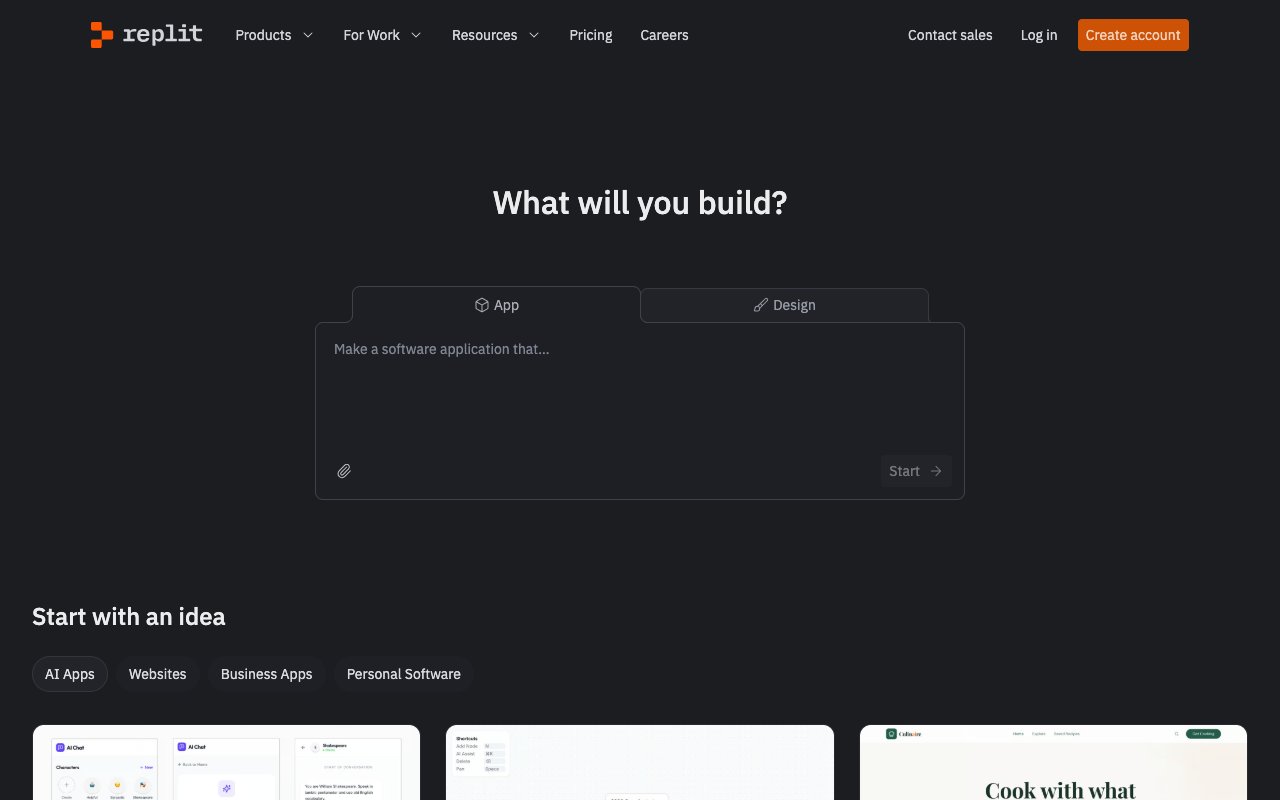
Replit has reinvented itself as an AI-first development platform. After laying off staff and pivoting hard into AI in 2024, the bet is paying off — Replit raised at a $3 billion valuation and launched Agent 3, which can work autonomously for up to 200 minutes (compared to 2 minutes for Agent 1 and 20 minutes for Agent 2).
The platform is impressive for developers who want an AI-enhanced cloud IDE. Agent 3 doesn't just generate code — it tests its own output, debugs failures, and iterates autonomously. The new effort-based pricing model (Economy/Power/Turbo modes) gives you control over how aggressively the AI works, which directly affects credit consumption.
However, Replit still requires coding knowledge. The AI assists you, but you're working with code in a traditional IDE environment. There's no drag-and-drop or pure natural language interface for non-technical users. And the February 2026 pricing overhaul retired the Teams tier entirely, pushing collaborative use toward the $100/month Pro plan.
The honest catch: Agent 3's autonomy is a double-edged sword. Users on Reddit report the agent forcefully applying unrequested changes, spawning subagents to refactor code on minor edits, and burning through credits at alarming rates. One user reported losing 1/3 of their monthly budget in a single overnight session. There's no option to revert to earlier Agent versions.
Replit Select Features 🌟
- Full cloud IDE in browser with multi-language support
- Agent 3: 200-minute autonomous coding sessions
- Effort-based pricing (Economy/Power/Turbo modes)
- Built-in hosting and deployment with custom domains
- Multiplayer collaboration (up to 5 on Core, 15 on Pro)
- Database integrations and key-value storage
- Mobile app development support
- Tests its own code and auto-fixes failures
Replit Pricing 💸
| Plan | Price | Credits | Key Features |
|---|---|---|---|
| 🟢 Free | $0 | Limited | 1 published app, online for 30 days |
| 🔵 Core | $20/month ($18/mo annual) | $20 of monthly credits | Replit Agent with more powerful models |
| 🟣 Pro | $100/month ($90/mo annual) | $100 of monthly credits | The most powerful models |
Agent work past the included credits is billed by effort, pay as you go. Checked on the vendor's pricing page on October 20, 2026.
Note: Teams tier was retired in February 2026.
Best for: Developers who want an AI-enhanced cloud IDE with autonomous coding capabilities and built-in deployment.
Taskade Genesis vs Replit:
| Feature | Replit | Taskade Genesis |
|---|---|---|
| Code required | ✅ | ❌ |
| AI assistance | ✅ Agent 3 (200 min) | ✅ Vibe coding |
| Non-technical friendly | ❌ | ✅ |
| Built-in AI Agents | ❌ | ✅ built-in tools |
| 100+ Integrations | Limited | ✅ |
| Living Software | ❌ Code export | ✅ Workspace DNA |
| Autonomous coding | ✅ 200 min sessions | — |
| Valuation | $3B | — |
👉 Read our full Replit review →
#6 Cursor
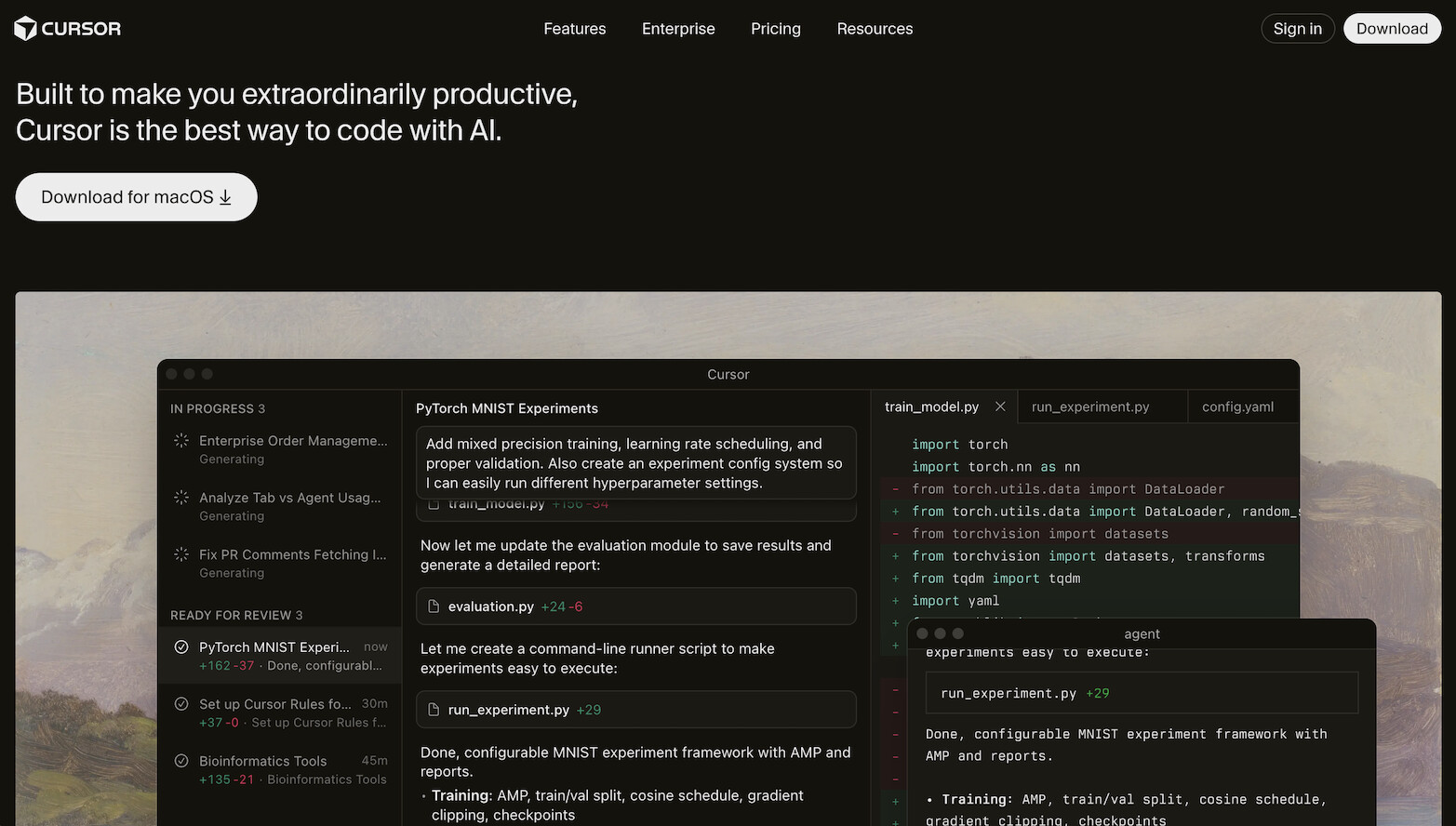
Cursor (by Anysphere) is the AI code editor that broke every SaaS growth record. The numbers are staggering: $29.3 billion valuation (Series D backed by Google and NVIDIA), $2 billion+ ARR (crossed $1B in just 17 months — the fastest B2B SaaS to that milestone ever), and 85% of Fortune 500 companies using it.
Built as a VS Code fork with deep AI integration, Cursor's killer features include Composer (multi-file AI editing), Background Agents (autonomous coding tasks), BugBot (automated bug detection), and the new Subagents/Skills system for spawning specialized agents. The October 2025 release of Cursor 2.0 brought Composer 1.5 with 20x scaled RL and 60% latency reduction.
Important: Cursor is an IDE, not an app builder. It helps professional developers write code faster, but you still need to know how to code. There's no deployment, no database, no hosting. It's a developer productivity multiplier, not a way for non-technical users to build apps.
The honest catch: Cursor's June 2025 pricing change triggered a major backlash. They shifted from 500 fixed fast responses to $20 usage-based credits, effectively cutting requests from ~500 to ~225. CEO Michael Truell issued a public apology. Users report unpredictable billing, and by February 2026, Cursor dropped to #3 in LogRocket's AI Dev Tool rankings (behind Windsurf at #1). The pricing model requires constant monitoring to avoid overages.
Cursor Select Features 🌟
- VS Code fork with deep AI integration
- Composer: multi-file AI editing with context awareness
- Background Agents for autonomous coding tasks
- BugBot for automated bug detection
- Subagents/Skills system for specialized agents
- Tab autocomplete with codebase context
- Custom model support (OpenAI, Anthropic, Google)
- "Cursor Blame" — distinguishes human vs AI code
Cursor Pricing 💸
| Plan | Price | Usage | Key Features |
|---|---|---|---|
| 🟢 Free | $0 | Limited completions | Basic features, community models |
| 🔵 Pro | $20/month | $20 usage credits included | Fast models, Background Agents, overages billed at API rates |
| 🟣 Business | $40/user/month | Centralized billing | Admin dashboards, enhanced privacy, SSO |
Best for: Professional developers who want the most powerful AI-powered code editor and don't mind managing usage-based costs.
Taskade Genesis vs Cursor:
| Feature | Cursor | Taskade Genesis |
|---|---|---|
| Target user | Developers | Everyone |
| Code required | ✅ | ❌ |
| Complete apps | ❌ Code editor only | ✅ Full apps |
| Built-in hosting | ❌ | ✅ |
| AI Agents | ⚠️ Background Agents | ✅ built-in tools, embeddable |
| Integrations | ❌ | ✅ 100+ |
| Automations | ❌ | ✅ durable execution engine |
| Valuation | $29.3B | — |
| ARR | $2B+ | — |
👉 Read our full Cursor review →
#7 Windsurf (Cognition / fka Codeium)
Windsurf has one of the wildest origin stories in tech. Originally launched as Codeium (an AI code completion tool), it rebranded to Windsurf and pivoted to an AI-first IDE. Then in December 2025, Cognition AI (makers of the autonomous coding agent Devin) acquired Windsurf for ~$250 million in one of the most complex M&A deals in AI history — Google secured a licensing deal for the technology, OpenAI was involved in the bidding, and Cognition got the product, team (~210 employees), and $82M ARR with enterprise revenue doubling quarter-over-quarter.
Windsurf's standout feature is Cascade — an AI flow system that understands your entire project context and makes architectural decisions, not just line-by-line suggestions. Combined with Codemaps (visual code understanding), Fast Context (rapid codebase indexing), and Arena Mode (compare AI responses), it offers a deeply integrated coding experience. As of February 2026, Windsurf climbed to #1 in LogRocket's AI Dev Tool Power Rankings, ahead of both Cursor and GitHub Copilot.
Post-acquisition, Cognition is merging Windsurf's IDE with Devin's autonomous agent capabilities, aiming for the first fully AI-driven development environment by late 2026.
The honest catch: The Cognition acquisition created uncertainty about product direction. Free tier users should be cautious with proprietary code — SOC 2 compliance is only available on Pro+ plans. And like Cursor, this is a developer tool, not an app builder for non-technical users.
Windsurf Select Features 🌟
- Cascade AI flow: multi-file editing with full project context
- Codemaps: visual code understanding and navigation
- Fast Context: rapid codebase indexing for intelligent suggestions
- Arena Mode: compare responses from different AI models
- VS Code-compatible extension ecosystem
- Terminal integration with AI assistance
- Post-acquisition: Devin autonomous agent integration coming
- #1 ranked AI dev tool (LogRocket, Feb 2026)
Windsurf Pricing 💸
| Plan | Price | Credits | Key Features |
|---|---|---|---|
| 🟢 Free | $0 | 25 prompt credits/mo | Unlimited tab completions, community support |
| 🔵 Pro | $15/month | 500 credits/mo | SOC 2 compliance, priority models |
| 🟣 Teams | $30/user/month | Team credits | Admin controls, shared settings |
| 🟡 Enterprise | $60/user/month | Custom | Custom deployment, dedicated support |
Best for: Developers who want a deeply context-aware AI code editor with agentic capabilities, especially those interested in the Cognition/Devin integration roadmap.
Taskade Genesis vs Windsurf:
| Feature | Windsurf | Taskade Genesis |
|---|---|---|
| Target user | Developers | Everyone |
| Code required | ✅ | ❌ |
| Complete apps | ❌ Code editor | ✅ Full apps |
| AI flow (Cascade) | ✅ | — |
| Built-in hosting | ❌ | ✅ |
| AI Agents | ⚠️ Devin (coming) | ✅ built-in tools |
| 100+ Integrations | ❌ | ✅ |
| Automations | ❌ | ✅ durable execution engine |
👉 Read our full Windsurf review →
👉 Best Windsurf alternatives →
#8 Claude Artifacts (Anthropic)
Claude Artifacts is a feature within Anthropic's Claude that generates interactive React components, HTML pages, and mini-applications directly in the conversation. It went viral for producing impressive tools from casual prompts — calculators, data visualizers, games, and interactive dashboards.
In 2026, Artifacts got significantly more capable. The addition of persistent storage (up to 20MB per artifact across sessions) means you can now build stateful tools like journals, habit trackers, and budget planners that remember your data. MCP integration connects artifacts to external services like Asana, Google Calendar, and Slack. And built-in Claude API calls mean artifacts can leverage AI without requiring separate API keys or per-call charges.
The key limitation remains: Artifacts are sandboxed. They live within Claude's environment and can't be deployed as standalone applications. There's no custom domain, no backend database beyond 20MB local storage, and no production hosting. Shared artifacts work for other users, but recipients use their own subscription limits.
Claude Artifacts Select Features 🌟
- Interactive app generation from conversation
- Persistent storage up to 20MB across sessions
- MCP integration (Asana, Google Calendar, Slack)
- Built-in Claude API calls (no separate API keys)
- React component support with SVG/visual generation
- Shareable artifacts (recipients use own subscription)
- Code export for further development
- Iterative refinement through chat
Claude Artifacts Pricing 💸
| Plan | Price | Artifact Features |
|---|---|---|
| 🟢 Free | $0 | Basic artifact generation, limited usage |
| 🔵 Pro | $20/month | Full artifacts, persistent storage, MCP integration |
| 🟣 Max | $100-200/month | Extended usage limits, priority generation |
| 🟡 Team | $30/user/month | Shared artifacts, team collaboration |
| ⚫ Enterprise | Custom | Admin controls, SSO, compliance |
Best for: Quick prototyping, internal tools, and exploring ideas within Claude conversations. Not for production deployment.
Taskade Genesis vs Claude Artifacts:
| Feature | Claude Artifacts | Taskade Genesis |
|---|---|---|
| Natural language | ✅ | ✅ |
| Persistent apps | ⚠️ 20MB sandboxed | ✅ Full production |
| Hosting | ❌ | ✅ Custom domains |
| Database | ⚠️ 20MB local only | ✅ Built-in |
| Custom AI Agents | ❌ | ✅ built-in tools |
| Integrations | ⚠️ MCP (limited) | ✅ 100+ native |
| Shareable | ⚠️ Uses recipient's quota | ✅ Unlimited sharing |
| Automations | ❌ | ✅ durable execution engine |
#9 Firebase Studio (Google, fka Project IDX)
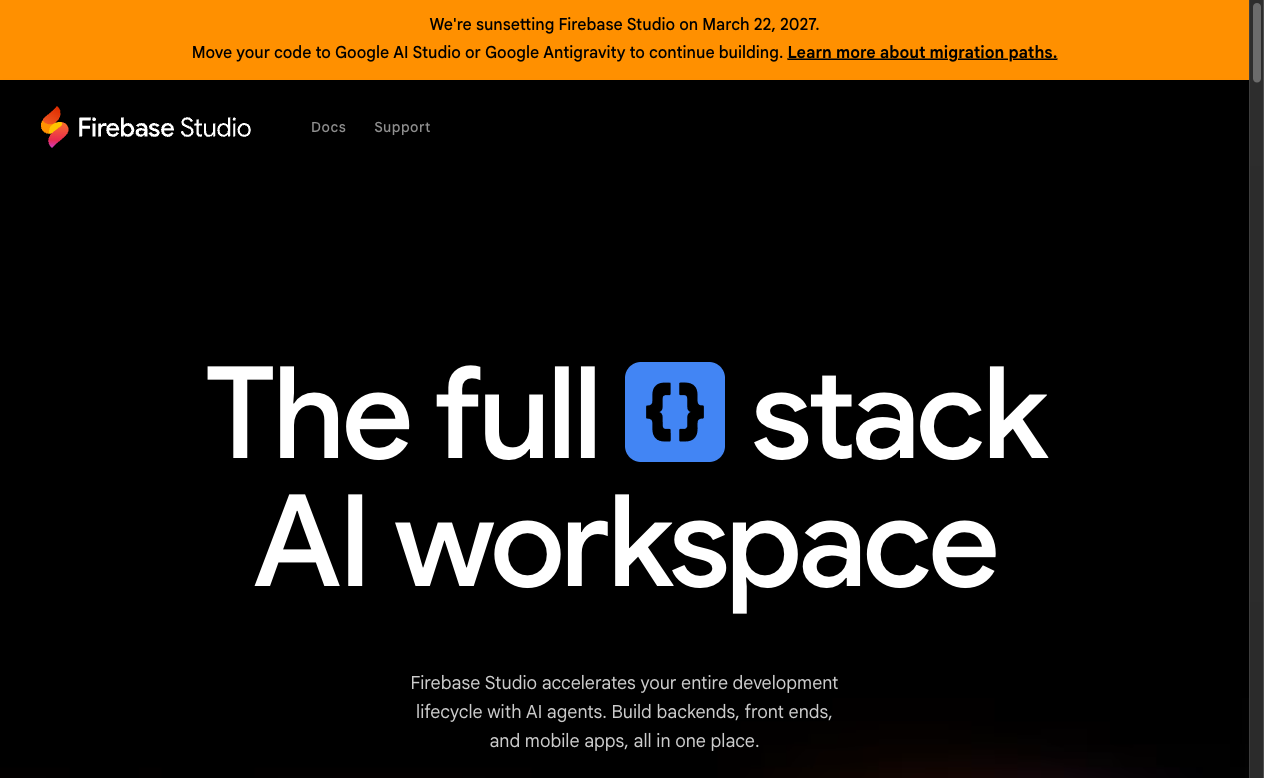
Firebase Studio (rebranded from Project IDX in April 2025 at Google Cloud Next) is Google's answer to the AI app builder wave. It's a cloud-based development environment with deep Gemini AI integration and free Firebase hosting, making it the go-to choice for developers in the Google ecosystem.
What sets Firebase Studio apart is the price: it's essentially free (you only pay for Firebase/GCP usage beyond free tiers). The AI capabilities include multiple Gemini model selection, an App Prototyping agent that generates app scaffolds from prompts, and Genkit integration for building RAG (retrieval-augmented generation) and AI flows into your apps.
The platform supports Flutter and React Native + Expo for cross-platform mobile development, which makes it attractive for teams building both web and mobile applications. Firebase App Hosting handles deployment automatically.
However, Firebase Studio is still nascent compared to Cursor or Replit. The AI coding capabilities are less mature, and the platform is entirely tied to the Google/Firebase ecosystem. If you're not using Firebase for your backend, there's less reason to choose this over alternatives.
Firebase Studio Select Features 🌟
- Cloud-based IDE with Gemini AI integration
- App Prototyping agent for scaffold generation
- Free Firebase App Hosting for deployment
- Genkit for RAG and AI flow development
- Flutter and React Native + Expo support
- Multiple Gemini model selection
- Integrated Firebase services (Auth, Firestore, Storage)
- Android, web, iOS, and Flutter emulators
Firebase Studio Pricing 💸
| Plan | Price | Workspaces | Key Features |
|---|---|---|---|
| 🟢 Free | $0 | 2 workspaces | Basic IDE, Gemini AI, Firebase free tier |
| 🔵 Standard | Free (Dev Program) | 10 workspaces | More workspaces, community access |
| 🟣 Premium | Paid (Dev Program) | 30 workspaces | Increased Gemini quota |
Firebase services (Firestore, Auth, Hosting) follow GCP pay-as-you-go pricing beyond generous free tiers.
Best for: Developers already using Google Cloud/Firebase who want a free AI-enhanced cloud IDE with integrated deployment.
Taskade Genesis vs Firebase Studio:
| Feature | Firebase Studio | Taskade Genesis |
|---|---|---|
| Natural language | ✅ Gemini | ✅ Multi-model |
| No code required | ❌ | ✅ |
| Built-in AI Agents | ❌ | ✅ built-in tools |
| Hosting included | ✅ Firebase free | ✅ One-click |
| Database | ✅ Firestore | ✅ Built-in |
| Mobile support | ✅ Flutter/RN | ✅ Responsive |
| 100+ Integrations | ❌ Google only | ✅ |
| Cost | Free (GCP usage) | Free / $10/mo+ |
#10 Framer
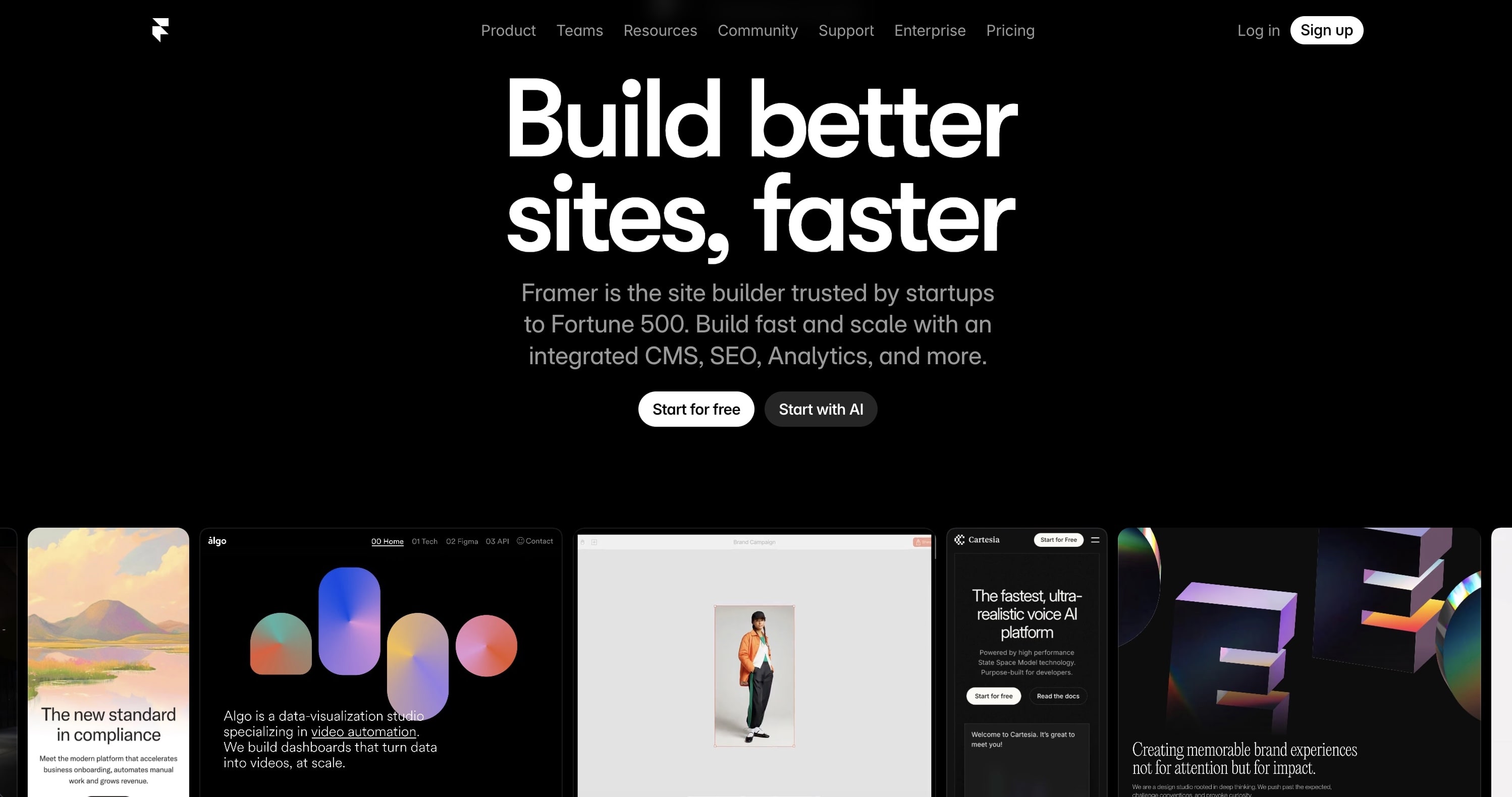
Framer is a design-focused website builder with AI features. It can generate page sections, suggest layouts, and help write copy. The output is beautiful, designer-quality websites with smooth animations.
Framer excels at marketing sites and portfolios. However, it's a website builder, not an app builder. You can't build CRMs, dashboards, or business tools. There's no database, no backend logic, no AI agents. It's for stunning static sites, not functional applications.
Framer Select Features 🌟
- AI page generation
- Designer-quality templates
- Smooth animations
- CMS for content
- Custom domains
- SEO optimization
- Responsive design
Framer Pricing 💸
- 🟢 Free: Framer subdomain
- 🔵 Mini ($5/month): Custom domain
- 🟣 Basic ($15/month): More pages, CMS
- 🟡 Pro ($30/month): Advanced features
Best for: Designers building beautiful marketing websites and portfolios.
Taskade Genesis vs Framer:
| Feature | Framer | Taskade Genesis |
|---|---|---|
| Websites | ✅ Beautiful | ✅ Functional |
| Full apps | ❌ | ✅ |
| Database | ❌ | ✅ |
| AI Agents | ❌ | ✅ |
| Automations | ❌ | ✅ |
| Business logic | ❌ | ✅ |
#11 Bubble
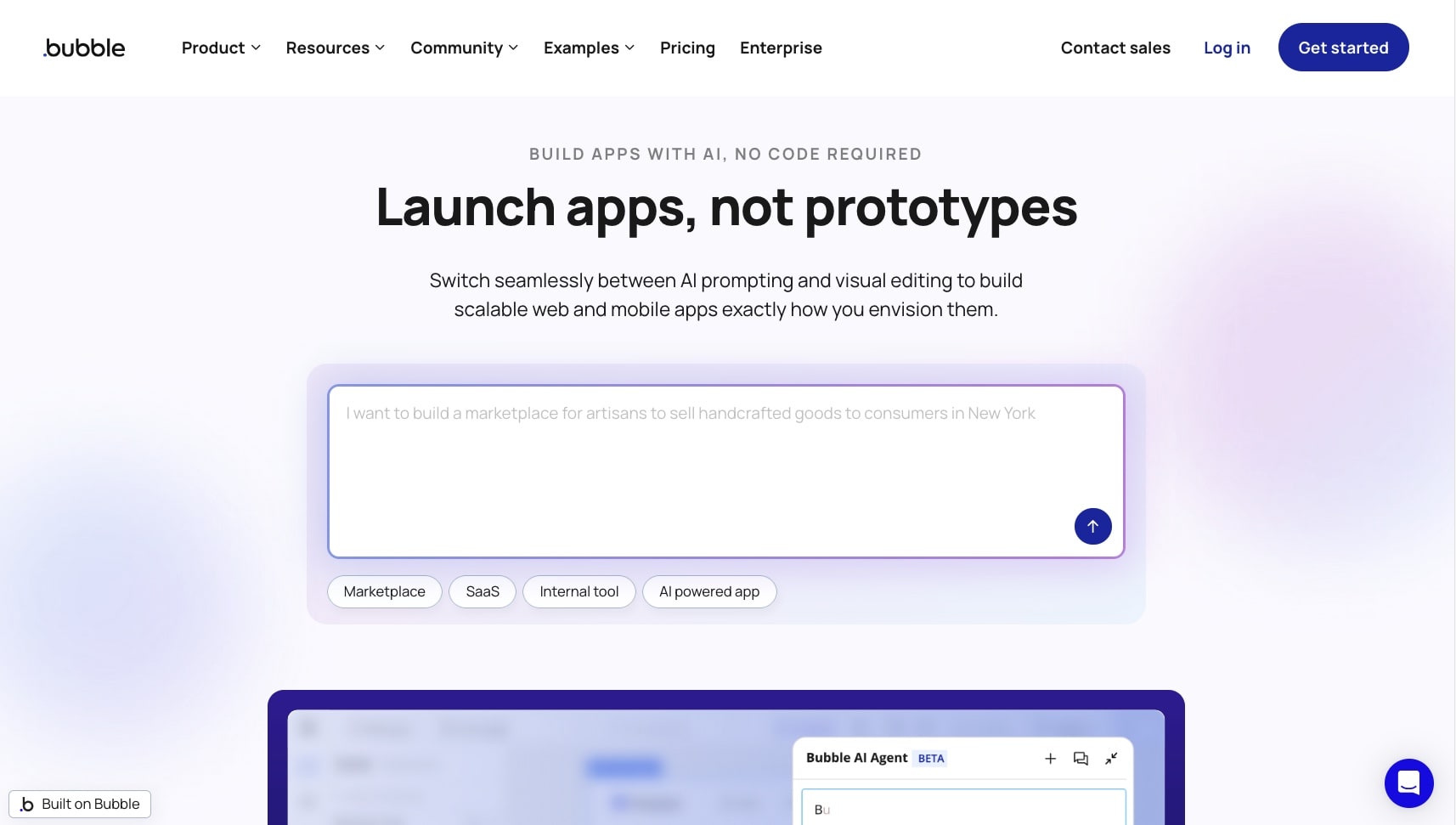
Bubble is the OG of visual no-code platforms, and it's fighting hard to stay relevant in the AI era. The company launched Bubble AI Agent in October 2025, which can generate pages, troubleshoot workflows, and understand your specific app architecture. The new AI App Generation feature builds full MVPs (auth, database, workflows) in 5-7 minutes from a text prompt.
The biggest 2026 news: Bubble launched native mobile apps (React Native) in public beta, addressing one of its longest-standing limitations. Mobile plugin builder support is coming Q2 2026. Combined with 50% faster database searches and improved Workload Unit efficiency, Bubble is modernizing rapidly.
However, the core platform still requires significant learning investment. Unlike AI-first vibe coding tools, Bubble's visual builder has a steep curve, and you're configuring every element manually — databases, workflows, UI components. The AI Agent assists but doesn't replace the need to understand Bubble's paradigm.
The honest catch: Pricing is aggressive at scale. Growth+ plans are needed for real applications, and the Workload Unit system is opaque — users struggle to predict costs. Performance concerns ("Bubble apps are slow") remain a common complaint on Reddit and X. Most critically, there's no code export — everything lives on Bubble's servers, creating significant vendor lock-in.
Bubble Select Features 🌟
- Visual drag-and-drop editor with workflow builder
- Bubble AI Agent: generates pages, troubleshoots, understands your app
- AI App Generation: full MVP in 5-7 minutes from prompt
- Native mobile apps (React Native, public beta)
- Built-in database with custom data types
- API connector for external services
- Plugin marketplace with 1,000+ plugins
- Version control and collaboration tools
Bubble Pricing 💸
| Plan | Price (Web) | Price (Web+Mobile) | Workload Units |
|---|---|---|---|
| 🟢 Free | $0 | — | Learning/testing only |
| 🔵 Starter | $29/month | $59/month | 175K WU |
| 🟣 Growth | $119/month | $209/month | 250K WU |
| 🟡 Team | $349/month | $549/month | 500K WU |
Best for: Technical founders and no-code developers who want maximum visual control over complex web applications and are willing to invest time learning the platform.
See how Bubble compares to Taskade →
#12 Retool
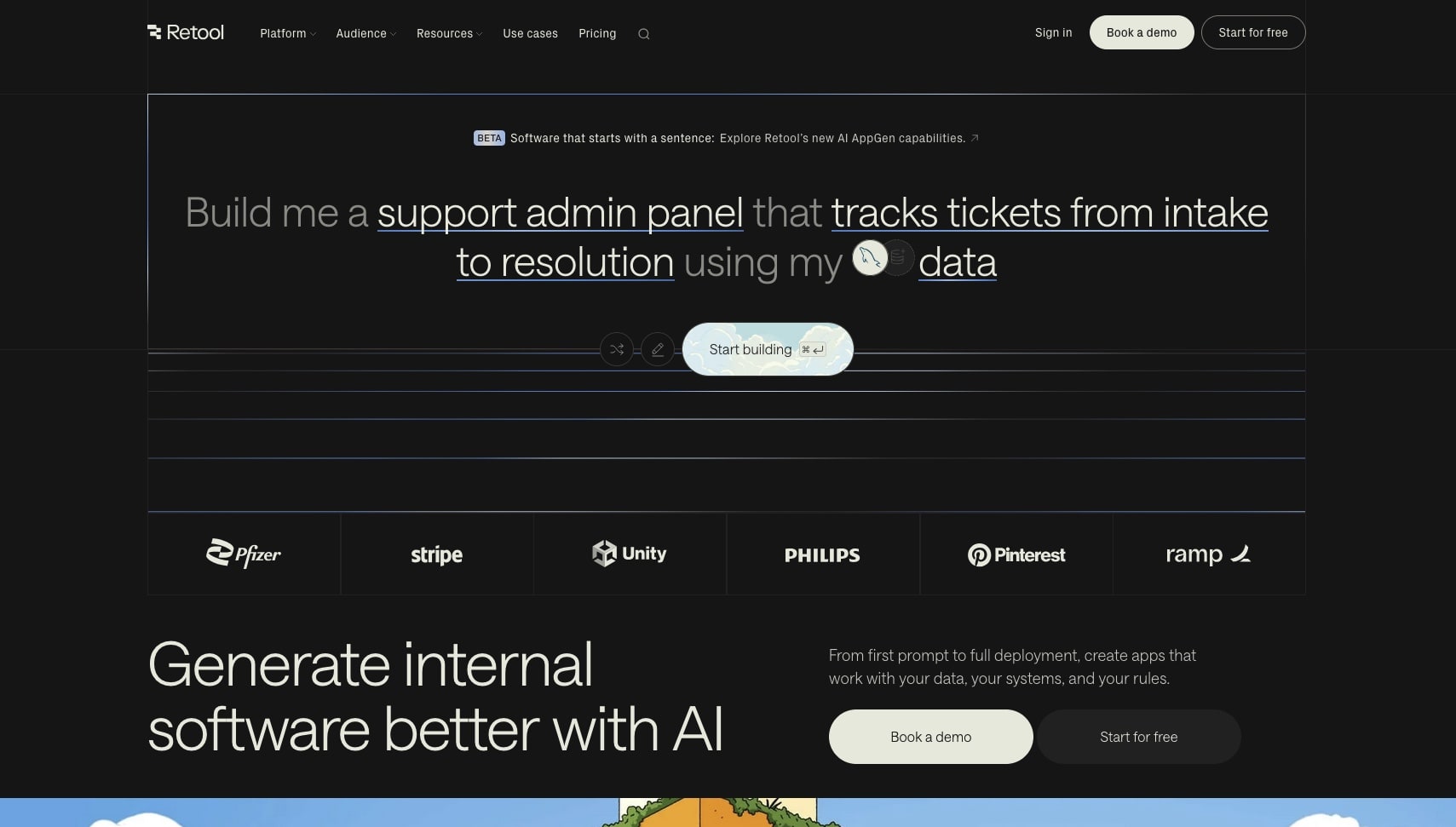
Retool specializes in building internal business tools, and it's been rapidly adding AI capabilities. The new Assist feature (public beta) generates entire apps from text prompts, AI Agents automate reasoning over live data sources, and Natural Language Queries turn plain English into interactive dashboards.
The platform connects directly to databases (PostgreSQL, MySQL, MongoDB) and APIs, making it powerful for data-heavy operations. Retool's own 2026 Build vs. Buy report shows 35% of enterprises replacing SaaS with custom software — a trend that directly benefits their platform.
However, Retool is expensive at scale. Business tier at $65/user adds up quickly for larger teams, SSO is only available on Enterprise, and the learning curve is steeper than vibe coding tools. It's not designed for non-technical users — you need to understand data models and workflows.
Retool Select Features 🌟
- Assist: AI app generation from text prompts (public beta)
- AI Agents: automate reasoning over live data sources
- Natural Language Queries: plain English to dashboards
- Pre-built UI components library (100+)
- Direct database connections (PostgreSQL, MySQL, MongoDB)
- API integrations and custom JavaScript
- Role-based access controls and audit logs
- Schema-aware, contextually grounded code generation
Retool Pricing 💸
| Plan | Standard Users | End Users | Key Features |
|---|---|---|---|
| 🟢 Free | Up to 5 | — | 500 workflows/mo, 5GB storage |
| 🔵 Team | $12/user/mo | $7/user/mo | Unlimited apps, basic support |
| 🟣 Business | $65/user/mo | $18/user/mo | Advanced security, audit logs |
| 🟡 Enterprise | Custom | Custom | SSO, SLA, dedicated support |
Best for: Engineering teams building internal tools who need direct database access and enterprise security features.
See how Retool compares to Taskade →
#13 Glide
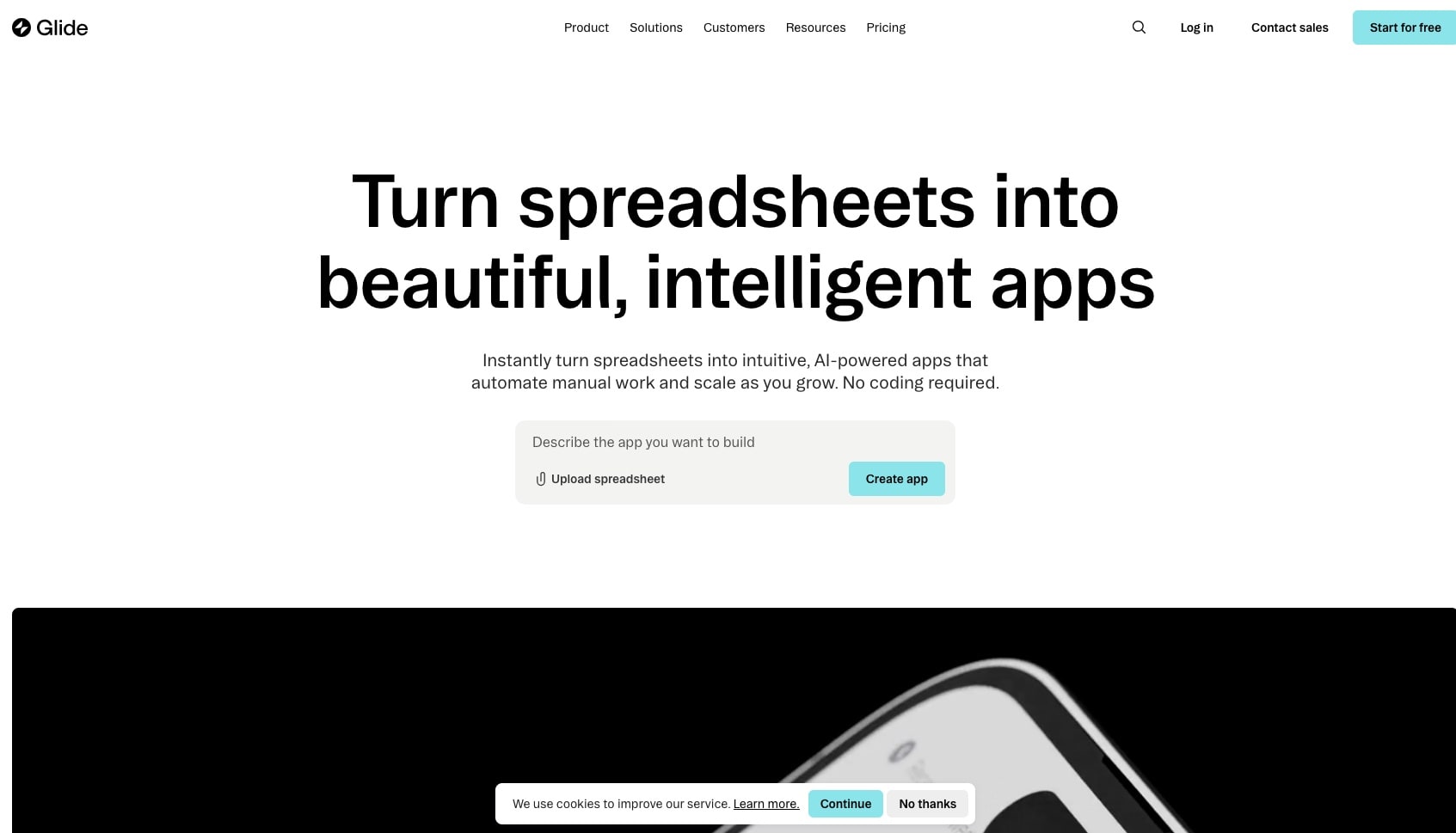
Glide turns spreadsheets into mobile-friendly apps. If your data lives in Google Sheets or Excel, Glide can transform it into a functional app with minimal configuration. For broader document and data transformations, check out Taskade's AI conversion tools.
The platform excels at simple, data-driven apps—directories, inventory trackers, and team tools. The AI features help with component suggestions and layout optimization, though it's less conversational than vibe coding platforms.
Glide Select Features 🌟
- Spreadsheet-to-app conversion
- Mobile-first design
- Simple data management
- Basic automation triggers
- Template library
- Team collaboration
Glide Pricing 💸
- 🟢 Free: Limited apps and rows
- 🔵 Maker ($60/month): 10,000 rows, custom domain
- 🟣 Team ($125/month/editor): More capacity, team features
- 🟡 Enterprise (Custom): Advanced security, SLAs
Best for: Small teams who already manage data in spreadsheets and want simple mobile apps.
See how Glide compares to Taskade →
#14 Softr
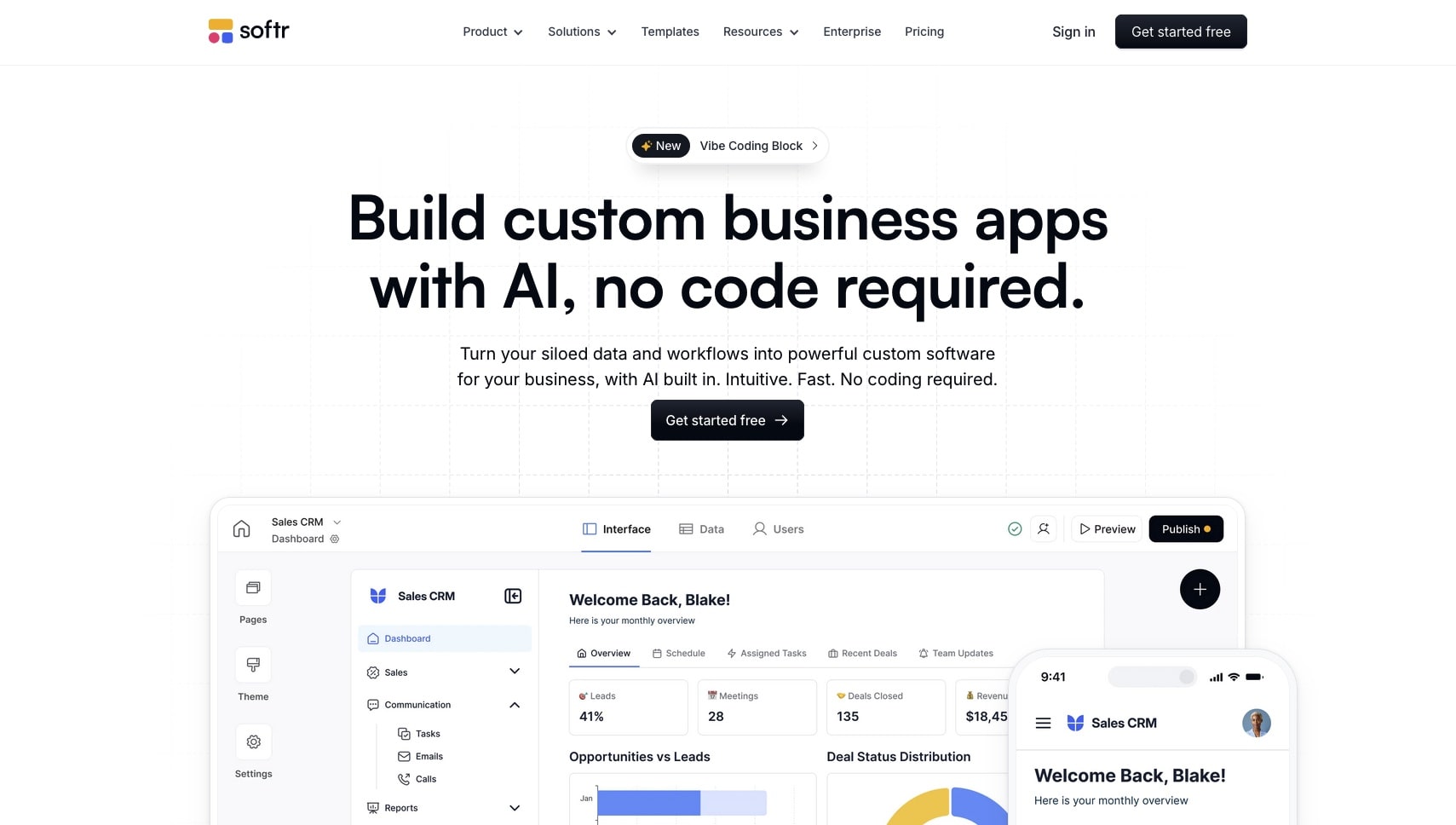
Softr builds web apps and portals using Airtable or Google Sheets as the backend. It's particularly strong for membership sites, client portals, and internal tools where you need user authentication and access controls.
The platform recently added AI features that help generate page layouts and content, though the core building experience is still template-based rather than conversational.
Softr Select Features 🌟
- Airtable and Google Sheets integration
- User authentication and memberships
- Pre-built templates and blocks
- Custom domains and SEO
- Payment integration (Stripe)
- Basic workflow automations
Softr Pricing 💸
- 🟢 Free: 1 app, Softr branding
- 🔵 Basic ($59/month): 3 apps, custom domain
- 🟣 Professional ($167/month): 10 apps, advanced features
- 🟡 Business ($323/month): Unlimited apps, white label
Best for: Teams using Airtable who need client-facing portals or membership sites.
See how Softr compares to Taskade →
#15 AppSheet (Google)
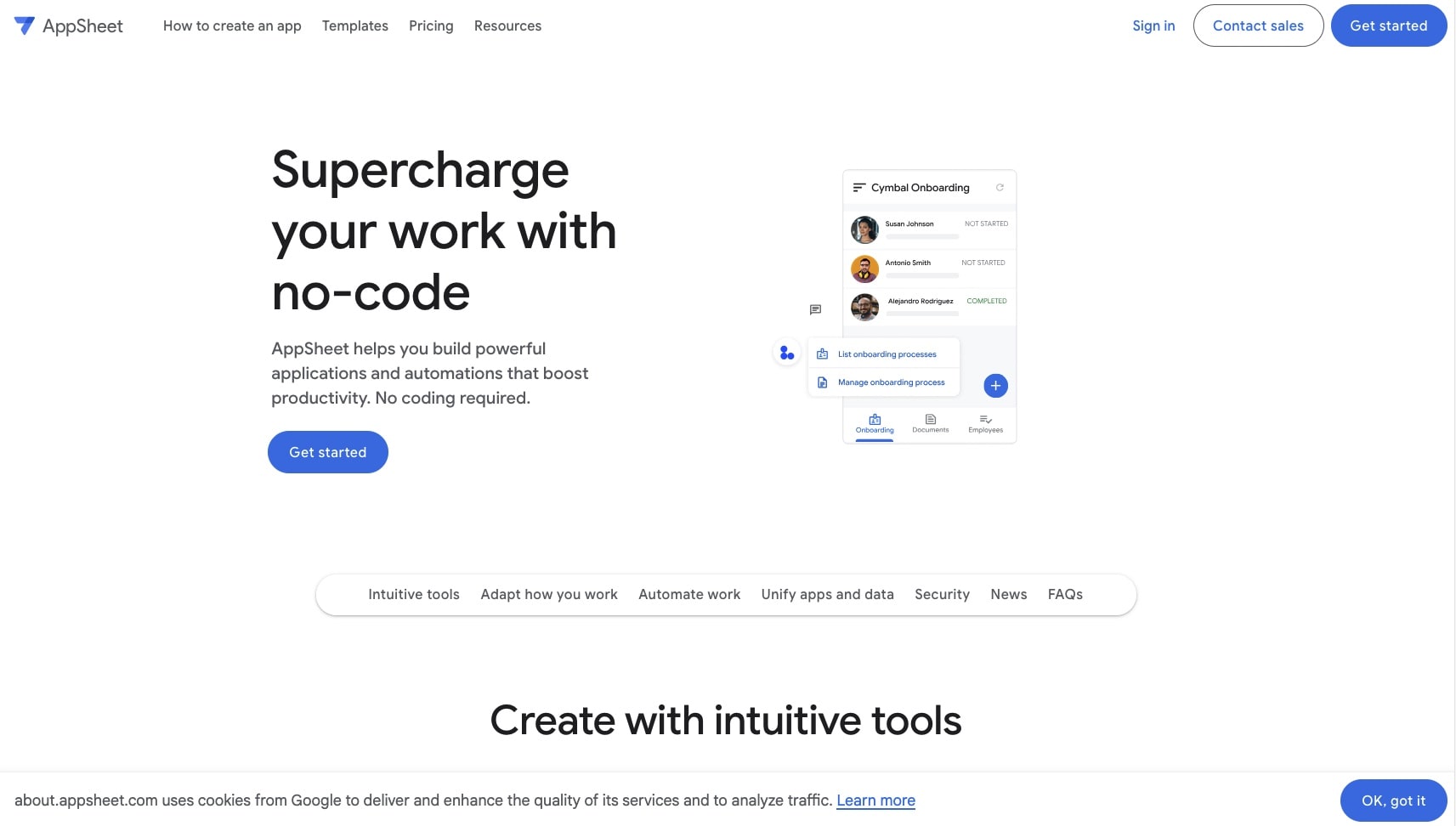
AppSheet, now part of Google Cloud, creates apps from spreadsheet data with strong integration into the Google ecosystem. It uses AI to analyze your data and suggest app structures, though the building process is more automated than conversational.
The platform excels at form-based workflows and data collection apps, especially for organizations already using Google Workspace.
AppSheet Select Features 🌟
- Deep Google Workspace integration
- Automatic app suggestions from data
- Offline functionality
- Barcode and NFC scanning
- Location and mapping features
- Enterprise security controls
AppSheet Pricing 💸
- 🟢 Free: Personal use, limited features
- 🔵 Starter ($5/user/month): Basic app creation
- 🟣 Core ($10/user/month): Full features, integrations
- 🟡 Enterprise (Custom): Advanced governance, support
Best for: Organizations deeply invested in Google Workspace who need simple data-collection apps.
See how AppSheet compares to Taskade →
#16 Airtable Interface Designer
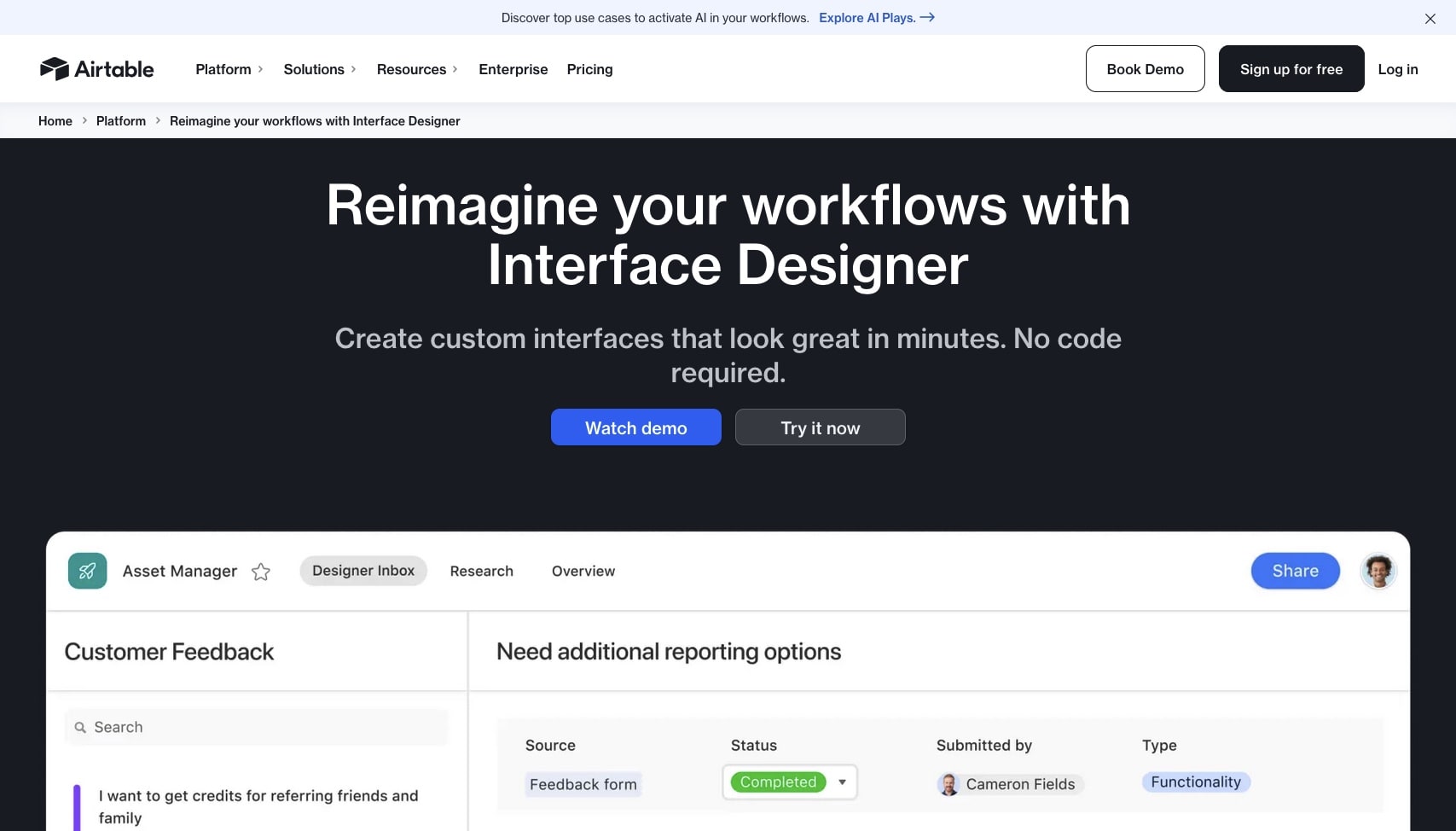
Airtable's Interface Designer creates custom views and forms on top of Airtable bases. It's not a full app builder—more like a way to create user-friendly frontends for your Airtable data.
The AI features help with form building and automation suggestions, but the platform is fundamentally about presenting Airtable data in different ways rather than building standalone applications.
Airtable Interface Designer Select Features 🌟
- Visual interface builder
- Multiple view types (kanban, gallery, calendar)
- Form builder with logic
- Automation triggers
- Sync with external data
- Real-time collaboration
Airtable Pricing 💸
- 🟢 Free: Limited records and features
- 🔵 Plus ($12/user/month): 5,000 records, extensions
- 🟣 Pro ($24/user/month): 50,000 records, advanced features
- 🟡 Enterprise (Custom): Unlimited records, admin controls
Best for: Teams already using Airtable who want nicer interfaces for their data.
See how Airtable compares to Taskade →
#17 Microsoft Power Apps
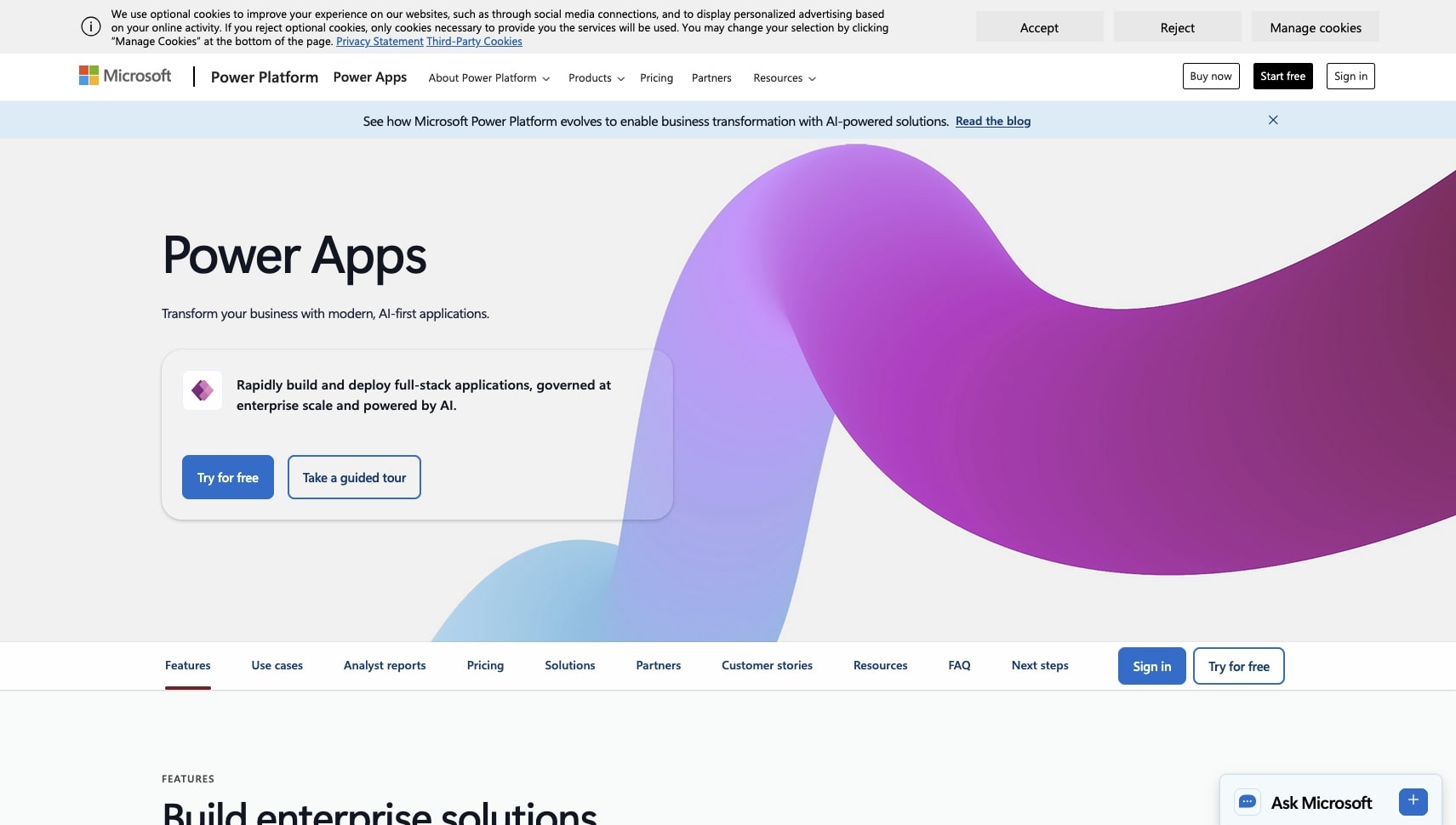
Power Apps is Microsoft's low-code platform for building business applications, deeply integrated with Microsoft 365, Dynamics, and Azure. It uses Copilot AI to help generate app components from descriptions.
The platform is enterprise-focused, with strong governance, security, and compliance features. However, it's more complex than consumer-oriented app builders and typically requires IT involvement.
Microsoft Power Apps Select Features 🌟
- Copilot AI assistance for app generation
- Deep Microsoft 365 integration
- Canvas and model-driven app types
- Dataverse for enterprise data
- Power Automate for workflows
- Enterprise-grade security
Microsoft Power Apps Pricing 💸
- 🔵 Per app ($5/user/app/month): Single app access
- 🟣 Per user ($20/user/month): Unlimited apps
- 🟡 Premium ($40/user/month): Advanced features, Copilot
Best for: Enterprise organizations already invested in Microsoft ecosystem who need IT-governed app development.
See how Power Apps compares to Taskade →
#18 Webflow
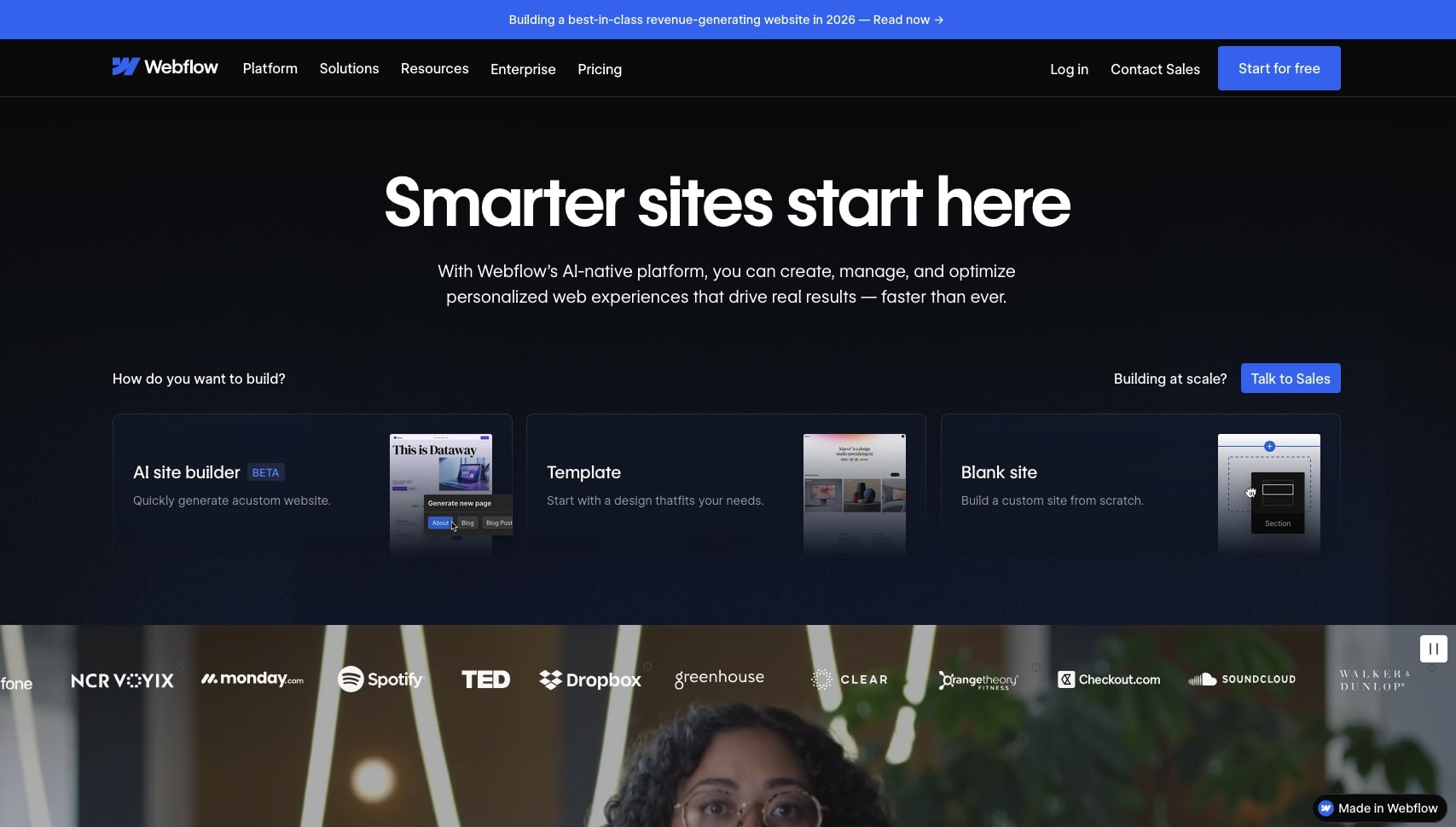
Webflow is primarily a website builder but has expanded into app-like functionality with memberships, e-commerce, and CMS capabilities. It's known for producing high-quality, designer-friendly websites.
While Webflow excels at visual design and marketing sites, it's less suited for complex business applications. The recent AI features help with design suggestions and content generation.
Webflow Select Features 🌟
- Professional-grade visual design
- CMS for content management
- E-commerce capabilities
- Membership and gating
- Animations and interactions
- Clean code output
Webflow Pricing 💸
- 🟢 Free: Webflow subdomain, limited features
- 🔵 Basic ($18/month): Custom domain, CMS
- 🟣 CMS ($29/month): Advanced CMS features
- 🟡 Business ($49/month): Forms, roles, more capacity
Best for: Designers building marketing websites who want pixel-perfect control.
See how Webflow compares to Taskade →
#19 Zapier Interfaces
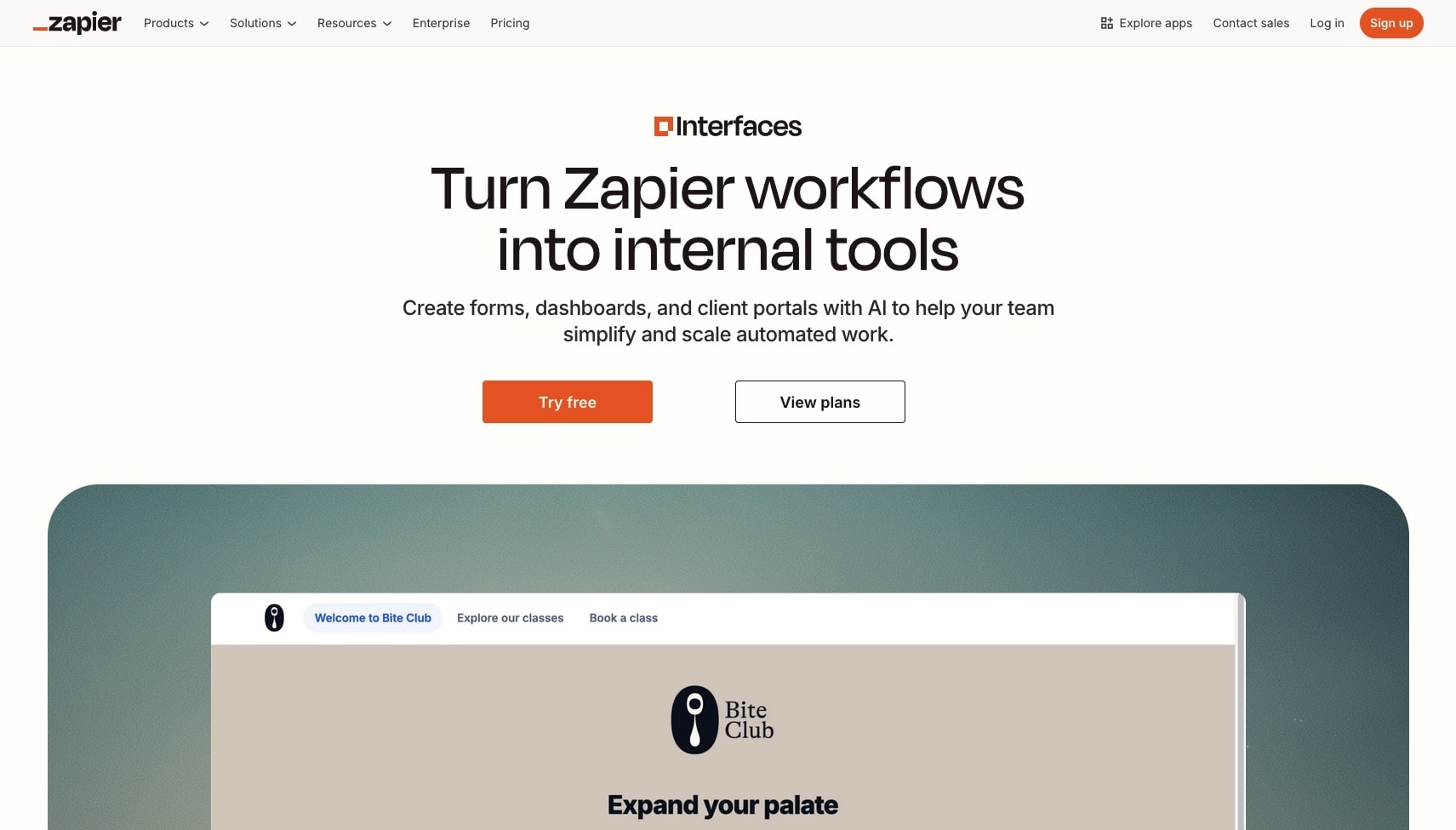
Zapier Interfaces lets you build simple apps and forms that connect to Zapier's 6,000+ app integrations. It's more limited than full app builders but powerful for creating automation-focused tools.
The AI features help build forms and suggest automations based on your goals. It's best for teams already using Zapier who want simple front-ends for their workflows.
Zapier Interfaces Select Features 🌟
- Simple form and page builder
- 6,000+ app integrations via Zapier
- AI-powered suggestions
- Lead capture and routing
- Basic tables and databases
- No-code workflows
Zapier Interfaces Pricing 💸
- 🟢 Free: Limited interfaces and tasks
- 🔵 Starter ($29.99/month): 750 tasks, multi-step zaps
- 🟣 Professional ($73.50/month): 2,000 tasks, advanced features
- 🟡 Team ($103.50/month/user): Shared workspaces, admin controls
Best for: Teams already using Zapier who need simple forms connected to automations.
See how Zapier compares to Taskade →
#20 Dify (Open Source)
Dify is the open-source alternative in the AI app builder space. It's a platform for building LLM-powered applications with a visual workflow editor, making it popular with developers and teams who want full control over their AI infrastructure.
Unlike the other tools on this list, Dify is designed specifically for AI/LLM applications — chatbots, RAG pipelines, AI agents, and workflow automations powered by large language models. You can self-host it (it's Apache 2.0 licensed with 60,000+ GitHub stars) or use the managed cloud service.
The visual workflow editor lets you chain together AI capabilities — retrieval, generation, tool use, branching logic — without writing code. It supports multiple LLM providers (OpenAI, Anthropic, Google, and dozens of others), making it model-agnostic.
However, Dify is not a general-purpose app builder. You can't build a CRM or booking system with it. It's specifically for AI-powered applications where LLMs are the core functionality. And self-hosting requires DevOps knowledge.
Dify Select Features 🌟
- Open-source (Apache 2.0, 60,000+ GitHub stars)
- Visual workflow editor for LLM pipelines
- RAG pipeline builder with multiple vector stores
- Multi-model support (OpenAI, Anthropic, Google, local models)
- AI agent builder with tool use capabilities
- Self-host or managed cloud
- API-first design for integration
- Community plugin marketplace
Dify Pricing 💸
| Plan | Price | Key Features |
|---|---|---|
| 🟢 Sandbox | $0 | 200 message credits, basic features |
| 🔵 Professional | $59/month | 5,000 credits, custom branding |
| 🟣 Team | $159/month | 10,000 credits, team management |
| 🟡 Self-Hosted | Free (OSS) | Unlimited, full control, own infrastructure |
Best for: Developers and AI engineers building LLM-powered applications who want open-source flexibility and multi-model support.
🤔 How to Choose the Right AI App Builder
Not every tool is right for every use case. Here's a comprehensive decision framework:
By Use Case
| If you need... | Best choice | Runner-up | Why |
|---|---|---|---|
| Complete apps with AI agents | Taskade Genesis | — | Only platform combining AI agents + automations + data |
| Living software connected to real data | Taskade Genesis | — | Workspace DNA syncs apps with your workspace |
| Code export for self-hosting | Lovable | Bolt.new | Lovable for polished React; Bolt for multi-framework |
| Full-stack apps with deployment | Lovable | v0 | v0's new sandbox competes on full-stack |
| AI-assisted coding (IDE) | Cursor | Windsurf | Cursor has most features; Windsurf has better context |
| Autonomous coding agent | Replit | Cursor | Agent 3 runs 200 min; Cursor Background Agents |
| Quick prototypes | Claude Artifacts | Bolt.new | Artifacts for instant; Bolt for more complex |
| Google ecosystem apps | Firebase Studio | AppSheet | Firebase Studio for devs; AppSheet for no-code |
| Beautiful marketing websites | Framer | Webflow | Framer for animation; Webflow for CMS |
| Maximum visual control | Bubble | Webflow | Bubble for apps; Webflow for sites |
| Internal tools with DB access | Retool | Taskade Genesis | Retool for enterprise IT; Genesis for everyone |
| Spreadsheet-based mobile apps | Glide | AppSheet | Glide for simple; AppSheet for Google integration |
| Client portals on Airtable | Softr | Airtable Interfaces | Softr for standalone portals; Airtable for data views |
| Microsoft ecosystem apps | Power Apps | — | Only option with Dataverse + Power Automate |
| Automation-first workflows | Zapier Interfaces | Taskade Genesis | Zapier for 7K+ integrations; Genesis for AI agents |
| Open-source AI apps | Dify | — | Self-hosted LLM pipelines with visual builder |
By Skill Level
| Your Background | Recommended Tools | Why |
|---|---|---|
| Non-technical | Taskade Genesis, Glide, Softr | No code required, visual or conversational |
| Some technical | Lovable, Bolt.new, Bubble | AI handles code but understanding helps |
| Developer | Replit, Cursor, Windsurf, v0 | Professional-grade AI-assisted coding |
| Designer | Framer, Webflow | Design-first tools with CMS |
| Enterprise IT | Power Apps, Retool | Governance, compliance, admin controls |
| AI/ML Engineer | Dify, Firebase Studio | LLM pipelines, model flexibility |
Feature Comparison Matrix (All 20 Tools)
Vibe Coding / AI-First Platforms:
| Feature | Genesis | Lovable | Bolt | v0 | Replit | Cursor | Windsurf | Claude | Firebase |
|---|---|---|---|---|---|---|---|---|---|
| Natural language | ✅ | ✅ | ✅ | ✅ | ✅ | ✅ | ✅ | ✅ | ✅ |
| Full apps | ✅ | ✅ | ✅ | ✅ | ✅ | ❌ | ❌ | ❌ | ✅ |
| AI Agents | ✅ | ❌ | ❌ | ❌ | ❌ | ⚠️ | ⚠️ | ❌ | ❌ |
| Database | ✅ | ❌ | ❌ | ⚠️ | ✅ | ❌ | ❌ | ⚠️ | ✅ |
| Automations | ✅ | ❌ | ❌ | ❌ | ❌ | ❌ | ❌ | ❌ | ❌ |
| 100+ Integrations | ✅ | ❌ | ❌ | ❌ | ❌ | ❌ | ❌ | ⚠️ | ❌ |
| One-click deploy | ✅ | ✅ | ⚠️ | ✅ | ✅ | ❌ | ❌ | ❌ | ✅ |
| No code required | ✅ | ✅ | ✅ | ✅ | ❌ | ❌ | ❌ | ✅ | ❌ |
| Living Software | ✅ | ❌ | ❌ | ❌ | ❌ | ❌ | ❌ | ❌ | ❌ |
| Code export | — | ✅ | ✅ | ✅ | ✅ | ✅ | ✅ | ✅ | ✅ |
Pricing Comparison (Monthly, Individual Plans)
| Tool | Free | Starter/Core | Pro | Team/Business |
|---|---|---|---|---|
| Taskade Genesis | 3 apps, 1 agent | — | $10/mo billed annually, $20 monthly | $25/mo billed annually, $50 monthly |
| Lovable | 5 build credits a day | — | $25/mo | $50/mo |
| Bolt.new | 1M tokens/mo | — | $25/mo, $18 billed annually | $27/member billed annually |
| v0 | 7 messages a day | $30/user (Plus) | — | $100/user |
| Replit | 1 app for 30 days | $20/mo (Core) | $100/mo | Custom |
| Cursor | Limited | $20/mo | — | $40/user |
| Windsurf | 25 credits | $15/mo | — | $30/user |
| Claude Artifacts | ✅ Limited | $20/mo | $100-200/mo | $30/user |
| Firebase Studio | 2 workspaces | Free | Free | GCP pricing |
| Bubble | No live deploy | $29/mo | $119/mo | $349/mo |
The "70% Problem" — What Nobody Tells You
A pattern across every AI app builder: they get you ~70% to production. The last 30% — edge cases, performance tuning, production reliability, security hardening — still requires professional development for most vibe coding tools.
Taskade Genesis is the exception. Because apps run on Workspace DNA (your existing projects, agents, and automations), the "last 30%" is already handled by your workspace infrastructure. There's no code to maintain, no servers to manage, no deployment pipeline to configure.
| Platform | Gets you to... | The last 30% requires... |
|---|---|---|
| Taskade Genesis | 100% (living software) | Nothing — workspace handles it |
| Lovable | ~70% | Backend setup, hosting, maintenance |
| Bolt.new | ~60% | Host on Bolt or export, then maintain the code |
| v0 | ~50% | Integration, backend, deploy |
| Replit | ~80% | Professional code review |
| Cursor/Windsurf | ~90% (for devs) | Developer knowledge required |
Questions to ask yourself:
- Do I want to describe my app or manually build it?
- Do I need AI agents embedded in my apps?
- How important are integrations to my workflow?
- Will I need to iterate quickly through conversation?
- Do I need real business logic or just mockups?
- Do I want to own and deploy the code, or have it hosted?
- Is this for internal use or customer-facing?
- Do I want "living software" that evolves with my data?
- What's my credit/token budget for ongoing iterations?
💰 Free Tier Comparison: Which AI App Builders Are Actually Free?
Most AI app builders advertise "free" plans, but the limits vary wildly. For the full free-plan test of 15 builders, with every limit re-checked, read the best free AI app builders. Here is the short version:
| Platform | Free Tier | What's Included | Catch |
|---|---|---|---|
| Taskade Genesis | ✅ Generous | 3 apps, 1 AI agent, automations (10 runs/mo), hosting | Starts with 0 AI credits: earn or buy credits |
| Firebase Studio | ✅ Generous | Full IDE, Gemini AI, Firebase free tier | 2 workspaces, GCP costs for scaling |
| Claude Artifacts | ✅ Generous | Many free generations, 20MB storage | No hosting, sandboxed only |
| Lovable | ⚠️ Limited | 5 daily build credits (up to 30 a month) | Runs out in ~3 interactions, $25/mo to continue |
| Bolt.new | ⚠️ Limited | 1M tokens/mo (300K daily cap) | Complex apps burn tokens fast, $25/mo after |
| v0 | ⚠️ Limited | 7 messages a day, one-time $5 credit for new users | Each generation costs credits |
| Cursor | ⚠️ Limited | Limited completions | Pro features locked |
| Windsurf | ⚠️ Limited | 25 prompt credits/mo | No SOC 2, privacy concerns |
| Replit | ⚠️ Limited | 1 published app, online for 30 days | More Agent use starts at $20/mo Core |
| Bubble | ✅ Generous | Full builder access | No live deployment, Bubble branding |
| Glide | ⚠️ Limited | 25 users, 500 rows | Very restrictive for real apps |
| Framer | ⚠️ Limited | 1 site, Framer subdomain | No custom domain, limited CMS |
| Webflow | ⚠️ Limited | 1 site, 50 CMS items | Webflow.io subdomain |
| AppSheet | ✅ Generous | 10 users, free with Workspace | Google ecosystem only |
| Retool | ⚠️ Limited | 5 users, 500 workflows/mo | Internal tools only |
| Dify | ✅ Generous | Self-host unlimited (OSS) | Requires DevOps knowledge |
Best free options for building real apps: Taskade Genesis (full apps with AI agents and hosting), Firebase Studio (free IDE with Firebase deployment), and Dify (unlimited self-hosted).
Best free options for non-technical users: Taskade Genesis is the clear winner — it's the only platform where non-technical users can build and publish 3 production apps with AI agents, automations, and hosting included on the free tier.
👉 Compare all platforms side-by-side →
👉 Clone a ready-made app template →
📊 The Market in Numbers: AI App Builder Valuations (March 2026)
The AI app builder market has attracted unprecedented venture capital. Here's where the major players stand:
| Company | Valuation | ARR | Users | Founded | Key Metric |
|---|---|---|---|---|---|
| Cursor (Anysphere) | $29.3B | $2B+ | 85% of Fortune 500 | 2022 | Fastest B2B SaaS to $1B ARR (17 months) |
| Replit | $3B | — | Millions | 2016 | Agent 3: 200-min autonomous sessions |
| Vercel (v0) | $9.3B | ~$42M (v0) | 6M+ (v0) | 2015 | v0 growing 25% MoM |
| Lovable | $6.6B | $300M+ | 8M+ | 2023 | $0 to $300M ARR in <12 months |
| Windsurf (Cognition) | ~$250M acq. | $82M (at acq.) | 350+ enterprises | 2020 | #1 LogRocket AI Dev Tool ranking |
| Bolt.new (StackBlitz) | — | ~$40M | ~5M signups | 2017 | WebContainer browser runtime |
| Taskade | — | — | — | 2017 | Only living software platform |
Total venture funding in AI dev tools (2025): $8B+
Projected low-code/no-code TAM by 2030: $187B (Gartner)
💰 Cost Comparison: Build vs Buy
One of the most compelling reasons to use an AI app builder is cost. Enterprise software pricing assumes you need every feature — but most teams use less than 20% of what they pay for. Taskade Genesis lets you build exactly what you need at a fraction of the price.
| Software | Enterprise Price (10 users/yr) | Genesis Equivalent | Genesis Cost (Pro, 10 users/yr) |
|---|---|---|---|
| Salesforce CRM | $19,800/yr | CRM Dashboard | $120/yr |
| Jira | $1,500/yr | Project Tracker | $120/yr |
| HubSpot | $10,800/yr | Marketing Hub | $120/yr |
| Intercom | $4,788/yr | Support Portal | $120/yr |
| Airtable | $2,400/yr | Database App | $120/yr |
That's a combined $39,288/year in enterprise software — replaced by Genesis apps for $120/year on the Pro plan (10 users included). Even if you need all five apps, you save over $39,000 annually.
The math is straightforward: Taskade Pro at $10/month billed annually includes 10 users and unlimited app building. You can replace an entire enterprise software stack with purpose-built Genesis apps that do exactly what your team needs — nothing more, nothing less.
Citation Capsule: According to Gartner, enterprise software spending will exceed $1 trillion by 2027. Taskade Genesis addresses the "software bloat" problem — teams pay for 100% of features but use only 20%. Genesis apps deliver the 20% that matters at 1% of the cost.
👉 Calculate your savings — try Genesis free →
👉 Browse CRM apps built by the community →
🛠️ Build a CRM in 5 Minutes with Genesis
Here's how fast you can replace a $19,800/year Salesforce subscription with a Genesis-built CRM:
Step 1: Open Genesis
Go to taskade.com/create and open the Genesis app builder. No setup, no installation, no credit card required.
Step 2: Describe Your CRM
Enter a prompt describing what you need. Be specific about your pipeline stages, data fields, and automations:
Build a sales CRM for my agency with:
- Deal pipeline with stages: Lead, Qualified, Proposal, Negotiation, Closed Won, Closed Lost
- Contact database with company, email, phone, deal value, and last interaction date
- Automated follow-up reminders when a deal is inactive for 3 days
- Weekly pipeline summary sent to Slack every Monday at 9am
- Dashboard showing total pipeline value, conversion rate, and deals by stage
Step 3: Genesis Builds Your App
Genesis creates a complete CRM with working pipelines, contact management, and embedded AI agents — all connected to your workspace data through Workspace DNA. The app is live instantly.
Step 4: Customize and Collaborate
Switch between multiple project views (List, Board, Calendar, Table, Mind Map, Gantt, Org Chart) to see your deals from different angles. Add team members with role-based permissions — assign Owner, Editor, or Viewer access as needed.
Step 5: Connect Integrations
Wire up your CRM to the tools your team already uses. Genesis supports 100+ integrations including:
- Slack — Deal notifications and pipeline alerts
- Gmail / Outlook — Automated email sequences
- Stripe — Payment tracking and invoice generation
- HubSpot — Lead import and contact sync
- Zapier — Connect to 7,000+ additional apps
Your CRM is now live, connected, and automated — built in 5 minutes instead of 5 months.
👉 Browse 150,000+ community apps for more examples →
🧭 Decision Tree: Which AI App Builder Is Right for You?
Still not sure which tool to pick? Use this decision tree to find your best match:
For most use cases — especially if you're non-technical, working with a team, or need AI agents and automations — Taskade Genesis is the best choice. Developers who want code ownership should look at Lovable or Bolt.new.
🚀 The Bottom Line
The app builder landscape has evolved dramatically. What took months and six-figure budgets now takes minutes and a subscription — a shift that's unbundling the entire SaaS industry. But the market has also gotten confusing — with 20+ serious options, each with different credit systems, pricing models, and capabilities, choosing the right tool matters more than ever.
Here's what we recommend based on who you are:
- ⚡️ Non-technical founder or business owner: Taskade Genesis — the only platform where you build complete living software with AI agents, automations, 100+ integrations, and hosting from a single prompt. One flat price with an AI credit allowance included, and no code to maintain. Start building →
- 🧠 Want AI agents in your apps: Taskade Genesis — the only platform with embedded, trainable AI agents (built-in tools), multi-agent collaboration, and a hosted MCP v2 server that external AI clients connect into
- 💻 Developer wanting code ownership: Lovable for polished React frontends, Bolt.new for multi-framework flexibility, v0 for Vercel/Next.js ecosystem
- 🤖 Developer wanting AI-powered coding: Cursor for most features (Background Agents, BugBot), Windsurf for best context awareness (Cascade), Replit for autonomous coding (Agent 3)
- 🆓 Best free option (no code): Taskade Genesis — 3 apps, 1 AI agent, automations, and hosting on the free tier
- 🆓 Best free option (developer): Firebase Studio — free IDE with Gemini AI and Firebase hosting
- 🏢 Enterprise: Power Apps for Microsoft ecosystem, Retool for direct database access
- 🎨 Design-focused sites: Framer for animations, Webflow for pixel-perfect control
- 🔬 AI/ML engineering: Dify for open-source LLM pipelines
- 🚀 Quick prototyping: Claude Artifacts for instant exploration, Bolt.new for more complex proofs of concept
The question isn't whether AI app builders can help your business.
It's what you're going to build first.
Ready to start building?
👉 Create your first app with Taskade Genesis →
👉 Follow this step-by-step tutorial →
👉 Browse 150,000+ apps built by the community →
💬 Frequently Asked Questions About AI App Builders
What is an AI app builder?
An AI app builder is a platform that lets you create software applications using natural language descriptions or visual interfaces, without writing traditional code. Advanced platforms like Taskade Genesis use vibe coding — where you describe your desired outcome and the AI generates complete, functional applications with databases, AI agents, and 100+ integrations already connected.
How is vibe coding different from no-code?
Traditional no-code focuses on visual builders and pre-built components. You still need to manually configure every element. Vibe coding is prompt-based — you describe what you want to achieve, and the AI handles the implementation. The term was coined by Andrej Karpathy in early 2025 and has since become a major software development category. Learn more in our complete guide to vibe coding.
Do I need technical skills to use an AI app builder?
No. If you can describe your business problem clearly, you can build an app. The best AI app builders handle all the technical complexity — databases, APIs, hosting, and security — behind the scenes. Taskade Genesis, for example, lets you build complete apps with embedded AI agents from a single prompt.
Can AI app builders create professional-quality software?
Yes. Modern AI app builders produce production-ready applications with databases, automations, responsive design, and security features. Taskade Genesis apps include embedded AI agents with built-in tools, connect to 100+ integrations, support custom domains, and offer password protection for client-facing deployments.
How much do AI app builders cost compared to hiring developers?
Traditional app development costs $50,000-$500,000+ and takes months. AI app builders range from free to $20-50/user/month for advanced features. Taskade is free to start with 3 Taskade Genesis apps, and Pro from $10/month billed annually adds unlimited app building. However, watch out for credit/token-based pricing on tools like Lovable, Bolt.new, and v0 — costs can be unpredictable for complex projects.
What types of apps can I build?
AI app builders can create: customer portals, booking systems, CRMs, dashboards, lead capture forms, internal tools, inventory systems, project trackers, landing pages, e-commerce tools, and much more. Browse over 150,000 community-built apps for inspiration.
What is the best free AI app builder?
Taskade Genesis offers the most generous free tier — 3 apps with AI agents, automations, and hosting included. Firebase Studio is the best free option for developers (free IDE with Gemini AI and Firebase hosting). Dify is unlimited if you self-host (open-source).
Can AI-built apps handle real business data and integrations?
It depends on the platform. Most vibe coding tools like Lovable, Bolt.new, and v0 generate frontend code that needs separate backend infrastructure. Taskade Genesis is different — apps connect directly to your workspace data through Workspace DNA, with built-in databases, 100+ integrations (Slack, HubSpot, Stripe, Shopify, Telegram), and real-time sync.
What is an AI full-stack app builder?
An AI full-stack app builder generates the front end, the back end, and the database of an app from a prompt, not only the screens. Lovable, Bolt.new, Replit, and v0 generate full-stack code and a preview that you maintain. Base44 hosts the app with a built-in database and sign-in. Taskade Genesis runs the app on workspace projects, AI agents, and automations, so it keeps working after launch.
What is the difference between a code generator and a living workspace?
A code generator such as Lovable, Bolt.new, Replit, or v0 writes the code for one project. Most of them also host the app, and Lovable Cloud, Bolt Cloud, and Replit add a database for that project. The data, AI features, and automations stay inside that one app, and you maintain the generated code. A living workspace such as Taskade Genesis builds the app on a shared workspace, so the same projects, AI agents, and automations serve the app, your team, and your other apps. One workspace plan covers the app, the data, the agents, and the automations, and on paid plans AI work uses the plan's monthly AI credits.
What is the difference between an AI app builder and an AI code editor?
AI code editors like Cursor and Windsurf help professional developers write code faster inside an IDE. AI app builders like Taskade Genesis, Lovable, and Bolt.new generate complete applications from natural language prompts. Code editors require programming knowledge; app builders generally do not. Read our detailed reviews: Cursor review | Windsurf review.
Which AI app builder is best for startups?
For startups that need to ship fast without hiring developers, Taskade Genesis is the best choice — it creates living software with AI agents, automations, and 100+ integrations from a single prompt, free to start, with Pro from just $10/month billed annually. For startups with technical founders who want code ownership, Lovable ($20/mo) or Bolt.new ($20/mo) provide React code export with AI assistance.
Can I deploy AI-built apps to my own domain?
Some platforms support custom domains. Taskade Genesis offers one-click publishing with shareable URLs and custom domain support (.com, .org, .net, .app, .dev, .fyi). Lovable and Replit also support custom domains on paid plans. Bolt.new hosts websites on its Free plan, and v0 exports code that you deploy yourself.
How do AI app builders handle security and data privacy?
Enterprise-grade platforms like Taskade provide role-based access controls (Owner to Viewer), password protection for published apps, and data encryption. For code-export tools, security depends on your own deployment infrastructure. Always verify security features before deploying customer-facing applications.
What happens to my data?
With Taskade Genesis, your data stays in your workspace and remains under your control. You can export, modify, or delete it anytime. The Workspace DNA approach means your apps are powered by data you own. With code generators like Lovable and Bolt.new, you own the generated code and can host it on their platform or on your own infrastructure.
Can multiple people use and collaborate on the apps I build?
Absolutely. Taskade supports real-time collaboration with live cursors, comments, and mentions throughout the building and using process. You can set user permissions with RBAC, share published apps with teams or customers, and even embed AI agents for end-user assistance. Most vibe coding tools also support collaboration on paid plans.
Do I own the app after the AI builds it?
Yes. A Taskade Genesis app is a live app in a workspace in your account, with its projects, agents and automations attached. You can edit it, duplicate it, publish it, unpublish it or hand it to a teammate. On Pro and up you can also take the source: open the Code tab, download a .tsk file, or export the app to GitHub.
Can the app I build sign in real users?
Yes. Client logins work on every plan, Free included. A published Taskade Genesis app can sign in its end users, such as clients or customers. Sign-in confirms who the visitor is. To show each client only their own records, match the records to that login and test it with a second account. A custom domain is Pro and above.
Do AI app builders have memory between builds?
Most builders keep some memory, but the scope differs. Many keep memory per project or per agent, so it stays in one place. Taskade Genesis keeps one workspace memory. The projects, agents and automations of your apps live in the same workspace, so the next build and every agent read the same data.
How do I get started?
The fastest way is to create a free Taskade account, open Genesis, and describe what you want to build. For guidance, check out the Create Your First App tutorial. You can also browse 150,000+ community apps and clone one as a starting point.
Related Resources
- Free AI App Builders — every free-plan limit verified, for builders on a budget.
- 13 Best AI Website Builders for Non-Coders — the site-building sibling of this ranking.
- AI Design Tools 2026: 14 Tested, DESIGN.md Checked — the upstream design layer: attach a design system and the builder inherits taste instead of inventing it.
In-depth reviews of tools in this guide:
- Cursor Review 2026 — The $29.3B AI code editor deep dive
- Windsurf Review 2026 — Post-Cognition acquisition analysis
- V0 Review 2026 — Vercel's AI development platform
- Lovable Review 2026 — The $6.6B vibe coding startup
- Replit Review 2026 — Agent 3 and effort-based pricing
- Best Windsurf Alternatives — AI code editors compared
Explore more AI builder comparisons:
- Best AI Website Generators — Build sites without code
- Best AI Dashboard Builders — Analytics made easy
- Best AI Booking Systems — Scheduling solutions
- Best AI CRM Software — Customer management
- Best AI Productivity Tools 2026 — 20 tools ranked by category
Learn more about building with AI:
- What is Vibe Coding? — The new era of app creation
- The App Builder Revolution — From idea to software in 5 minutes
- What Are AI Agents? — The future of workflow automation
- 50+ AI Apps You Can Clone — Complete gallery
Compare Taskade vs competitors:
- Taskade vs Lovable — Full-stack comparison
- Taskade vs Bolt.new — Feature-by-feature breakdown
- Taskade vs Replit — Cloud IDE vs no-code
- Taskade vs Cursor — Code editor vs app builder
- Taskade vs Bubble — No-code platforms compared
Also in the AI App Builder series:
- Best Vibe Coding Tools 2026 — Build apps by describing what you want
- What Is Vibe Coding? — Definition, examples & security risks
- Best AI Website Generators — Landing pages, portfolios & e-commerce
More comparisons and deep dives:
- Best Genspark Alternatives — AI search engine alternatives
- What Is Agentic Engineering? — The future of AI-driven development
- Best OpenClaw Alternatives — Open-source AI agent platforms compared
- Browse AI Prompts — 1,000+ ready-made prompts for any use case
- Convert with AI — Transform documents, data, and content formats
Start building:
- Create with Taskade Genesis — Build complete apps from one prompt
- AI App Builder — Explore app categories
- AI Dashboard Builder — Generate dashboards instantly
- Clone a template — Ready-made apps you can customize
- Browse Community Apps — 150,000+ apps to clone and customize
- Automate workflows — Connect to 100+ integrations
Explore the Vibe Apps series:
- Best Calculator Builders — No-code AI calculator tools compared
- Vibe Event Apps — 10 best event management tools for small teams
- Vibe Learning Apps — Best AI LMS & course platforms
- Vibe Apps Directory — The complete guide to no-code AI app categories
